Cubism AI Generator
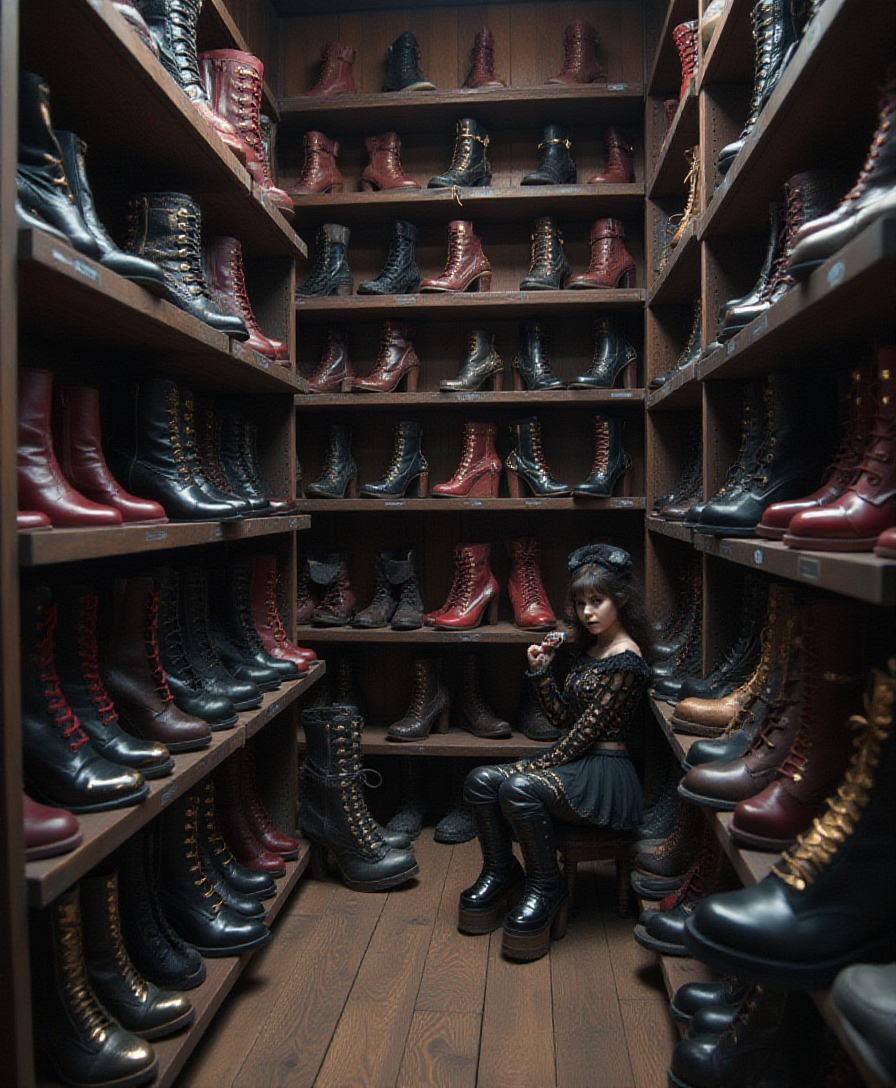
Generated on PixelDojo. Produced by PixelDojo's generation pipeline.
Unlock the power of AI to create mesmerizing Cubism-style images that captivate and inspire. With PixelDojo's suite of advanced tools, you can effortlessly transform your ideas into geometric masterpieces, embracing the essence of Cubism without the need for traditional artistic skills.
Real image examples generated on PixelDojo
Every example below was produced on PixelDojo. Hover to see the prompt.
A room full of shelves stocked with shiny
stable-diffusion
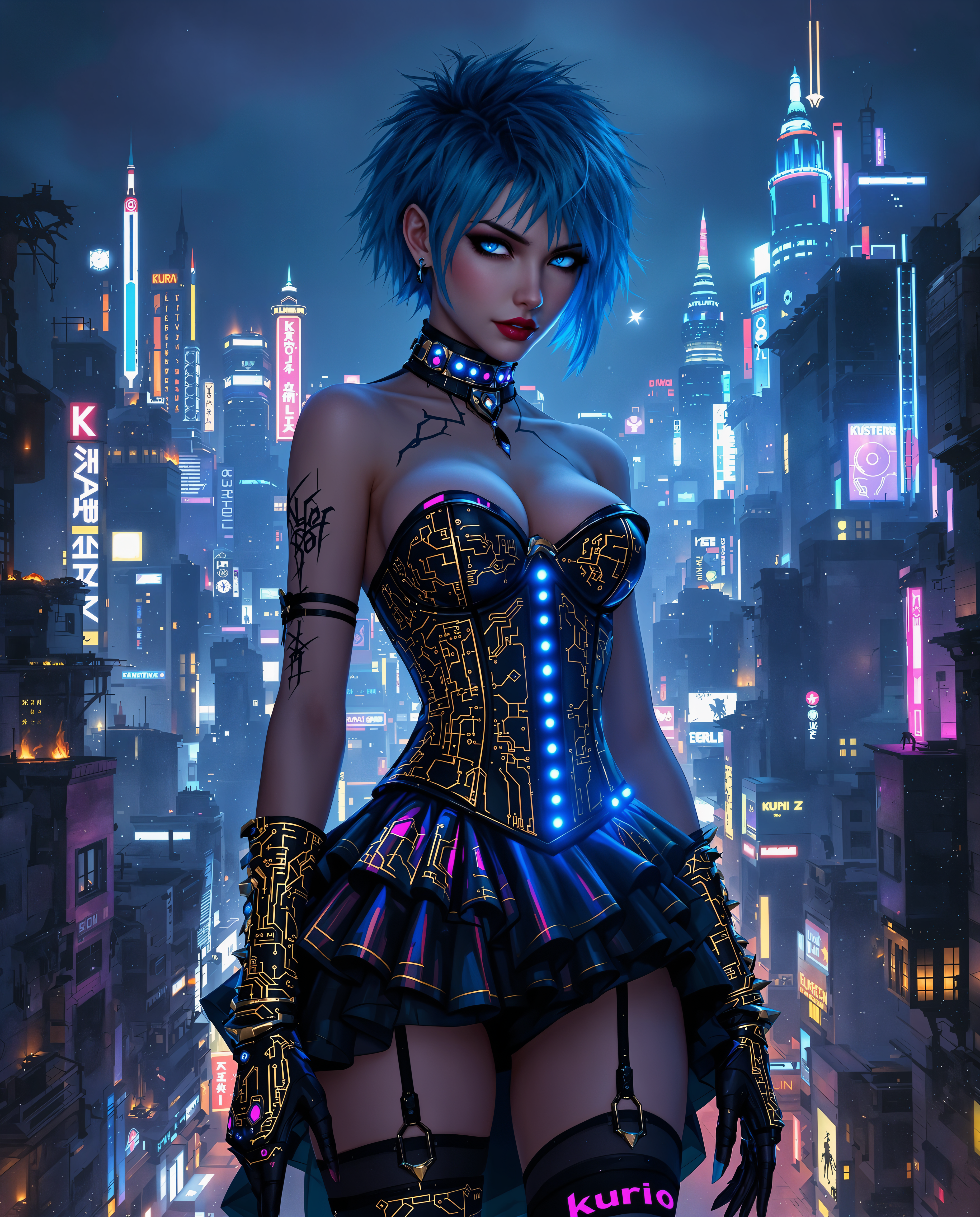
Cubism on PixelDojo

A photo of MUSK
flux
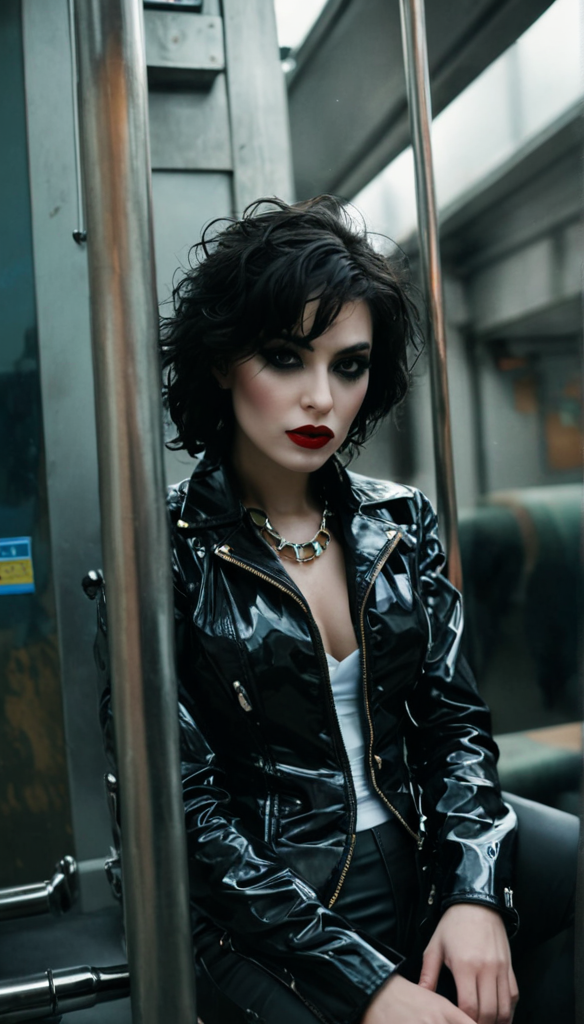
"SHOT COMPOSITION": "A medium shot captured with a 50mm lens on a Canon 5D Mark IV camera
style-transfer

Ella-Forspoken-LoRA12
flux
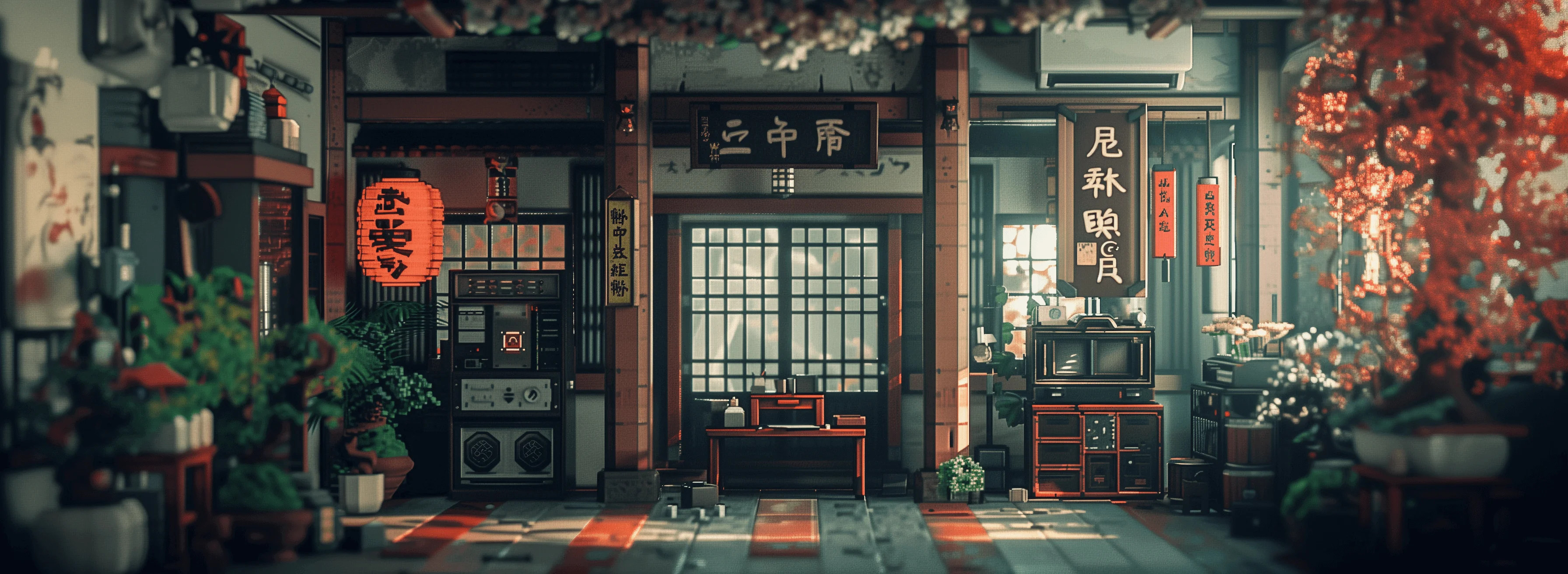
Masterpiece
creative-upscaler
Models you can run on PixelDojo for Cubism
Switch models without switching tools. Each one runs in the same PixelDojo studio.
What you can do with Cubism on PixelDojo
Text to Cubist Images
We generate images from text prompts that use angular shapes and fragmented forms typical of Cubism.
Photo to Cubist Style
Creators upload reference photos and we apply Cubist techniques such as multiple viewpoints and geometric abstraction.
Control Fragmentation Levels
We let users adjust the intensity of plane breaks and overlapping elements in each Cubist output.
Create Cubist Variations
Users request additional versions of a generated image to explore alternate Cubist arrangements of the same subject.
Join over 10,000 creators who have generated more than 500,000 stunning images using PixelDojo's AI technology.
Why Choose Pixel Dojo for Cubism
Professional-quality results with cutting-edge AI technology
Effortless Creation
Generate complex Cubist artworks without prior artistic experience.
Time-Saving
Produce high-quality images in minutes, streamlining your creative process.
Unlimited Possibilities
Experiment with various prompts and settings to create unique pieces every time.
How It Works
Creating Cubism-style images with PixelDojo is simple and intuitive. Follow these steps to bring your vision to life:
Step 1: Choose Your Tool
Select the 'Flux Creator' from PixelDojo's suite of AI tools, optimized for generating Cubist art.
Step 2: Enter Your Prompt
Input a detailed description of your desired image, such as 'portrait of a woman with geometric shapes and multiple perspectives'.
Step 3: Customize & Download
Adjust settings like 'complexity' and 'color palette' to refine your image, then download the final masterpiece.
The Pixel Dojo Advantage
Why PixelDojo outperforms other options for Cubism image generation
| Others | Pixel Dojo |
|---|---|
| Traditional Cubism creation | Eliminates the need for manual sketching and painting, making art creation accessible to all. |
| Generic AI tools | Specifically designed for Cubism, ensuring more accurate and stylistically consistent results. |
| Manual photo editing | Automates the complex process of transforming images into Cubist art, saving time and effort. |
Loved by creators on PixelDojo
Real feedback from people using PixelDojo, pulled from our in-product surveys.
The Flux Pro Ultra is just amazing!
Very easy to use, and they have fast wan 2.2 video generation with custom loras available.
The overall quality of the site and it's amazing variety of tools. The continued updates of the UI. The unbelievable level of tech support.
THIS IS SO DOPE !
I have already recommended it to friends
All the tools, plus the guidance
Explore more AI tools on PixelDojo
Popular AI Models
AI Tools
Compare & Switch
- Best AI Image Generators
- Best AI Video Generators
- Midjourney Alternatives
- Civitai Alternatives
- Runway Alternatives
- Leonardo Alternatives
- Pika Alternatives
- Luma Alternatives
- Magnific Alternatives
- Veo Alternatives
- Flux Alternatives
- Freepik Alternatives
- Seedance Alternatives
- Seedream Alternatives
- Pixverse Alternatives
- GPT Image Alternatives
- Synthesia Alternatives
- Playground Alternatives
- NightCafe Alternatives
- Canva AI Alternatives
- ElevenLabs Alternatives
- ComfyUI Alternatives
- Fal Alternatives
- Replicate Alternatives
Common Questions
Everything you need to know about Cubism
How can I create Cubism art using AI?
With PixelDojo's 'Flux Creator', you can generate Cubism-style images by entering descriptive prompts and customizing settings to achieve your desired outcome.
Do I need artistic skills to use PixelDojo?
No, PixelDojo is designed for users of all skill levels. Our intuitive interface allows anyone to create stunning Cubist art effortlessly.
Can I customize the complexity of the generated images?
Yes, PixelDojo offers adjustable settings like 'complexity' and 'color palette' to help you refine your images to your liking.
Is there a limit to the number of images I can create?
PixelDojo offers credit-based plans starting at $10 a month, with no daily caps on image generation.
Can I use the generated images for commercial purposes?
Yes, images created with PixelDojo can be used for both personal and commercial projects, subject to our terms of service.
What if I'm not satisfied with the generated images?
PixelDojo allows you to experiment with different prompts and settings to achieve the desired results. Additionally, our support team is available to assist you.