google nano banana AI Generator
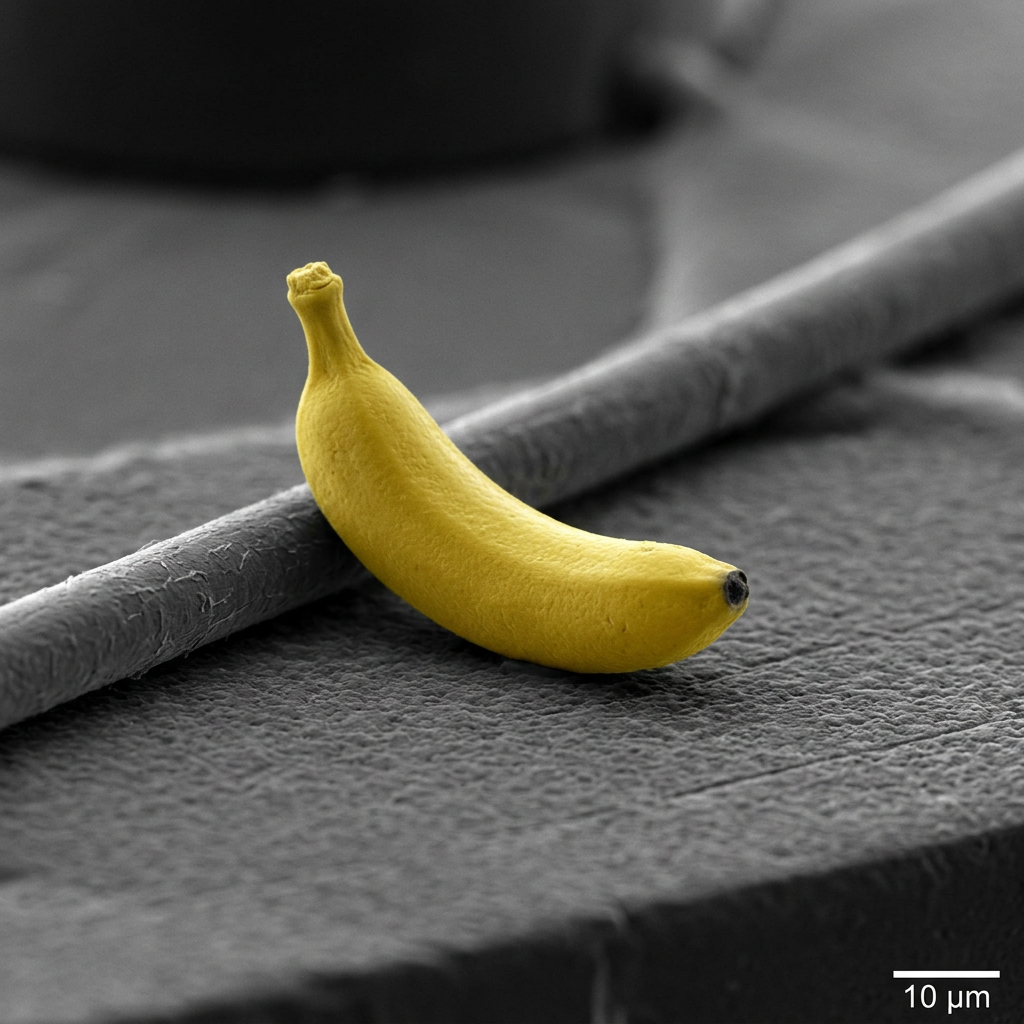
Generated on PixelDojo. Produced by PixelDojo's generation pipeline.
Unlock the full potential of your creativity with PixelDojo's advanced AI image generation tools, inspired by Google's groundbreaking Nano Banana technology. Whether you're an artist, marketer, or content creator, our suite of tools empowers you to produce stunning, high-quality images with ease and precision.
Real image examples generated on PixelDojo
Every example below was produced on PixelDojo. Hover to see the prompt.
A nano banana
google-gemini-image
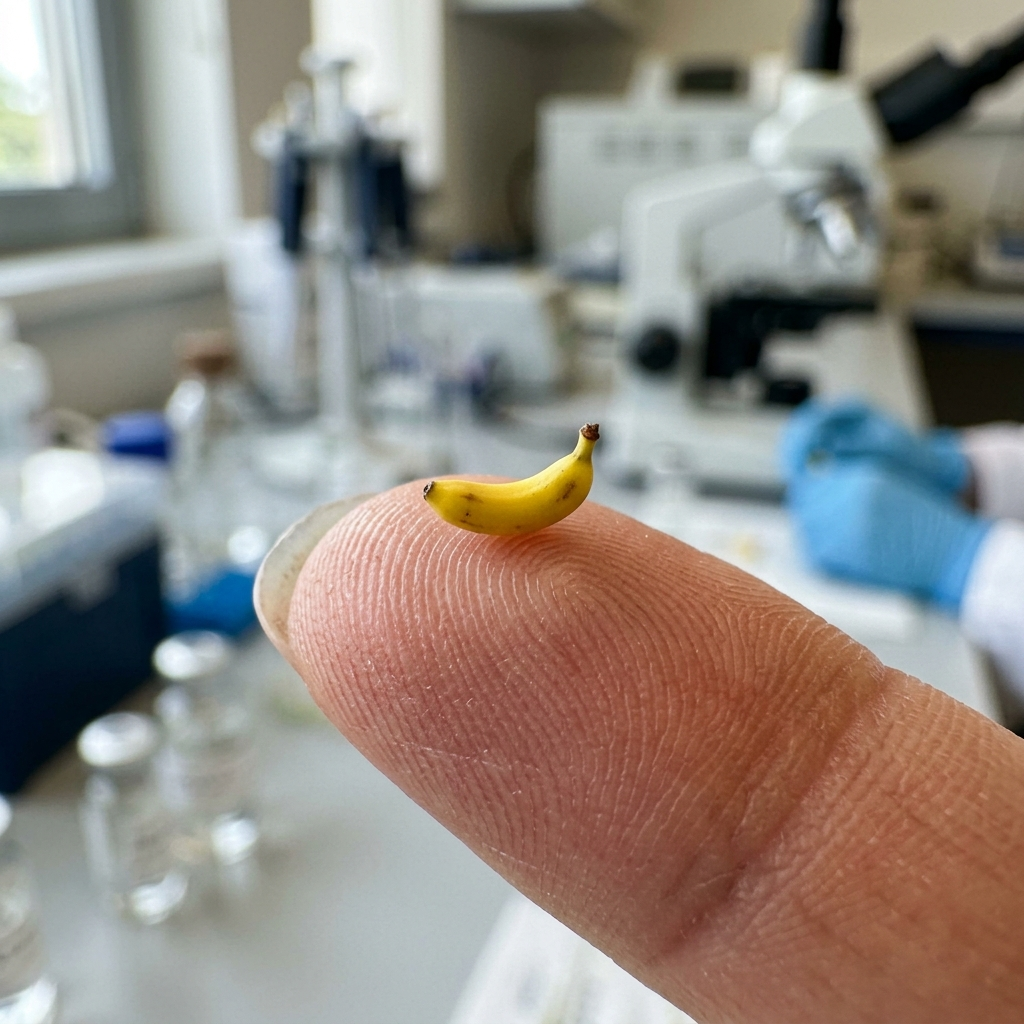
A nano banana
google-gemini-image
A nano banana
image-to-video
A macro close-up shot of a tiny yellow nano banana curved with stem upright
image-to-video
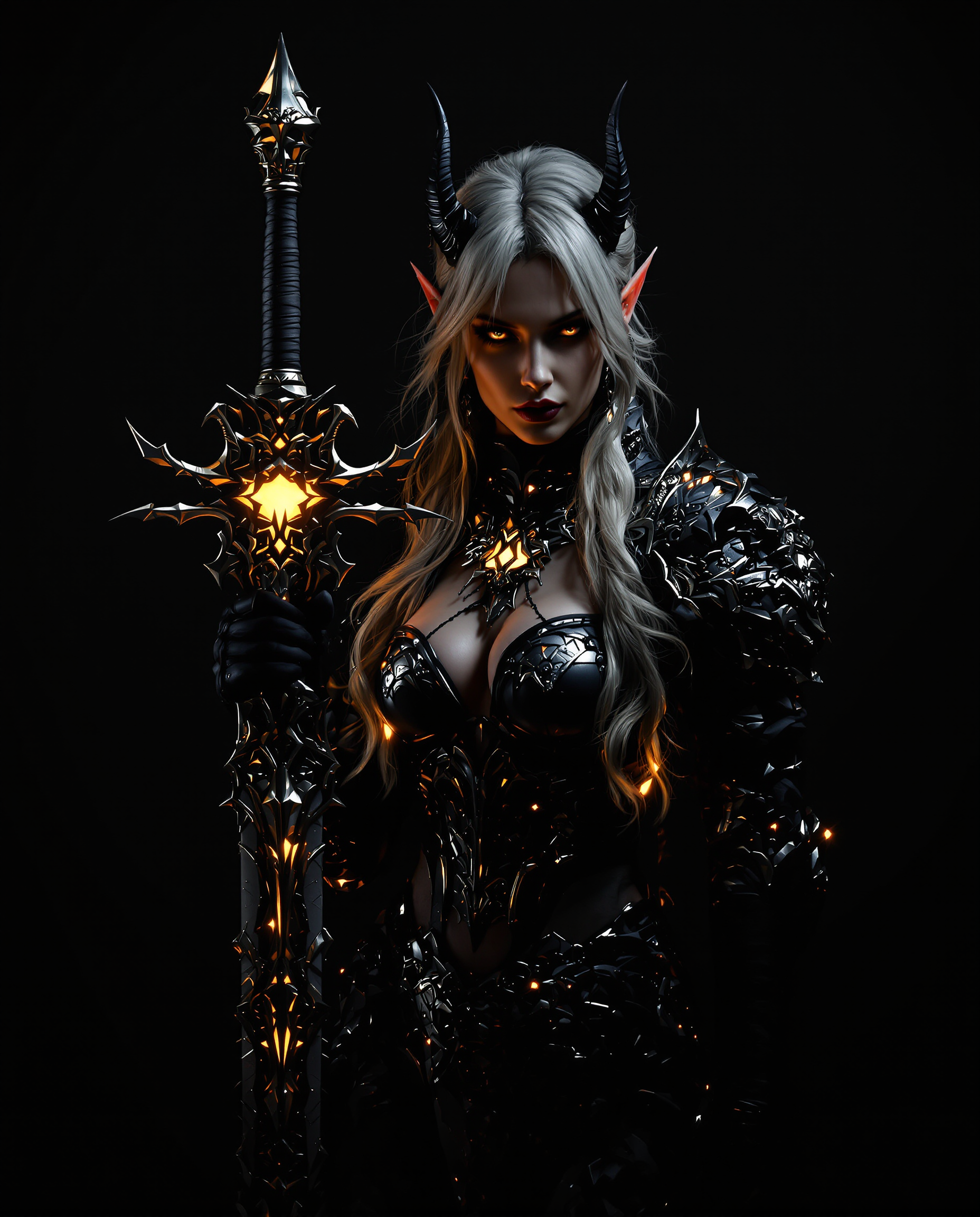
A stunning
flux

Create an image of a **young
flux
Models you can run on PixelDojo for google nano banana
Switch models without switching tools. Each one runs in the same PixelDojo studio.
What you can do with google nano banana on PixelDojo
Text to Image Generation
We enable creators to produce images using the google nano banana model from text inputs.
Batch Image Processing
Multiple images can be generated in one request for efficient workflows.
Style Application Options
Creators apply specific visual styles to their generated images.
Resolution Selection Tools
We provide options for different output resolutions based on project needs.
Join over 50,000 satisfied users who have generated more than 1 million images using PixelDojo's AI tools, achieving a 4.9-star average rating.
Why Choose Pixel Dojo for google nano banana
Professional-quality results with cutting-edge AI technology
Effortless Image Editing
Transform and edit images using simple text prompts, eliminating the need for complex software or technical skills.
Consistent Character Representation
Maintain character identity across multiple images, ensuring uniformity in your creative projects.
Rapid Image Generation
Generate high-quality images in seconds, significantly reducing your workflow time and increasing productivity.
How It Works
Creating stunning AI-generated images with PixelDojo is a straightforward process. Follow these simple steps to bring your ideas to life:
Step 1: Choose Your Tool
Select from PixelDojo's range of AI image generation tools, such as Flux Studio or Seedream 3, to begin your creative journey.
Step 2: Enter Your Prompt
Input a descriptive text prompt detailing the image you wish to create or edit. For example, 'A serene sunset over a mountain range.'
Step 3: Customize & Download
Review the generated image, make any necessary adjustments, and download the final high-resolution image for your use.
The Pixel Dojo Advantage
Discover why PixelDojo stands out in the realm of AI image generation:
| Others | Pixel Dojo |
|---|---|
| Traditional Image Editing Software | Eliminates the need for complex software and technical skills, allowing for intuitive image creation through text prompts. |
| Generic AI Tools | Offers superior character consistency and scene preservation, ensuring high-quality, cohesive images. |
| Manual Photo Editing | Significantly reduces editing time, enabling rapid generation and modification of images without manual intervention. |
Loved by creators on PixelDojo
Real feedback from people using PixelDojo, pulled from our in-product surveys.
Practically every Ai suite in one place? Who wouldn't?
versatile menu of tools
Best AI tool availble the suite is rad
Versatility quality, value, ROI, innovation
variety of tools available and prompt tools
A "one-stop-shop" for creators! Thanks!!
Explore more AI tools on PixelDojo
Popular AI Models
AI Tools
Compare & Switch
- Best AI Image Generators
- Best AI Video Generators
- Midjourney Alternatives
- Civitai Alternatives
- Runway Alternatives
- Leonardo Alternatives
- Pika Alternatives
- Luma Alternatives
- Magnific Alternatives
- Veo Alternatives
- Flux Alternatives
- Freepik Alternatives
- Seedance Alternatives
- Seedream Alternatives
- Pixverse Alternatives
- GPT Image Alternatives
- Synthesia Alternatives
- Playground Alternatives
- NightCafe Alternatives
- Canva AI Alternatives
- ElevenLabs Alternatives
- ComfyUI Alternatives
- Fal Alternatives
- Replicate Alternatives
Common Questions
Everything you need to know about google nano banana
How does PixelDojo's AI image generation work?
PixelDojo utilizes advanced AI models to interpret your text prompts and generate corresponding images, streamlining the creative process.
Can I edit existing images with PixelDojo's tools?
Yes, PixelDojo offers features like 'Image to Image' and 'Inpainting' that allow you to modify existing images using AI-driven editing capabilities.
Is there a limit to the number of images I can create?
PixelDojo provides various subscription plans to suit different needs, offering flexibility in the number of images you can generate.
What file formats are supported for image generation?
PixelDojo supports common image formats such as PNG, JPG, and JPEG for both input and output.
Can I use the generated images for commercial purposes?
Yes, images created with PixelDojo can be used commercially, subject to the terms of service outlined in your subscription plan.
How does PixelDojo ensure character consistency across images?
PixelDojo's AI tools are designed to maintain character identity and scene context, ensuring consistency across multiple images.