wavespeed ai alternative
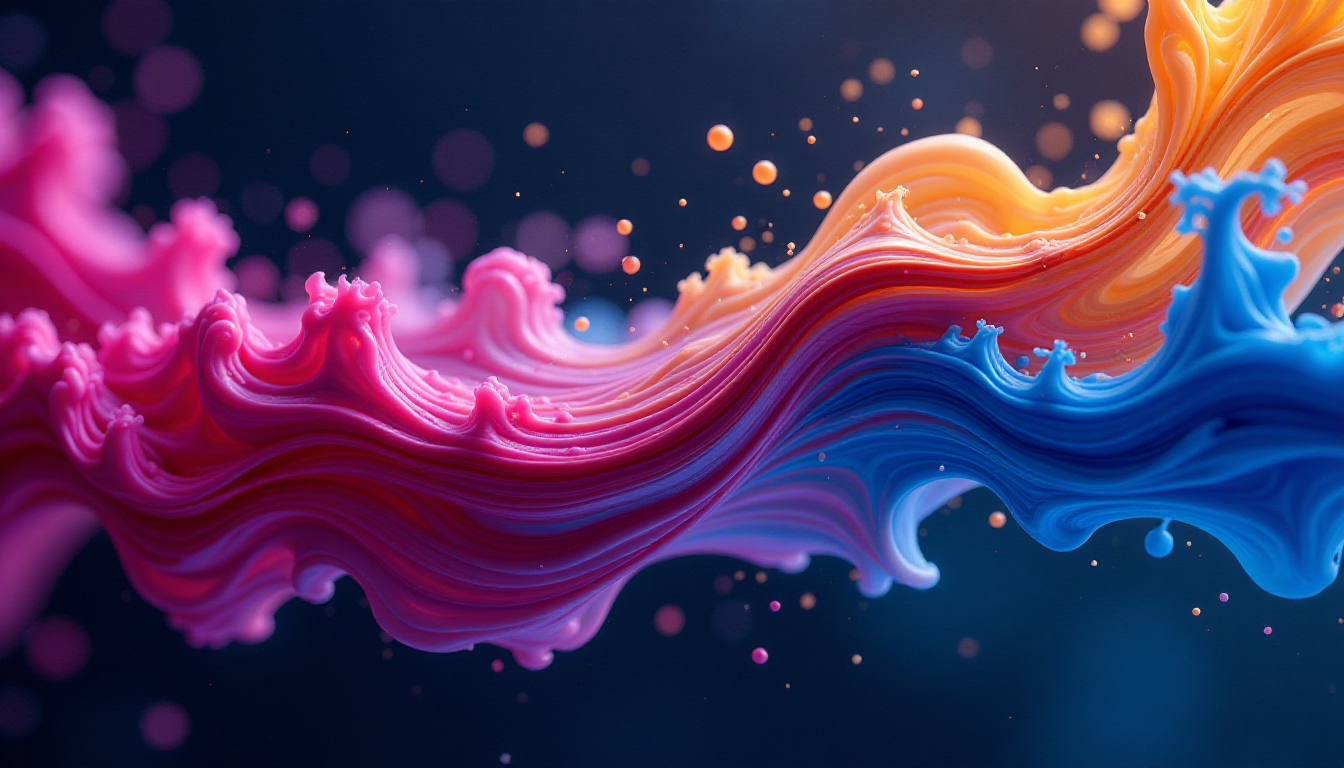
Generated on PixelDojo. Produced by PixelDojo's generation pipeline.
You need campaign-ready visuals, product shots, social videos and on-brand characters without waiting days or juggling multiple apps. PixelDojo is the WaveSpeed AI alternative built for creators who want results, not complexity. Generate photorealistic images, cinematic clips, consistent faces and polished edits in one place so you can launch faster, test more ideas and keep your brand looking professional. Choose Nano Banana 2 or GPT Image 2 for sharp text and layouts, Flux.2 Studio or Seedream 5 for photorealism, then refine with Image to Image, Inpainting or Magic Lighting. Move straight into video with Kling Video, WAN 3.0 or Seedance 2.5, swap characters, add captions and upscale. Train your own models, build character sheets and export commercial-ready files. 1M+ creators already use PixelDojo to turn prompts into finished assets that convert. You stay in control, cancel anytime, and never miss a deadline because everything lives in one fast, intuitive studio.
Real image examples generated on PixelDojo
Every example below was produced on PixelDojo. Hover to see the prompt.
Abstract design
flux
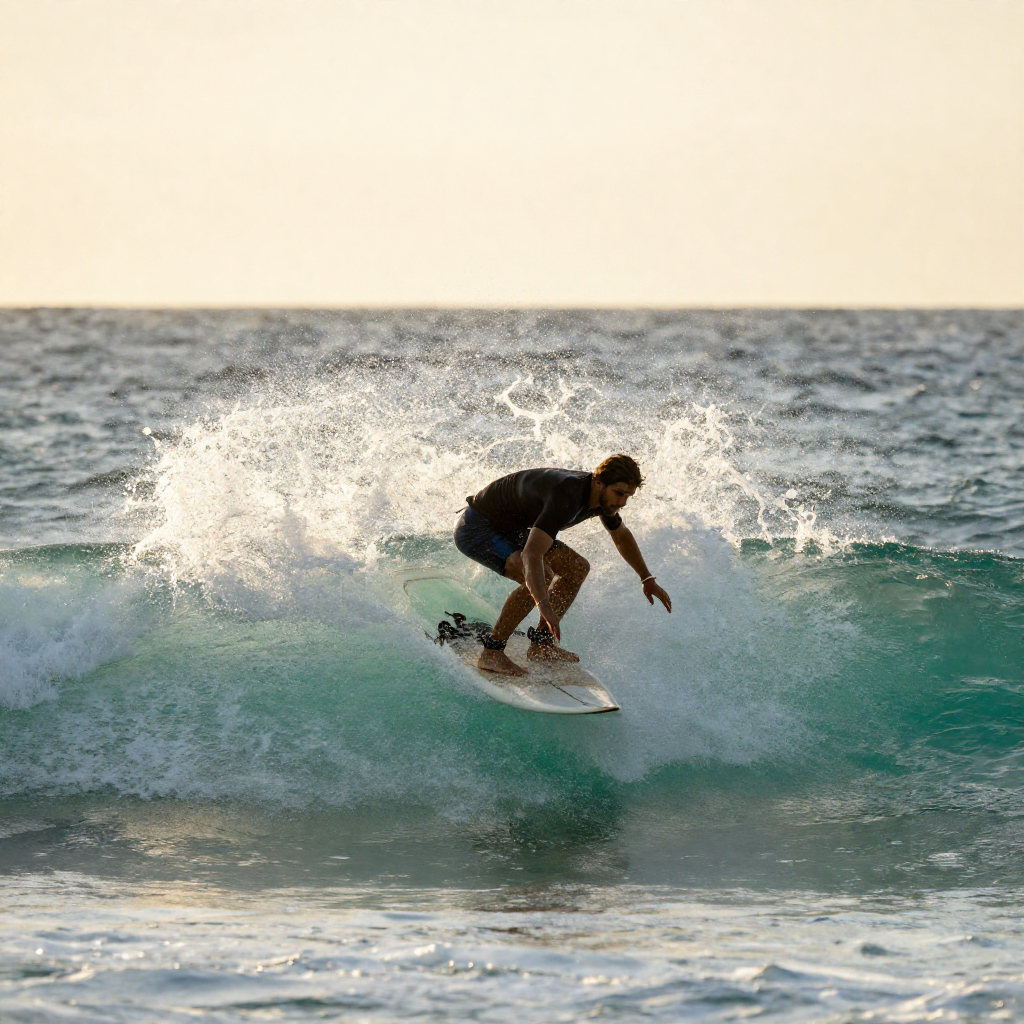
A surfer riding a turquoise wave at sunset
z-image-turbo
Add soft atmospheric haze and depth
wan-video-edit
Add soft atmospheric haze and depth
kling-video-edit
Slow cinematic push-in
wan-2.7-i2v-spicy
Slow cinematic push-in
wan-2.7-i2v-spicy
Models you can run on PixelDojo for wavespeed ai alternative
Switch models without switching tools. Each one runs in the same PixelDojo studio.
What you can do with wavespeed ai alternative on PixelDojo
Multiple Image Models
We give you access to several image generation models in one place so you can pick the look that fits each project. Switch styles without leaving your workflow.
Prompt To Image Fast
We run generations quickly so you can iterate on ideas in minutes. Refine prompts and settings and get new frames without long waits.
Fine Control Over Output
We support aspect ratios, seeds, and quality settings so you can steer composition and consistency. Keep a series of images aligned across a campaign.
Ready For Creator Work
We let you generate, compare, and download images for client and personal use. Organize results so you can reuse winning looks on later jobs.
Loved by 1M+ creators worldwide. 100+ cutting-edge AI tools. Cancel anytime. Trusted for marketing, e-commerce, social and film workflows.
Why Choose Pixel Dojo for wavespeed ai alternative
Professional-quality results with cutting-edge AI technology
Launch Visuals in Seconds, Not Days
You describe the scene once and receive publication-ready images and clips that match your brief. Flux.2 Studio and Seedream 5 deliver photoreal lighting and detail while GPT Image 2 and Nano Banana 2 handle clean typography and layouts. Skip photoshoots, stock searches and endless revisions. Your next ad, thumbnail or product mockup is ready before the meeting starts.
Keep Characters and Brand Consistent
You build a character once and reuse it across stills, videos and campaigns without drift. Consistent Characters, Character Sheets, Ideogram Character, WAN Video Character Swap and Kling Avatar lock facial features, outfits and style. Virtual Try-On and Face Swap let you test looks instantly. Your audience recognizes the same person or mascot every time, strengthening brand recall and trust.
Finish Everything in One Studio
You generate, edit, upscale, animate and even add audio without leaving PixelDojo. Image to Image, Inpainting, Background Remover, Reality Polisher, Video Autocaption, Merge Videos and Magnific Upscaler turn first drafts into final assets. Train custom models with Flux Trainer or QWEN Trainer, create 3D with Rodin, then export. One login replaces a stack of tools so you ship more, spend less and stay in flow.
How It Works
You go from idea to downloadable asset in three simple steps using PixelDojo’s specialized tools. No technical setup, no waiting in queues.
Step 1: Choose Your Tool
Open Generate Images and pick the model that matches your goal: Nano Banana 2 or GPT Image 2 for text-heavy designs, Flux.2 Studio or Krea Image for photoreal scenes, Seedream 5 or ImagineArt for stylized work. For video, select Marketing Studio, VEO 3.1, Kling Video or WAN 3.0. Switch to Characters & Faces if you need consistency from the start.
Step 2: Enter Your Prompt
Describe subject, lighting, camera angle, mood and any text you want. Add a reference image for Image to Image or Inpainting. Use Style Transfer or Magic Lighting to match an existing campaign. For video, include motion notes or upload a still to animate with P Video Animate or Seedance 2 Reference. The tools understand natural language so you stay focused on the story, not parameters.
Step 3: Customize & Download
Refine with Change Camera Angle, Background Remover or Reality Polisher. Upscale using P-Image Upscale or Magnific Upscaler. For video, apply Video Reframe, Autocaption or Kling Video Edit. Export high-resolution files ready for ads, social or print. Save your settings as a reusable workflow so the next variation takes even less time.
The Pixel Dojo Advantage
Why PixelDojo outperforms other options for AI image and video generation
| Others | Pixel Dojo |
|---|---|
| Traditional photoshoots and design | You get campaign-ready assets in seconds instead of days or weeks, at a fraction of the cost, with multiple variations you can test immediately. |
| Generic AI tools | You access specialized workflows like Consistent Characters, Virtual Try-On, Character Sheets, model training and full video editing instead of a single generic generator. |
| Manual photo and video editing | You replace hours of masking, relighting and compositing with one-click Inpainting, Magic Lighting, Reality Polisher and Video Autocaption that keep quality high and deadlines intact. |
Loved by creators on PixelDojo
Real feedback from people using PixelDojo, pulled from our in-product surveys.
deployment rate of splendid features is incredible. Legend
large selection of tools on one platform
the amount you can do on this site
all in one place
It is a lot of fun to uae and easy too.
So many different models to try out
Explore more AI tools on PixelDojo
Popular AI Models
AI Tools
Compare & Switch
- All AI Tool Alternatives
- Pollo AI Alternative
- PixelDojo vs Pollo AI
- Pollo AI Review
- MotionMuse AI Alternative
- MioCreate Alternative
- Dessi AI Alternative
- Runway Alternatives
- CapCut Alternatives
- Leonardo Alternatives
- OpenArt Alternatives
- Midjourney Alternatives
- Canva AI Alternatives
- Pika Alternatives
- InVideo Alternatives
- Higgsfield Alternatives
- Krea Alternatives
- Luma Alternatives
- Magic Hour Alternatives
- HeyGen Alternatives
- PixAI Alternatives
- Vidu Alternatives
- Seedream Alternatives
- Tensor.Art Alternatives
Common Questions
Everything you need to know about wavespeed ai alternative
What makes PixelDojo the best WaveSpeed AI alternative for creators who need both images and video?
PixelDojo gives you 100+ specialized tools in one studio so you generate stills with Flux.2 Studio, GPT Image 2 or Seedream 5, then animate them with Kling Video, WAN 3.0 or Seedance 2.5 without switching platforms. You also get character consistency, editing, upscaling and training that generic aggregators often bury behind extra APIs or seats.
How fast can I generate professional images with a WaveSpeed AI alternative like PixelDojo?
Most images appear in seconds using Z Image Turbo, Flux.2 Studio or Nano Banana 2. You iterate, edit with Inpainting or Style Transfer, then upscale with Magnific Upscaler and download commercial-ready files the same session. No cold starts or long queues interrupt your flow.
Can I keep the same character across images and videos using PixelDojo as my WaveSpeed AI alternative?
Yes. Start with Consistent Characters or Character Sheets, then apply WAN Video Character Swap, Kling Video Character Swap or Face Swap. Virtual Try-On and Ideogram Character lock outfits and likeness so your brand mascot or spokesperson stays recognizable from stills to full clips.
Does PixelDojo support the latest AI image generation techniques as a WaveSpeed AI alternative?
You get text-to-image, image-to-image, inpainting, outpainting, style transfer, camera-angle changes, lighting control, character training with Flux Trainer or QWEN Trainer, and high-quality upscaling. Combine them with video tools like P Video Animate and Film Studio for complete campaigns.
Is there an API if I want to use PixelDojo as a WaveSpeed AI alternative for developers?
Yes. PixelDojo offers a Developer API, API Keys, usage tracking and credit purchases plus ComfyUI support. You can automate generation, editing and video pipelines while still using the visual studio for creative direction.
How much does it cost to switch to PixelDojo as my WaveSpeed AI alternative?
You start with access to 100+ tools and only pay for what you use. There are no long-term contracts. Cancel anytime. 1M+ creators already run marketing, e-commerce and social workflows this way because the speed and quality more than cover the usage.