Ink Drawing AI Generator
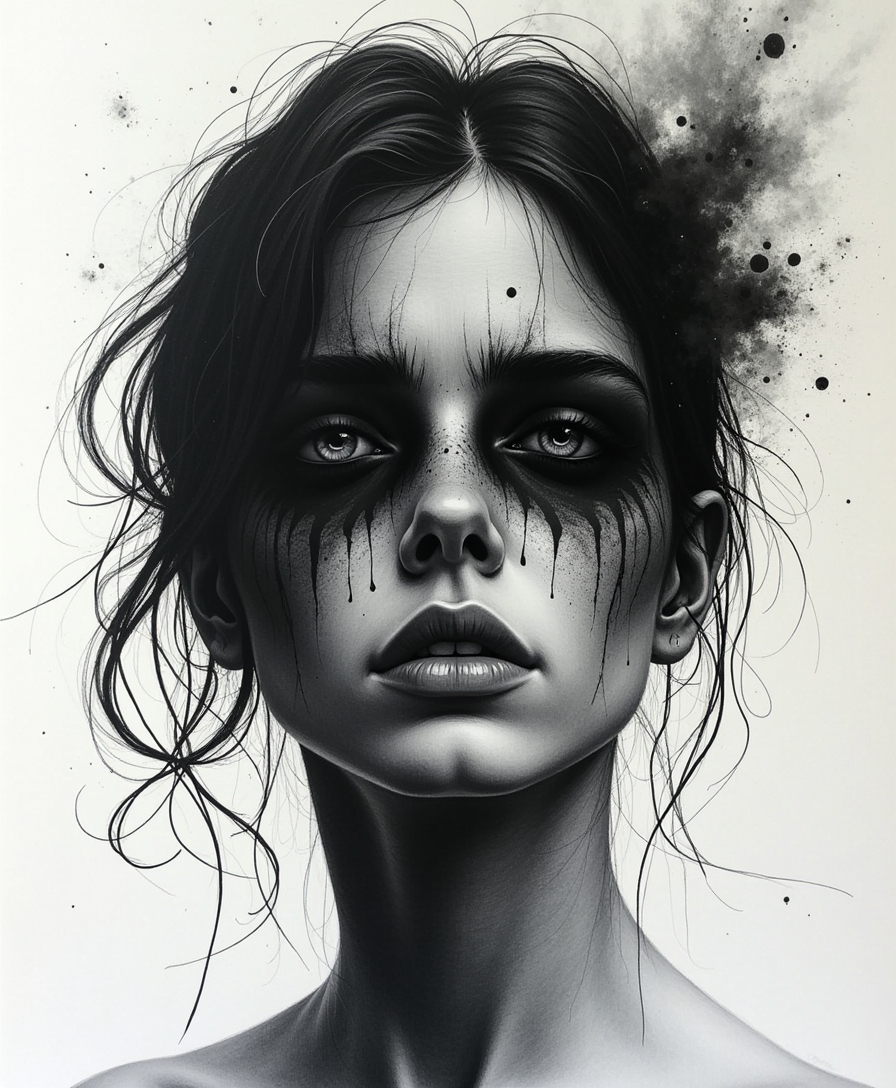
Generated on PixelDojo. Produced by PixelDojo's generation pipeline.
Unlock the timeless elegance of ink drawing without the need for traditional tools or extensive training. With PixelDojo's advanced AI, you can effortlessly create expressive ink artworks that capture the essence of this classic art form. Whether you're an artist seeking new mediums or a designer looking to add a unique touch to your projects, our AI-powered tools make ink drawing accessible and enjoyable for everyone.
Real image examples generated on PixelDojo
Every example below was produced on PixelDojo. Hover to see the prompt.
Create a hauntingly expressive ink and coal drawing that conveys raw emotion through bold
stable-diffusion
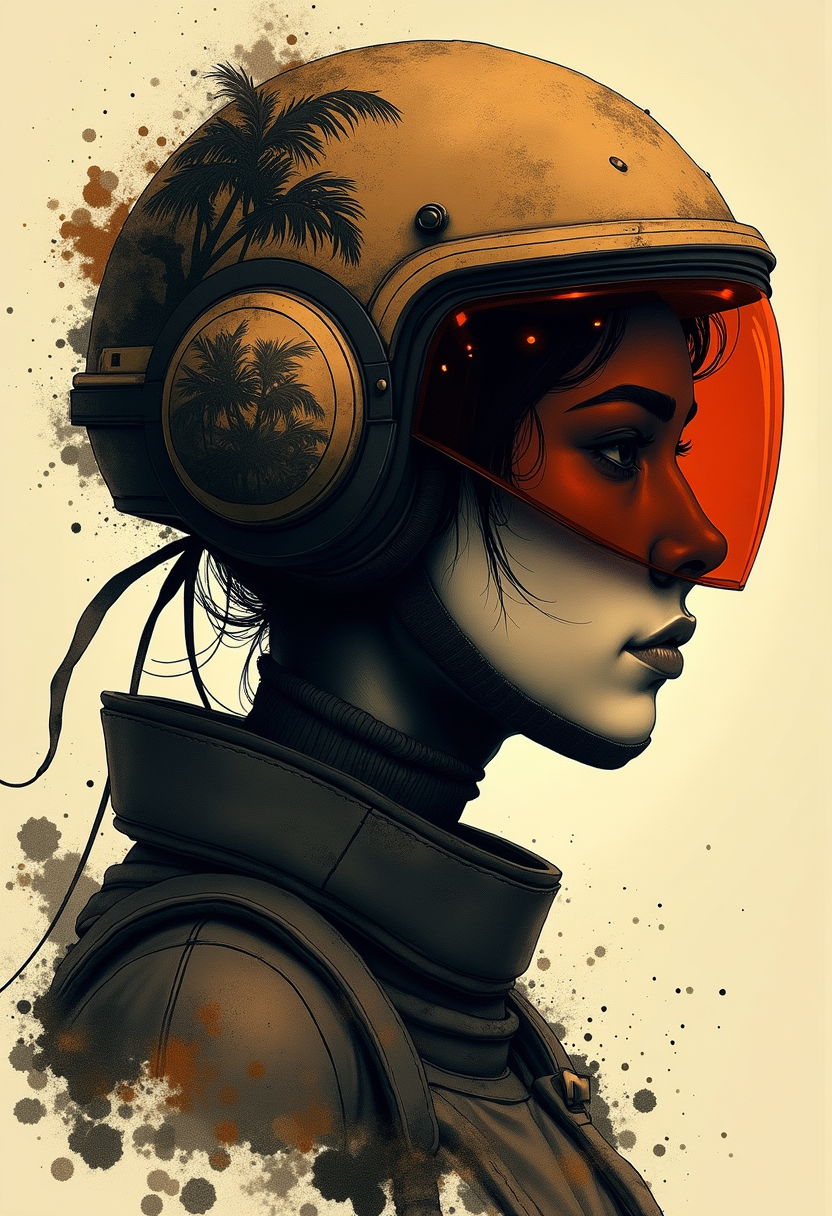
In the style of ck-mgs
flux-studio
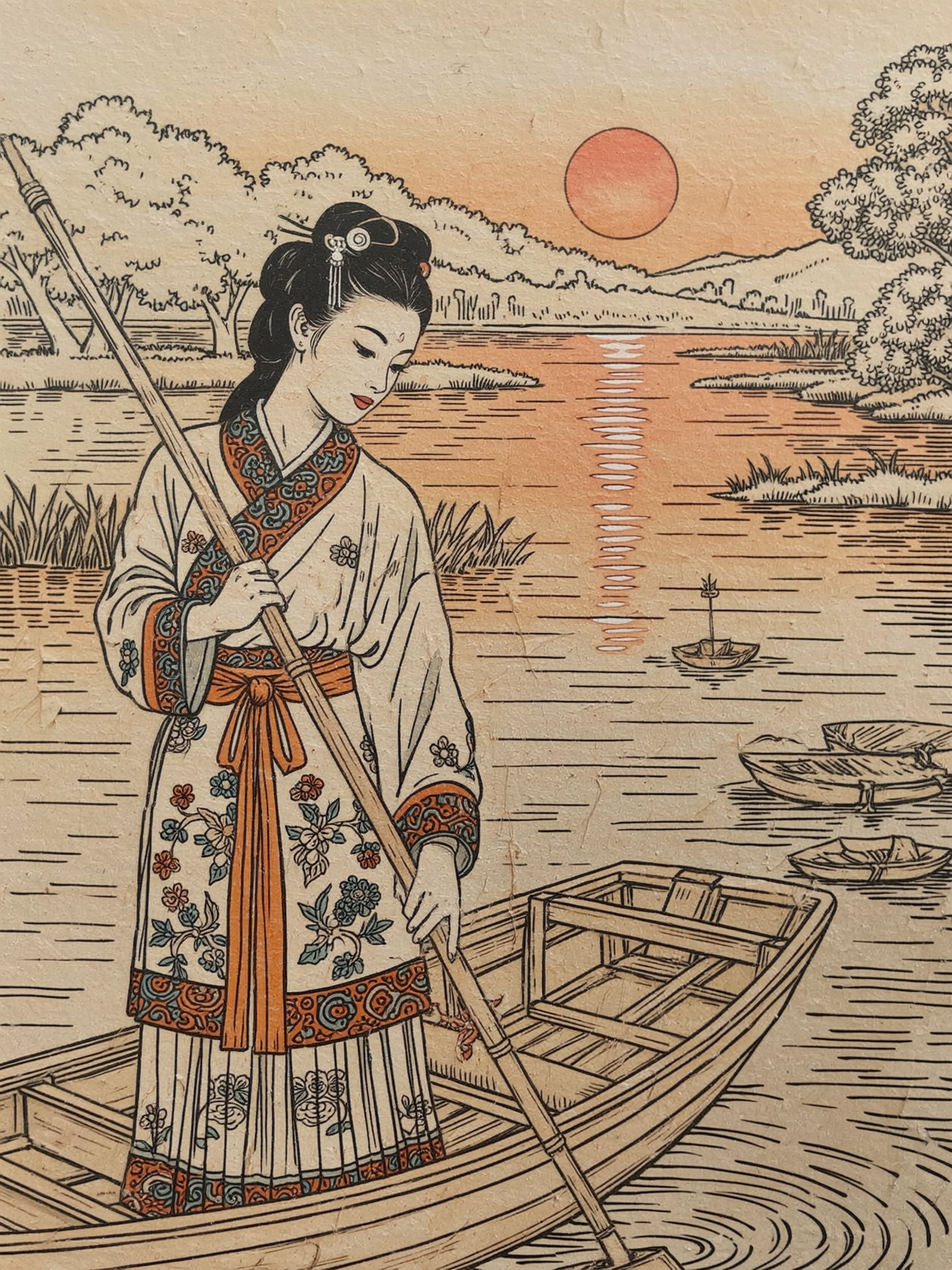
Instagirl in the style of ck-mgs
wan-image
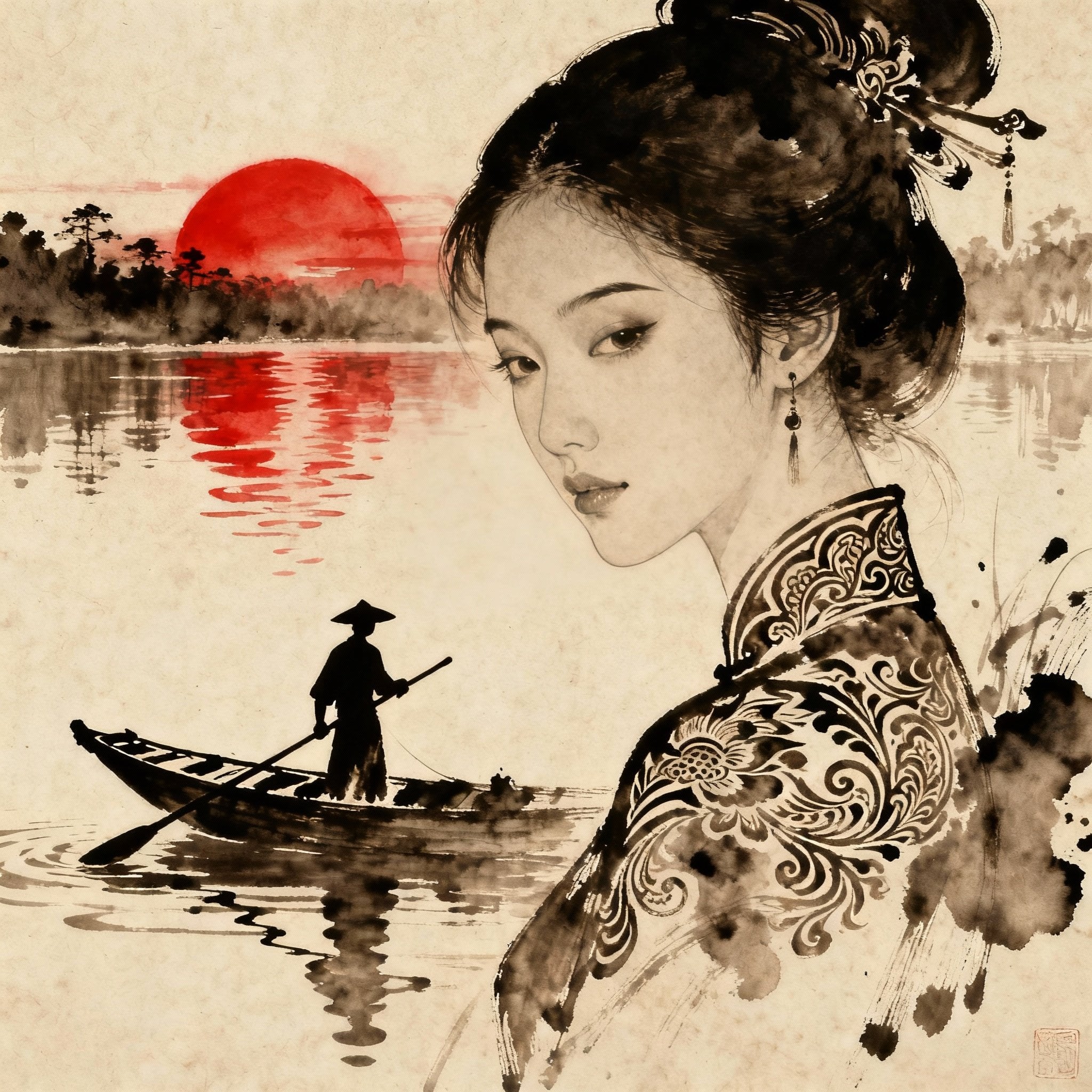
Instagirl in the style of ck-mgs
seedream-4
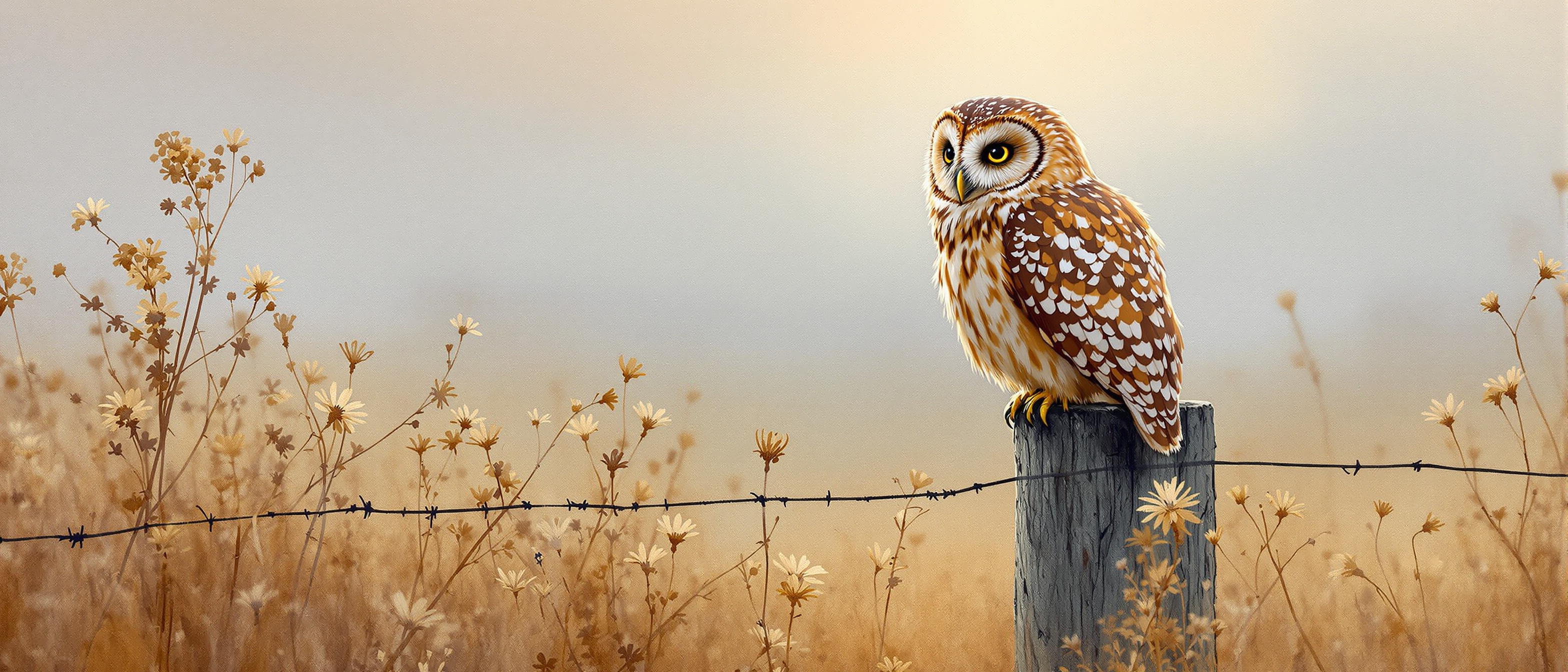
A tawny owl sitting on a fence post
flux
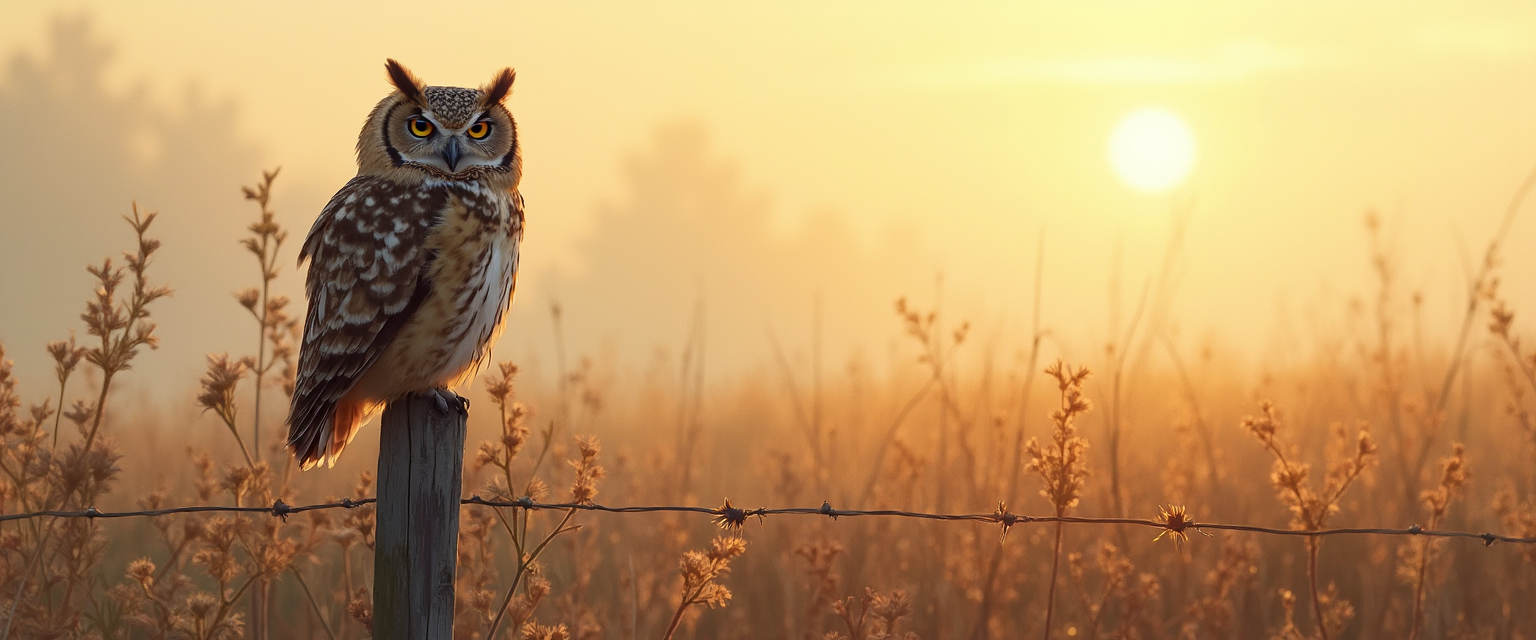
A tawny owl sitting on a fence post
flux
Models you can run on PixelDojo for Ink Drawing
Switch models without switching tools. Each one runs in the same PixelDojo studio.
What you can do with Ink Drawing on PixelDojo
Generate Ink Drawings from Text
We create ink drawings based on your written prompts. You can refine the output with additional instructions.
Control Line Weight and Density
We let you set line thickness and ink coverage levels. These settings help match specific drawing styles.
Apply Ink Texture Variations
We offer choices for paper texture and ink bleed effects. You can preview changes before final generation.
Export High Resolution Files
We provide downloads in standard image formats. Files maintain detail for further editing or printing.
Join over 10,000 creators who have generated more than 500,000 stunning ink drawings using PixelDojo's AI technology.
Why Choose Pixel Dojo for Ink Drawing
Professional-quality results with cutting-edge AI technology
Effortless Creativity
Generate intricate ink drawings without prior experience, saving time and effort.
Versatile Applications
Use AI-generated ink art for book illustrations, logos, tattoos, and more.
Customizable Styles
Adjust line thickness, brush types, and textures to match your artistic vision.
How It Works
Creating stunning ink drawings with PixelDojo is simple and intuitive. Follow these steps to bring your ideas to life:
Step 1: Choose Your Tool
Select the 'Ink Drawing' style within PixelDojo's interface to begin your creation.
Step 2: Enter Your Prompt
Describe your desired image, such as 'ink sketch of a serene landscape' or 'abstract ink portrait'.
Step 3: Customize & Download
Adjust parameters like line thickness and brush type to refine your artwork, then download the final image.
The Pixel Dojo Advantage
Why PixelDojo outperforms other options for ink drawing generation:
| Others | Pixel Dojo |
|---|---|
| Traditional Ink Drawing | Eliminate the need for physical materials and extensive practice; create professional-quality ink art instantly. |
| Generic AI Tools | Specifically designed for ink drawing styles, offering tailored features like stroke variation and texture simulation. |
| Manual Digital Illustration | Save hours of manual work by generating detailed ink drawings with customizable parameters in minutes. |
Loved by creators on PixelDojo
Real feedback from people using PixelDojo, pulled from our in-product surveys.
I have already recommended it to friends
All the tools, plus the guidance
Excellent tools. Ease of use. Well thought out interface. Wide variety of AI tools and features which are up to date with more added each month
I really like how the site is kept up to date, and the leaderboard (where I'm currently #11 most popular artist)
This is the best image generator I've used so far. Well done!
es facil de comprender asi uno no sea programador
Explore more AI tools on PixelDojo
Popular AI Models
AI Tools
Compare & Switch
- Best AI Image Generators
- Best AI Video Generators
- Midjourney Alternatives
- Civitai Alternatives
- Runway Alternatives
- Leonardo Alternatives
- Pika Alternatives
- Luma Alternatives
- Magnific Alternatives
- Veo Alternatives
- Flux Alternatives
- Freepik Alternatives
- Seedance Alternatives
- Seedream Alternatives
- Pixverse Alternatives
- GPT Image Alternatives
- Synthesia Alternatives
- Playground Alternatives
- NightCafe Alternatives
- Canva AI Alternatives
- ElevenLabs Alternatives
- ComfyUI Alternatives
- Fal Alternatives
- Replicate Alternatives
Common Questions
Everything you need to know about Ink Drawing
How can I create AI-generated ink drawings with PixelDojo?
Simply select the 'Ink Drawing' style, input your desired prompt, customize the settings, and download your artwork.
Do I need artistic experience to use PixelDojo's ink drawing feature?
No, PixelDojo is designed for users of all skill levels. Our AI handles the complexities, allowing you to focus on your creative vision.
Can I customize the style of the ink drawings?
Yes, you can adjust parameters like line thickness, brush type, and texture to match your desired aesthetic.
Is there a limit to the number of ink drawings I can create?
PixelDojo offers credit-based plans starting at $10 a month, with no daily caps on creations.
Can I use the AI-generated ink drawings for commercial purposes?
Yes, artworks created with PixelDojo can be used for both personal and commercial projects.
What file formats are available for download?
You can download your ink drawings in multiple formats, including JPEG, PNG, and SVG, suitable for various applications.