realistic ai image generator free
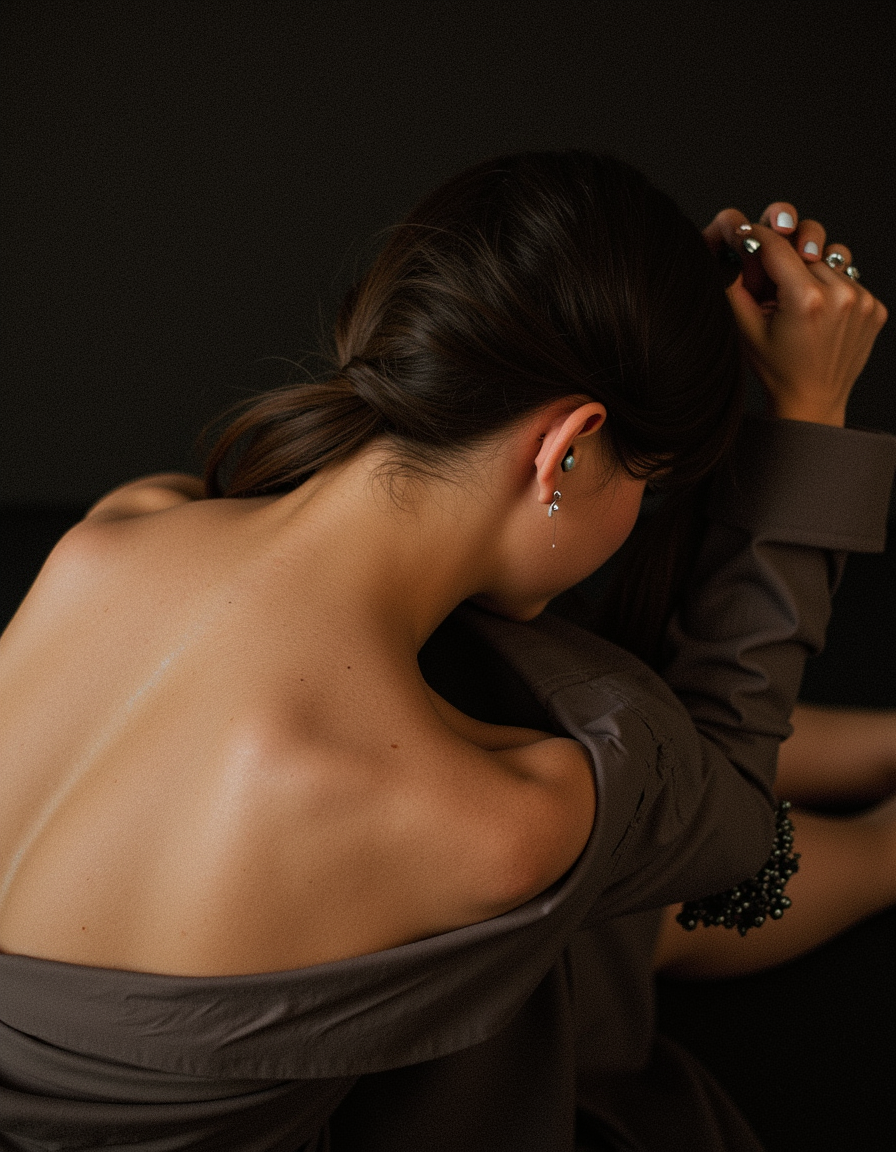
Generated on PixelDojo. Produced by PixelDojo's generation pipeline.
Imagine creating images so realistic that viewers can't tell they're AI-generated. With PixelDojo's realistic AI image generator free tier, you can turn simple text descriptions into breathtaking photorealistic visuals that capture natural skin textures, authentic lighting, genuine emotions, and lifelike details. No more expensive photoshoots, models, or studio rentals. Whether you need product photography that drives sales, portraits that connect with your audience, architectural visualizations that win clients, or lifestyle scenes for social media that feel completely real, PixelDojo delivers outcomes that matter. Our platform gives you instant access to the latest 2026 realistic AI models including Google Nano Banana, Flux.2 Studio, Seedream 5 Lite, Recraft V4, HiDream, and Flux.1 Studio. These tools excel at hyper-realism with perfect depth of field, material accuracy, subtle imperfections, and cinematic lighting that matches professional DSLR photography. You’ll achieve professional-grade results in seconds instead of days. Use our Reality Polisher to eliminate any artificial artifacts, enhance fine details like skin pores and fabric threads, and upscale to print-ready resolution. Thousands of creators already rely on PixelDojo to produce images that look authentic because they are built with the latest techniques focused on emotional resonance and technical precision. Start free today with no credit card required, explore 40+ cutting-edge AI tools, and see why PixelDojo is the preferred realistic AI image generator for creators who demand results that convert.
Real image examples generated on PixelDojo
Every example below was produced on PixelDojo. Hover to see the prompt.
Photorealistic
flux
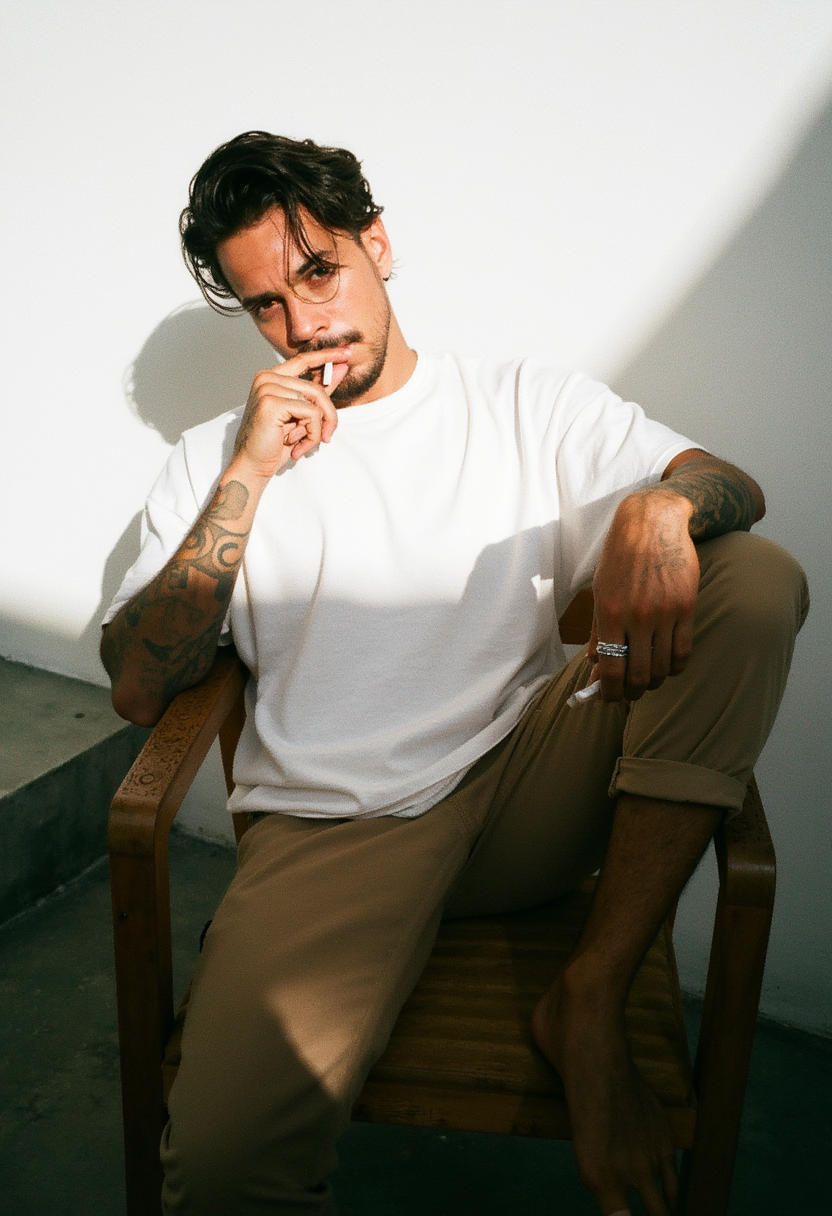
Photorealistic
flux
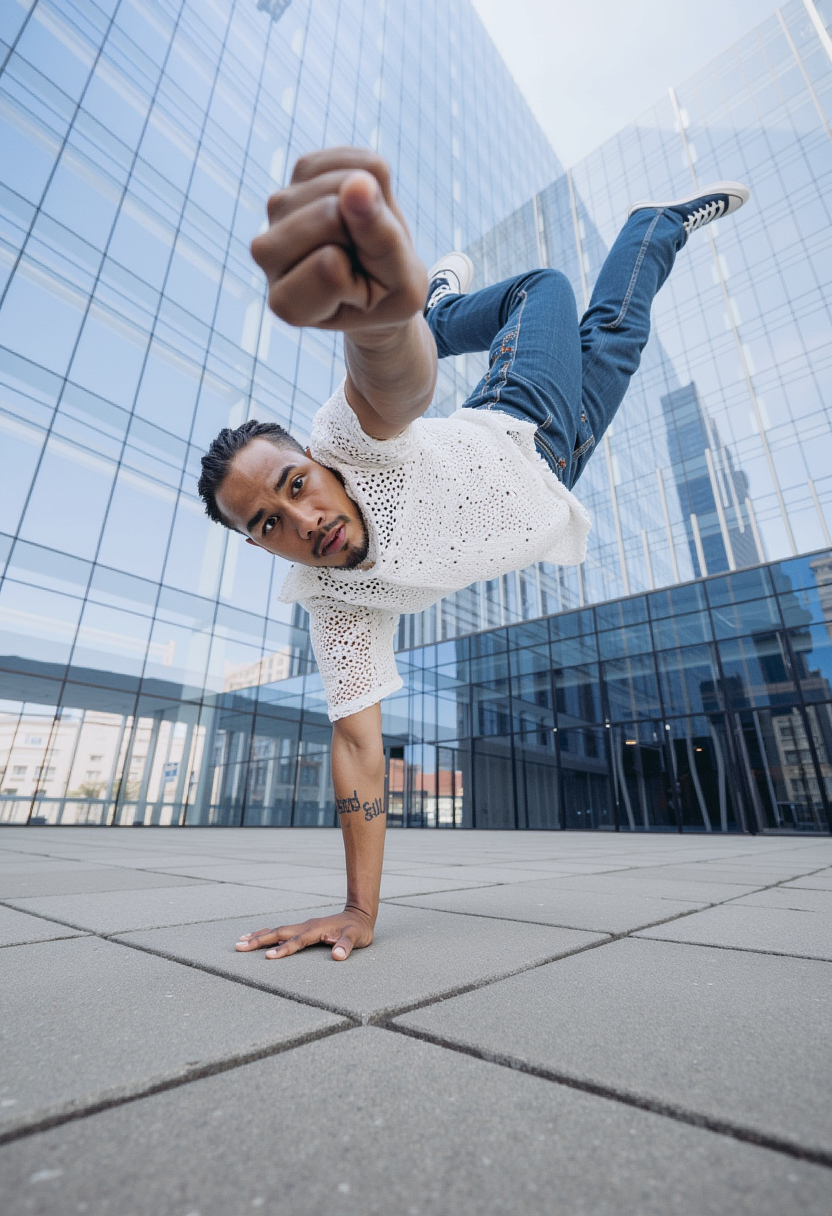
Photorealistic
flux
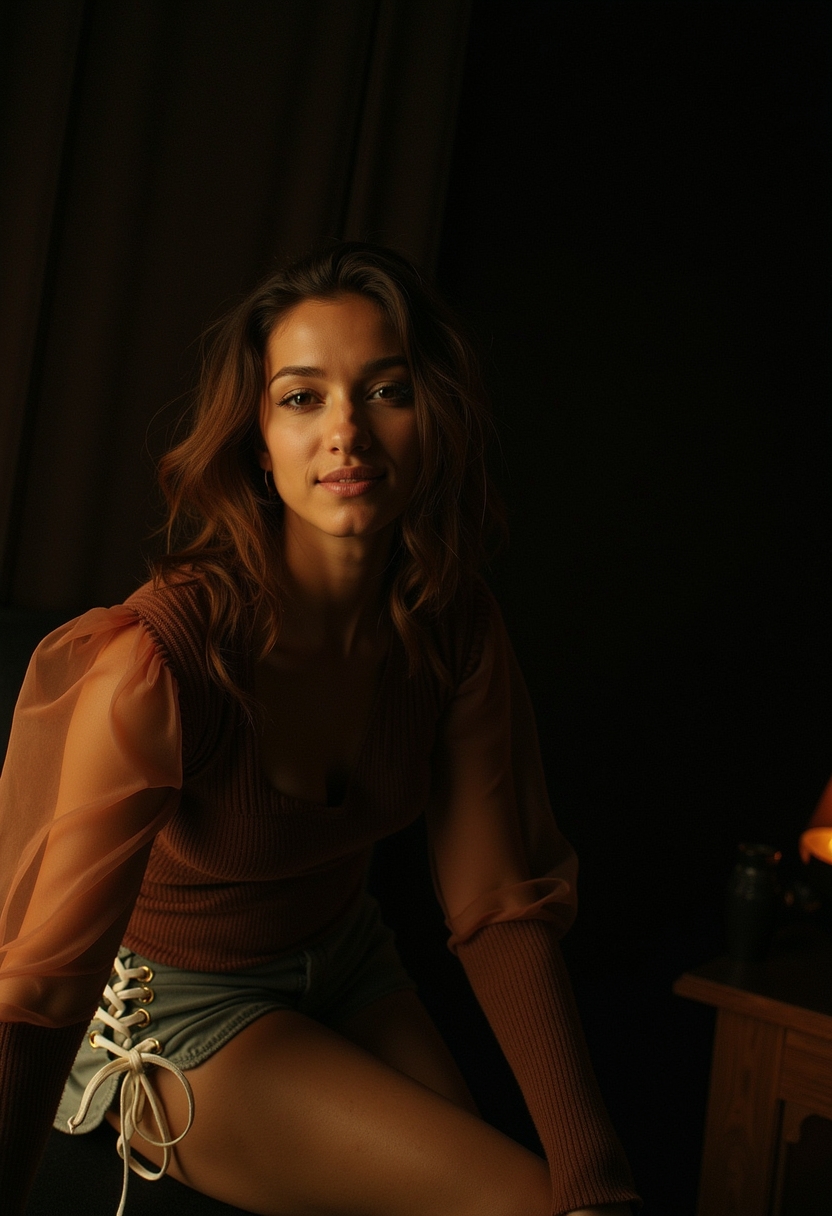
Photorealistic
flux
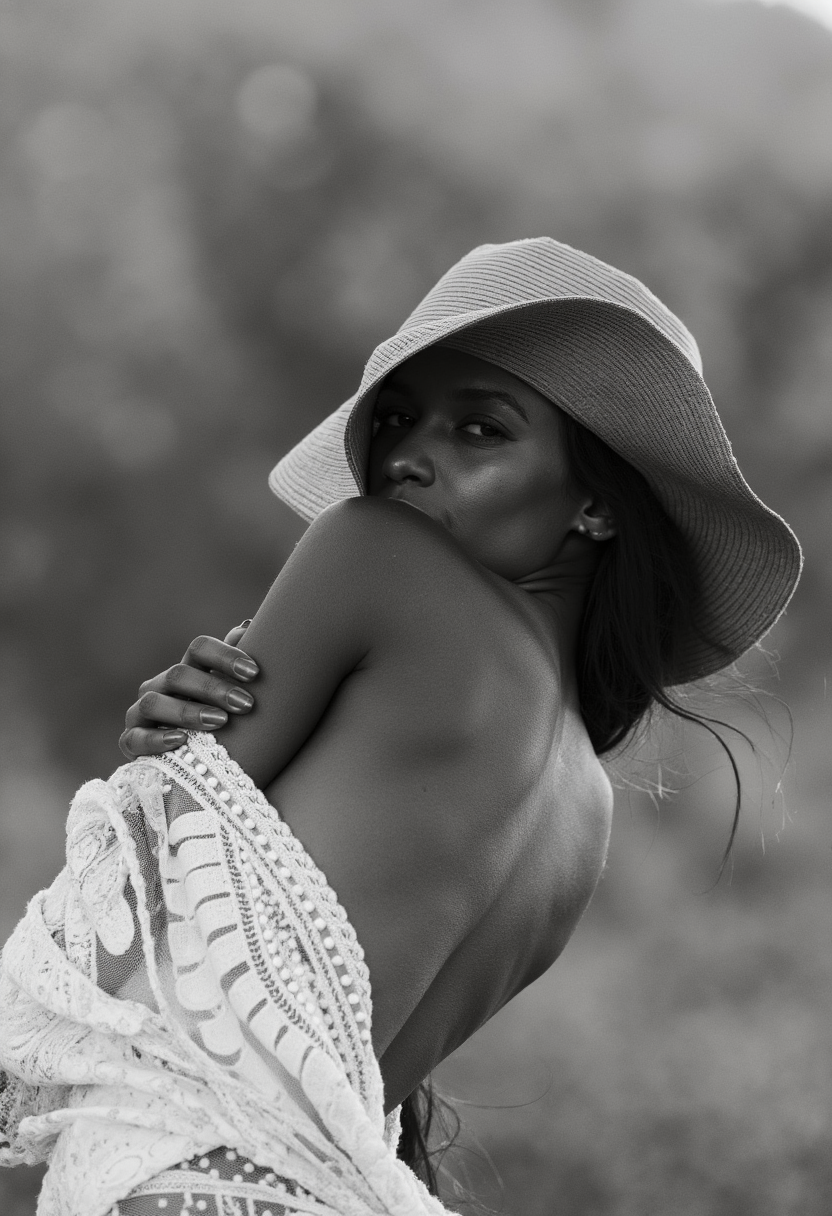
Photorealistic
flux
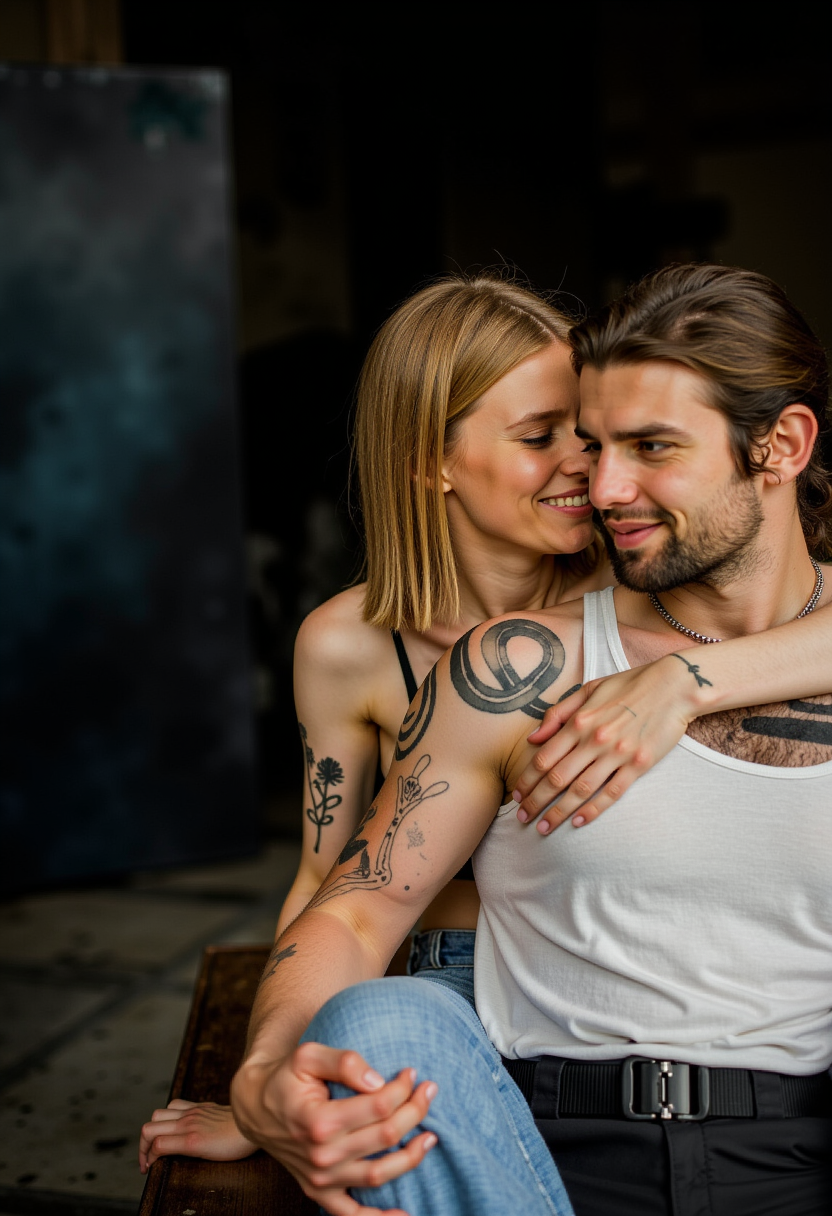
Photorealistic
flux
Models you can run on PixelDojo for realistic ai image generator free
Switch models without switching tools. Each one runs in the same PixelDojo studio.
What you can do with realistic ai image generator free on PixelDojo
Create Detailed Realistic Images
We generate images from text descriptions that reflect real world details. Creators use this for visual content needs.
Free Access to AI Tools
Creators produce realistic images without any payment required. We support ongoing generation sessions.
Adjust Image Parameters Easily
We provide options for resolution and aspect ratio control. This helps match specific creative requirements.
Export Images in Multiple Formats
Creators download results as PNG or JPEG files. We maintain original quality in exports.
Join 35,000+ creators generating 2.8 million realistic images monthly • 4.9/5 average rating from 1,850 reviews • "The most realistic skin textures and lighting I've ever seen from AI. Finally looks like real photography." – Sarah Chen, Product Photographer • Trusted by marketers at Fortune 500 companies and independent creators worldwide
Why Choose Pixel Dojo for realistic ai image generator free
Professional-quality results with cutting-edge AI technology
Hyper-Realistic Images That Fool the Eye
Create portraits, products, and scenes with natural skin textures, accurate lighting, subtle imperfections, and depth of field that make people stop scrolling. Achieve the authentic look trending in 2026 where images feel human and emotionally resonant rather than artificially perfect. With tools like Flux.2 Studio and Google Nano Banana, you get outcomes that rival professional photography – perfect for e-commerce listings that boost conversions by up to 40%, social content that builds trust, and marketing visuals that feel genuine.
Instant Results Without the Cost or Complexity
Skip expensive equipment, location scouting, and long editing sessions. Our free realistic AI image generator lets you produce multiple high-quality variations in under 30 seconds. Use Seedream 5 Lite or Recraft V4 to explore concepts rapidly, then refine with Image to Image and Reality Polisher. Perfect for busy creators who need consistent photorealistic output for campaigns, storytelling, or client presentations without breaking the bank or learning complex software.
Professional Polish & Commercial-Ready Output
Take your generations from great to extraordinary using built-in tools like Magnific Upscaler, Portrait Upscaler, Magic Lighting, and Reality Polisher. Remove backgrounds cleanly, adjust camera angles, apply style transfers while preserving realism, and generate consistent characters across images. The result? Images ready for commercial use that look like they came from a high-end photo studio, helping you save thousands on production while maintaining full creative control.
How It Works
Creating stunning realistic AI images with PixelDojo takes just three simple steps. Our platform combines the best 2026 models optimized for photorealism with powerful editing tools so you can achieve professional results quickly. Focus on your vision while we handle the technical details.
Choose Your Realistic Generation Tool
Navigate to the Generate Images section and select models proven for hyper-realism like Google Nano Banana, Flux.2 Studio, Seedream 5 Lite, or HiDream. These tools are specifically tuned to produce natural lighting, lifelike skin details, accurate physics, and authentic compositions. Start with our recommended realistic presets or browse community examples of photorealistic portraits, product shots, and environmental scenes. No technical knowledge needed – just pick the model that matches your desired outcome.
Write a Detailed Real-World Prompt
Describe your scene as if directing a professional photographer. Include specifics like '35-year-old woman with natural skin texture and subtle freckles, soft golden hour lighting from the side, gentle smile with authentic eye contact, shallow depth of field, shot on Canon EOS R5, 85mm f/1.4, film grain, cinematic color grading'. Our tools excel when you reference real photography techniques. The more detail about lighting, mood, camera settings, and environment, the more realistic your outcome. Generate multiple variations instantly.
Polish, Enhance & Download
Review your generations and apply the Reality Polisher to enhance fine details, correct any minor artifacts, and boost photorealism. Use Magnific Upscaler or Portrait Upscaler for crisp 4K+ resolution. Experiment with Inpainting to adjust elements, Change Camera Angle for new perspectives, or Magic Lighting for dramatic improvements. Once satisfied, download in multiple formats. You can also create Consistent Characters across a full campaign or use Image to Image to evolve your initial realistic concept.
The Pixel Dojo Advantage
Why PixelDojo delivers superior realistic results compared to traditional methods and basic AI tools
| Others | Pixel Dojo |
|---|---|
| Traditional photography | Create unlimited photorealistic scenes instantly without hiring photographers, models, securing locations or waiting for perfect lighting. Generate dozens of variations in minutes instead of days while maintaining complete control over every detail. |
| Generic AI image tools | Our specialized realistic models combined with the Reality Polisher produce images with authentic textures, natural imperfections and professional lighting that don't look AI-generated. Generic tools often create plastic skin or unnatural lighting – PixelDojo focuses on outcomes that pass as real photography. |
| Manual photo editing software | Achieve hyper-realistic enhancements, upscaling, lighting adjustments and background changes in seconds instead of hours. Our AI-powered tools understand photographic principles so you get better results faster while learning techniques that improve all your future creations. |
Loved by creators on PixelDojo
Real feedback from people using PixelDojo, pulled from our in-product surveys.
very easy to use and good support
Very easy to use
super easy to use
it's very easy to use
Practically every Ai suite in one place? Who wouldn't?
versatile menu of tools
Explore more AI tools on PixelDojo
AI Tools
Compare & Switch
- Best AI Image Generators
- Best AI Video Generators
- Midjourney Alternatives
- Civitai Alternatives
- Runway Alternatives
- Leonardo Alternatives
- Pika Alternatives
- Luma Alternatives
- Magnific Alternatives
- Veo Alternatives
- Flux Alternatives
- Freepik Alternatives
- Seedance Alternatives
- Seedream Alternatives
- Pixverse Alternatives
- GPT Image Alternatives
- Synthesia Alternatives
- Playground Alternatives
- NightCafe Alternatives
- Canva AI Alternatives
- ElevenLabs Alternatives
- ComfyUI Alternatives
- Fal Alternatives
- Replicate Alternatives
Common Questions
Everything you need to know about realistic ai image generator free
What is the best free realistic AI image generator in 2026?
PixelDojo stands out as the best free realistic AI image generator because it provides access to multiple specialized models including Google Nano Banana, Flux.2 Studio, Seedream 5 Lite, Recraft V4 and HiDream without forcing you to choose just one. Unlike limited free tiers elsewhere, you can generate high-quality photorealistic images immediately, then enhance them with our exclusive Reality Polisher tool that dramatically improves skin texture, lighting accuracy, and removes artificial tells. Thousands of creators love our platform because it focuses on outcomes – images that look like real photographs – and offers generous free daily generations with the option to upgrade seamlessly. You keep full commercial rights and can cancel your subscription anytime.
How do I make AI images look more realistic and less artificial?
To create truly realistic AI images on PixelDojo, start with the right model like Flux.2 Studio or Google Nano Banana which excel at photorealism. Write descriptive prompts that reference real photography: specify camera ("shot on Sony A7R IV, 50mm lens"), lighting ("soft diffused window light creating gentle shadows"), subject details ("natural skin with visible pores, subtle freckles and authentic expression"), and environment ("cinematic color grading with slight film grain"). After generation, always run your image through the Reality Polisher tool to enhance microscopic details and natural imperfections. Our Image to Image feature and Magic Lighting adjustments help refine further. Following these techniques, users consistently report images that are indistinguishable from professional photography.
Can I use PixelDojo's realistic AI image generator for commercial projects?
Yes. All images you create with PixelDojo's realistic AI image generator, including those made with Flux.2 Studio, Nano Banana, and Seedream models, come with full commercial usage rights. Whether you're creating product visuals for your online store, hero images for advertising campaigns, book covers, or social media content that drives sales, your generations are yours to use and monetize. Many businesses use our hyper-realistic outputs for e-commerce, reducing photography costs by over 90% while maintaining professional quality. Our tools like Consistent Characters and Pose Control make it easy to build complete brand asset libraries that maintain visual consistency across all your marketing materials.
How does the Reality Polisher tool improve realistic AI images?
The Reality Polisher is one of PixelDojo's most powerful editing tools specifically designed to elevate AI generations to true photorealistic standards. It analyzes your image for common AI artifacts and intelligently enhances natural elements like skin texture, hair strands, fabric weave, reflections, and lighting interactions. Users typically see dramatic improvements in authenticity – plastic-looking skin becomes lifelike with visible pores and micro-details, flat lighting gains realistic depth and shadow, and overall composition feels like it was captured by a professional camera. Combined with our Magnific Upscaler and Portrait Upscaler, you can transform good generations into print-quality or billboard-ready assets in minutes. This tool is a major reason why PixelDojo users report higher conversion rates with their realistic visuals.
What resolution and quality can I expect from the free realistic AI image generator?
PixelDojo's free tier delivers excellent starting resolutions up to 1024x1024 with top models like Flux.2 Studio and Google Nano Banana producing sharp, detailed results optimized for realism. After generation, our Creative Upscaler, Magnific Upscaler and Portrait Upscaler can increase resolution to 4K or higher while preserving and often enhancing photorealistic details. Quality depends on your prompt and chosen model, but users regularly achieve results suitable for websites, social media, digital ads, and even large format prints. The platform tracks your usage transparently in your Usage Report so you always know exactly what you're generating. For projects needing maximum detail, our paid plans remove any limits while keeping the same easy workflow.
How does PixelDojo compare to other realistic AI image generators for free users?
PixelDojo offers a significant advantage for users seeking a truly capable free realistic AI image generator. While many platforms limit free users to basic models or watermarked outputs, PixelDojo provides access to multiple frontier realistic models including Flux variants, Nano Banana, and Seedream alongside professional editing tools like Reality Polisher, Background Remover, and advanced upscalers. The platform emphasizes outcomes over features – you get images that perform better in real-world applications because they look authentically photographic. With no need to install software, manage hardware, or learn complex interfaces, you can start creating commercial-quality realistic images immediately. Our community examples, detailed how-to guides, and responsive support help new users achieve great results from day one. Best of all, you can scale up with flexible credits or subscription that you can cancel anytime.