runway ml alternative
Generated on PixelDojo. Produced by PixelDojo's generation pipeline.
You want to produce scroll-stopping product shots, cinematic social clips, and on-brand campaign assets without juggling subscriptions, waiting on credits, or losing character consistency between generations. PixelDojo gives you exactly that as a complete Runway ML alternative built for real creative output. Instead of being locked into one ecosystem, you tap into a full creative studio: generate images with Nano Banana 2, GPT Image 2, Flux.2 Studio, Krea Image, Seedream 5, Ideogram 4 and more, then turn those stills into motion with VEO 3.1, Kling Video, WAN 3.0, Seedance 2.5, Hailuo 2.3 or PixVerse V6. Edit everything in place with Image to Image, Inpainting, Style Transfer, Magic Lighting, Runway Aleph, Kling Video Edit and Seedance 2.5 Video Edit. Upscale with P-Image Upscale or Magnific Upscaler, lock faces with Consistent Characters and Character Sheets, and even train custom models. The result for you is faster campaigns, photoreal hero shots that actually look like your product, talking-head videos with native audio, and multi-shot sequences that stay on-brand. Thousands of creators already use PixelDojo to ship more work, spend less, and stay in flow. 40+ cutting-edge AI tools, loved by thousands of creators worldwide, cancel anytime. Start creating the visuals your audience actually clicks.
Real video examples generated on PixelDojo
Every example below was produced on PixelDojo. Hover to see the prompt.
A drone flying
image-to-video
Marketing Studio example — virtual-try-on
seedance-2-reference
Marketing Studio example — virtual-try-on
seedance-2-reference
Marketing Studio example — pro-try-on
seedance-2-reference

Wi-landscape
image-to-image
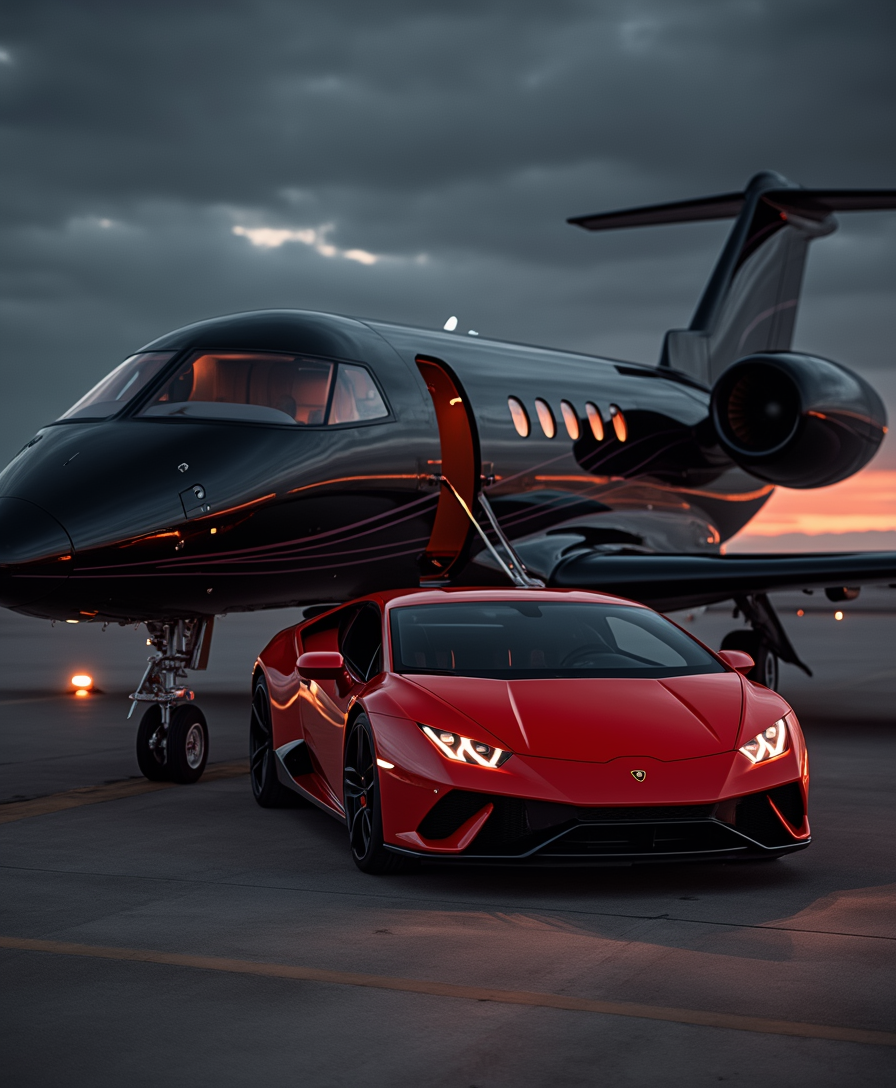
A black luxury private jet
flux
Models you can run on PixelDojo for runway ml alternative
Switch models without switching tools. Each one runs in the same PixelDojo studio.
What you can do with runway ml alternative on PixelDojo
Text to video drafts
We generate short clips from written prompts so you can storyboard scenes and test ideas before a full shoot.
Still image to motion
Upload a frame and we animate it into a clip for product shots, character tests, and campaign mockups.
Several models in one place
We let you pick among available video models in a single workspace instead of switching tools for each look.
Iterate then export
Regenerate takes, refine prompts, and download files you can finish in your usual editor.
Loved by thousands of creators worldwide who switched for more models, better consistency, and flexible access. 40+ cutting-edge AI tools in one studio. Cancel anytime.
Why Choose Pixel Dojo for runway ml alternative
Professional-quality results with cutting-edge AI technology
Unlock Photoreal Campaigns Without Limits
You produce high-converting product hero shots, lifestyle scenes, and ad creatives that look professionally photographed. Combine Nano Banana 2 and GPT Image 2 for identity-locked portraits, Flux.2 Studio and Recraft V4.1 for precise product rendering, then animate them instantly with Kling Video or VEO 3.1. Your marketing assets stay consistent across stills and motion so every ad, landing page, and social post feels like it came from the same shoot.
Ship Cinematic Videos Faster With Full Control
You go from idea to finished clip in minutes instead of hours of prompting and waiting. Use image-to-video on your Flux.2 or Seedream 5 stills, add native audio and longer sequences with Seedance 2.5 or WAN 2.7 Video, then refine camera angles, lighting, and motion with Change Camera Angle, Magic Lighting, and dedicated video editors like Grok Video Edit or Happy Horse Video Edit. Your social reels, product demos, and brand films look polished and on-brief every time.
Keep Characters and Brand Identity Locked
You maintain the same faces, outfits, and product looks across dozens of images and video shots without starting over. Consistent Characters, Character Sheets, Ideogram Character, WAN Video Character Swap, Kling Avatar, and Face Swap tools let you build reusable talent libraries. Pair them with LoRA Face Swap, Flux Pro Virtual Try-On, and training via Flux Trainer or QWEN Trainer so your spokesperson, mascot, or collection always looks identical. Your campaigns stay cohesive from first frame to last.
How It Works
Creating professional images and videos as a Runway ML alternative is simple inside PixelDojo. You pick the right model for the job, describe what you want or upload a reference, then refine and export. Everything stays in one workspace so you never lose momentum.
Step 1: Choose Your Tool
Open PixelDojo and select the generator that matches your outcome. For stills pick Nano Banana 2 or GPT Image 2 when you need photoreal people and text, Flux.2 Studio or Krea Image for artistic control, Seedream 5 or Ideogram 4 for products and typography. For motion choose VEO 3.1 or Kling Video for cinematic quality, Seedance 2.5 or WAN 3.0 for longer clips with audio, or Marketing Studio for campaign-ready sequences. You can start from text, an existing image, or a character sheet you already built.
Step 2: Enter Your Prompt or Reference
Describe the scene in natural language or upload a product photo, portrait, or mood board. Include lighting, camera angle, style, and any brand colors. For video add motion direction such as slow pan, product rotation, or talking-head delivery. The latest models reason through layout and details so you get closer to the final look on the first try. Use Image Analyzer or Video Analyzer if you want the system to understand an existing asset first.
Step 3: Customize, Enhance & Download
Refine with Inpainting, Background Remover, Style Transfer, Reality Polisher, or Image Outpainting. For video use Runway Aleph, Kling Video Edit, Seedance 2.5 Video Edit, Video Reframe, or Merge Videos. Upscale to print or 4K with P-Image Upscale, Magnific Upscaler, or FLUX Video Upscale. Lock the look with Character Stylist or Virtual Try-On, add captions automatically, then download in the format you need. Train a custom LoRA later if you want even tighter brand control.
The Pixel Dojo Advantage
Why PixelDojo outperforms other options for runway ml alternative image and video generation
| Others | Pixel Dojo |
|---|---|
| Traditional [category] creation | You skip expensive photoshoots, studios, and long production timelines. Generate photoreal product shots, lifestyle scenes, and cinematic clips in minutes using Nano Banana 2, Flux.2 Studio, VEO 3.1 and Kling Video, then iterate instantly instead of waiting days for reshoots. |
| Generic AI tools | You get dozens of specialized models plus editing, upscaling, character consistency, and training in one place instead of bouncing between limited generators. Access GPT Image 2, Seedream 5, WAN 2.7 Video, Hailuo 2.3, PixVerse V6 and dedicated editors so every asset matches your brand without extra subscriptions. |
| Manual photo editing | You replace hours of masking, compositing, and color grading with one-click Inpainting, Magic Lighting, Style Transfer, Background Remover, and Reality Polisher. Turn a single product photo into a full campaign of images and videos while keeping lighting, faces, and details perfectly consistent. |
Loved by creators on PixelDojo
Real feedback from people using PixelDojo, pulled from our in-product surveys.
super lora download
Great variety of tools to create and modify images and video.
Lots of Tools, and the one time I needed support I got help right away
Easy to use once you get the hang of it
Love it make anything I can think of so far
Great for all your ideas use it encourage more people to use it
Explore more AI tools on PixelDojo
AI Tools
Compare & Switch
- Best AI Image Generators
- Best AI Video Generators
- Midjourney Alternatives
- Civitai Alternatives
- Runway Alternatives
- Leonardo Alternatives
- Pika Alternatives
- Luma Alternatives
- Magnific Alternatives
- Veo Alternatives
- Flux Alternatives
- Freepik Alternatives
- Seedance Alternatives
- Seedream Alternatives
- Pixverse Alternatives
- GPT Image Alternatives
- Synthesia Alternatives
- Playground Alternatives
- NightCafe Alternatives
- Canva AI Alternatives
- ElevenLabs Alternatives
- ComfyUI Alternatives
- Fal Alternatives
- Replicate Alternatives
Common Questions
Everything you need to know about runway ml alternative
What is the best Runway ML alternative for AI image generation in 2026?
PixelDojo is the strongest all-in-one Runway ML alternative because you access Nano Banana 2, GPT Image 2, Flux.2 Studio, Krea Image, Seedream 5, Ideogram 4, Recraft V4.1 and many more inside the same studio. You generate photoreal portraits, product shots with perfect text, and brand-consistent visuals, then immediately turn them into video or edit them further. Thousands of creators choose it for the combination of quality, speed, and flexibility without being locked to a single model.
Can PixelDojo replace Runway ML for both images and video?
Yes. You generate stills with the latest image models and motion with VEO 3.1, Kling Video, WAN 3.0, Seedance 2.5, Hailuo 2.3, PixVerse V6 and Marketing Studio. Dedicated video editors including Runway Aleph, Kling Video Edit and Seedance 2.5 Video Edit plus upscalers and character tools mean you handle the entire pipeline—from concept still to finished clip with audio and captions—without leaving the platform.
How do I keep characters consistent across images and videos as a Runway ML alternative?
Use Consistent Characters, Character Sheets, Ideogram Character, WAN Video Character Swap, Kling Video Character Swap, Kling Avatar, P Video Avatar, Face Swap and LoRA Face Swap. Create a reference once, then generate new poses, outfits, and scenes that stay identical. Train custom models with Flux Trainer or QWEN Trainer for even tighter control so your spokesperson or product always looks the same in every campaign asset.
Is PixelDojo more affordable than typical Runway ML pricing?
You get access to 40+ cutting-edge tools with flexible usage and the ability to cancel anytime. Instead of burning through limited monthly credits on one ecosystem, you choose the best model for each job—whether that’s a quick social still with Z Image Turbo or a cinematic clip with VEO 3.1—and only pay for what you actually create. Many creators report shipping more assets for less overall spend while keeping commercial rights.
What image-to-video techniques work best on PixelDojo as a Runway alternative?
Start with a high-quality still from Flux.2 Studio, Nano Banana 2 or Seedream 5, then animate it using Kling Video, WAN Reference to Video, Seedance 2 Reference, P Video Animate or Luma UNI 1. Add precise camera moves, lighting changes, and native audio. Refine the result with video editors and Video Reframe so the motion feels natural and on-brand. This workflow produces photoreal product rotations, talking-head spots, and lifestyle clips faster than starting from text alone.
Can I train custom models and use an API like a professional Runway ML alternative?
Absolutely. Train Flux Trainer, QWEN Trainer, SDXL Trainer, Z-Image Trainer or WAN 2.2 Image Trainer on your own product photos or brand style. Developers get a full Developer API, API Keys, usage dashboard and the option to buy extra credits. You can also run ComfyUI workflows. This lets agencies and product teams build repeatable pipelines that stay consistent at scale.