flux 2 pro online AI Generator

Generated on PixelDojo. Produced by PixelDojo's generation pipeline.
You can now produce photorealistic images that look like they came from a professional studio without hiring photographers, booking locations, or spending hours in editing software. Flux 2 Pro online on PixelDojo lets you generate high-resolution product shots, keep the same character looking identical across an entire campaign, and add perfectly readable text to infographics or ads—all from a simple description. Marketers launch complete visual series in minutes. Storytellers build consistent worlds. E-commerce sellers create catalog-ready photos that convert. Designers skip the back-and-forth with clients because the first results already match the brief. Everything happens inside one platform that also gives you Image to Image, Inpainting, Background Remover, and upscalers so your Flux 2 Pro creations become finished, downloadable assets immediately. No technical knowledge required. Just describe what you need and watch professional-grade visuals appear.
Real image examples generated on PixelDojo
Every example below was produced on PixelDojo. Hover to see the prompt.
Turn your image into a cartoon with FLUX
stable-diffusion

flux 2 pro online on PixelDojo
reve-image
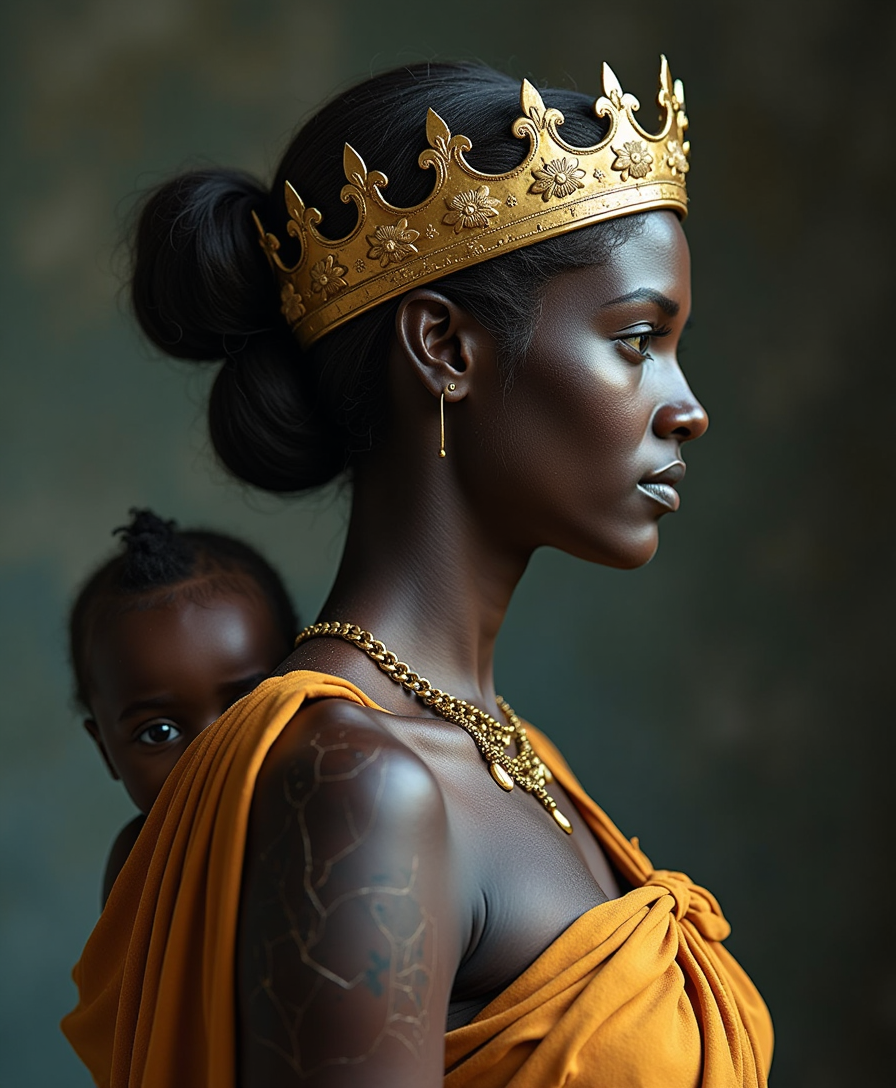
Side view of a black african woman With cracks on their skin like an old broken Roman stat…
flux
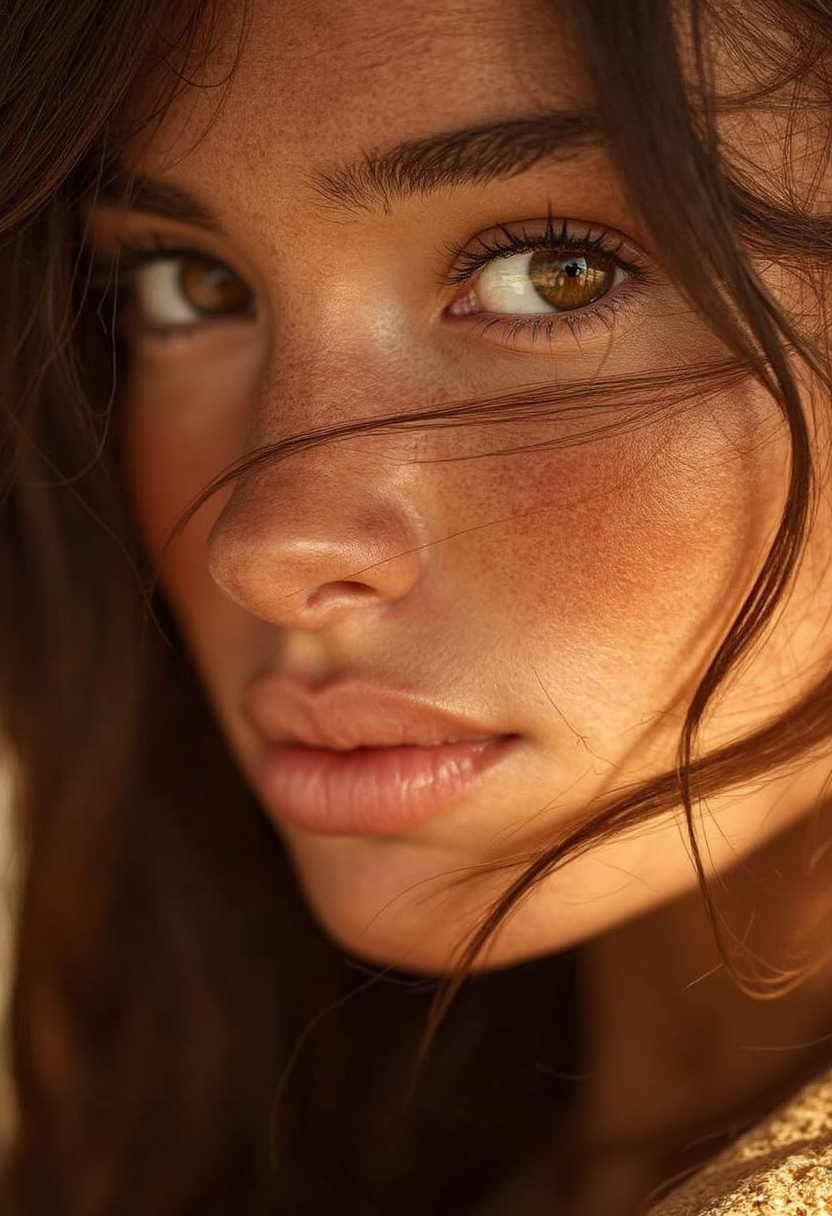
Photorealistic
flux
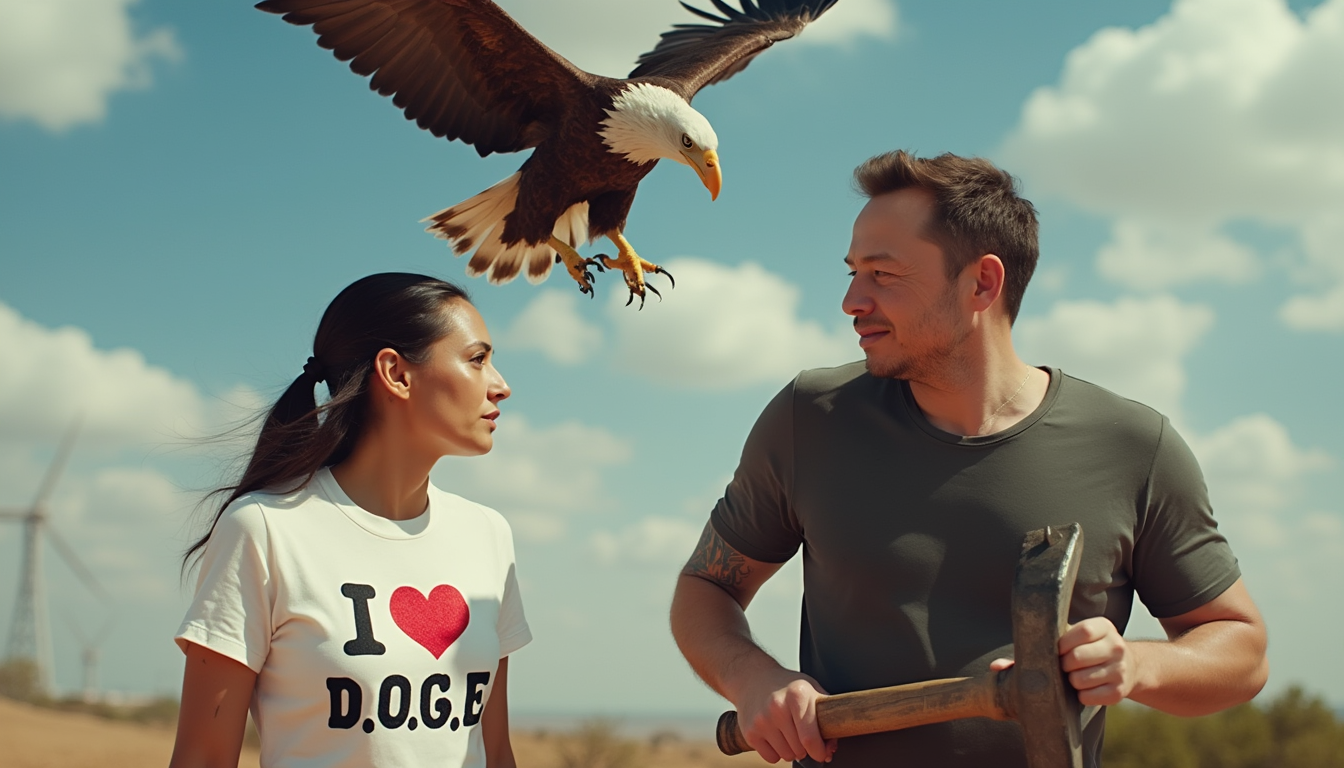
A photo of Alexandria Ocasio-Cortez wearing a shirt that reads I Love D
flux
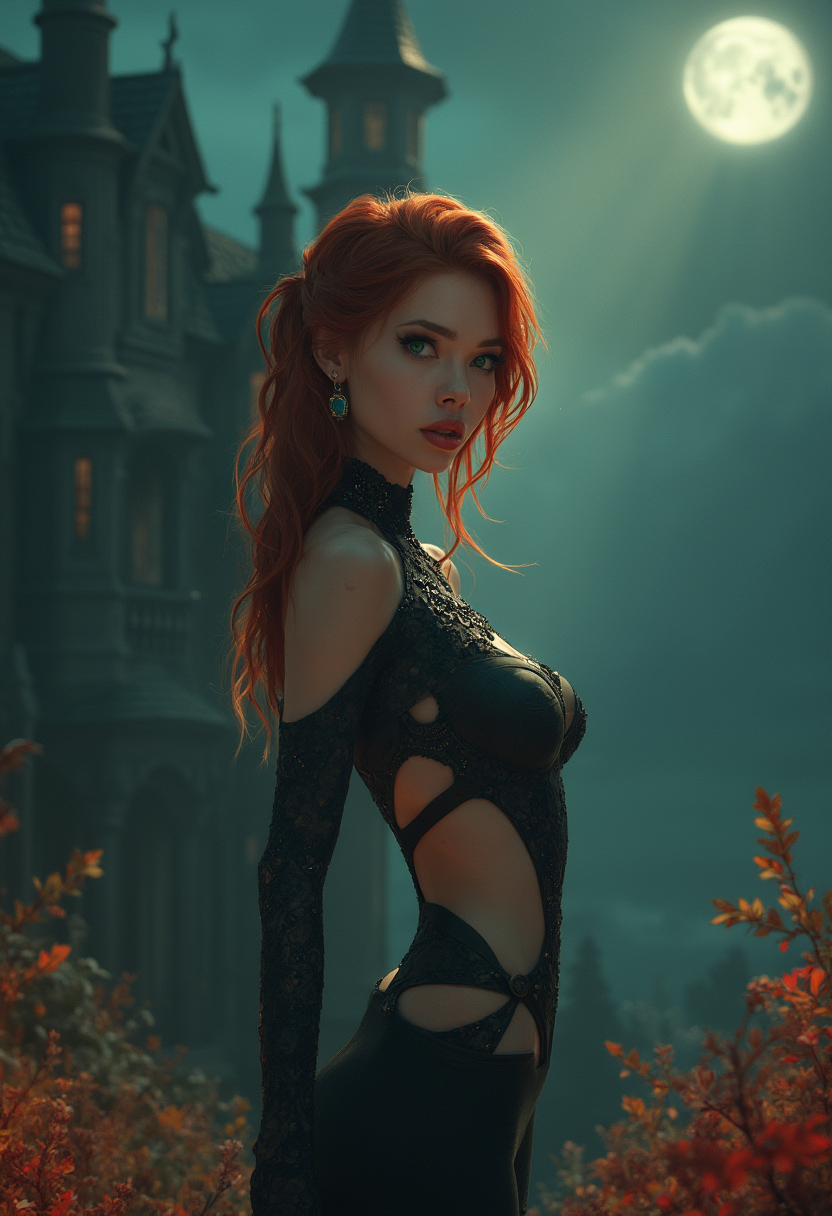
<lora:Fant5yP0ny:0
flux
Models you can run on PixelDojo for flux 2 pro online
Switch models without switching tools. Each one runs in the same PixelDojo studio.
What you can do with flux 2 pro online on PixelDojo
Flux 2 Pro Online
We run Flux 2 Pro in the browser so you can generate images without installing local software. Submit a prompt and receive stills from the model on PixelDojo.
Prompt-Driven Image Output
Describe the scene, style, and subject in text. We send that prompt to Flux 2 Pro and return generated images you can review and download.
Iterate On Your Generations
Adjust wording, aspect, or settings and generate again. We keep the workflow on PixelDojo so you can refine results without leaving the page.
Creator-Ready Image Files
We deliver generated images in common formats for editing, posting, or further work. Use Flux 2 Pro output as source art in your usual pipeline.
Loved by thousands of creators worldwide who rely on PixelDojo’s 40+ cutting-edge AI tools every day. Cancel anytime. Join marketers, designers, and storytellers already producing campaign-ready images with Flux 2 Pro online.
Why Choose Pixel Dojo for flux 2 pro online
Professional-quality results with cutting-edge AI technology
Launch Photoreal Product Catalogs Overnight
You upload a simple product photo or just type a description and receive studio-lit, texture-perfect images ready for your store or ads. Natural lighting, accurate materials, and 4-megapixel detail mean your listings look premium without a photoshoot. Use Flux.2 Studio together with Reality Polisher and P-Image Upscale to go from concept to print-ready files in one session.
Keep Characters Identical Across Every Scene
You reference a few photos of a person, mascot, or product and generate dozens of new shots where the face, clothing, and style never drift. Story sequences, ad variants, and social series stay on-brand automatically. Combine Flux.2 Studio with Consistent Characters and Character Sheets so your entire campaign feels like it was shot with the same talent on the same day.
Add Perfect Text and Infographics Instantly
You describe the layout, quote the exact wording, and receive images where every letter is sharp and correctly placed. Packaging mockups, social graphics, and presentation slides come out ready to use. Pair Flux.2 Studio with Image Analyzer and Magic Lighting to refine composition and atmosphere until the result looks like a finished design, not an AI experiment.
How It Works
You create professional Flux 2 Pro images in three straightforward steps inside PixelDojo. No software to install and no prompting expertise needed.
Step 1: Choose Flux.2 Studio
Log in to PixelDojo and open the Generate Images section. Select Flux.2 Studio from the list of models. This gives you the latest Flux 2 Pro quality with multi-reference support and high-resolution output. You can also switch to Image to Image or Inpainting if you already have a photo you want to transform.
Step 2: Describe Your Vision and Add References
Type a natural-language description of the scene, product, or character you want. For extra consistency, upload up to several reference images of faces, products, or styles. Mention lighting, camera angle, and any text that should appear. The model understands complex instructions and keeps identities locked. You can also use Style Transfer or Change Camera Angle right after generation if you want variations.
Step 3: Refine, Enhance, and Download
Review the results, then apply Background Remover, Reality Polisher, or P-Image Upscale for extra polish. Download in the resolution you need or send the image straight into Marketing Studio or Video tools if you want motion. Everything stays inside PixelDojo so you never lose quality or waste time exporting between apps.
The Pixel Dojo Advantage
Why PixelDojo outperforms other options for Flux 2 Pro online image generation
| Others | Pixel Dojo |
|---|---|
| Traditional photography and design studios | You skip location scouting, talent booking, and days of post-production. Generate dozens of on-brand variations in the time it takes to send a brief, then refine them with PixelDojo’s built-in editors. |
| Generic AI image tools | You get dedicated Flux.2 Studio plus a complete suite of editing, upscaling, character, and video tools in one place. Results stay consistent across an entire project instead of looking different every time you switch platforms. |
| Manual photo editing and compositing | You describe the change instead of masking, cloning, and color-matching for hours. Flux 2 Pro plus Inpainting, Style Transfer, and Magic Lighting deliver finished files while you focus on the next idea. |
Loved by creators on PixelDojo
Real feedback from people using PixelDojo, pulled from our in-product surveys.
Lots of different tools. It's easy to purchase more credits.
Amazing performance!
Excellent website for creating all types of media
Very eay to use, works well to train SDXL loras.
The amazing tools
Top notch quality and strong prompt adherence.
Explore more AI tools on PixelDojo
AI Tools
Compare & Switch
- Best AI Image Generators
- Best AI Video Generators
- Midjourney Alternatives
- Civitai Alternatives
- Runway Alternatives
- Leonardo Alternatives
- Pika Alternatives
- Luma Alternatives
- Magnific Alternatives
- Veo Alternatives
- Flux Alternatives
- Freepik Alternatives
- Seedance Alternatives
- Seedream Alternatives
- Pixverse Alternatives
- GPT Image Alternatives
- Synthesia Alternatives
- Playground Alternatives
- NightCafe Alternatives
- Canva AI Alternatives
- ElevenLabs Alternatives
- ComfyUI Alternatives
- Fal Alternatives
- Replicate Alternatives
Common Questions
Everything you need to know about flux 2 pro online
How do I generate photorealistic product photos with Flux 2 Pro online?
Open Flux.2 Studio on PixelDojo, describe the product, lighting, and background in everyday language, and optionally upload a reference photo. The model produces high-resolution, naturally lit images. Follow up with Reality Polisher and P-Image Upscale to make them catalog-ready. You can create an entire product line in one sitting without a studio.
Can I keep the same character looking identical in multiple Flux 2 Pro images?
Yes. Upload a few clear photos of the person or mascot as references inside Flux.2 Studio. The model locks identity, clothing, and style so every new scene matches. Combine this with Consistent Characters and Character Sheets to build full campaigns or story sequences that feel professionally shot.
Does Flux 2 Pro online on PixelDojo handle text and infographics well?
Absolutely. Quote the exact wording you want in your prompt and Flux.2 Studio renders sharp, correctly placed text even in complex layouts. Use Image Analyzer afterward to check readability, then Magic Lighting or Style Transfer if you need atmosphere adjustments. The result is presentation-ready without extra design work.
What editing tools work with Flux 2 Pro images on PixelDojo?
After generation you can immediately use Image to Image, Inpainting, Background Remover, Change Camera Angle, Style Transfer, Magic Lighting, Image Outpainting, and Reality Polisher. All tools stay inside the same workspace so you refine without quality loss or extra downloads.
Is Flux 2 Pro online suitable for commercial marketing and e-commerce?
Yes. PixelDojo’s Flux.2 Studio produces print-ready 4-megapixel images with accurate colors and textures. You own the output for commercial use. Pair it with Marketing Studio, Virtual Try-On, and upscalers to go from idea to live ads or product pages in minutes. Thousands of creators already use it this way and you can cancel anytime.
How fast can I go from idea to finished Flux 2 Pro image?
Most generations finish in seconds. You type the prompt, add optional references, hit generate, then apply one or two enhancement tools. The entire workflow from first thought to downloadable high-resolution file typically takes under two minutes. No waiting for renders or sending files to another app.