Cosplay AI Generator
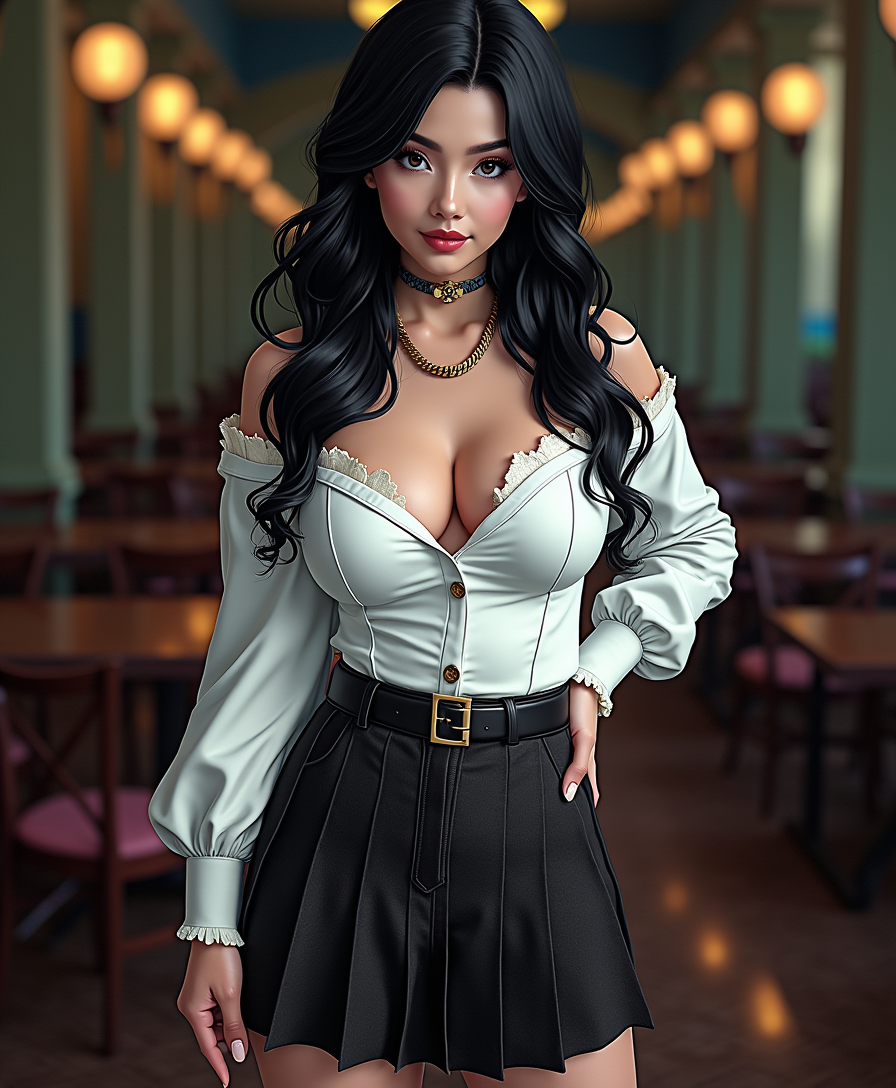
Generated on PixelDojo. Produced by PixelDojo's generation pipeline.
Unleash your creativity and bring your favorite characters to life with PixelDojo's AI-powered cosplay image generation tools. Whether you're a seasoned cosplayer or just starting out, our platform empowers you to design intricate costumes, dynamic poses, and immersive backgrounds without the need for extensive resources or technical skills.
Real image examples generated on PixelDojo
Every example below was produced on PixelDojo. Hover to see the prompt.
Anime character
flux
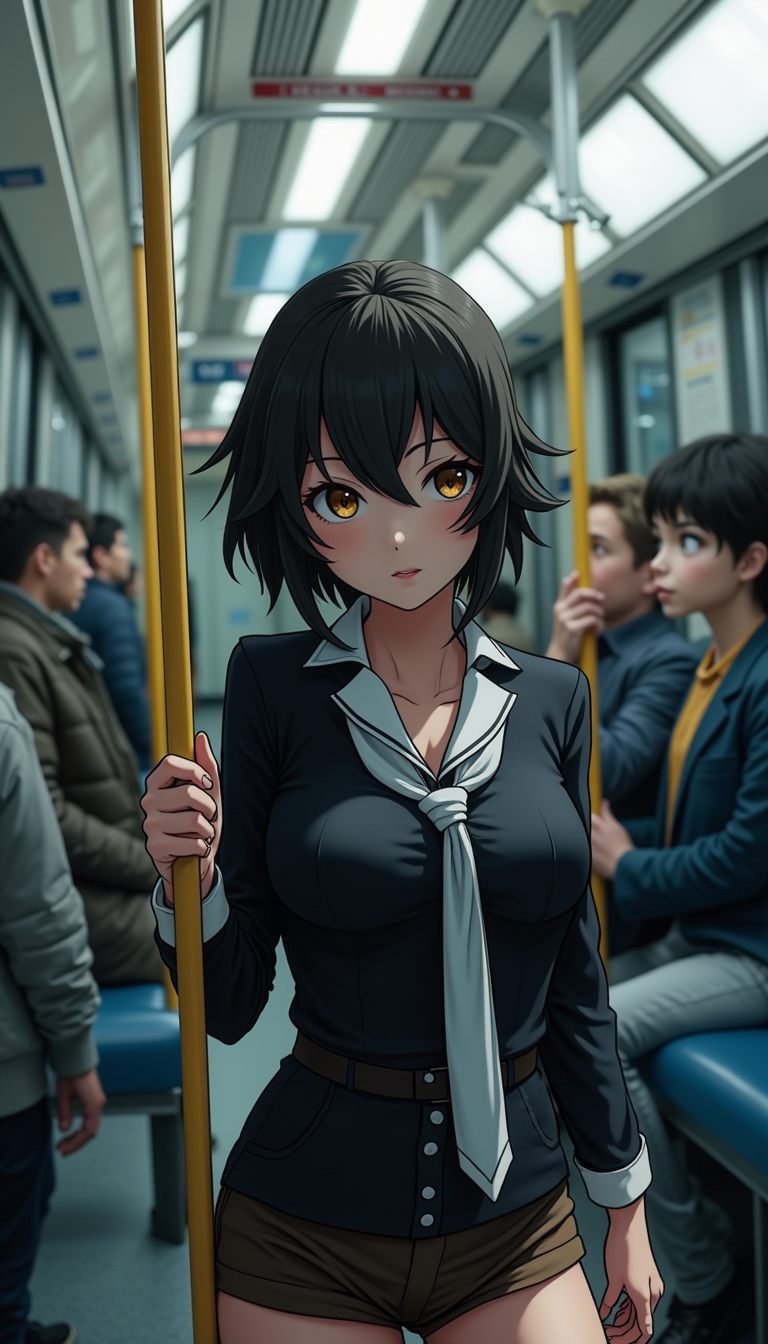
Anime character
flux
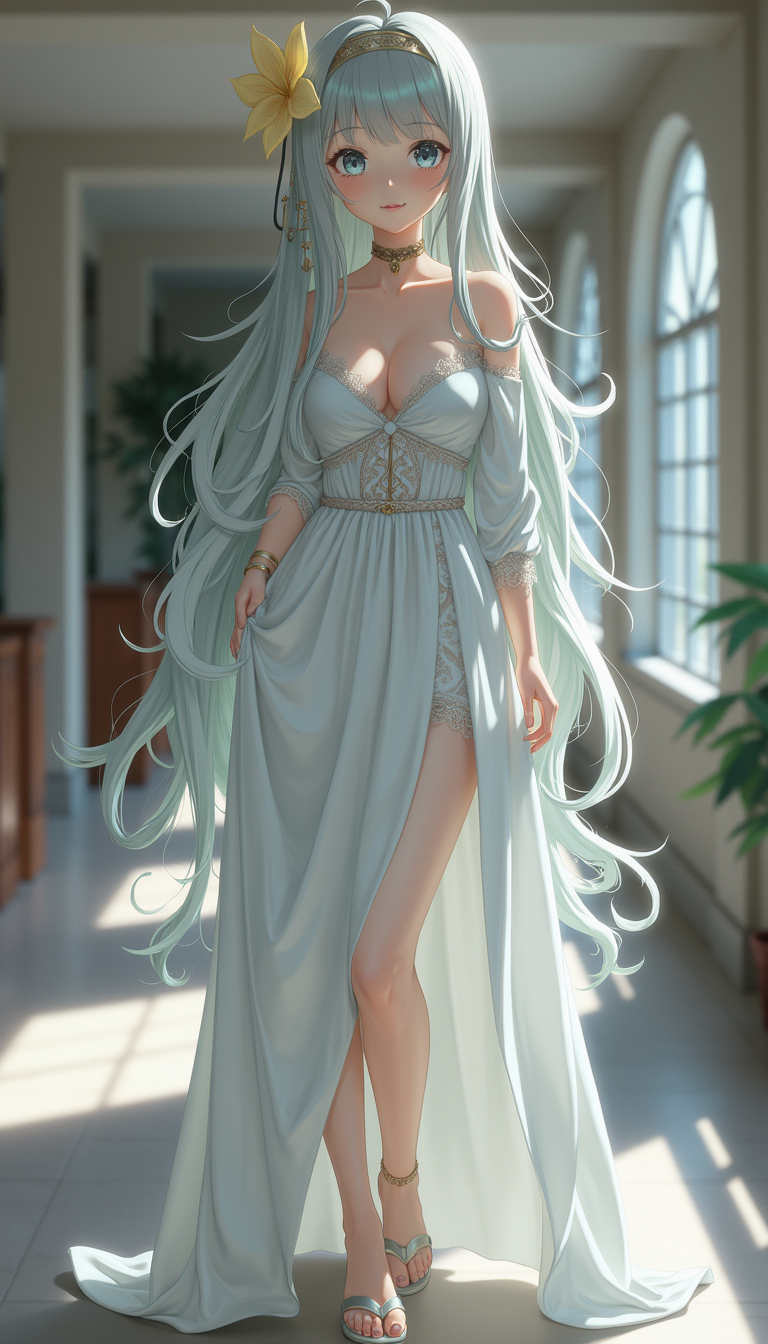
Anime character
flux
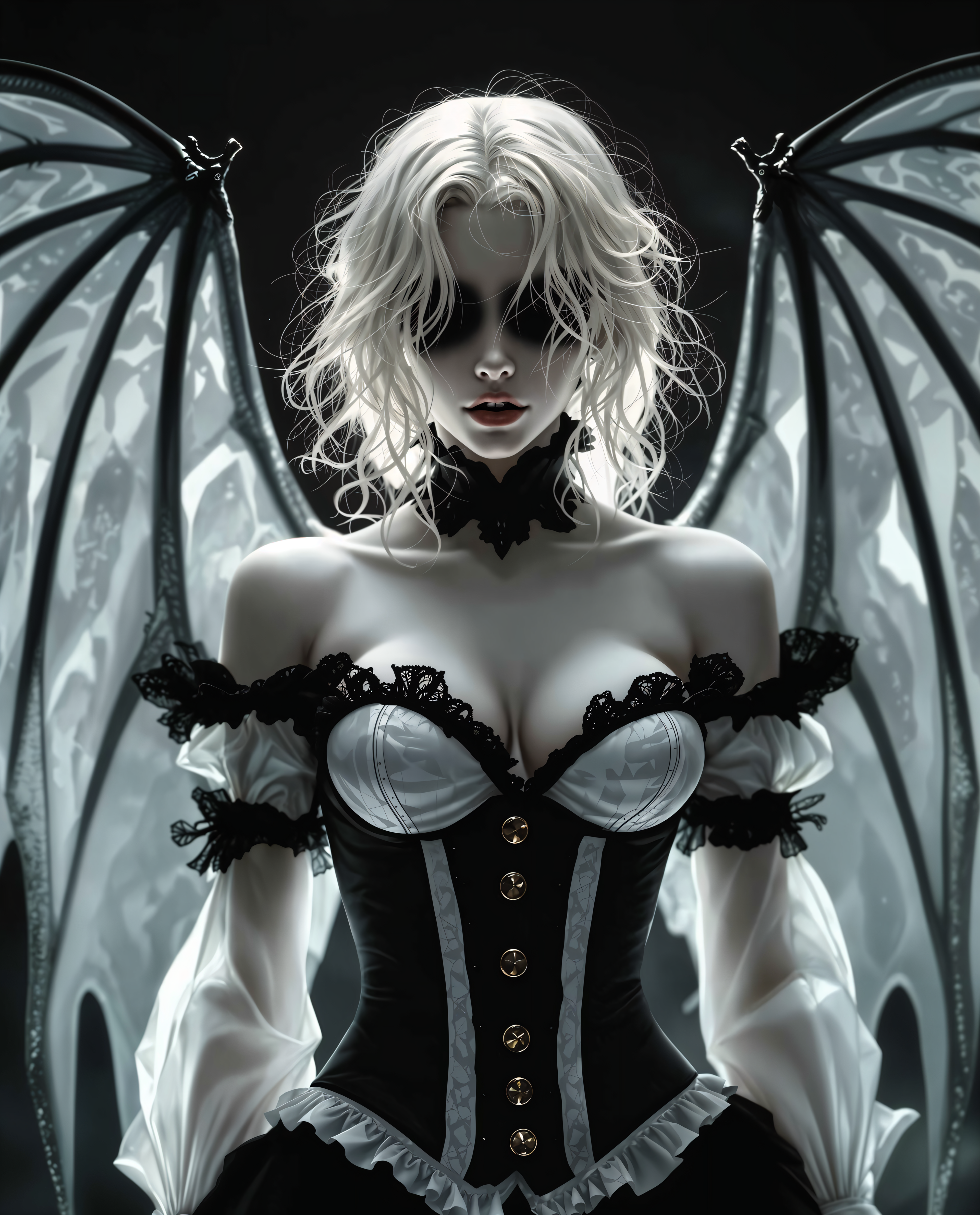
Cosplay on PixelDojo
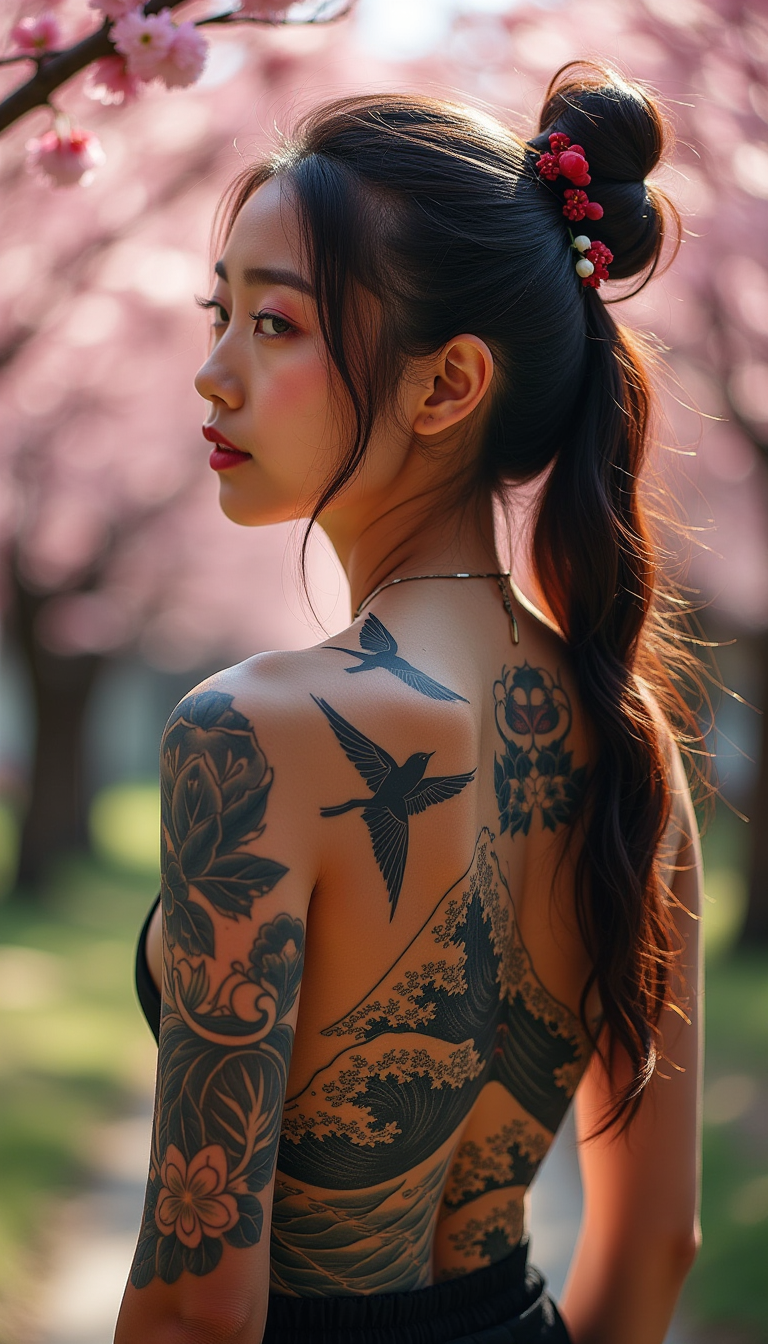
A striking young woman with a full traditional Japanese back tattoo featuring waves and cr…
flux
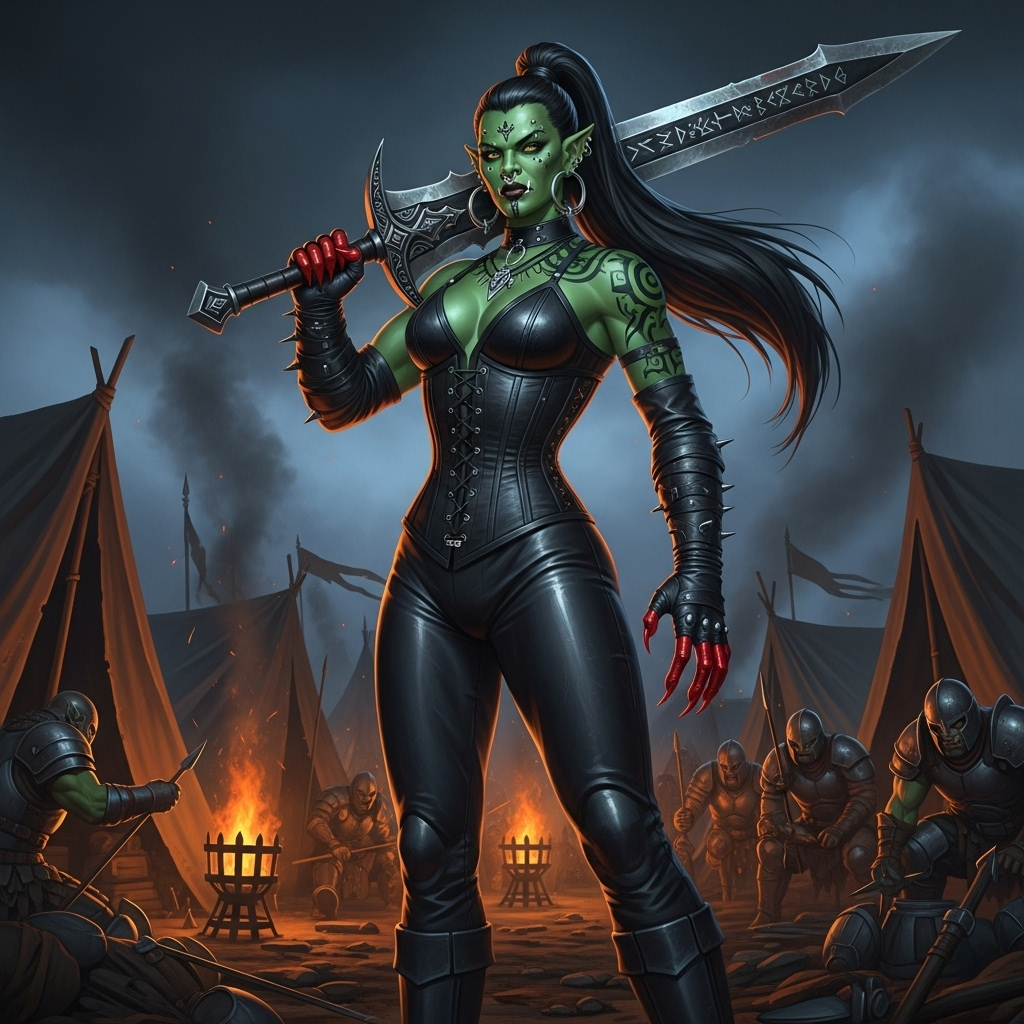
A majestic and powerful emerald-colored orc warrior queen with black hair in a high long p…
imagen
Models you can run on PixelDojo for Cosplay
Switch models without switching tools. Each one runs in the same PixelDojo studio.
What you can do with Cosplay on PixelDojo
Custom Cosplay Image Generation
Creators describe their desired cosplay to receive matching images. We support text prompts for character outfits and accessories.
Pose and Expression Control
We enable adjustments to poses and expressions in cosplay generations. Creators refine these elements through additional prompts.
Outfit Detail Refinement
Creators refine specific outfit elements after initial image creation. We allow targeted updates to clothing textures and colors.
Multi-Character Scene Creation
We allow generation of cosplay scenes with multiple characters together. Creators specify interactions and group compositions in prompts.
Join 1M+ creators who have generated over 1 million cosplay images using PixelDojo's cutting-edge AI technology.
Why Choose Pixel Dojo for Cosplay
Professional-quality results with cutting-edge AI technology
Effortless Character Transformation
Easily transform your ideas into detailed cosplay images, capturing the essence of your favorite characters.
High-Quality, Customizable Outputs
Generate high-resolution images with customizable elements, ensuring your cosplay designs are unique and professional.
Time and Cost Efficiency
Save time and resources by creating stunning cosplay visuals without the need for elaborate photoshoots or expensive materials.
How It Works
Creating captivating AI-generated cosplay images with PixelDojo is simple and intuitive. Follow these steps to bring your vision to life:
Step 1: Choose Your Tool
Select from PixelDojo's suite of AI tools tailored for cosplay image creation, such as Flux Creator or SDXL Image Creator.
Step 2: Enter Your Prompt
Input a detailed description of your desired cosplay image, including character specifics, costume details, and desired pose.
Step 3: Customize & Download
Adjust settings like lighting, background, and image resolution to refine your image. Once satisfied, download your high-quality cosplay creation.
The Pixel Dojo Advantage
Why PixelDojo outperforms other options for cosplay image generation
| Others | Pixel Dojo |
|---|---|
| Traditional Cosplay Photography | Eliminate the need for costly photoshoots and physical costumes by generating high-quality images digitally. |
| Generic AI Image Generators | Access specialized tools designed specifically for cosplay, ensuring more accurate and detailed character representations. |
| Manual Photo Editing | Save time and effort with AI-driven processes that automate complex editing tasks, delivering professional results swiftly. |
Loved by creators on PixelDojo
Real feedback from people using PixelDojo, pulled from our in-product surveys.
It is a lot of fun to uae and easy too.
So many different models to try out
You keep adding to it to stay up to date and that is GOLD.
very easy to use and good support
Very easy to use
super easy to use
Explore more AI tools on PixelDojo
Popular AI Models
AI Tools
Compare & Switch
- All AI Tool Alternatives
- Pollo AI Alternative
- PixelDojo vs Pollo AI
- Pollo AI Review
- MotionMuse AI Alternative
- MioCreate Alternative
- Dessi AI Alternative
- Runway Alternatives
- CapCut Alternatives
- Leonardo Alternatives
- OpenArt Alternatives
- Midjourney Alternatives
- Canva AI Alternatives
- Pika Alternatives
- InVideo Alternatives
- Higgsfield Alternatives
- Krea Alternatives
- Luma Alternatives
- Magic Hour Alternatives
- HeyGen Alternatives
- PixAI Alternatives
- Vidu Alternatives
- Seedream Alternatives
- Tensor.Art Alternatives
Common Questions
Everything you need to know about Cosplay
How can I create AI-generated cosplay images with PixelDojo?
Simply select a tool like Flux Creator, input a detailed description of your desired cosplay image, customize the settings to your preference, and download the final high-resolution image.
Do I need any prior experience to use PixelDojo's AI tools?
No prior experience is necessary. PixelDojo's user-friendly interface guides you through each step, making it accessible for beginners and professionals alike.
Can I customize the generated cosplay images?
Yes, you can adjust various elements such as lighting, background, and image resolution to ensure the final image aligns with your vision.
Are the images created with PixelDojo suitable for commercial use?
Yes, the images you create can be used for commercial purposes. However, it's important to ensure that your use complies with PixelDojo's licensing terms and conditions.
What makes PixelDojo's AI tools stand out for cosplay image creation?
PixelDojo offers specialized tools designed specifically for cosplay, providing more accurate and detailed character representations compared to generic AI image generators.
Is there a community or support available if I need help?
Yes, PixelDojo has a vibrant Discord community where you can connect with other creators, share your work, and seek assistance when needed.