Christmas AI Generator
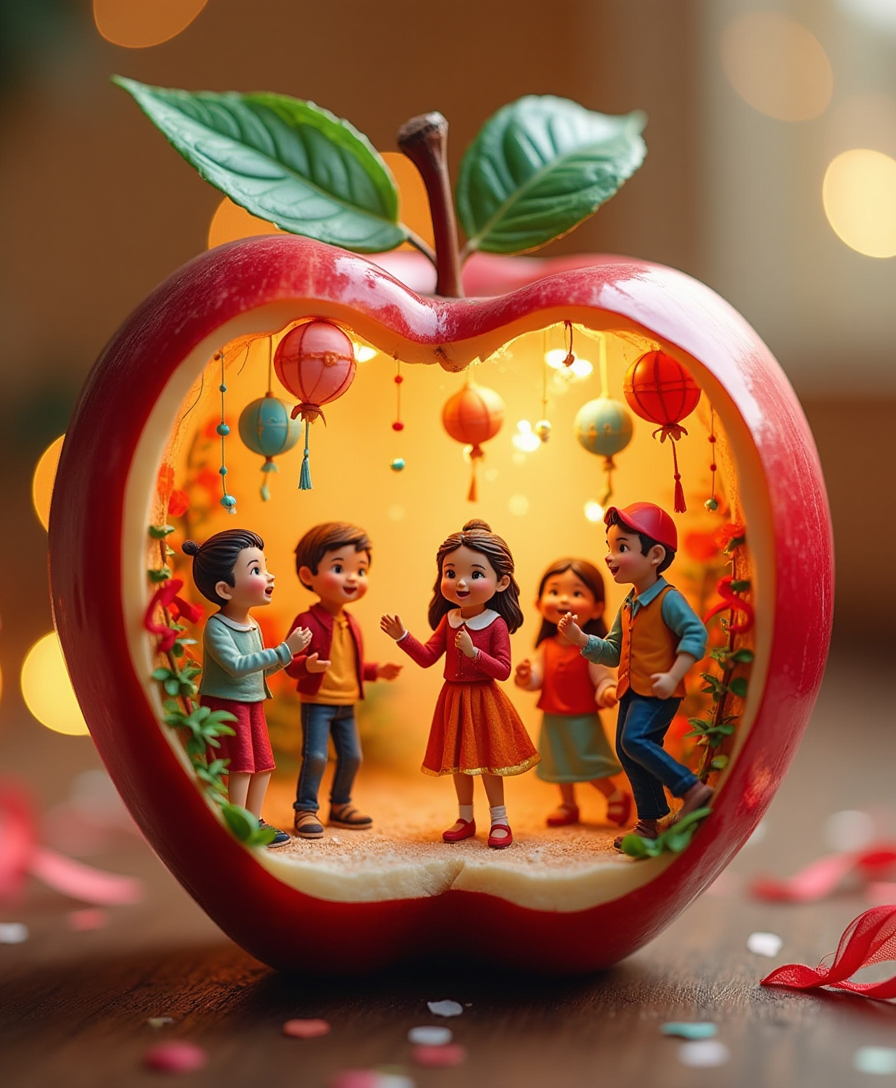
Generated on PixelDojo. Produced by PixelDojo's generation pipeline.
Celebrate the holiday season by creating personalized, festive visuals with PixelDojo's advanced AI tools. Whether you're designing unique Christmas cards, enhancing social media posts, or crafting holiday marketing materials, our platform empowers you to bring your creative visions to life effortlessly.
Real image examples generated on PixelDojo
Every example below was produced on PixelDojo. Hover to see the prompt.
A miniature scene in a red apple
flux
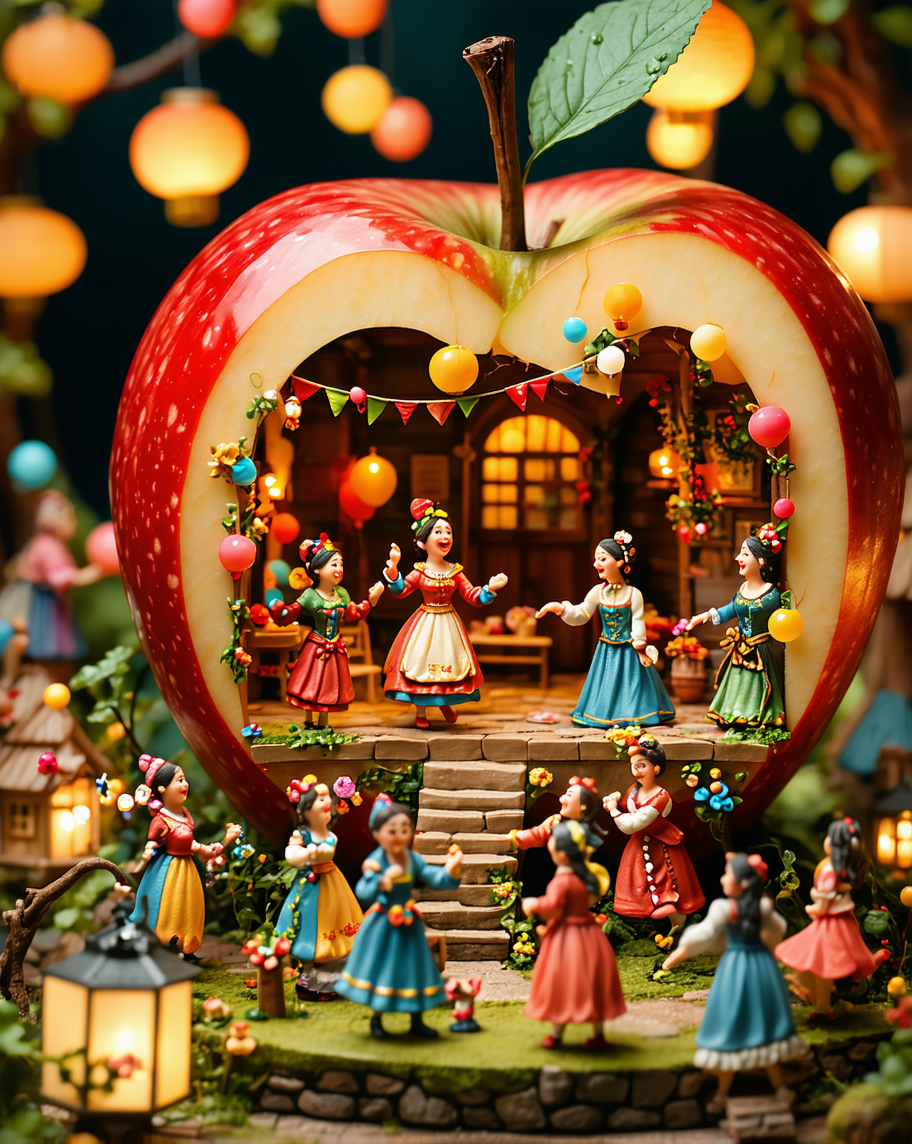
A miniature scene in a red apple
stable-diffusion-3
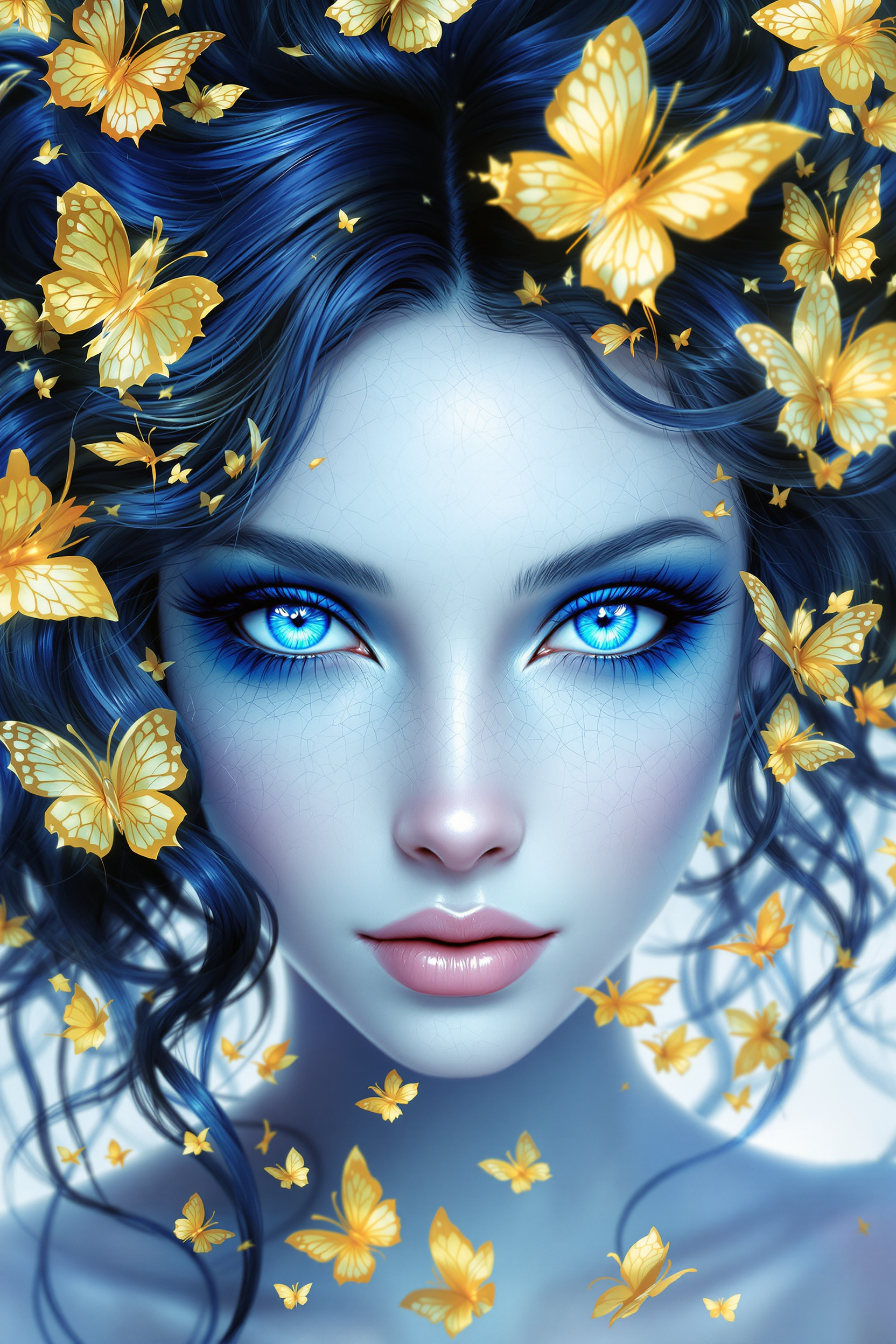
This image is a closeup
flux
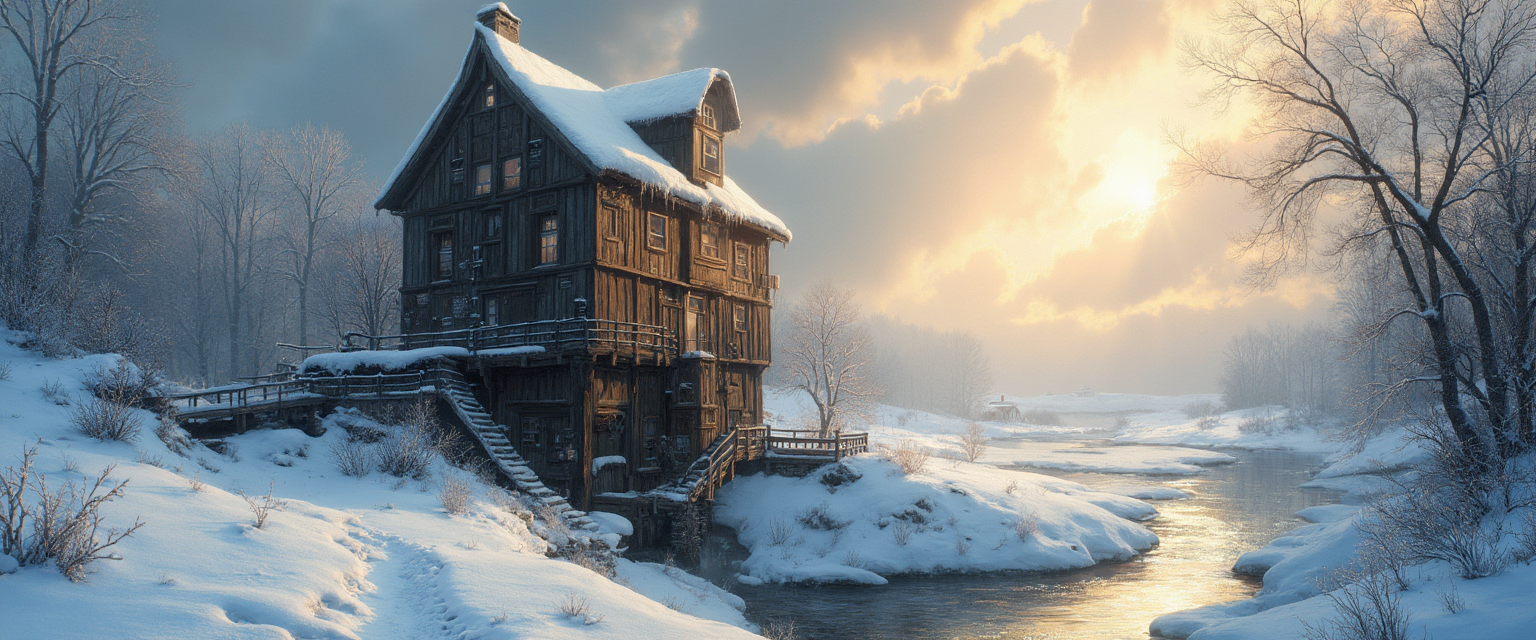
Oil on Canvas in pastose style
flux
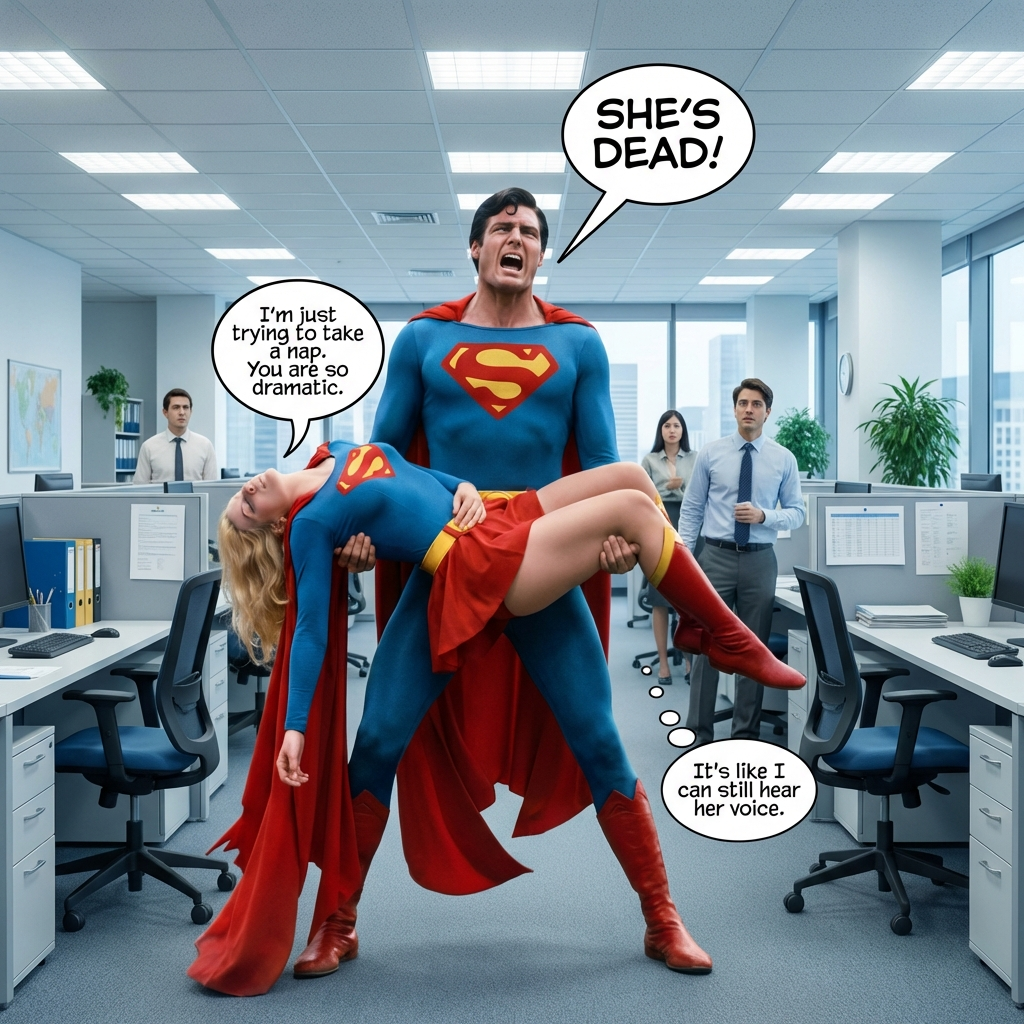
Office environment
image-relighting
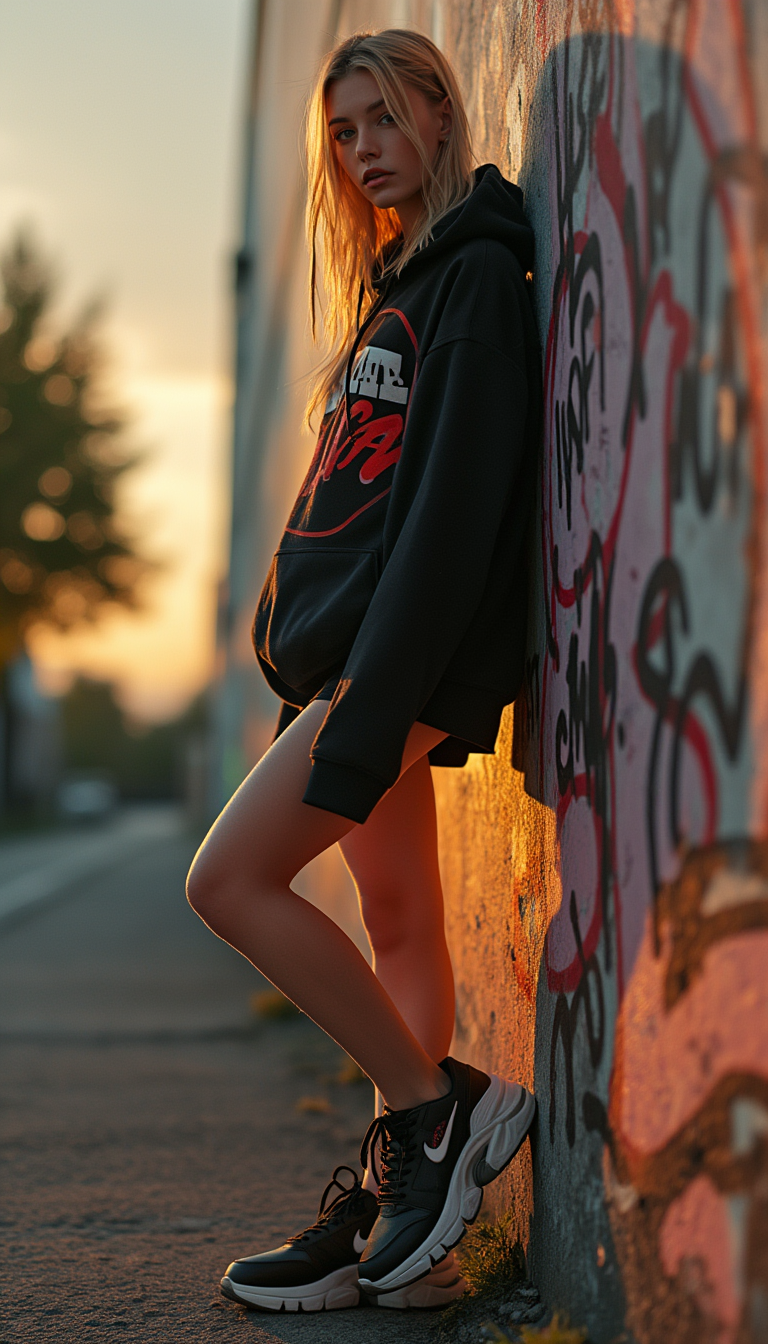
Ultra-detailed
stable-diffusion
Models you can run on PixelDojo for Christmas
Switch models without switching tools. Each one runs in the same PixelDojo studio.
What you can do with Christmas on PixelDojo
Generate Snowy Christmas Scenes
We allow creators to produce images featuring snow covered trees and holiday decorations from text prompts.
Create Personalized Gift Illustrations
Creators input prompts to generate custom wrapped presents and festive packaging visuals.
Design Festive Party Environments
We enable generation of indoor and outdoor Christmas party settings with lights and ornaments.
Produce Holiday Themed Portraits
Users create images of people in winter clothing and Santa hats using our tools.
Join thousands of creators who have generated over 1 million stunning Christmas images using PixelDojo's AI tools.
Why Choose Pixel Dojo for Christmas
Professional-quality results with cutting-edge AI technology
Effortless Creation
Generate high-quality Christmas images in seconds without any design experience.
Versatile Applications
Use your creations for cards, social media, marketing materials, and more.
Personalized Designs
Customize images to reflect your unique holiday spirit and style.
How It Works
Creating festive Christmas images with PixelDojo is simple and intuitive. Follow these steps to get started:
Step 1: Choose Your Tool
Select from PixelDojo's suite of AI tools tailored for image creation, such as Flux Creator or SDXL Image Creator.
Step 2: Enter Your Prompt
Describe the Christmas scene you envision. For example, 'A cozy living room with a decorated Christmas tree and a roaring fireplace.'
Step 3: Customize & Download
Adjust settings like color palette and lighting to match your desired aesthetic. Once satisfied, download your high-resolution image.
The Pixel Dojo Advantage
Why PixelDojo outperforms other options for Christmas image generation
| Others | Pixel Dojo |
|---|---|
| Traditional Design Methods | Save time and resources by generating images instantly without the need for design skills. |
| Generic AI Tools | Access specialized tools optimized for festive themes, ensuring higher quality and relevance. |
| Stock Images | Create unique, personalized visuals instead of using generic stock photos. |
Loved by creators on PixelDojo
Real feedback from people using PixelDojo, pulled from our in-product surveys.
large selection of tools on one platform
the amount you can do on this site
all in one place
It is a lot of fun to uae and easy too.
So many different models to try out
You keep adding to it to stay up to date and that is GOLD.
Explore more AI tools on PixelDojo
AI Tools
Compare & Switch
- Best AI Image Generators
- Best AI Video Generators
- Midjourney Alternatives
- Civitai Alternatives
- Runway Alternatives
- Leonardo Alternatives
- Pika Alternatives
- Luma Alternatives
- Magnific Alternatives
- Veo Alternatives
- Flux Alternatives
- Freepik Alternatives
- Seedance Alternatives
- Seedream Alternatives
- Pixverse Alternatives
- GPT Image Alternatives
- Synthesia Alternatives
- Playground Alternatives
- NightCafe Alternatives
- Canva AI Alternatives
- ElevenLabs Alternatives
- ComfyUI Alternatives
- Fal Alternatives
- Replicate Alternatives
Common Questions
Everything you need to know about Christmas
How can I create AI-generated Christmas images with PixelDojo?
Simply select a tool like Flux Creator, input a descriptive prompt of your desired scene, customize the settings, and download your image.
Do I need design experience to use PixelDojo's tools?
No, PixelDojo is designed for users of all skill levels. Our intuitive interface guides you through the creation process.
Can I use the generated images for commercial purposes?
Yes, images created with PixelDojo can be used for both personal and commercial projects.
Are there templates available for Christmas designs?
While PixelDojo focuses on custom creations, you can find inspiration and examples to guide your designs.
How long does it take to generate an image?
Most images are generated within seconds, allowing for quick iterations and adjustments.
Is there a cost to use PixelDojo's Christmas image tools?
PixelDojo offers various subscription plans, including options that allow you to try the tools before committing.