gemini 2.5 flash image instagram carousels AI Generator
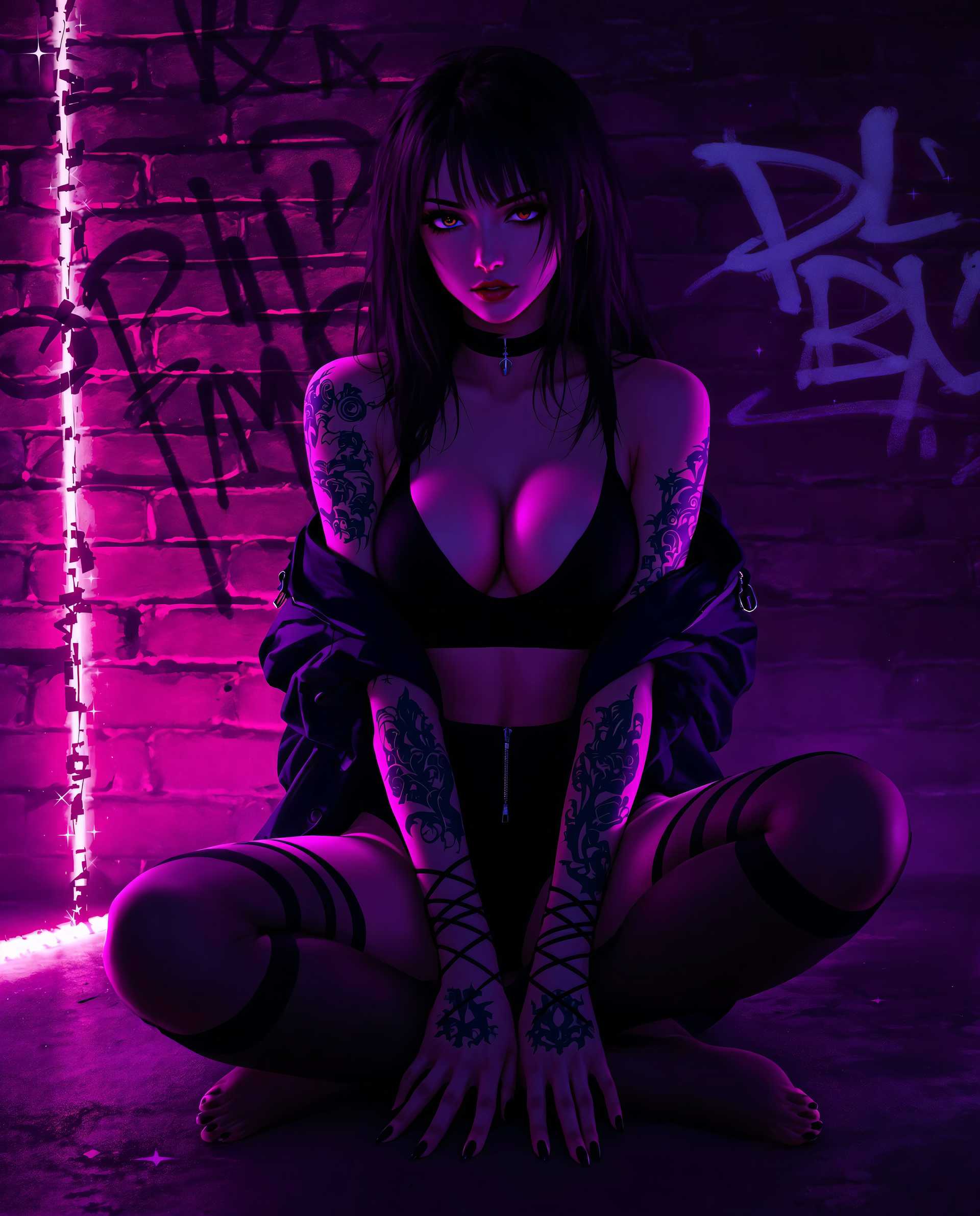
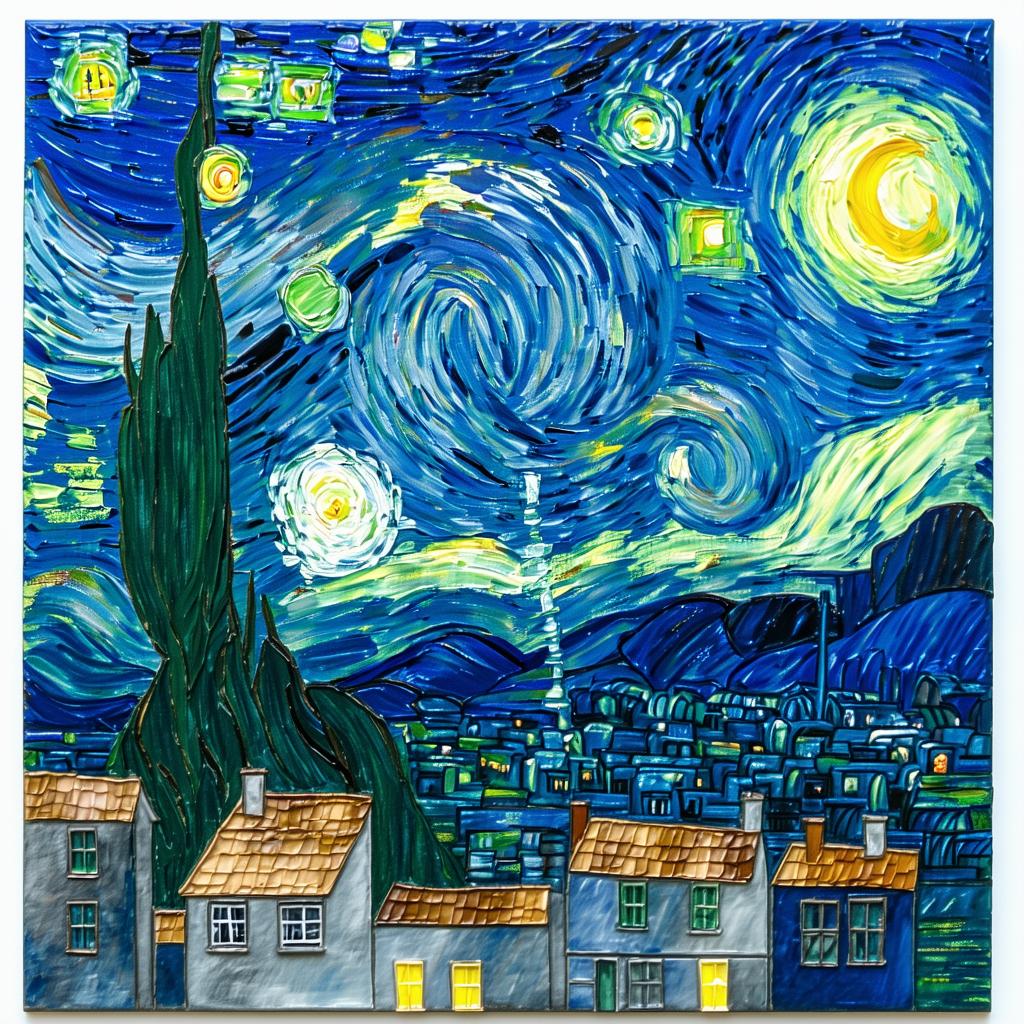
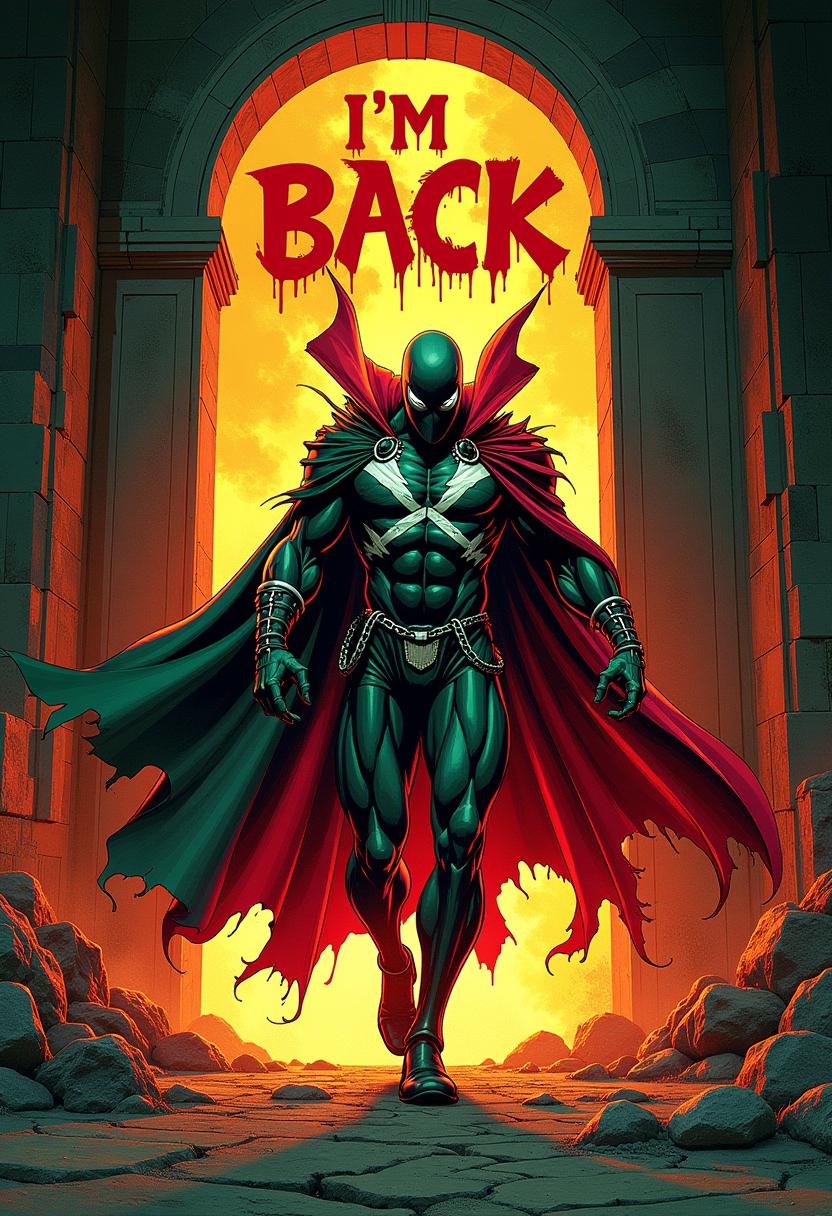
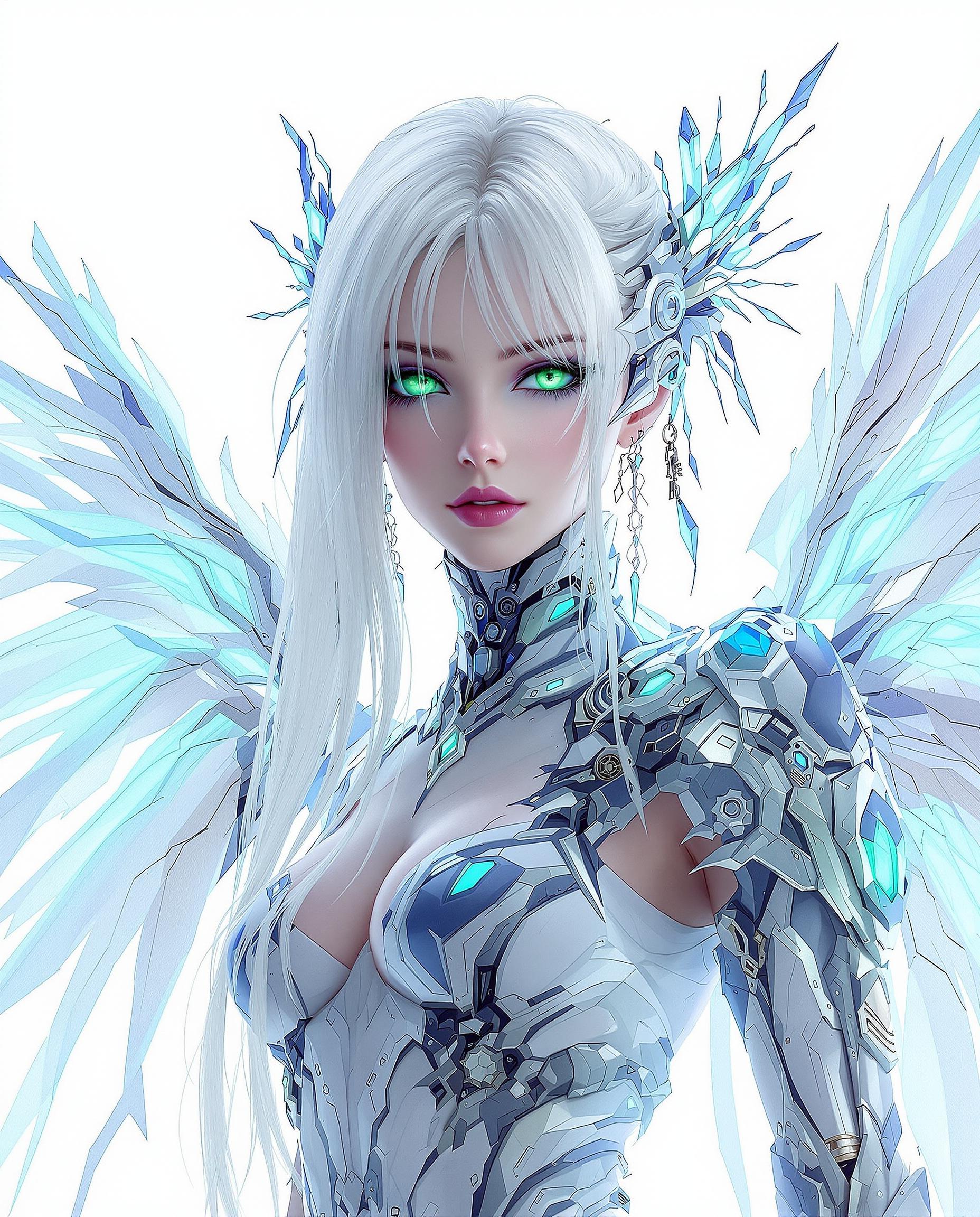
Enhance your Instagram engagement by creating visually stunning carousels with Gemini 2.5 Flash Image. This advanced AI tool empowers you to design cohesive, high-quality images that captivate your audience and elevate your brand's presence on social media.

Join thousands of creators who have transformed their Instagram content using Gemini 2.5 Flash Image, achieving higher engagement rates and follower growth.
Why Choose Pixel Dojo for gemini 2.5 flash image instagram carousels
Professional-quality results with cutting-edge AI technology
Consistent Character Representation
Maintain uniformity across carousel slides, ensuring your brand's identity remains strong and recognizable.
Effortless Image Editing
Make precise edits using natural language prompts, streamlining your content creation process.
Seamless Multi-Image Fusion
Combine multiple images into cohesive visuals, enhancing the storytelling aspect of your carousels.
How It Works
Creating engaging Instagram carousels with Gemini 2.5 Flash Image is straightforward. Follow these steps to bring your vision to life:
Step 1: Access Gemini 2.5 Flash Image
Log in to your PixelDojo account and navigate to the Gemini 2.5 Flash Image tool.
Step 2: Upload or Generate Images
Upload existing images or generate new ones by entering descriptive prompts that align with your carousel's theme.
Step 3: Edit and Customize
Use natural language commands to make specific edits, ensuring each slide maintains visual consistency and aligns with your brand's aesthetic.












The Pixel Dojo Advantage
Discover how Gemini 2.5 Flash Image stands out in Instagram carousel creation:
| Others | Pixel Dojo |
|---|---|
| Traditional Design Software | Eliminates the need for extensive design skills, allowing for quick and efficient content creation. |
| Generic AI Tools | Offers advanced features like character consistency and multi-image fusion tailored for high-quality carousel content. |
| Manual Photo Editing | Reduces time and effort by enabling precise edits through simple text prompts, streamlining the editing process. |
Loved by Creators
See what our community says about gemini 2.5 flash image instagram carousels
"Gemini 2.5 Flash Image revolutionized my Instagram strategy. Creating cohesive carousels has never been easier."
Alex Johnson
Social Media Manager
"The AI's ability to maintain character consistency across slides has significantly enhanced my brand's visual storytelling."
Maria Lopez
Content Creator
Common Questions
Everything you need to know about gemini 2.5 flash image instagram carousels AI generation
How does Gemini 2.5 Flash Image ensure character consistency in Instagram carousels?
Gemini 2.5 Flash Image utilizes advanced AI algorithms to maintain uniform character representation across multiple images, ensuring a cohesive look throughout your carousel.
Can I edit existing images using Gemini 2.5 Flash Image for my Instagram carousels?
Yes, you can upload existing images and make precise edits using natural language prompts, allowing for seamless integration into your carousel.
Is Gemini 2.5 Flash Image suitable for beginners without design experience?
Absolutely. The intuitive interface and natural language processing make it accessible for users of all skill levels to create professional-quality carousels.
What file formats are supported for download?
Gemini 2.5 Flash Image supports standard image formats like JPEG and PNG, ensuring compatibility with Instagram's upload requirements.
Are there any limitations on the number of images I can generate or edit?
PixelDojo offers flexible subscription plans to accommodate various usage needs, allowing you to generate and edit images according to your requirements.
How does Gemini 2.5 Flash Image handle image quality and resolution?
The tool generates high-resolution images suitable for Instagram, ensuring your carousels appear crisp and professional on all devices.