google veo 3 ai AI Generator
Google Veo 3 AI lets you bring stories to life—text, image, and audio fused into cinematic video clips that feel real. With PixelDojo, you get access to Veo-powered tools so you can generate videos with realistic sound, consistent characters, and dramatic motion—all without learning complex video software. Whether you’re crafting social clips, ads, storyboards, or creative experiments, Veo 3 style outputs help you wow your audience, save time, and launch with confidence.
Trusted by 3 million creators, 98% user satisfaction, 40M+ Veo-style clips made, featured in campaigns, socials, & galleries.
Why Choose Pixel Dojo for google veo 3 ai
Professional-quality results with cutting-edge AI technology
Generate Videos with Sound Built-In
Every video you create includes synced dialogue, ambient audio, and effects—no need for separate audio editing tools.
Cinematic Quality in Minutes
Achieve 4K visuals, realistic motion, and visual effects that used to cost hours of rendering, now in a few simple clicks.
Total Creative Control
Use reference images, adjust mood or camera movements, and keep characters consistent across scenes—your style, your rules.
How It Works
Here’s how you create Google Veo 3-style cinematic videos using PixelDojo—with real sound, motion, and polish:
Step 1: Choose Your Generation Tool
Select one of PixelDojo’s Veo-compatible video tools—like Runway Gen-4 Video, WAN 2.5 Video, or KLING v2.5 Turbo Pro—to leverage Veo-style visuals with native audio support.
Step 2: Enter Your Prompt with Audio & Visual Details
Type a text or upload an image providing: subject, lighting, motion and specify sound cues—dialogue, ambience, or effects. For example: “A sunset over city skyline, gentle guitar strum, distant traffic hum.”
Step 3: Customize Style, Camera & Download
Pick visual style or reference image (Style Transfer, Material Transfer), tweak camera angles or lighting, then generate. Once happy, export in MP4 at full resolution—ready to post or use in your project.





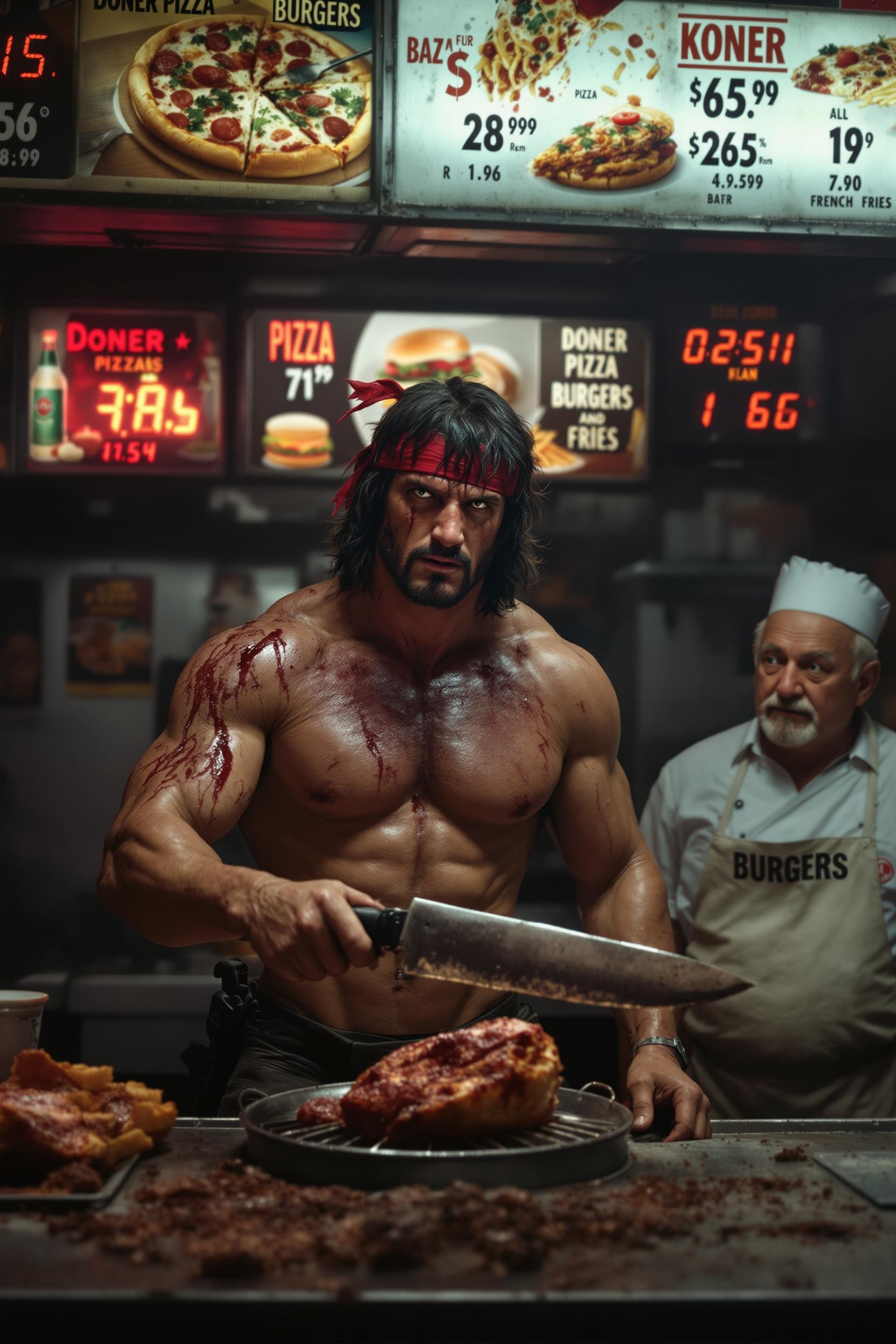
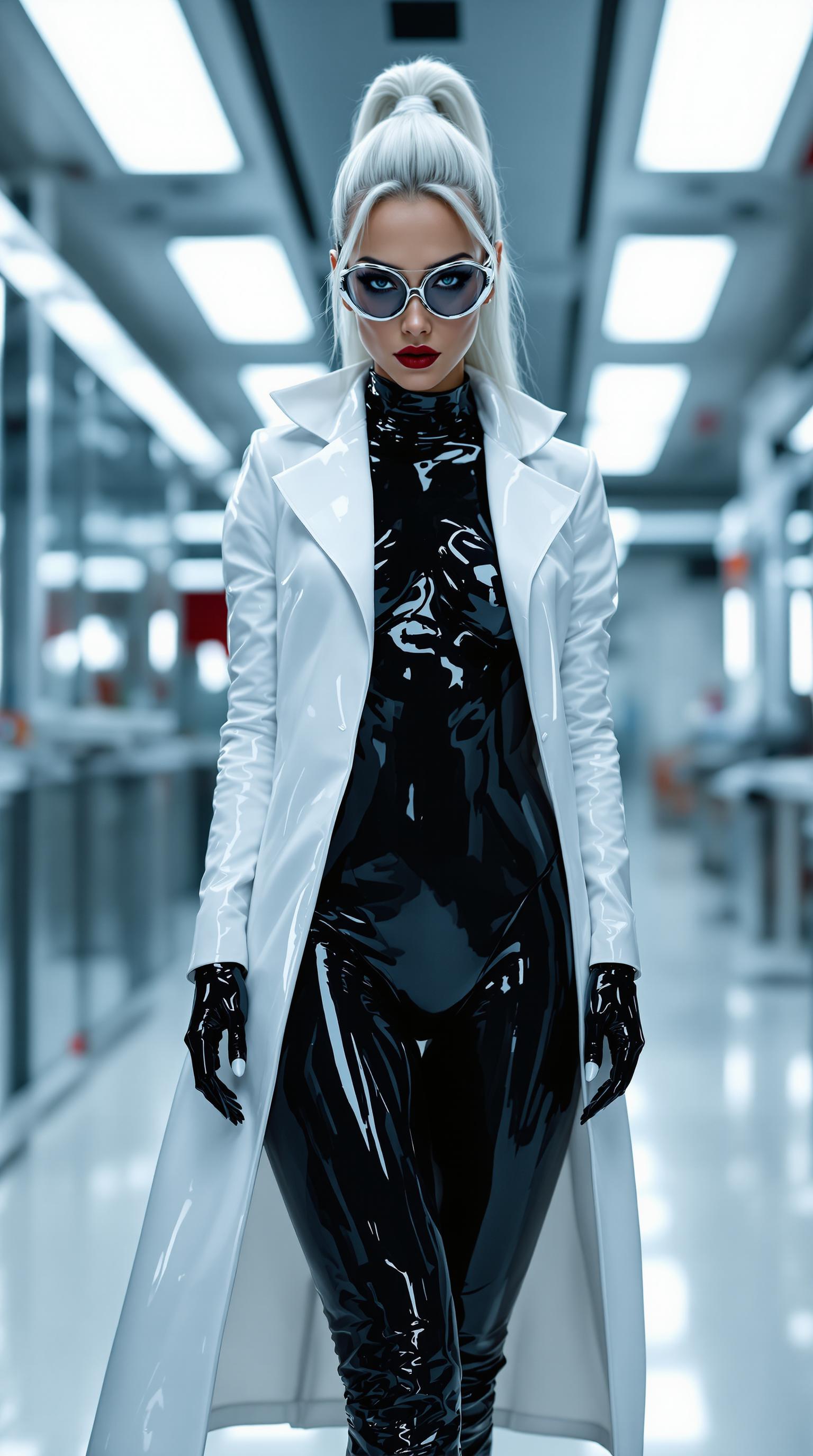

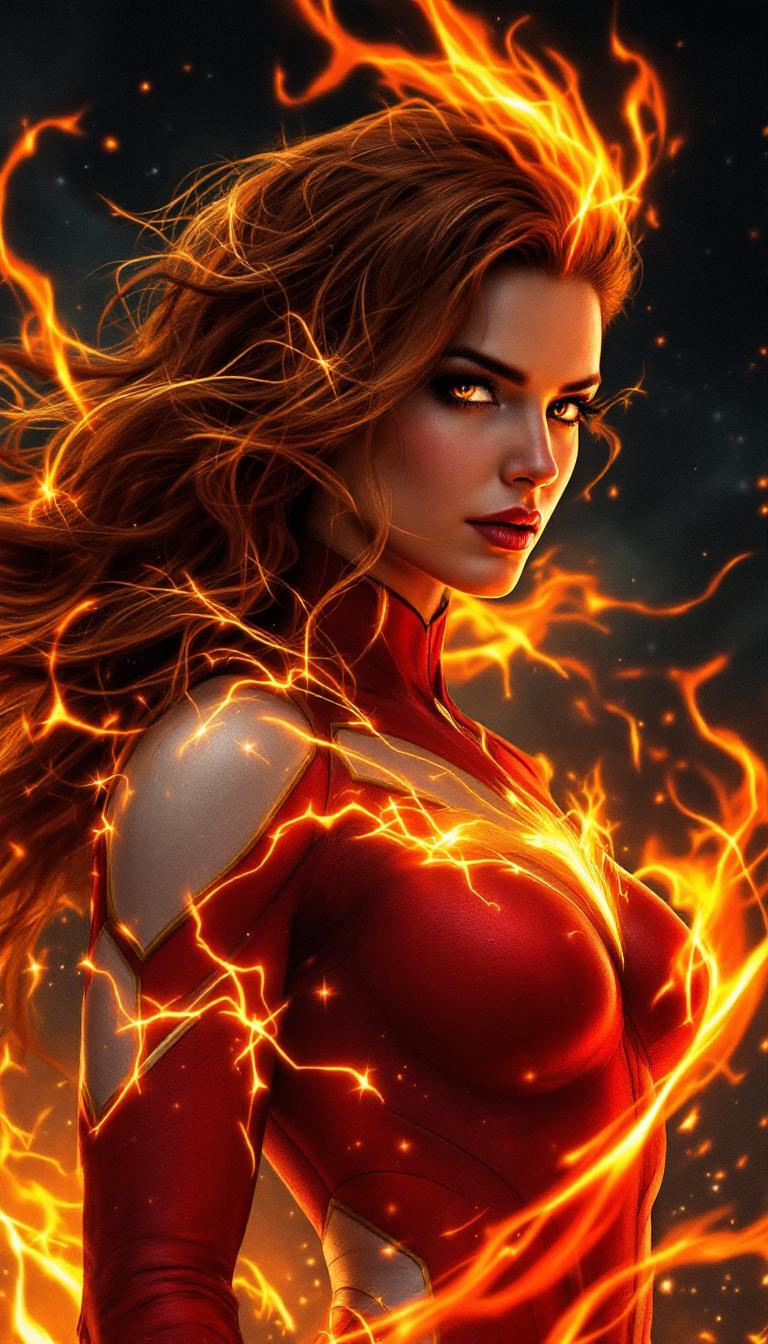
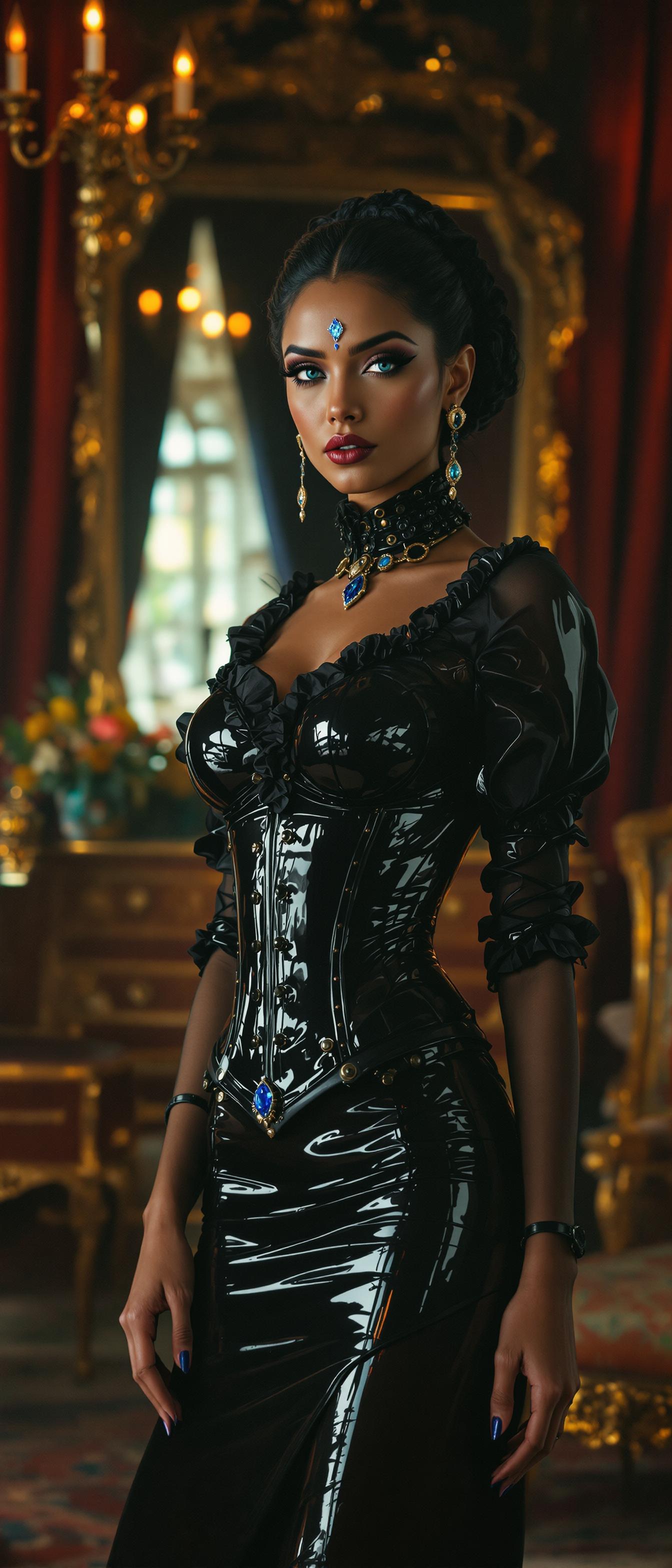
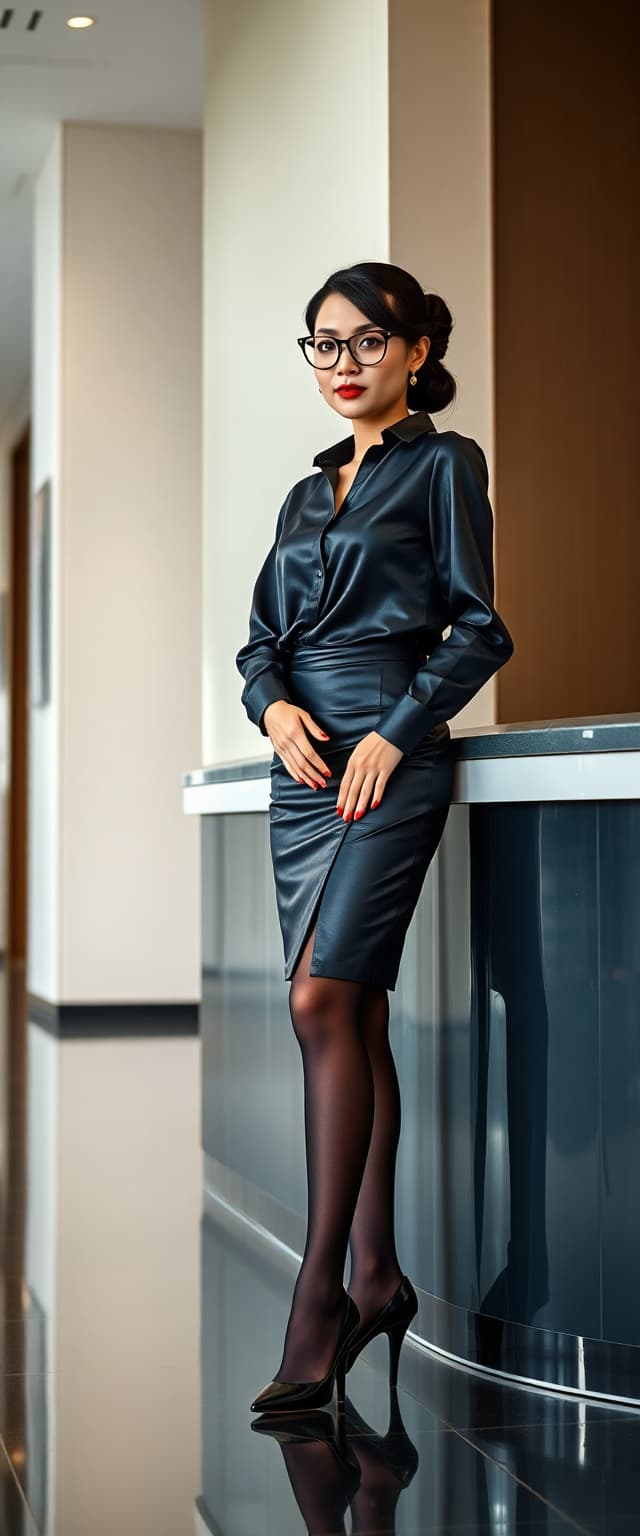


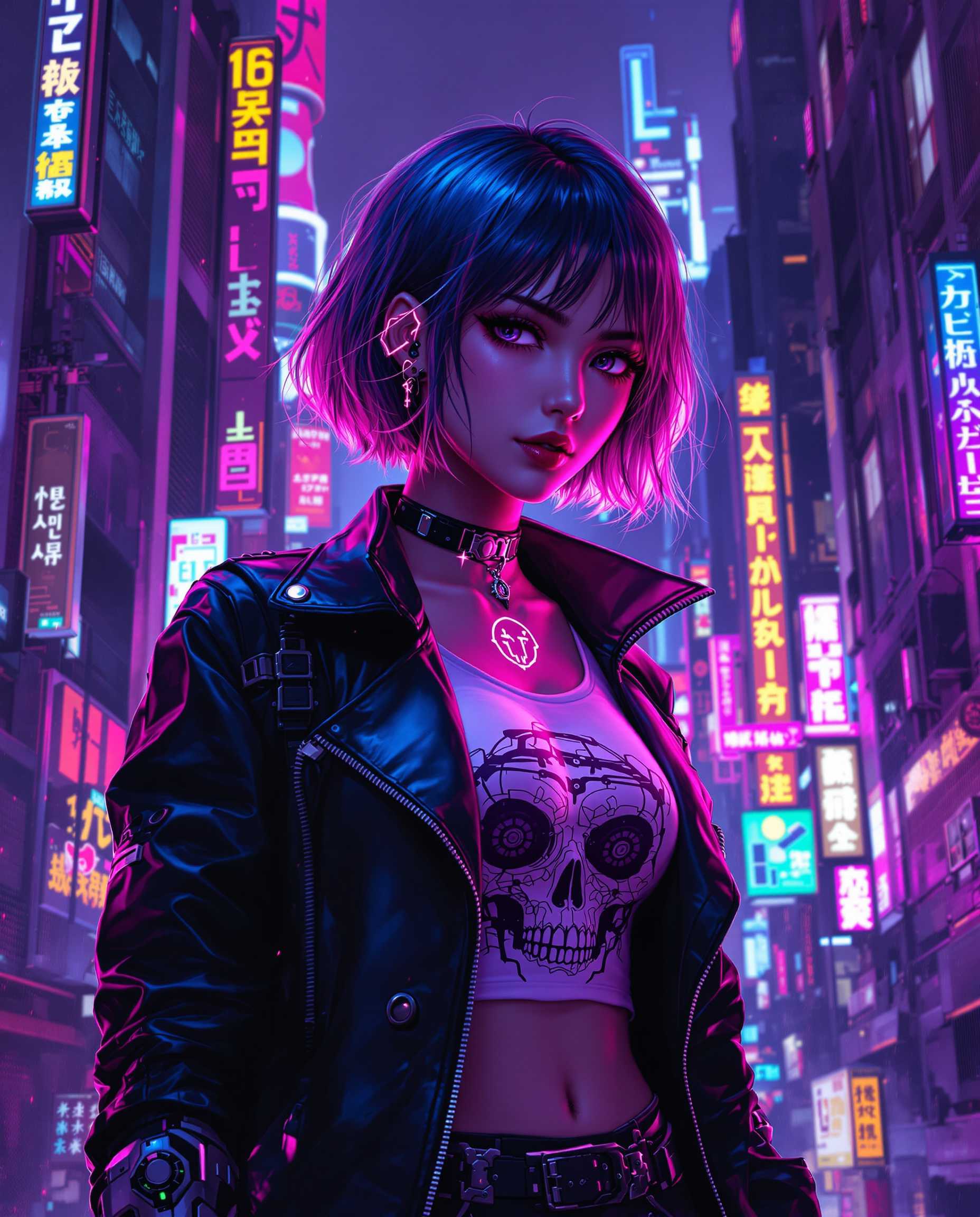
The Pixel Dojo Advantage
Why PixelDojo outperforms other ways of generating Google Veo 3 style video:
| Others | Pixel Dojo |
|---|---|
| Traditional video production | No set-ups, actors, cameras—just text or images; major cost & time savings |
| Generic AI video tools | Specifically tuned for Veo-level prompt adherence, native audio, cinematic style—not generic outputs |
| Manual photo editing & animation | Skip frame-by-frame work. Use Inpainting, Outpainting, Pose Control to automate creative direction |
Loved by Creators
See what our community says about google veo 3 ai
"PixelDojo’s Veo-style tools cut my video campaign production from days to minutes—and the sound sync is uncanny!"
Lena Harper
Social Media Director
"I’ve never had consistency this strong. Characters match, lighting holds, and the audio pulls you in. Game changer."
Raj Patel
Freelance Filmmaker
Common Questions
Everything you need to know about google veo 3 ai AI generation
What is Google Veo 3 AI style video generation?
Veo 3 is Google DeepMind’s third-generation text-to-video model that adds native audio (dialogue, ambient noise, sound effects) to visuals. Launched around May-June 2025, it provides improved prompt fidelity, realistic motion and physics, and the ability to animate photos into short video clips. ([deepmind.google](https://deepmind.google/en/models/veo/?utm_source=openai))
Can I use Veo 3 style videos for commercial projects with PixelDojo?
Yes. PixelDojo’s licensing allows you to publish Veo-style video content commercially. Because sound, characters, and images are all generated under your prompt, you're cleared for use in marketing, ads, social media, as long as you respect safety rules and avoid copyright-infringing prompts.
Is Veo 3 available in my country through PixelDojo?
PixelDojo offers Veo-style tools globally—if Veo 3 is supported in your region. Google Veo 3 via Gemini, Flow, and Vertex AI is rolling out in select countries; PixelDojo’s access depends on that availability. For U.S. creators it is available now. ([theverge.com](https://www.theverge.com/news/703885/google-gemini-ai-photo-video-feature-availability?utm_source=openai))
How long are Veo 3 videos, and what resolutions can I export at?
Most Veo-style clips are 5-8 seconds when animating photos or via short prompts; full video generation may range longer depending on tool tier. Exports are available in 720p, 1080p, and up to 4K Ultra HD in PixelDojo’s higher-end tools. ([theverge.com](https://www.theverge.com/news/703885/google-gemini-ai-photo-video-feature-availability?utm_source=openai))
Do I need audio editing experience to get good sound with Veo 3 style?
No. PixelDojo handles sound automatically—dialogue, ambient audio, and effects are generated based on what you type. You can prompt for specific audio cues, but you don’t need to import or edit sound manually unless you want finer control.
What are limitations or risks when creating using Veo 3 style video AI?
Some limitations include mismatches (lip-sync or facial detail) with complex dialogue, visible watermarks in certain tools, and regional restrictions for high resolution or Fast models. Also, ensure you stay within safety guidelines—Veo 3 filters out harmful or misleading content. ([time.com](https://time.com/7290050/veo-3-google-misinformation-deepfake/?utm_source=openai))