kling video 3.0 omni AI Generator
Imagine bringing your creative visions to life with cinematic AI videos that captivate your audience. With Kling Video 3.0 Omni, you can effortlessly generate 15-second high-definition videos featuring physics-accurate motion and native audio synchronization. Whether you're a filmmaker, content creator, or marketer, Kling Video 3.0 Omni empowers you to produce professional-grade videos that resonate with viewers.

Join over 100,000 creators who have generated more than 500,000 videos using Kling Video 3.0 Omni. With a 4.9/5 satisfaction rating, our platform is trusted by professionals worldwide.
Why Choose Pixel Dojo for kling video 3.0 omni
Professional-quality results with cutting-edge AI technology
Effortless Cinematic Video Creation
Generate 15-second high-definition videos with realistic motion and synchronized audio, all from simple text or image prompts.
Director-Level Control
Utilize advanced motion control features to direct camera movements, ensuring your videos have the desired cinematic feel.
Consistent Character Representation
Maintain character consistency across multiple scenes using reference images, ensuring a cohesive narrative throughout your video.
How It Works
Creating stunning AI-generated videos with Kling Video 3.0 Omni is a straightforward process. Follow these steps to bring your ideas to life:
Step 1: Choose Your Input
Start by providing a text description, an image, or a combination of both to serve as the foundation for your video.
Step 2: Customize Motion and Audio
Utilize the platform's motion control features to direct camera movements and ensure synchronized audio, enhancing the cinematic quality of your video.
Step 3: Generate and Download
Once satisfied with your settings, generate the video. After processing, download your high-definition cinematic AI video ready for use.



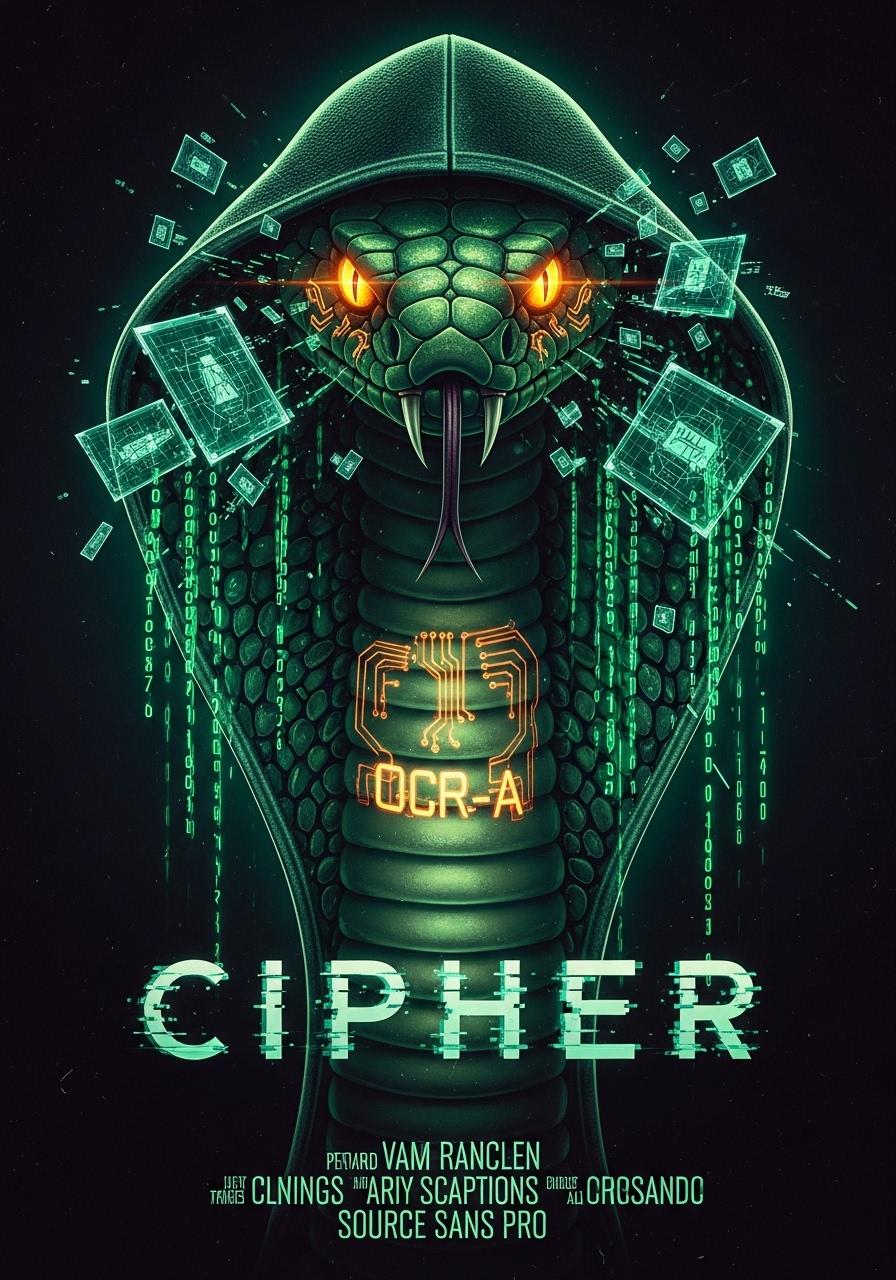




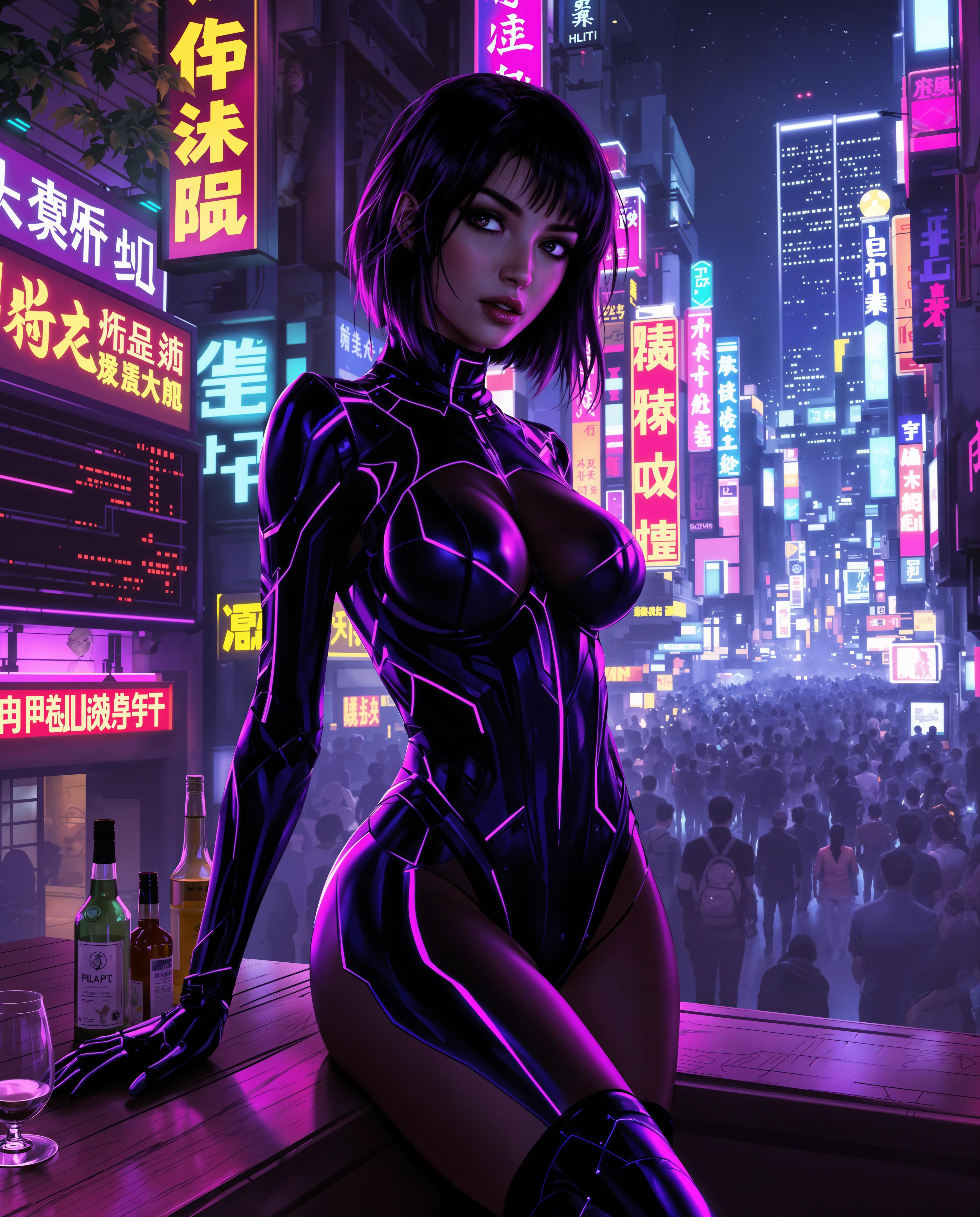


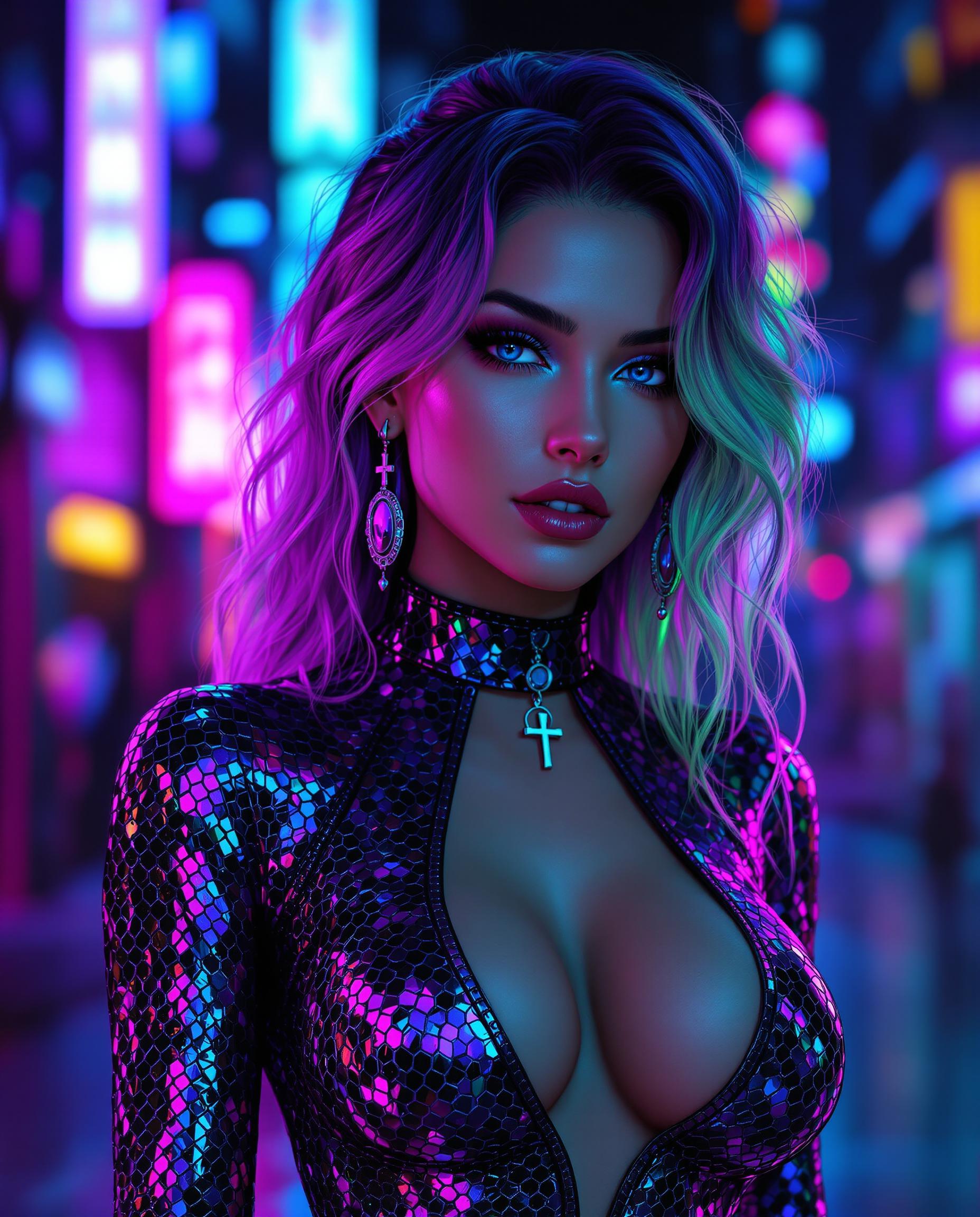




The Pixel Dojo Advantage
Why Kling Video 3.0 Omni stands out in AI video generation:
| Others | Pixel Dojo |
|---|---|
| Traditional Video Production | Eliminate the need for expensive equipment and lengthy production times by generating high-quality videos in minutes. |
| Generic AI Video Tools | Experience unparalleled control over motion and audio synchronization, ensuring your videos meet professional standards. |
| Manual Video Editing | Save hours of editing by generating videos that require minimal post-production adjustments. |
Loved by Creators
See what our community says about kling video 3.0 omni
"Kling Video 3.0 Omni has revolutionized my content creation process. The ability to generate high-quality videos with synchronized audio is a game-changer."
Alex Johnson
Content Creator
"As a filmmaker, the director-level control over camera movements and character consistency has significantly enhanced my storytelling capabilities."
Maria Lopez
Filmmaker
Common Questions
Everything you need to know about kling video 3.0 omni AI generation
How does Kling Video 3.0 Omni ensure physics-accurate motion in AI-generated videos?
Kling Video 3.0 Omni utilizes the Omni One Physics Engine, which employs Chain-of-Thought reasoning to predict realistic movements, ensuring objects and characters behave naturally without unnatural artifacts.
Can I use Kling Video 3.0 Omni for commercial projects?
Yes, Kling Video 3.0 Omni provides full commercial rights, allowing you to use the generated videos for advertising, film production, YouTube, and global distribution.
What input formats does Kling Video 3.0 Omni support?
You can start with text descriptions, images, or a combination of both to generate your videos, offering flexibility in your creative process.
How long does it take to generate a video with Kling Video 3.0 Omni?
The platform offers a Draft Mode that is 20 times faster, allowing you to test camera angles and prompts quickly before rendering the final high-quality video.
Does Kling Video 3.0 Omni support audio synchronization?
Yes, it generates perfectly synchronized audio, including voiceovers, lip-synced dialogue, sound effects, ambient audio, and background music, all in a single generation pass without the need for post-production.
Is Kling Video 3.0 Omni suitable for beginners?
Absolutely. The platform is designed with an intuitive interface, making it accessible for both beginners and professionals to create high-quality videos effortlessly.