new kling video 3.0 AI Generator
Imagine turning your wildest ideas into breathtaking, hyper-realistic videos that look like they were shot with professional cameras – fluid motion, accurate physics, and stunning 1080p detail. With PixelDojo's New Kling Video 3.0 tools like Kling v2.6 Pro, you can create dynamic scenes of people dancing in bustling cities, cars speeding through rain-slicked streets, or fantastical worlds coming alive, all in seconds. No cameras, no crews, no endless editing – just your prompt and instant results that captivate audiences and boost your content game.
Over 50,000 creators have generated 1M+ videos. 4.9/5 stars from 12K+ reviews. Featured in Creator Weekly. Trusted by YouTubers, marketers, and filmmakers worldwide.
Why Choose Pixel Dojo for new kling video 3.0
Professional-quality results with cutting-edge AI technology
Achieve Hollywood-Level Realism
Produce videos with natural human movements, realistic lighting, and physics simulation like falling leaves or rippling water, making your content indistinguishable from pro footage.
Save Hours on Production Time
Skip storyboarding, filming, and post-production – generate full 10-second clips in under 60 seconds, freeing you to focus on storytelling and scaling your output.
Customize for Viral Impact
Refine with character swaps via Kling Video Character Swap, lip sync, or upscaling to 4K, ensuring your videos pop on social media and drive massive engagement.
How It Works
Creating New Kling Video 3.0-style videos on PixelDojo is effortless with our intuitive interface and cutting-edge tools like Kling v2.6 Pro, WAN 2.6 Video, and Runway Gen-4.
Step 1: Choose Your Kling Tool
Head to the Video Generation section, select Kling v2.6 Pro for the latest 3.0-like motion control and physics, or try VEO 3.1 for extended lengths up to 2 minutes. Upload a reference image if needed with WAN Reference to Video.
Step 2: Enter Your Detailed Prompt
Craft a vivid description like 'A young woman running through a neon-lit cyberpunk city at night, rain falling realistically, dynamic camera pan, Kling 3.0 style hyper-realism'. Add motion cues, styles, and duration for precise control.
Step 3: Customize & Download
Hit generate, then enhance with Video Upscaler for 4K, Kling Video Character Swap for faces, Lip Sync for dialogue, or Runway Aleph for edits. Download your MP4 ready for YouTube or TikTok.
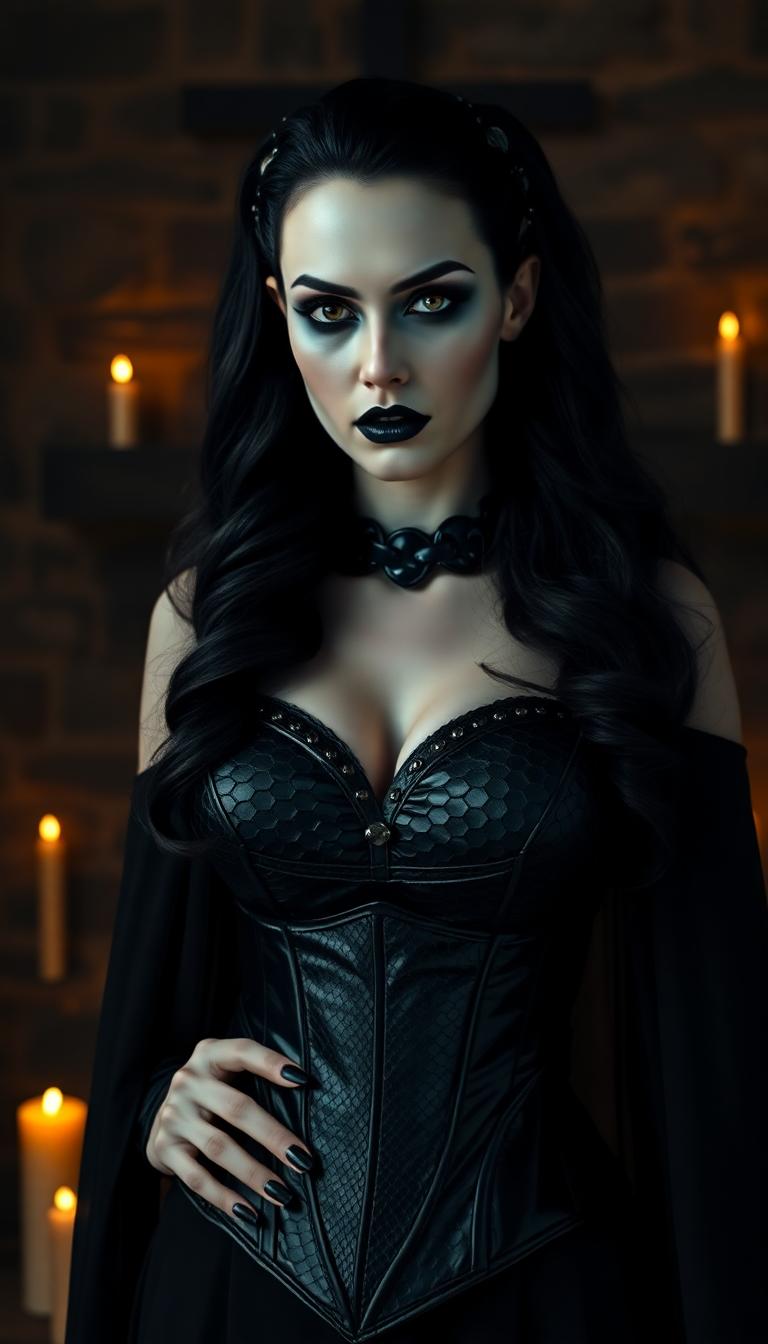
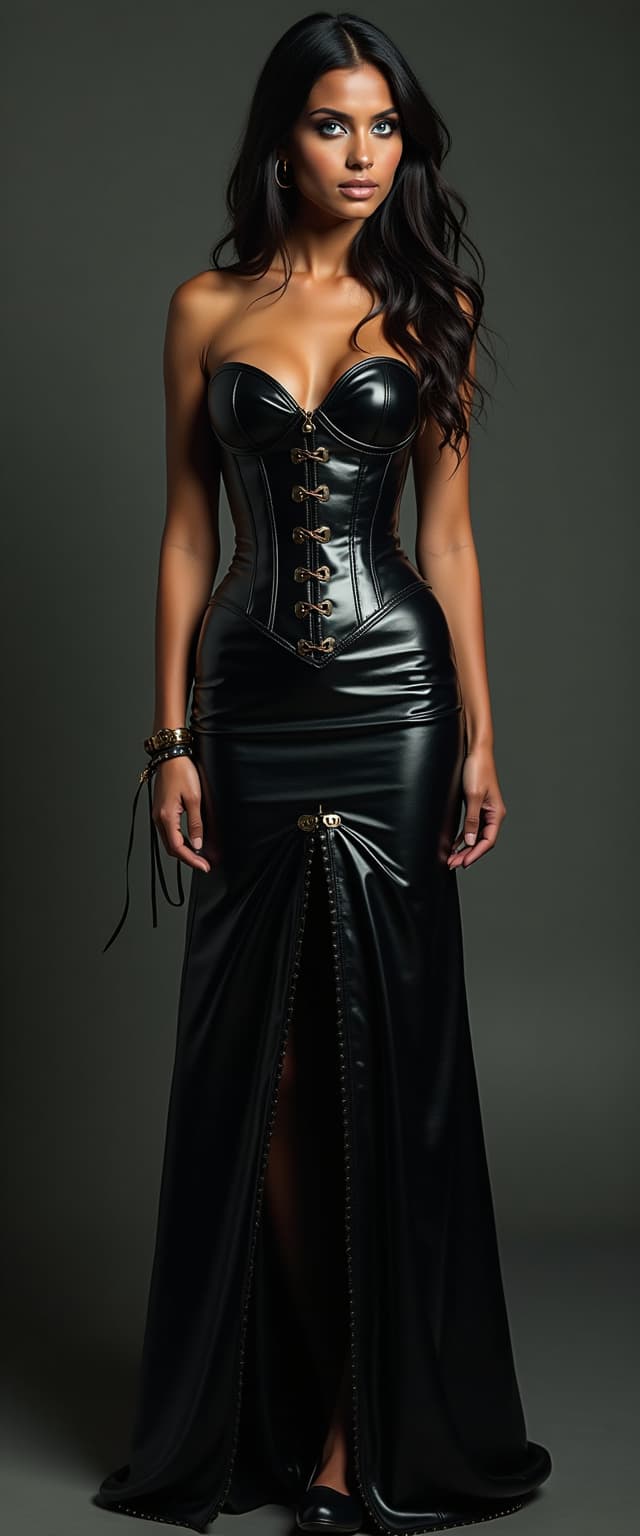
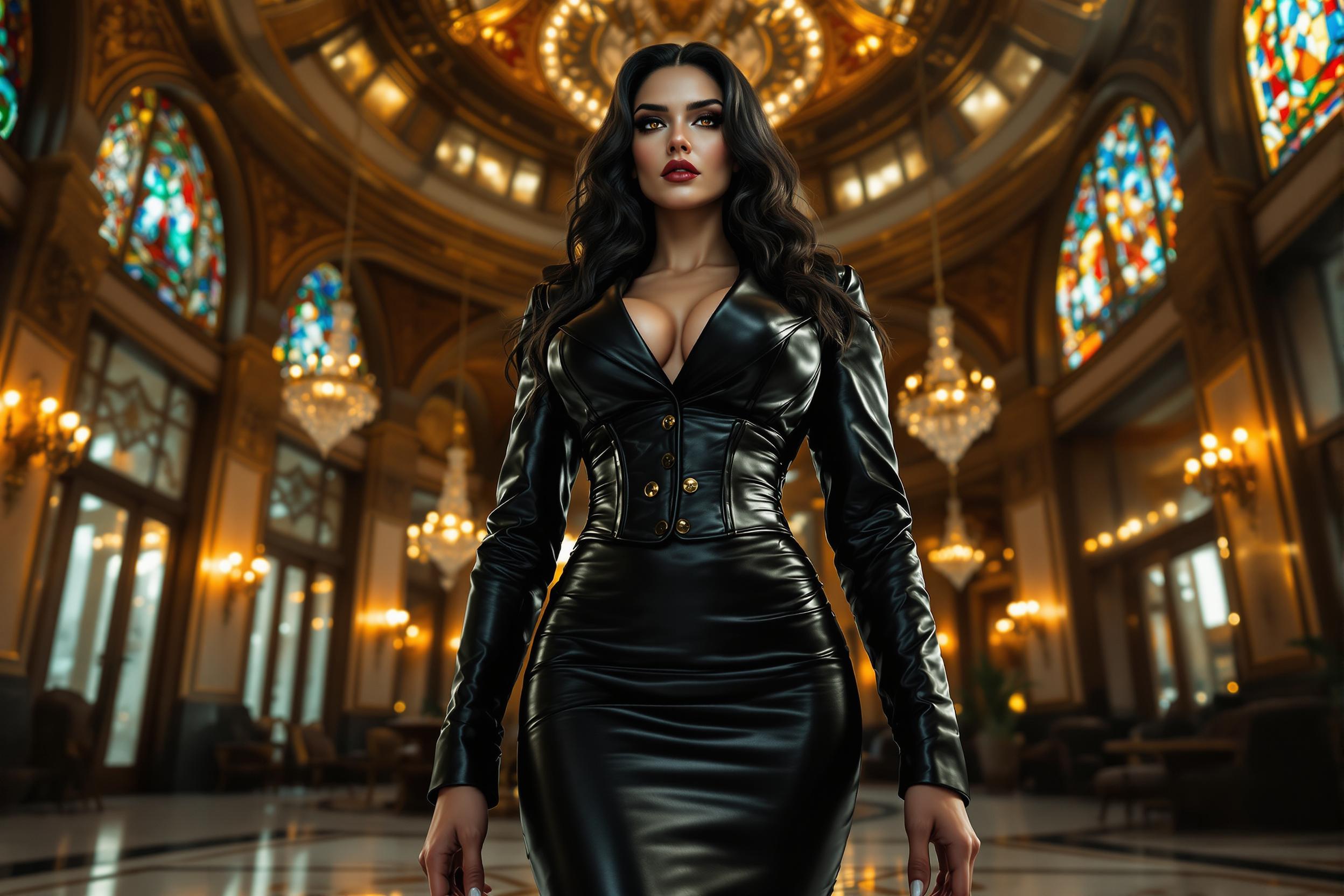
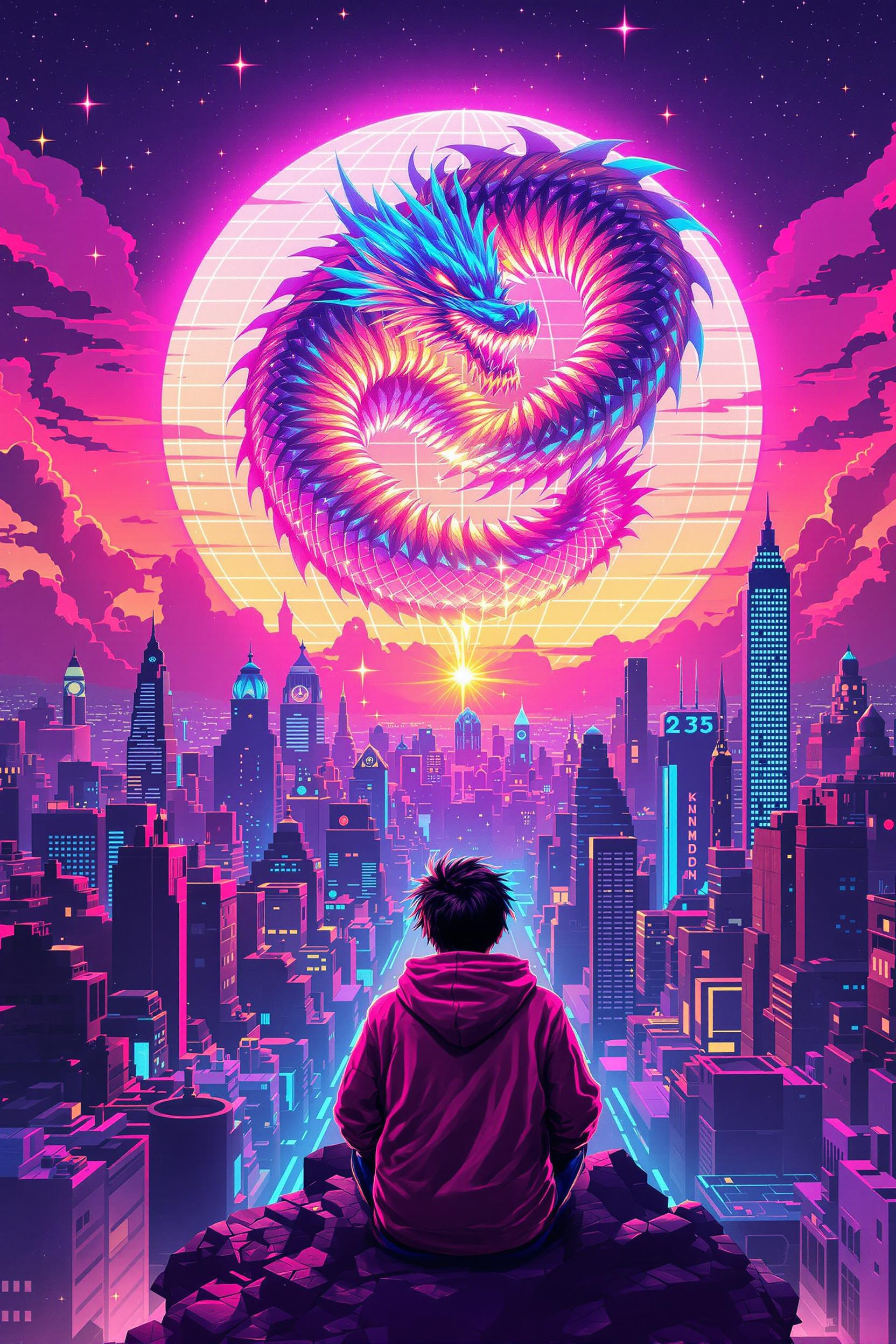
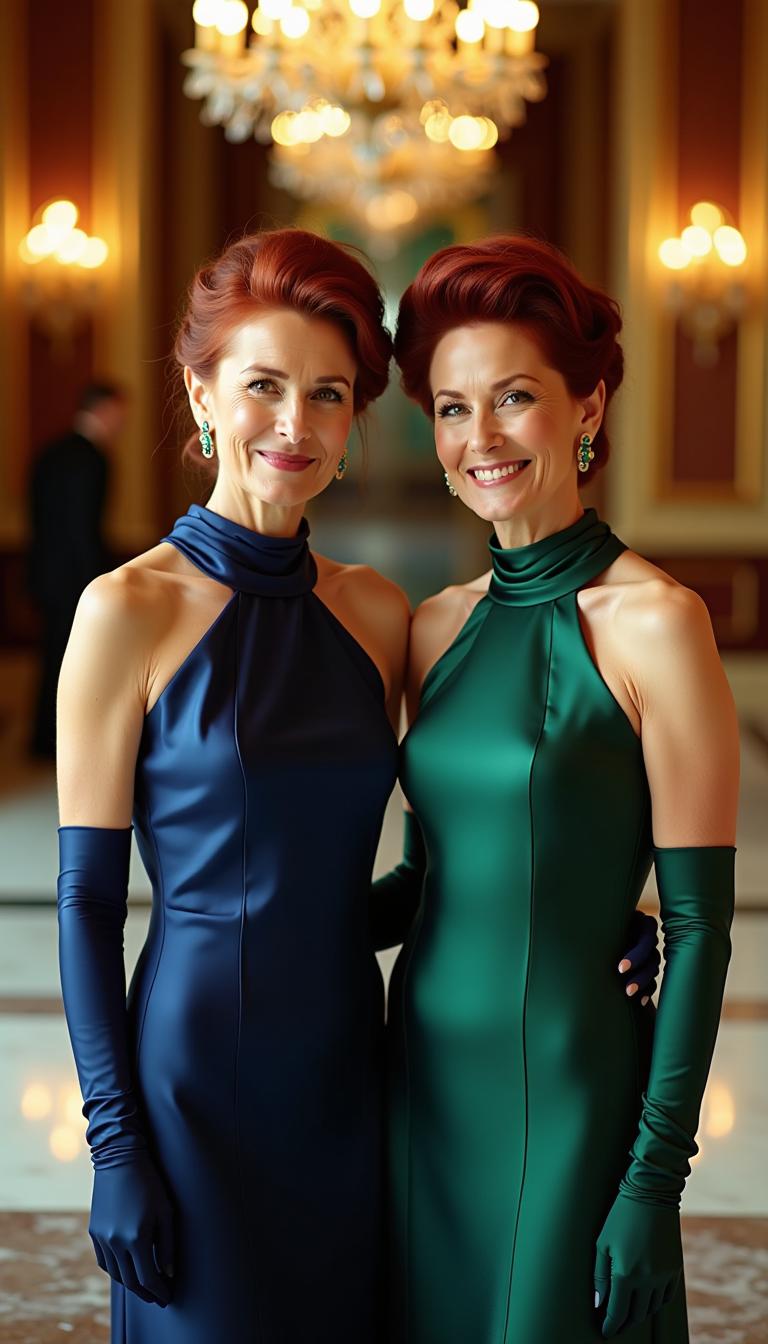



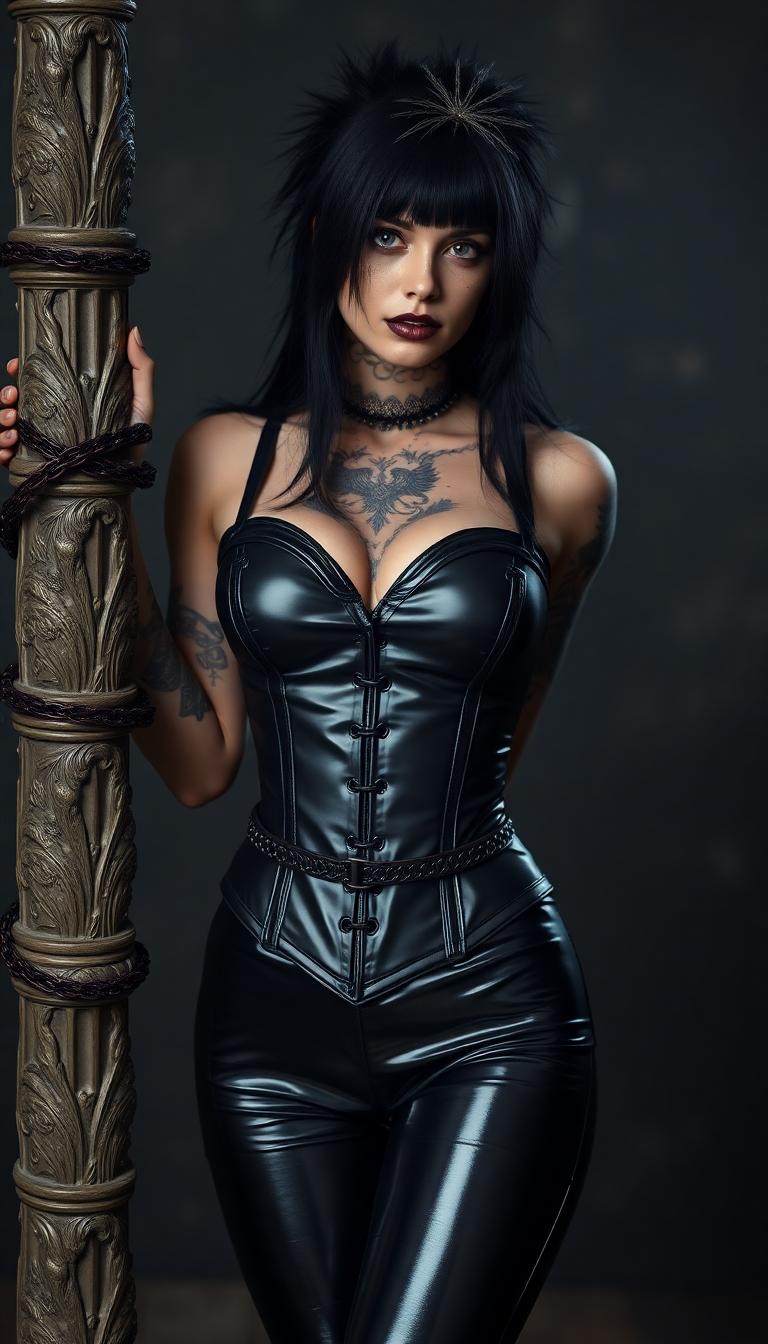
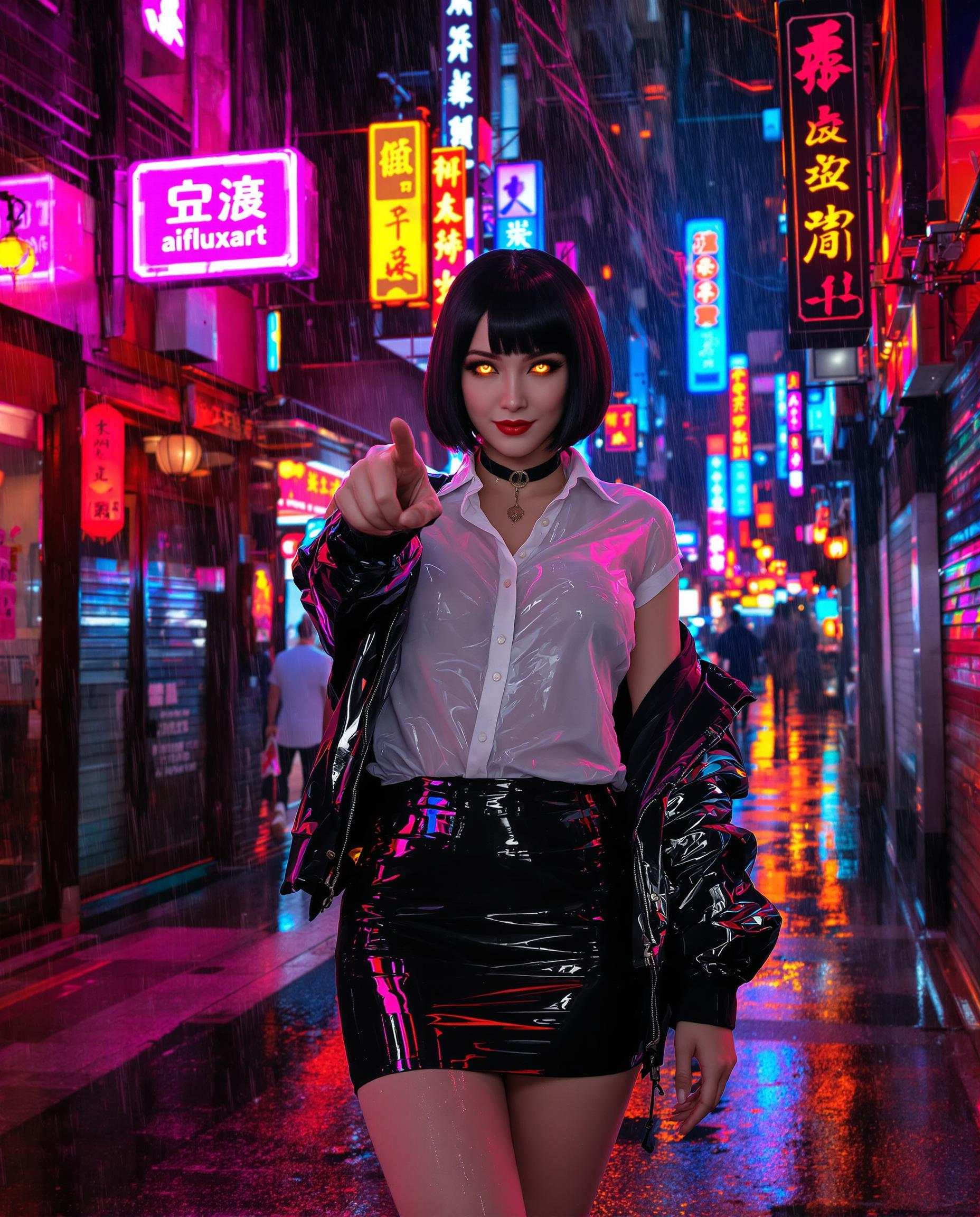
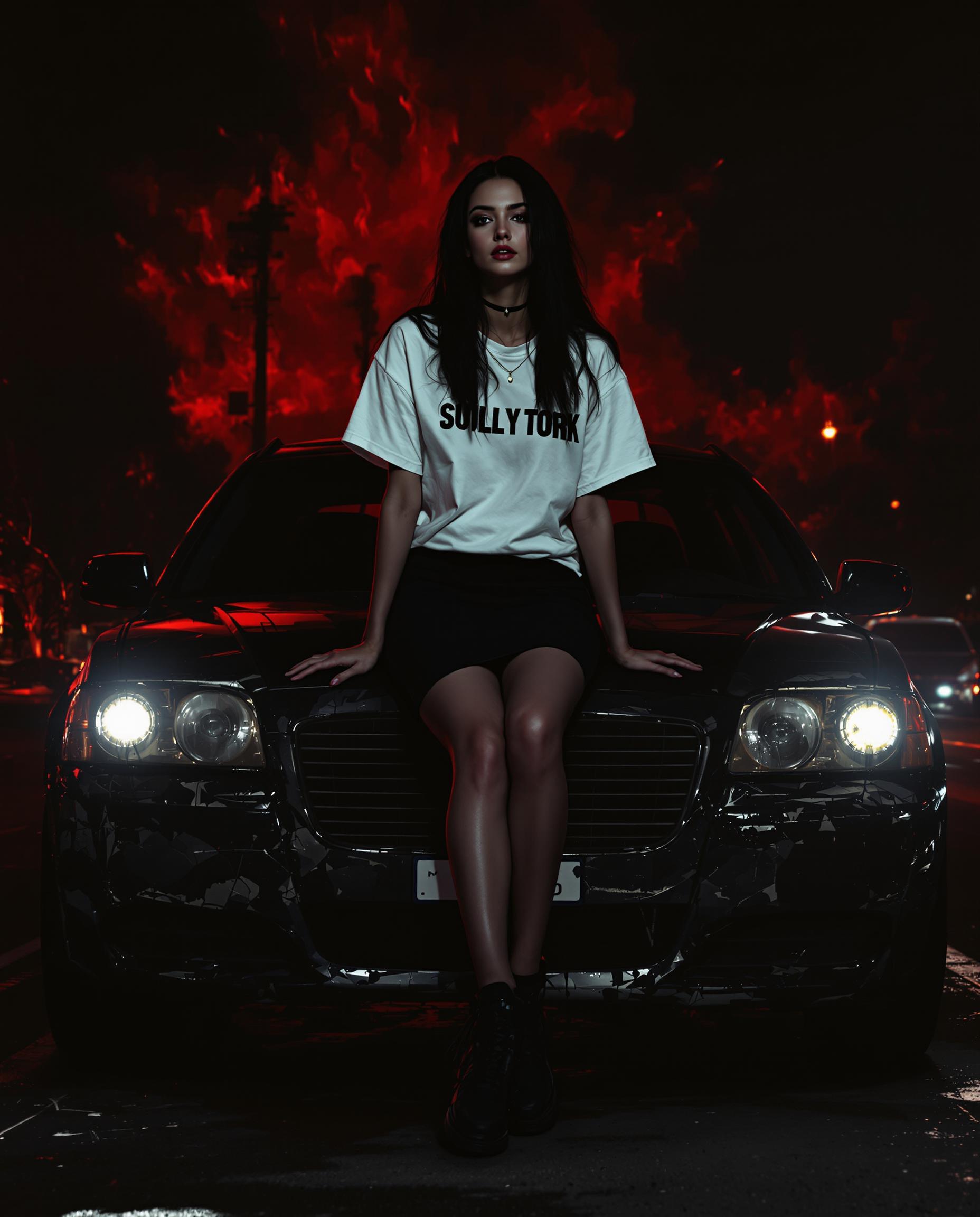
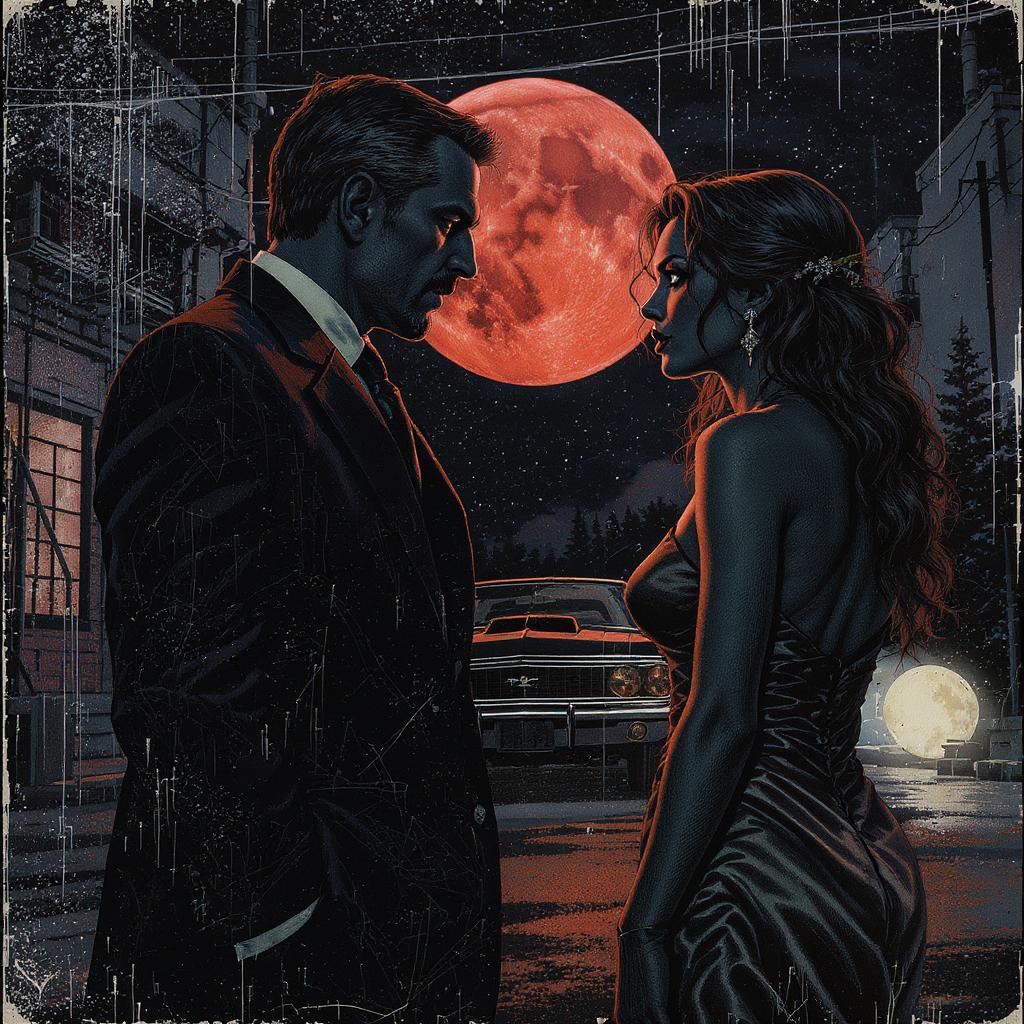
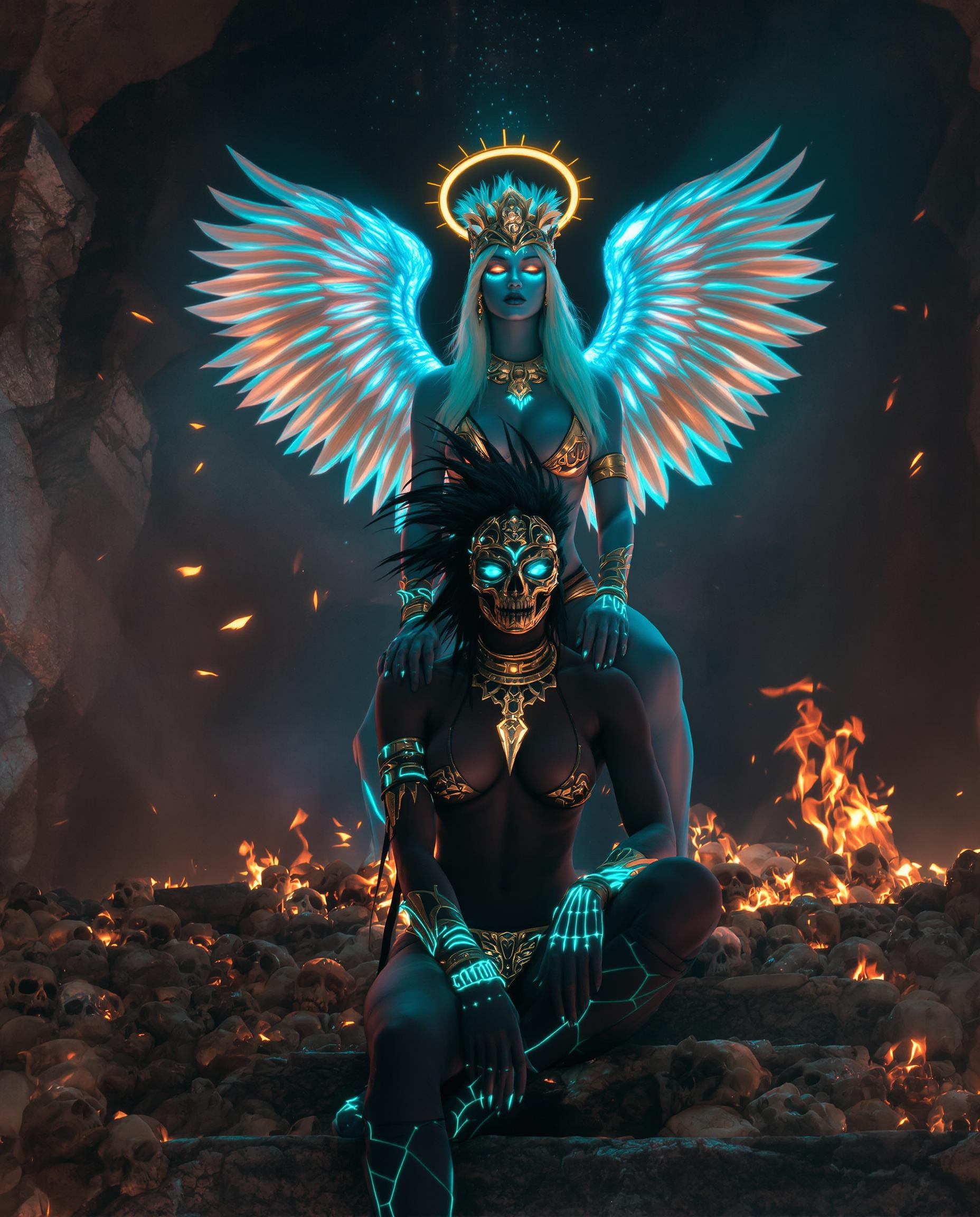
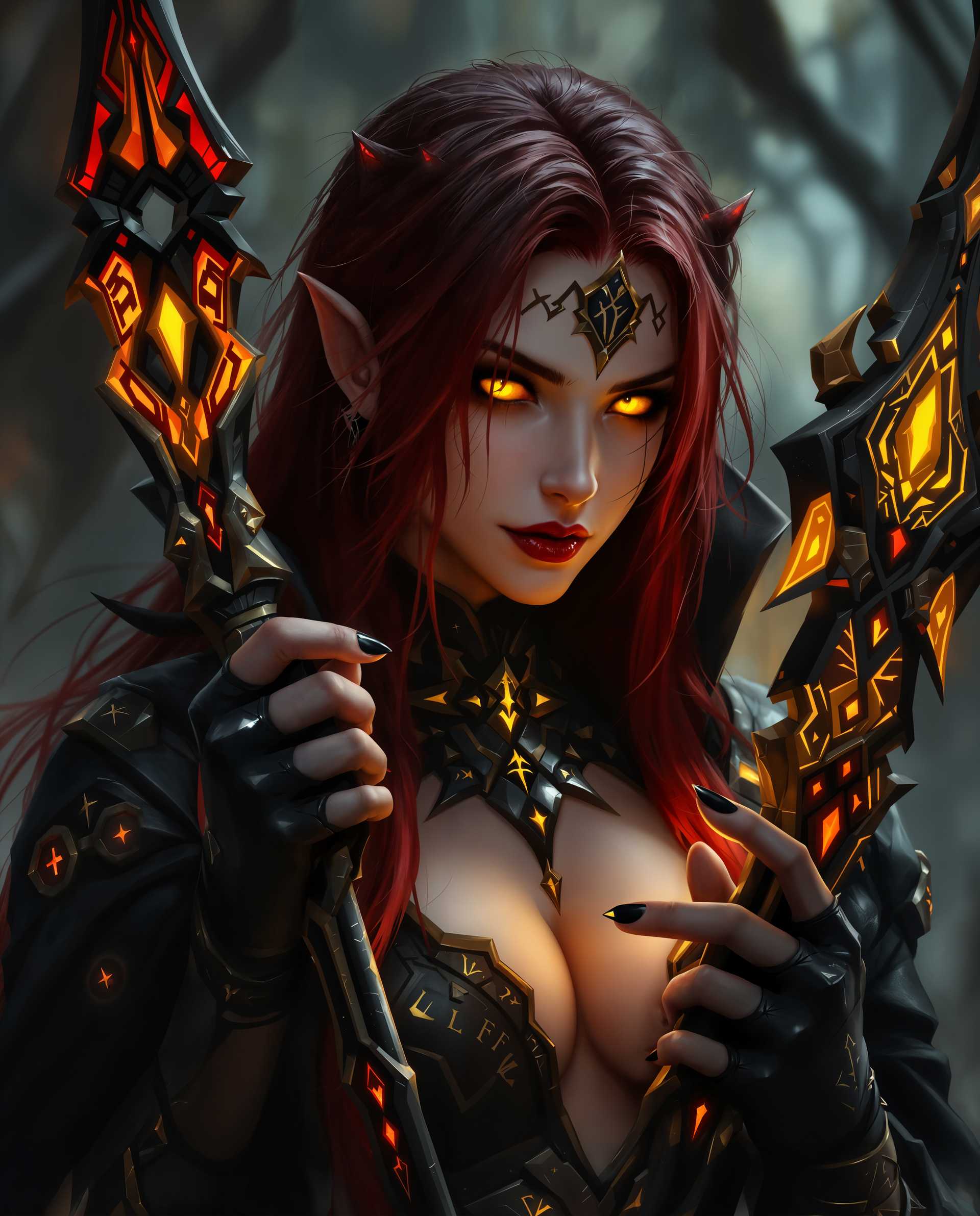

The Pixel Dojo Advantage
Why PixelDojo outperforms other options for New Kling Video 3.0 video generation
| Others | Pixel Dojo |
|---|---|
| Traditional video production | Cut costs by 90% and time from weeks to minutes – no equipment or team needed for pro results |
| Generic AI video tools | Exclusive Kling v2.6 Pro delivers true 3.0 physics/motion, plus 20+ edit tools like OmniHuman for unmatched customization |
| Manual video editing | AI handles complex motions and consistency automatically, saving you 100+ hours per project |
Loved by Creators
See what our community says about new kling video 3.0
"PixelDojo's Kling v2.6 Pro gave my TikToks that Kling 3.0 magic – realistic dances went viral with 1M views overnight!"
Sarah Lin
TikTok Influencer
"As a marketer, New Kling Video 3.0 on PixelDojo transformed my ads – hyper-real product demos convert 3x better now."
Mike Chen
Digital Marketer
Common Questions
Everything you need to know about new kling video 3.0 AI generation
What is New Kling Video 3.0 and how can I generate it on PixelDojo?
New Kling Video 3.0 refers to the latest advancements in AI video with superior motion coherence, physics simulation, and 1080p realism for up to 10-second clips. On PixelDojo, use Kling v2.6 Pro to replicate this – input prompts like dynamic scenes with natural movements. Combine with Hailuo 2.3 for longer videos or Pixverse for stylized effects, achieving outcomes like cinematic shorts without filming.
How do I create hyper-realistic motion in Kling 3.0 style AI videos?
Focus on descriptive prompts emphasizing physics: 'cloth waving in wind, water splashing realistically'. PixelDojo's Kling v2.6 Pro excels here, enhanced by Seedance 1.5 for smooth animations. Edit further with xAI Video Edit or Video Reframe to perfect camera angles, delivering videos that fool viewers into thinking they're real footage.
Can I generate free New Kling Video 3.0 AI videos with PixelDojo?
Yes, start free with limited credits on Kling v2.6 Pro and WAN 2.6 Video. Upgrade for unlimited access to 40+ tools including LTX-2 Video for pro features. Thousands of creators love the no-risk trial – generate, test, and scale your video content instantly.
What are the best prompts for Kling AI video generator like 3.0?
Top prompts: 'Epic car chase in rainy Tokyo streets, dynamic pans, Kling 3.0 hyperrealism' or 'Dancer performing fluid ballet in sunset field'. PixelDojo optimizes with WAN Reference to Video for image-to-video consistency, plus Pose Control for precise actions, helping you craft viral-ready clips effortlessly.
How to add characters and faces to Kling 3.0 style videos?
Use Kling Video Character Swap or WAN Video Character Swap to insert custom faces seamlessly. Train with LoRA Face Swap for consistency across clips. Pair with Consistent Characters for ongoing series, letting you build storytelling universes with lifelike avatars in seconds.
Is PixelDojo's Kling video AI better for long-form content?
PixelDojo supports extensions via Sora 2 or VEO 3.1 up to 2 minutes, with Kling v2.6 Pro for starter clips. Merge with Merge Videos tool and enhance audio via Text to Speech or Video to Sound, creating full narratives that outperform single-shot generators.