picture ai

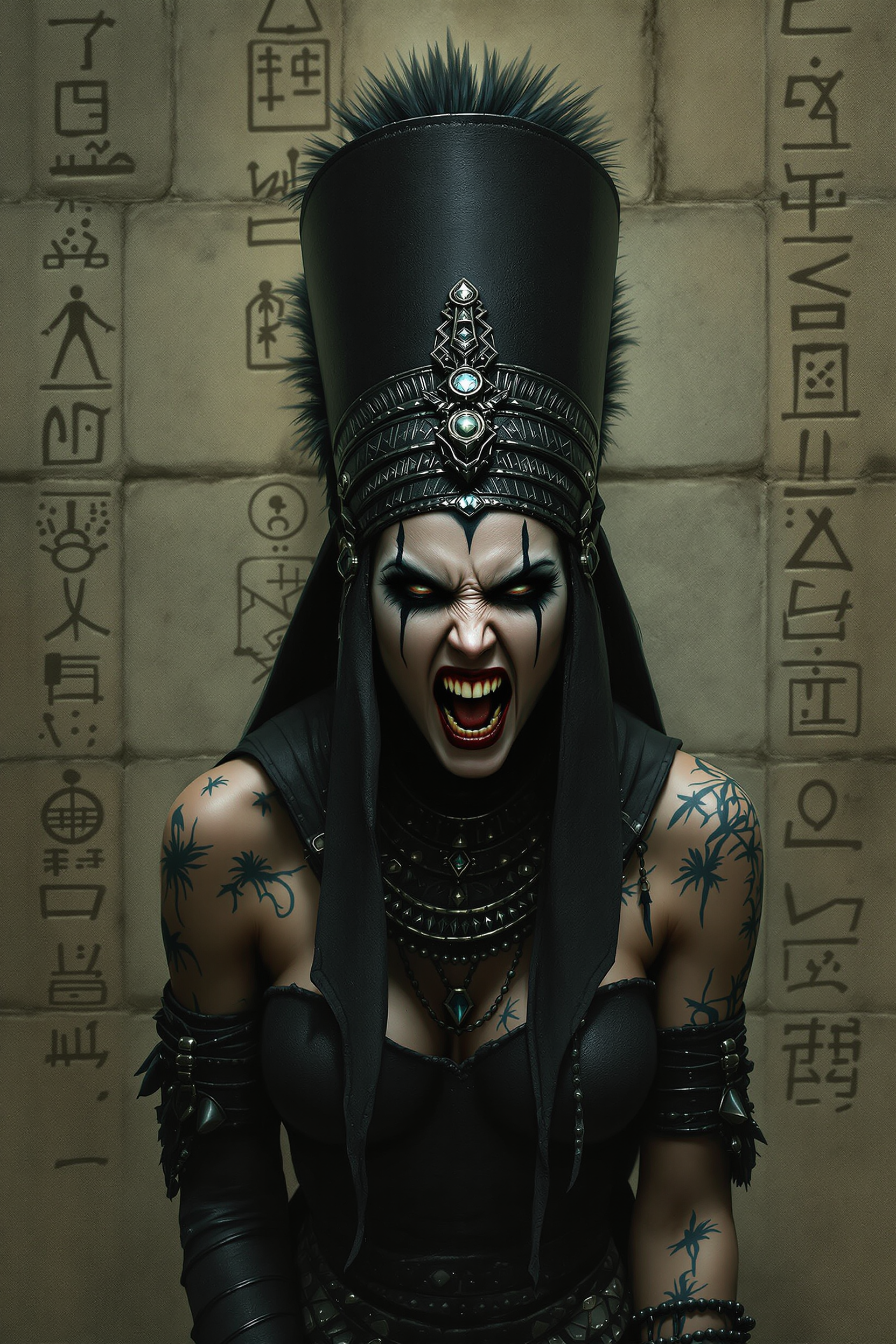
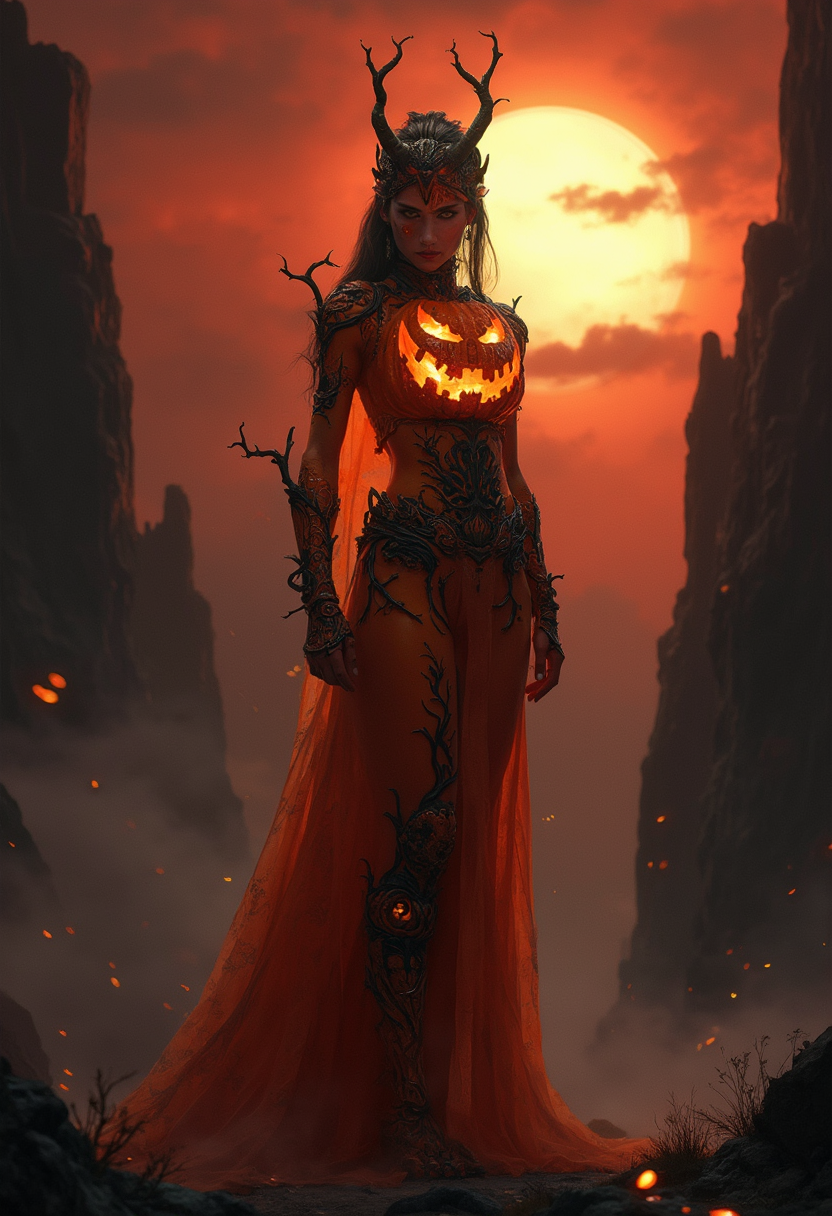
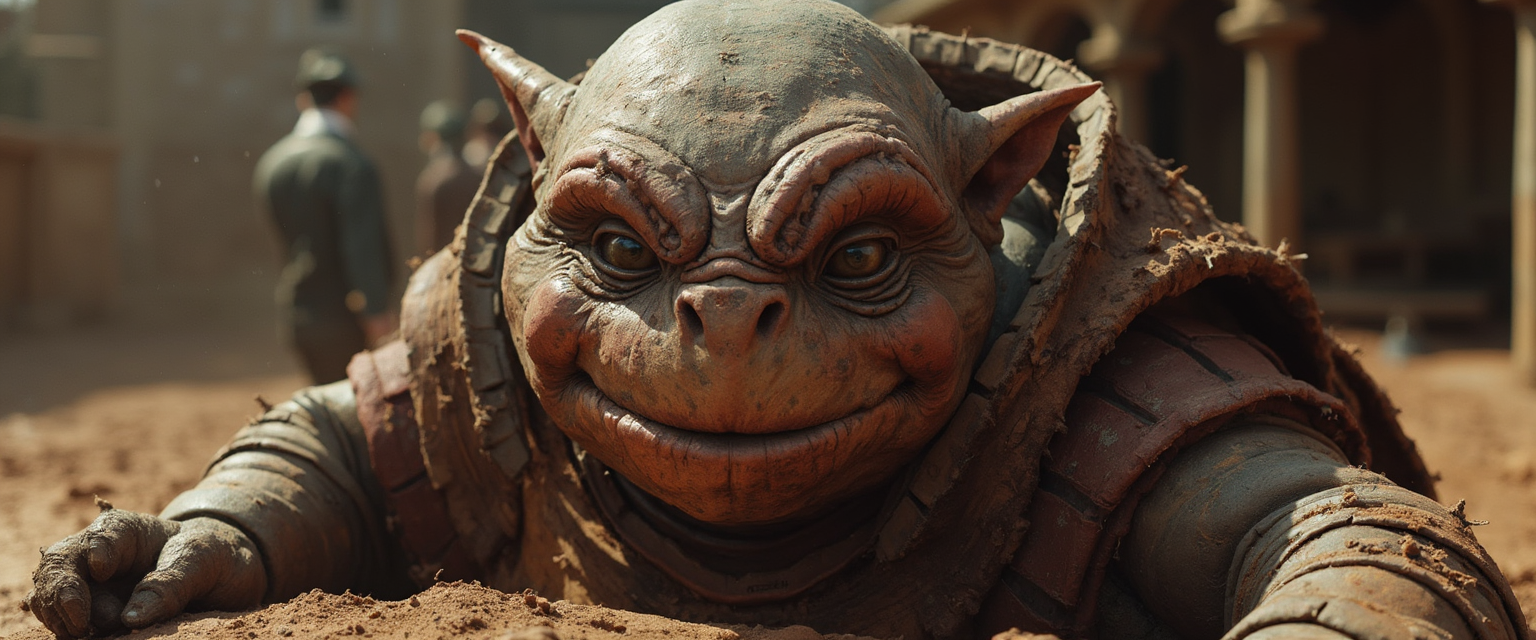
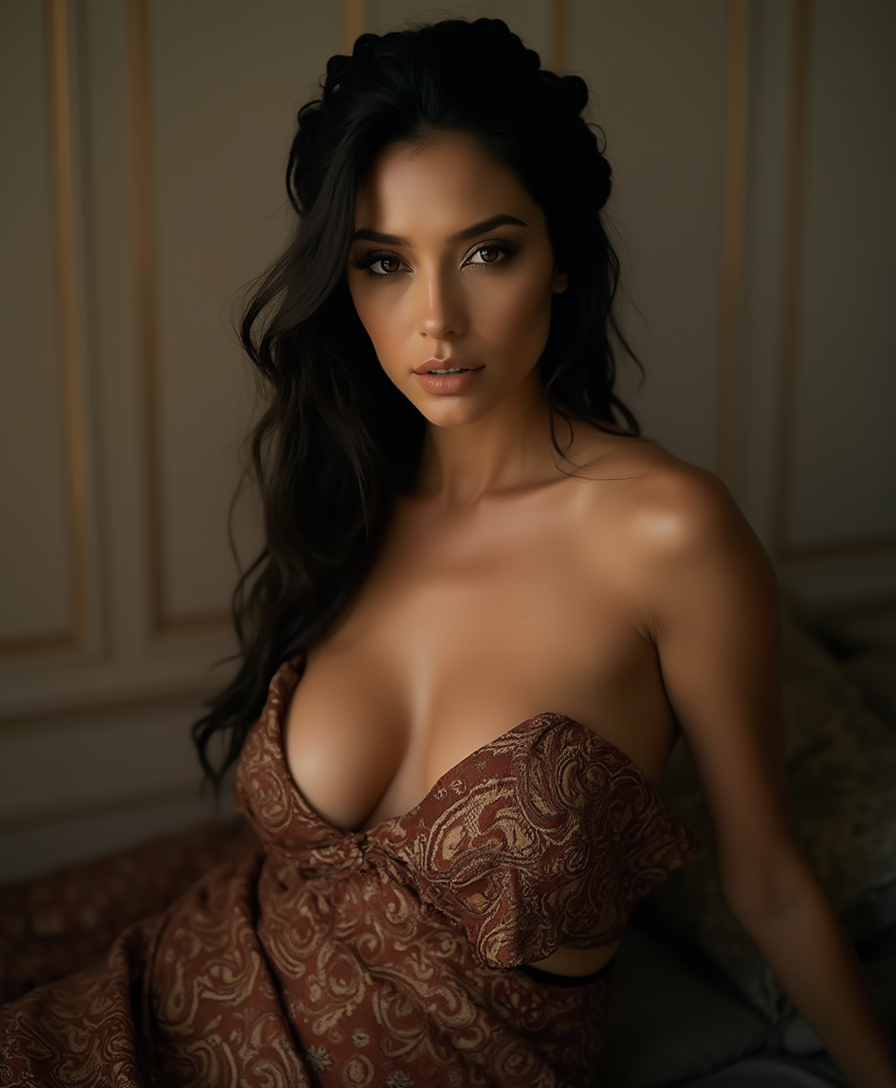
Picture AI empowers you to bring any vision to life as professional-quality images in seconds. Whether crafting marketing campaigns, social media visuals, personal artwork, or product concepts, you achieve photorealistic results and consistent characters without hiring designers or spending hours editing. PixelDojo puts 40+ cutting-edge tools at your fingertips so you can generate, refine, and perfect AI pictures that stand out and deliver real impact for your projects.
Over 75,000 creators trust PixelDojo for picture ai generation, earning a 4.9/5 rating from thousands of reviews. Brands and freelancers alike rely on our platform to produce thousands of high-quality AI pictures daily, with features loved for speed, consistency, and creative freedom.
Why Choose Pixel Dojo for picture ai
Professional-quality results with cutting-edge AI technology
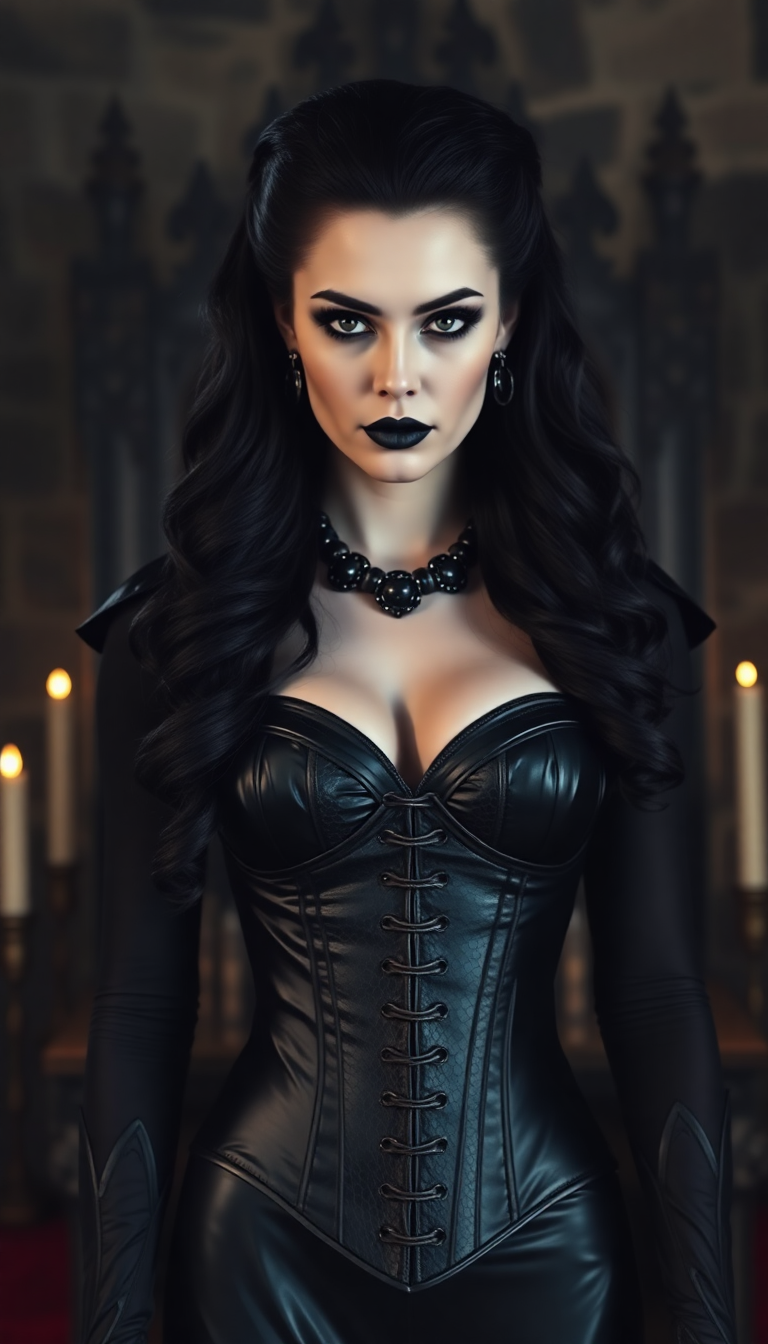
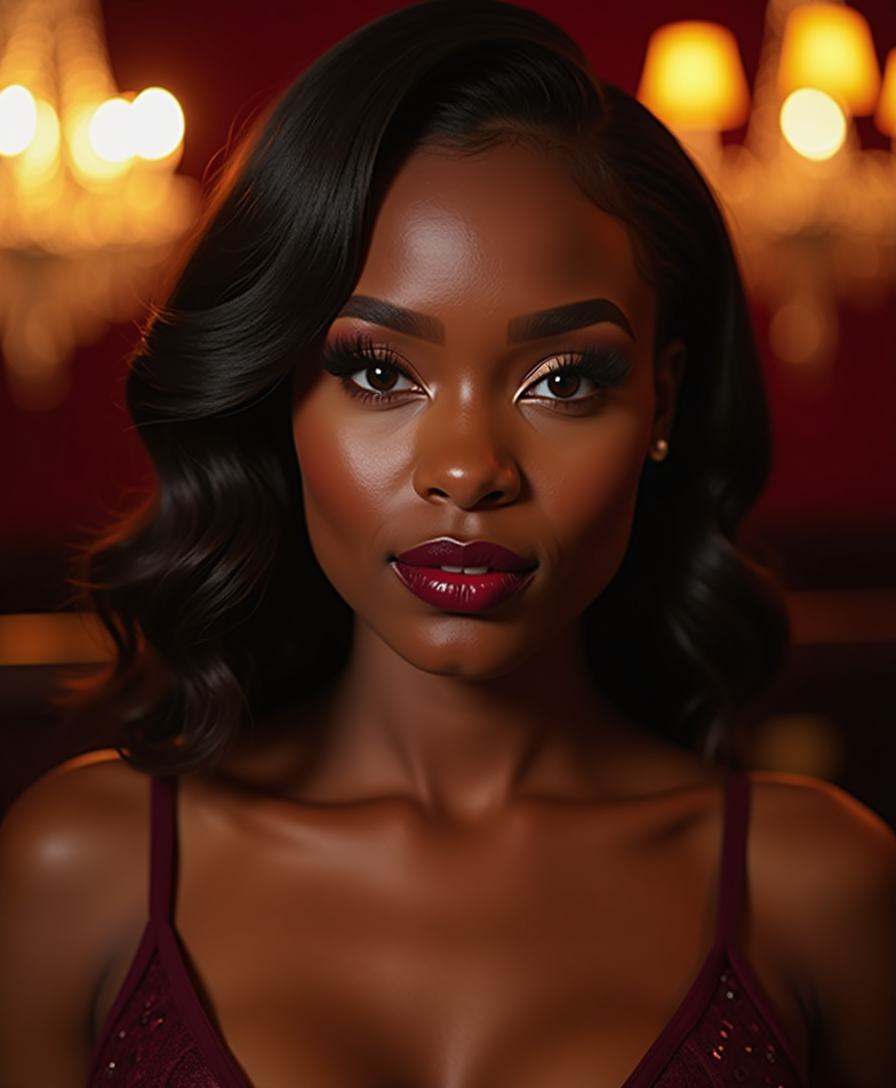
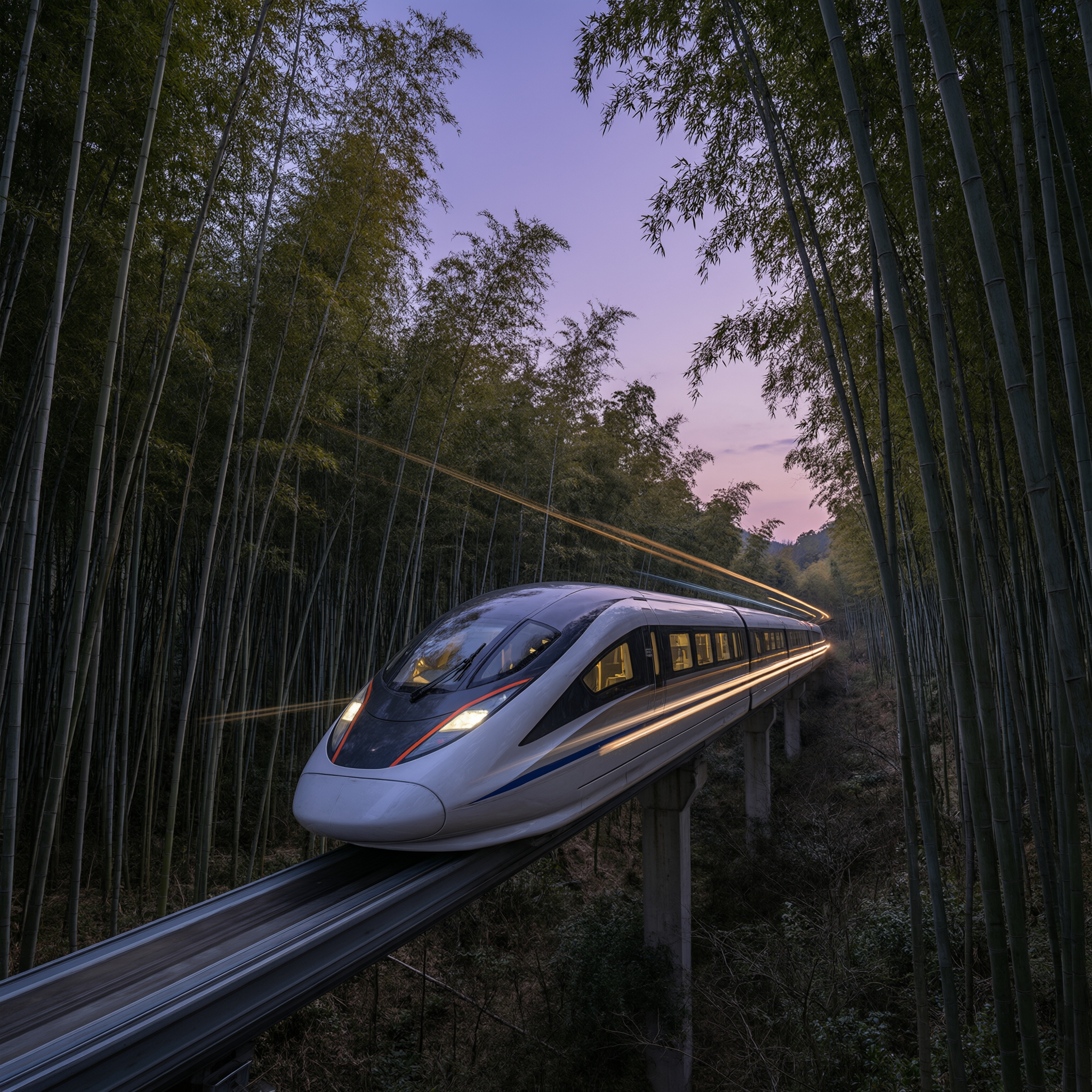
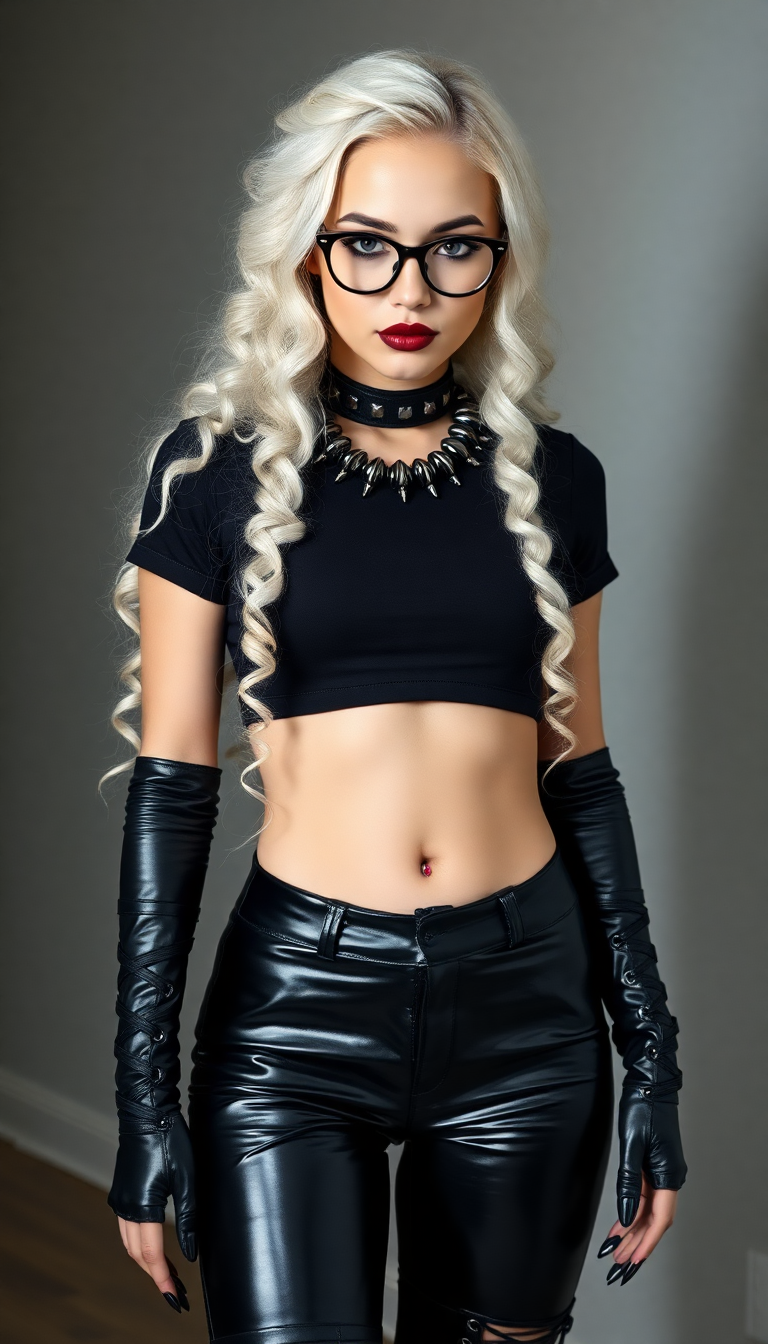
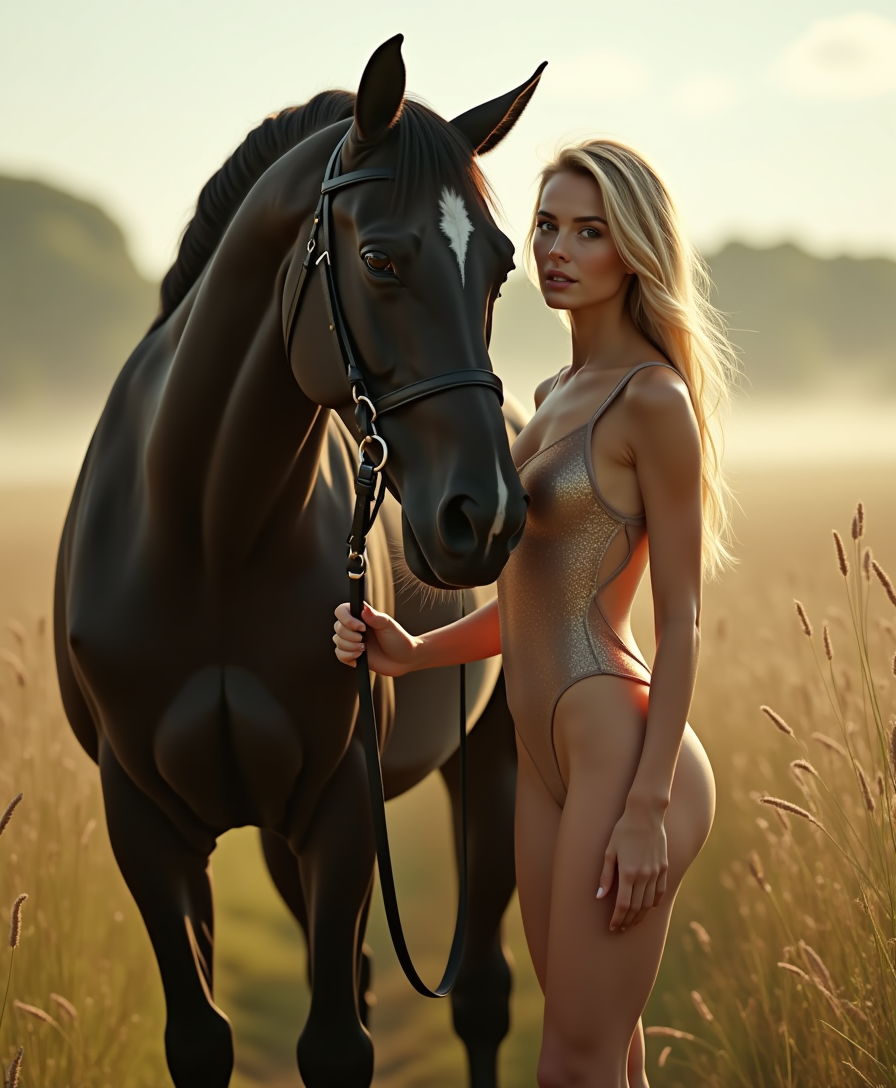
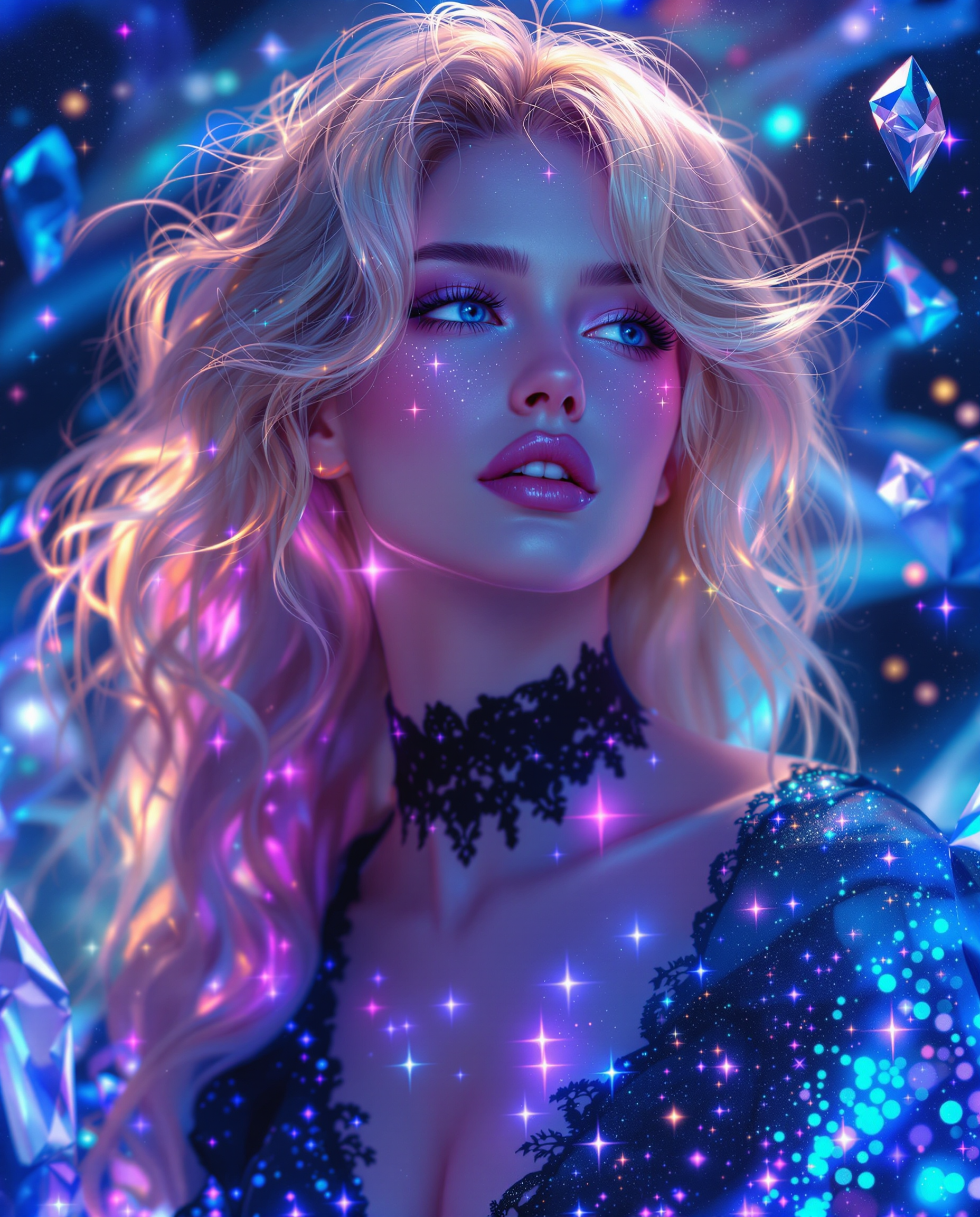
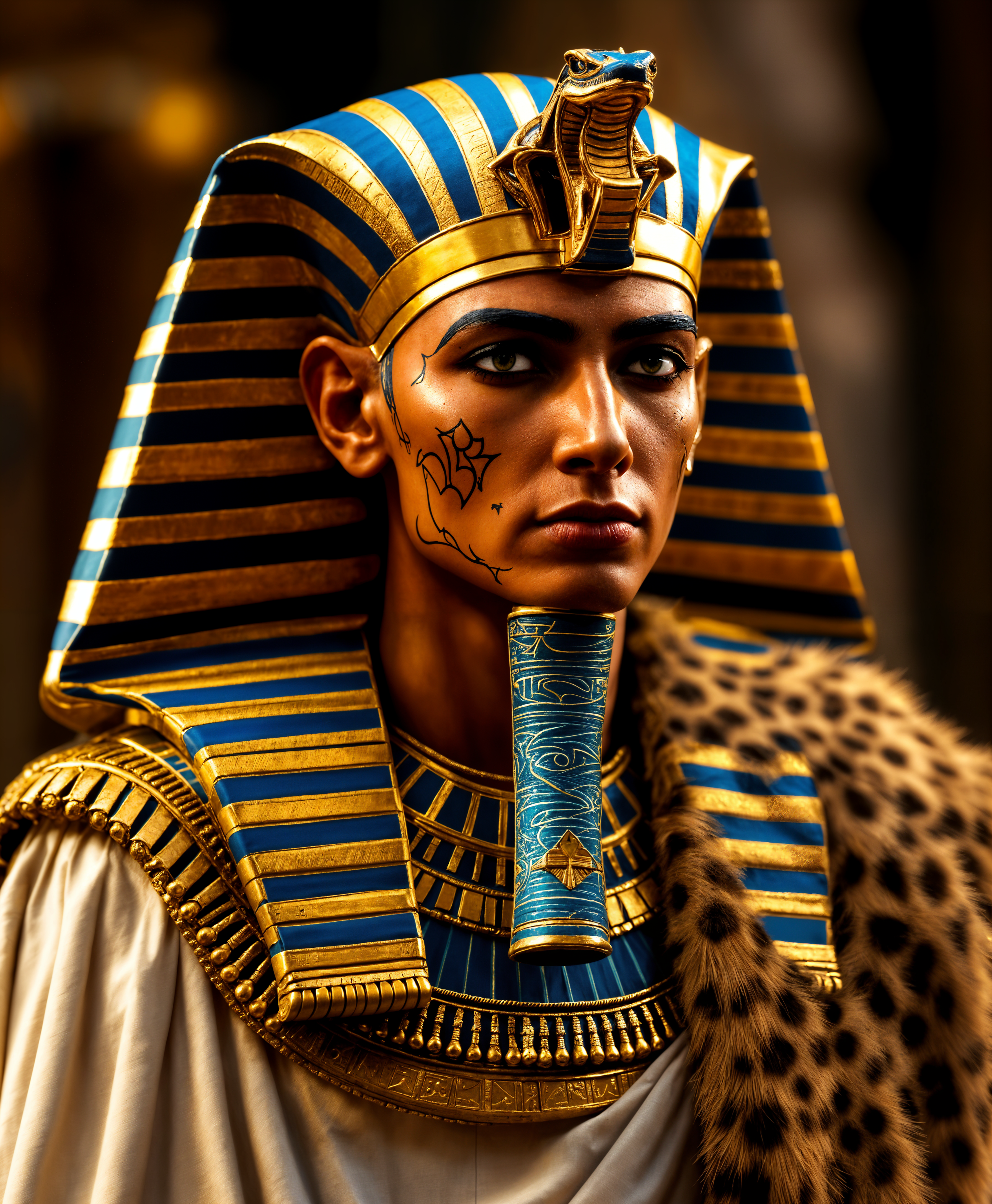
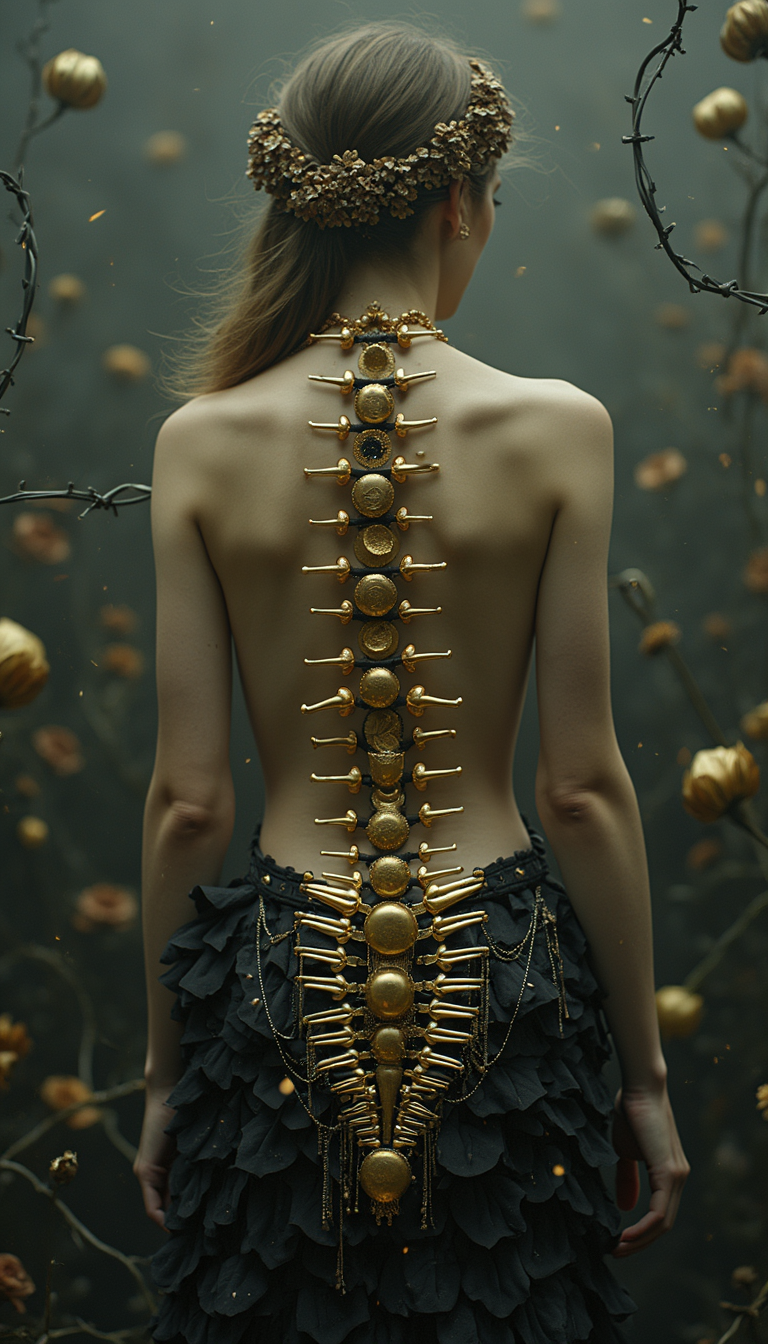
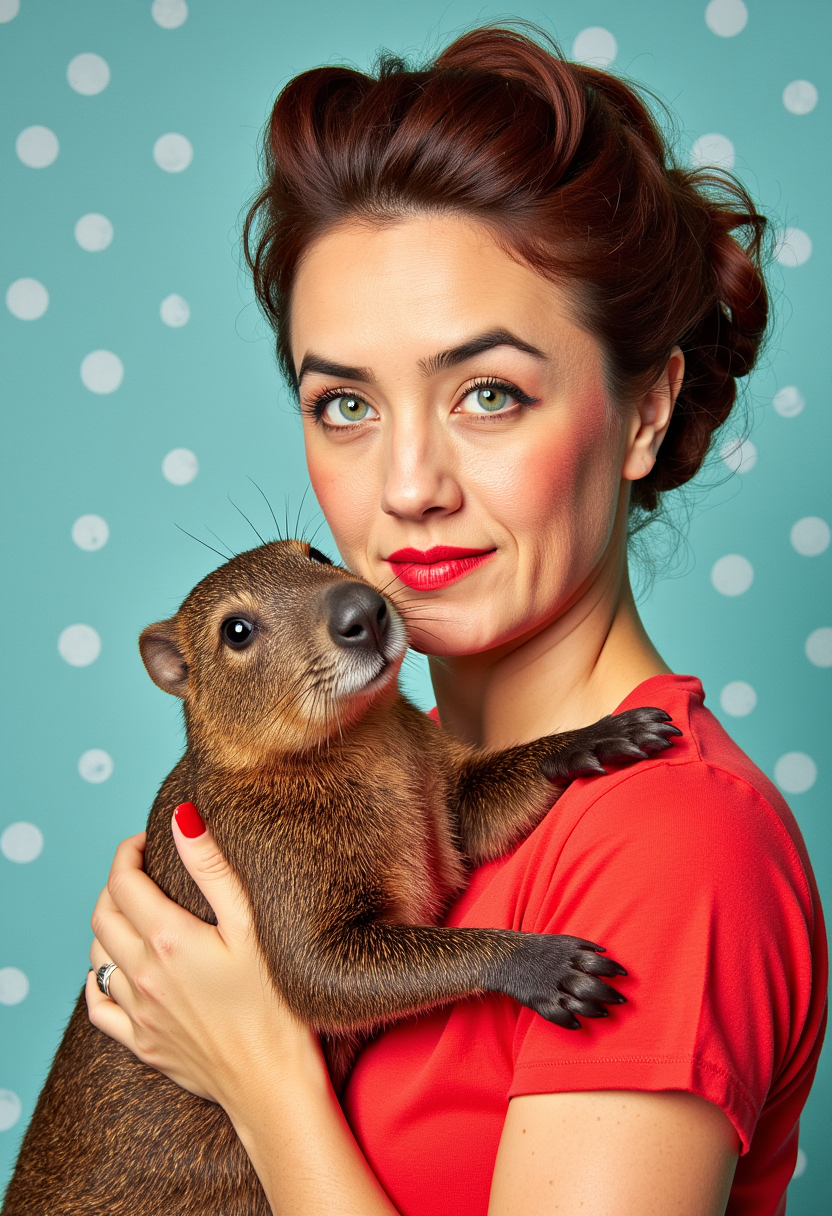
Achieve Photorealistic AI Pictures That Look Professional
Generate images with stunning detail, natural lighting, and lifelike textures using tools like Flux.2 Studio and Ideogram 4. Your AI pictures will rival studio photography for ads, portfolios, and social posts.
Maintain Consistent Characters Across Every AI Picture
Create the same character in multiple scenes and poses effortlessly with Nano Banana 2 and Grok Image. Perfect for storytelling, branding, or series of visuals that feel cohesive and professional.
Edit and Enhance Your Picture AI Creations Instantly
Refine any generated image with inpainting, style transfer, magic lighting, and background removal. Turn rough ideas into polished AI pictures ready for print or digital use in just a few clicks.
How It Works
Creating beautiful picture ai images takes just three simple steps with PixelDojo's intuitive interface and powerful models.
Step 1: Choose Your Tool
Browse the Generate Images section and pick the perfect model for your needs, such as Flux.2 Studio for photorealism, Nano Banana 2 for character consistency, or Ideogram 4 for crisp text in images.
Step 2: Enter Your Prompt
Describe your desired AI picture in natural language. Include details like subject, style, lighting, and mood. For example: 'photorealistic portrait of a confident woman in a modern city at sunset, cinematic lighting, ultra-detailed skin texture'.
Step 3: Customize & Download
Review variations, then use editing tools like Image to Image, Style Transfer, or Magic Lighting to perfect your picture ai creation. Adjust aspect ratio, upscale with P-Image Upscale, and download in high resolution.
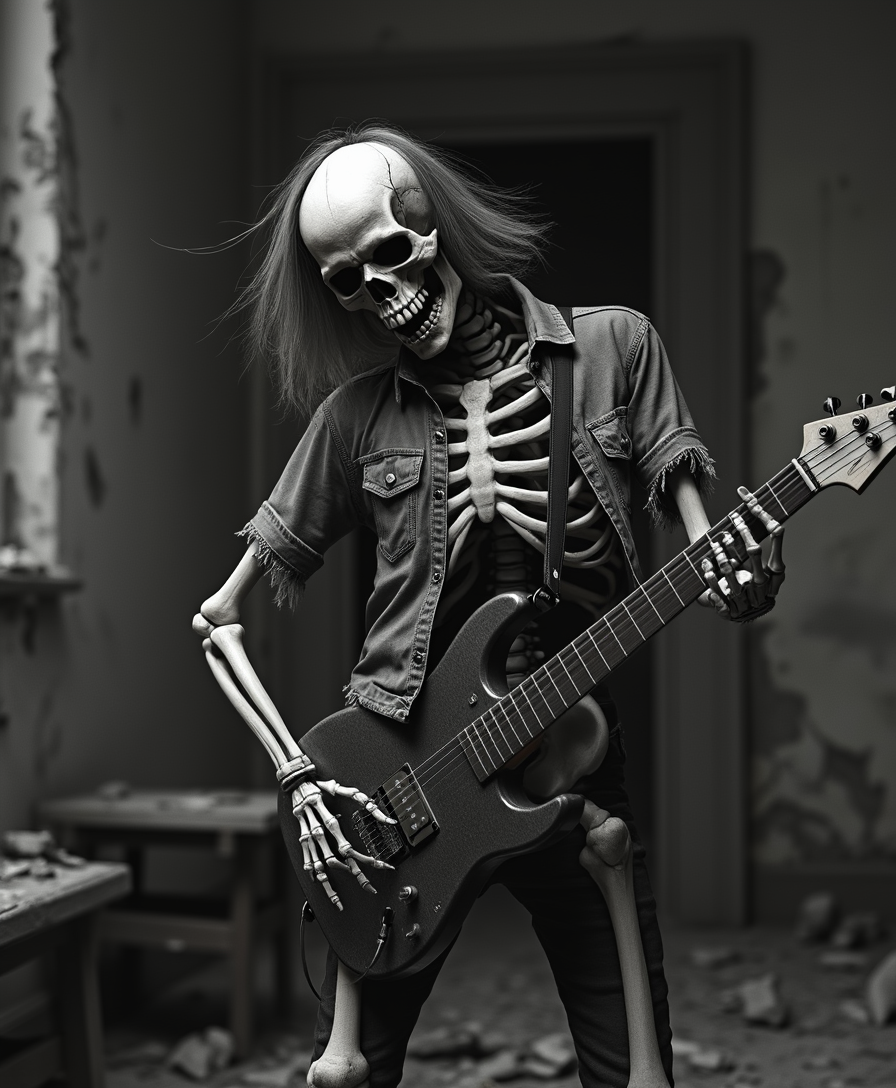
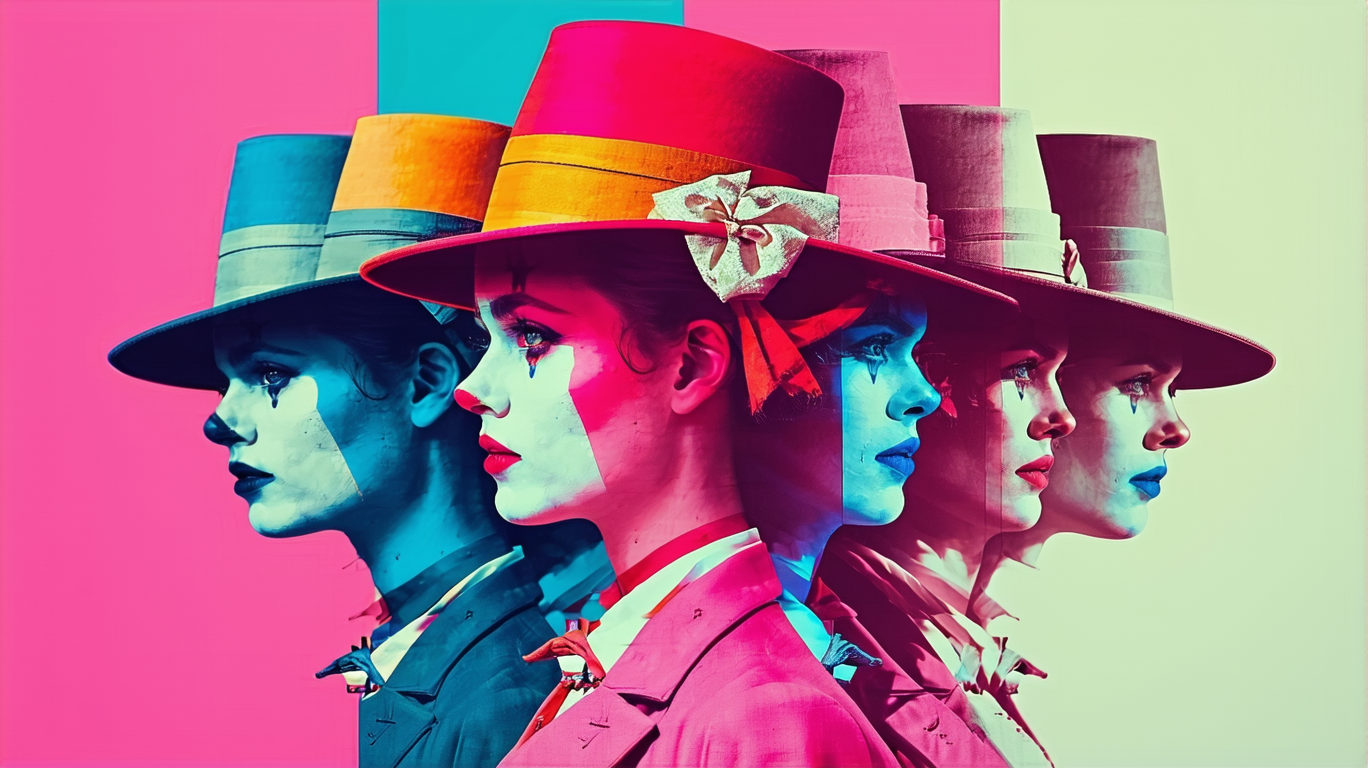
The Pixel Dojo Advantage
Why PixelDojo outperforms other options for picture ai image generation
| Others | Pixel Dojo |
|---|---|
| Traditional picture creation | Produce professional AI pictures in seconds instead of hours or days of manual work, freeing you to focus on ideas and storytelling. |
| Generic AI tools | Access specialized models like Nano Banana 2 for unmatched character consistency and Ideogram 4 for readable text, delivering superior results tailored to picture ai needs. |
| Manual photo editing | Skip complex software learning curves with intuitive AI-powered edits that handle lighting, backgrounds, and refinements automatically for flawless picture ai outputs. |
Loved by creators on PixelDojo
Real feedback from people using PixelDojo, pulled from our in-product surveys.
Very fair and very broad in tools.
Accurate results
Great site and so much fun to use!
very useful set of tools for image creation, upscaling and enhancement
ease of use, variety of tools, high quality trainings, and a well-maintained discord channel
Ease of use, friendliness and support of the owner, continued innovation.
Explore more AI tools on PixelDojo
AI Tools
Compare & Switch
- Best AI Image Generators
- Best AI Video Generators
- Midjourney Alternatives
- Civitai Alternatives
- Runway Alternatives
- Leonardo Alternatives
- Pika Alternatives
- Luma Alternatives
- Magnific Alternatives
- Veo Alternatives
- Flux Alternatives
- Freepik Alternatives
- Seedance Alternatives
- Seedream Alternatives
- Pixverse Alternatives
- GPT Image Alternatives
- Synthesia Alternatives
- Playground Alternatives
- NightCafe Alternatives
- Canva AI Alternatives
- ElevenLabs Alternatives
- ComfyUI Alternatives
- Fal Alternatives
- Replicate Alternatives
Common Questions
Everything you need to know about picture ai
How to create consistent characters with picture ai on PixelDojo?
Use Nano Banana 2 or Grok Image to generate your base character, then apply the Consistent Characters tool or reference the same seed across generations. This ensures your AI pictures maintain identical facial features, clothing, and style in every new scene or pose.
What makes PixelDojo the best picture ai generator for photorealistic results?
Flux.2 Studio and Flux.1 Studio excel at ultra-detailed, lifelike images with accurate physics and lighting. Combine with Clarity Pro upscale for print-ready AI pictures that look like professional photography.
Can I add readable text to my picture ai creations?
Yes! Ideogram 4 and Recraft V4.1 are optimized for crisp, legible text within images. Simply include your text in the prompt and generate professional AI pictures perfect for posters, ads, or social graphics.
How do I edit existing images into new picture ai styles?
Upload your photo to the Image to Image or Style Transfer tool, then describe the desired transformation. Tools like Magic Lighting and Reality Polisher let you refine lighting, mood, and details while keeping the core subject intact.
Is PixelDojo suitable for beginners wanting to generate picture ai images?
Absolutely. The platform offers simple prompts, helpful examples, and one-click edits. Start with GPT Image 2 or Grok Image for easy results, then explore advanced options as you grow more comfortable creating stunning AI pictures.
What picture ai trends can I explore with PixelDojo right now?
Create trending styles like nostalgic polaroids, cinematic action figures, organic shapes, or personalized portraits. Tools such as Krea Image and WAN Image support the latest 2026 trends including realistic textures and consistent storytelling visuals.