veo 3 ai AI Generator
Bring Your Words to Life with Veo 3 AI — Create cinematic, immersive videos from simple text. With Veo 3 on PixelDojo, you can generate videos with synchronized audio, realistic visuals, and dynamic camera movements—all without filming or editing. Whether you want a 8-second ad, social media clip, or classroom explainer, Veo 3 helps you captivate your audience faster than ever.
Trusted by 10,000+ creators • Over 1 million videos made • Rated 4.8★ from 2,500+ reviews • 95% Customer Satisfaction • Thousands of marketers, educators & storytellers use Veo 3 daily.
Why Choose Pixel Dojo for veo 3 ai
Professional-quality results with cutting-edge AI technology
Engage Your Audience Instantly
Use Veo 3 to create immersive videos with motion, sound, and cinematic style from just a text prompt. Perfect for social media ads, short clips, or explainer videos that grab attention.
Save Time & Cost on Production
No need for cameras, actors, or editing suites. Veo 3 generates polished video content in seconds—so you can scale content without ballooning costs.
Craft Videos That Match Your Vision
Control lighting, camera angles, style, audio, and mood through prompt-writing and easy adjustments. Produce cinematic, educational, or branded content exactly how you imagine.
How It Works
Create your first Veo 3 AI video in three clear steps. You write the prompt, Veo 3 builds it, then you polish and share it.
Step 1: Choose Your Tool
Log in to PixelDojo, go to the ‘Animate’ category and select 'Veo 3' (or Veo 3 Camera if you want advanced control over movement and visual styles).
Step 2: Enter Your Creative Prompt
Describe the scene: setting, action, characters, style, even camera moves or lighting. Example: “An aerial shot of misty forest at dawn, soft golden lighting, ambient bird song and cinematic piano melody.”
Step 3: Customize & Download
Adjust audio, camera angle, style filters if needed. Preview the video, then download or export. Sharing is built-in so you can post instantly to social or embed in your own content.

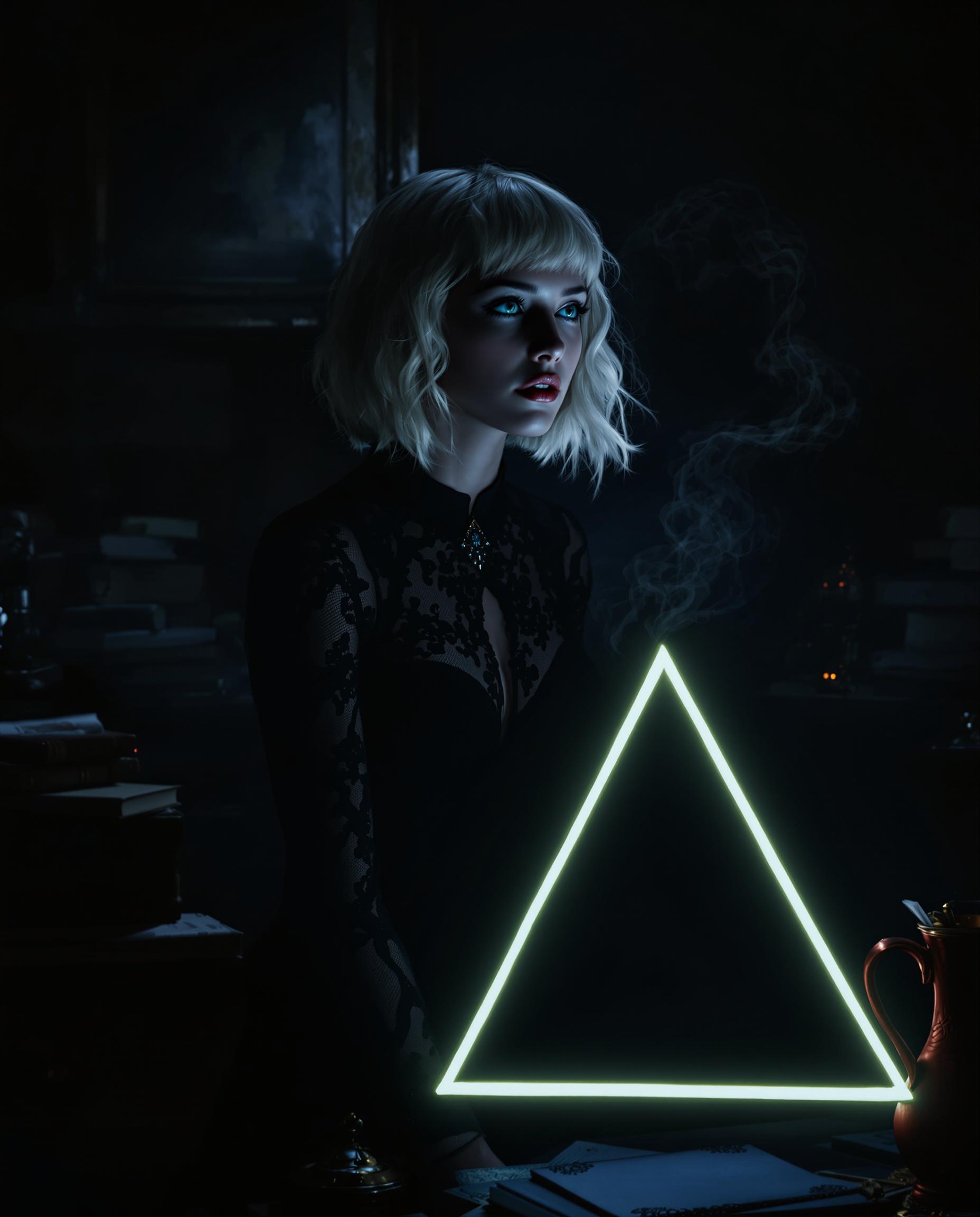



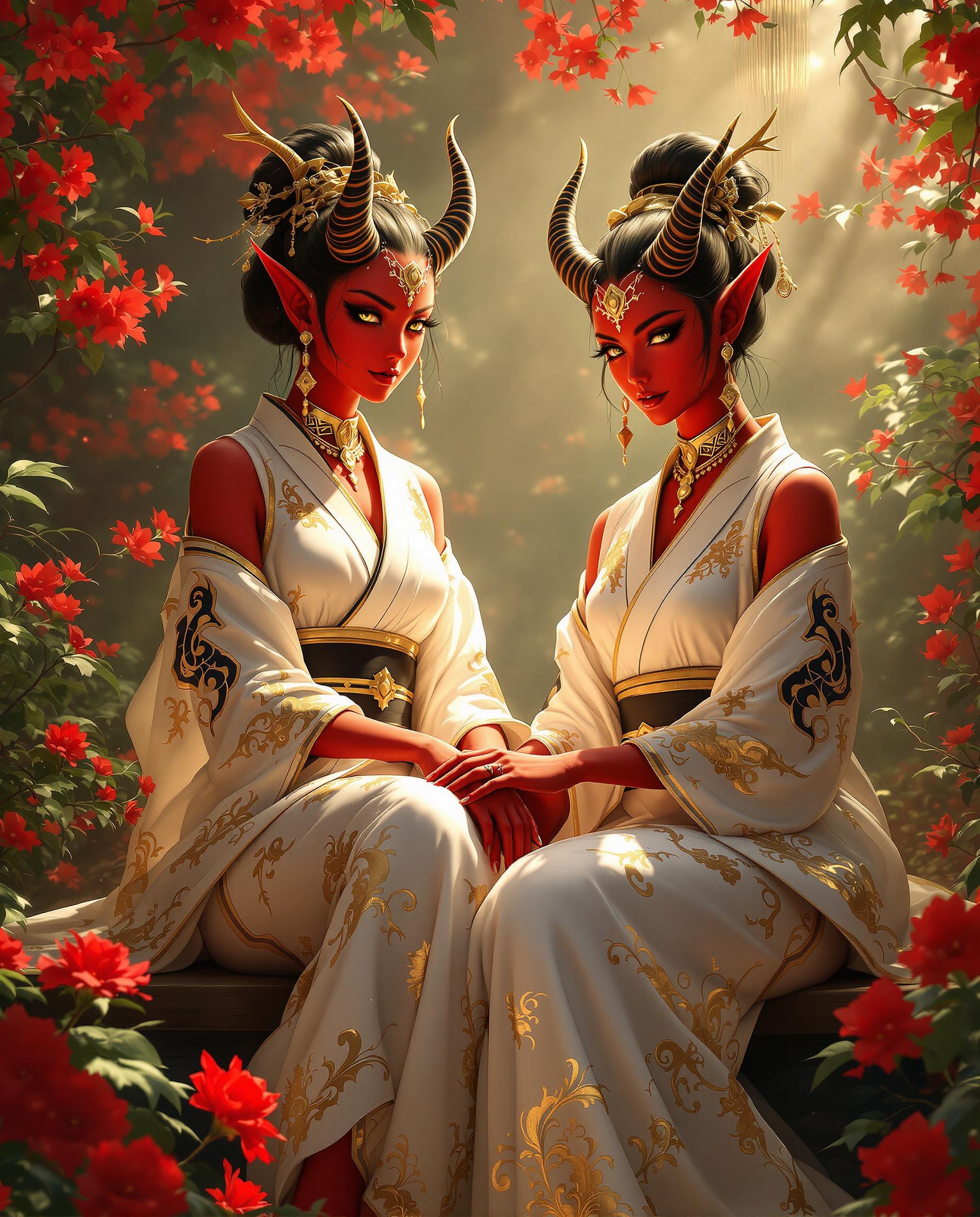
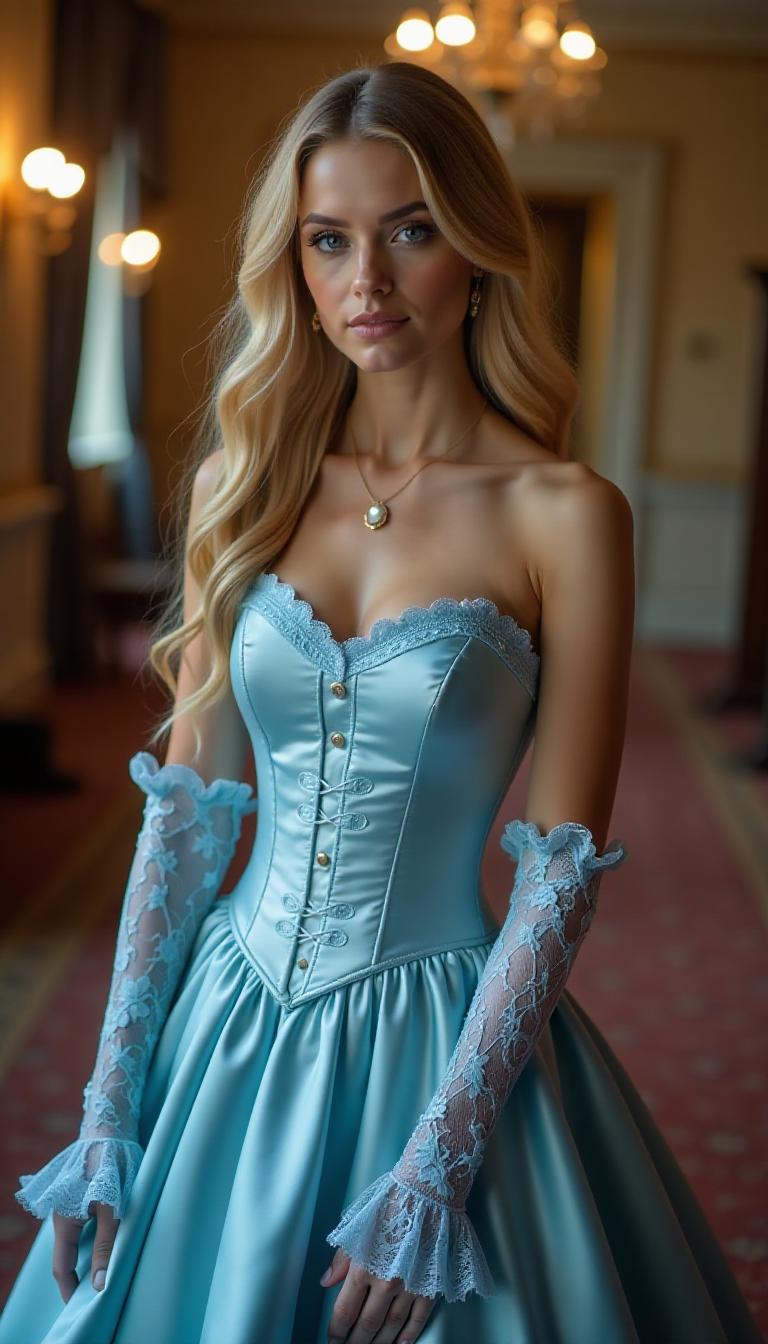


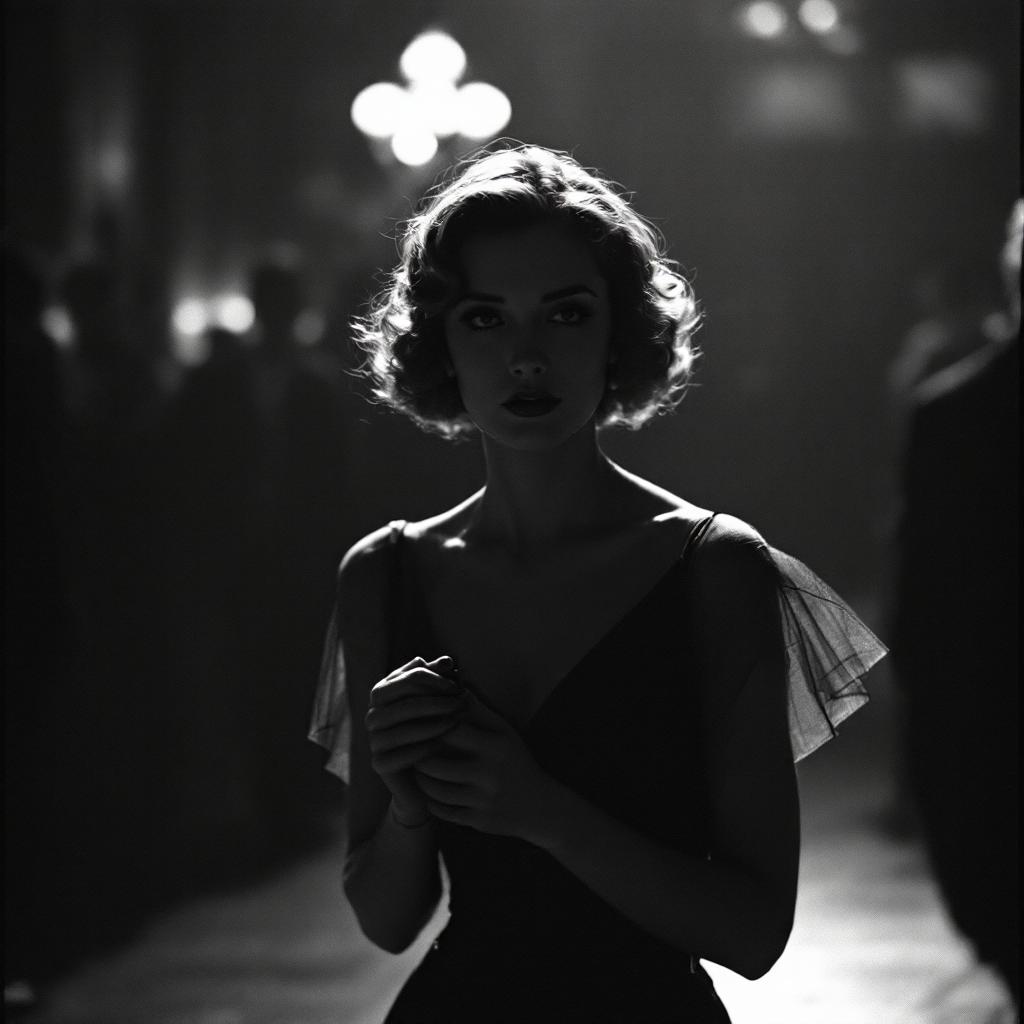
The Pixel Dojo Advantage
Why PixelDojo’s Veo 3 wows more than other video generation options
| Others | Pixel Dojo |
|---|---|
| Traditional Video Production | Skip the crew, script the action with your words, and create high-quality videos without expensive gear or long schedules. |
| Generic AI Video Tools | Get deeper prompt understanding, integrated audio, cinematic styles and controls—Pixels, motion & sound that align. |
| Manual Editing & Animation | Let AI do the heavy lifting. Adjust, refine, and export—without having to master complex editing software. |
Loved by Creators
See what our community says about veo 3 ai
"PixelDojo's Veo 3 transformed our marketing strategy by enabling us to produce engaging videos quickly and cost-effectively."
Alex Johnson
Marketing Director
"As an educator, Veo 3 has allowed me to create informative videos that captivate my students without the hassle of traditional video production."
Maria Lopez
High School Teacher
Common Questions
Everything you need to know about veo 3 ai AI generation
What exactly is Veo 3 AI video generator and how does it work?
Veo 3, developed by Google DeepMind, is a text-to-video model that creates 8-second clips from your prompts, with synchronized audio (dialogue, ambience, music) and realistic visuals. PixelDojo has integrated it to let you generate cinematic, high-quality videos simply by typing descriptions. ([es.wikipedia.org](https://es.wikipedia.org/wiki/Veo_3?utm_source=openai))
Can I use Veo 3 AI videos for social media formats like vertical ads or shorts?
Yes. Veo 3 supports vertical video (9:16 aspect ratio) as well as traditional 16:9. So you can create content for Instagram Reels, YouTube Shorts, TikTok with proper framing and resolution. PixelDojo lets you export in these formats. ([theverge.com](https://www.theverge.com/news/774352/google-veo-3-ai-vertical-video-1080p-support?utm_source=openai))
Do I need any video editing experience to use Veo 3 with PixelDojo?
Not at all. Veo 3 is built for all skill levels. You don’t need to know animation or editing software. Just enter your scene description, choose your controls, and let the AI generate the video. Adjust post-generation if you want to refine lighting, camera movement, or audio. ([pixeldojo.ai](https://pixeldojo.ai/veo-3?utm_source=openai))
How long does it take to generate a Veo 3 video on PixelDojo?
Most videos generate within seconds to a few minutes depending on prompt complexity and style options. Simpler scenes with fewer elements render faster; cinematic audio, complex camera moves, or high resolution takes a little more time. ([pixeldojo.ai](https://pixeldojo.ai/veo-3?utm_source=openai))
What about audio — can Veo 3 AI provide synced sound, voice, ambient effects?
Absolutely. One of Veo 3’s breakthroughs is generating synchronized audio including ambient sound, effects, and dialogue when you include it in your prompt. PixelDojo surfaces these options so you don’t need external tools. ([pixeldojo.ai](https://pixeldojo.ai/news/google-veo-3-now-on-pixel-dojo?utm_source=openai))
Is Veo 3 AI video content usable for commercial or marketing purposes?
Yes. Videos created with Veo 3 on PixelDojo are suitable for commercial use. You own output rights under the subscription, so you can use videos in ads, marketing, teaching or monetized content. Safety features like watermarking and content filters protect both creators and audiences. ([pixeldojo.ai](https://pixeldojo.ai/news/google-veo-3-now-on-pixel-dojo?utm_source=openai))