veo 3.1 image to video pixel dojo AI Generator
Imagine turning your favorite photos into captivating videos that tell a story, engage audiences, and elevate your content creation game. With PixelDojo's Veo 3.1 Image to Video tool, you can effortlessly animate static images into dynamic, high-quality videos. Whether you're a marketer crafting promotional clips, a storyteller bringing narratives to life, or a creator experimenting with visuals, Veo 3.1 empowers you to produce professional-grade videos without expensive software or technical skills. Achieve stunning results that captivate viewers, save hours of editing time, and unlock new creative possibilities – all from a single image.
Join over 50,000 creators who have generated millions of videos on PixelDojo. Rated 4.9/5 stars on Trustpilot, with users praising our Veo 3.1 for its speed and realism. 'PixelDojo transformed my workflow!' – Featured in top AI tech blogs.
Why Choose Pixel Dojo for veo 3.1 image to video pixel dojo
Professional-quality results with cutting-edge AI technology
Animate Ideas Instantly
Turn any static image into a lively video in seconds, helping you create content that grabs attention and drives engagement for your social media or marketing campaigns.
Boost Creative Output
Produce high-quality, realistic animations without learning complex software, allowing you to focus on your vision and generate more content faster than ever.
Enhance Storytelling
Bring narratives to life with smooth transitions and dynamic effects, making your videos more immersive and helping you connect deeply with your audience.
How It Works
Creating stunning videos from images with Veo 3.1 on PixelDojo is simple and intuitive. Follow these steps to animate your visuals and achieve professional results quickly.
Step 1: Choose Your Tool
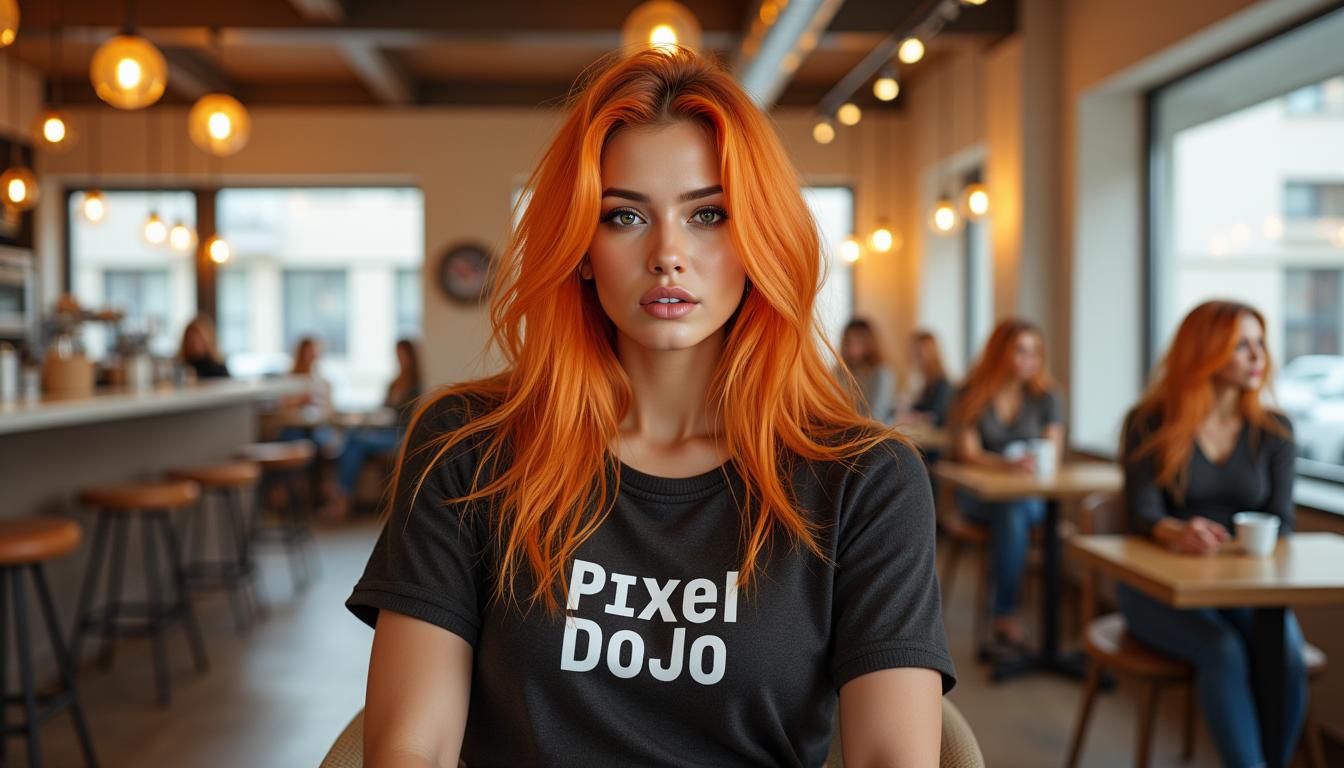
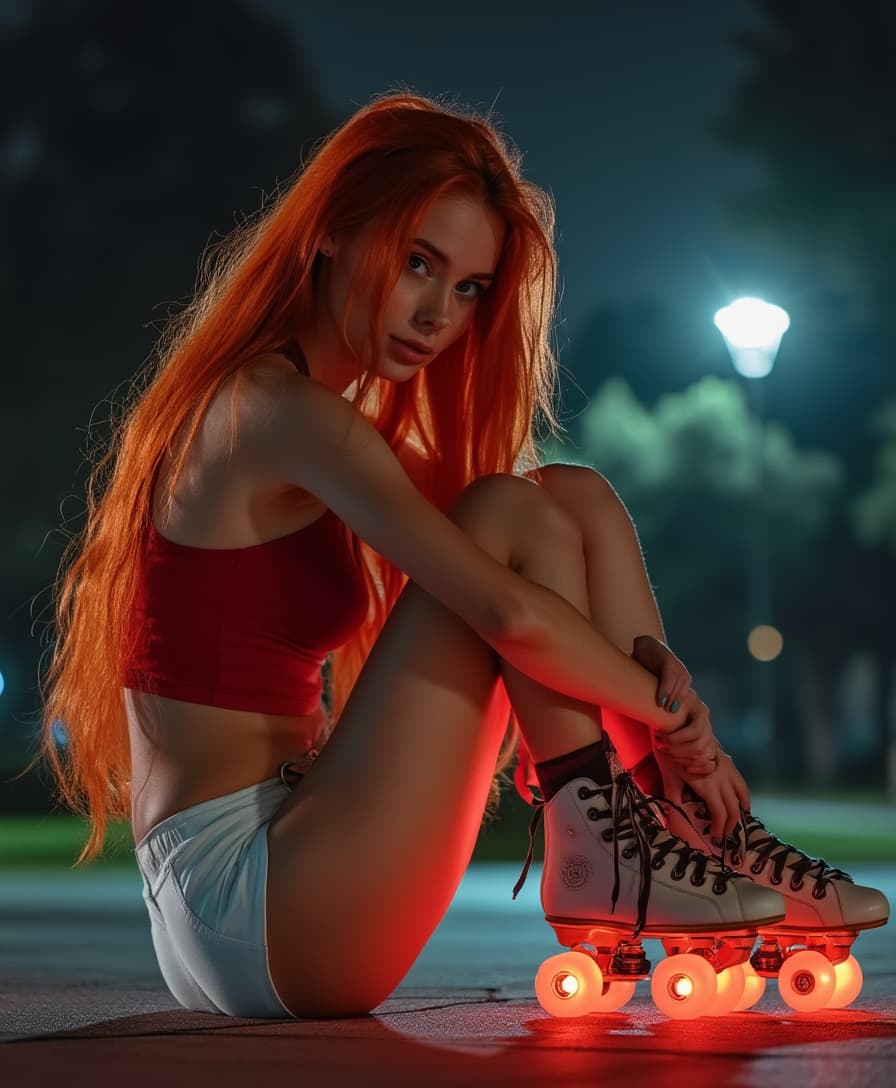
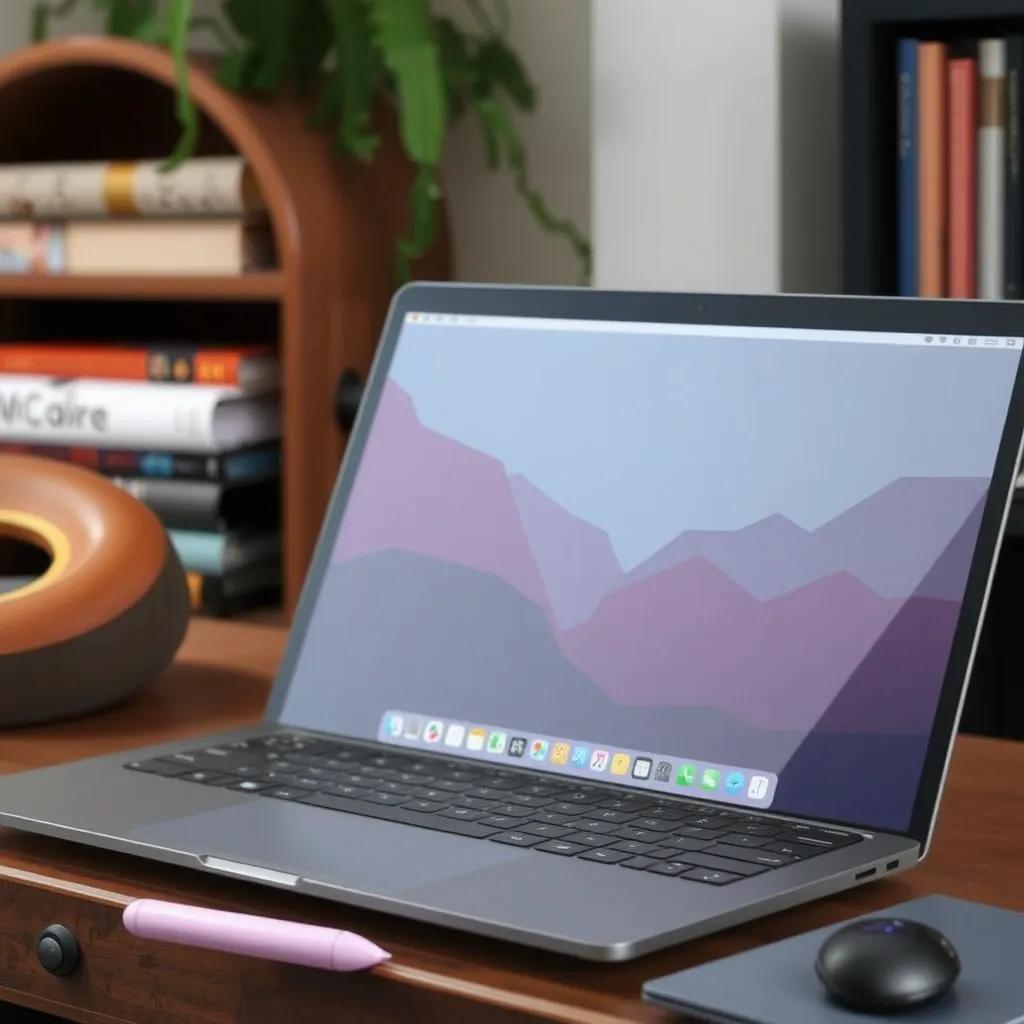
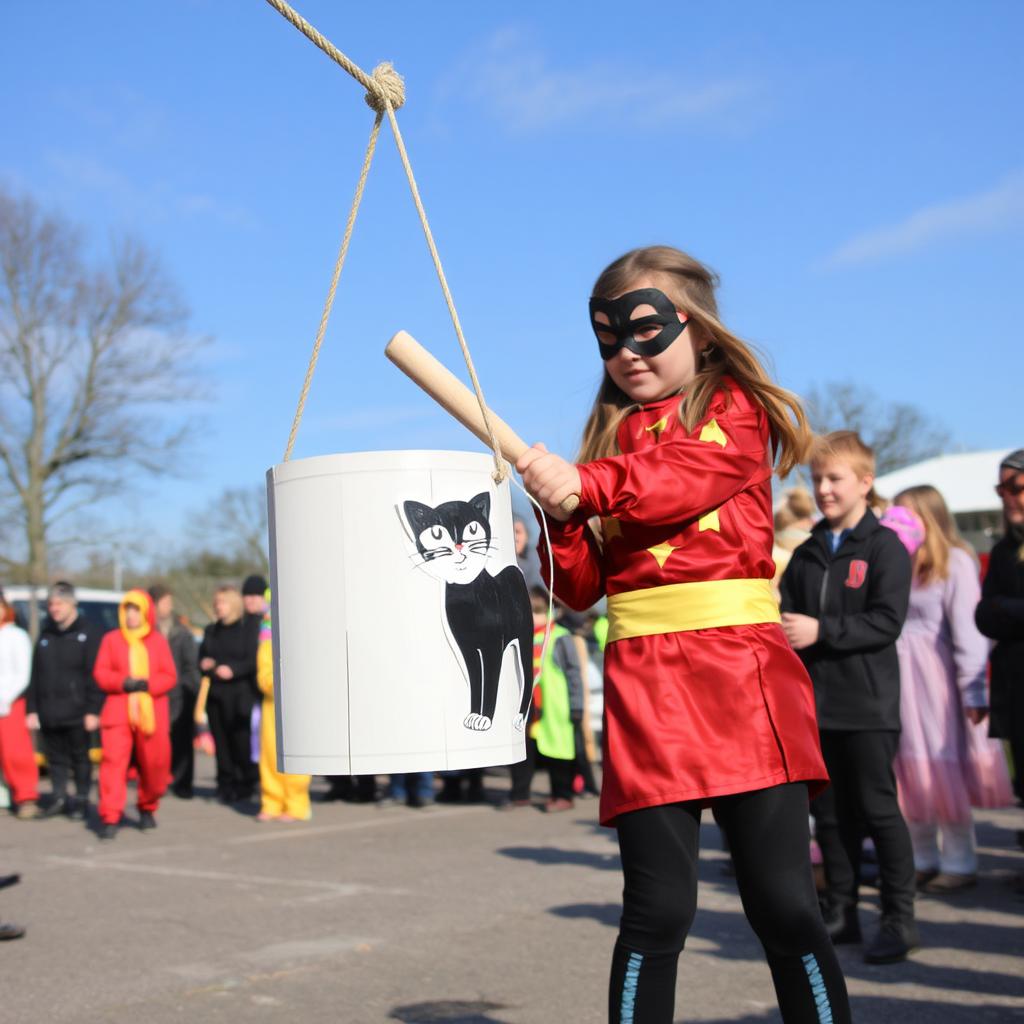
Log in to PixelDojo and select the Veo 3.1 tool from the Video Generation section. Upload your starting image – it could be anything from a landscape photo to a product shot – and let the AI prepare for animation.
Step 2: Enter Your Prompt
Describe the desired motion and style in the prompt field. For example, specify 'animate the waves crashing on the beach with gentle wind effects' to guide Veo 3.1 in generating realistic movements and transitions.
Step 3: Customize & Download
Preview the generated video, tweak settings like duration or effects using PixelDojo's editing tools, and download your final high-resolution video ready for sharing or integration into projects.




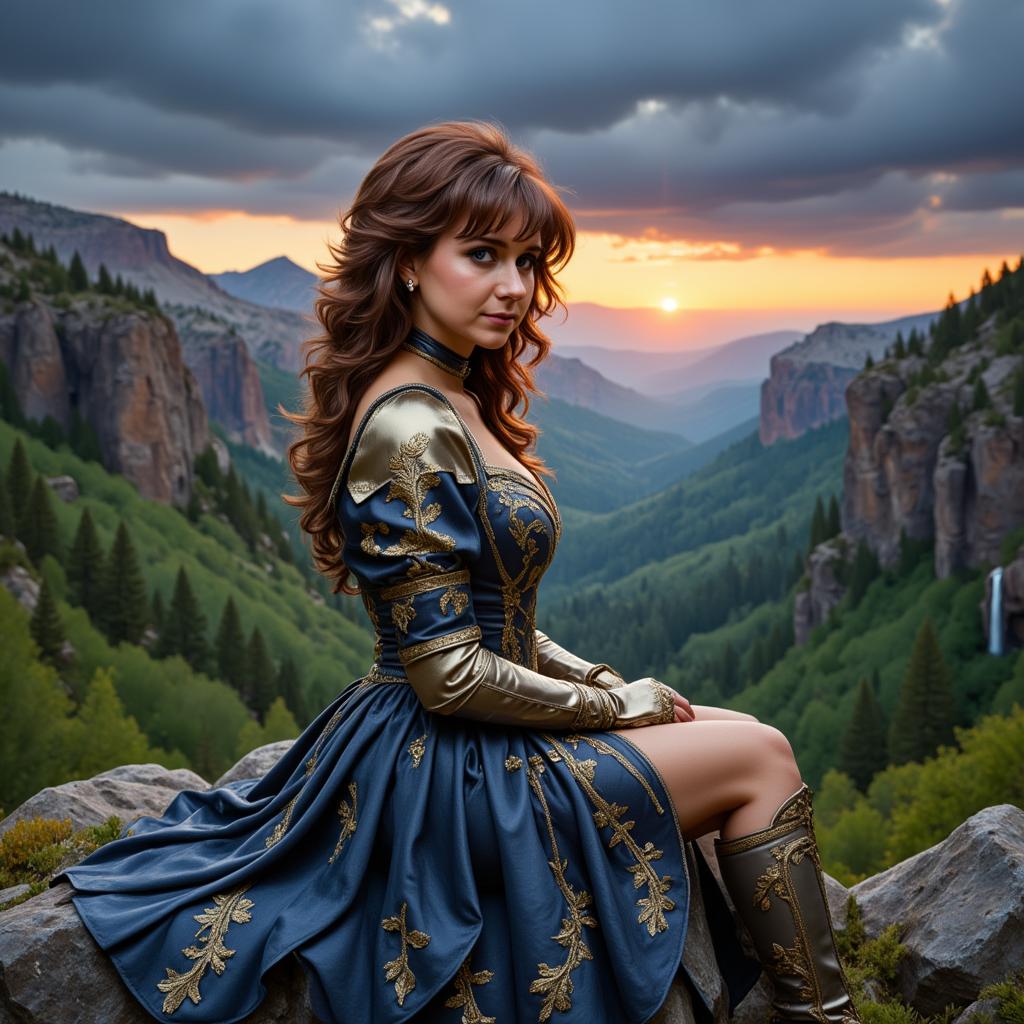
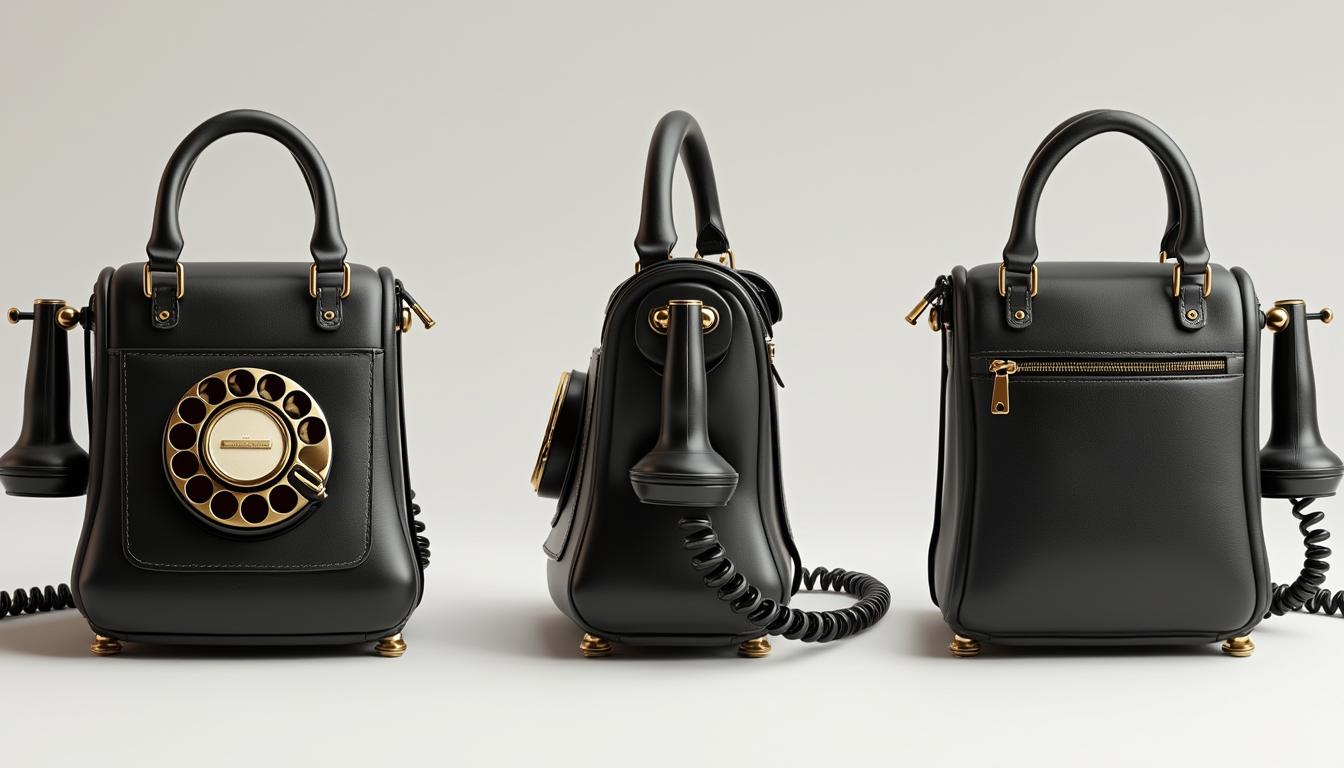
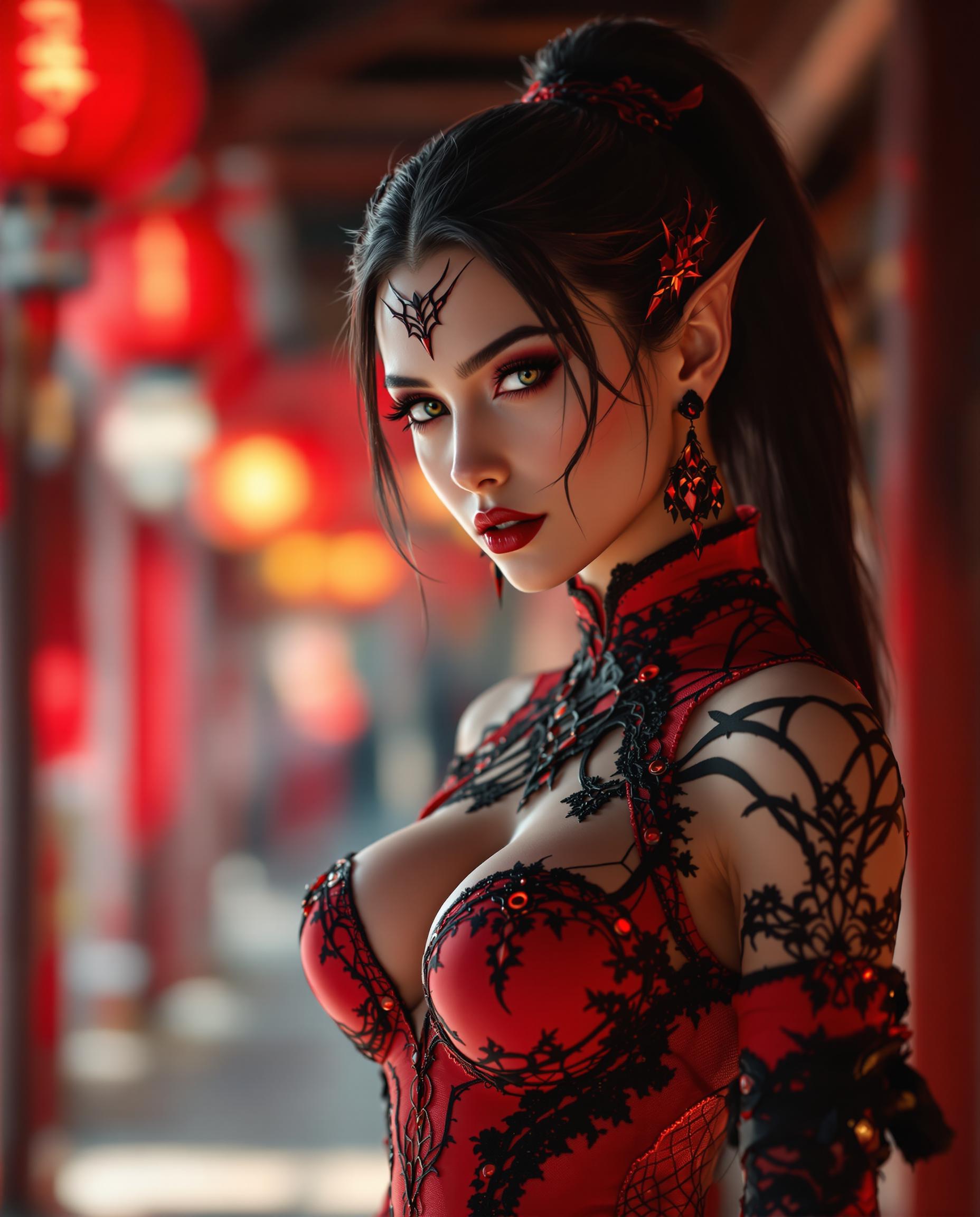
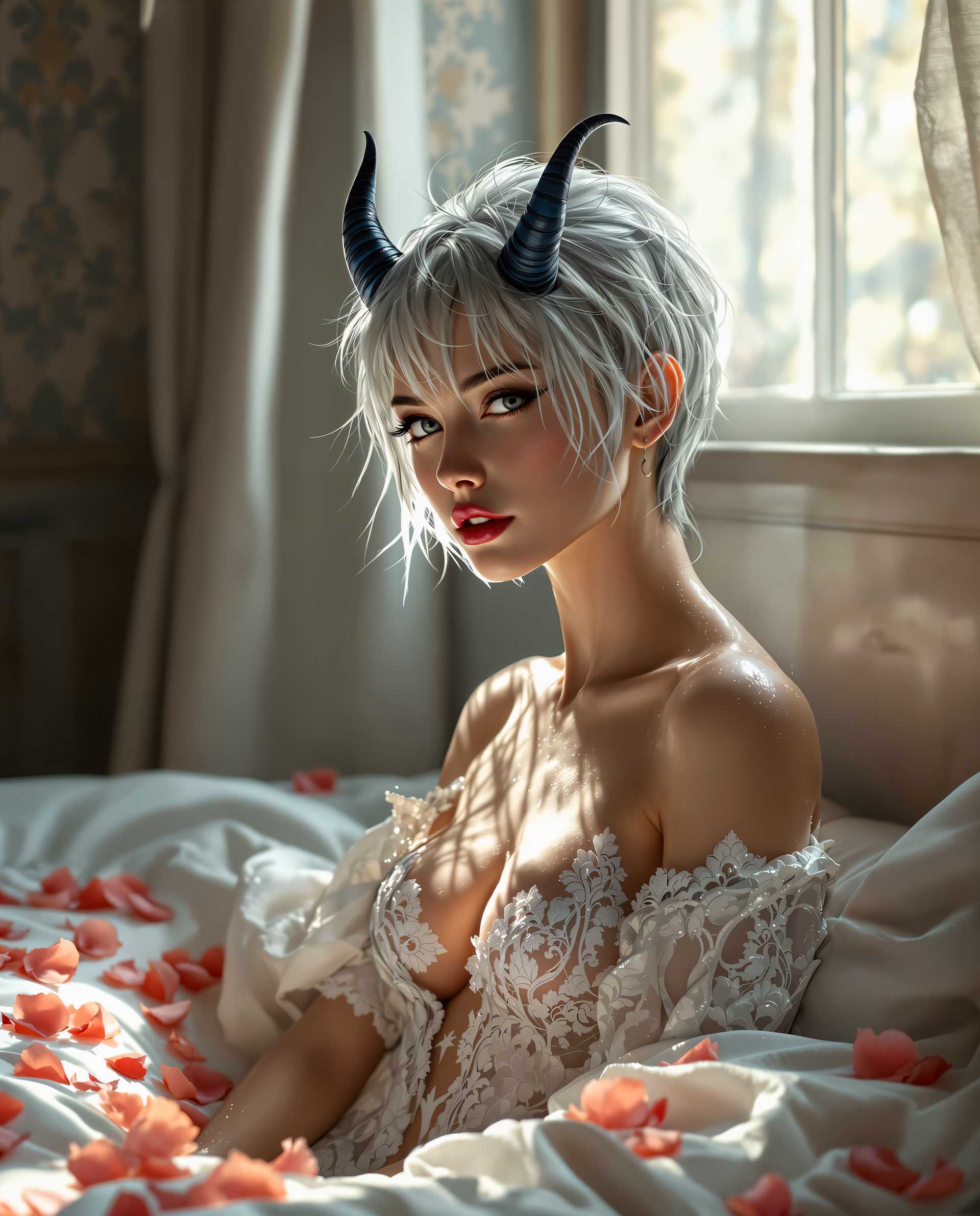
The Pixel Dojo Advantage
Why PixelDojo outperforms other options for Veo 3.1 image to video generation
| Others | Pixel Dojo |
|---|---|
| Traditional video creation | Skip hours of manual filming and editing; generate polished videos from images in minutes with AI precision. |
| Generic AI tools | Access specialized Veo 3.1 integration for superior realism and customization, plus a suite of complementary tools for seamless workflows. |
| Manual photo editing | Automate animation to create dynamic content effortlessly, saving time and resources while achieving professional-quality results. |
Loved by Creators
See what our community says about veo 3.1 image to video pixel dojo
"Veo 3.1 on PixelDojo turned my product photos into engaging demo videos overnight – it's a game-changer for my e-commerce business!"
Sarah Thompson
E-commerce Entrepreneur
"As a content creator, I love how easy it is to animate stories with Veo 3.1. PixelDojo helps me produce viral videos without the hassle."
Mike Rivera
Social Media Influencer
Common Questions
Everything you need to know about veo 3.1 image to video pixel dojo AI generation
How does Veo 3.1 image to video work on PixelDojo?
PixelDojo's Veo 3.1 tool analyzes your uploaded image and uses advanced AI to generate smooth, realistic video animations based on your prompt. You can create everything from subtle movements to complex scenes, achieving outcomes like boosted engagement for marketing or enhanced visual storytelling, all with high-quality output ready for immediate use.
What are the best prompts for Veo 3.1 image to video in PixelDojo?
Effective prompts for Veo 3.1 on PixelDojo include specific details like 'animate a cityscape at dusk with moving cars and lights' or 'turn this portrait into a walking animation in a forest.' This helps you achieve precise, dynamic videos that captivate audiences and streamline your creative process.
Can I customize videos generated with Veo 3.1 on PixelDojo?
Yes, after generation, use PixelDojo's Video Editing tools like Video Upscaler or Lip Sync to refine your Veo 3.1 videos. This customization lets you perfect the output, ensuring it matches your vision and helps you deliver professional content that stands out.
Is Veo 3.1 image to video free on PixelDojo?
PixelDojo offers a free tier for trying Veo 3.1, with premium subscriptions unlocking unlimited generations and advanced features. Start for free and upgrade to access 40+ tools, helping you create without limits and cancel anytime.
What makes PixelDojo's Veo 3.1 better for image to video than other platforms?
PixelDojo integrates Veo 3.1 with tools like Image to Image and Consistent Characters, allowing seamless workflows. You get faster generations, higher realism, and the ability to produce content that drives results like increased viewer retention or sales conversions.
How to integrate Veo 3.1 image to video with other PixelDojo tools?
Combine Veo 3.1 with tools like Background Remover for clean inputs or Merge Videos for extended clips. This integration helps you build comprehensive projects, saving time and enabling outcomes like polished marketing videos or immersive stories.