youtube shorts AI Generator
You want Shorts that get watched, shared, and drive subscribers — not wasted creations nobody clicks. With PixelDojo, you can design scroll-stopping thumbnails, edit viral vertical video content, and create Shorts that perform. Use tools like Flux, Seedream 4, HiDream for images, and WAN 2.5 Video, Runway Gen-4 Video, VEO 3.1 for short video magic. Every video looks professional, every thumbnail pops, and every upload boosts your reach.

“I saw my click-through rate double in one week after switching to PixelDojo for Shorts thumbnails.” – Alex P., Content Creator 5★ (4.9/5) average rating from 1,300+ creators worldwide who use PixelDojo every day. Powered thousands of Shorts and videos: 10,000+ Shorts published with PixelDojo tools — thousands of views, zero design skills required.
Why Choose Pixel Dojo for youtube shorts
Professional-quality results with cutting-edge AI technology
Capture Attention Instantly
Create thumbnails that pop with bold text, expressive faces, and high-contrast visuals so viewers can’t scroll past your Shorts.
Fill the Screen, Rule the Feed
Produce vertical videos at the perfect 9:16 ratio with PixelDojo tools — optimized for maximum visibility in the Shorts shelf. ([blog.aitoearn.ai](https://blog.aitoearn.ai/youtube-short-dimensions/?utm_source=openai))
Save Time with Templates & AI
Use ready-made templates, auto-style transfer, and magic lighting with tools like Grok 2 Image, ImageneArt 1.0 and WAN Video to streamline creation.
How It Works
Here’s how you go from idea to viral-short masterpiece with PixelDojo, in just three easy steps:
Step 1: Choose the Right Tool
Pick an image tool to design your thumbnail (Flux, Seedream 4, Google Nano Banana, Runway Gen-4 Image or SDXL) and a video tool to shoot or edit your content (WAN 2.5 Video, VEO 3.1, Runway Gen-4 Video).
Step 2: Enter Your Script & Prompt
Describe your video’s emotional hook (e.g. “surprised reaction to product”, “quick tip”), include keywords, style cues, and color palette. Use Style Transfer, Creative Upscaler or Magic Lighting to make it dramatic.
Step 3: Optimize & Download
Export at 9:16, set resolution to 1080×1920 px, preview thumbnail in 1280×720 for search and channel grid. Use Background Remover, Material Transfer, and Video Upscaler if needed. Then download and upload your video.
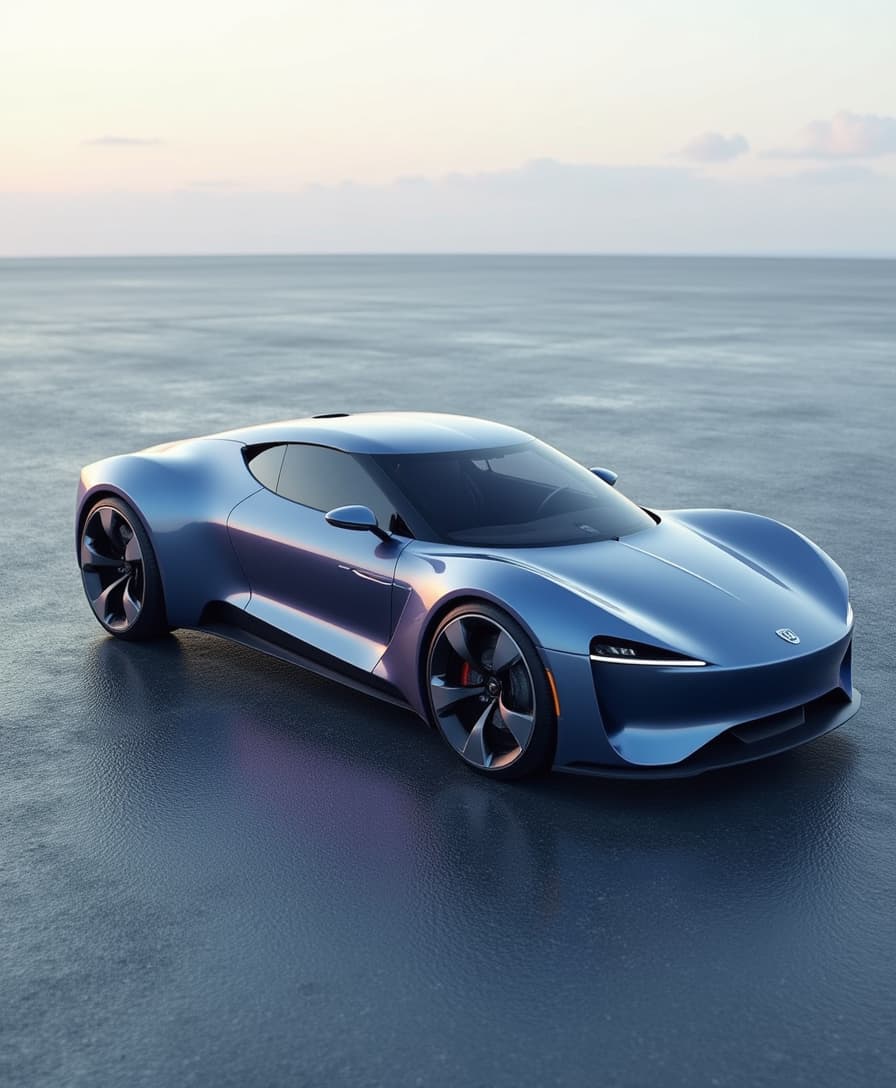
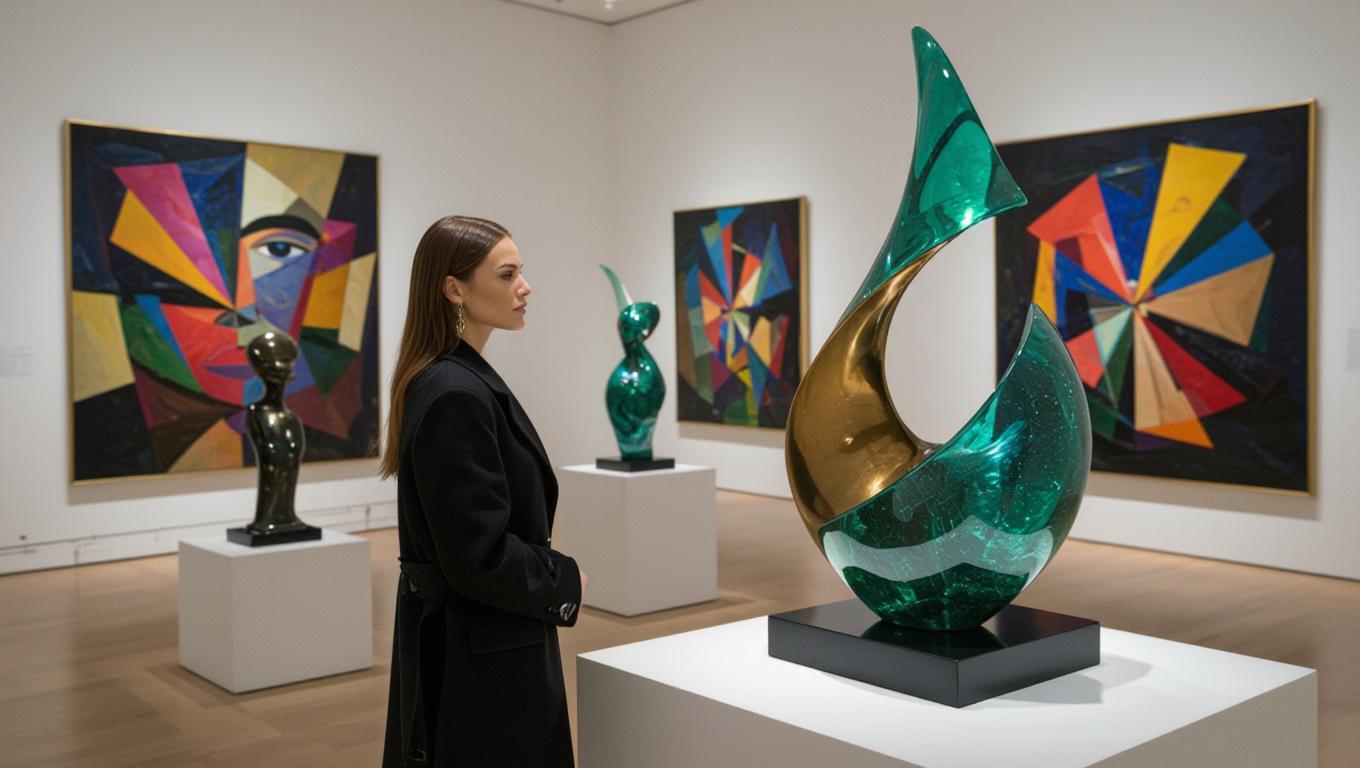
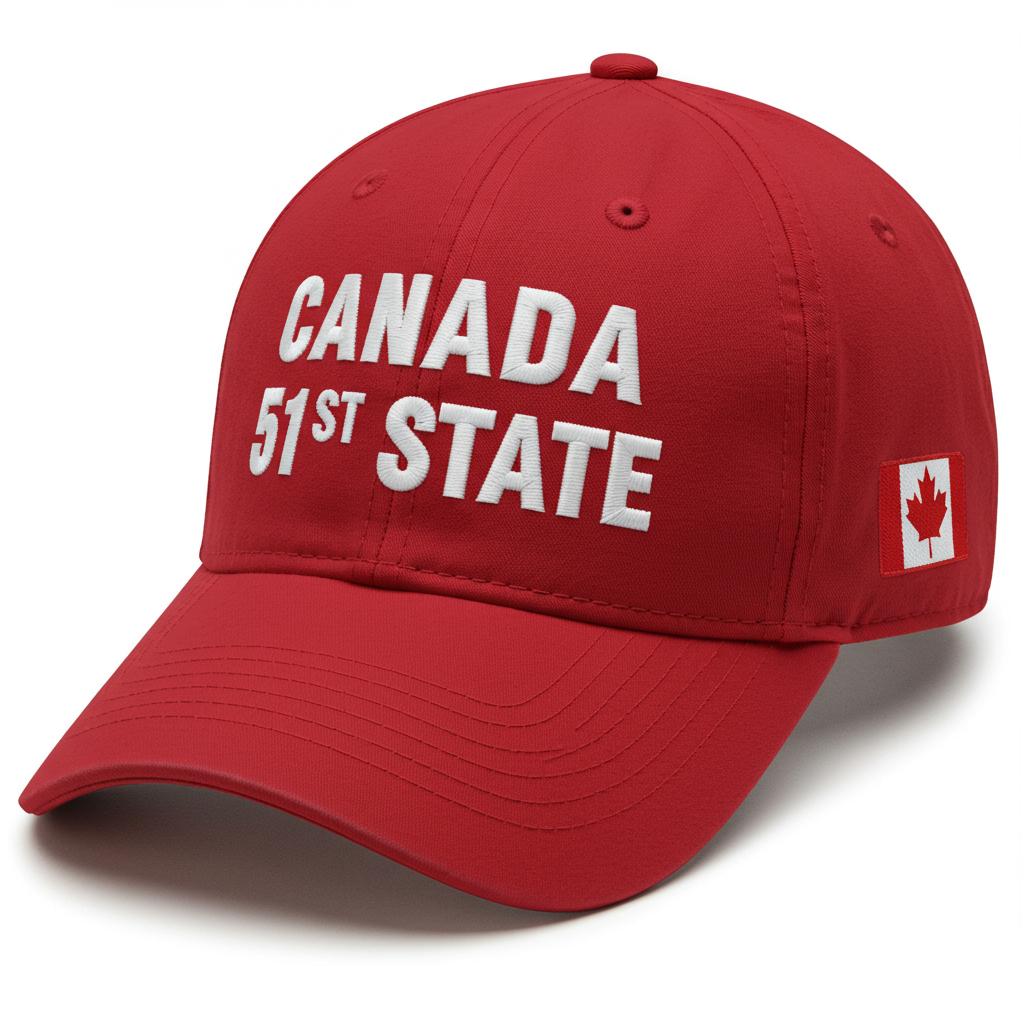
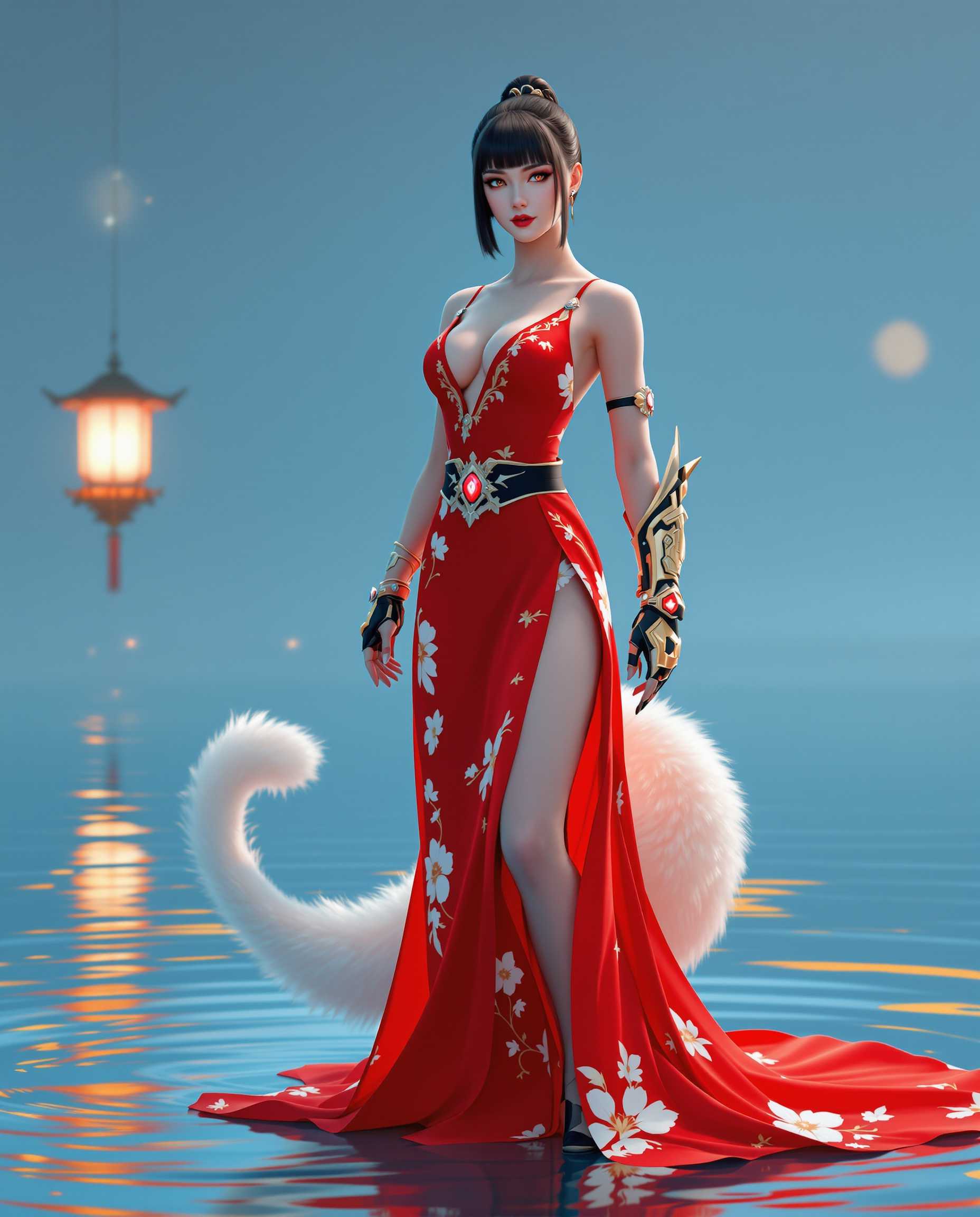

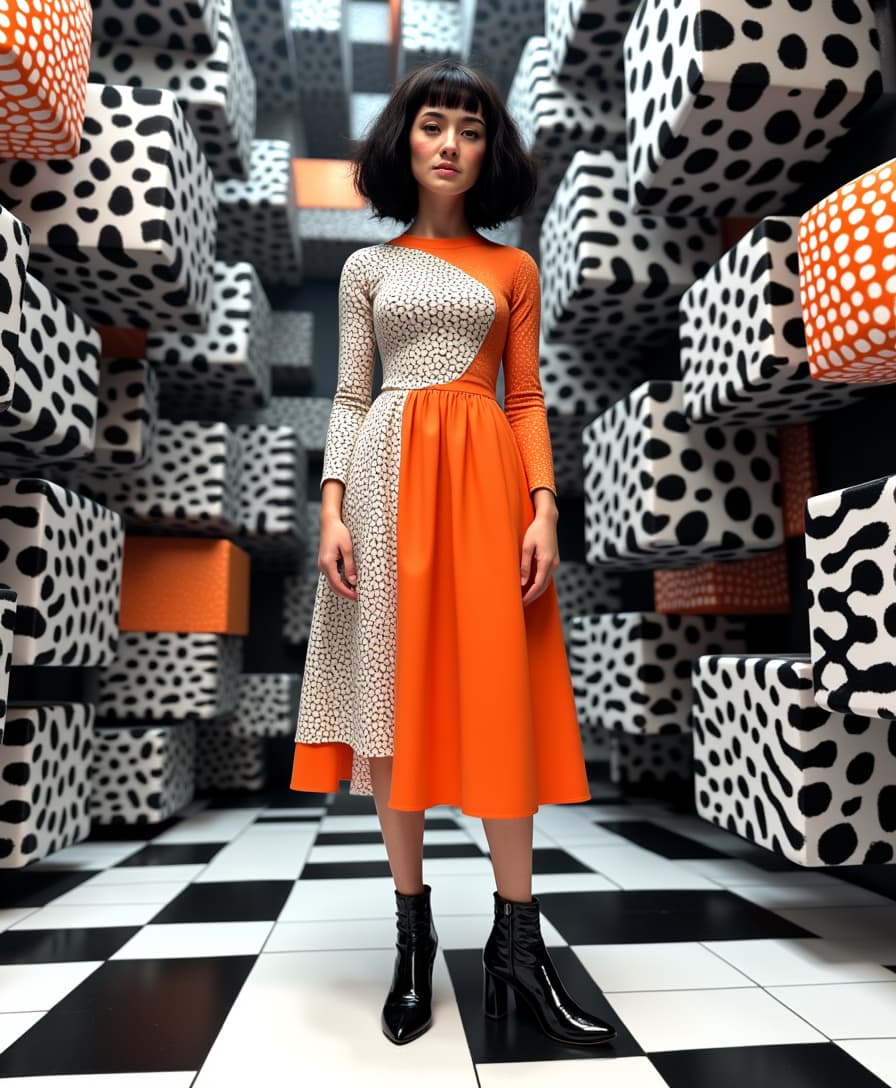

The Pixel Dojo Advantage
Why PixelDojo is your best bet for Shorts creation
| Others | Pixel Dojo |
|---|---|
| Traditional video-editing workflow | Create thumbnails and vertical videos in minutes instead of hours—with no steep learning curve |
| Generic AI tools | Get tools built specifically for Shorts: safe-area thumbnails, vertical export, fast content tweaks |
| Manual photo/video editing | Use Style Transfer, Upscaler, Voice-overs & auto captions to speed up editing without sacrificing polish |
Loved by Creators
See what our community says about youtube shorts
"PixelDojo’s Runway Gen-4 Video tool turned my product demos into Shorts that got 3× more views. The thumbnails alone made a difference."
Jess R.
Product Marketer
"I hated designing thumbnails — until I used Seedream 4 + Creative Upscaler. Now I hit 1280×720 previews and love the way audiences respond."
Mike L.
YouTuber / Storyteller
Common Questions
Everything you need to know about youtube shorts AI generation
What is the best thumbnail size for YouTube Shorts?
Thumbnails for Shorts should be sharp and clear — while Shorts are vertical at 9:16 (1080×1920 px), thumbnails often show up horizontally in search or on channel pages at 1280×720 px. Use that size for thumbnails so your content looks professional everywhere. ([listnr.ai](https://listnr.ai/blog/youtube-shorts-dimensions?utm_source=openai))
How tall and long can my YouTube Shorts video be?
Shorts must be vertical (9:16 aspect ratio), with resolution at least 720×1280 px — ideally 1080×1920. Max length is 60 seconds. Exceeding that or shooting in landscape means your video may not be classified or prioritized as a Short. ([yoloco.io](https://yoloco.io/blog/finding-the-perfect-youtube-shorts-dimension?utm_source=openai))
Can I add a custom thumbnail to a YouTube Short?
Yes — although Shorts in the feed use a frame automatically, you can set a custom thumbnail that shows in search, on your channel, and elsewhere. Upload an image at 1280×720 px. PixelDojo tools help you design these perfect thumbnails in seconds. ([yoloco.io](https://yoloco.io/blog/finding-the-perfect-youtube-shorts-dimension?utm_source=openai))
Where should I place text or faces in Shorts thumbnails so they aren’t cut off?
Keep vital text or faces within the central safe area — avoid putting them too close to the top or bottom. Many UI elements (titles, buttons, progress bars) overlap edges. Using tools like Background Remover, Style Transfer, and Material Transfer you can isolate subjects cleanly. ([blog.aitoearn.ai](https://blog.aitoearn.ai/youtube-short-dimensions/?utm_source=openai))
How do I make Shorts that get more views and engagement?
Hook viewers in the first 3 seconds, use captions (many watch with sound off), employ color, contrast, bold visuals, and consistent branding. Make every frame count. PixelDojo tools like Text-to-Speech, Video Autocaption, and Magic Lighting help amplify impact. ([podcastle.ai](https://podcastle.ai/blog/youtube-shorts-dimensions/?utm_source=openai))
Do I need to worry about algorithm changes on Shorts?
You don’t need to chase every change — fundamentals like using vertical video, good thumbnails, strong hooks, and watch time stay consistent. PixelDojo keeps updating: every tool works with current best practices, so you remain compliant, discoverable, and ready for what’s next.