 Tipografi
Qwen Image 2.0
Resolusi 2K.
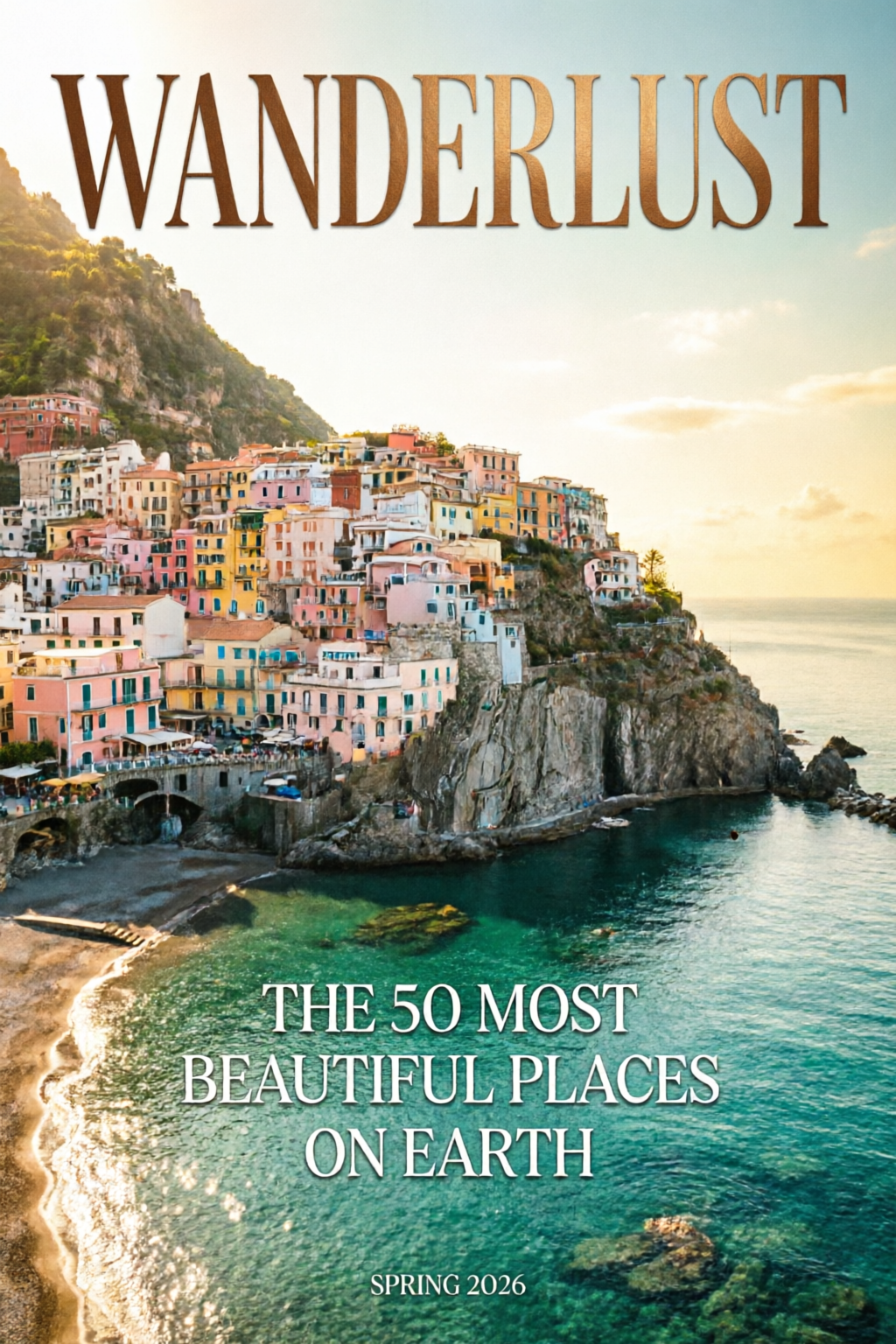
Tipografi Native.
Buat & Edit Jadi Satu.
Panduan Qwen Image 2.0: arsitektur terpadu dengan 7B parameter untuk membuat dan mengedit gambar, resolusi 2K native, dan tipografi profesional. #1 di AI Arena untuk pembuatan dan pengeditan gambar.
2K
Resolusi Native
1K
Token Prompt
#1
Peringkat AI Arena
Ringkasan
Qwen Image 2.0 menyatukan pembuatan gambar dari teks dan pengeditan gambar berbasis gambar dalam satu model berparameter 7B. Kamu dapat output native 2048 × 2048, dukungan prompt hingga 1.000 token untuk tata letak teks kompleks, serta satu alur untuk transfer gaya, manipulasi objek, dan penggabungan beberapa gambar.
Unggul dalam tipografi siap publikasi (infografik, slide PPT, poster, komik), fotorealisme berdetail halus di 2K, dan pengeditan yang konsisten tanpa merangkai beberapa model.
DPG-Bench
88.32
vs FLUX.1 83.84
GenEval
0.91
Kualitas gambar yang dihasilkan
Parameter
7B
3× lebih kecil dari v1
AI Arena
#1
ELO Pembuatan + Pengeditan
Fitur Utama
Tipografi Profesional
Tata Letak Teks Siap Terbit
Merender teks kompleks langsung ke gambar yang dibuat dengan prompt hingga 1.000 token.
- Infografik, slide PPT, poster film, kalender
- Penempatan dan perataan karakter yang akurat
- Teks menyesuaikan permukaan seperti kaca, kain, dan papan nama
- Beragam gaya font dalam satu gambar
Resolusi 2K Native
Detail Mikroskopis, Langsung dari Hasil Generasi
Buat gambar langsung dalam resolusi 2048 × 2048 piksel tanpa upscaling.
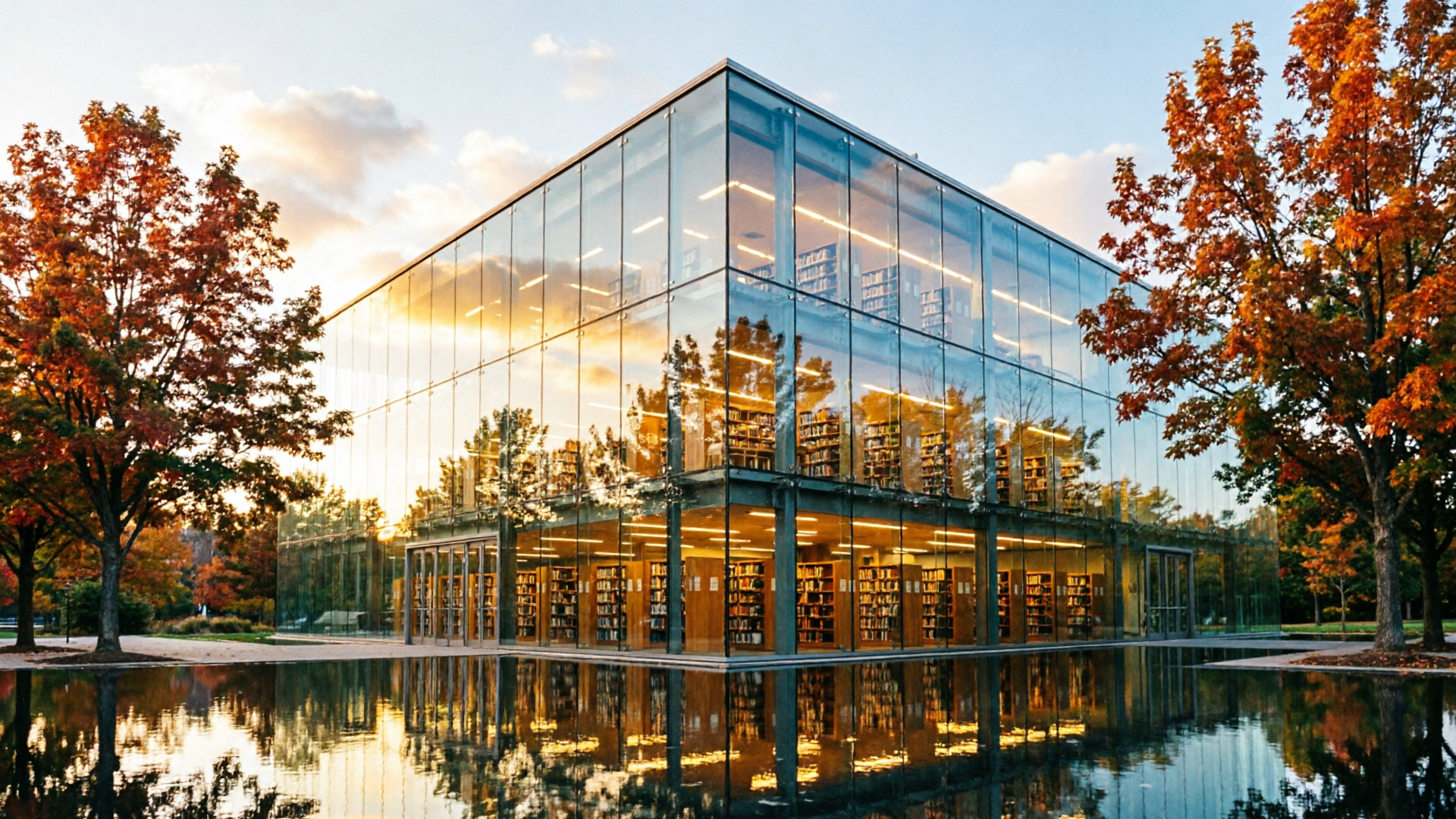
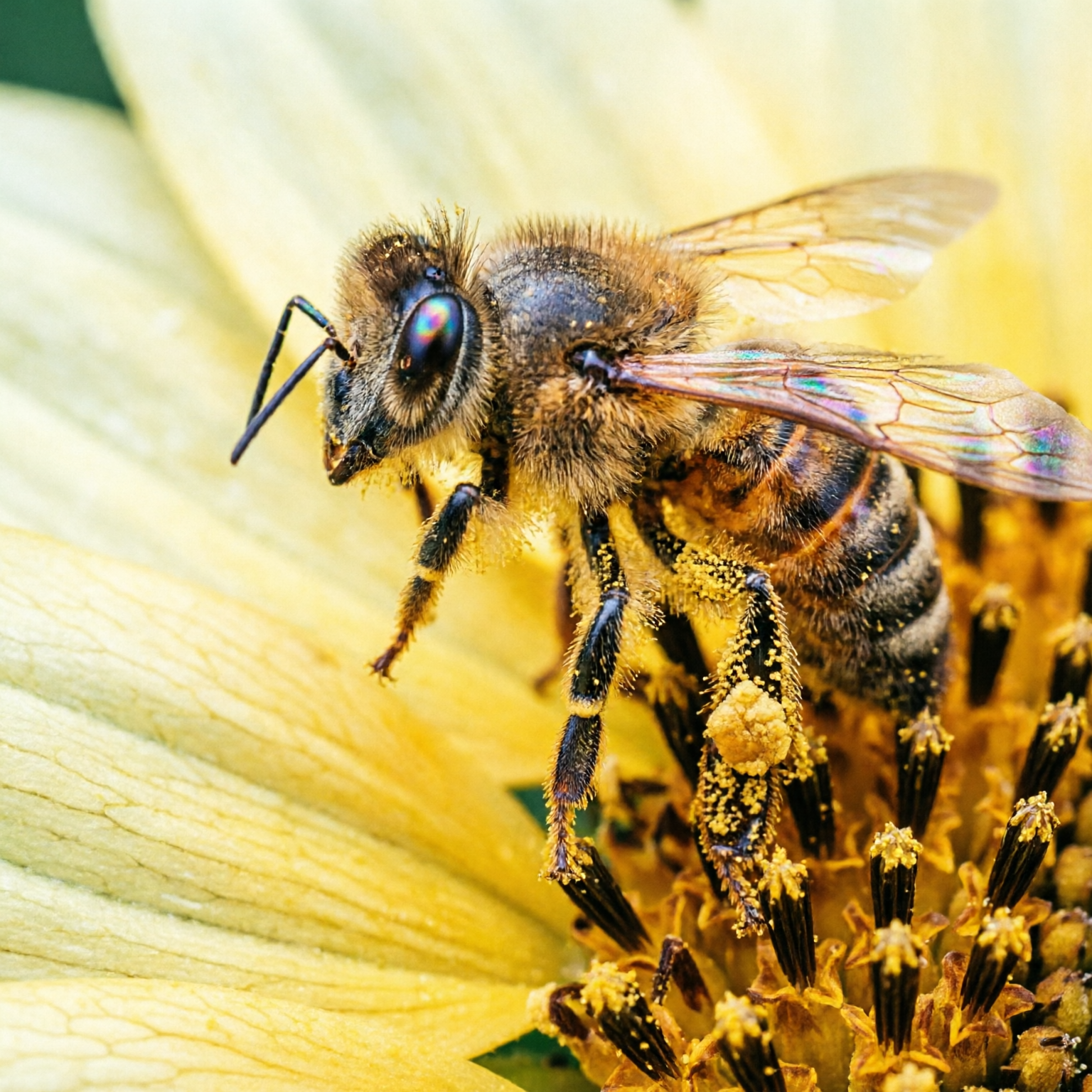
- Pori-pori kulit, tenunan kain, dan grain terlihat saat zoom penuh
- Tekstur arsitektur dirender dengan presisi
- Hasil siap produksi tanpa pemrosesan lanjutan
- Tetap tajam di resolusi cetak
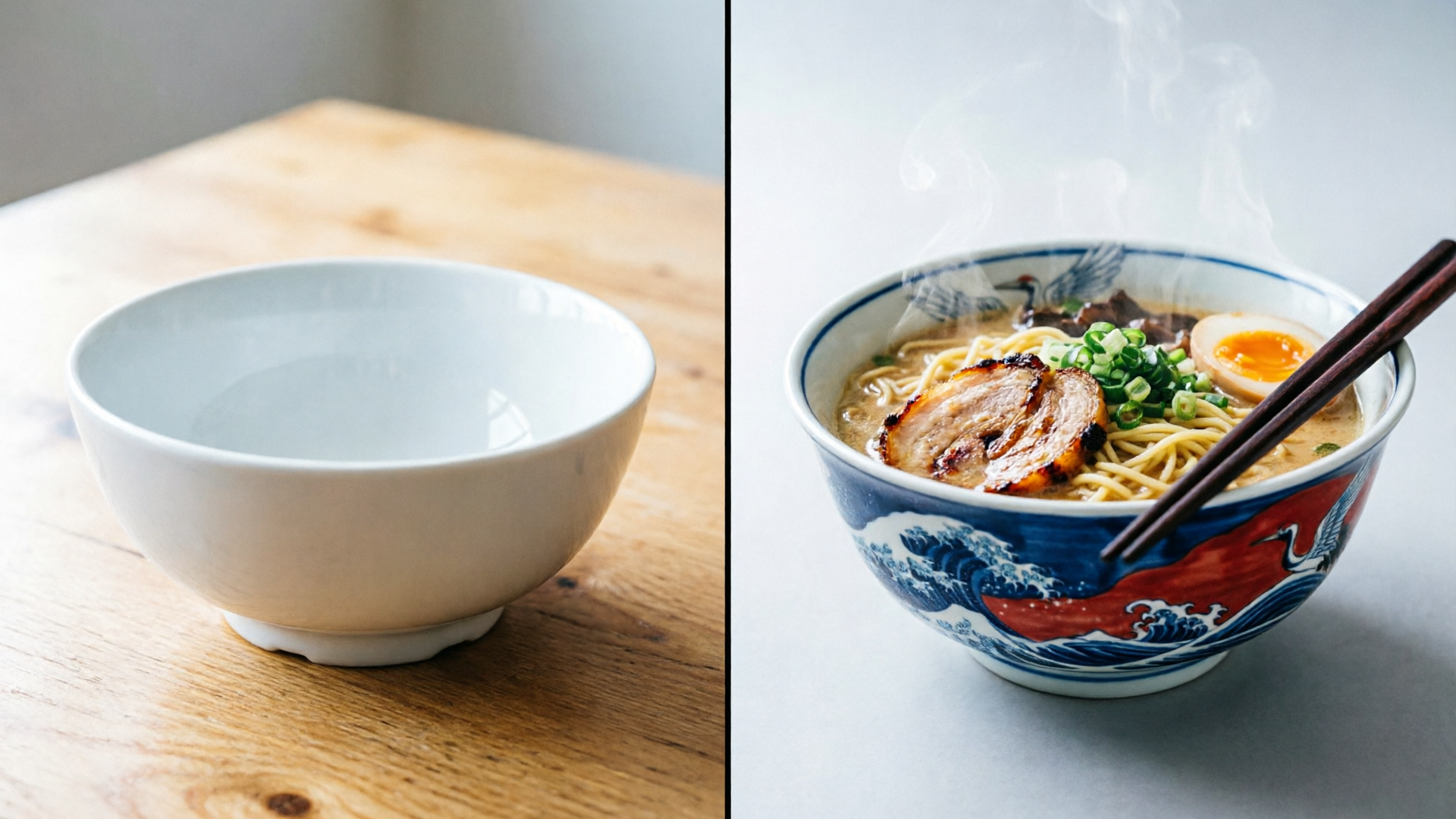
Pembuatan & Pengeditan Terpadu
Satu Model, Alur Kreatif Lengkap
Satu model dengan 7B parameter untuk membuat sekaligus mengedit gambar.
- Transfer gaya dan penambahan/penghapusan objek
- Komposit beberapa gambar dalam satu alur kerja
- Pengeditan lintas domain (ilustrasi jadi foto)
- Tak perlu merangkai beberapa model
Galeri
Semua gambar di bawah dibuat dengan Qwen Image 2.0. Klik “Lihat prompt & tips” di kartu mana pun untuk melihat dan menyalin prompt persis yang dipakai.
Tipografi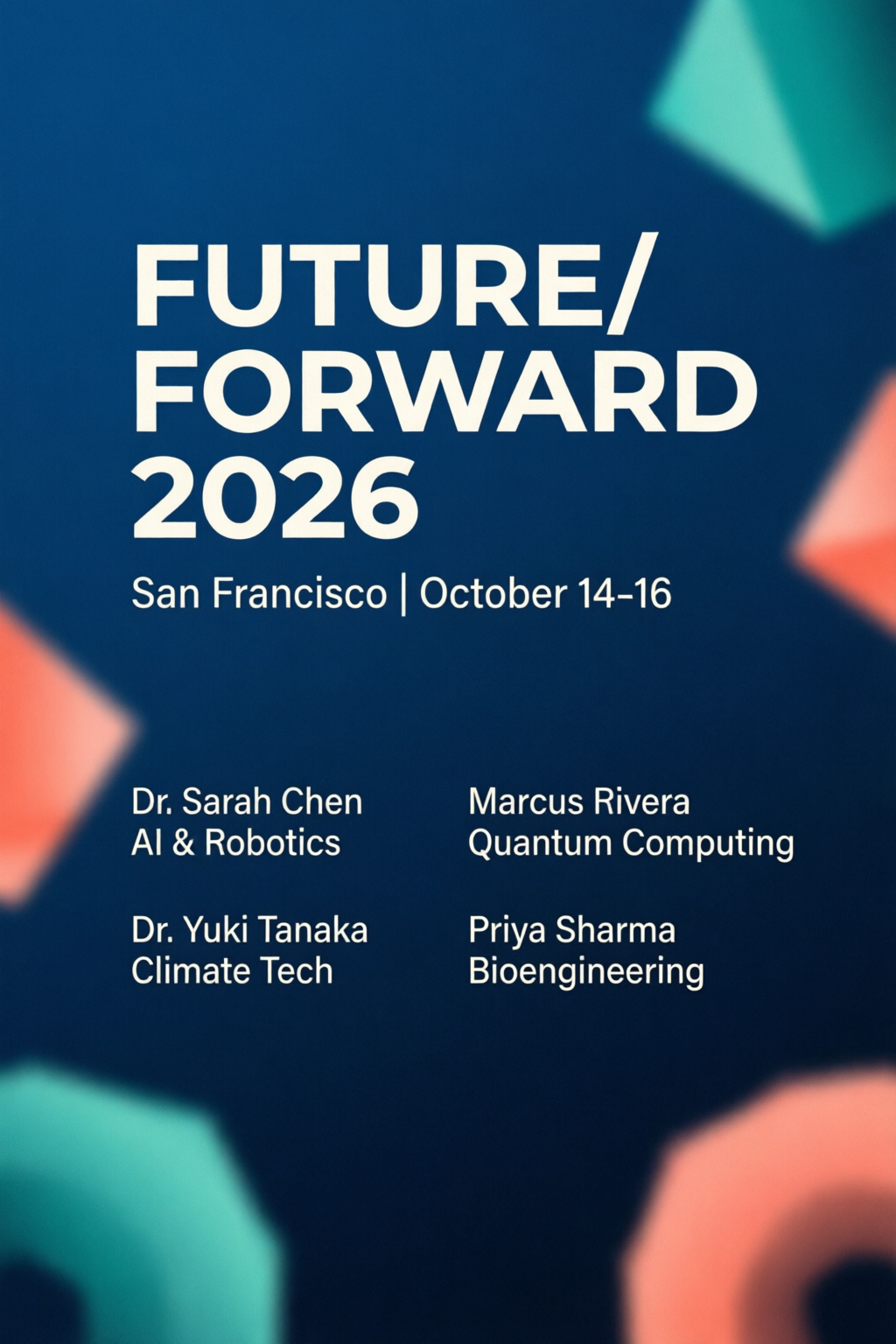 Tipografi
Poster Konferensi
FotorealismeFotografi Makro
FotorealismeArsitektur Saat Golden Hour
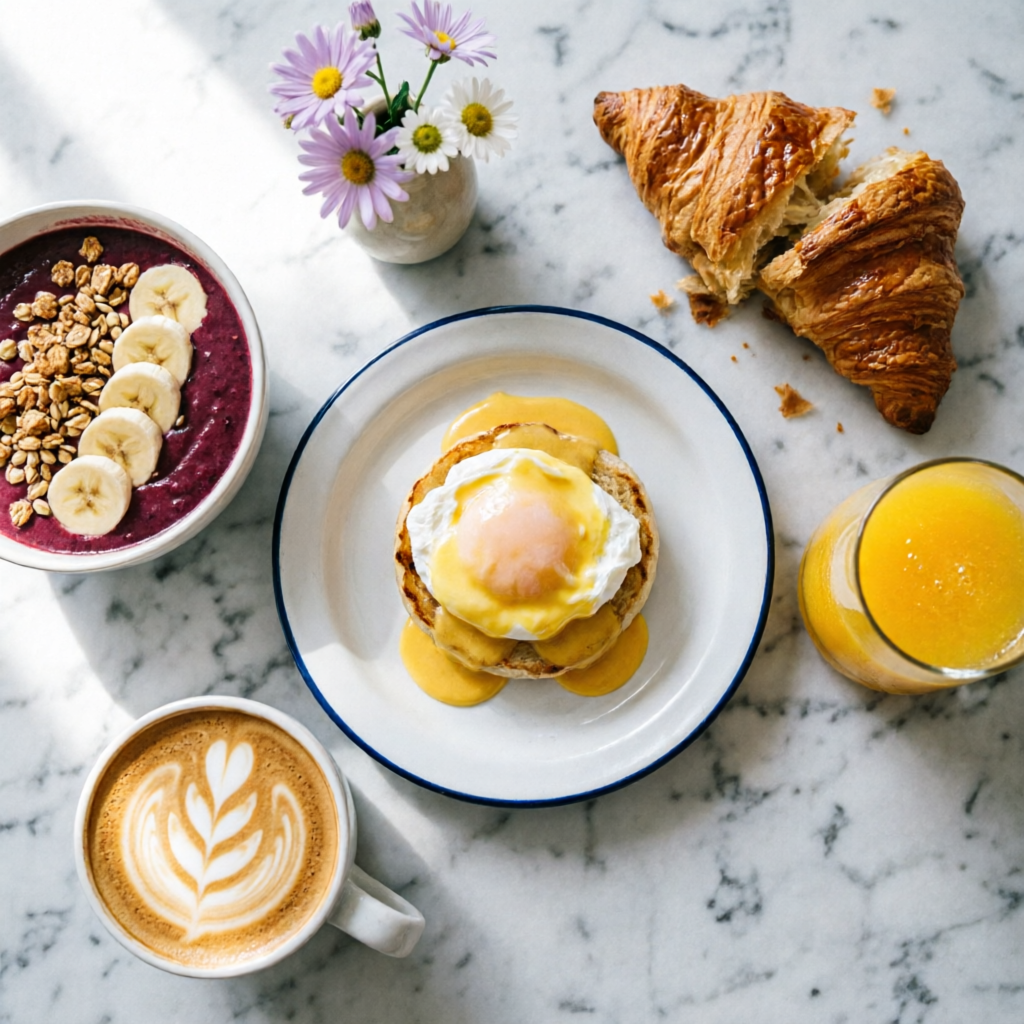 Fotorealisme
Flat Lay Brunch
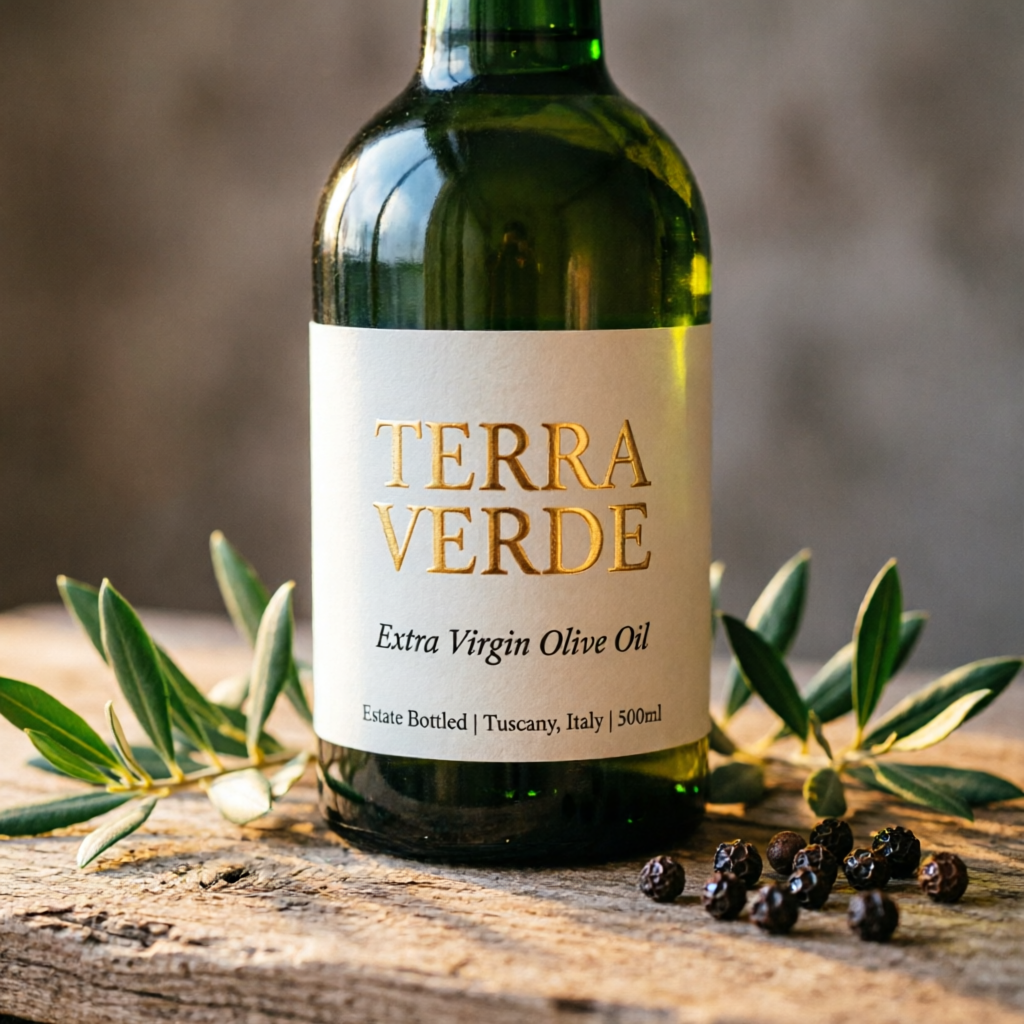 Desain Produk
Mockup Label Produk
PengeditanAlur Pengeditan
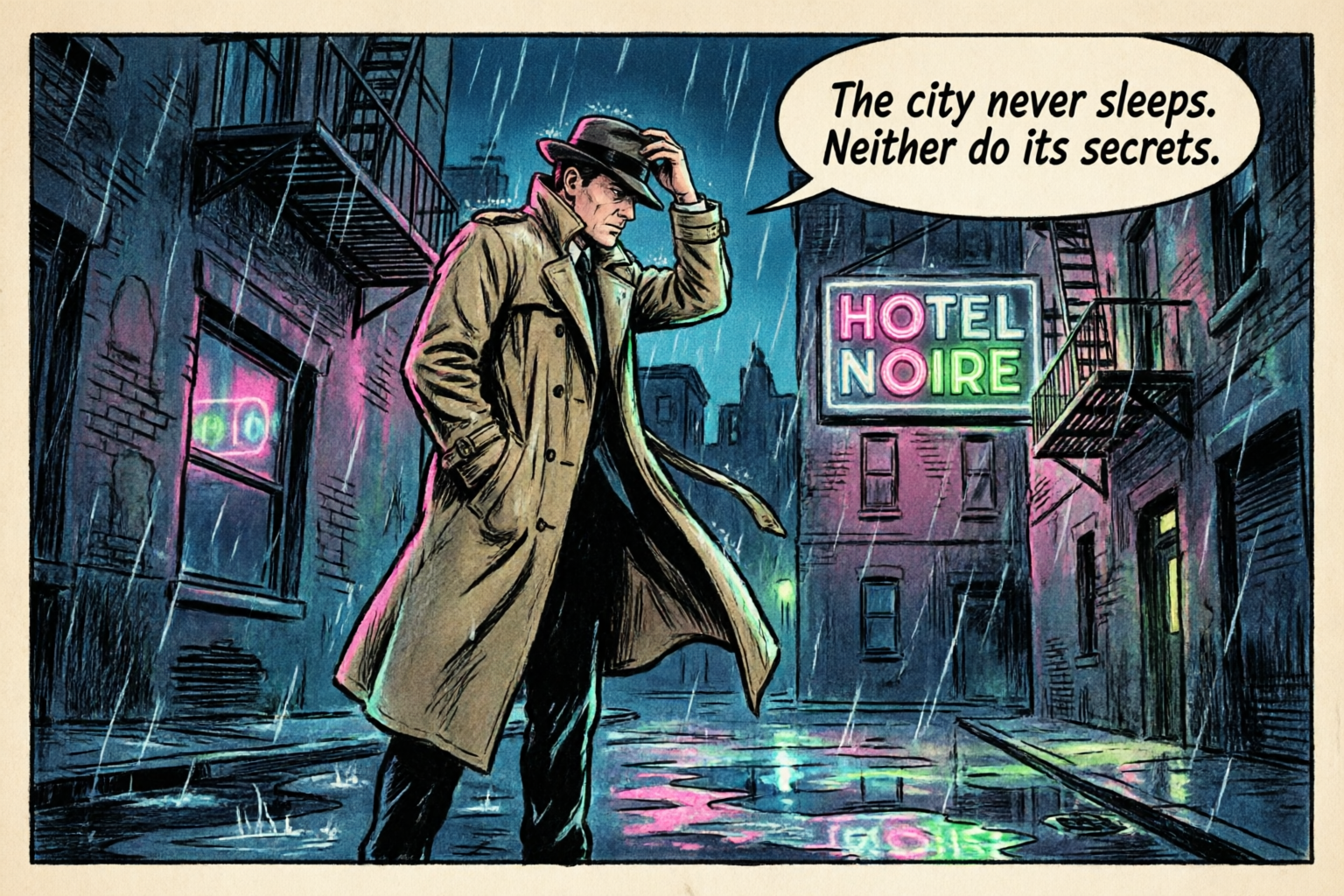 Ilustrasi
Panel Komik
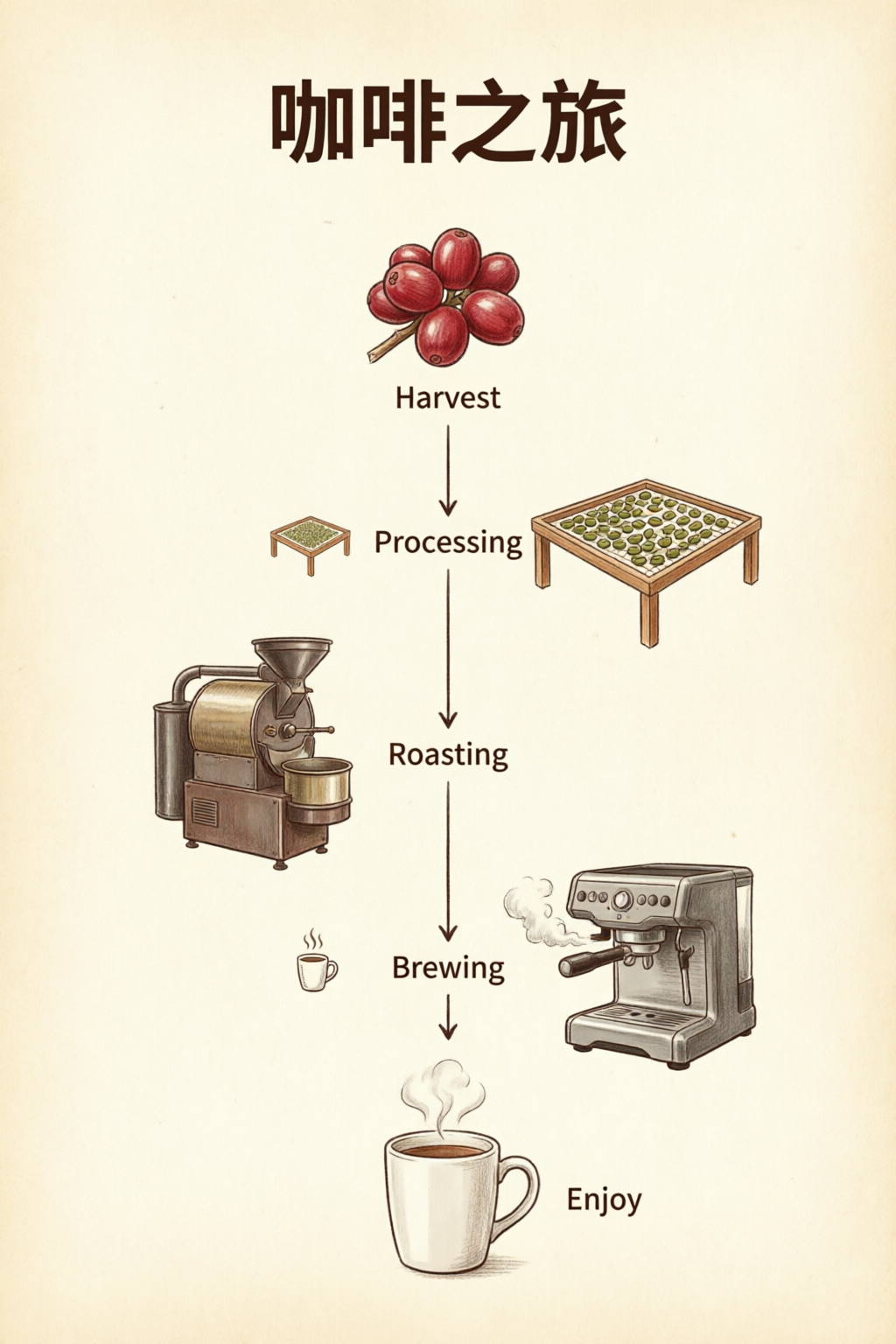 Visualisasi Data
Infografik
FotorealismeStudi Potret
Tips Prompting
Enam teknik untuk memaksimalkan Qwen Image 2.0.
1
Quote All Text Exactly
Wrap every piece of visible text in double quotes. Specify font style per block: "TITLE" in bold sans-serif, "subtitle" in italic script.
2
Describe Layout Spatially
Use spatial language: top-to-bottom, left column, centered, grid. The model respects visual hierarchy when you describe placement order.
3
Name Micro-Details for 2K
Call out specifics: skin pores, fabric weave, vein structure, pollen grains. This activates the 2K renderer's fine-detail capabilities.
4
Set Lighting and Mood
Mention lighting style by name: chiaroscuro, golden hour, studio rim light, overcast diffuse. Combine with color palette for consistent mood.
5
Use Art Style References
Reference specific techniques: Ben-Day dots, watercolor wash, oil impasto, line art. The model adapts rendering to match the named style.
6
Keep Editing Prompts Focused
For edits, state what stays the same first, then what changes. "Keep composition and pose. Apply [new style]." Explicit preservation avoids drift.
Contoh Penggunaan & Prompt
Alur kerja nyata dengan prompt siap salin.
Infografik / Visualisasi Data
Tata teks, angka, dan grafik dalam satu gambar.
Professional infographic: title "Q4 2026 Revenue Overview" at top in bold sans-serif. Three sections with icons: (1) "Revenue: $12.4M" with upward arrow, (2) "Growth: +24% YoY" with bar chart icon, (3) "Top Region: APAC" with globe icon. Clean white background, subtle grid, corporate blue and gray palette. 16:9 aspect ratio.
Apit label bagian dengan tanda kutip dan jelaskan urutan tata letaknya (atas ke bawah, kiri ke kanan) agar komposisi sesuai arahan.
Fotografi Produk
Foto produk utama dan mockup label untuk e-commerce.
Photorealistic product mockup of a premium olive oil bottle with a custom label. The label reads "TERRA VERDE" in embossed gold serif text. Below it: "Extra Virgin Olive Oil" in smaller italic text. The bottle sits on a rustic wooden surface with olive branches. Warm directional lighting, shallow depth of field.
Jelaskan hierarki teks label dan konteks fisik (permukaan, properti, pencahayaan) secara terpisah agar mockup terlihat rapi.
Editorial & Potret
Potret kualitas studio dengan pencahayaan terkontrol.
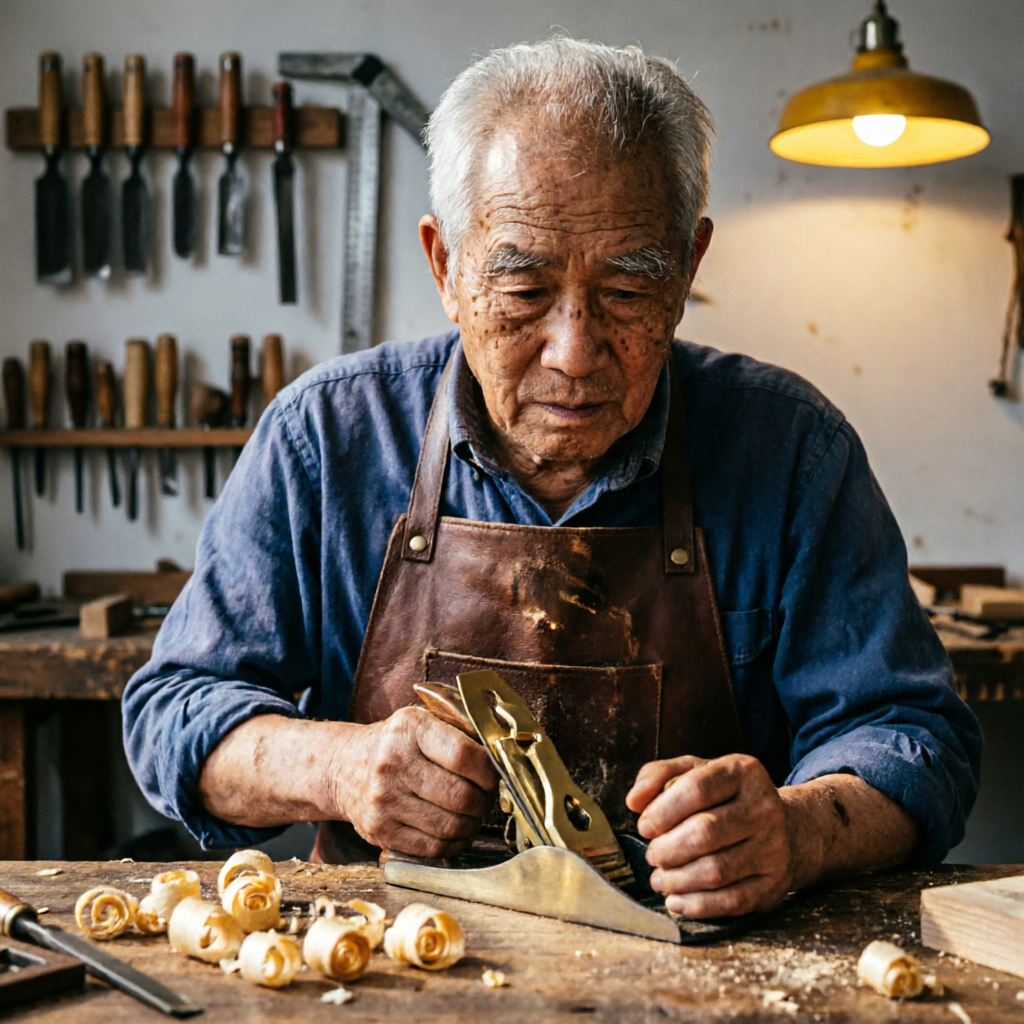
Studio portrait of an elderly craftsman in his woodworking workshop. He wears a worn leather apron and holds a hand plane. Wood shavings curl on the workbench. Warm workshop lighting from a single overhead lamp creates dramatic chiaroscuro. Background shows shelves of hand tools slightly out of focus.
Jelaskan aktivitas subjek beserta lingkungannya. Sebutkan gaya pencahayaan (chiaroscuro, Rembrandt) untuk potret yang dramatis.
Ilustrasi & Komik
Karya seni bergaya khas dengan balon dialog dan efek.
A single comic book panel in classic American comic style. A detective in a trench coat stands in a rain-soaked alley at night. A neon sign reads "HOTEL NOIRE". Speech bubble: "The city never sleeps. Neither do its secrets." Bold ink outlines, Ben-Day dot shading, limited palette.
Sebutkan gaya seni spesifik (titik Ben-Day, garis tepi tinta) dan elemen naratif (balon dialog) untuk membuat ilustrasi bergaya khas.
Template Prompt
Template awal yang tinggal kamu isi. Ganti bagian dalam tanda kurung siku dengan kontenmu sendiri.
Tata Letak Padat Tipografi
Untuk poster, slide, atau gambar apa pun yang butuh teks akurat.
[Layout type]: title "[Exact Title Text]" in [font style]. Subtitle or body: "[Exact copy]" in [size/style]. [Describe layout: centered, grid, sections]. [Color palette and background]. [Aspect ratio if needed].
Infografik / Grafik
Untuk visualisasi data atau desain satu halaman dengan beberapa bagian.
Professional infographic. Section 1: "[Heading]" with [visual: icon, chart type]. Section 2: "[Heading]" with [visual]. Section 3: "[Heading]" with [visual]. [Background and palette]. Clear hierarchy, readable at 2K.
Edit / Transfer Gaya
Saat kamu punya gambar referensi dan ingin mengubah gaya atau elemennya.
Keep the composition and subject from the reference. Apply [style/effect]: [describe style, palette, or change]. Preserve [what must stay the same: pose, identity, layout]. Output should feel [mood/quality].
Mockup Produk
Foto produk utama untuk e-commerce dan kebutuhan brand.
Photorealistic product mockup of [product]. Label text: "[Brand Name]" in [font style], "[tagline]" in [secondary style]. [Surface and props]. [Lighting direction and style]. Shallow depth of field.
Pertanyaan Umum
Qwen Image 2.0 adalah model fondasi gambar terbaru Alibaba dari tim Qwen. Model ini menyatukan pembuatan gambar dari teks dan pengeditan gambar dalam satu arsitektur berparameter 7B. Meski ukurannya hampir 3x lebih kecil dari pendahulunya, model ini menduduki peringkat #1 di leaderboard ELO AI Arena untuk pembuatan maupun pengeditan gambar.
Qwen Image 2.0 mendukung prompt hingga 1.000 token dan bisa merender tata letak teks kompleks langsung di gambar yang dibuat. Mulai dari slide PPT, infografik, poster film, kalender, grafik data, hingga komik. Teks menyesuaikan permukaan seperti kaca, kain, dan papan nama dengan perspektif yang tepat.
Model ini menghasilkan gambar dengan resolusi native hingga 2048 × 2048 piksel (2K). Ini benar-benar resolusi native, bukan hasil upscale. Detail halus seperti pori-pori kulit, tenunan kain, tekstur arsitektur, dan dedaunan alami dirender dengan presisi tinggi langsung saat gambar dibuat.
Panduan Qwen Image 2.0: model ini bisa mengubah gaya, menambahkan dan menghapus objek, mempertajam detail, mengedit teks dalam gambar, serta mengubah pose manusia. Kamu juga bisa menambahkan teks di atas foto asli, menggabungkan beberapa gambar jadi foto grup yang natural, dan mengedit lintas domain.
Qwen Image 2.0 mengungguli kompetitor yang lebih besar di benchmark standar. Skornya mencapai 88.32 di DPG-Bench, dibandingkan 83.84 milik FLUX.1, serta 0.91 di GenEval. Model ini menduduki peringkat #1 di leaderboard evaluasi buta oleh manusia AI Arena untuk pembuatan gambar dari teks maupun pengeditan gambar.
Detail penggunaan komersial akan dikonfirmasi saat peluncuran. Seri Qwen-Image sebelumnya dirilis dengan lisensi Apache-2.0. Cek ketentuan layanan PixelDojo dan penyedia API kamu untuk info terbaru soal hak penggunaan dan lisensi.