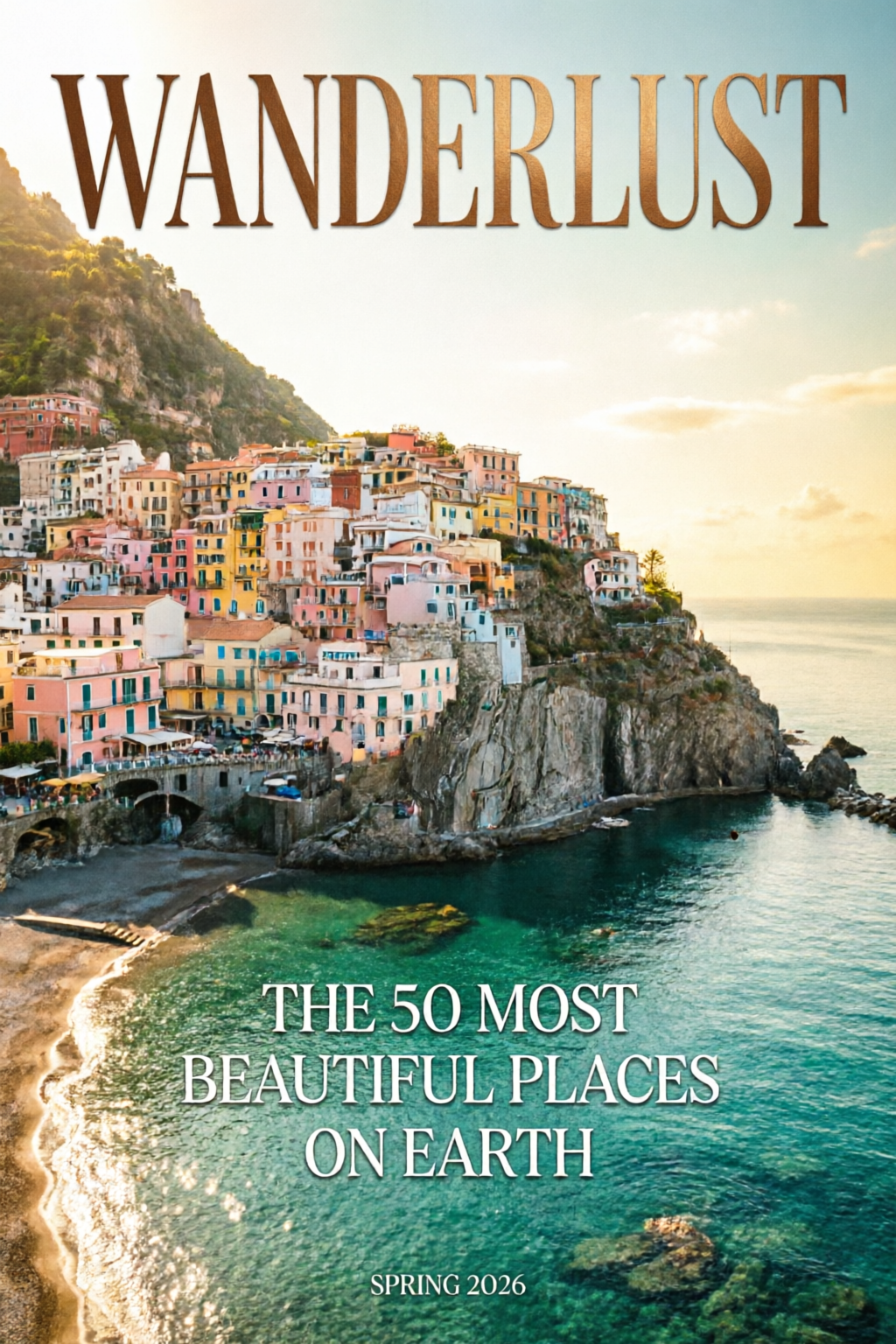
 タイポグラフィ
Qwen Image 2.0
2K解像度。
文字組みも、モデル内で。
生成も編集も、ひとつに。
Qwen Image 2.0 使い方ガイド。生成と編集を統合した7Bパラメータのアーキテクチャに、ネイティブ2K解像度とプロ品質の文字組みを搭載。AI Arenaの生成・編集の両部門で#1。
2K
ネイティブ解像度
1K
トークンのプロンプト
#1
AI Arena順位
概要
Qwen Image 2.0は、テキストからの画像生成と画像からの編集を、単一の7Bパラメータモデルに統合しています。ネイティブ2048 × 2048出力、複雑な文字レイアウトに使える最大1,000トークンのプロンプトに対応。スタイル変換、オブジェクトの操作、複数画像の合成を、1つのパイプラインで実行できます。
そのまま公開できる品質の文字組み(インフォグラフィック、PPTスライド、ポスター、漫画)、細部までリアルな2K表現、そして複数モデルをつなぐことなく一貫性を保てる編集が強みです。
DPG-Bench
88.32
FLUX.1の83.84との比較
GenEval
0.91
生成品質
パラメータ数
7B
v1より3×コンパクト
AI Arena
#1
生成+編集ELO
主な機能
プロ品質のタイポグラフィ
そのまま公開できる文字レイアウト
最大1,000トークンのプロンプトで、複雑なテキストを生成画像に直接描画。
- インフォグラフィック、PPTスライド、映画ポスター、カレンダー
- 文字の配置も整列も正確に
- ガラス、布、看板などの表面になじむ文字
- 1枚の画像で複数のフォントスタイルを表現
ネイティブ2K解像度
極小のディテールまで、直接生成
アップスケールなしで、2048 × 2048ピクセルの画像を直接生成します。
- 最大ズームでも見える毛穴、布の織り目、粒状感
- 建築素材の質感まで精密に描写
- 後処理なしで、そのまま制作に使える仕上がり
- 印刷解像度でも細部をキープ
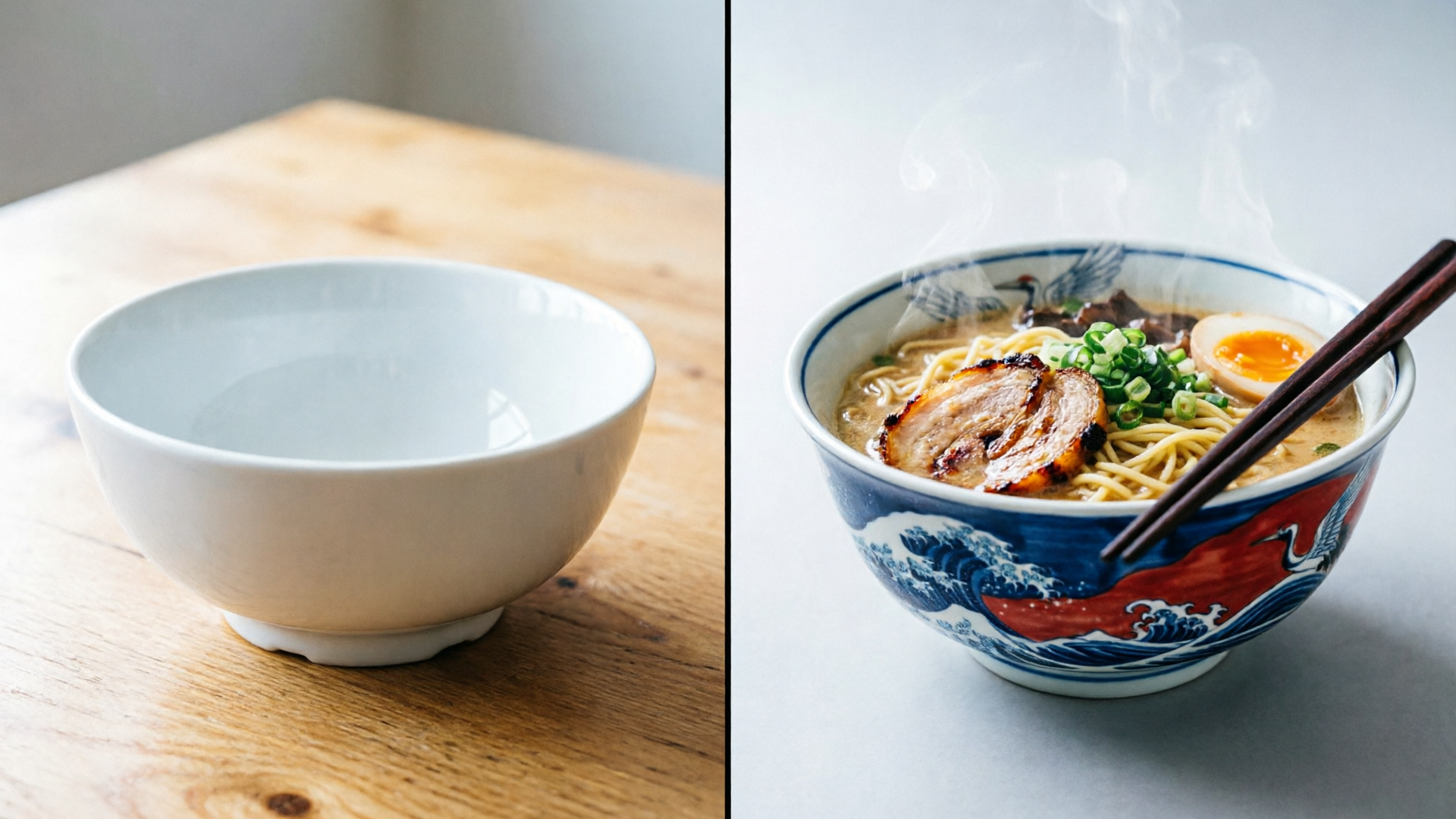
画像生成と編集を統合
生成から編集まで、単一モデルで完結
単一の7Bパラメータモデルで、生成も編集も。
- スタイル変換とオブジェクトの追加・削除
- 単一のパイプラインで複数画像を合成
- ジャンルを超えた編集(イラストを写真に)
- 複数のモデルをつなぐ必要なし
ギャラリー
以下の画像はすべてQwen Image 2.0で生成しています。各カードの「プロンプトとコツを表示」をクリックすると、実際に使ったプロンプトを確認・コピーできます。
タイポグラフィ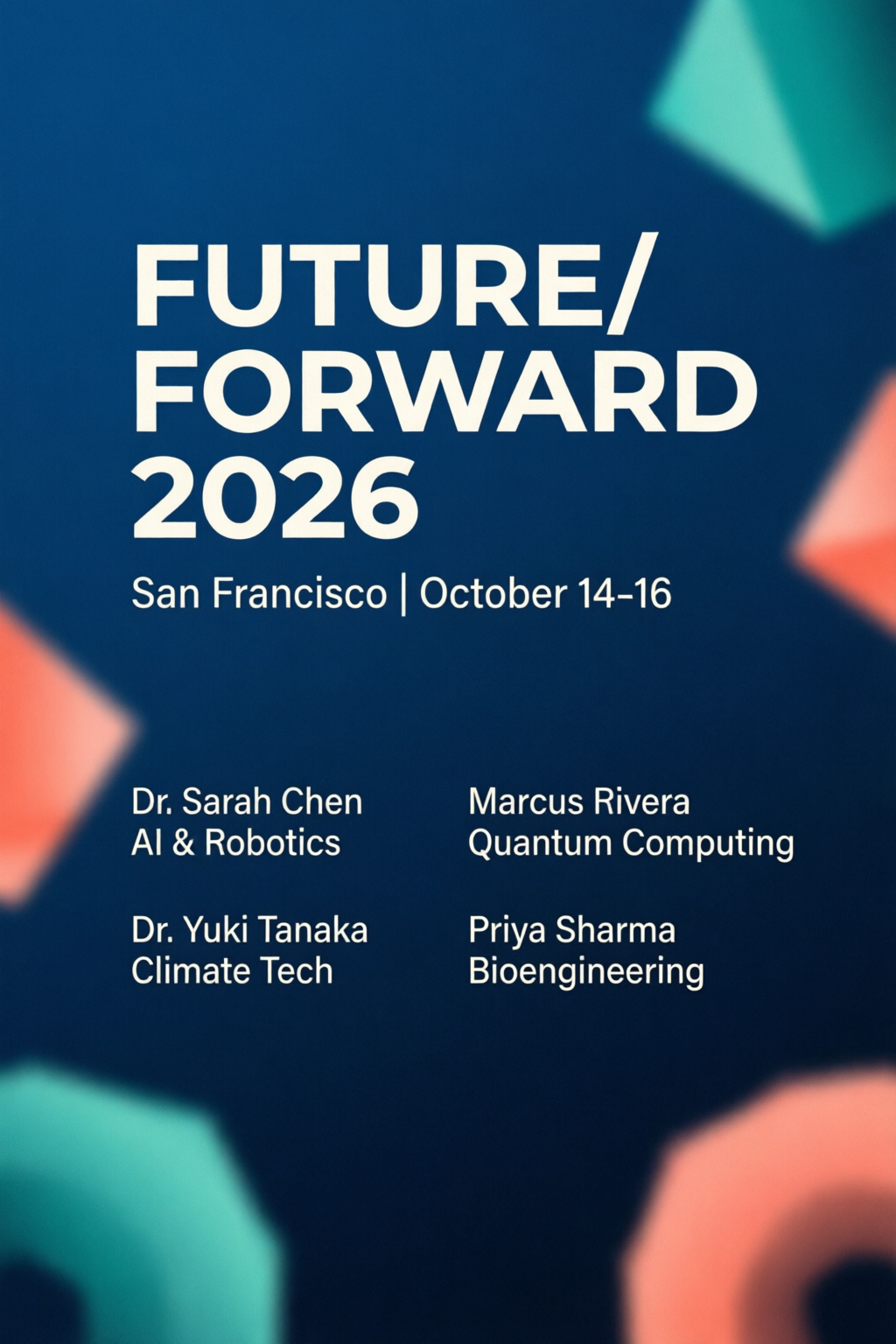 タイポグラフィ
カンファレンスのポスター
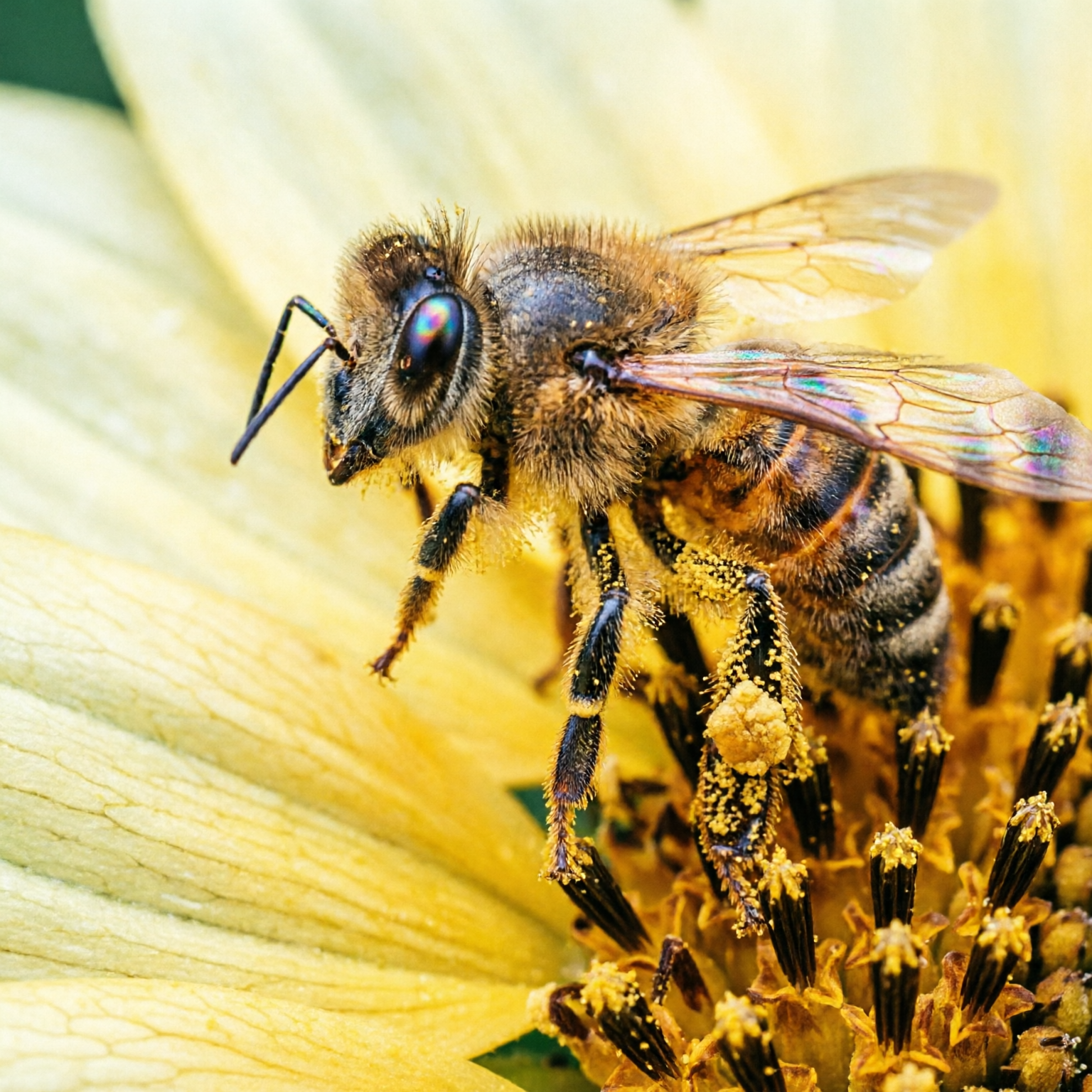
フォトリアルマクロ撮影
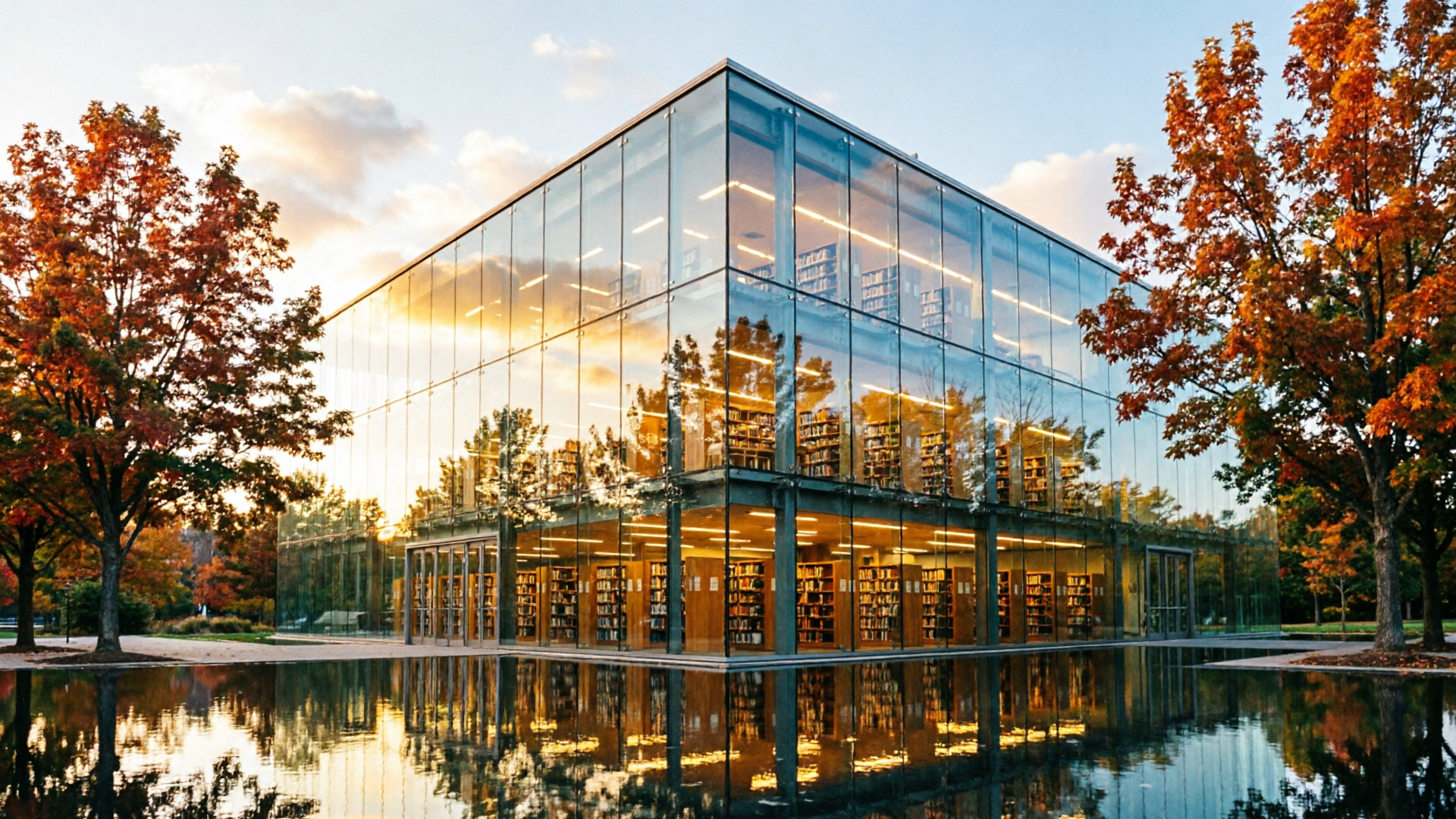
フォトリアルゴールデンアワーの建築
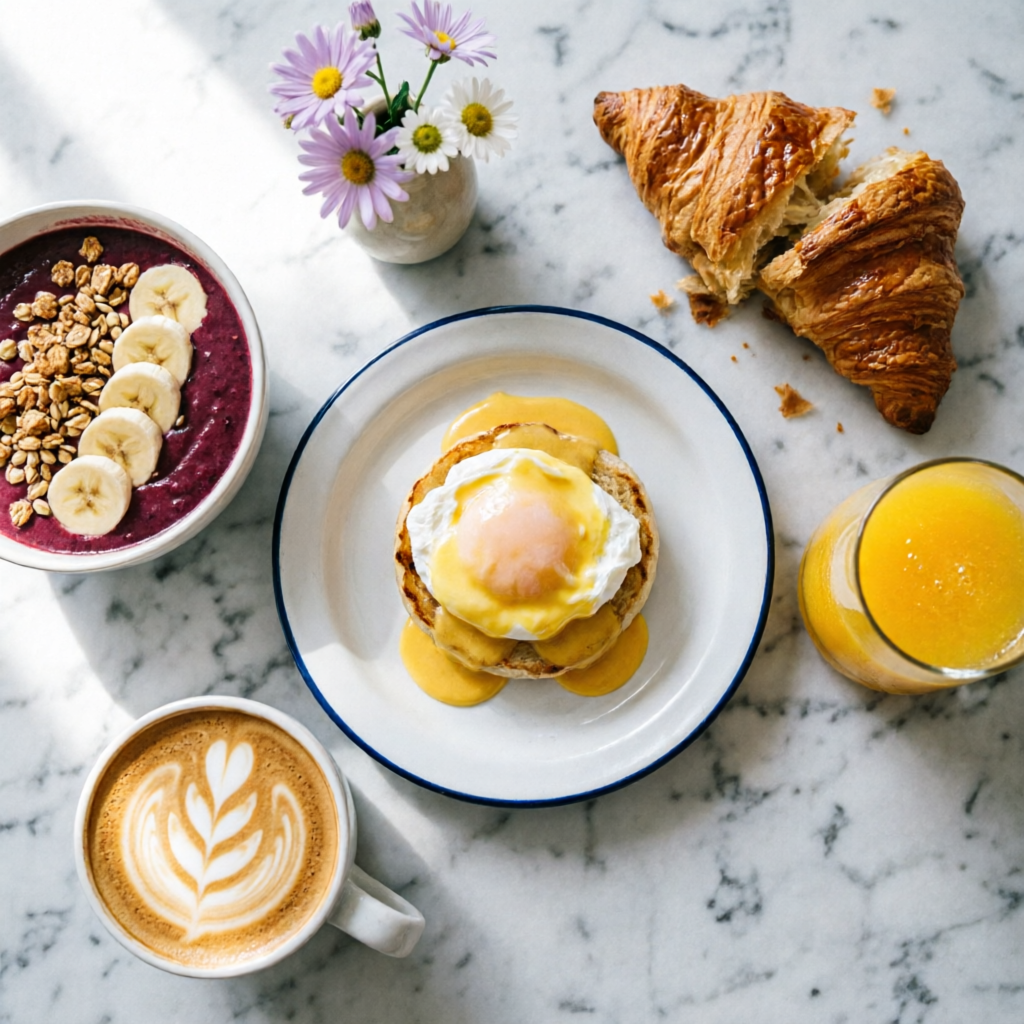 フォトリアル
ブランチの俯瞰写真
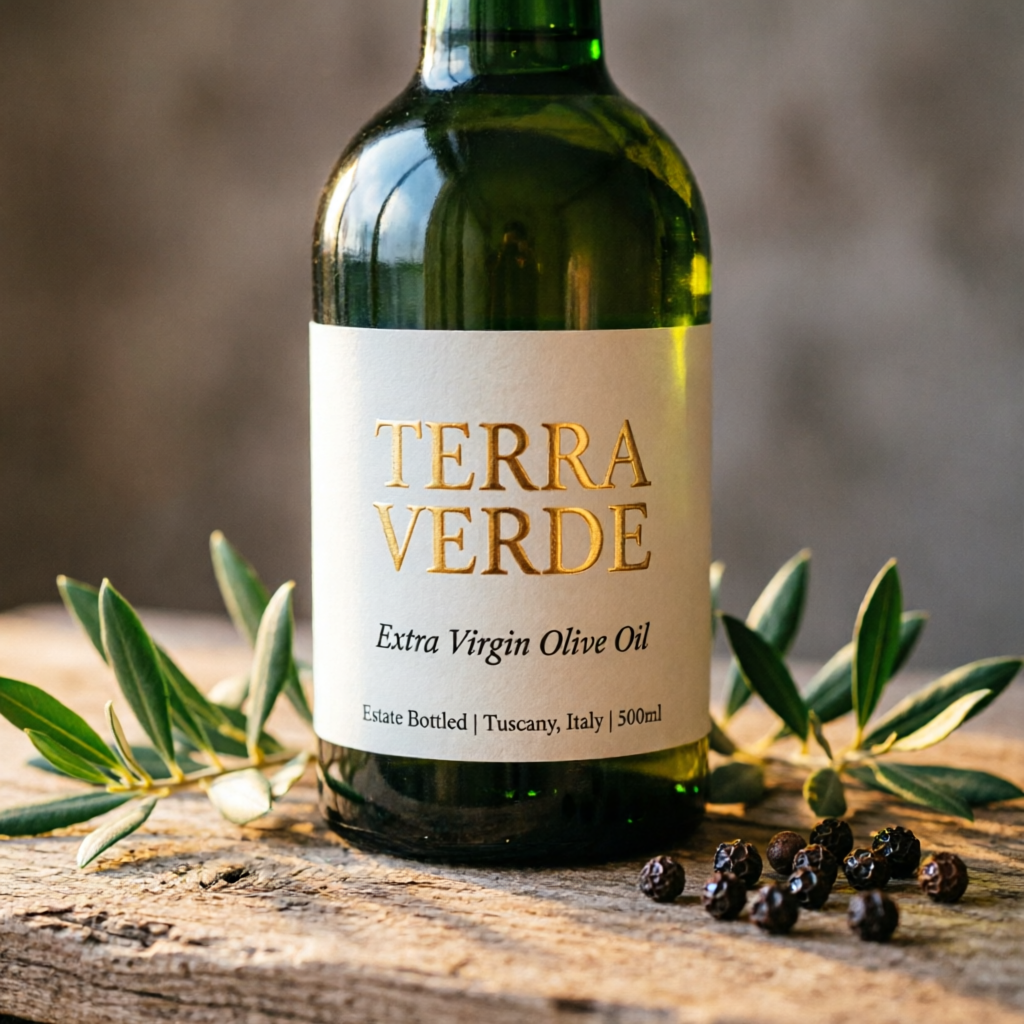 プロダクトデザイン
商品ラベルのモックアップ
編集編集パイプライン
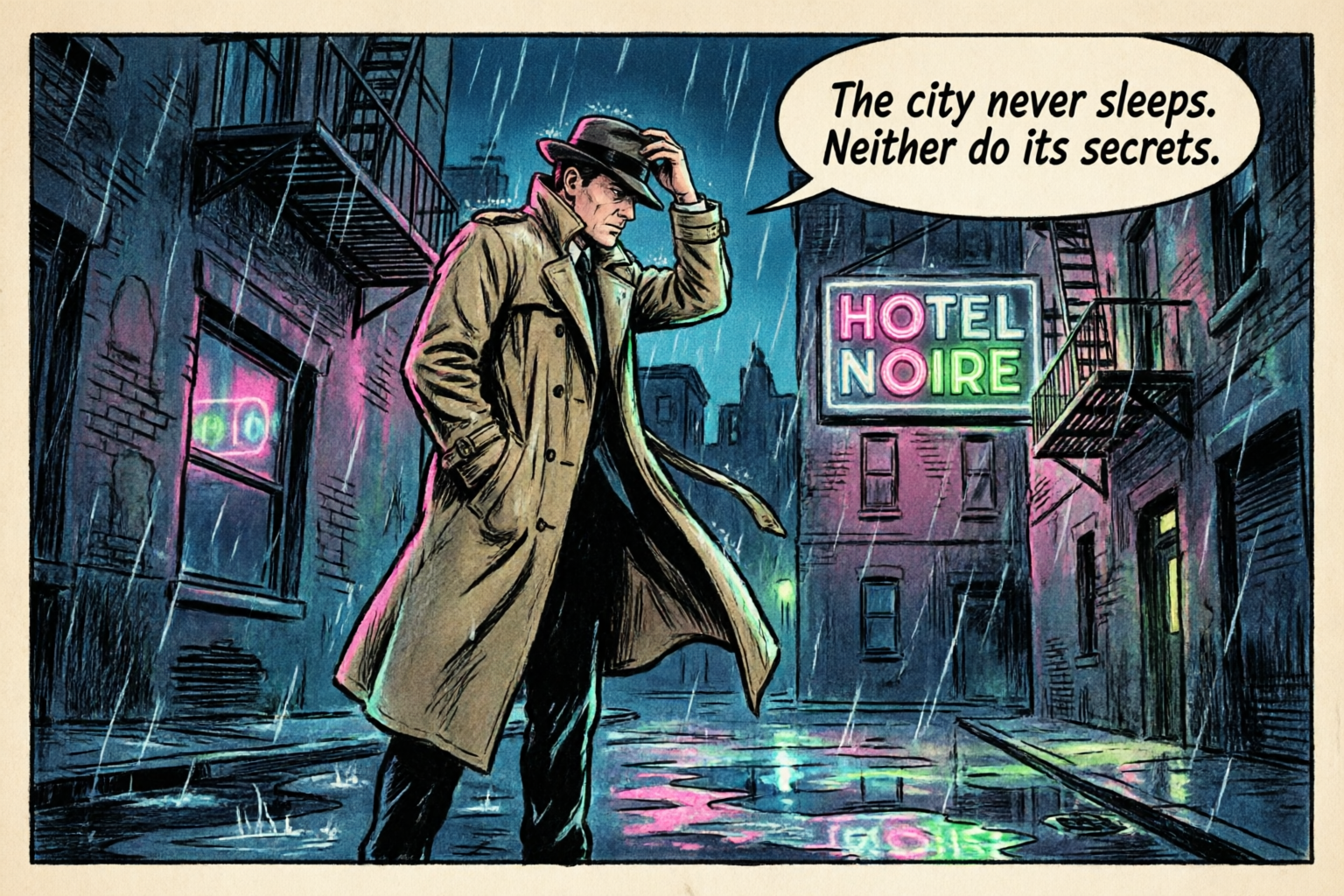 イラスト
漫画のコマ
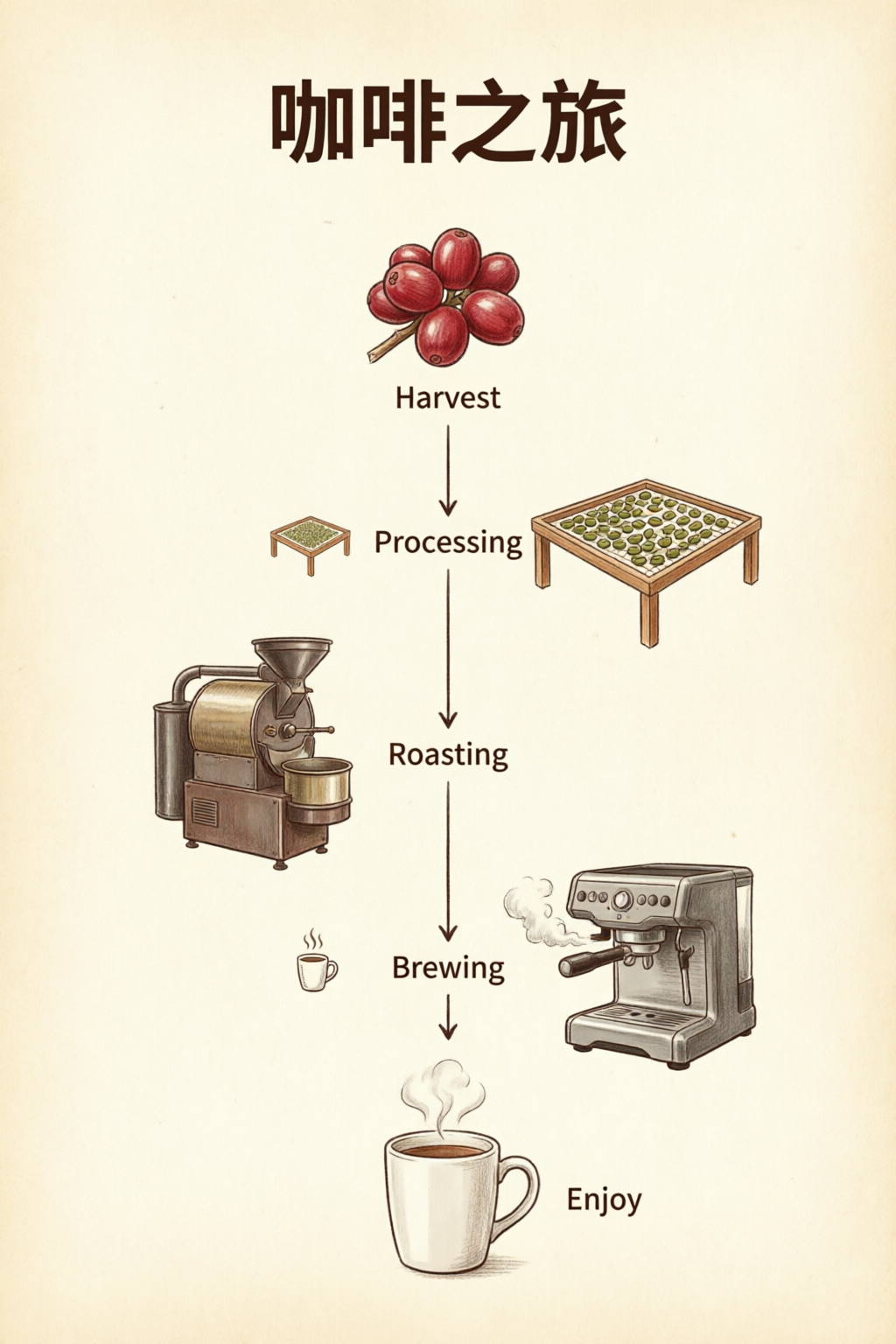 データ可視化
インフォグラフィック
フォトリアルポートレート習作
プロンプトのコツ
Qwen Image 2.0を使いこなす6つのテクニック。
1
Quote All Text Exactly
Wrap every piece of visible text in double quotes. Specify font style per block: "TITLE" in bold sans-serif, "subtitle" in italic script.
2
Describe Layout Spatially
Use spatial language: top-to-bottom, left column, centered, grid. The model respects visual hierarchy when you describe placement order.
3
Name Micro-Details for 2K
Call out specifics: skin pores, fabric weave, vein structure, pollen grains. This activates the 2K renderer's fine-detail capabilities.
4
Set Lighting and Mood
Mention lighting style by name: chiaroscuro, golden hour, studio rim light, overcast diffuse. Combine with color palette for consistent mood.
5
Use Art Style References
Reference specific techniques: Ben-Day dots, watercolor wash, oil impasto, line art. The model adapts rendering to match the named style.
6
Keep Editing Prompts Focused
For edits, state what stays the same first, then what changes. "Keep composition and pose. Apply [new style]." Explicit preservation avoids drift.
活用シーンとプロンプト
実践ワークフローと、そのまま使えるプロンプト。
インフォグラフィック / データ可視化
文字も数字もグラフも、1枚の画像にレイアウト。
Professional infographic: title "Q4 2026 Revenue Overview" at top in bold sans-serif. Three sections with icons: (1) "Revenue: $12.4M" with upward arrow, (2) "Growth: +24% YoY" with bar chart icon, (3) "Top Region: APAC" with globe icon. Clean white background, subtle grid, corporate blue and gray palette. 16:9 aspect ratio.
各セクションのラベルを引用符で囲み、配置順(上から下、左から右)を指定すると、狙いどおりの構図に仕上がります。
商品撮影
EC向けのメインビジュアルやラベルモックアップに。
Photorealistic product mockup of a premium olive oil bottle with a custom label. The label reads "TERRA VERDE" in embossed gold serif text. Below it: "Extra Virgin Olive Oil" in smaller italic text. The bottle sits on a rustic wooden surface with olive branches. Warm directional lighting, shallow depth of field.
ラベル内の文字の優先順位と、設置面・小物・照明などの撮影環境を分けて指定すると、すっきりしたモックアップに仕上がります。
エディトリアル&ポートレート
ライティングを自在に調整した、スタジオ品質のポートレート。
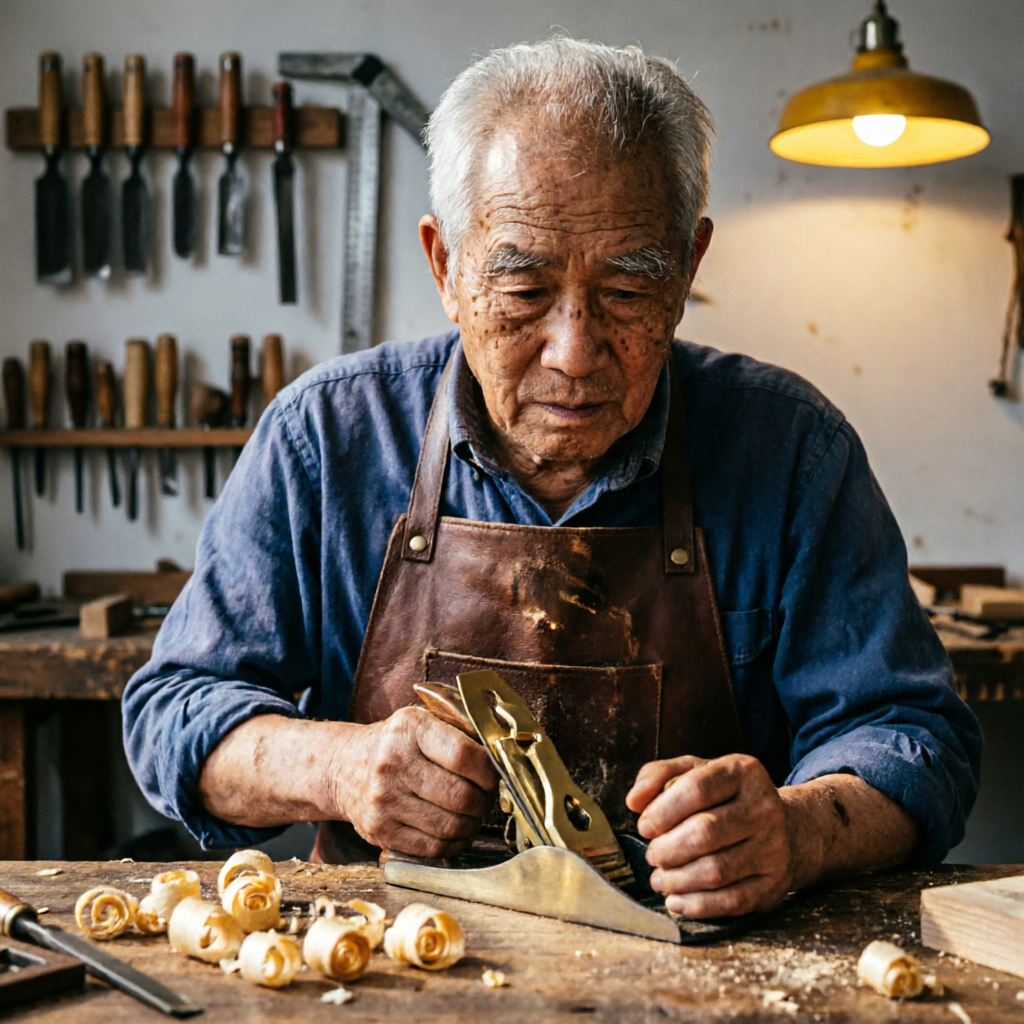
Studio portrait of an elderly craftsman in his woodworking workshop. He wears a worn leather apron and holds a hand plane. Wood shavings curl on the workbench. Warm workshop lighting from a single overhead lamp creates dramatic chiaroscuro. Background shows shelves of hand tools slightly out of focus.
被写体の動作と周囲の環境をセットで描写しましょう。キアロスクーロやレンブラントライティングなど、光のスタイルを指定すると、ドラマチックなポートレートに仕上がります。
イラスト&漫画
吹き出しやエフェクトを効かせた、個性のあるアート。
A single comic book panel in classic American comic style. A detective in a trench coat stands in a rain-soaked alley at night. A neon sign reads "HOTEL NOIRE". Speech bubble: "The city never sleeps. Neither do its secrets." Bold ink outlines, Ben-Day dot shading, limited palette.
ベンデイドットやインクの輪郭線といった具体的な画風と、吹き出しなどの物語表現を指定して、個性のあるイラストに仕上げましょう。
プロンプトテンプレート
内容を埋めるだけで使える基本テンプレートです。角括弧内のプレースホルダーを、自分の内容に置き換えてください。
文字を主役にしたレイアウト
ポスターやスライドなど、正確な文字表現が求められる画像に。
[Layout type]: title "[Exact Title Text]" in [font style]. Subtitle or body: "[Exact copy]" in [size/style]. [Describe layout: centered, grid, sections]. [Color palette and background]. [Aspect ratio if needed].
インフォグラフィック / グラフ
データ可視化や、複数のセクションをまとめた1枚資料に。
Professional infographic. Section 1: "[Heading]" with [visual: icon, chart type]. Section 2: "[Heading]" with [visual]. Section 3: "[Heading]" with [visual]. [Background and palette]. Clear hierarchy, readable at 2K.
編集 / スタイル変換
参照画像のスタイルや要素を変えたいときに。
Keep the composition and subject from the reference. Apply [style/effect]: [describe style, palette, or change]. Preserve [what must stay the same: pose, identity, layout]. Output should feel [mood/quality].
商品モックアップ
ECやブランド制作のメインビジュアルに。
Photorealistic product mockup of [product]. Label text: "[Brand Name]" in [font style], "[tagline]" in [secondary style]. [Surface and props]. [Lighting direction and style]. Shallow depth of field.
よくある質問
Qwen Image 2.0は、AlibabaのQwenチームが開発した最新の画像基盤モデルです。テキストからの画像生成と画像編集を、単一の7Bパラメータアーキテクチャに統合。前モデルよりほぼ3xコンパクトながら、AI ArenaのELOランキングで生成・編集の両タスクにおいて#1を獲得しています。
Qwen Image 2.0は最大1,000トークンのプロンプトに対応し、複雑な文字レイアウトを生成画像に直接描画できます。PPTスライド、インフォグラフィック、映画ポスター、カレンダー、データチャート、コミックまで幅広く対応。ガラス、布、看板などの表面にも、正しい遠近感で文字をなじませます。
最大2048 × 2048ピクセル(2K)の画像をネイティブ生成します。アップスケールではなく、生成時からこの解像度です。肌の毛穴、布の織り目、建築物の質感、自然の草木まで、細部を生成段階で高精度に描き出します。
Qwen Image 2.0 使い方ガイド。Qwen Image 2.0は、スタイル変換、オブジェクトの追加・削除、ディテールの強化、画像内テキストの編集、人物のポーズ変更に対応しています。実写への文字入れ、複数画像を使った自然な集合写真の合成、異なる領域をまたぐ編集も可能です。
Qwen Image 2.0は、標準ベンチマークでより大規模な競合モデルを上回ります。DPG-BenchではFLUX.1の83.84に対して88.32、GenEvalでは0.91を記録。AI Arenaのブラインド形式による人間評価ランキングでも、テキストからの画像生成と画像編集の両方で#1を獲得しています。
商用利用の詳細はリリース時に確定します。前シリーズのQwen-ImageはApache-2.0ライセンスで公開されました。利用権やライセンスの最新情報は、PixelDojoとご利用のAPIプロバイダーの利用規約をご確認ください。