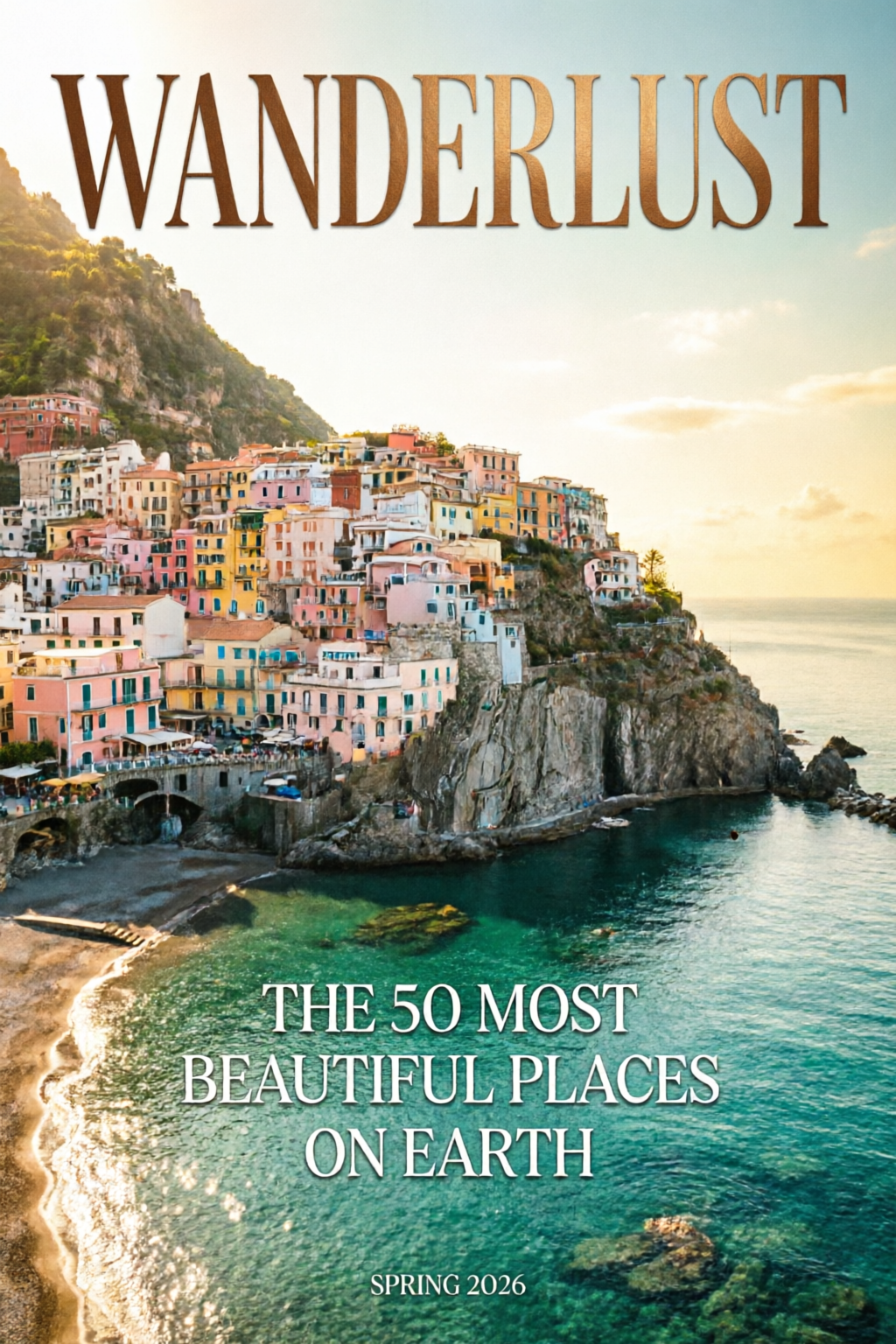
 타이포그래피
Qwen Image 2.0
2K 해상도.
네이티브 타이포그래피.
생성과 편집을 하나로.
Qwen Image 2.0 가이드: 네이티브 2K 해상도와 전문가급 타이포그래피를 지원하는 7B 파라미터 통합 아키텍처로 생성과 편집을 모두 처리해요. AI Arena 생성·편집 부문 모두 #1.
2K
네이티브 해상도
1K
토큰 프롬프트
#1
AI Arena 순위
개요
Qwen Image 2.0은 텍스트 기반 이미지 생성과 이미지 기반 편집을 하나의 7B 파라미터 모델로 통합했어요. 네이티브 2048 × 2048 출력, 복잡한 텍스트 레이아웃을 위한 최대 1,000토큰 프롬프트를 지원해요. 스타일 변환부터 오브젝트 조작, 여러 이미지 합성까지 하나의 파이프라인으로 처리해요.
출판에 바로 쓸 수 있는 타이포그래피(인포그래픽, PPT 슬라이드, 포스터, 만화), 섬세한 2K 실사 표현, 여러 모델을 연결할 필요 없는 일관된 편집이 강점이에요.
DPG-Bench
88.32
FLUX.1 83.84와 비교
GenEval
0.91
생성 품질
파라미터
7B
v1보다 3× 작은 모델
AI Arena
#1
생성 + 편집 ELO
핵심 기능
프로급 타이포그래피
바로 발행하는 텍스트 레이아웃
최대 1,000토큰 프롬프트로 복잡한 텍스트를 생성 이미지에 바로 구현해요.
- 인포그래픽, PPT 슬라이드, 영화 포스터, 캘린더
- 정확한 글자 배치와 정렬
- 유리, 패브릭, 간판 등 표면에 맞춘 텍스트 표현
- 한 이미지에 다양한 글꼴 스타일
네이티브 2K 해상도
미세한 디테일까지 한 번에 생성
업스케일링 없이 2048 × 2048 픽셀 이미지를 네이티브로 생성해요.
- 최대로 확대해도 살아 있는 모공, 직물의 짜임, 입자감
- 건축 소재의 질감까지 정교하게
- 후처리 없이 바로 실무에 쓰는 결과물
- 인쇄 해상도에서도 선명하게
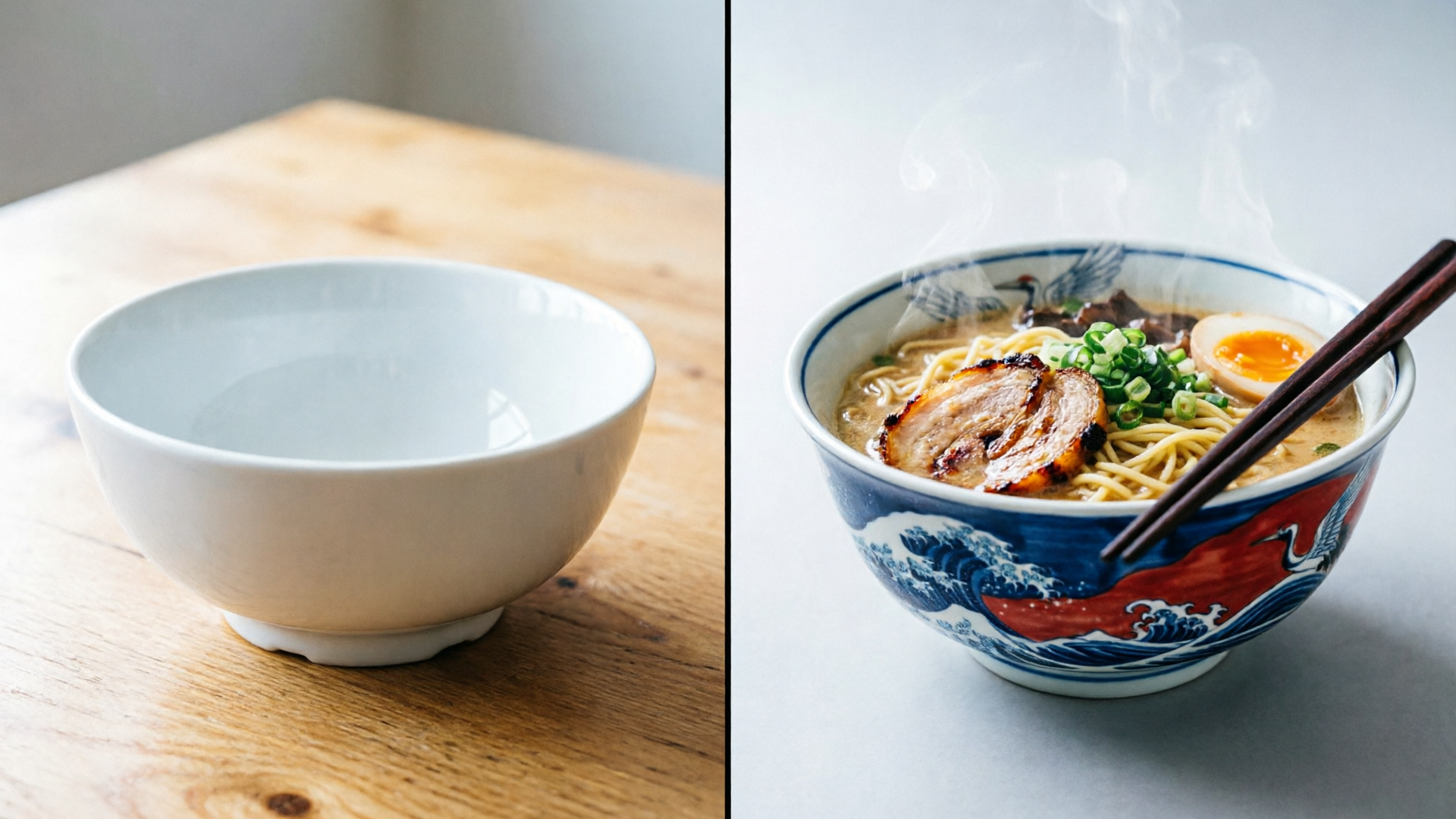
생성과 편집 통합
모델 하나로 완성하는 크리에이티브 파이프라인
7B 파라미터 모델 하나로 생성과 편집을 모두 처리해요.
- 스타일 변환과 오브젝트 추가·제거
- 하나의 파이프라인에서 여러 이미지 합성
- 분야를 넘나드는 편집(일러스트를 사진으로)
- 여러 모델을 연결할 필요 없이
갤러리
아래 이미지는 모두 Qwen Image 2.0으로 생성했어요. 카드에서 ‘프롬프트 & 팁 보기’를 누르면 실제 사용한 프롬프트를 확인하고 복사할 수 있어요.
타이포그래피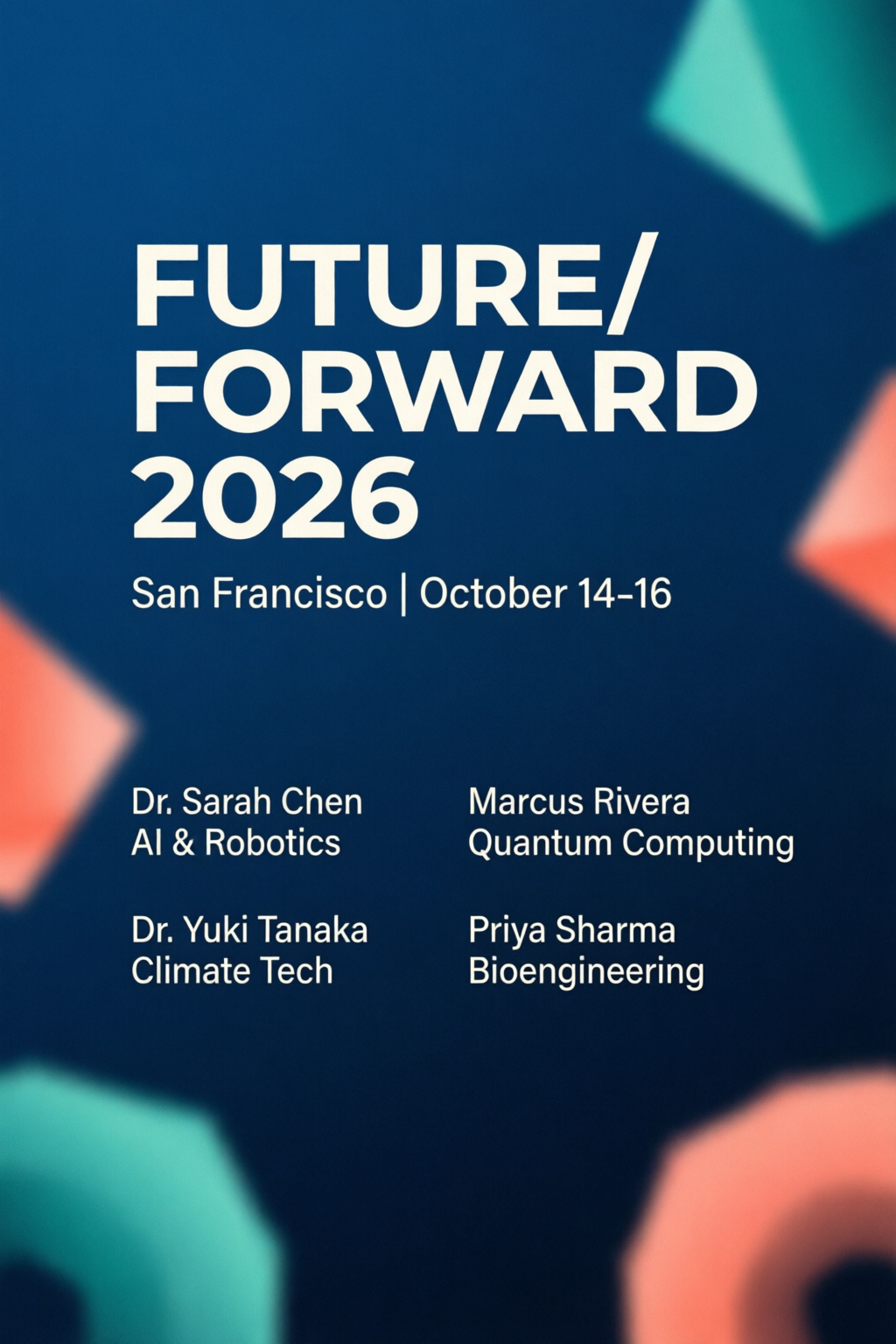 타이포그래피
컨퍼런스 포스터
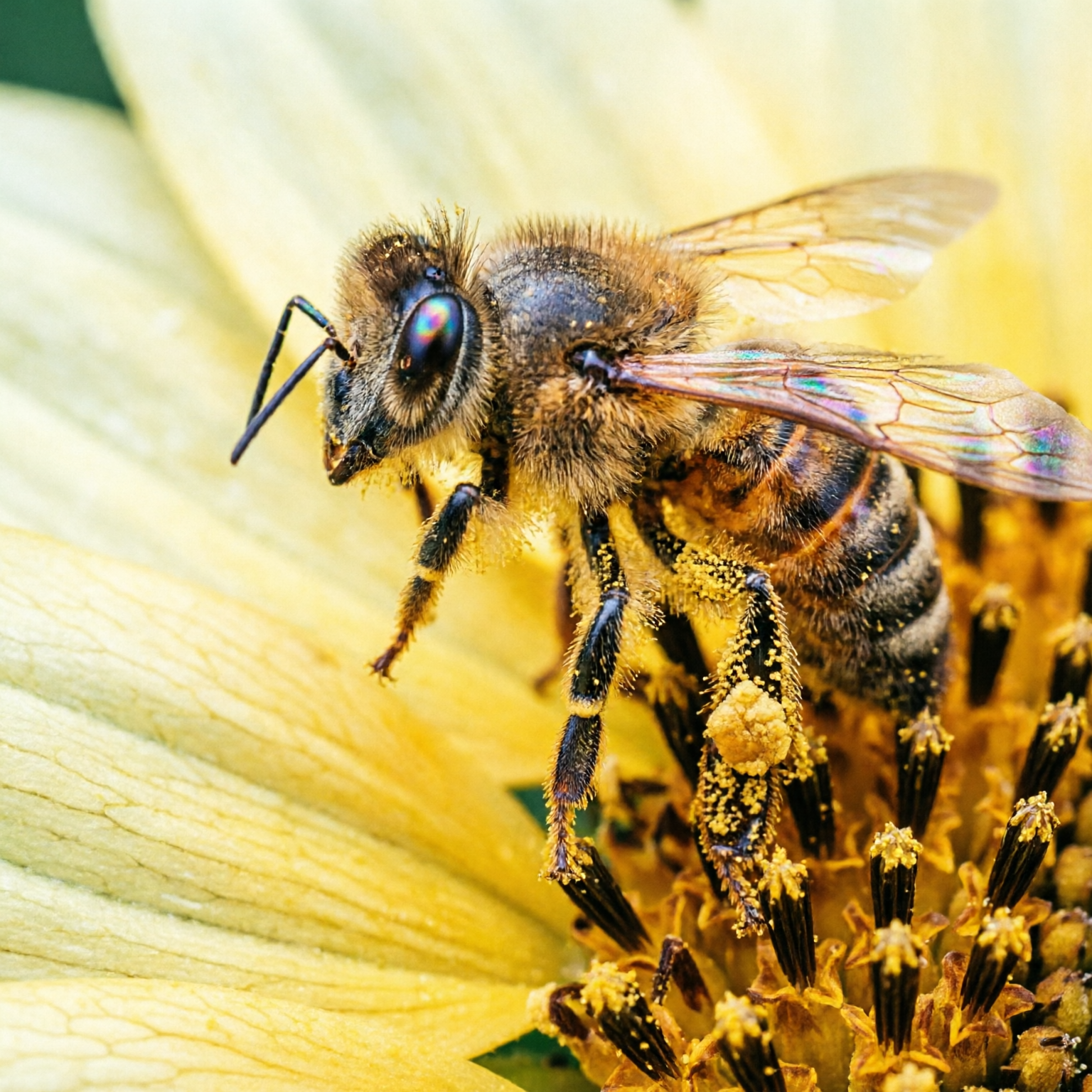
실사 표현매크로 사진
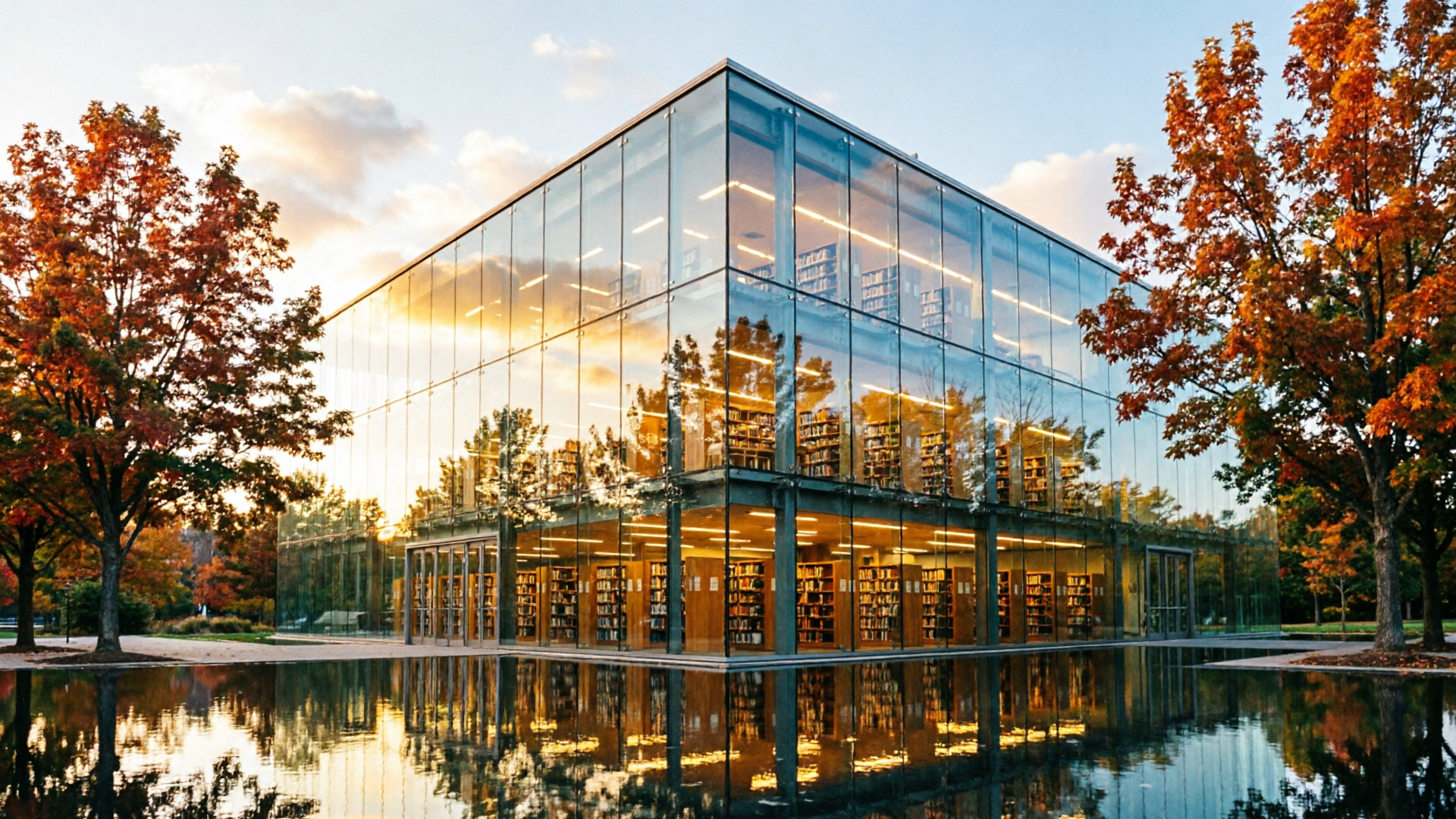
실사 표현골든 아워의 건축미
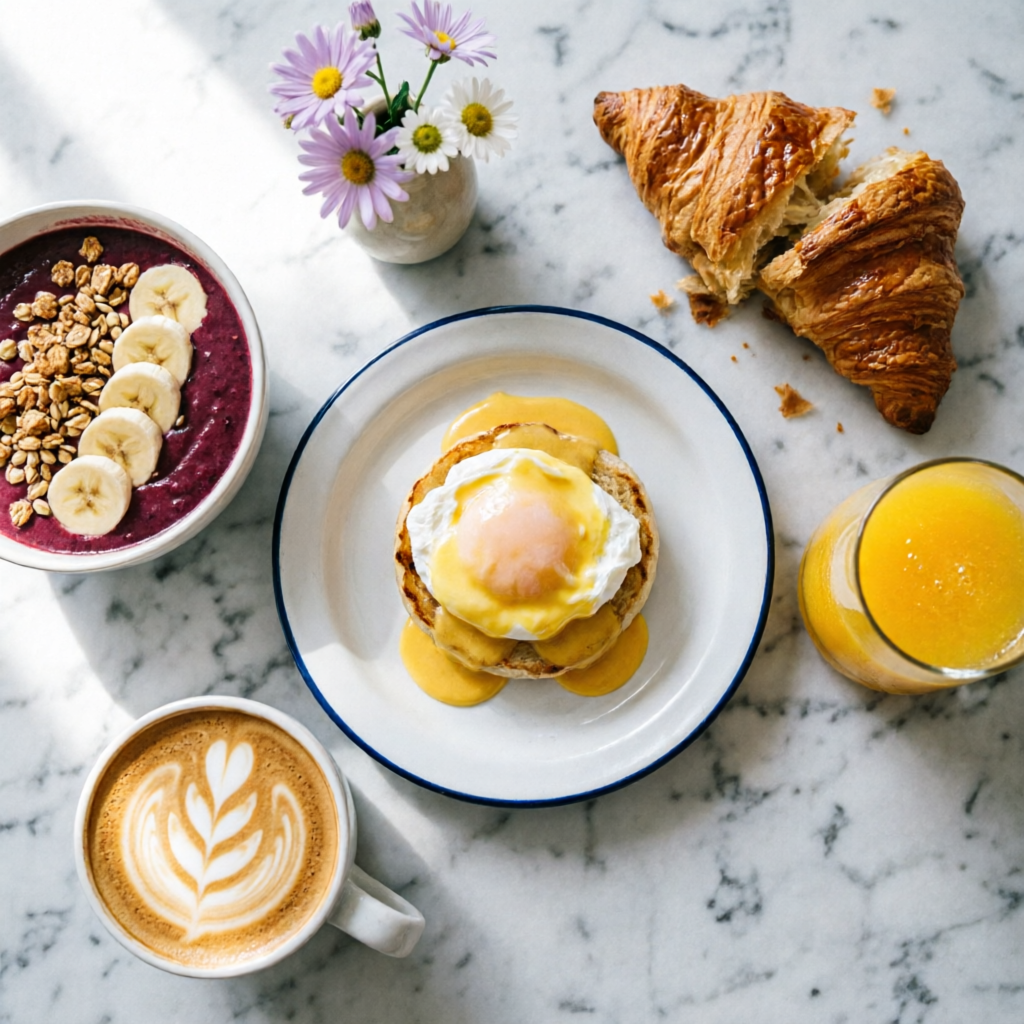 실사 표현
브런치 플랫레이
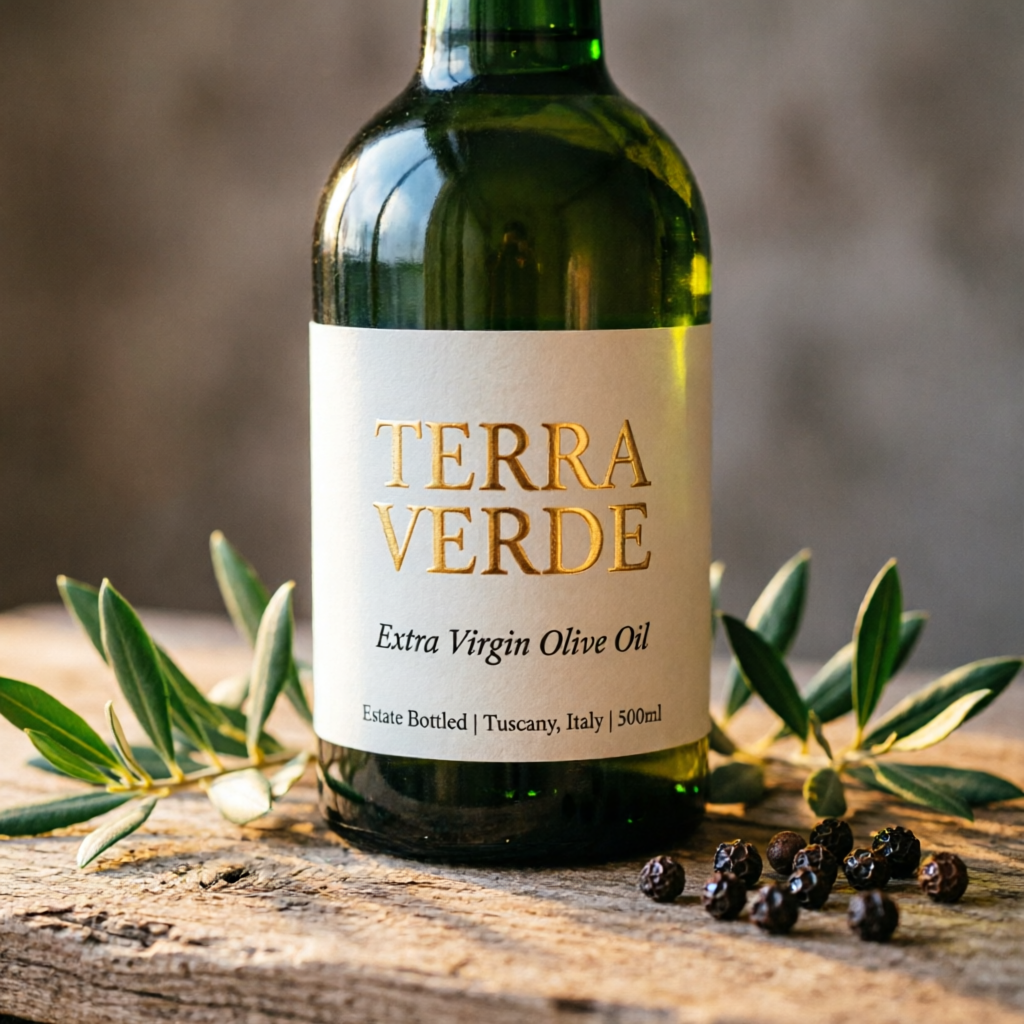 제품 디자인
제품 라벨 목업
편집편집 파이프라인
 일러스트
만화 컷
 데이터 시각화
인포그래픽
실사 표현인물 표현 연구
프롬프트 작성 팁
Qwen Image 2.0의 성능을 끌어내는 여섯 가지 기법을 알아보세요.
1
Quote All Text Exactly
Wrap every piece of visible text in double quotes. Specify font style per block: "TITLE" in bold sans-serif, "subtitle" in italic script.
2
Describe Layout Spatially
Use spatial language: top-to-bottom, left column, centered, grid. The model respects visual hierarchy when you describe placement order.
3
Name Micro-Details for 2K
Call out specifics: skin pores, fabric weave, vein structure, pollen grains. This activates the 2K renderer's fine-detail capabilities.
4
Set Lighting and Mood
Mention lighting style by name: chiaroscuro, golden hour, studio rim light, overcast diffuse. Combine with color palette for consistent mood.
5
Use Art Style References
Reference specific techniques: Ben-Day dots, watercolor wash, oil impasto, line art. The model adapts rendering to match the named style.
6
Keep Editing Prompts Focused
For edits, state what stays the same first, then what changes. "Keep composition and pose. Apply [new style]." Explicit preservation avoids drift.
활용 사례와 프롬프트
복사해서 바로 쓰는 프롬프트로 실전 작업 흐름을 익혀보세요.
인포그래픽 / 데이터 시각화
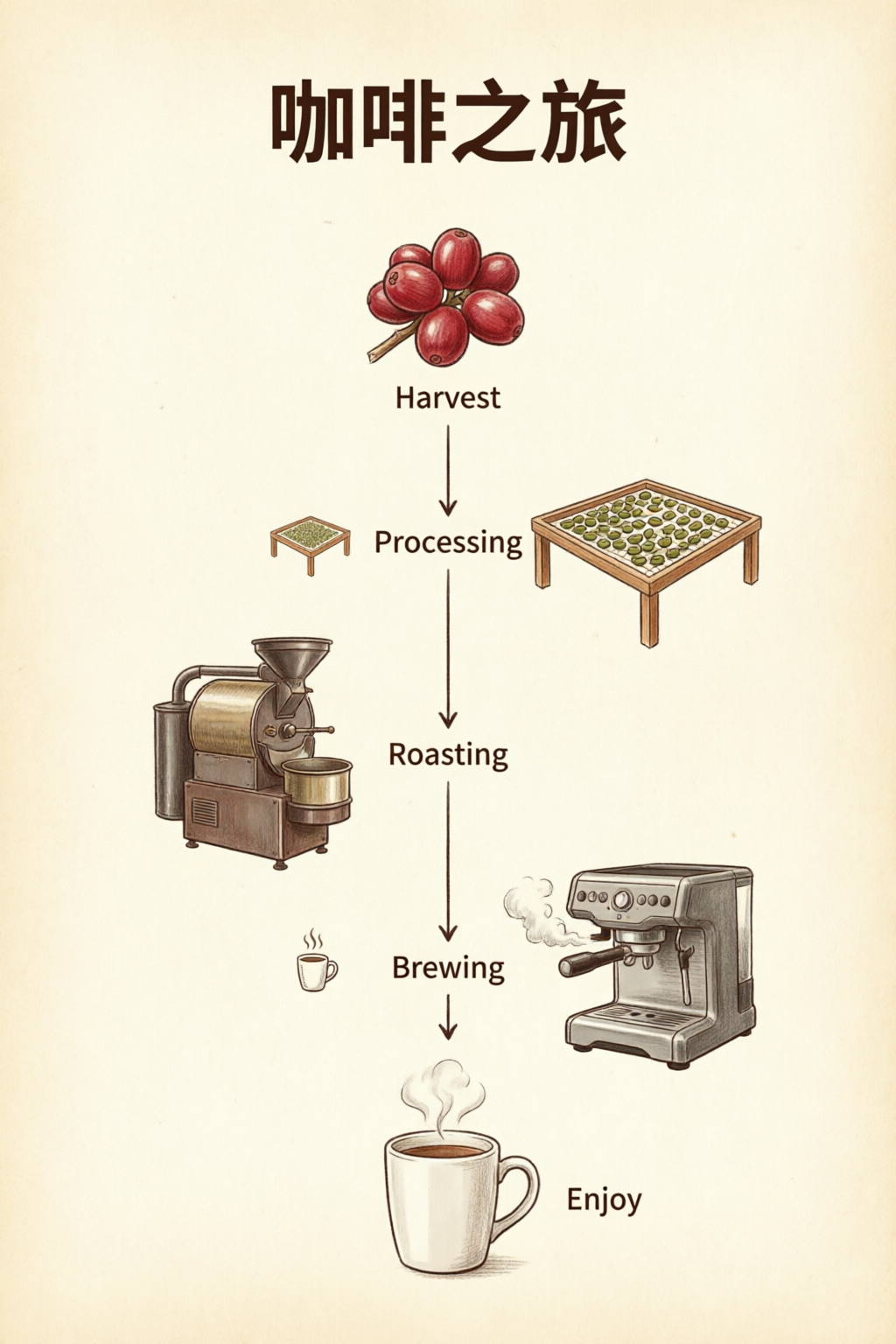
텍스트, 숫자, 차트를 한 이미지에 배치해요.
Professional infographic: title "Q4 2026 Revenue Overview" at top in bold sans-serif. Three sections with icons: (1) "Revenue: $12.4M" with upward arrow, (2) "Growth: +24% YoY" with bar chart icon, (3) "Top Region: APAC" with globe icon. Clean white background, subtle grid, corporate blue and gray palette. 16:9 aspect ratio.
섹션 이름을 따옴표로 감싸고 배치 순서(위에서 아래, 왼쪽에서 오른쪽)를 설명하면 원하는 구도를 안정적으로 구현할 수 있어요.
제품 사진
이커머스용 대표 이미지와 라벨 목업에 활용해요.
Photorealistic product mockup of a premium olive oil bottle with a custom label. The label reads "TERRA VERDE" in embossed gold serif text. Below it: "Extra Virgin Olive Oil" in smaller italic text. The bottle sits on a rustic wooden surface with olive branches. Warm directional lighting, shallow depth of field.
깔끔한 목업을 만들려면 라벨 텍스트의 위계와 실제 촬영 환경(표면, 소품, 조명)을 나눠서 설명해 주세요.
에디토리얼 & 인물
조명을 정교하게 제어한 스튜디오급 인물 사진.
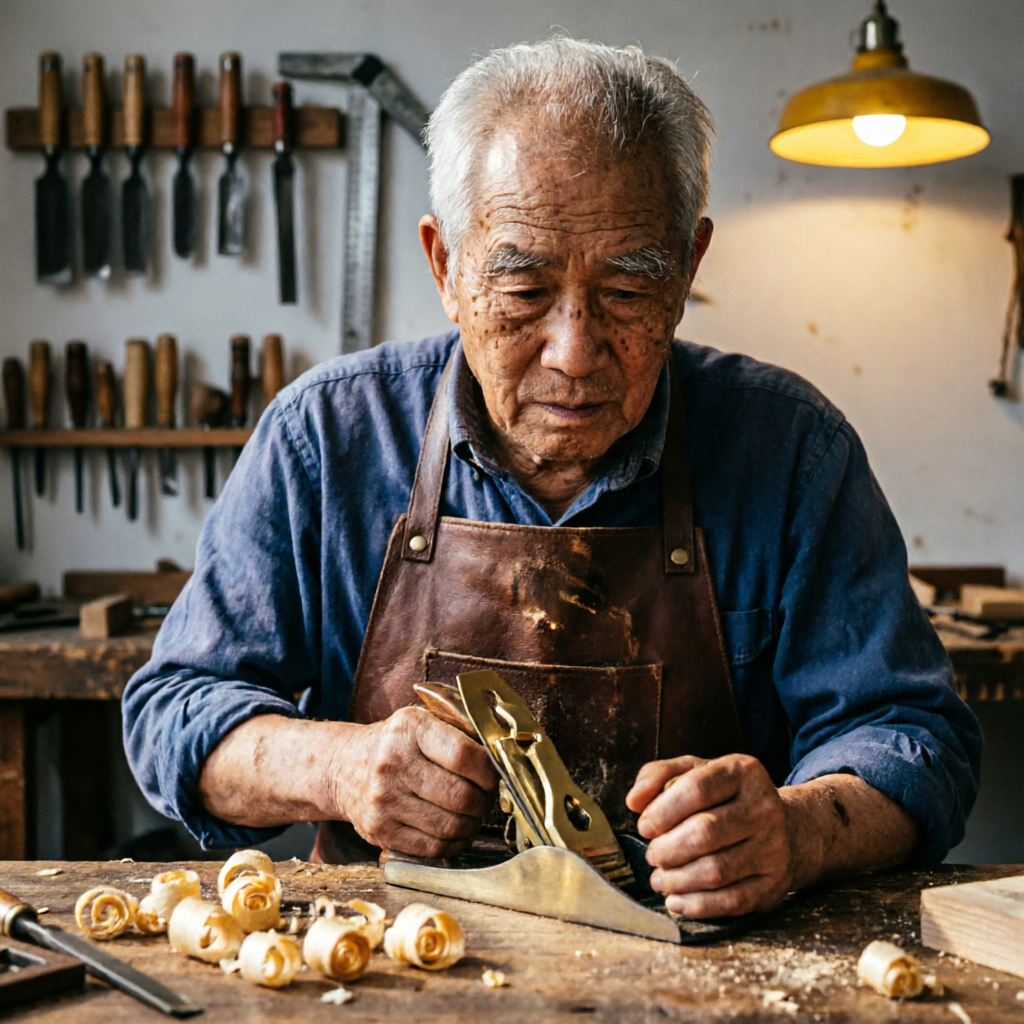
Studio portrait of an elderly craftsman in his woodworking workshop. He wears a worn leather apron and holds a hand plane. Wood shavings curl on the workbench. Warm workshop lighting from a single overhead lamp creates dramatic chiaroscuro. Background shows shelves of hand tools slightly out of focus.
인물의 행동과 주변 환경을 함께 묘사해 주세요. 키아로스쿠로, 렘브란트 같은 조명 스타일을 명시하면 극적인 인물 사진을 만들 수 있어요.
일러스트 & 만화
말풍선과 효과로 개성을 살린 아트워크.
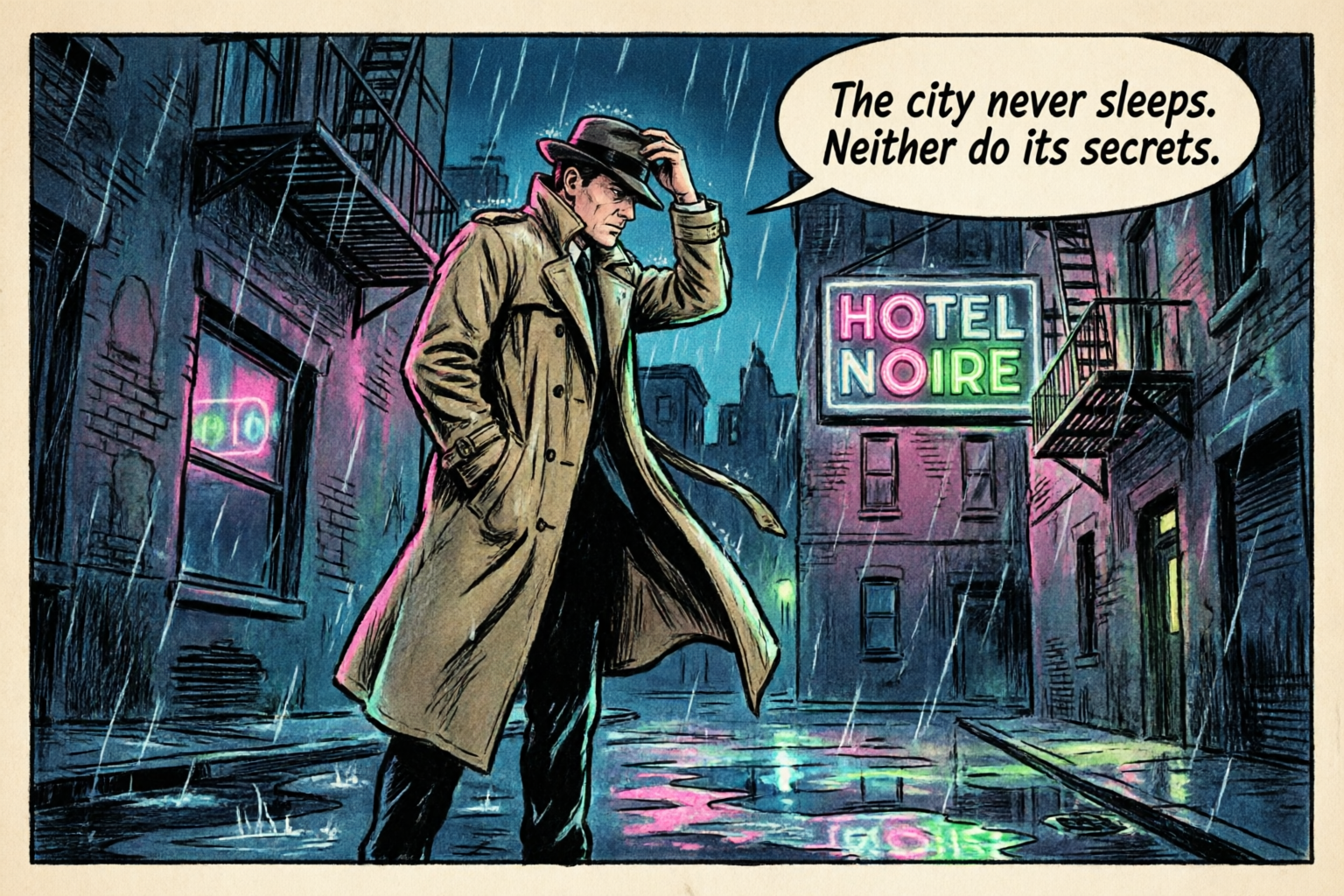
A single comic book panel in classic American comic style. A detective in a trench coat stands in a rain-soaked alley at night. A neon sign reads "HOTEL NOIRE". Speech bubble: "The city never sleeps. Neither do its secrets." Bold ink outlines, Ben-Day dot shading, limited palette.
벤데이 도트, 잉크 윤곽선 같은 구체적인 아트 스타일과 말풍선 같은 스토리 요소를 지정해 개성 있는 일러스트를 만들어보세요.
프롬프트 템플릿
내용만 채우면 되는 시작용 템플릿이에요. 대괄호 안의 자리표시자를 원하는 내용으로 바꿔보세요.
텍스트 중심 레이아웃
포스터, 슬라이드처럼 정확한 텍스트가 중요한 이미지에 활용해요.
[Layout type]: title "[Exact Title Text]" in [font style]. Subtitle or body: "[Exact copy]" in [size/style]. [Describe layout: centered, grid, sections]. [Color palette and background]. [Aspect ratio if needed].
인포그래픽 / 차트
데이터 시각화나 여러 섹션으로 구성된 원페이지 자료에 활용해요.
Professional infographic. Section 1: "[Heading]" with [visual: icon, chart type]. Section 2: "[Heading]" with [visual]. Section 3: "[Heading]" with [visual]. [Background and palette]. Clear hierarchy, readable at 2K.
편집 / 스타일 변환
참조 이미지의 스타일이나 구성 요소를 바꾸고 싶을 때 활용해요.
Keep the composition and subject from the reference. Apply [style/effect]: [describe style, palette, or change]. Preserve [what must stay the same: pose, identity, layout]. Output should feel [mood/quality].
제품 목업
이커머스와 브랜드 작업의 대표 이미지에 활용해요.
Photorealistic product mockup of [product]. Label text: "[Brand Name]" in [font style], "[tagline]" in [secondary style]. [Surface and props]. [Lighting direction and style]. Shallow depth of field.
자주 묻는 질문
Qwen Image 2.0은 Alibaba의 Qwen 팀이 선보인 최신 이미지 파운데이션 모델이에요. 텍스트 기반 이미지 생성과 이미지 편집을 하나의 7B 파라미터 아키텍처로 통합했어요. 이전 모델 대비 크기가 약 3x 작아졌는데도, AI Arena ELO 리더보드에서 생성과 편집 모두 #1을 차지했어요.
Qwen Image 2.0은 최대 1,000토큰의 프롬프트를 지원하며, 복잡한 텍스트 레이아웃을 이미지에 바로 구현해요. PPT 슬라이드, 인포그래픽, 영화 포스터, 달력, 데이터 차트, 만화까지 만들 수 있어요. 유리, 패브릭, 간판 등 다양한 표면에도 원근에 맞춰 텍스트를 표현해요.
최대 2048 × 2048픽셀(2K) 이미지를 네이티브로 생성해요. 업스케일링이 아닌 진짜 네이티브 해상도예요. 피부 모공, 직물의 짜임, 건축물의 질감, 자연 속 나뭇잎까지 생성 단계에서 정교하게 표현해요.
Qwen Image 2.0 가이드에서 다양한 편집 기능을 만나보세요. 스타일 변환, 오브젝트 추가와 제거, 디테일 개선, 이미지 속 텍스트 수정, 인물 포즈 변경까지 지원해요. 실제 사진에 텍스트를 얹고, 여러 이미지를 자연스러운 단체 사진으로 합성하거나 서로 다른 영역을 넘나드는 편집도 할 수 있어요.
Qwen Image 2.0은 표준 벤치마크에서 더 큰 경쟁 모델을 앞서요. DPG-Bench에서 FLUX.1의 83.84보다 높은 88.32를 기록했고, GenEval에서는 0.91을 달성했어요. AI Arena의 블라인드 사용자 평가 리더보드에서도 텍스트 기반 이미지 생성과 이미지 편집 모두 #1을 차지했어요.
상업적 사용에 관한 세부 사항은 출시 시 확정돼요. 이전 Qwen-Image 시리즈는 Apache-2.0 라이선스로 공개됐어요. 사용 권한과 라이선스에 관한 최신 정보는 PixelDojo와 이용 중인 API 제공업체의 서비스 약관을 확인해 주세요.