 字體排版
Qwen Image 2.0
2K 解析度。
原生文字排版。
生成、編輯一次整合。
Qwen Image 2 教學:以統一的 7B 參數架構整合生成與編輯,支援原生 2K 解析度與專業文字排版。生成與編輯雙雙登上 AI Arena 第 1 名。
2K
原生解析度
1K
提示詞 Token 數
#1
AI Arena 排名
總覽
Qwen Image 2.0 將文字生圖與以圖編輯整合進單一 7B 參數模型,提供原生 2048 × 2048 輸出,支援長達 1,000 tokens 的提示詞來處理複雜文字排版,並以同一套流程完成風格轉換、物件調整與多圖合成。
擅長打造可直接出版的文字排版,包括資訊圖表、PPT 簡報、海報與漫畫,呈現細節豐富的 2K 擬真影像,並維持編輯一致性,無須串接多個模型。
DPG-Bench
88.32
對比 FLUX.1 的 83.84
GenEval
0.91
生成品質
參數
7B
比 v1 小 3×
AI Arena
#1
生成+編輯 ELO
核心功能
專業字體排版
可直接出版的文字排版
支援長達 1,000 tokens 的提示詞,直接在生成圖片中呈現複雜文字排版。
- 資訊圖表、PPT 簡報、電影海報、月曆
- 文字位置與對齊精準到位
- 文字貼合玻璃、布料與招牌等表面
- 一張圖片,多種字體風格
原生 2K 解析度
微觀細節,直接生成
直接生成 2048 × 2048 像素的原生圖片,無須放大。
- 放大至全尺寸,毛孔、布料織紋與顆粒依然清晰可見
- 精準呈現建築材質紋理
- 無須後製,直接交付製作
- 印刷解析度也經得起檢視
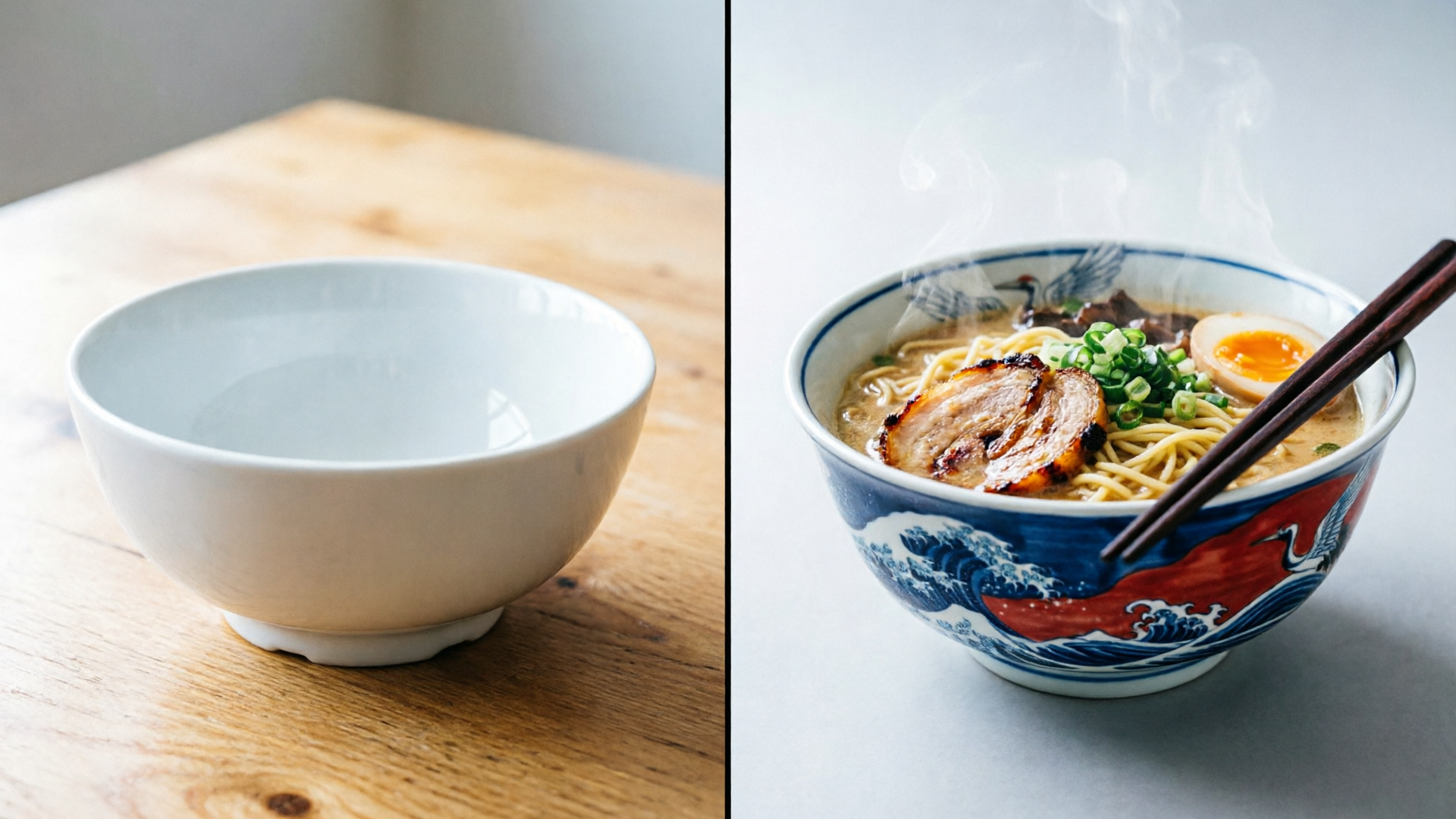
生成與編輯整合
Qwen Image 2 教學:一個模型,搞定完整創作流程
單一 7B 參數模型,同時搞定圖片生成與編輯。
- 風格轉換與物件新增/移除
- 單一流程完成多圖合成
- 跨領域編輯,插畫轉照片
- 無須串接多個模型
作品集
以下每張圖片皆由 Qwen Image 2.0 生成。點選任一卡片上的「顯示提示詞與技巧」,即可查看並複製生成時使用的完整提示詞。
字體排版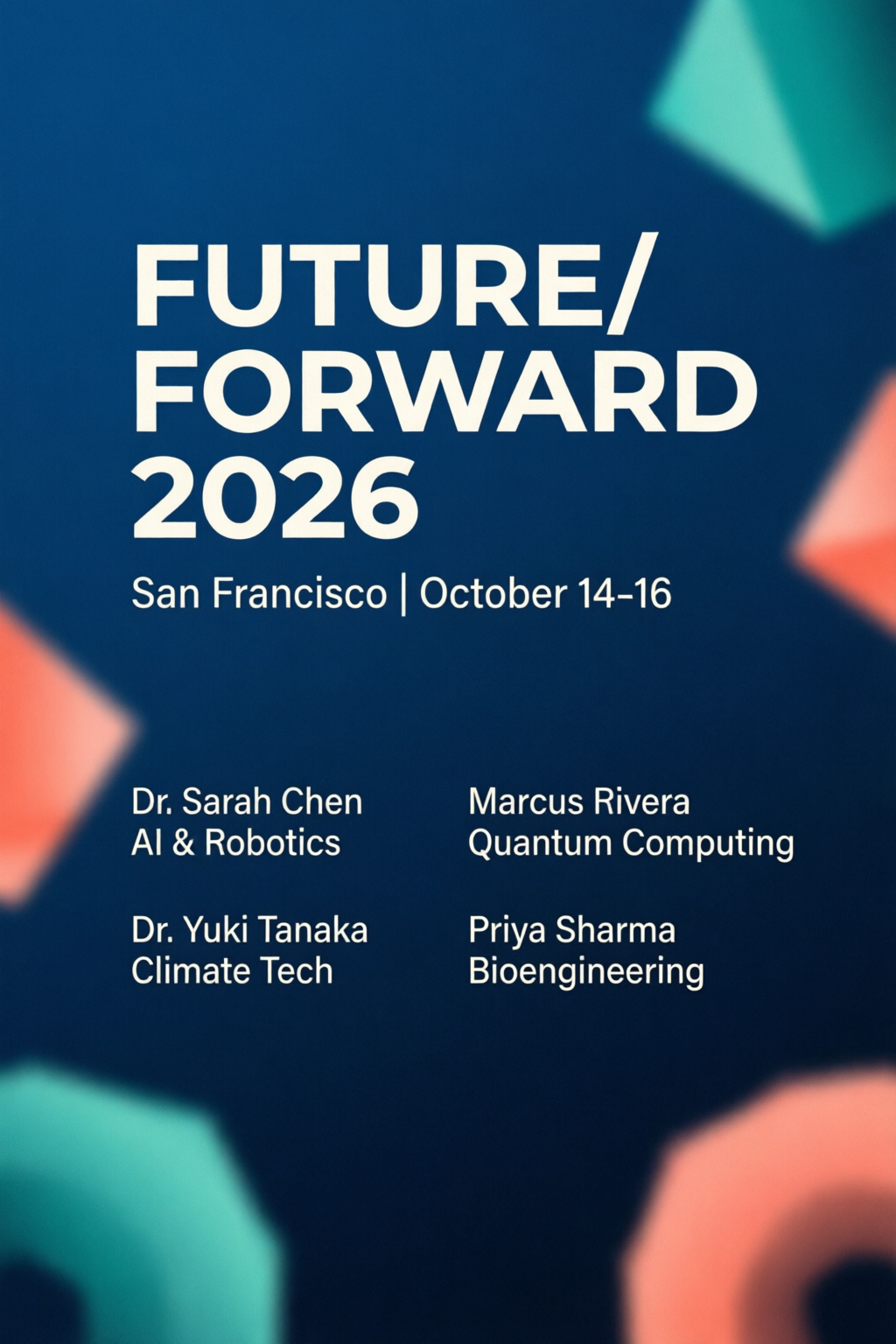 字體排版
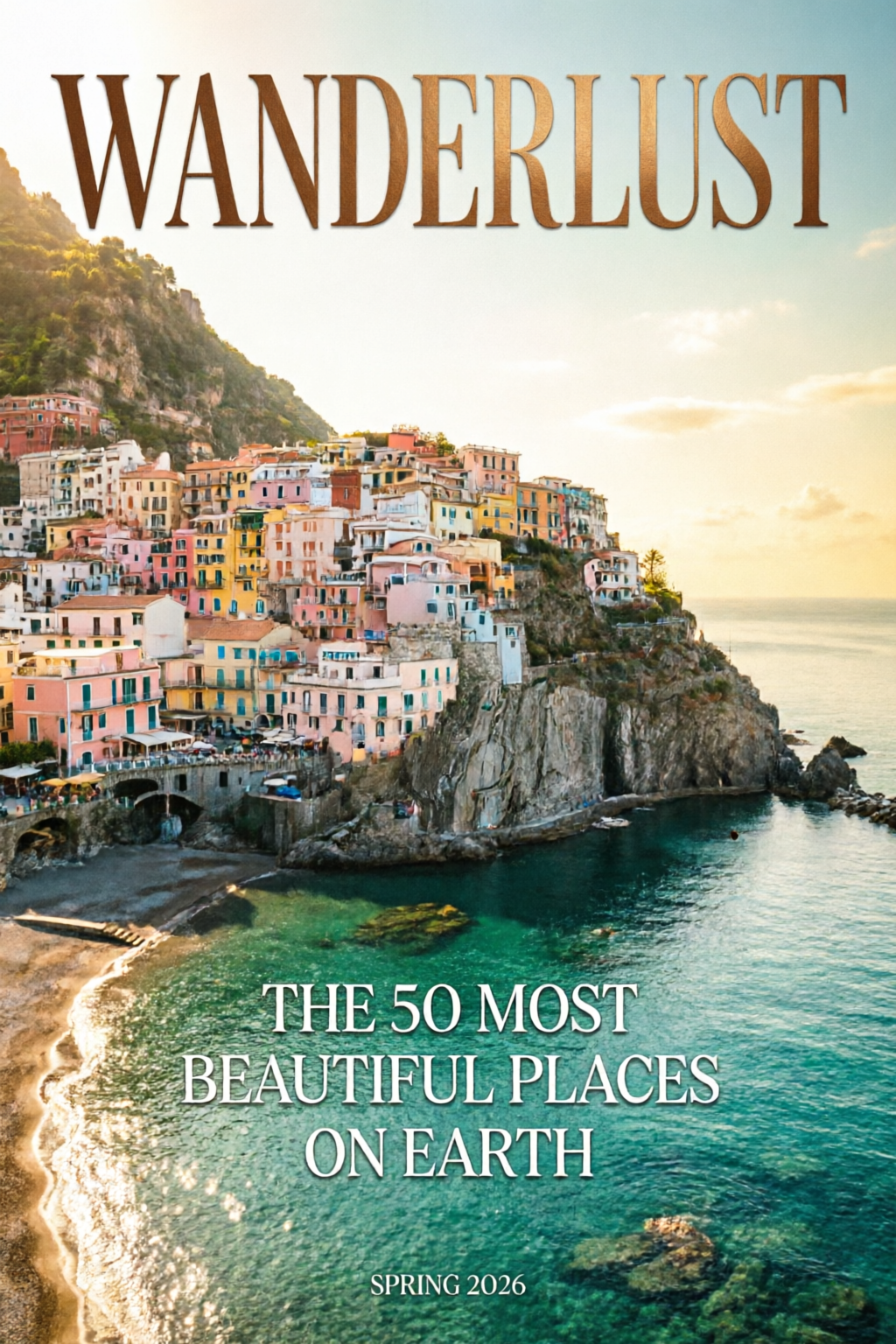
研討會海報
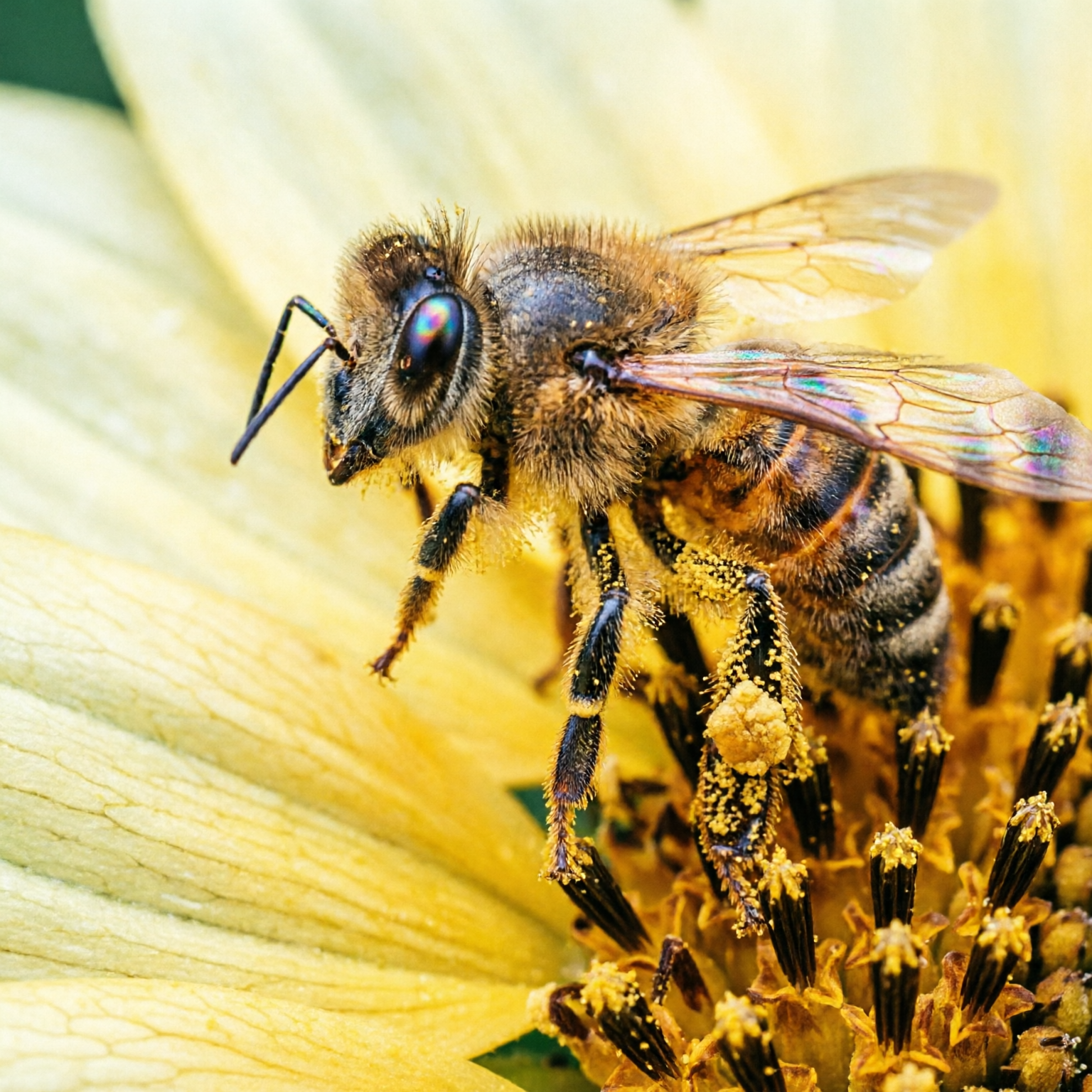
擬真影像微距攝影
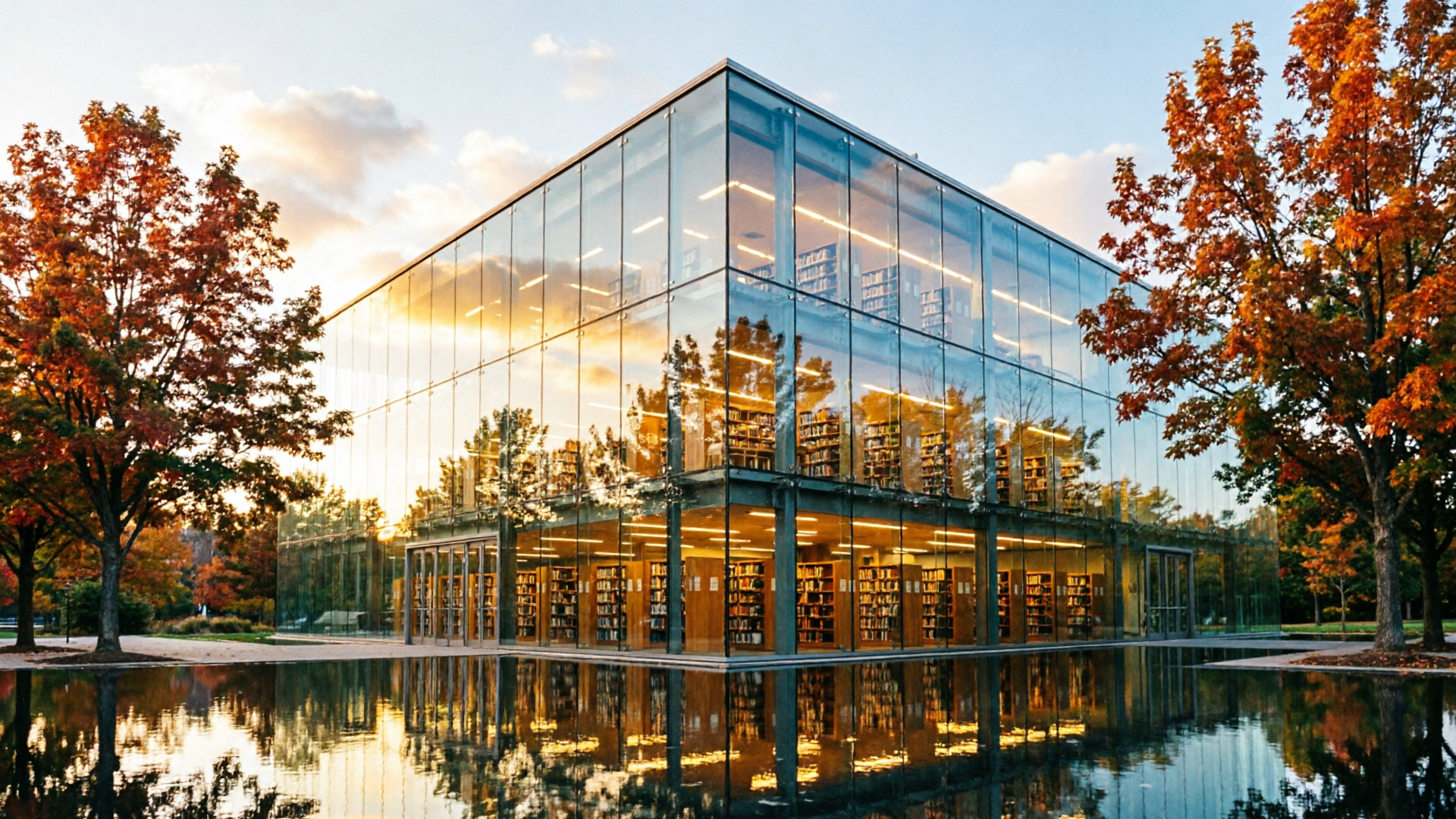
擬真影像黃金時刻的建築
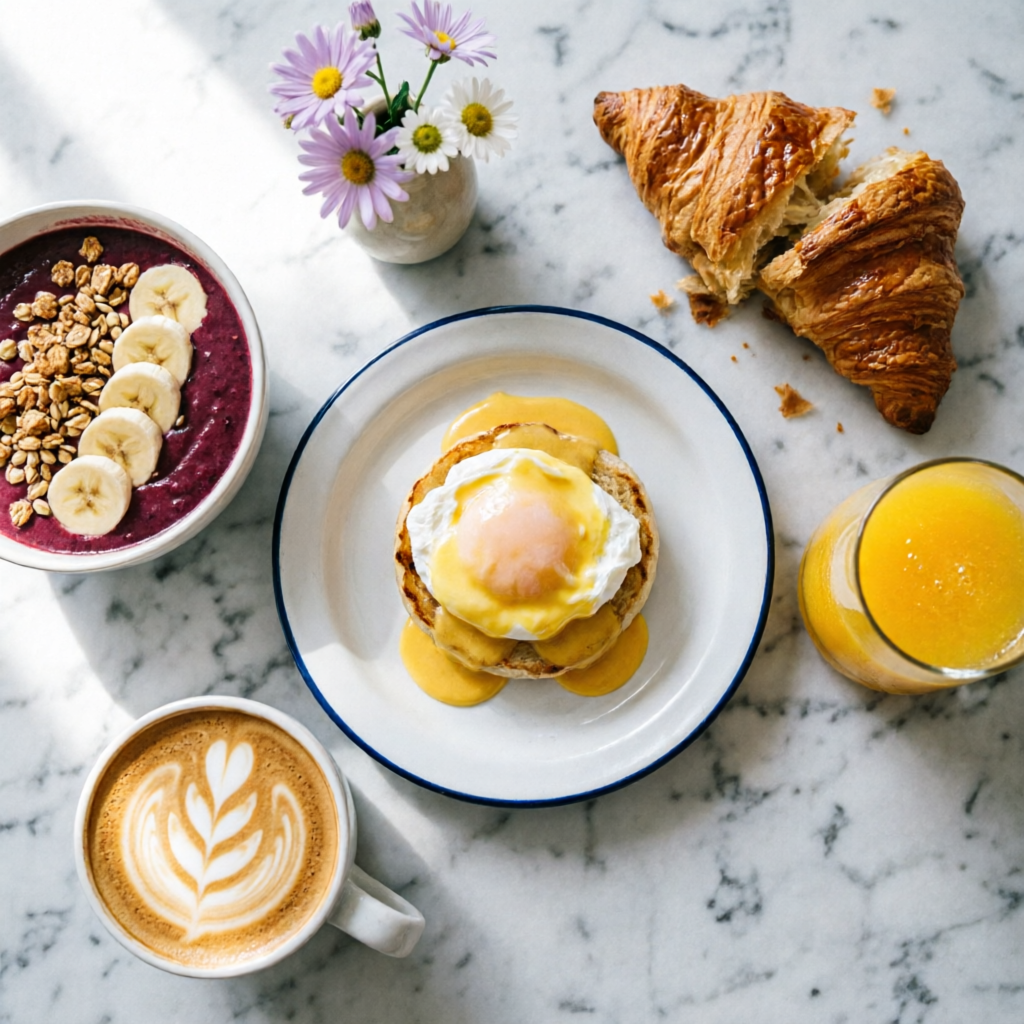 擬真影像
早午餐平鋪攝影
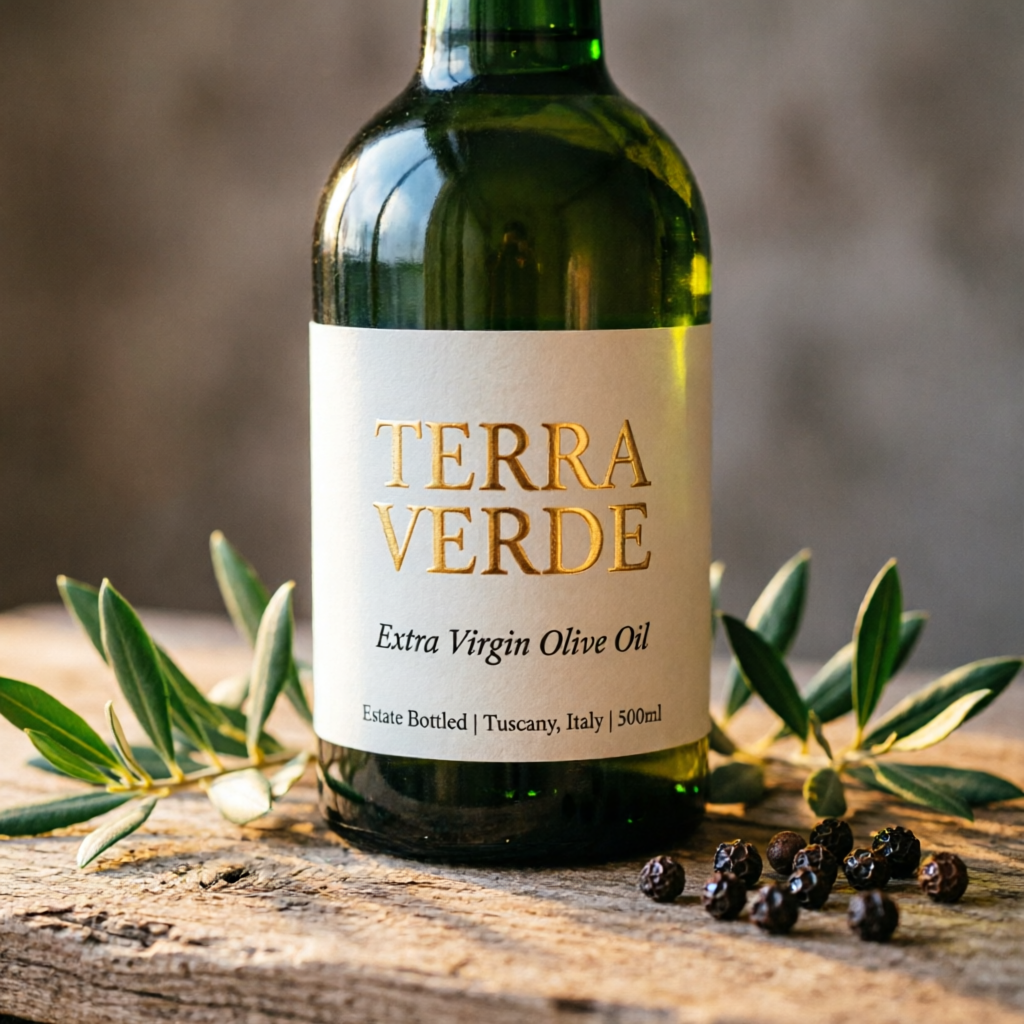 產品設計
產品標籤模擬圖
編輯編輯流程
 插畫
漫畫分鏡
 資料視覺化
資訊圖表
擬真影像肖像習作
提示詞技巧
發揮 Qwen Image 2.0 實力的六大技巧。
1
Quote All Text Exactly
Wrap every piece of visible text in double quotes. Specify font style per block: "TITLE" in bold sans-serif, "subtitle" in italic script.
2
Describe Layout Spatially
Use spatial language: top-to-bottom, left column, centered, grid. The model respects visual hierarchy when you describe placement order.
3
Name Micro-Details for 2K
Call out specifics: skin pores, fabric weave, vein structure, pollen grains. This activates the 2K renderer's fine-detail capabilities.
4
Set Lighting and Mood
Mention lighting style by name: chiaroscuro, golden hour, studio rim light, overcast diffuse. Combine with color palette for consistent mood.
5
Use Art Style References
Reference specific techniques: Ben-Day dots, watercolor wash, oil impasto, line art. The model adapts rendering to match the named style.
6
Keep Editing Prompts Focused
For edits, state what stays the same first, then what changes. "Keep composition and pose. Apply [new style]." Explicit preservation avoids drift.
應用情境與提示詞
實戰工作流程,搭配可直接複製的提示詞。
資訊圖/資料視覺化
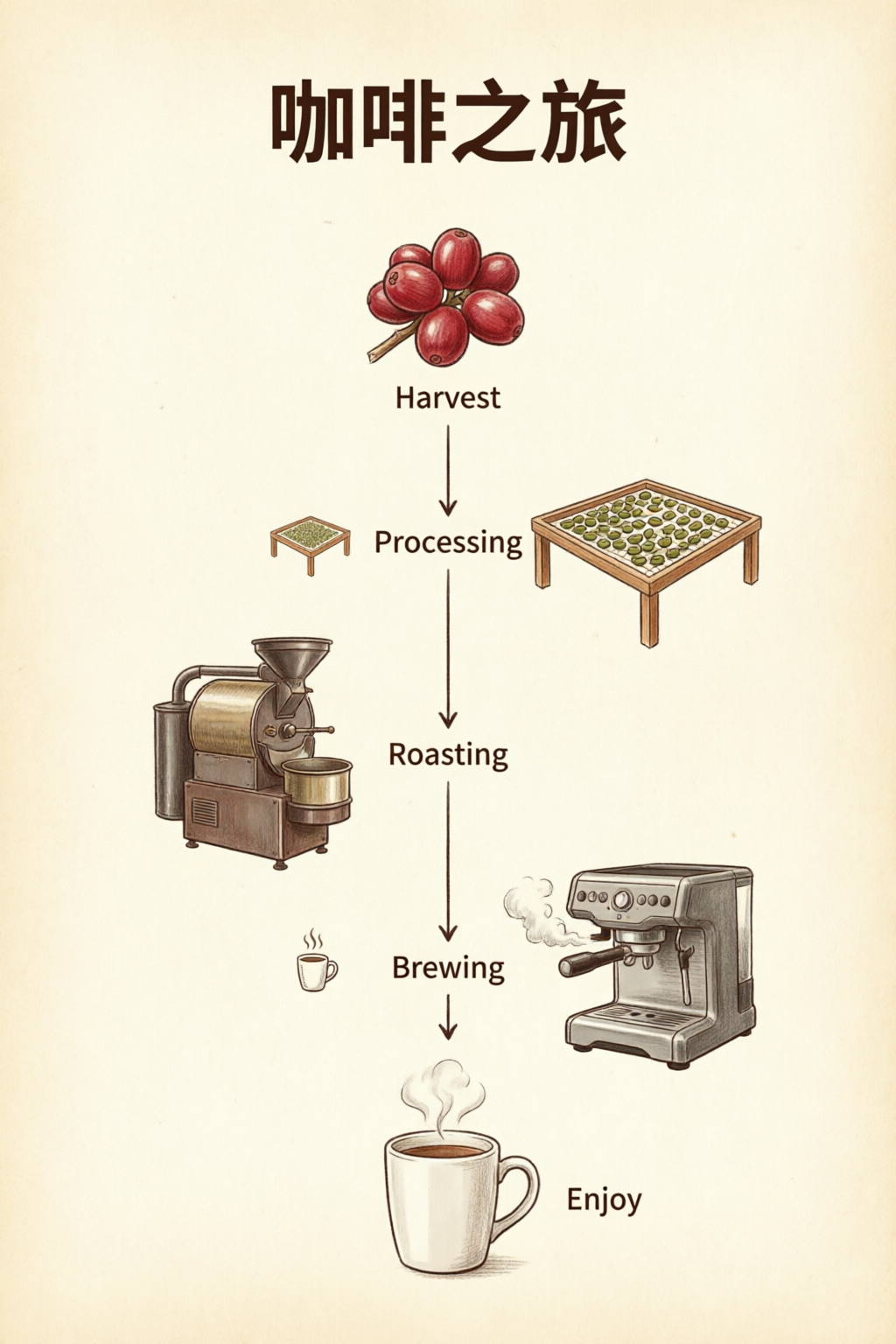
在同一張圖片中編排文字、數字與圖表。
Professional infographic: title "Q4 2026 Revenue Overview" at top in bold sans-serif. Three sections with icons: (1) "Revenue: $12.4M" with upward arrow, (2) "Growth: +24% YoY" with bar chart icon, (3) "Top Region: APAC" with globe icon. Clean white background, subtle grid, corporate blue and gray palette. 16:9 aspect ratio.
將區塊標籤放在引號內,並描述版面順序(由上到下、由左到右),讓構圖符合預期。
產品攝影
適合電商主視覺與標籤模擬圖。
Photorealistic product mockup of a premium olive oil bottle with a custom label. The label reads "TERRA VERDE" in embossed gold serif text. Below it: "Extra Virgin Olive Oil" in smaller italic text. The bottle sits on a rustic wooden surface with olive branches. Warm directional lighting, shallow depth of field.
分別描述標籤文字的層級與實際場景,包括表面、道具和光線,讓模擬圖乾淨俐落。
編輯攝影與肖像
精準掌控打光,打造攝影棚級人像。
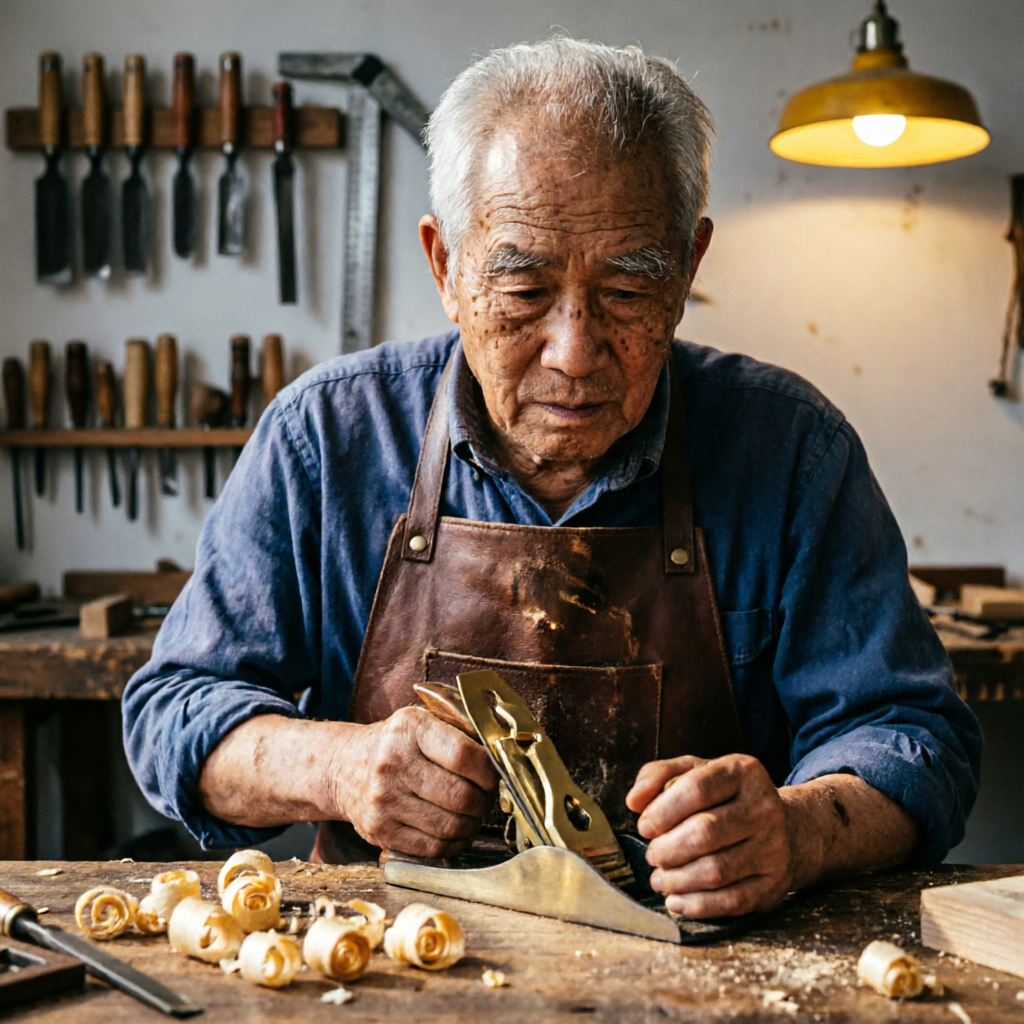
Studio portrait of an elderly craftsman in his woodworking workshop. He wears a worn leather apron and holds a hand plane. Wood shavings curl on the workbench. Warm workshop lighting from a single overhead lamp creates dramatic chiaroscuro. Background shows shelves of hand tools slightly out of focus.
一起描述主角的動作與周遭環境。指定明暗對照、林布蘭光等打光風格,打造充滿戲劇張力的肖像。
插畫與漫畫
結合對話框與特效的風格化創作。
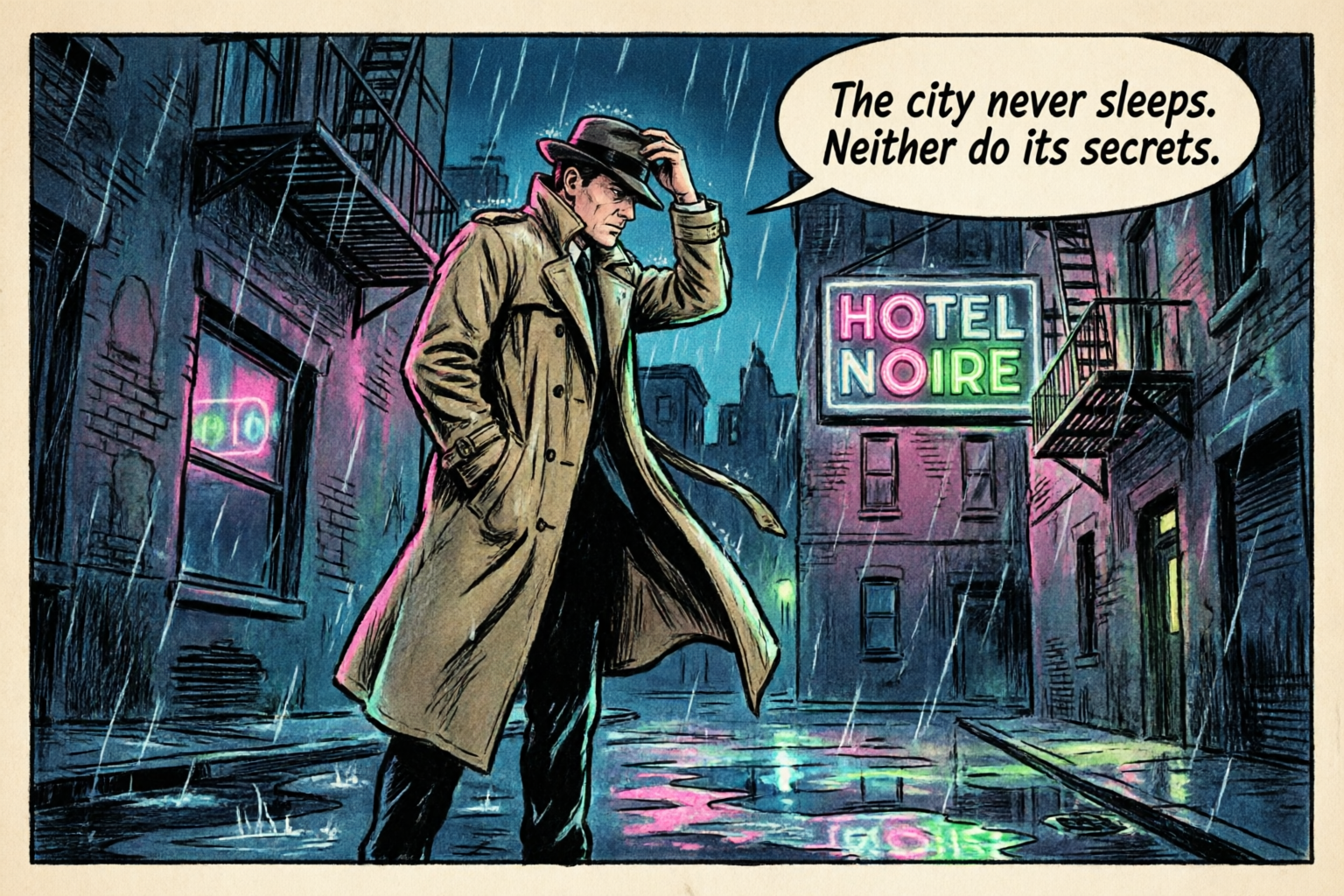
A single comic book panel in classic American comic style. A detective in a trench coat stands in a rain-soaked alley at night. A neon sign reads "HOTEL NOIRE". Speech bubble: "The city never sleeps. Neither do its secrets." Bold ink outlines, Ben-Day dot shading, limited palette.
指定具體的藝術風格(Ben-Day 網點、墨線輪廓)與敘事元素(對話框),打造風格化插畫。
提示詞範本
可直接套用的入門範本。將方括號內的預留文字換成你的內容即可。
文字密集型版面
適合海報、簡報,或任何講究文字精準度的圖片。
[Layout type]: title "[Exact Title Text]" in [font style]. Subtitle or body: "[Exact copy]" in [size/style]. [Describe layout: centered, grid, sections]. [Color palette and background]. [Aspect ratio if needed].
資訊圖/圖表
適合資料視覺化或多區塊單頁設計。
Professional infographic. Section 1: "[Heading]" with [visual: icon, chart type]. Section 2: "[Heading]" with [visual]. Section 3: "[Heading]" with [visual]. [Background and palette]. Clear hierarchy, readable at 2K.
編輯/風格轉換
適合已有參考圖,想調整風格或畫面元素時使用。
Keep the composition and subject from the reference. Apply [style/effect]: [describe style, palette, or change]. Preserve [what must stay the same: pose, identity, layout]. Output should feel [mood/quality].
產品模擬圖
適合電商與品牌主視覺。
Photorealistic product mockup of [product]. Label text: "[Brand Name]" in [font style], "[tagline]" in [secondary style]. [Surface and props]. [Lighting direction and style]. Shallow depth of field.
常見問題解答
Qwen Image 2.0 是阿里巴巴 Qwen 團隊最新的影像基礎模型,將文字生圖與影像編輯整合進單一 7B 參數架構。儘管比前代精簡近 3x,仍在 AI Arena ELO 排行榜的生成與編輯任務雙雙拿下第 1。
Qwen Image 2.0 支援長達 1,000 tokens 的提示詞,能直接在生成圖片中呈現複雜的文字排版,包含 PPT 簡報、資訊圖表、電影海報、月曆、數據圖表與漫畫。文字能貼合玻璃、布料、招牌等不同表面,並呈現正確透視。
模型可直接生成最高 2048 × 2048 像素(2K)的原生圖片,是真正的原生解析度,不是放大處理。毛孔、布料織紋、建築紋理與自然枝葉等細節,都在生成時直接精準呈現。
Qwen Image 2.0 教學:掌握風格轉換、物件新增與移除、細節強化、圖片內文字編輯,以及人物姿勢調整。還能在實拍照片上疊加文字、將多張圖片合成自然的團體照,並進行跨領域影像編輯。
Qwen Image 2.0 在標準基準測試中超越規模更大的競爭模型。DPG-Bench 得分達 88.32,高於 FLUX.1 的 83.84,GenEval 得分則達 0.91。在 AI Arena 真人盲測排行榜中,文字生圖與影像編輯皆排名第 1。
商業使用細節將於推出時確認。先前的 Qwen-Image 系列採用 Apache-2.0 授權。最新使用權與授權資訊,請查看 PixelDojo 與你的 API 供應商服務條款。