ai 4k image enhancer AI Generator
Imagine transforming your grainy, low-resolution photos into razor-sharp 4K masterpieces that look like they were shot with a professional camera. With PixelDojo's AI 4K image enhancer, you can achieve stunning visual upgrades in seconds – perfect for large prints, eye-catching social media posts, website banners, or restoring cherished family memories. No more pixelation or blur; just crystal-clear details that captivate your audience and elevate your creative projects to professional levels. Whether you're a content creator, marketer, or hobbyist, unlock the power to make every image pop with lifelike sharpness and vibrant colors using tools like Magnific Upscaler and Creative Upscaler.
Trusted by 50,000+ creators | 4.9/5 Stars from 12K reviews | 1M+ images enhanced to 4K | Featured in top design communities
Why Choose Pixel Dojo for ai 4k image enhancer
Professional-quality results with cutting-edge AI technology
Achieve Print-Ready 4K Perfection
Easily upscale any image to true 4K resolution (3840x2160) with added details, colors, and textures that hold up under magnification – ideal for posters, canvases, or high-res displays without losing quality.
Restore Old Photos Effortlessly
Breathe new life into faded or blurry vintage images, removing noise and artifacts while enhancing faces, landscapes, and details for emotional, shareable keepsakes you'll treasure forever.
Boost Social & Marketing Impact
Create scroll-stopping visuals for Instagram, YouTube thumbnails, or ads that drive more engagement and conversions – combine with Background Remover or Magic Lighting for custom pro looks.
How It Works
You can supercharge any image to 4K glory using PixelDojo's specialized upscalers like Magnific Upscaler, Creative Upscaler, and Multidiffusion Upscaler. Follow these 3 simple steps to get pro results without design expertise.
Step 1: Choose Your Tool & Upload
Head to the Edit Images section, select Magnific Upscaler or Creative Upscaler for ultimate 4K enhancement. Upload your low-res photo – supports JPG, PNG, up to 50MB – and let AI analyze it instantly for smart improvements.
Step 2: Enter Enhancement Prompt
Describe your vision, like 'enhance to 4K with hyper-realistic details, vibrant colors, and sharp textures' or use auto-mode. Adjust strength sliders for creativity level, and pair with Inpainting or Style Transfer for targeted fixes.
Step 3: Generate, Customize & Download
Hit generate to watch AI work its magic in seconds. Preview variations, refine with Image Analyzer if needed, then download your 4K PNG/JPG. Share directly or upscale further with Magnific for 8K.
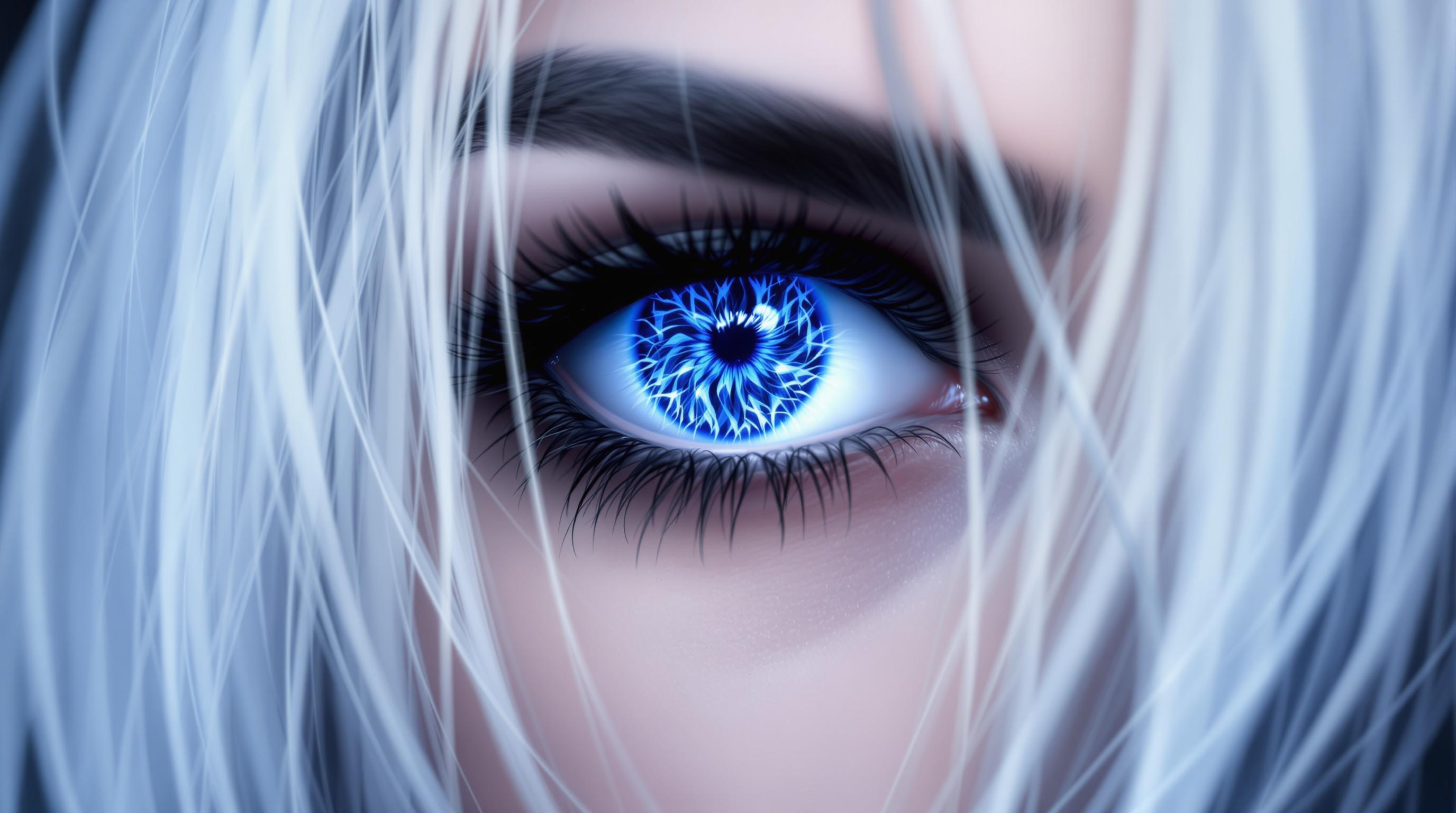
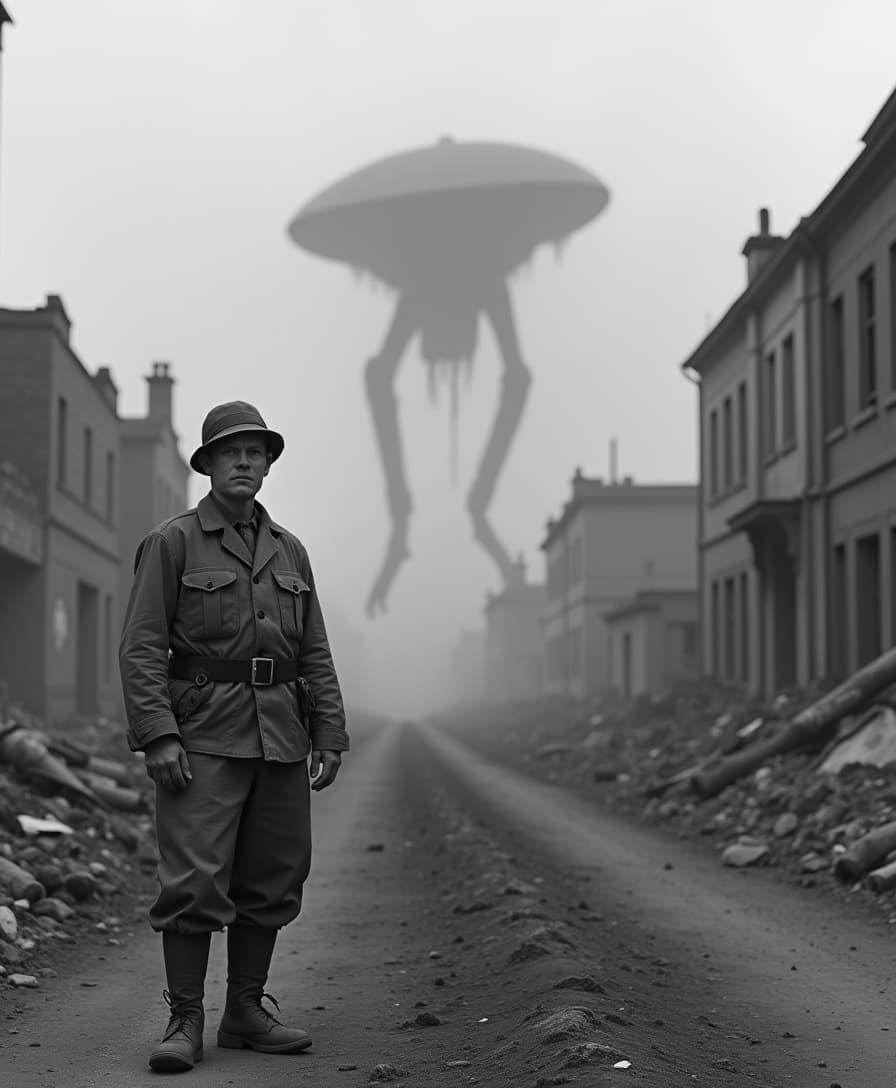
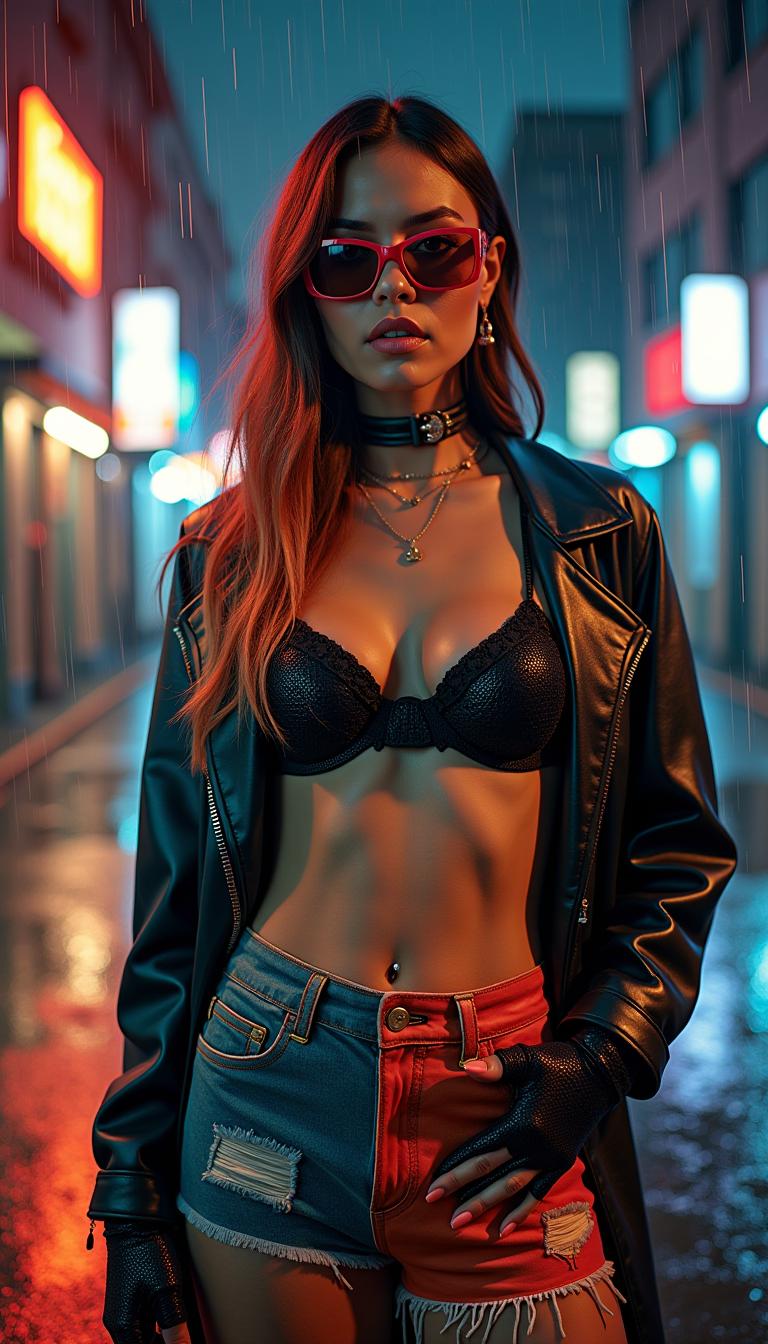
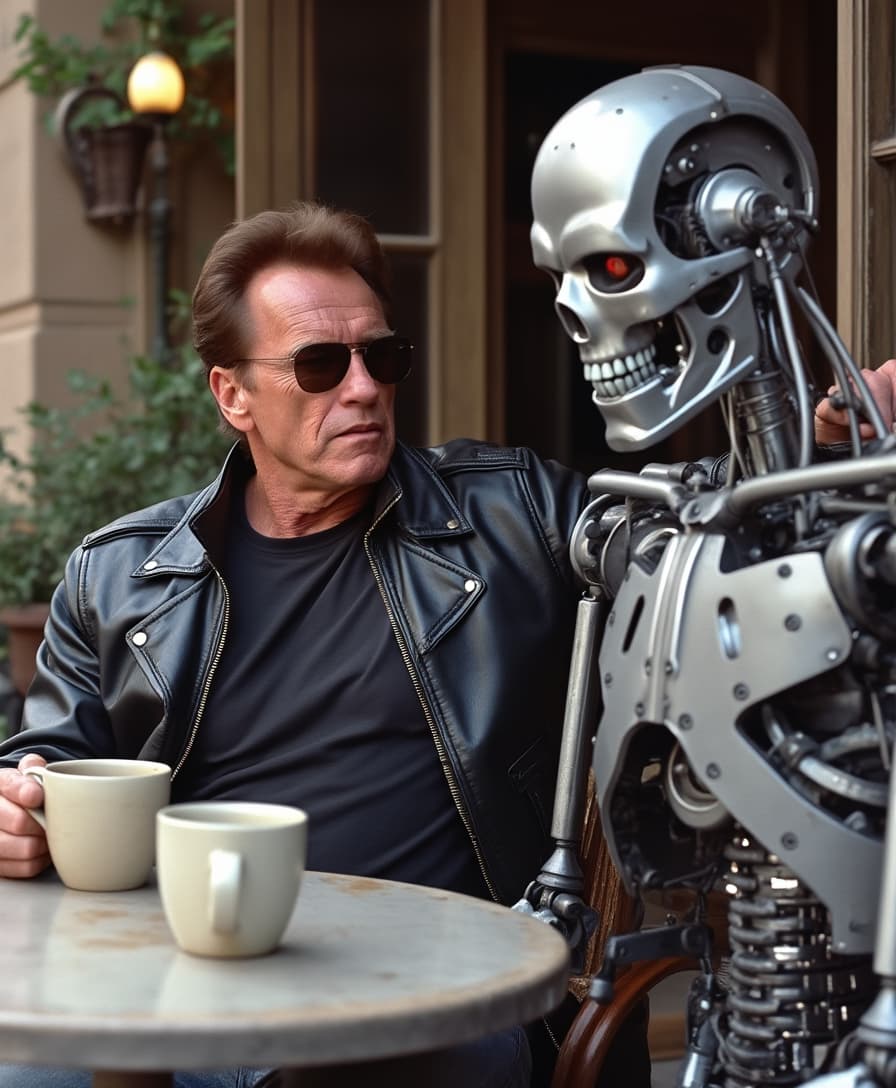
The Pixel Dojo Advantage
Why PixelDojo outperforms other options for AI 4K image enhancement
| Others | Pixel Dojo |
|---|---|
| Traditional photo labs | Skip days of waiting and high costs – get instant 4K results from home with Magnific Upscaler for a fraction of the price |
| Generic AI tools | Superior detail recovery and artifact-free upscales thanks to specialized models like Creative Upscaler and Multidiffusion, tailored for real-world photos |
| Manual photo editing | Save hours of Photoshop tweaks – AI handles sharpening, denoising, and color correction automatically, letting you focus on creativity |
Loved by Creators
See what our community says about ai 4k image enhancer
"PixelDojo's Magnific Upscaler turned my client's old product shots into jaw-dropping 4K visuals. My workflow is 10x faster now!"
Sarah Jenkins
Graphic Designer
"Revived family photos from the 80s to stunning 4K prints. The detail recovery is unreal – worth every second!"
Mike Rivera
Amateur Photographer
Common Questions
Everything you need to know about ai 4k image enhancer AI generation
What is the best free AI 4K image enhancer online?
PixelDojo's Magnific Upscaler and Creative Upscaler stand out as top free AI 4K image enhancers, delivering professional-grade upscaling with intelligent detail addition. Upload any image, enhance to 4K in seconds, and enjoy no-watermark downloads. Thousands use it daily for photos, artwork, and designs, outperforming basic tools with advanced techniques like multi-diffusion for natural sharpness.
How does AI 4K image upscaler work to enhance low-res photos?
PixelDojo's AI 4K image upscalers like Multidiffusion Upscaler use cutting-edge neural networks to analyze pixels, predict missing details, and reconstruct hyper-realistic 4K versions. You upload, add a prompt like 'sharp 4K portrait with skin texture,' and AI denoises, sharpens, and color-corrects automatically – achieving results far beyond simple interpolation.
Can I enhance image to 4K AI for printing large formats?
Absolutely! Tools like Magnific Upscaler in PixelDojo specialize in print-ready 4K enhancements, adding intricate details to prevent pixelation at sizes up to 24x36 inches. Users report flawless canvas prints; combine with Background Remover for custom compositions that scale perfectly.
Is there a free AI image upscaler 4K that handles portraits best?
PixelDojo's Portrait Upscaler and Creative Upscaler excel for portraits, restoring facial details, eyes, and hair with lifelike accuracy in 4K. Perfect for LinkedIn profiles or e-commerce; try prompts like '4K hyper-realistic face enhancement' for stunning, natural results without over-smoothing.
What are the latest AI techniques for 4K photo enhancement in 2024?
PixelDojo integrates 2024 trends like diffusion-based upscaling (via Multidiffusion Upscaler) and creative AI reconstruction (Magnific), which hallucinate plausible details from context. This beats older GAN methods by reducing artifacts and boosting fidelity – get trends like AI-driven texture synthesis for landscapes or faces right now.
How to upscale image to 4K with AI without losing quality?
Use PixelDojo's step-by-step process: Select Creative Upscaler, upload your file, input a detailed prompt (e.g., 'preserve original lighting, add 4K details'), generate variations, and download. AI preserves aspect ratios, enhances selectively, and avoids blurring – users upscale from 720p to 4K seamlessly for videos or stills.