ai art enhancer AI Generator
Transform your artwork into high-definition masterpieces effortlessly with PixelDojo's AI Art Enhancer. Whether you're an artist aiming to refine your creations, a designer seeking crisp visuals, or someone looking to restore cherished images, our advanced AI tools empower you to achieve professional-grade results in seconds.
Join over 10,000 satisfied users who have enhanced more than 1 million images using PixelDojo's AI technology.
Why Choose Pixel Dojo for ai art enhancer
Professional-quality results with cutting-edge AI technology
Achieve Crystal-Clear Images Instantly
Elevate your art to high-definition quality with just a few clicks, eliminating the need for complex editing software.
Save Time with Automated Enhancements
Our AI-driven tools process your images swiftly, allowing you to focus on your creative projects without manual editing.
Preserve and Restore Precious Artwork
Bring old or low-quality images back to life by enhancing details and resolution, ensuring your creations are preserved beautifully.
How It Works
Enhancing your art with PixelDojo is a straightforward process. Follow these simple steps to transform your images:
Step 1: Select the AI Art Enhancer Tool
Navigate to the 'Enhance' section on PixelDojo and choose the 'Creative Upscaler' tool to begin the enhancement process.
Step 2: Upload Your Artwork
Click on the 'Upload Image' button to select the artwork you wish to enhance from your device.
Step 3: Customize Enhancement Settings
Adjust the upscaling factor and other enhancement settings as per your preference to achieve the desired quality.


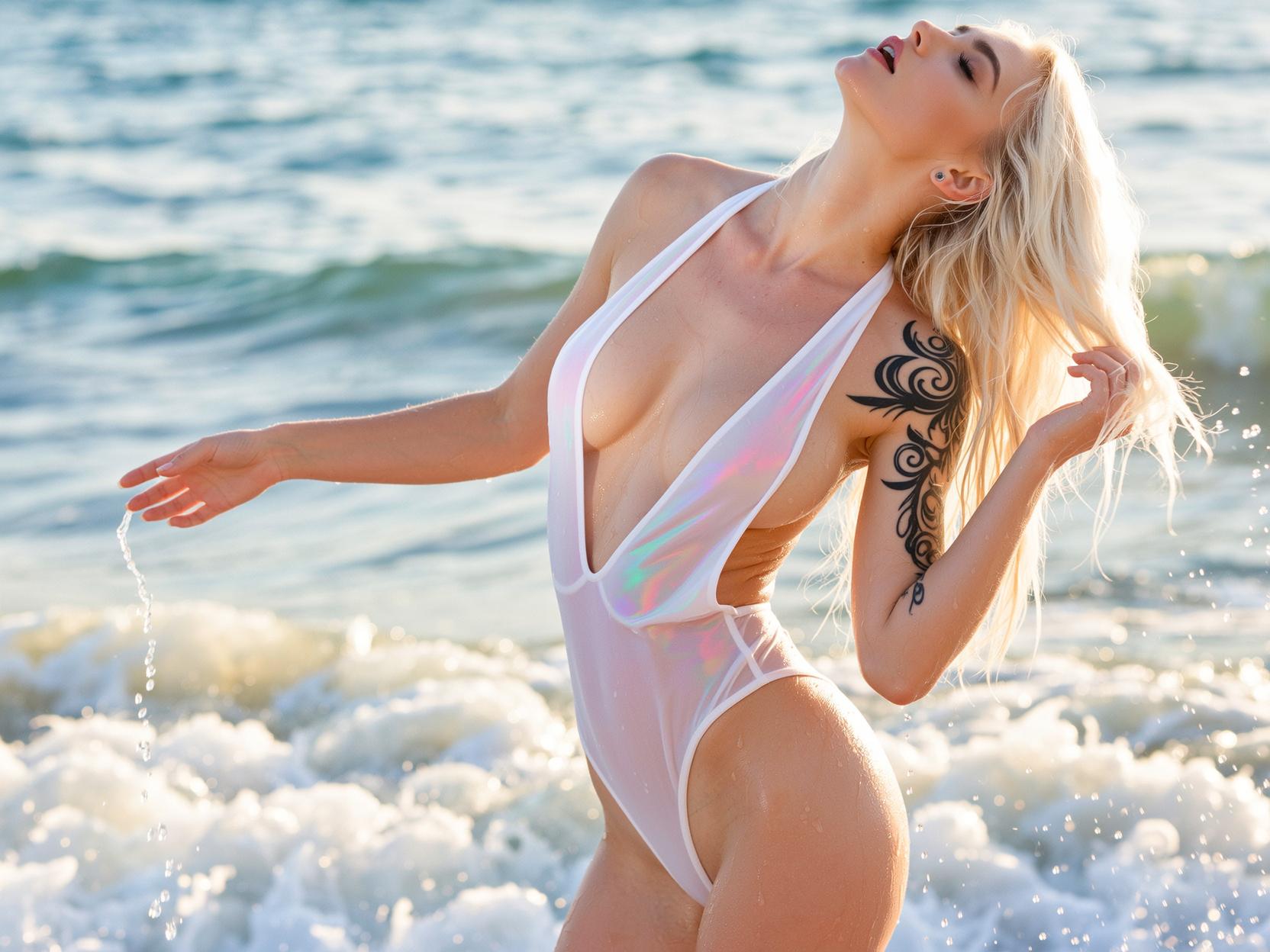

The Pixel Dojo Advantage
Why PixelDojo outperforms other options for AI art enhancement
| Others | Pixel Dojo |
|---|---|
| Traditional Art Enhancement Methods | PixelDojo's AI-driven approach ensures consistent, high-quality results without the steep learning curve of manual editing. |
| Generic AI Tools | Unlike generic tools, PixelDojo offers a comprehensive suite tailored for various enhancement needs, providing more versatility. |
| Manual Photo Editing | PixelDojo's automated enhancements save time and effort, delivering professional results without extensive manual work. |
Loved by Creators
See what our community says about ai art enhancer
"PixelDojo's AI Art Enhancer transformed my low-resolution sketches into stunning, high-definition artworks effortlessly."
Alex R.
Digital Artist
"As a designer, PixelDojo's tools have streamlined my workflow, allowing me to enhance images quickly without compromising quality."
Jordan L.
Graphic Designer
Common Questions
Everything you need to know about ai art enhancer AI generation
What file formats are supported for enhancement?
PixelDojo supports various image formats, including JPEG, PNG, and WebP, ensuring compatibility with most artworks.
Can I try PixelDojo's AI Art Enhancer before committing to a subscription?
Absolutely! We offer a free trial that allows you to experience the full capabilities of our AI Art Enhancer before making a decision.
How does PixelDojo's AI Art Enhancer preserve the original style of my artwork?
Our AI is trained to enhance image quality while maintaining the core style and color palette of your original piece, ensuring your artistic vision remains intact.
Is PixelDojo's AI Art Enhancer suitable for both beginners and professionals?
Yes, our user-friendly interface and advanced features cater to both beginners and professionals, making art enhancement accessible to all.
How long does it take to enhance an image with PixelDojo?
Our AI-driven tools process your images swiftly, typically delivering enhanced results in seconds, allowing you to focus on your creative projects without delay.
Does PixelDojo offer batch processing for multiple images?
Yes, PixelDojo supports batch processing, enabling you to enhance multiple images simultaneously, streamlining your workflow and saving time.