ai enhancement AI Generator

Imagine transforming your grainy smartphone snaps, faded family heirlooms, or pixelated product shots into breathtaking, professional-grade visuals that captivate audiences and boost engagement. With PixelDojo's AI image enhancement tools, you achieve crystal-clear details, vibrant colors, and ultra-high resolutions without needing design skills or expensive software. Whether you're a content creator restoring old photos, an e-commerce seller perfecting listings, or a marketer crafting eye-catching ads, our AI enhancers deliver stunning outcomes in seconds—helping you stand out online and save hours of manual editing.

AI Generated
Get Started TodayResults in seconds50+ AI models

Join 50,000+ creators who've enhanced 1M+ images. Rated 4.9/5 on Trustpilot. 'Life-changing for photo restoration!' – Featured in Forbes & TechCrunch.

Why Choose Pixel Dojo for ai enhancement

Professional-quality results with cutting-edge AI technology

Achieve Razor-Sharp 4K Clarity

You effortlessly upscale low-res images to 4K or 8K, revealing hidden details like never before. Tools like Magnific Upscaler and Creative Upscaler make your photos print-ready and social-media perfect, turning average shots into viral sensations.

Restore Faded Memories Instantly

Breathe new life into old, damaged, or blurry photos with AI-powered restoration. PixelDojo's Image to Image and Inpainting tools remove scratches, enhance colors, and sharpen faces, so you preserve precious moments in vivid detail for generations.

Boost Professional Results Effortlessly

Get studio-quality enhancements without hiring experts. Features like Magic Lighting, Portrait Upscaler, and Multidiffusion Upscaler adjust exposure, remove noise, and refine portraits, empowering you to create polished visuals that drive sales and likes.

How It Works

Unlock pro-level AI image enhancement in three simple steps using PixelDojo's specialized tools like Magnific Upscaler, Creative Upscaler, and Image Analyzer—no tech expertise required.

1

Step 1: Upload & Select Enhancer

Head to the Edit Images section, upload your photo, and pick a tool like Magnific Upscaler for massive upscaling or Creative Upscaler for creative boosts. Use Image Analyzer to auto-detect issues like blur or noise.

2

Step 2: Customize Your Enhancement

Enter a simple prompt like 'enhance sharpness, boost colors, remove noise' or tweak sliders for lighting, detail, and style. Tools like Magic Lighting and Inpainting let you target specific areas for precise improvements.

3

Step 3: Generate & Download Masterpiece

Hit generate to process in seconds, preview results, and download your enhanced image in high-res formats. Refine if needed with Background Remover or Style Transfer for endless iterations—all included in your subscription.
Community ai enhancement Gallery

Real examples created by our community

Loading video...
Loading video...
Loading video...
Loading video...
Loading video...
Loading video...
Loading video...
Loading video...
AI-generated image
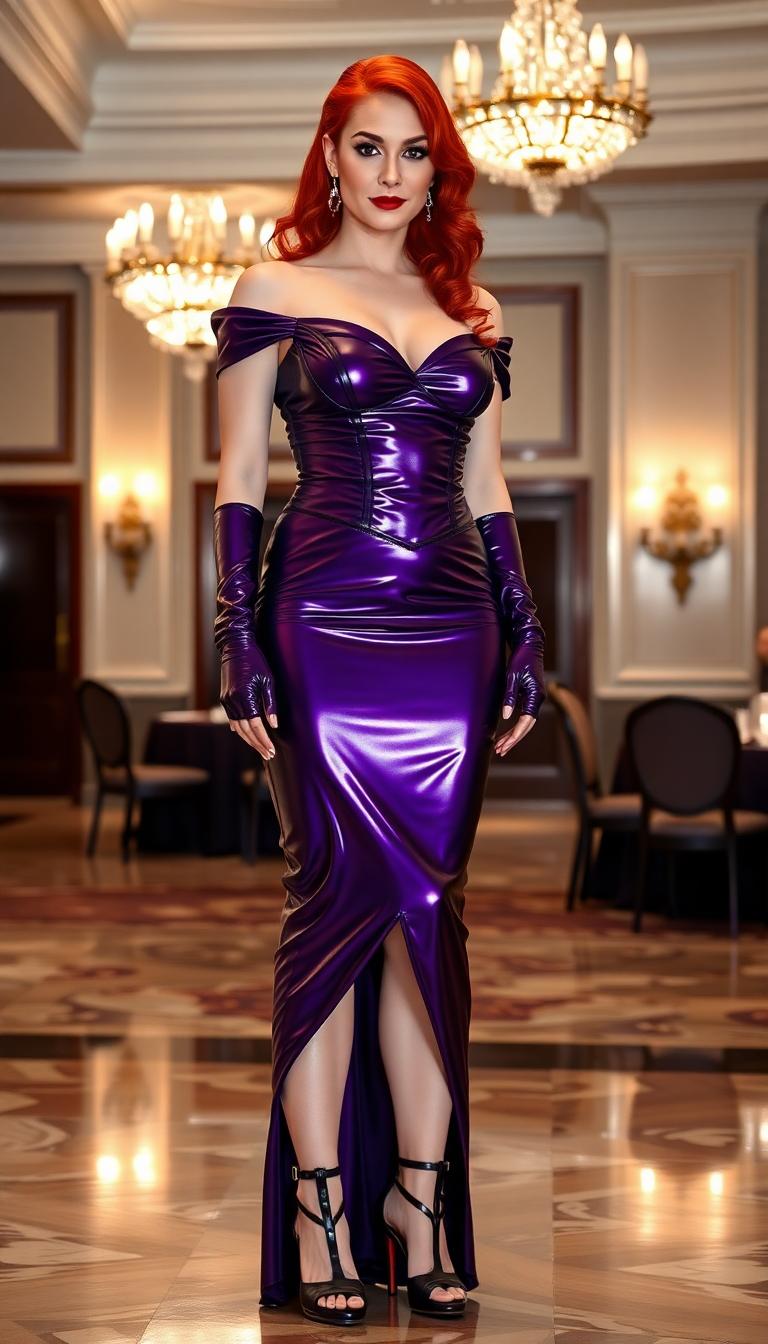
Slim, petite white haired 21 year old woman.  Hair is held up in two long pigtails. Dressed in a shiny pink latex evening gown.  Shiny pink latex opera gloves and 7 inch shiny pink latex high heels. Standing in an elegant hotel ballroom populated by many other elegantly dressed partygoers
Shot composition: Close-up portrait framing the woman's face and upper body from a slightly low angle to emphasize her heroic stature, captured with an 85mm portrait lens for sharp focus and subtle background compression.
Scene setting: Indoor setting resembling a dimly lit 1970s military office during evening hours, with warm soft lighting from overhead lamps casting gentle shadows and creating a heroic, nostalgic atmosphere.
Subject and wardrobe: A confident woman resembling Lynda Carter as Wonder Woman, with striking blue-green eyes, subtle makeup featuring rosy cheeks and natural lips, long wavy chestnut-brown hair cascading over her shoulders, wearing a shiny golden tiara with a central red star, small round red earrings, and a strapless bustier in vibrant red satin with a metallic gold eagle emblem, gold trim, and red-and-gold striped detailing; she poses with a serious yet poised expression and slight head tilt, while blurred background elements include a framed classical painting on the wall and part of a dark military uniform with epaulets on another figure.
Camera movement: none
Visual style: Photorealistic high-resolution digital photography with a vintage 1970s aesthetic, rich color palette of reds, golds, browns, and neutrals, emphasizing glossy textures, sharp focus on facial features and costume details, and a heroic atmosphere with subtle film grain for authenticity.
A breathtaking digital painting of a female figure in profile, embodying a fantasy and sci-fi aesthetic, captured with photorealistic precision. Her long, flowing hair shifts from deep purple to silvery tips, adorned with sparkling starlike embellishments, while a glowing golden unicorn horn on her forehead enhances her ethereal presence. She wears intricate metallic armor in purples, blues, silvers, and gold, illuminated from within, set against a blurred background of cascading raindrops in blues and purples, streaked with golden sunset light, reflecting off the armor for a magical, cinematic depth.
A highly detailed realistic photo (photograph) of a female real person, featuring a seductive female demon elf with long flowing white hair tied in a partial bun, piercing turquoise eyes glowing with intensity, curved black horns adorned with red accents, pointed elf ears, and large ethereal blue crystalline wings that shimmer like fractured ice with glowing veins. She kneels provocatively on one knee atop a ornate platform, gripping a long, slender glowing cyan sword with intricate hilt designs, the blade piercing through her red cheongsam-style dress that clings to her curvaceous figure, revealing a deep plunging neckline, high slits, and black lace thigh-high stockings with fishnet patterns. Intricate blue dragon tattoos coil around her exposed thigh and arm, glowing faintly against her pale skin. The background is a chaotic inferno of swirling orange and red flames, ancient Chinese-inspired architectural ruins with glowing runes and ornate patterns, evoking a sense of epic battle and mystical energy. Rendered in hyper-realistic digital medium with sharp lighting contrasts, volumetric godrays piercing through the flames, glossy textures on her outfit and skin, dynamic composition with a low-angle view emphasizing her powerful pose, high resolution, 8K quality, masterpiece quality with fine details in hair strands, wing facets, and tattoo scales.
This image is a closeup, highresolution digital artwork that features a figure with a striking and detailed appearance. The art style is fantastical, with a focus on surrealism and digital painting techniques that create a threedimensional effect. The medium appears to be a digital painting, likely created using software such as Photoshop or a similar program.The figure in the image has piercing blue eyes that are the centerpiece of the composition. The eyes are detailed with a gradient of blues, giving them a depth and intensity that draws the viewer in. The irises are a vivid blue, and the sclera is a lighter blue, with a hint of white, which gives the eyes a realistic quality.The figures skin is a pale, almost translucent blue, with a crackled texture that resembles a shattered glass or a frosted surface. This texture is consistent across the entire face, and it gives the skin a sense of fragility and otherworldliness.The figures hair is a dark, almost black blue, with a glossy sheen that reflects light and gives it a realistic dimension. The hair is styled in loose waves and curls, with some strands gently framing the face and neck. The hair is adorned with golden butterflies and leaves, which add a touch of fantasy and whimsy to the overall aesthetic.The golden butterflies are intricately detailed, with wings that shimmer and catch the light. They are scattered throughout the hair, some resting on the strands and others in midflight, as if caught in a moment of transformation or flight. The butterflies are a bright gold, with a gradient effect that gives them a sense of depth and dimension.The leaves are also detailed and realistic, with veins and textures that suggest they are made of a translucent material. They are scattered throughout the hair, some overlapping and others standing alone, contributing to the overall sense of movement and life in the hair.The background of the image is a soft, neutral color palette, with a gradient of blues and grays that fades into white at the edges. This background serves to highlight the figure and the intricate details of the hair and butterflies, drawing the viewers focus to the central elements of the composition.Overall, the image is a stunning example of digital painting techniques, with a focus on surrealism and fantasy. The use of color, texture, and composition creates a visually compelling and immersive experience for the viewer.
This image is a digital artwork that presents a figure with a striking and futuristic aesthetic. The art style is highly stylized, with a focus on intricate details and a rich, almost threedimensional quality that gives the image a cinematic feel. The medium appears to be a digital rendering, likely created using 3D modeling and texturing software, given the smoothness and complexity of the textures.The colors in the image are vibrant and bold, with a predominance of deep, rich blacks and metallics, punctuated by the bright, sparkling white of the figures hair. The figures hair is styled into two large, voluminous buns, each adorned with what appear to be crystals or small, reflective spheres, adding a touch of opulence and extravagance. The hairs texture is also very detailed, with individual strands that catch the light, giving it a realistic sheen.The figure is wearing a dark, textured outfit that suggests a hightech or futuristic armor, with a mix of metallic and organic elements. The outfit is adorned with a variety of necklaces and accessories, including a prominent, circular pendant with a complex design that could be a symbol or emblem. The figures attire is detailed with what looks like scales or feathers, adding to the overall sense of armorlike protection.The figure is holding a sword with a reflective, metallic blade and a dark, ornate hilt, which complements the overall dark and futuristic theme of the outfit. The swords design is intricate, with patterns and details that suggest a high level of craftsmanship.The background of the image is a blur of neon lights and urban elements, with signs and billboards that are difficult to discern but seem to be in a language that could be Chinese, given the characters visible. The lighting in the scene is dramatic, with a mix of bright neon lights and darker, shadowy areas that create a sense of depth and contrast.Overall, the image exudes a sense of futuristic elegance, power, and mystery, with a strong emphasis on detailed textures and a rich, almost tangible visual experience.
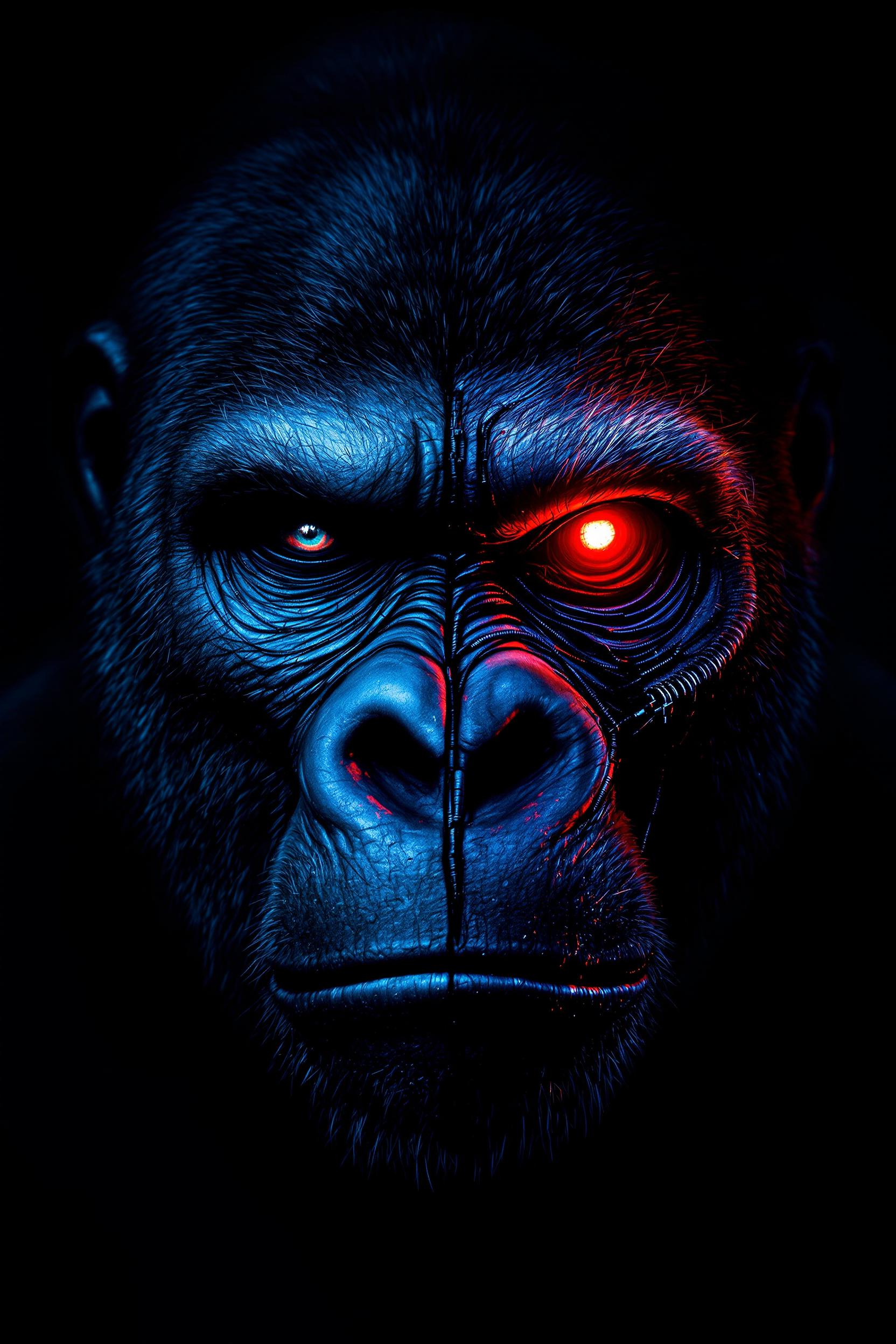
A highly detailed, photorealistic digital rendering of an elderly cyborg man in a close-up portrait, facing directly forward with a neutral, introspective expression. The man appears to be in his 80s or 90s, with deeply wrinkled, pale Caucasian skin that's weathered and aged, showing fine lines, creases, and subtle age spots on his bald scalp and face. His left eye is a natural, piercing turquoise blue human eye with realistic iris details and subtle reflections, while his right eye is a intricate cybernetic implant: a large, mechanical monocle-like device with glowing red circular lens at the center, surrounded by metallic gears, circuits, and orange energy sparks emanating from it, integrated seamlessly into his wrinkled skin. A white and black robotic helmet or exoskeleton frames his head, with segmented armor plates, exposed wires, tubes, and metallic components extending down to his neck and shoulders, including earpieces with red lights and black cabling. The overall color palette is cool and muted, dominated by desaturated grays, blues, and silvers, with high-contrast highlights on the metallic parts and a warm red-orange glow from the cybernetic eye adding dramatic focal point. The background is a plain, gradient dark gray void, emphasizing the subject's face with soft, cinematic lighting from the front and subtle rim lighting to enhance textures and depth. Render in hyper-realistic CGI style, inspired by artists like Alex Ross and digital sculpting in ZBrush, with ultra-high resolution, sharp details on skin pores, metallic reflections, and subtle subsurface scattering for lifelike skin translucency.
A striking digital painting of a female figure with a gothic, neobaroque aesthetic, captured in a photorealistic style with intricate details and a monochromatic black-and-white palette. The woman wears a fitted black lace garment with floral and geometric patterns, a high neckline, and a bow at the collar, while her short, curly blonde bob is adorned with delicate black-and-white butterflies that appear almost translucent. Set against a solid black background, soft, diffused lighting casts gentle shadows on her right side, enhancing the dramatic interplay of light and shadow for a mysterious, elegant composition.
AI-generated image

Start Creating AI Enhanced Images Today

40+ cutting edge AI tools, loved by thousands of creators worldwide, cancel anytime, try it today

The Pixel Dojo Advantage

Why PixelDojo outperforms other options for ai image enhancement

OthersPixel Dojo
Traditional photo editing softwareSkip hours of layer tweaking—our AI delivers instant, superior results with Magnific Upscaler, saving you time and frustration for effortless pro outcomes.
Generic AI toolsAccess specialized enhancers like Creative Upscaler and Multidiffusion Upscaler tailored for real-world photos, not just basic filters, ensuring unmatched detail recovery.
Manual photo editingEliminate skill barriers and costly hires—AI handles complex tasks like denoising and deblurring automatically, giving you consistent, high-quality enhancements every time.

Loved by Creators

See what our community says about ai enhancement

"PixelDojo's Magnific Upscaler turned my blurry wedding photos into HD masterpieces. Saved my album and wowed my clients!"

Sarah Jenkins

Wedding Photographer

"Restored 100-year-old family portraits with Inpainting and Portrait Upscaler. The detail is unreal—feels like time travel!"

Mike Rivera

Historian & Content Creator

Common Questions

Everything you need to know about ai enhancement AI generation

What is the best ai image enhancement tool for upscaling low-res photos?

PixelDojo's Magnific Upscaler and Creative Upscaler lead the pack for ai image enhancement, effortlessly boosting resolution up to 16x while preserving natural details. Upload any photo, select the tool, and generate print-ready 4K images in seconds—perfect for e-commerce or social media without artifacts.

How does ai photo enhancer restore old damaged images?

Using advanced tools like Image to Image, Inpainting, and Portrait Upscaler, PixelDojo analyzes and rebuilds faded, scratched, or blurry photos. It auto-fixes colors, sharpens edges, and removes imperfections, delivering lifelike restorations that feel brand new. Thousands of users have revived heirlooms effortlessly.

Can I use image upscaler ai for product photography?

Absolutely—tools like Multidiffusion Upscaler and Magic Lighting enhance product shots by sharpening textures, balancing lighting, and removing backgrounds. Your listings pop with professional clarity, driving higher conversions. Process batches quickly and integrate with your workflow via Developer API.

Is enhance photo ai safe for copyrighted or personal images?

Yes, PixelDojo prioritizes privacy—all enhancements process securely on-device or in-cloud with no data retention. Use Background Remover or Style Transfer on personal photos worry-free, and track usage in your Account dashboard for full control.

What's the difference between Magnific Upscaler and Creative Upscaler?

Magnific Upscaler excels at realistic, high-fidelity enlargements for photos needing true-to-life detail. Creative Upscaler adds artistic flair, ideal for stylized enhancements. Both integrate seamlessly in PixelDojo's Edit Images suite, letting you switch tools mid-project for optimal results.

How much does ai image upscaler cost and is there a free trial?

Start free with limited credits, then unlock unlimited access via flexible subscriptions—cancel anytime. Enjoy 40+ tools including all upscalers, with Usage Reports to monitor spends. Creators worldwide rave about the value for pro-level ai image enhancement.

Ready to create amazing ai enhanced images?

Ready to Create Amazing ai enhancement Images?

Join thousands of creators using AI to bring their ideas to life