ai face AI Generator
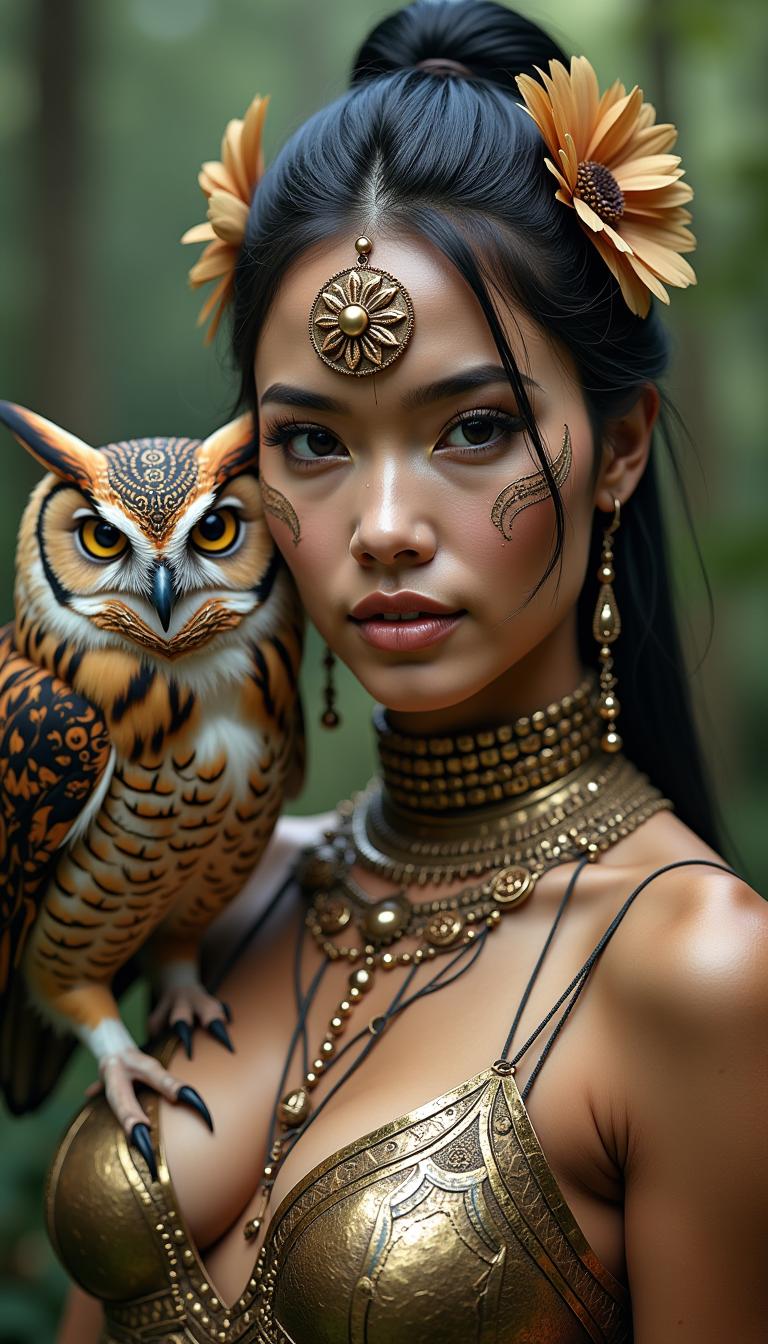
Imagine being able to create a lifelike portrait that reflects your vision—in minutes. With PixelDojo’s AI Face tools, you’ll generate realistic, expressive faces that elevate your brand, story, or project. Whether you're crafting a character for design work, producing unique profile photos, or visual storytelling, you can finally bring your faces to life—no photoshoot, no artist backlog, just stunning faces made by you.
Over 25,000 users trust PixelDojo. 98% satisfaction based on thousands of AI Face creations. Featured in creative agencies and top influencer campaigns worldwide.
Why Choose Pixel Dojo for ai face
Professional-quality results with cutting-edge AI technology
Strike-True Realism Every Time
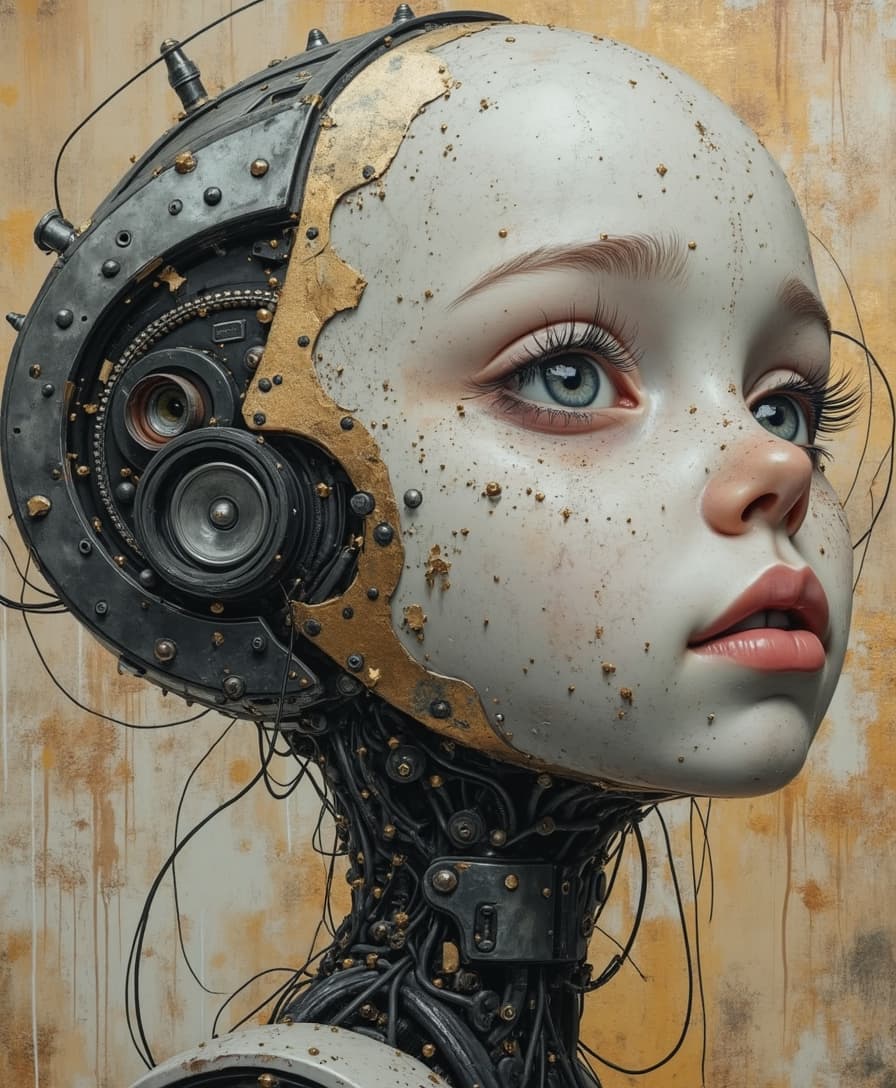
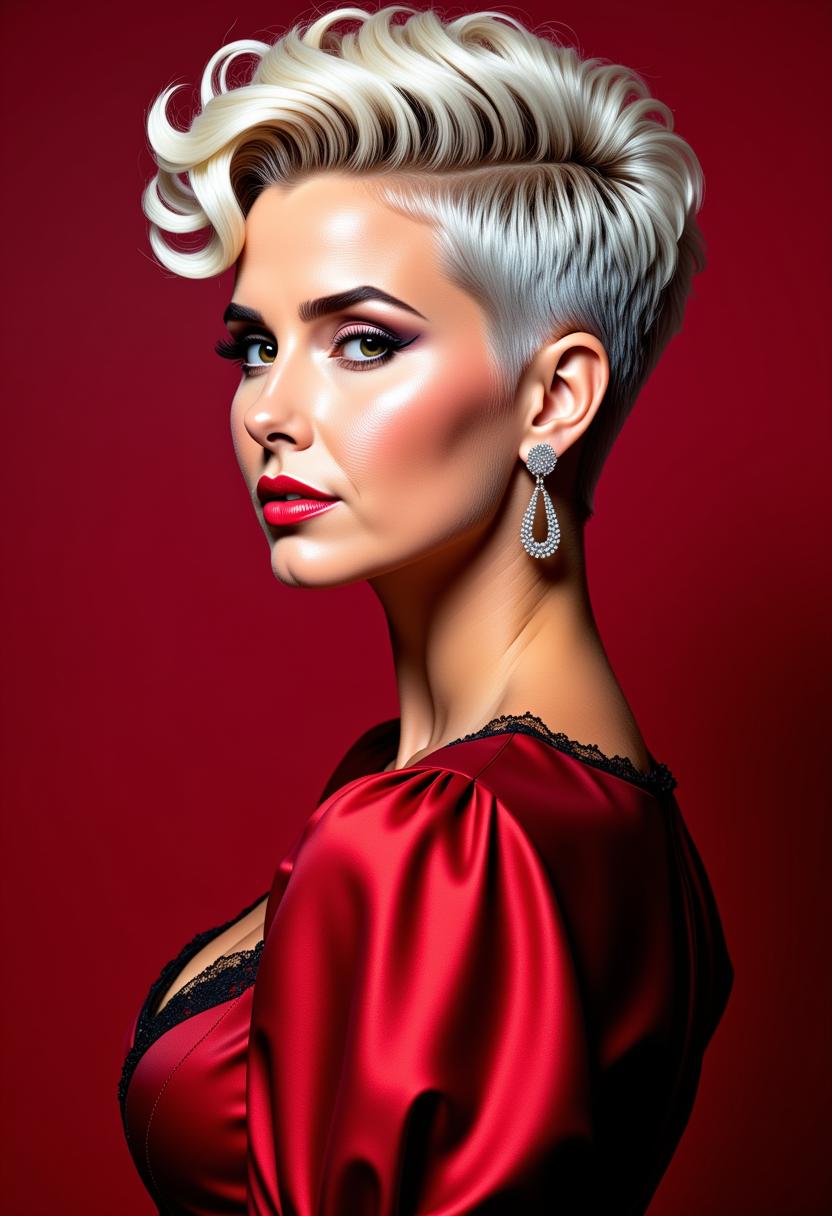
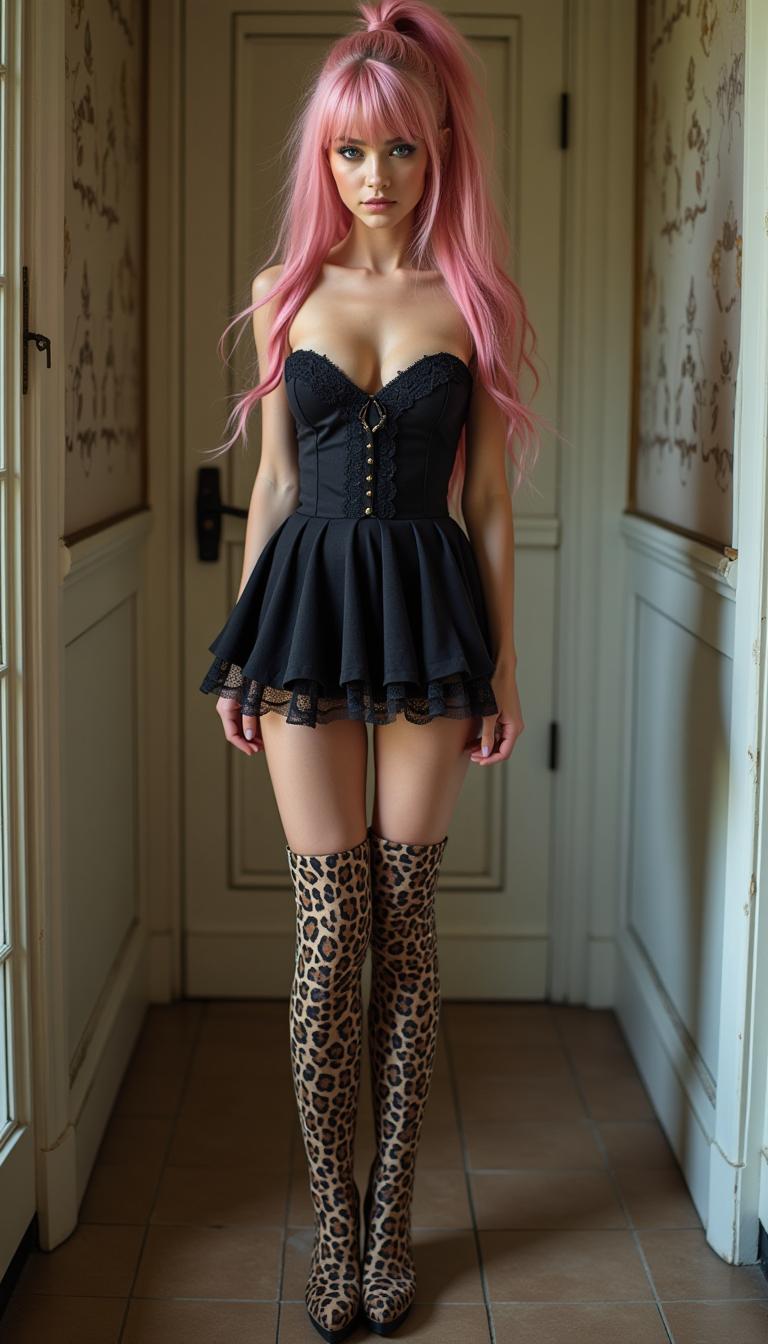
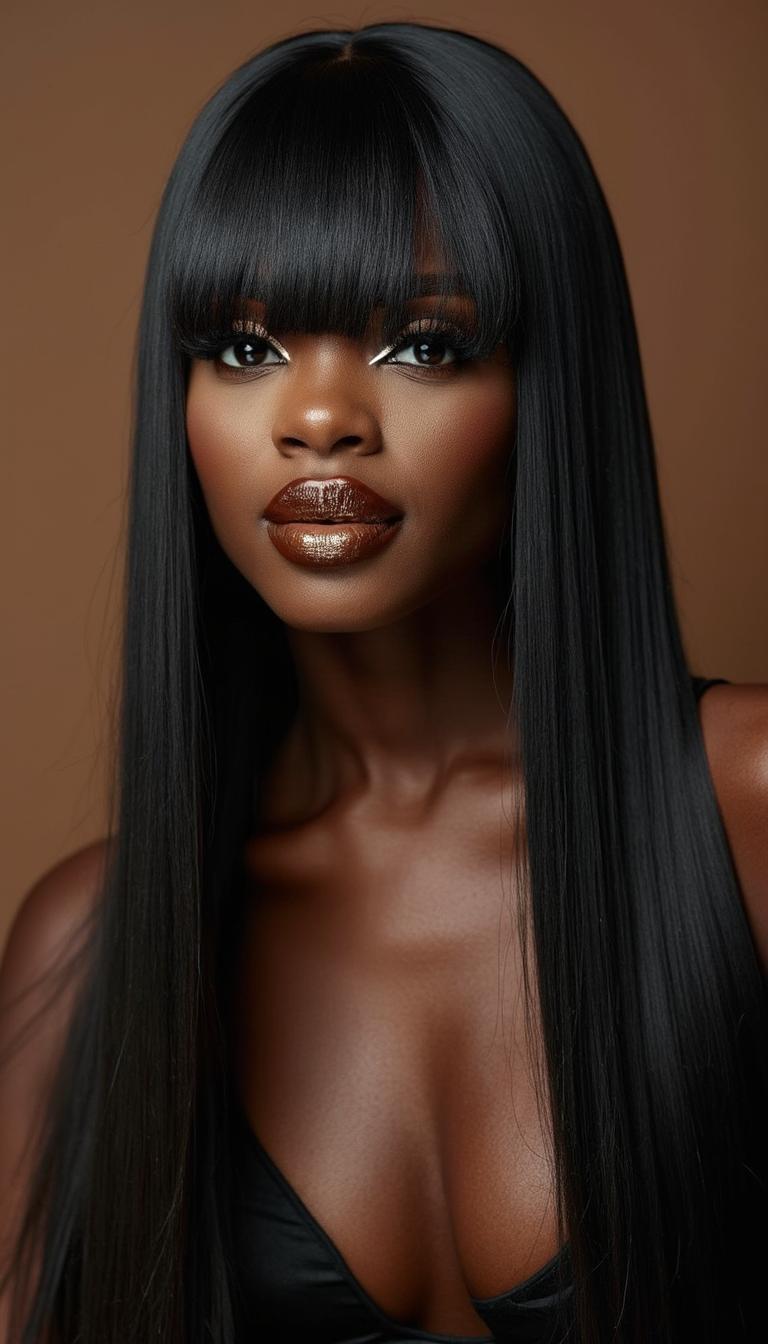
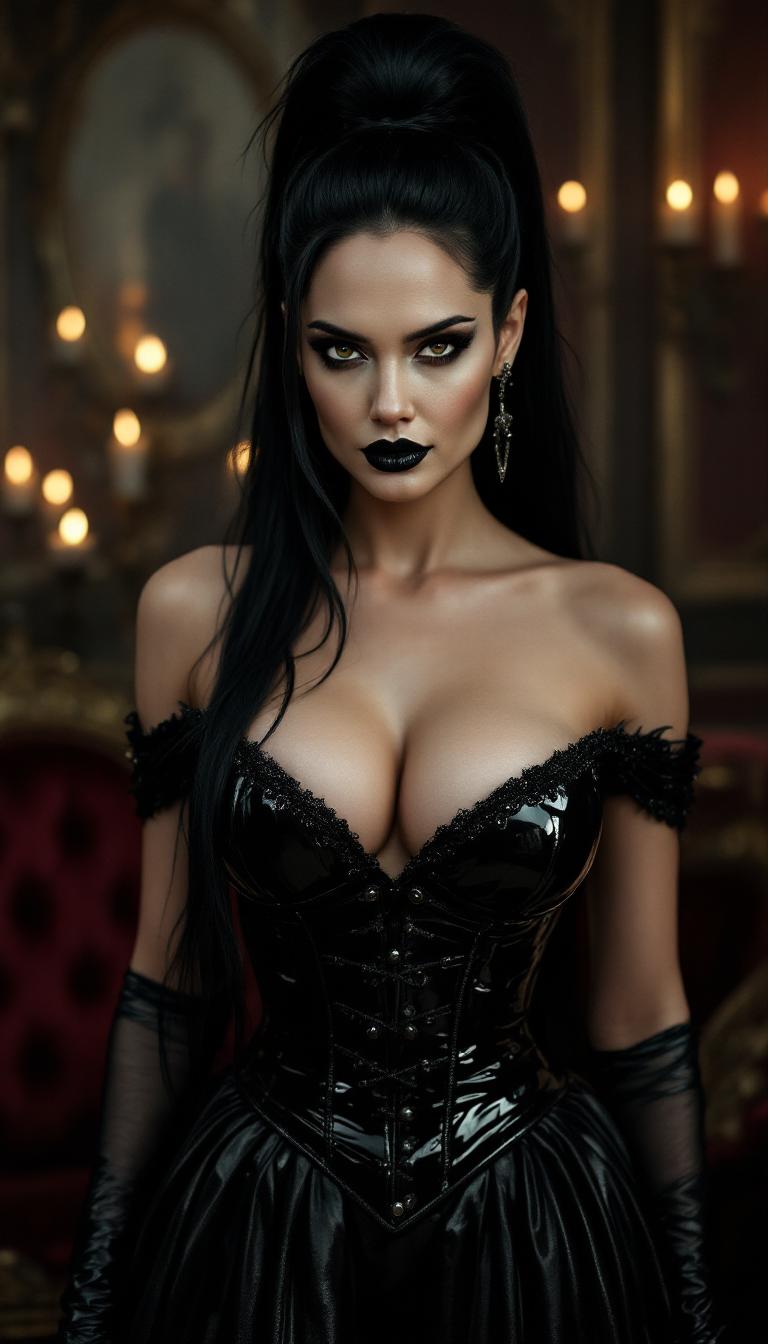
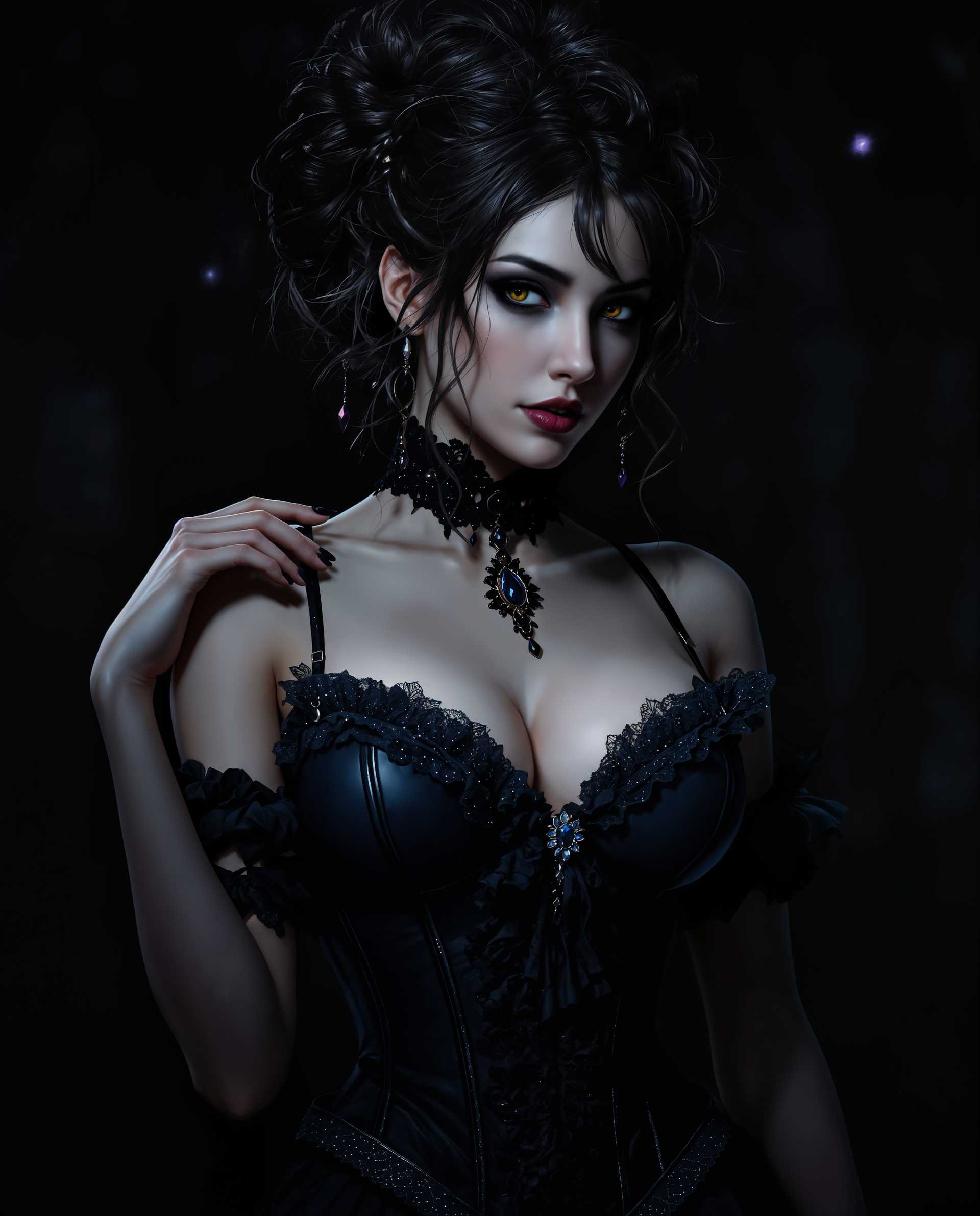
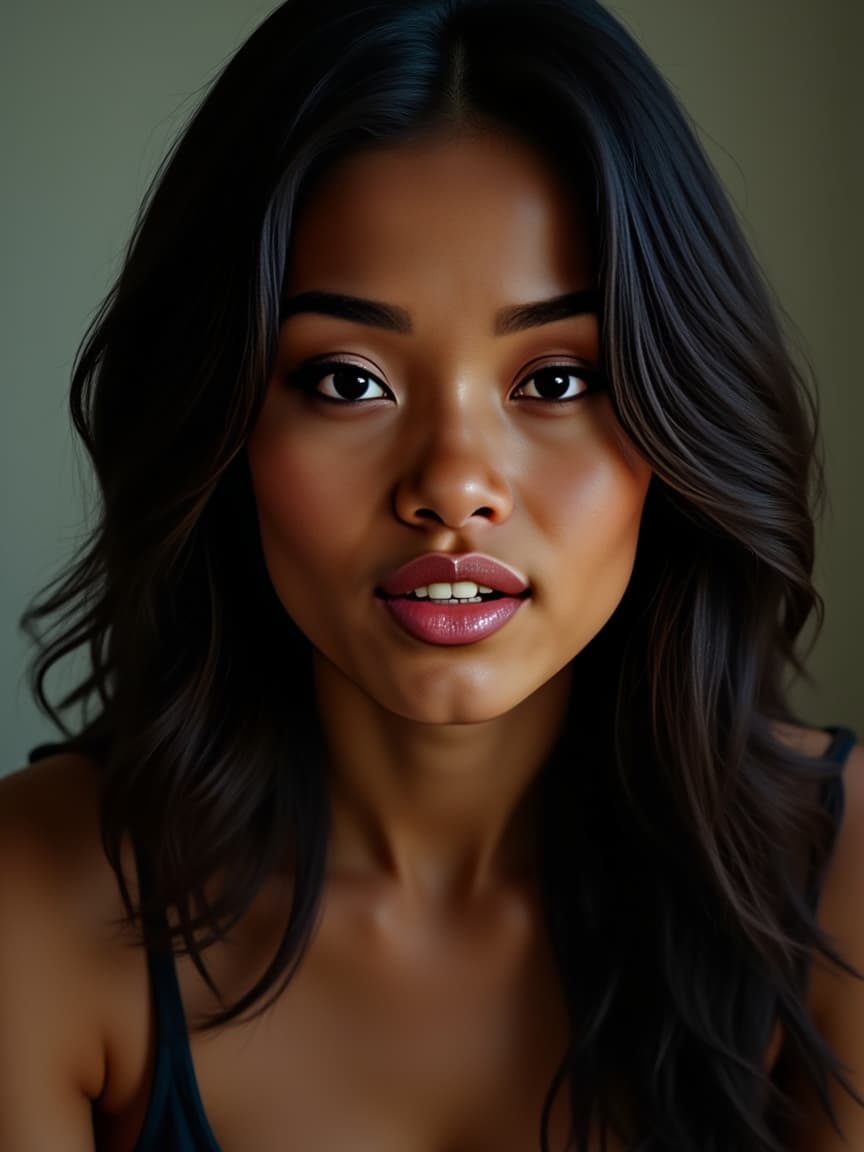
Generate faces with believable features—skin textures, lighting, expression—so realistic they rival photographs using tools like Seedream 4, FLUX, and SDXL.
Always On-Brand & Consistent
Maintain identity consistency—same character, style, angle—across images with Consistent Characters, Pose Control, and Character Stylist tools.
Edit Precisely to Match Your Vision
Refine any detail—angle, lighting, background, style—using Image Analyzer, Camera Angle Change, Style Transfer, and Magic Lighting tools to make every face perfect.
How It Works
Creating an AI face portrait with PixelDojo is straightforward and fun. Follow these three steps to move from idea to polished visual:
Step 1: Choose Your Creation Tool
Decide whether you want to generate from text, from reference image, or build consistency. Pick text-to-image tools like Seedream 4, Google Nano Banana, Imagen 4 or seed a face using QWEN Image or Runway Gen-4 Image.
Step 2: Enter Your Prompt or Upload Ref
Describe what you want: age, expression, lighting, mood. Or upload a reference face to guide style. Try specifying “warm lighting, mid-30s, soft smile, cinematic close-up”. Tools like Flux, Hunyuan Image 3, WAN Image respond well to detailed prompts.
Step 3: Customize & Download
Fine-tune backgrounds, angles, style and mood using editing tools like Magic Lighting, Camera Angle, Inpainting or Outpainting. Once perfect, download high-res file or export in batch. No watermark for paid tiers.


The Pixel Dojo Advantage
Why PixelDojo outperforms other options for AI face image generation
| Others | Pixel Dojo |
|---|---|
| Traditional photoshoots | Skip logistics costs, scheduling, equipment. With Seedream 4 or Imagen 4, you generate hundreds of portraits instantly. |
| Generic AI tools | You get tools built for face consistency, character style control, expressive edits—not just random outputs. |
| Manual photo retouching | No manual editing hours. Use inpainting, style transfer and lighting tools to adjust looks in seconds. |
Loved by Creators
See what our community says about ai face
"PixelDojo turned our marketing campaigns around—AI Face tools helped us create a unique character style that our audience immediately connected with."
Maya Rodriguez
Brand Manager
"I’ve saved weeks on character art for my indie game—Consistency Character + Pose Control tools make all the difference. Portraits look polished every time."
Ethan Lee
Game Developer
Common Questions
Everything you need to know about ai face AI generation
What makes AI face generation with PixelDojo different from generic face creation?
PixelDojo combines 40+ specialized tools—like Seedream 4, Flux, Google Nano Banana, QWEN Image—to give you options for hyper-realism, stylized portraits, or character design. You also get editing controls such as Camera Angle Change, Style Transfer, Material Transfer, and Lighting tools so you’re not stuck with random outputs—you guide the face’s identity, look, and feel.
How realistic are the AI-generated faces using PixelDojo tools?
Very realistic. Tools like Seedream 4 top benchmarks for both text-to-image and image editing in realism. PixelDojo also uses models like FLUX and Imagen 4 which are known for photorealistic output, fine skin textures, accurate lighting, and natural expressions. These tools help you avoid the uncanny-valley effect. Reported satisfaction rates are near 98% among professionals and creators.
Can I maintain character consistency across multiple images or poses?
Yes—tools like Consistent Characters, Pose Control, and Character Stylist enable you to define and reuse identity attributes—face shape, expression, style—across different angles, lighting, backgrounds. Ideal for branding, comics, storyboards where your character must stay recognizable.
Is AI face generation legal and ethical with PixelDojo?
We build in ethical guardrails: you generate synthetic faces or upload your own references. PixelDojo discourages misuse, supports privacy, and you retain full ownership of your creations. No impersonation or rights-violating content allowed—tools are designed to comply with copyright and portrait rights.
How fast can I get my final high-quality AI face image?
Very fast. Starting from your prompt or uploaded image, generation takes seconds. Fine-tuning via editing tools—like Inpainting, Magic Lighting, or Background Remover—just adds moments more. Typically, you’ll have a polished face image ready to download in under 5 minutes.
What if I don’t like my AI face results? Is there a refund or trial period?
Absolutely. PixelDojo offers a trial tier so you can test tools like Runway Gen-4 Image, HiDream or Dreamina 3.1 without commitment. If you upgrade to paid and aren’t satisfied, cancel anytime. We’re confident you’ll love creating with us—most users stay because the results align with their vision.