ai family portrait AI Generator
Capture the essence of your family moments like never before with PixelDojo's AI-powered tools. Whether you're looking to create a timeless family portrait, merge individual photos into a cohesive image, or add artistic flair to your existing pictures, our platform empowers you to achieve stunning results effortlessly.
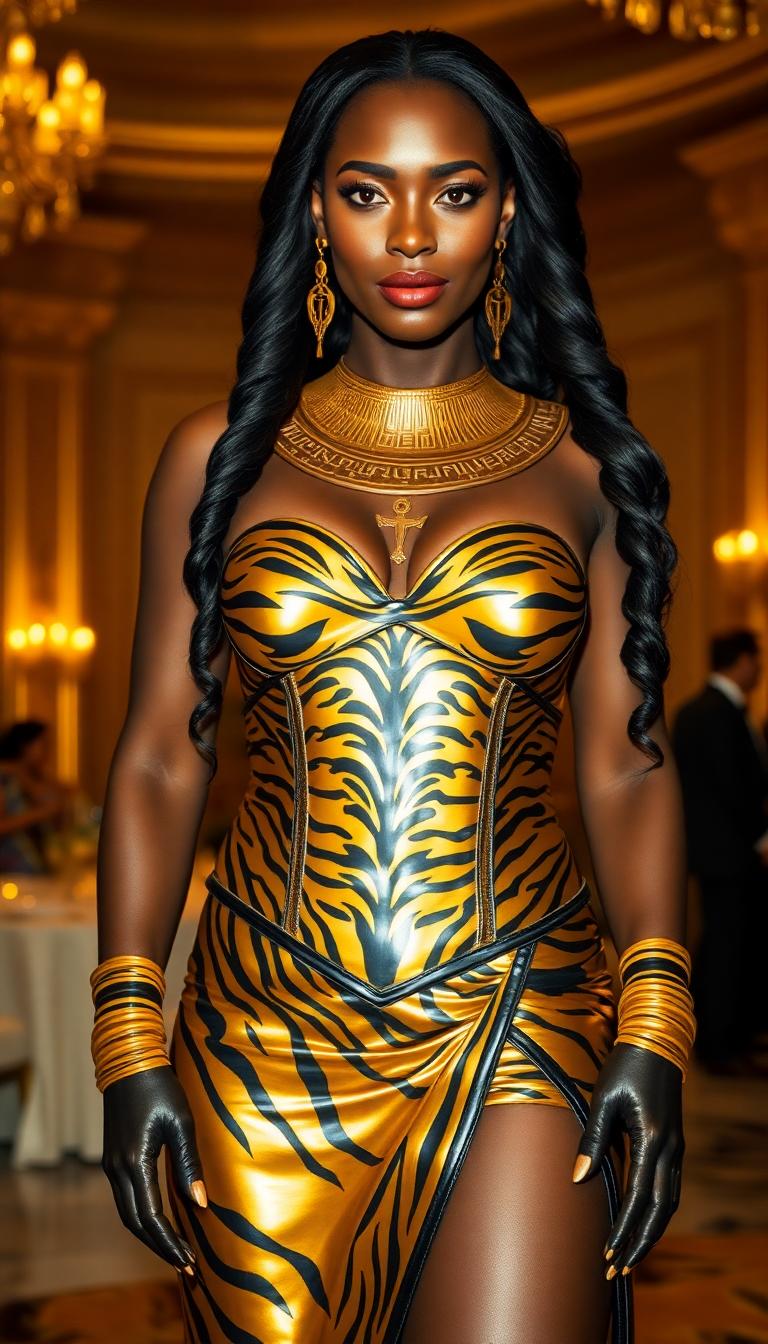
Join over 10,000 satisfied users who have transformed their family memories using PixelDojo's AI tools. Rated 4.8/5 based on 2,000+ reviews.
Why Choose Pixel Dojo for ai family portrait
Professional-quality results with cutting-edge AI technology
Effortless Creation
Generate beautiful family portraits without any prior design experience.
Personalized Styles
Choose from a variety of artistic styles to match your family's unique personality.
High-Quality Outputs
Download high-resolution images perfect for printing and sharing.
How It Works
Creating your AI family portrait is simple and intuitive with PixelDojo. Follow these steps to bring your vision to life:
Step 1: Choose Your Tool
Select from our suite of AI tools tailored for image creation, such as P-Image or SDXL, to begin your project.
Step 2: Enter Your Prompt
Describe your desired family portrait, including details like setting, attire, and style. For example, 'A watercolor painting of a family of four in a park during autumn.'
Step 3: Customize & Download
Review the generated image, make any necessary adjustments using our editing tools, and download the final high-resolution portrait.
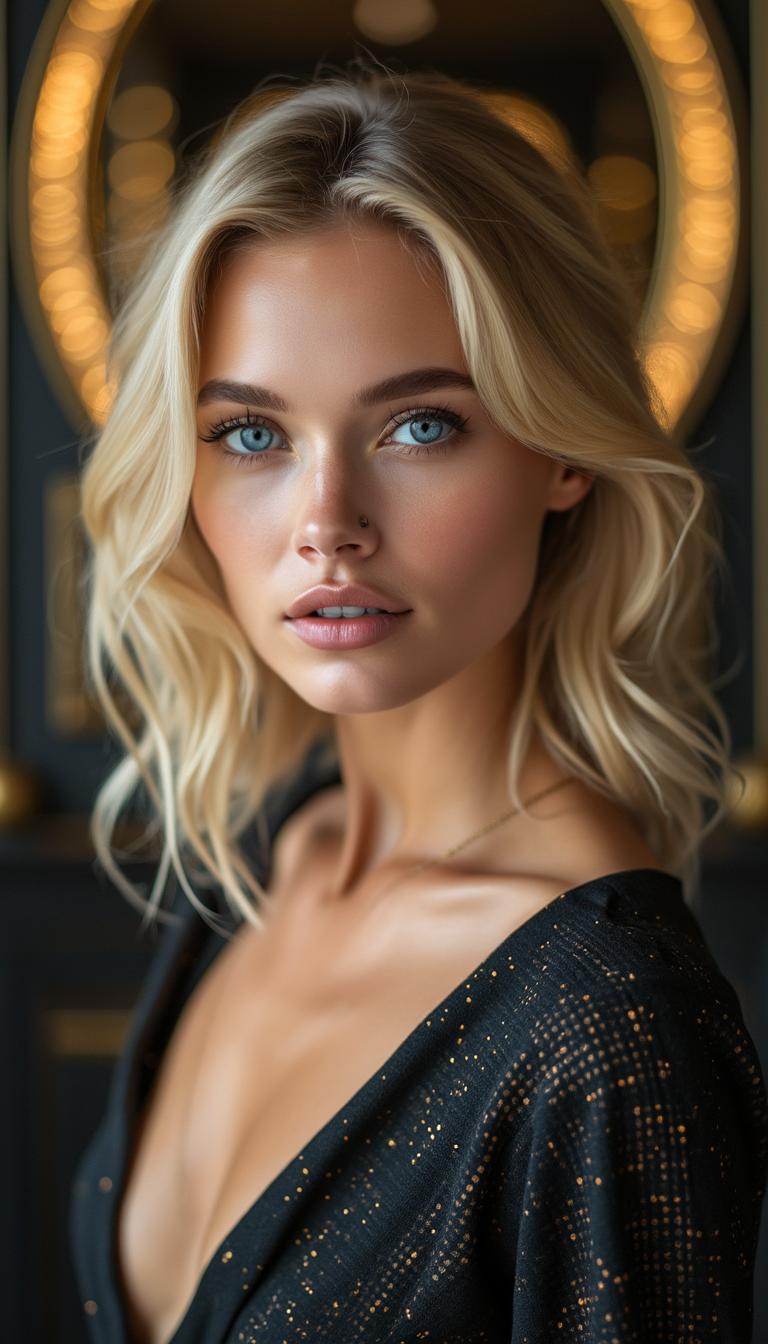

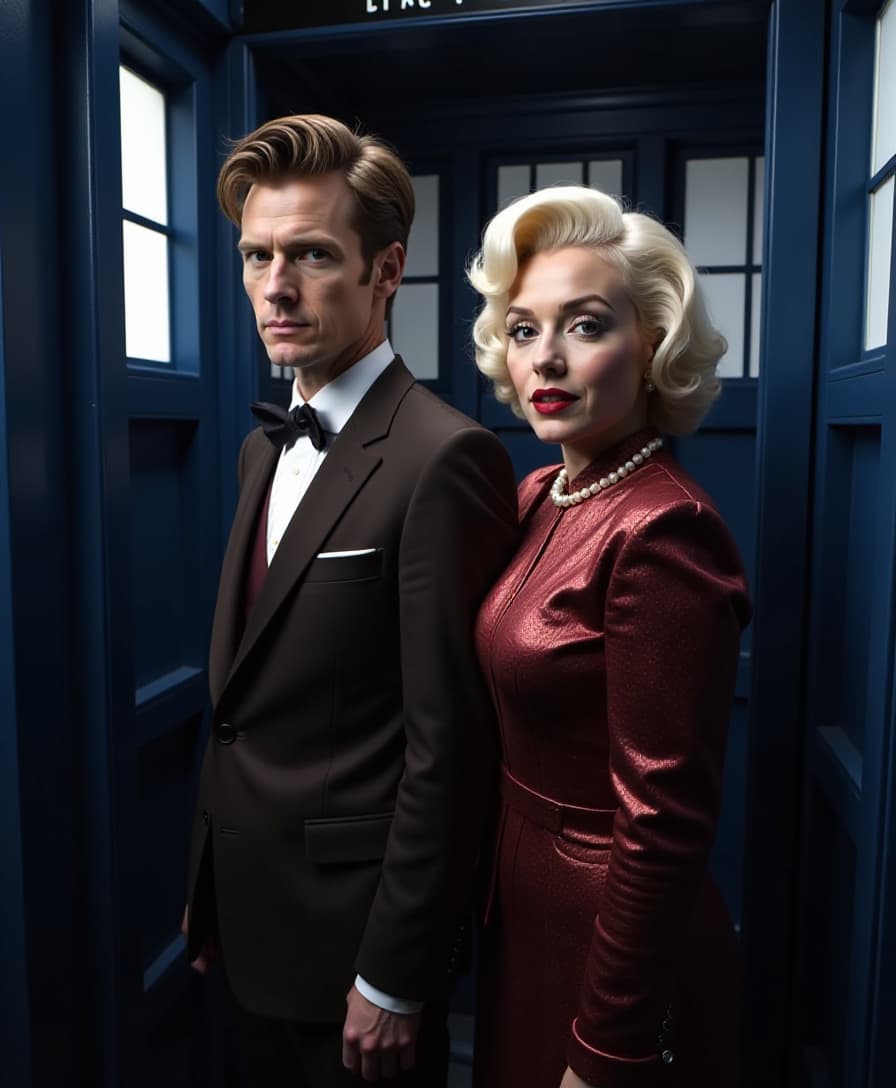


The Pixel Dojo Advantage
Why PixelDojo outperforms other options for AI family portrait generation
| Others | Pixel Dojo |
|---|---|
| Traditional Family Photography | Eliminate the need for scheduling and expensive photo sessions; create portraits anytime, anywhere. |
| Generic AI Tools | Access specialized tools designed specifically for family portrait creation, ensuring more accurate and personalized results. |
| Manual Photo Editing | Save time and effort with automated processes that deliver professional-quality images without the learning curve. |
Loved by Creators
See what our community says about ai family portrait
"PixelDojo made it so easy to create a beautiful family portrait for our holiday card. The results were stunning!"
Emily R.
Graphic Designer
"I combined photos of my family from different occasions into one seamless portrait. PixelDojo's tools are truly impressive."
James L.
Photographer
Common Questions
Everything you need to know about ai family portrait AI generation
How can I create an AI-generated family portrait with PixelDojo?
Simply select one of our AI image creation tools, input a detailed description of your desired portrait, and let our AI generate the image for you. You can then customize and download the final result.
Can I merge individual photos into a single family portrait?
Yes, using our 'Image to Image' tool, you can upload individual photos, and our AI will seamlessly combine them into a cohesive family portrait.
What styles can I choose for my family portrait?
PixelDojo offers a variety of styles, including watercolor, oil painting, cartoon, and more. You can specify your preferred style in the prompt to achieve the desired effect.
Is there a limit to the number of family members in the portrait?
Our AI tools can accommodate various group sizes. For larger families, ensure that your prompt includes clear descriptions to help the AI generate accurate results.
Can I edit the generated family portrait?
Absolutely! PixelDojo provides editing tools like 'Inpainting' and 'Style Transfer' to help you refine and enhance your portraits as needed.
Are the generated images suitable for printing?
Yes, the images are high-resolution and perfect for printing. You can create beautiful prints for framing or gifting.