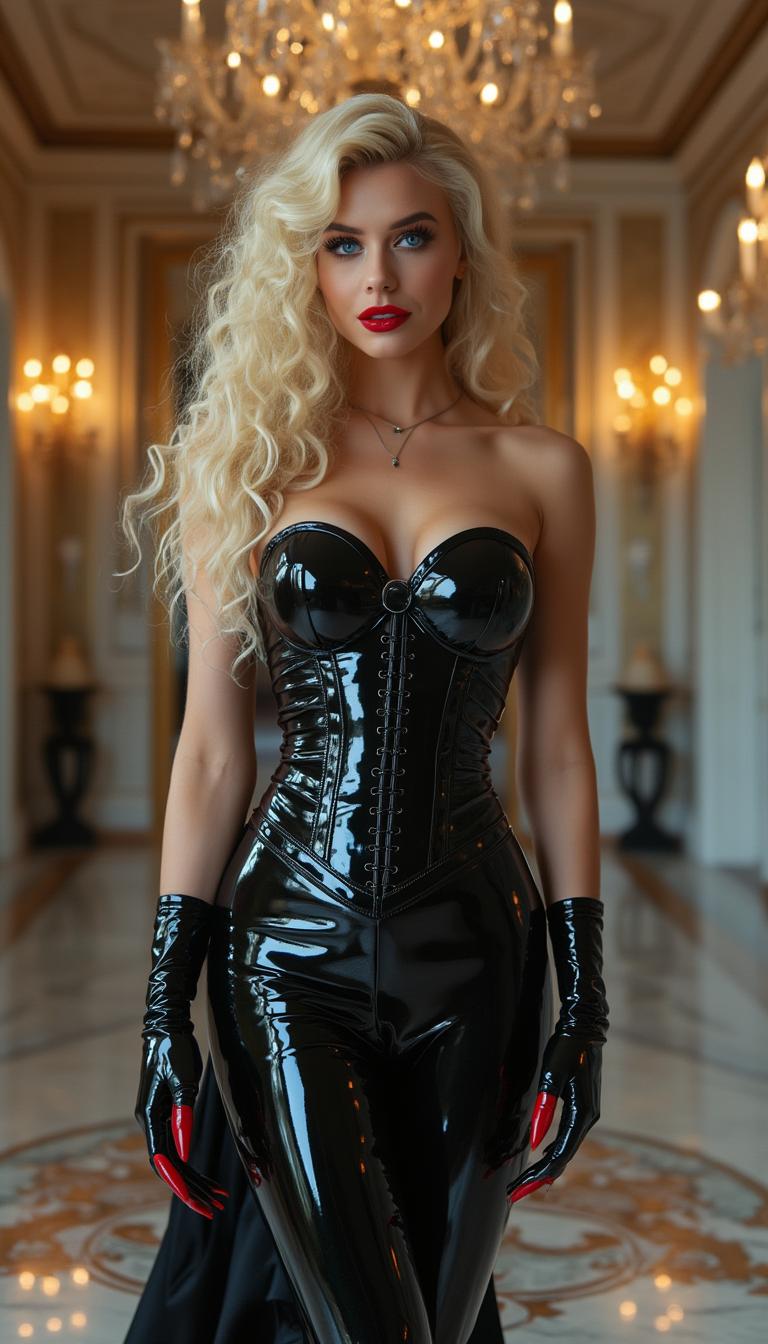
ai photo talking AI Generator

Imagine transforming your static images into dynamic, talking photos that captivate and engage your audience. With PixelDojo's cutting-edge AI tools, you can effortlessly animate your photos, adding realistic speech and expressions to bring them to life. Whether you're a content creator, marketer, or just looking to add a unique touch to your personal photos, PixelDojo empowers you to create compelling talking photos that stand out.

AI Generated
Get Started TodayResults in seconds50+ AI models

Join over 10,000 satisfied users who have enhanced their visuals with PixelDojo's AI technology. Rated 4.8/5 based on 2,000+ reviews.

Why Choose Pixel Dojo for ai photo talking

Professional-quality results with cutting-edge AI technology

Engage Your Audience

Create interactive content that captures attention and encourages sharing.

Simplify Content Creation

Generate talking photos quickly without the need for complex software or skills.

Enhance Marketing Materials

Add a dynamic element to your promotional content, making it more memorable.

How It Works

Creating AI talking photos with PixelDojo is a straightforward process. Follow these simple steps to animate your images:

1

Step 1: Choose Your Tool

Select the 'AI Talking Photo Generator' from PixelDojo's suite of AI tools.

2

Step 2: Upload Your Photo

Upload a clear, front-facing image that you want to animate.

3

Step 3: Enter Your Script

Input the text you want your photo to say, or upload an audio file.

Community ai photo talking Gallery

Real examples created by our community

Loading video...
Loading video...
Loading video...
Loading video...
Loading video...
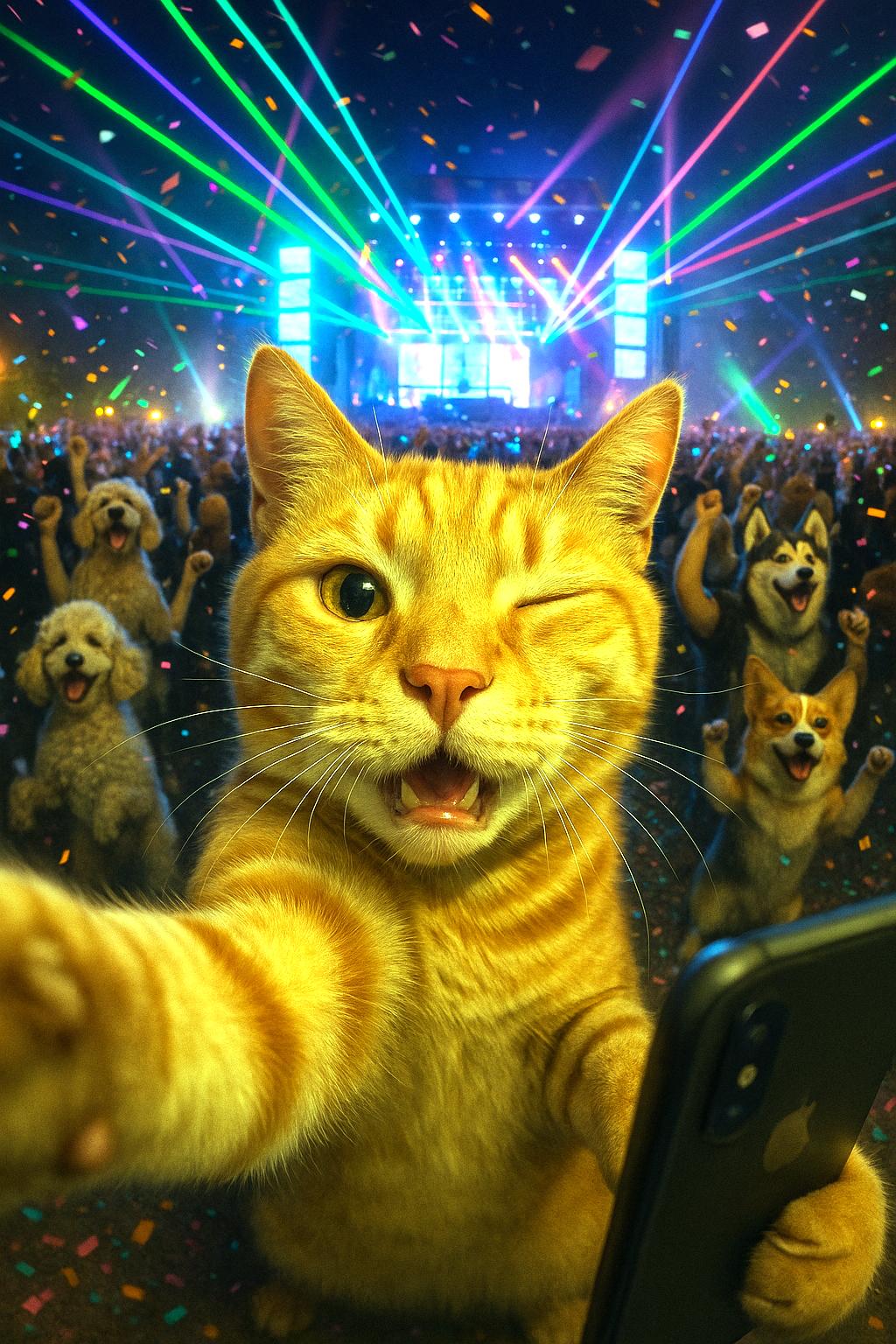
A dog in a bog on a log with a sign that reads PIXELDOJO.AI
Shot composition: Close-up portrait framing the woman's face and upper body from a slightly low angle to emphasize her heroic stature, captured with an 85mm portrait lens for sharp focus and subtle background compression.
Scene setting: Indoor setting resembling a dimly lit 1970s military office during evening hours, with warm soft lighting from overhead lamps casting gentle shadows and creating a heroic, nostalgic atmosphere.
Subject and wardrobe: A confident woman resembling Lynda Carter as Wonder Woman, with striking blue-green eyes, subtle makeup featuring rosy cheeks and natural lips, long wavy chestnut-brown hair cascading over her shoulders, wearing a shiny golden tiara with a central red star, small round red earrings, and a strapless bustier in vibrant red satin with a metallic gold eagle emblem, gold trim, and red-and-gold striped detailing; she poses with a serious yet poised expression and slight head tilt, while blurred background elements include a framed classical painting on the wall and part of a dark military uniform with epaulets on another figure.
Camera movement: none
Visual style: Photorealistic high-resolution digital photography with a vintage 1970s aesthetic, rich color palette of reds, golds, browns, and neutrals, emphasizing glossy textures, sharp focus on facial features and costume details, and a heroic atmosphere with subtle film grain for authenticity.
AI-generated image
Loading video...
A close-up photorealistic DSLR photograph of a regal female figure in elaborate golden armor and expansive ornate wings with featherlike patterns and eye-like circular motifs, her black clothing contrasting sharply against the gold accented by red jewels, set against a sparse desert landscape under dramatic sunlight casting warm glows and deep shadows for a three-dimensional effect, captured with a 50mm lens, shallow depth of field, cinematic lighting, and ultra-high 8K resolution.
AI-generated image
ethereal wing translucence, glowing lantern bokeh, crisp floral crown detail, luminous fireflies
{
  "SHOT COMPOSITION": "Wide shot captured with a 24mm wide-angle lens on a Sony A7S III camera, emphasizing the vast cosmic scale with deep depth of field to showcase orbiting elements in sharp detail against the infinite void.",
  "SUBJECT & WARDROBE": "A vintage turntable reimagined as a rotating planet at the center, its tonearm extending like a sleek orbital station; surrounding it, vinyl records orbit like ethereal moons with glowing, luminescent grooves pulsing with energy; shadowy jazz silhouettes composed of swirling stardust dance in the foreground, their trumpet shapes erupting in brilliant solar flares.",
  "SCENE SETTING": "Set in the deep cosmos during an eternal night, illuminated by warm amber highlights contrasting against deep blues and purples of interstellar nebulae, creating a mystical and immersive atmosphere where music and space intertwine.",
  "VISUAL STYLE": "Surreal abstract aesthetic with tactile textures on the turntable's surface and crisp typography floating in space labeling 'Music Energy', 'Cosmic Realms', and 'Abstract Power'; vibrant color grading with glowing effects, grainy cosmic texture for a cinematic, otherworldly feel --ar
Loading video...
Loading video...
A poised pale vampire queen with auburn red hair cascading in thick heavy waves around her shoulders stands regally in a dimly lit medieval throne room, her dark black makeup accentuating piercing eyes, shiny black lips, and nails. She wears a shiny black latex knee-length pencil skirt, a black silk blouse, and a tight shiny black latex corset embracing her large 44DD breasts, captured in photorealistic detail with dramatic candlelight casting long shadows on ancient stone walls, high-resolution cinematic style.
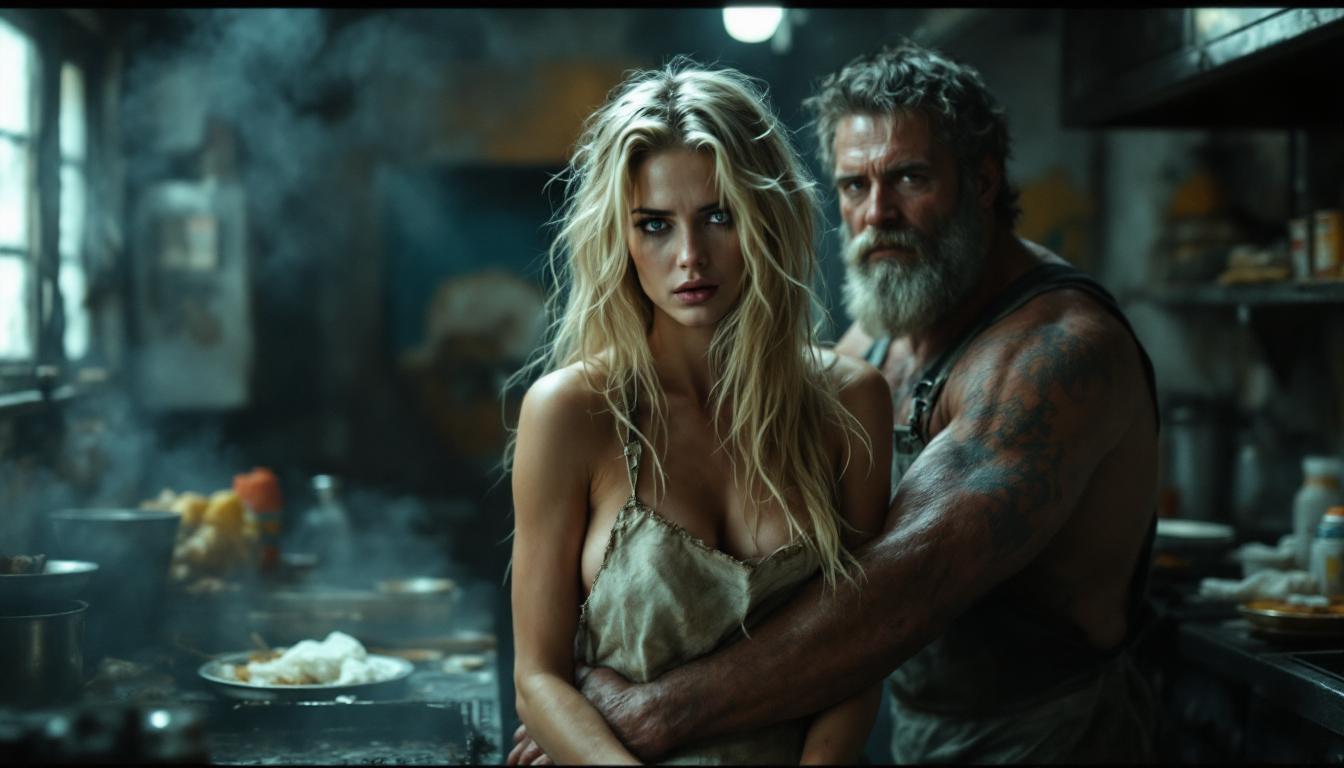
Young woman, sitting in a subway train. Dressed in a shabby denim jacket, black trousers, and tight white tshirt barely containing her 44DD breasts. His hair is a messy long mass of black curls. His face is a study of fear and desperation
Loading video...

Start Creating AI Talking Photos Today

Over 40 cutting-edge AI tools, loved by thousands of creators worldwide. Cancel anytime. Try it today.

The Pixel Dojo Advantage

Why PixelDojo outperforms other options for AI talking photo generation:

OthersPixel Dojo
Traditional Animation SoftwareNo need for complex software or technical skills; create talking photos effortlessly.
Generic AI ToolsSpecialized AI models ensure more realistic and engaging animations.
Manual Video EditingSave time and effort with automated processes that deliver high-quality results.

Loved by Creators

See what our community says about ai photo talking

"PixelDojo's AI tools have revolutionized the way I create content. The talking photo feature is a game-changer!"

Alex Johnson

Content Creator

"As a marketer, engaging visuals are crucial. PixelDojo's AI talking photos have significantly boosted our campaign performance."

Samantha Lee

Marketing Manager

Common Questions

Everything you need to know about ai photo talking AI generation

How do I create AI talking photos with PixelDojo?

Simply select the 'AI Talking Photo Generator,' upload your image, input your script or audio, and click 'Generate' to create your talking photo.

Do I need any technical skills to use PixelDojo's AI tools?

No, PixelDojo is designed to be user-friendly, allowing anyone to create AI talking photos without prior experience.

Can I use PixelDojo's AI talking photos for commercial purposes?

Yes, you can use the generated talking photos for both personal and commercial projects.

What file formats are supported for uploading images and audio?

PixelDojo supports common image formats like JPEG and PNG, and audio formats such as MP3 and WAV.

Is there a limit to the length of the audio I can use?

For optimal performance, it's recommended to keep audio clips under 2 minutes.

Can I edit the generated talking photo after creation?

Yes, you can make adjustments and regenerate the talking photo as needed to achieve your desired result.

Ready to Create Amazing AI Talking Photos?

Ready to Create Amazing ai photo talking Images?

Join thousands of creators using AI to bring their ideas to life

Help & Support

AI Online

How can we help?

Ask about features, troubleshooting, or get support. Check Discord for service announcements first.

✨ Features🛠️ Troubleshooting👤 Account
🚀

Quick Start

Popular features

📚

Learn More

Advanced tips

💡

Best Practices

Get better results