AI photographer AI Generator
Unlock the full potential of your photography with PixelDojo's cutting-edge AI tools. Whether you're a professional photographer or an enthusiast, our platform empowers you to create stunning, high-quality images effortlessly. From generating unique visuals to enhancing existing photos, PixelDojo provides the resources you need to bring your creative vision to life.
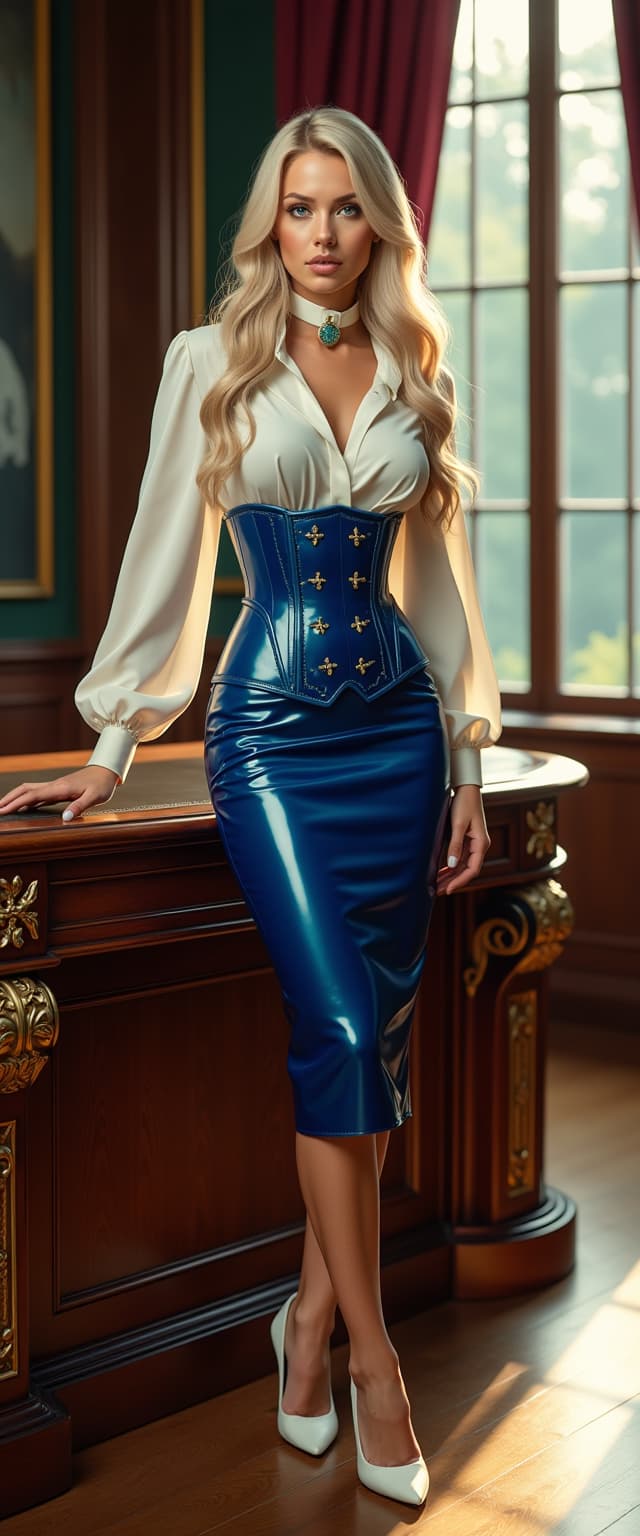
Join over 10,000 creators who have transformed their photography with PixelDojo's AI tools. Rated 4.8/5 by our users for innovation and ease of use.
Why Choose Pixel Dojo for AI photographer
Professional-quality results with cutting-edge AI technology
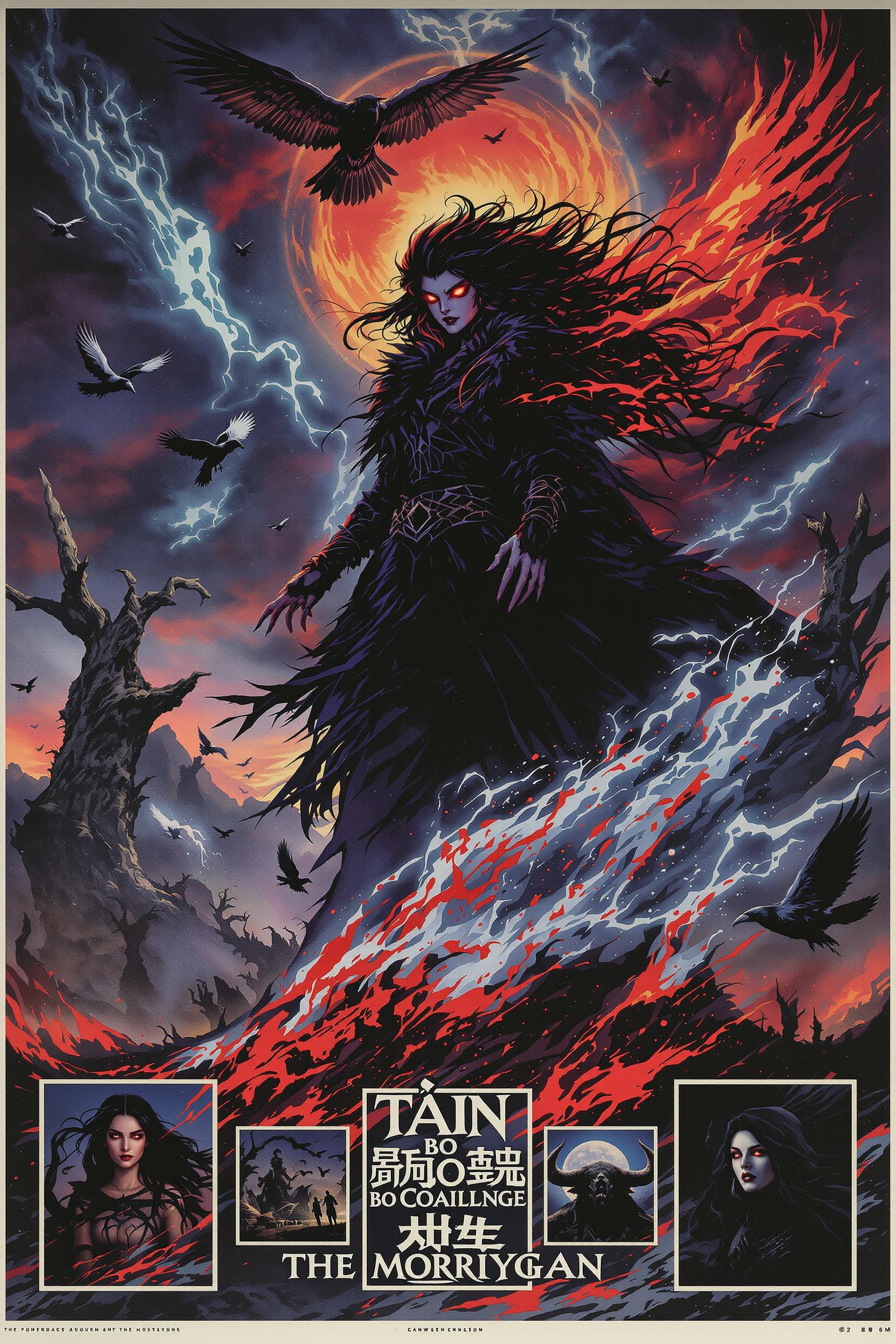
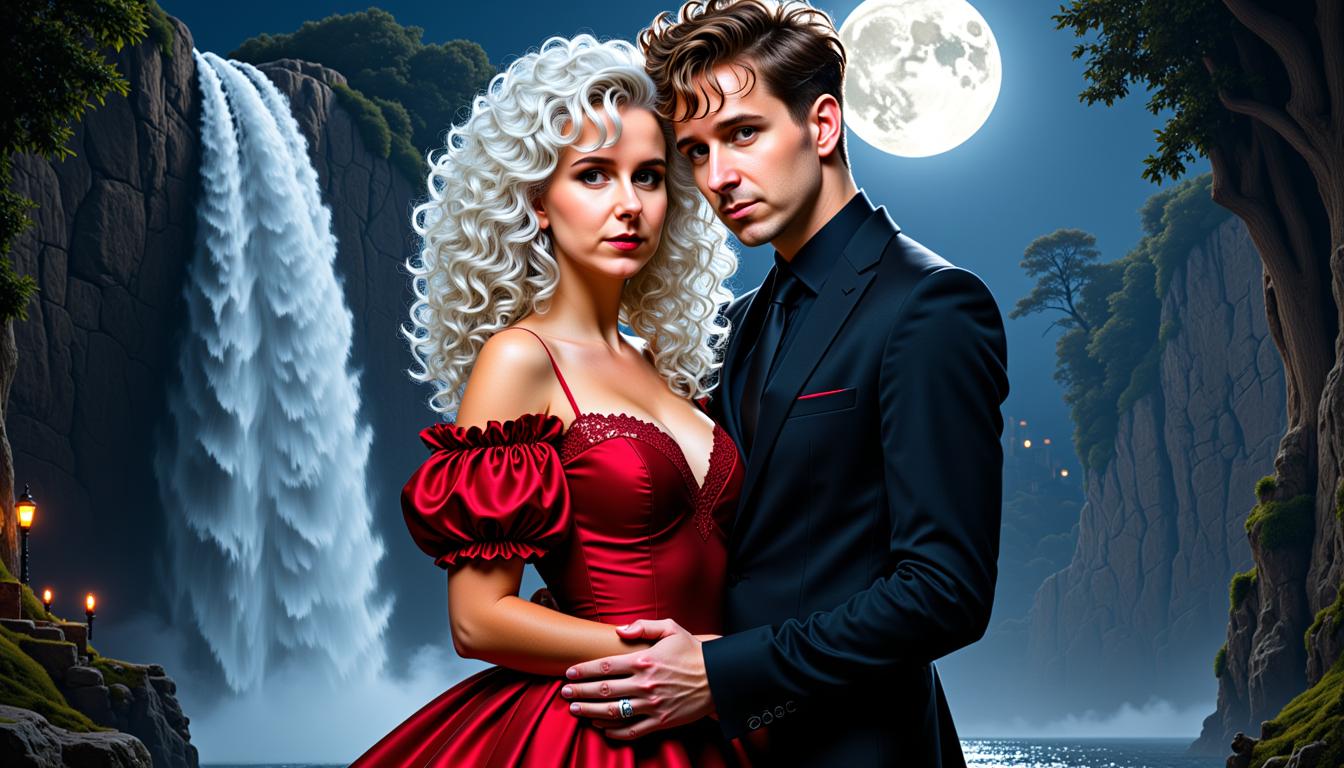
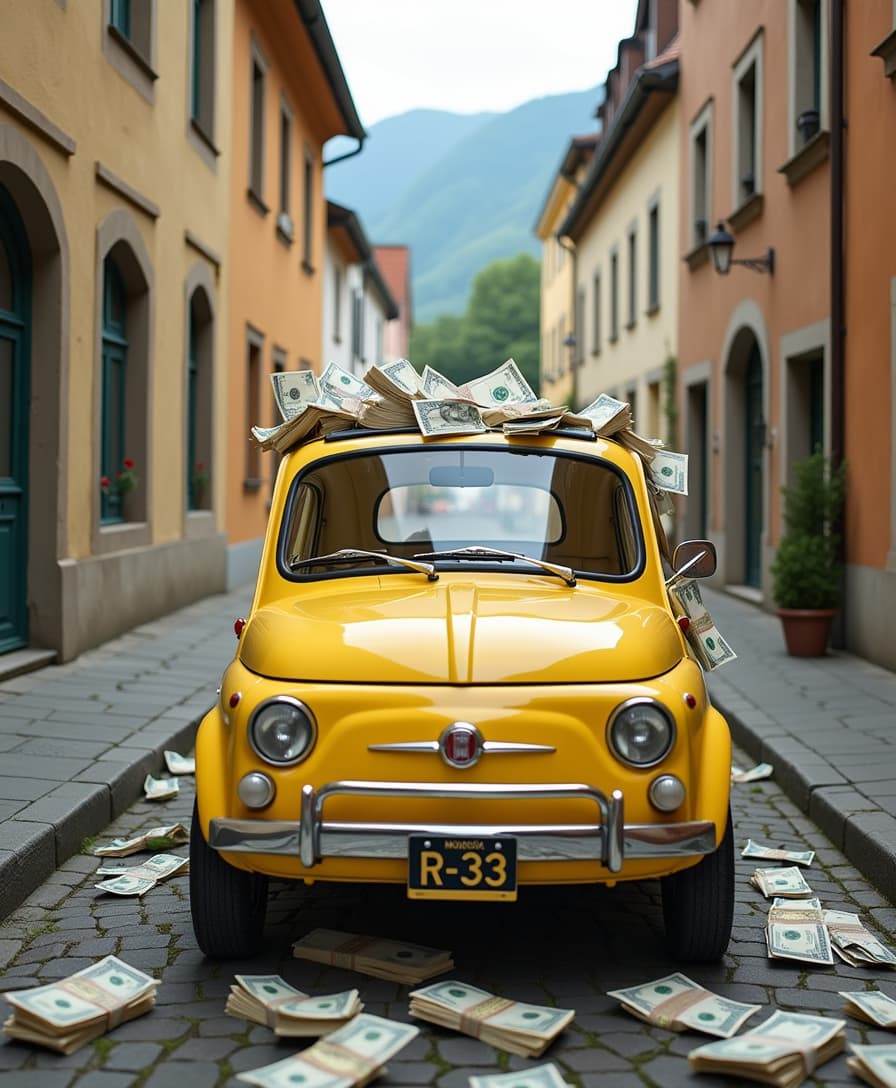
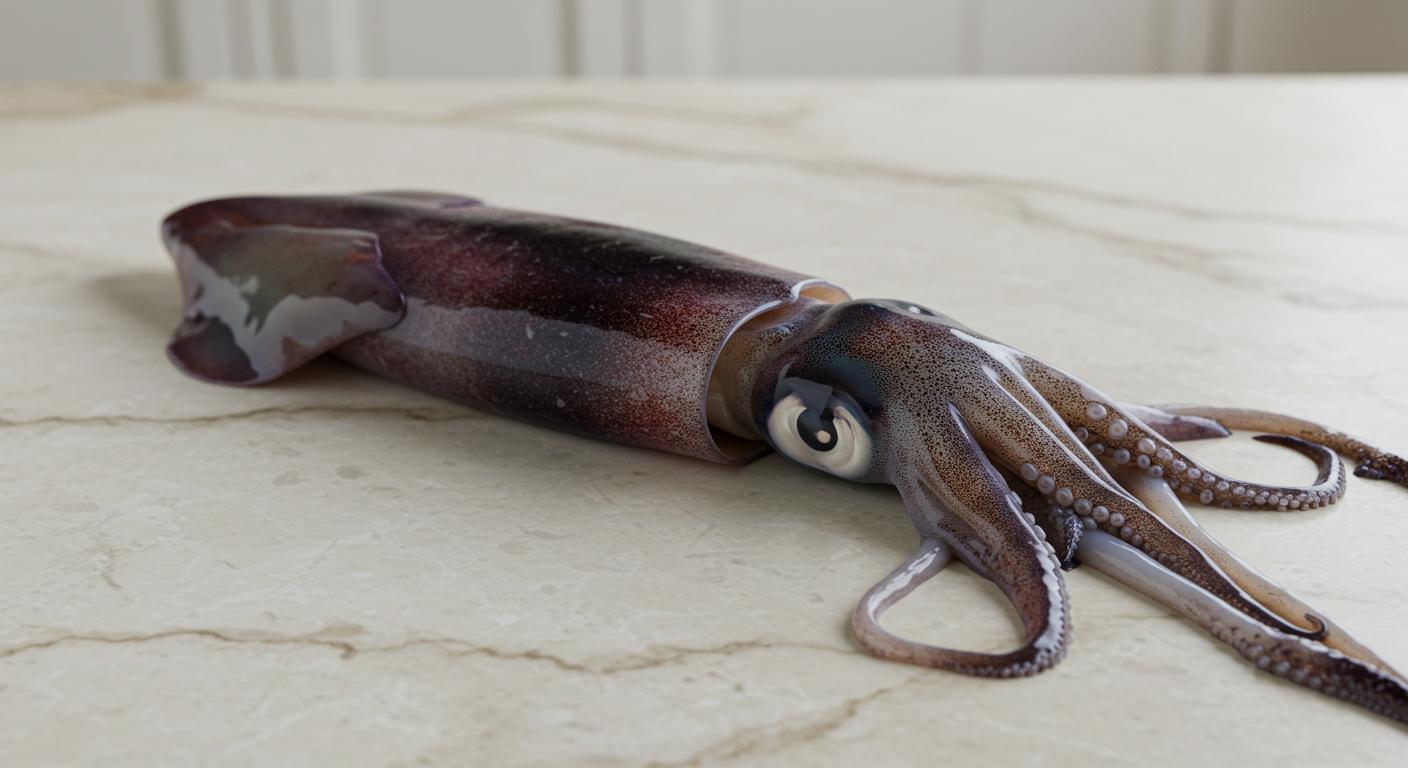
Generate Unique Images Instantly
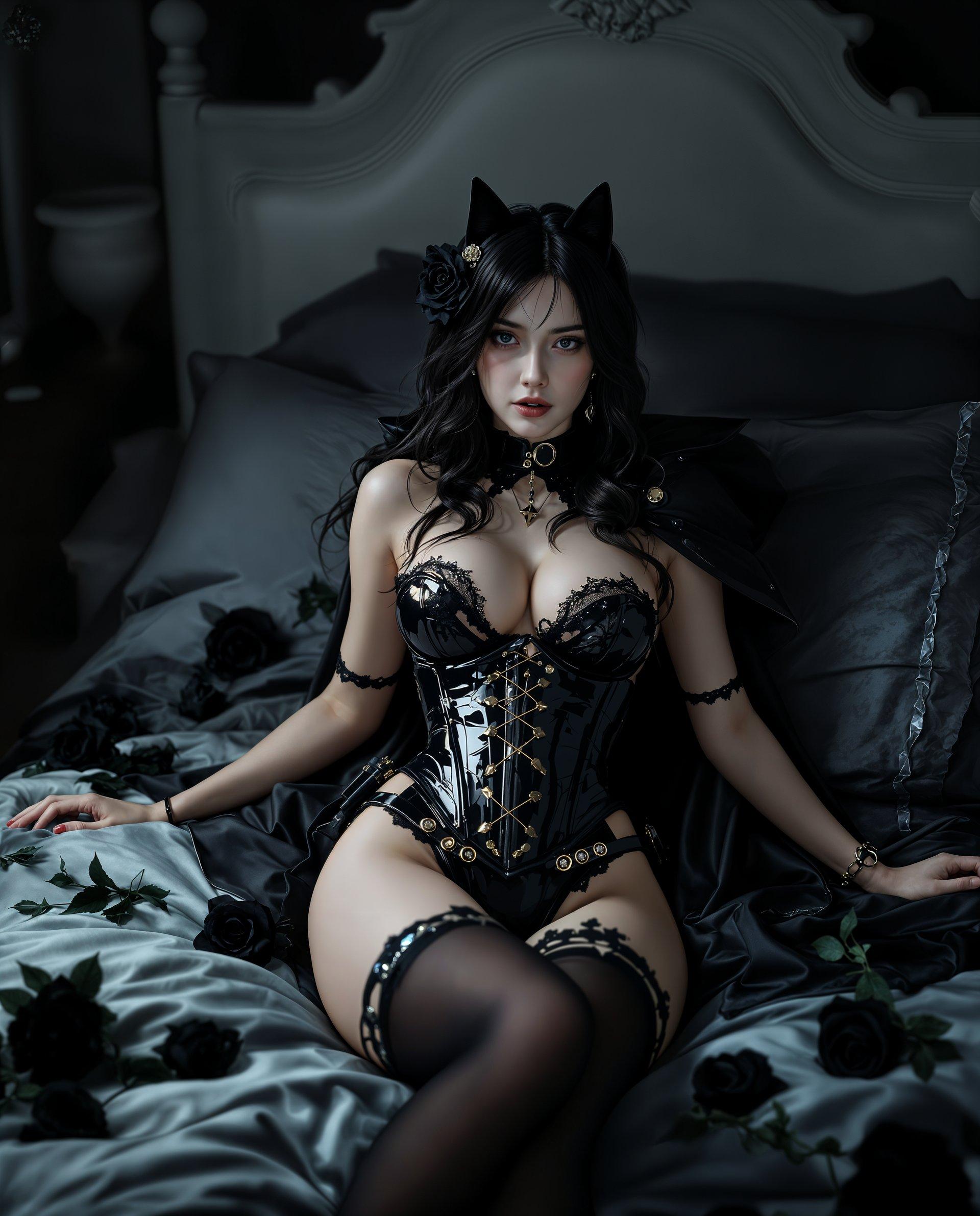
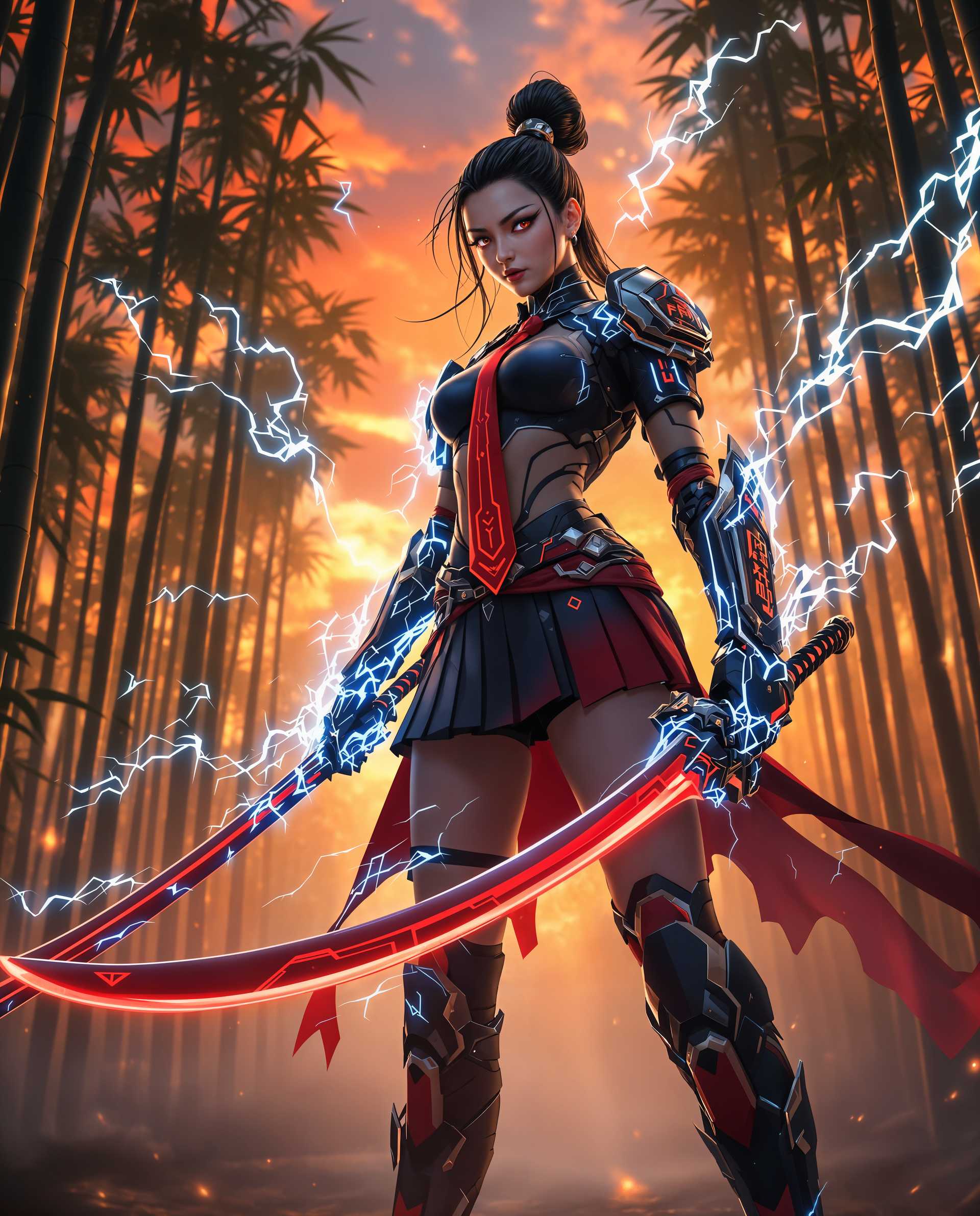
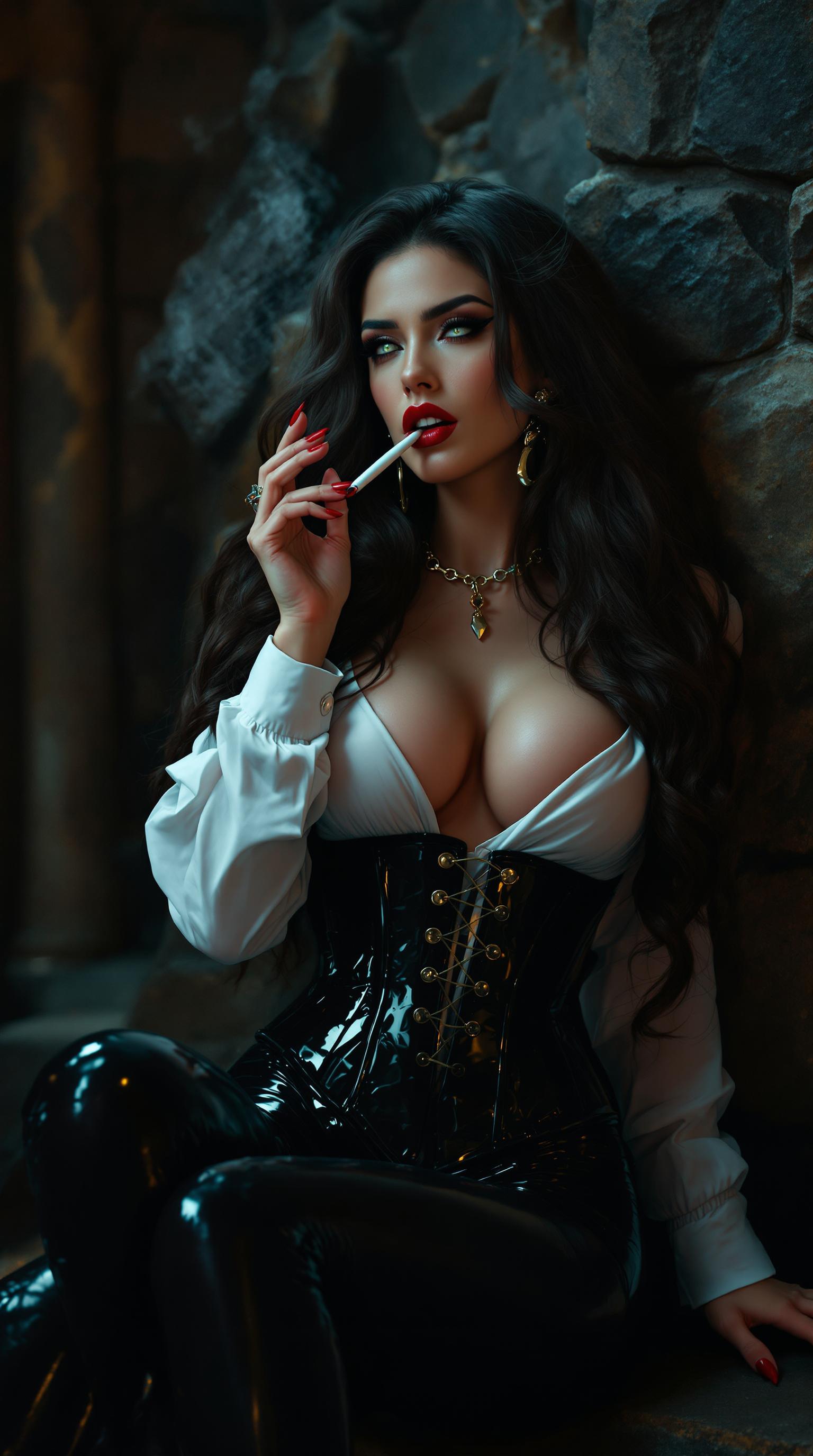
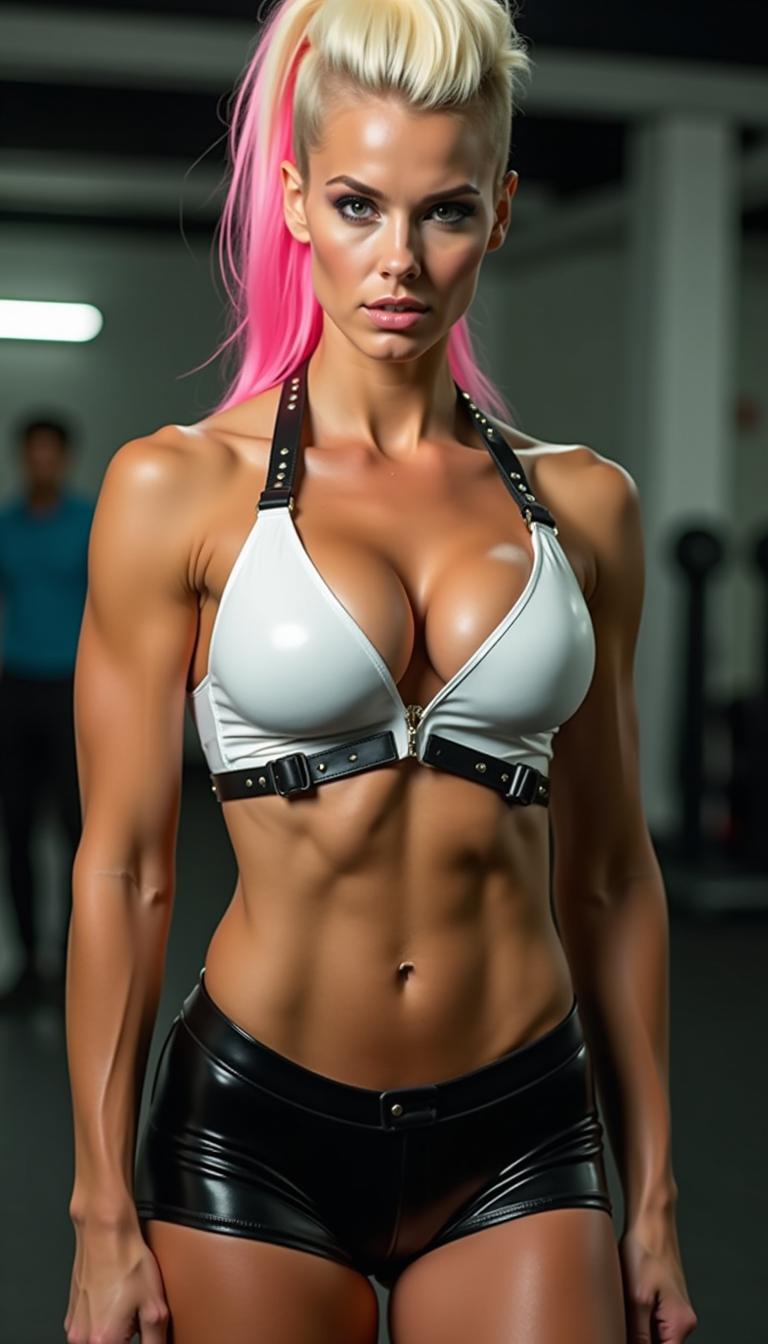
Create one-of-a-kind photos tailored to your vision using AI-powered tools like Flux Creator and Imagen 3.
Enhance Photo Quality Effortlessly
Improve resolution, remove backgrounds, and apply creative effects with tools like Creative Upscaler and Background Remover.
Animate Your Photos Seamlessly
Bring your images to life by converting them into dynamic videos using Image to Video and Text to Video tools.
How It Works
Creating stunning AI-generated photos with PixelDojo is simple and intuitive. Follow these steps to transform your images:
Step 1: Choose Your Tool
Select from PixelDojo's suite of AI tools based on your project needs. For image generation, use Flux Creator or Imagen 3. For enhancements, opt for Creative Upscaler or Background Remover.
Step 2: Enter Your Prompt
Input a descriptive prompt detailing the image you envision. For example, 'a serene sunset over a mountain range' for image generation.
Step 3: Customize & Download
Review the generated image, make any desired adjustments, and download the final high-resolution photo ready for use.
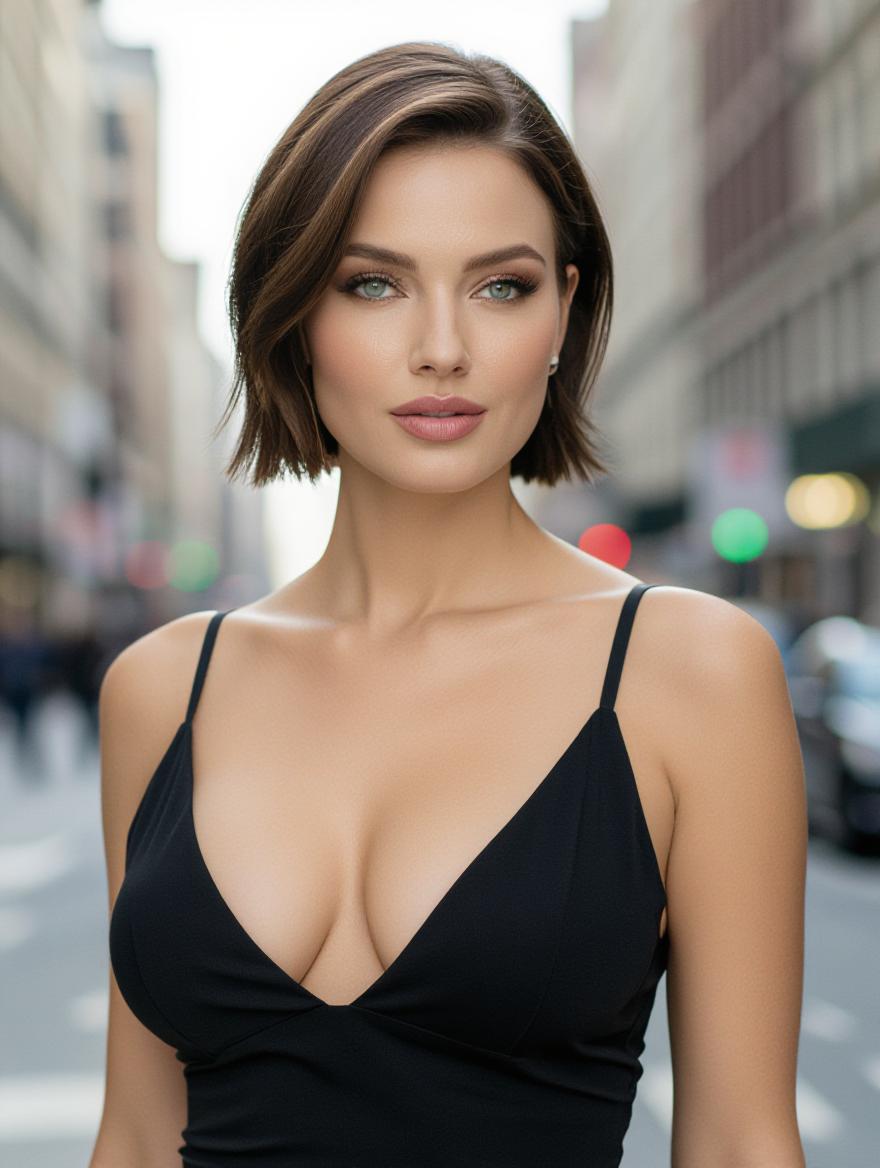
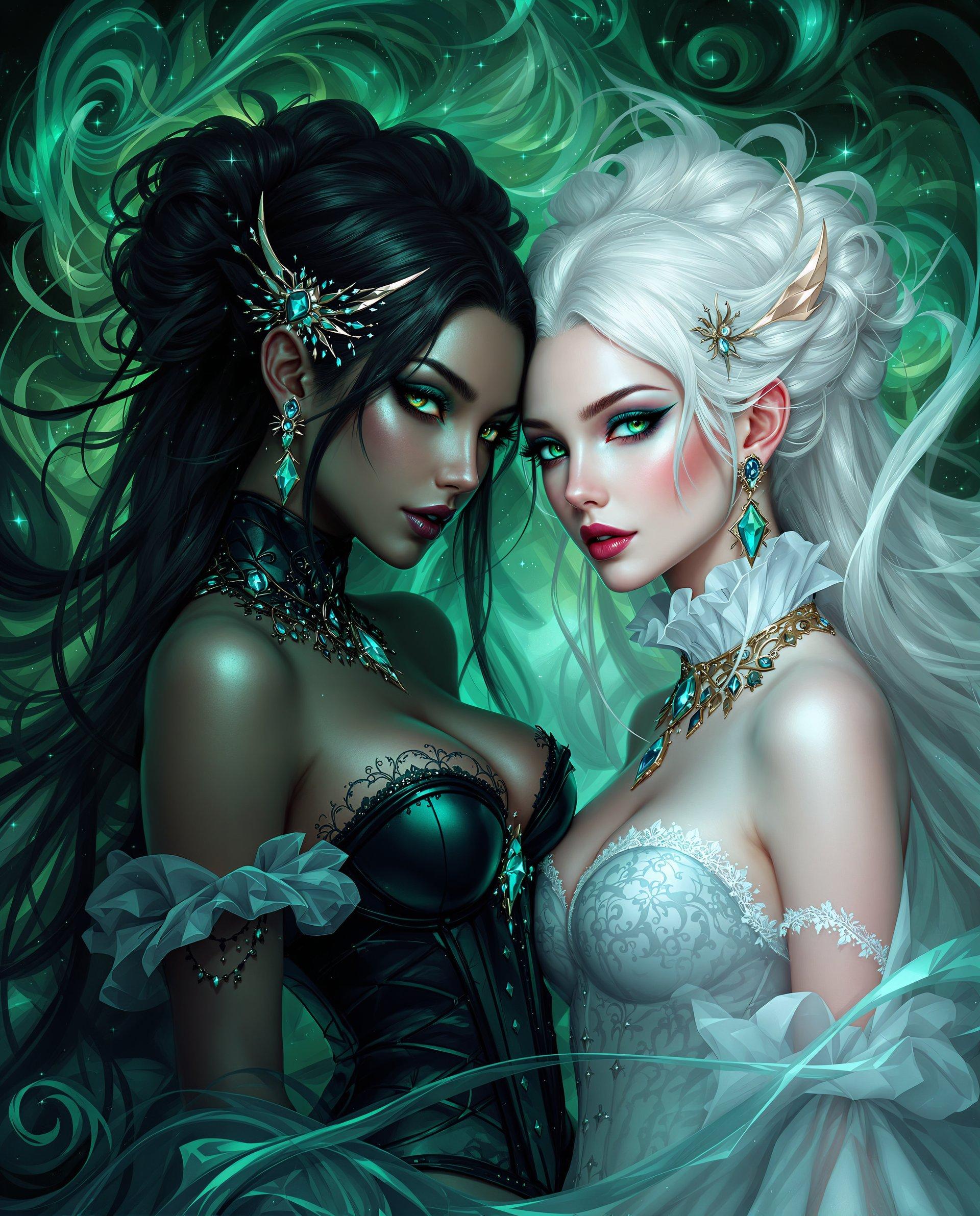
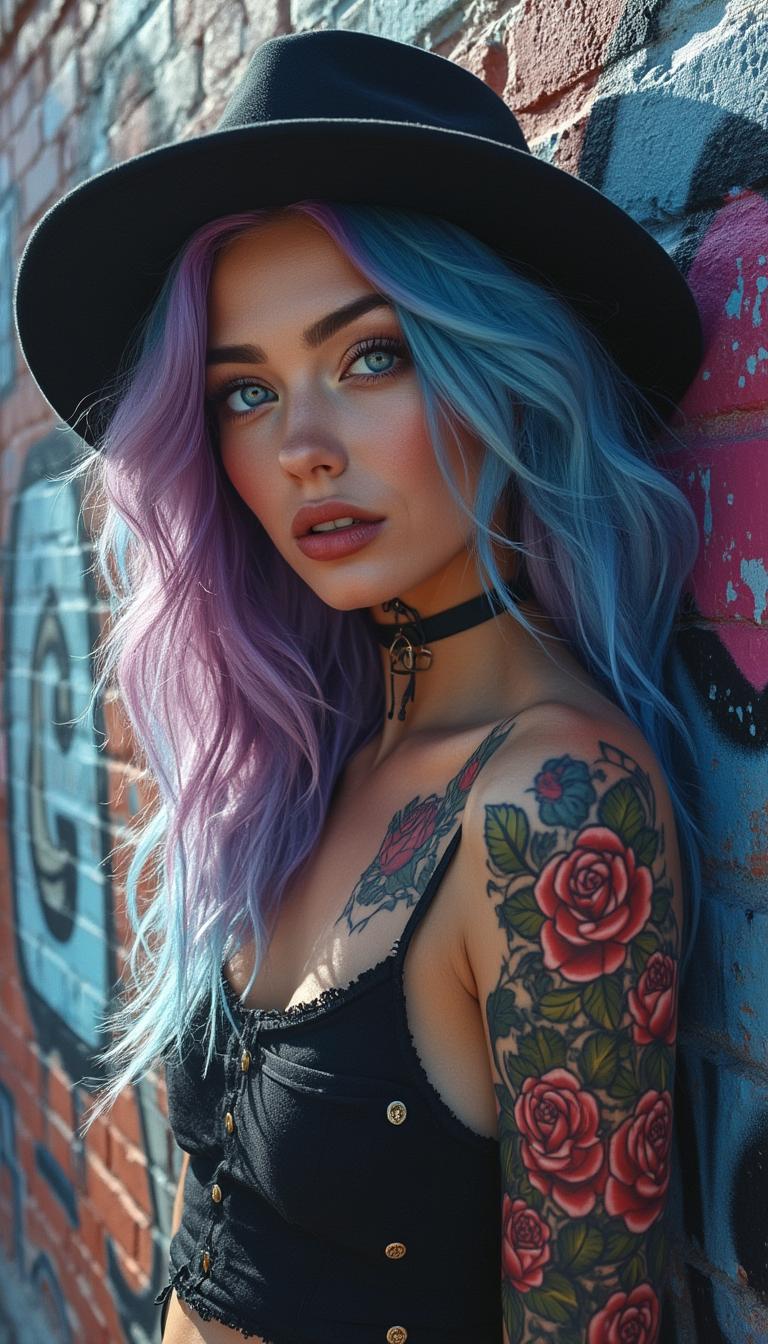
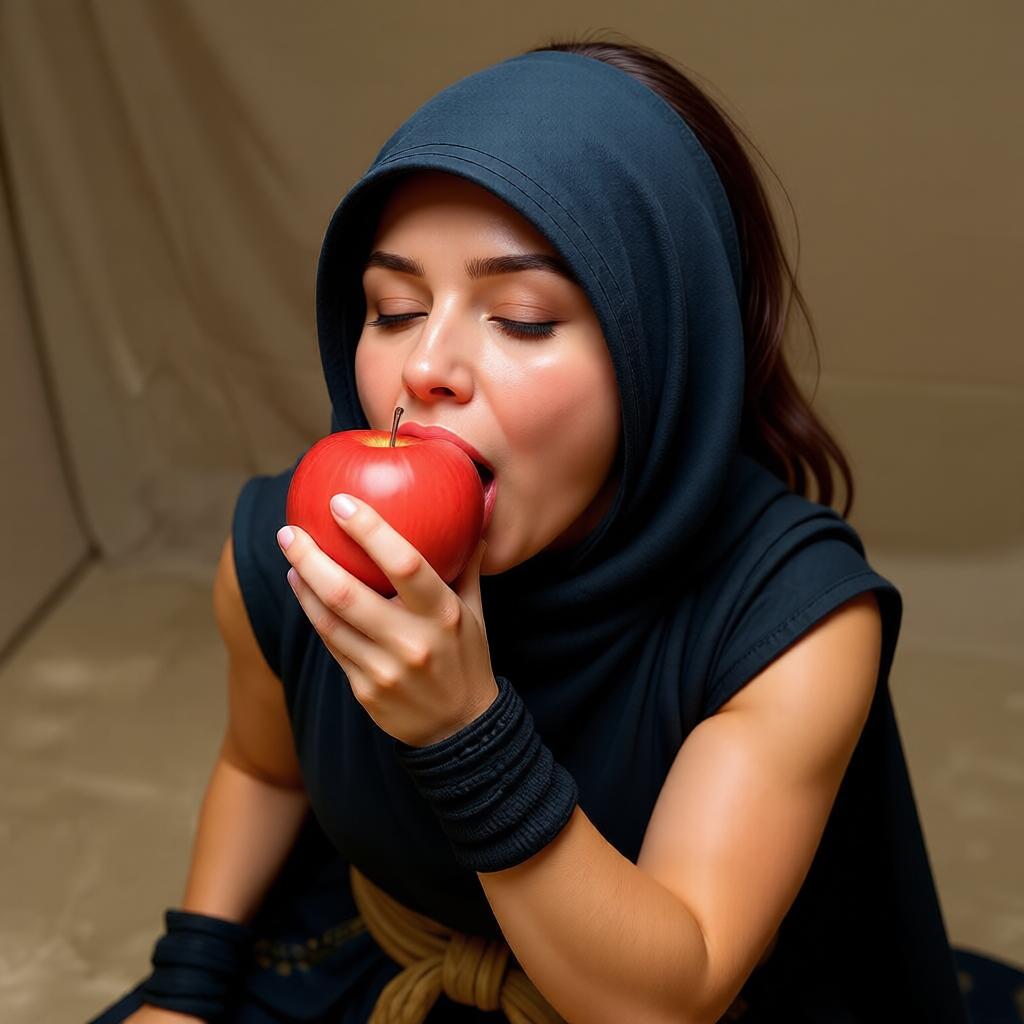

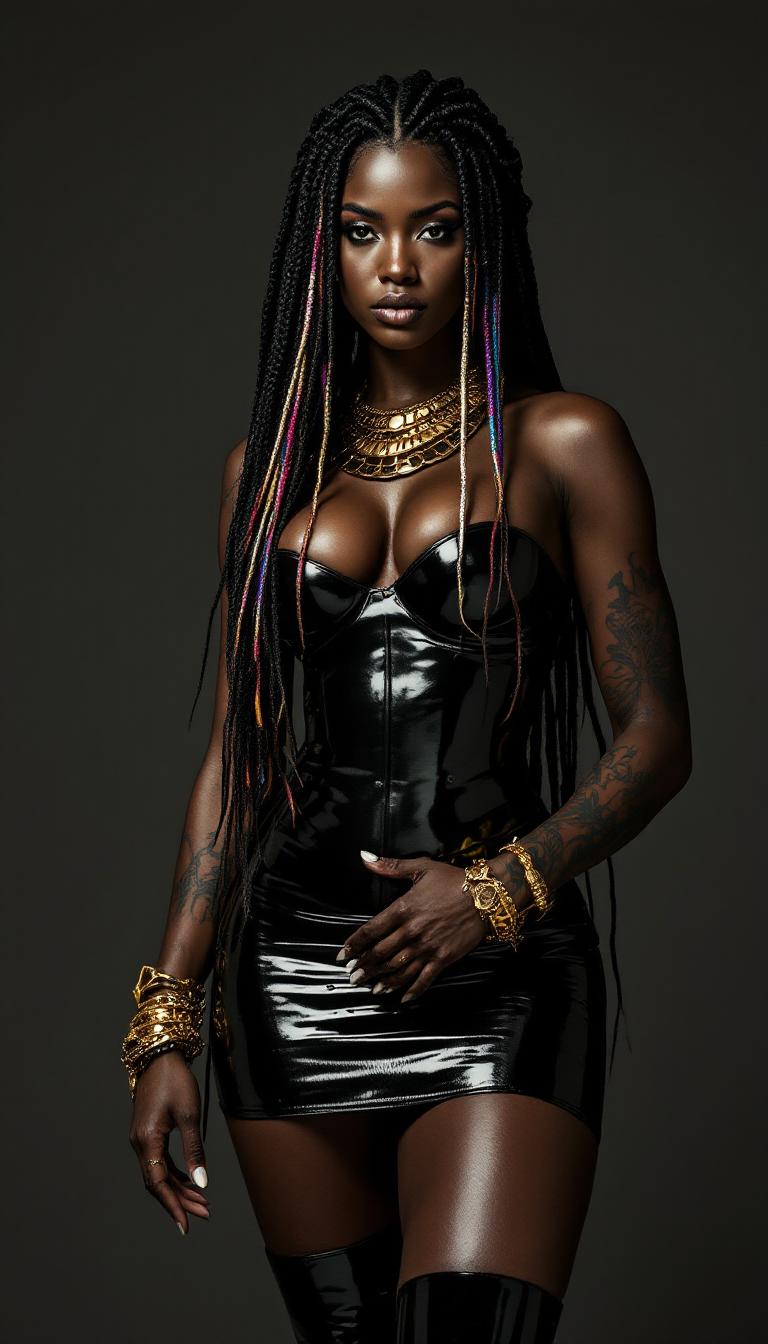
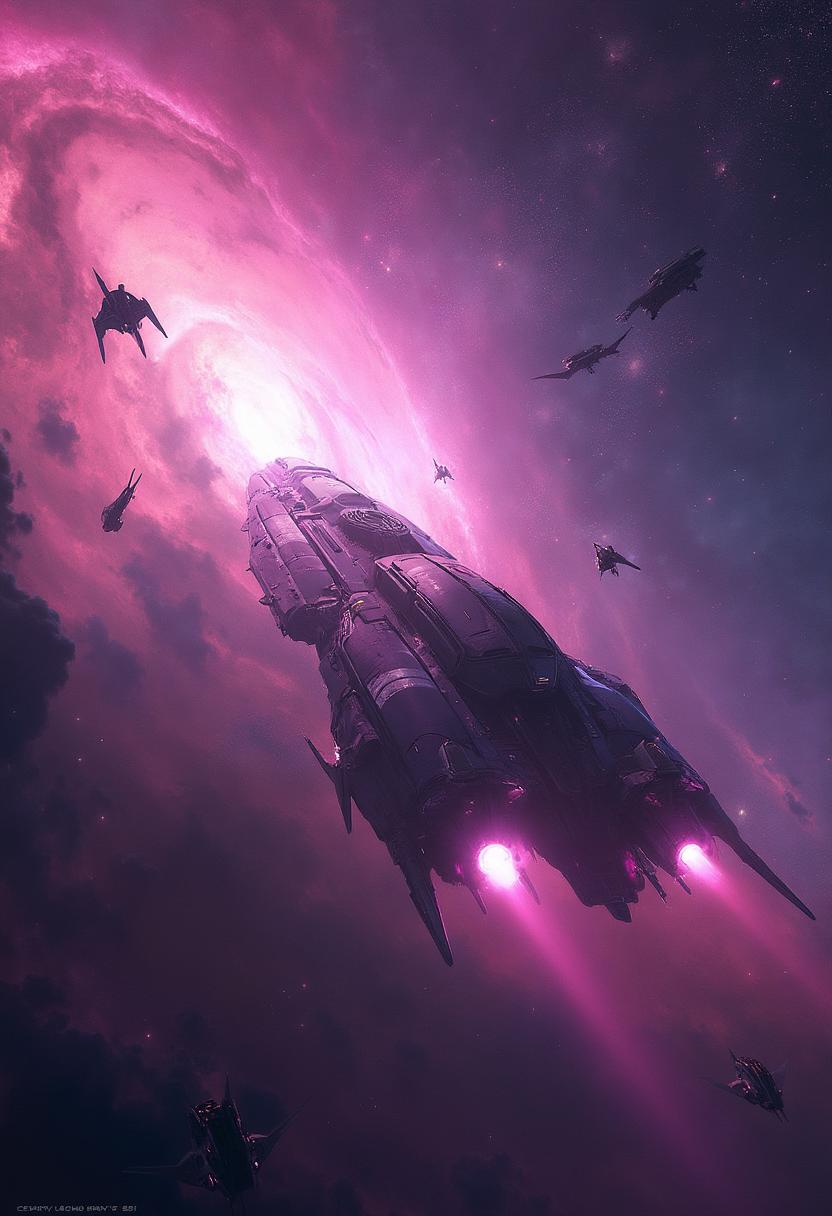
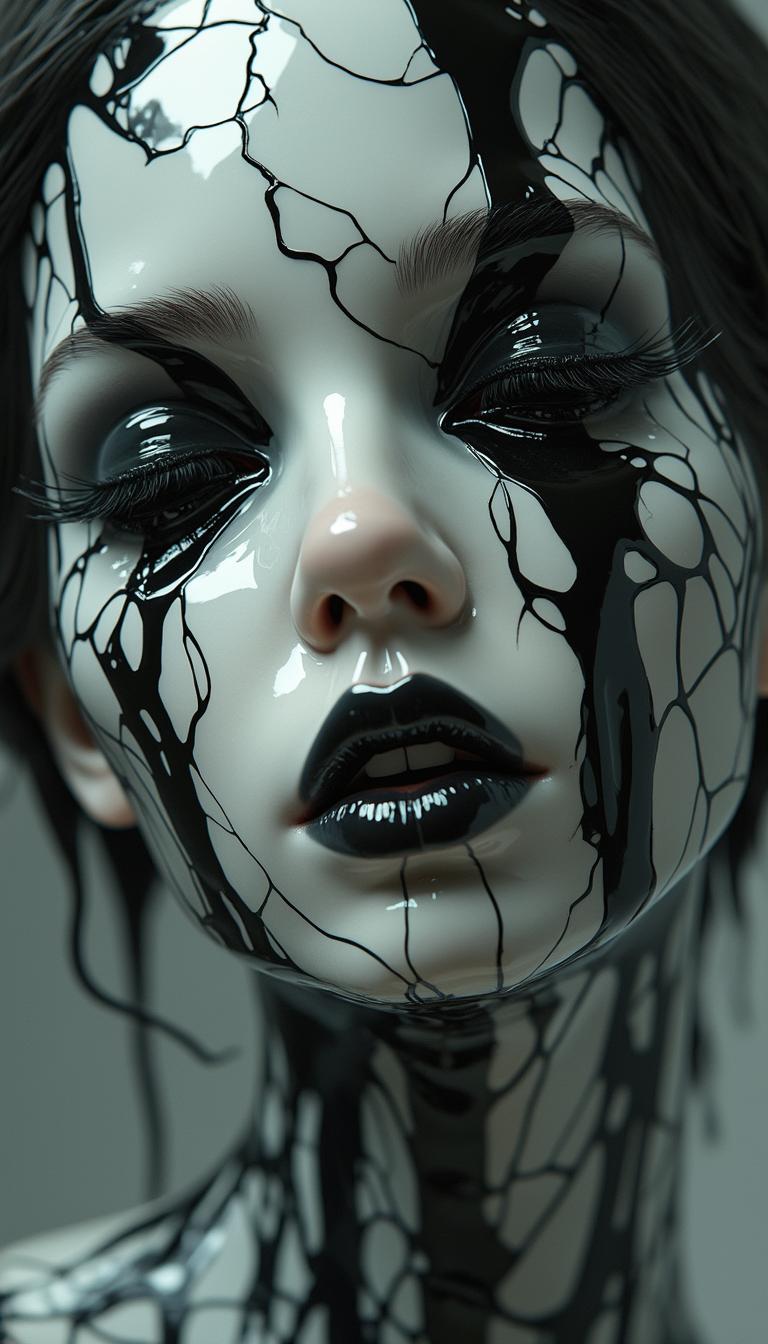
The Pixel Dojo Advantage
Why PixelDojo outperforms other options for AI-generated photography:
| Others | Pixel Dojo |
|---|---|
| Traditional Photography | Eliminate the need for expensive equipment and extensive setup. Create high-quality images instantly. |
| Generic AI Tools | Access a comprehensive suite of specialized tools designed specifically for photographers. |
| Manual Photo Editing | Save time with automated enhancements and creative effects, reducing the need for complex manual edits. |
Loved by Creators
See what our community says about AI photographer
"PixelDojo has revolutionized my photography workflow. The AI tools are intuitive and produce stunning results."
Alex Johnson
Professional Photographer
"As a hobbyist, PixelDojo has allowed me to create professional-quality images without the steep learning curve."
Maria Lopez
Photography Enthusiast
Common Questions
Everything you need to know about AI photographer AI generation
How can I create AI-generated photos with PixelDojo?
Simply select an AI tool like Flux Creator, input your descriptive prompt, and let the AI generate your image. You can then customize and download the final photo.
Do I need prior experience to use PixelDojo's AI tools?
No prior experience is necessary. PixelDojo's user-friendly interface guides you through each step, making it accessible for beginners and professionals alike.
Can I enhance existing photos with PixelDojo?
Yes, you can use tools like Creative Upscaler to improve resolution and Background Remover to isolate subjects, enhancing your existing photos effortlessly.
Is there a limit to the number of images I can create?
PixelDojo offers various subscription plans to suit your needs, with options for unlimited image creation.
Can I use PixelDojo's AI-generated images for commercial purposes?
Yes, images created with PixelDojo can be used for commercial purposes. Please review our terms of service for specific details.
What makes PixelDojo different from other AI image generation platforms?
PixelDojo offers a comprehensive suite of over 40 specialized AI tools designed specifically for photographers, providing unparalleled versatility and quality.