ai photography AI Generator
Unlock the full potential of your creativity with PixelDojo's AI photography tools. Whether you're aiming to generate breathtaking images from scratch or enhance existing photos, our suite of AI-powered tools empowers you to bring your vision to life effortlessly. Say goodbye to complex editing processes and hello to intuitive, high-quality image creation.
Join over 10,000 creators who have transformed their photography with PixelDojo's AI tools. Rated 4.8/5 based on 2,000+ reviews.
Why Choose Pixel Dojo for ai photography
Professional-quality results with cutting-edge AI technology
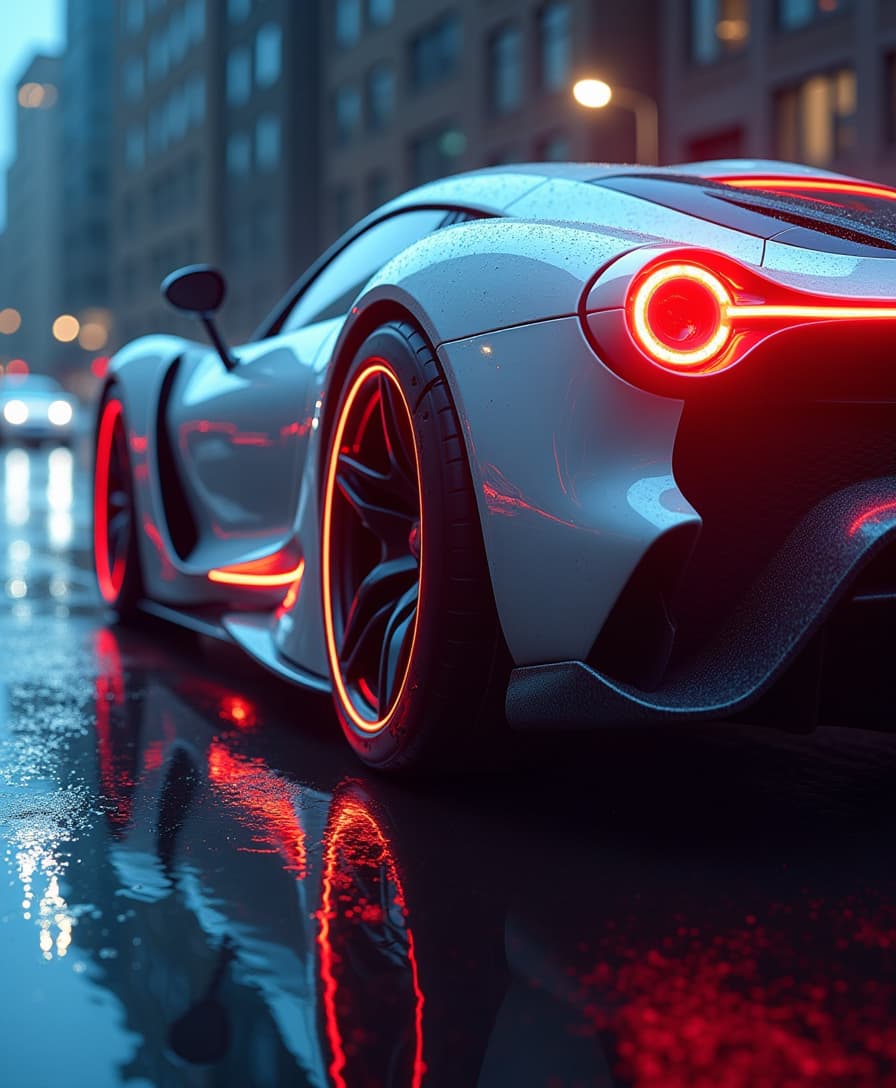
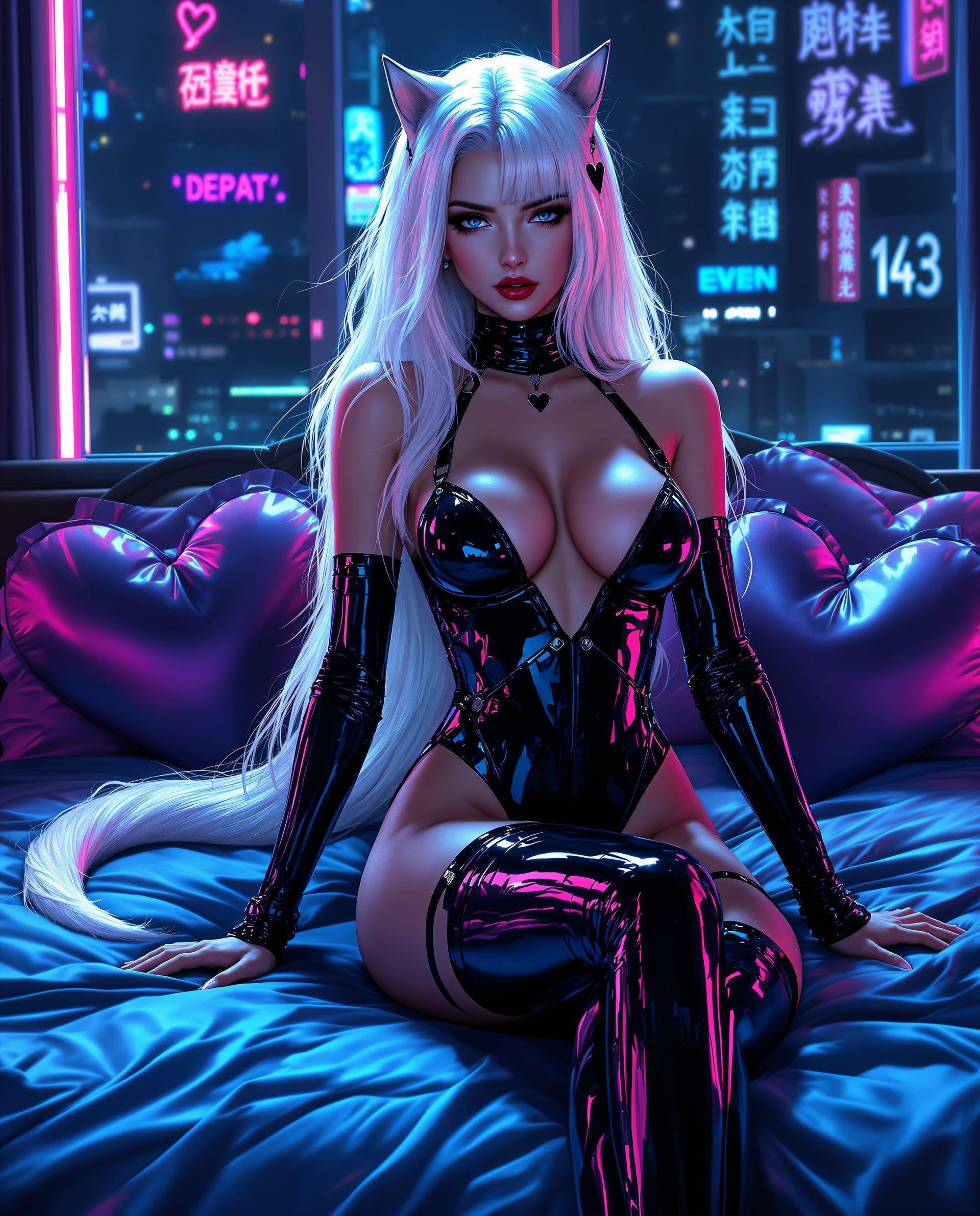
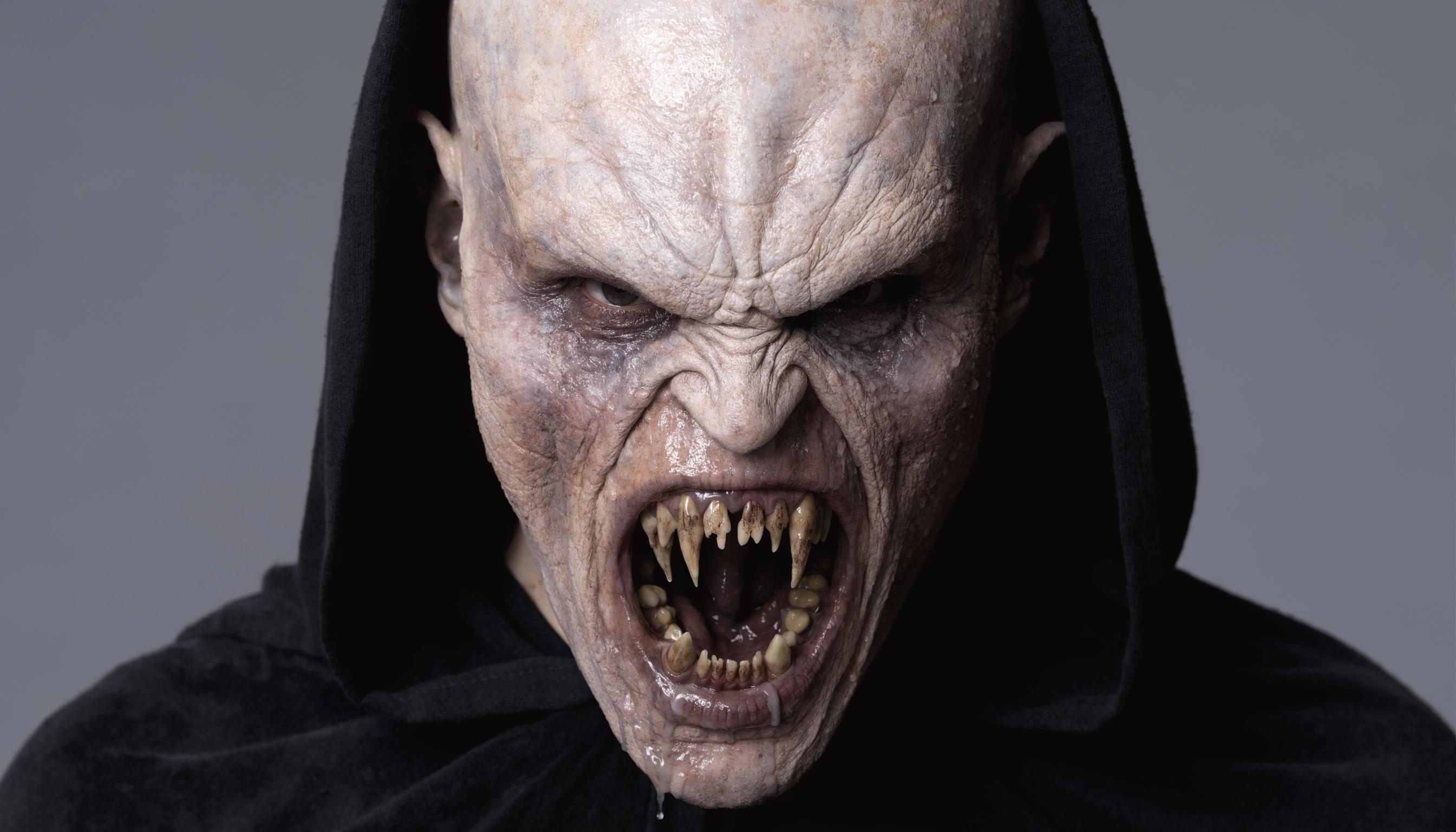
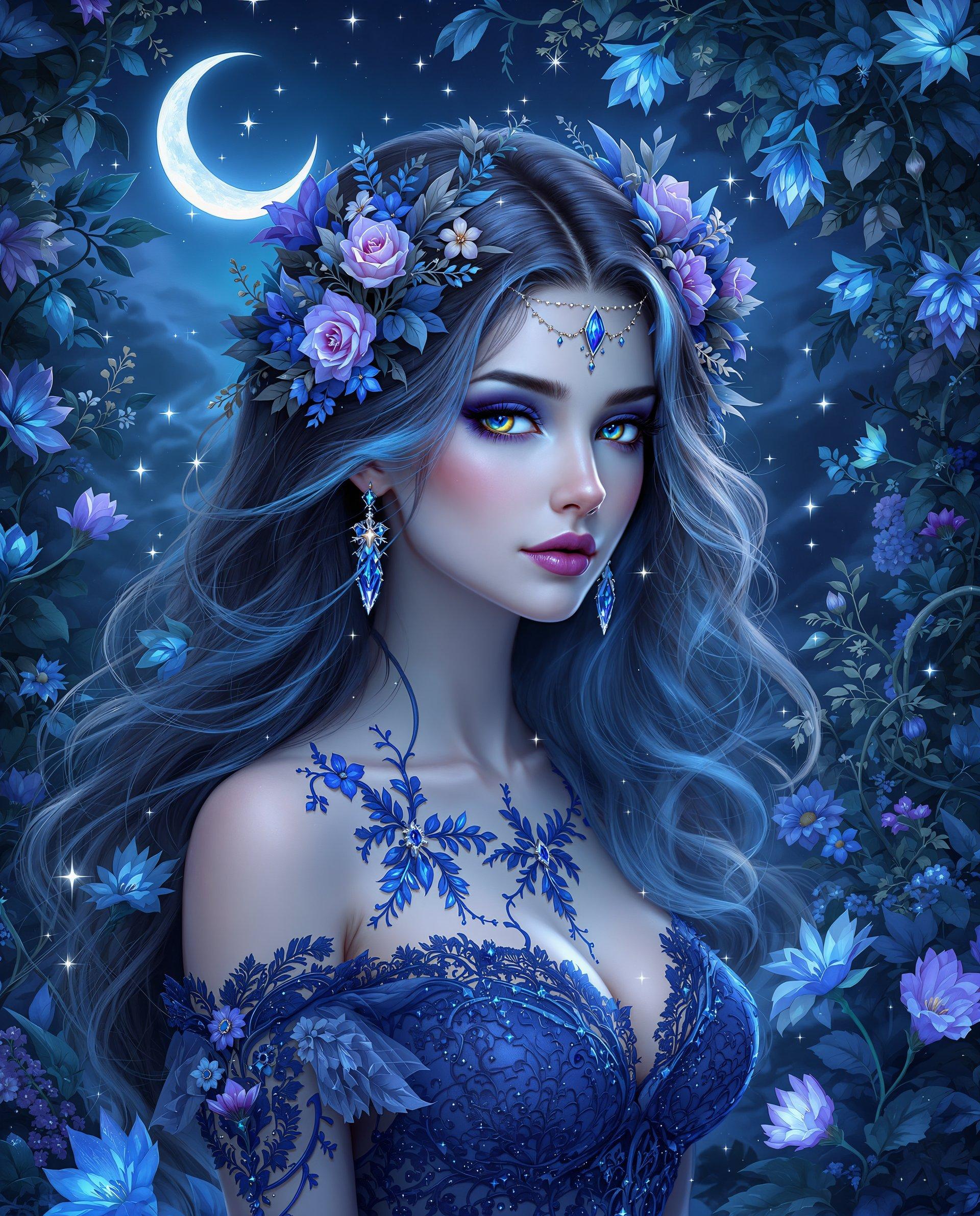
Effortless Image Generation
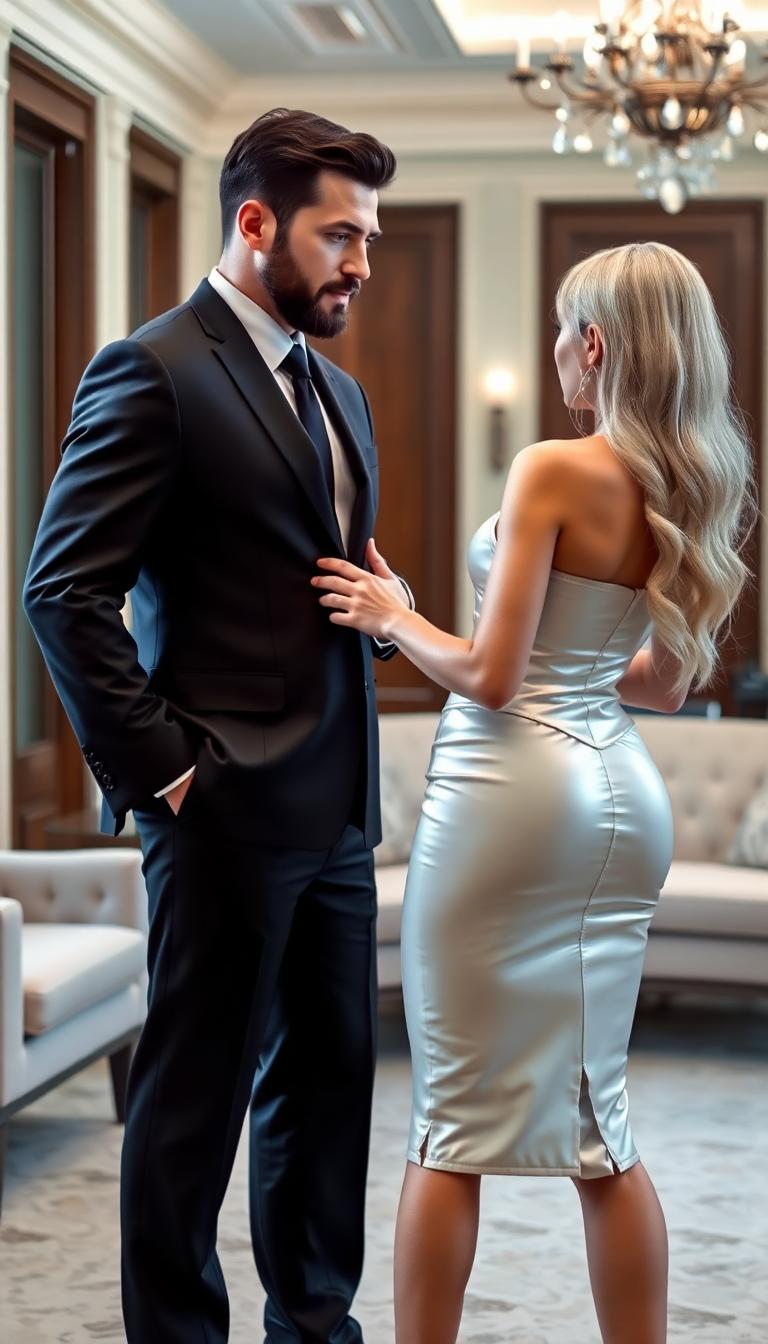
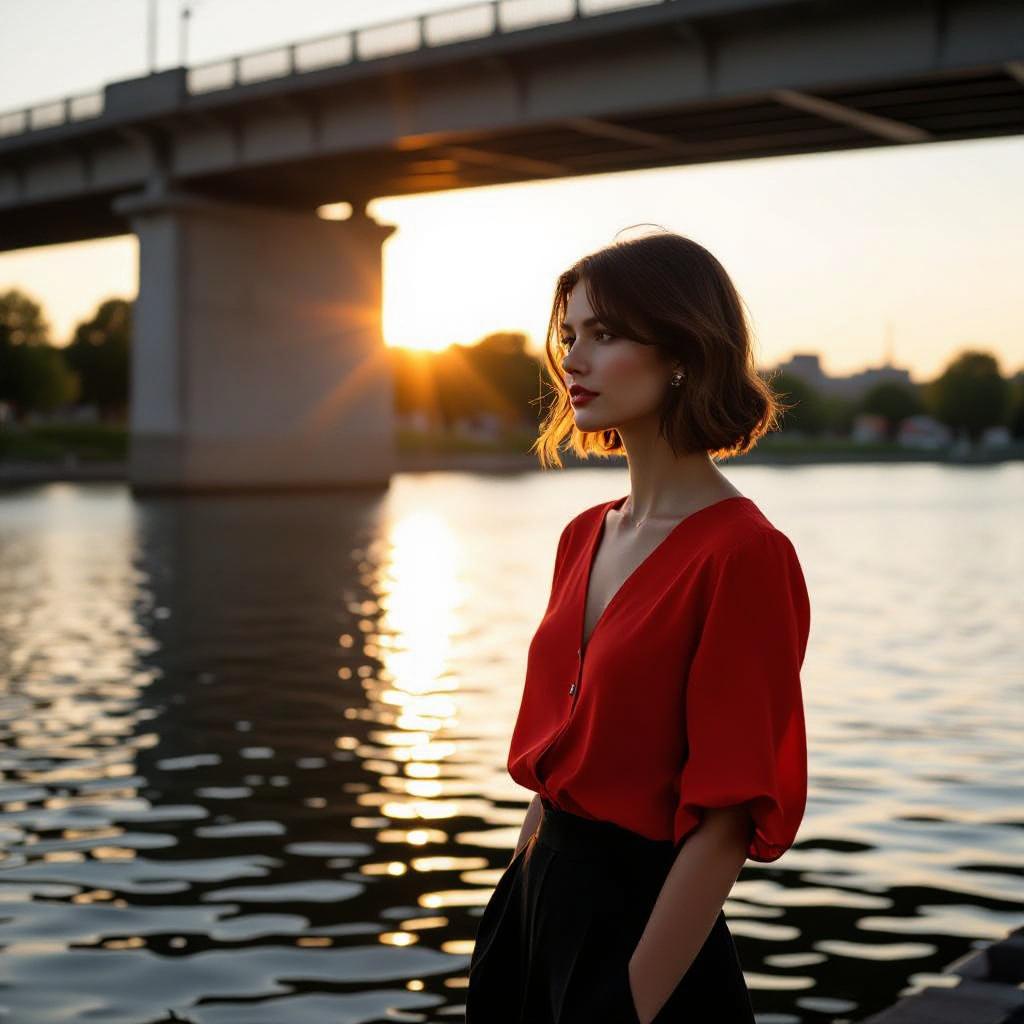
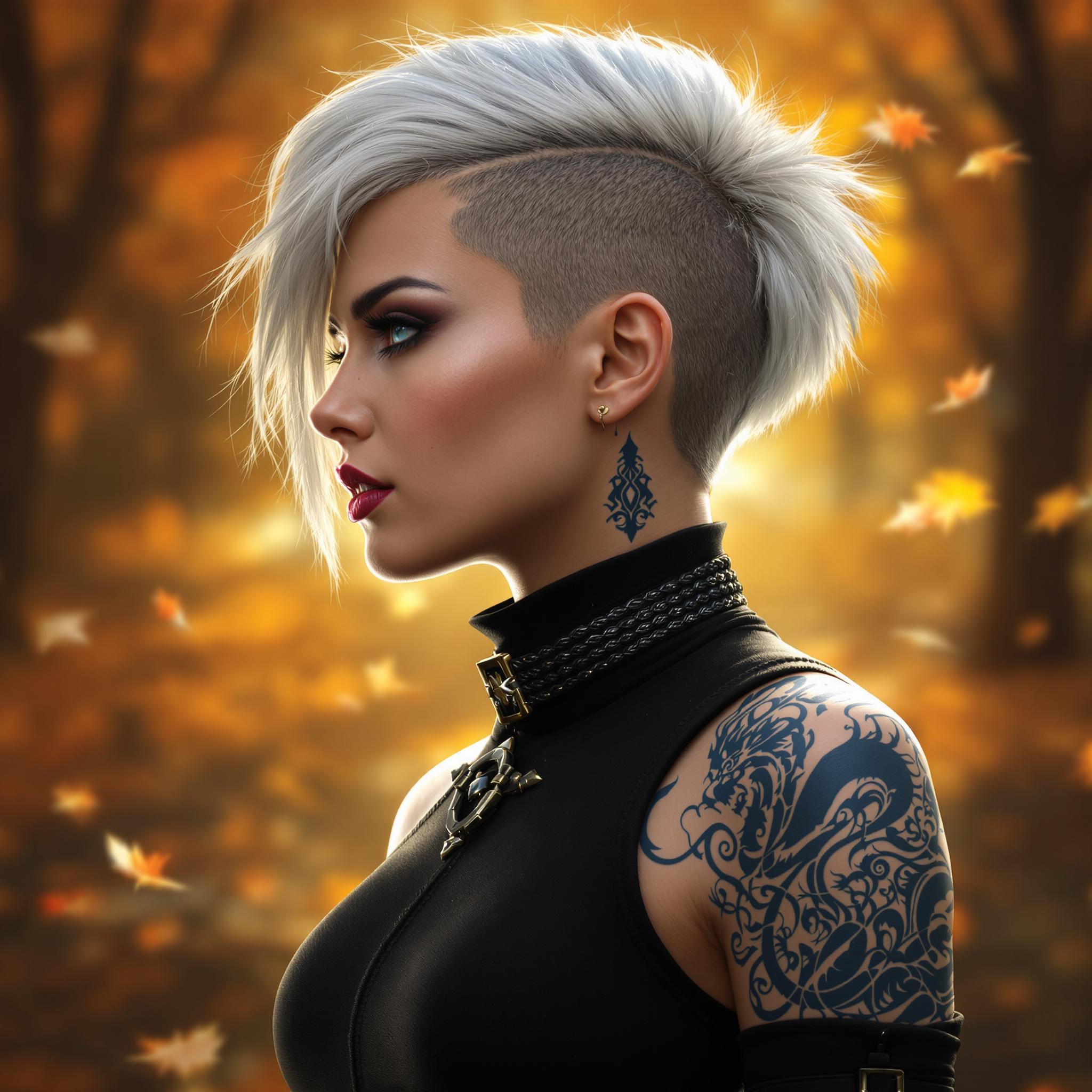
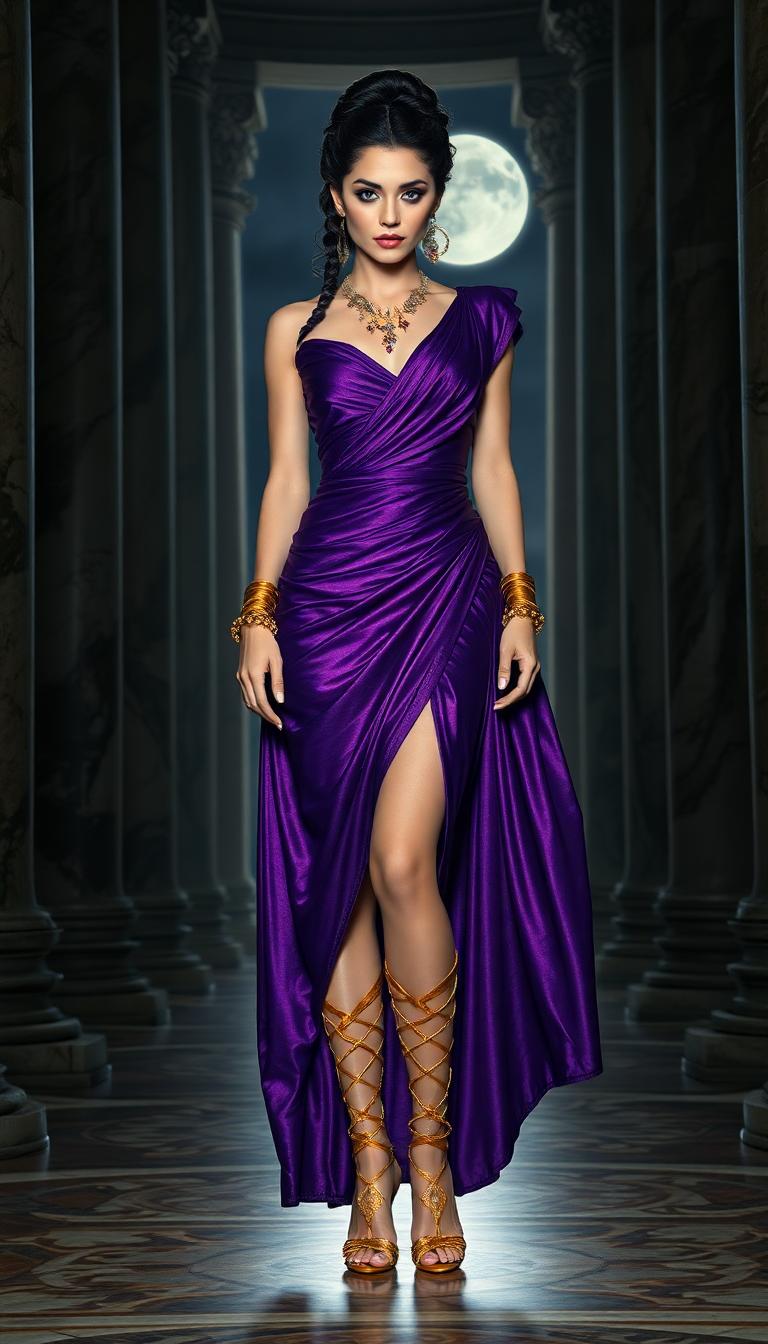
Create stunning images from simple text prompts using tools like Flux and Seedream 4.
Advanced Editing Capabilities
Enhance and modify your photos with features like Style Transfer and Magic Lighting.
Time-Saving Automation
Automate tedious editing tasks, allowing you to focus more on your creative process.
How It Works
Creating captivating AI photography with PixelDojo is a straightforward process. Follow these steps to bring your ideas to life:
Step 1: Choose Your Tool
Select from our range of AI tools tailored for image creation and editing. For generating new images, tools like Flux and Seedream 4 are ideal.
Step 2: Enter Your Prompt
Input a descriptive text prompt that outlines the image you envision. The more detailed your prompt, the more accurate the generated image will be.
Step 3: Customize & Download
Utilize editing features such as Style Transfer or Magic Lighting to refine your image. Once satisfied, download your high-resolution creation.



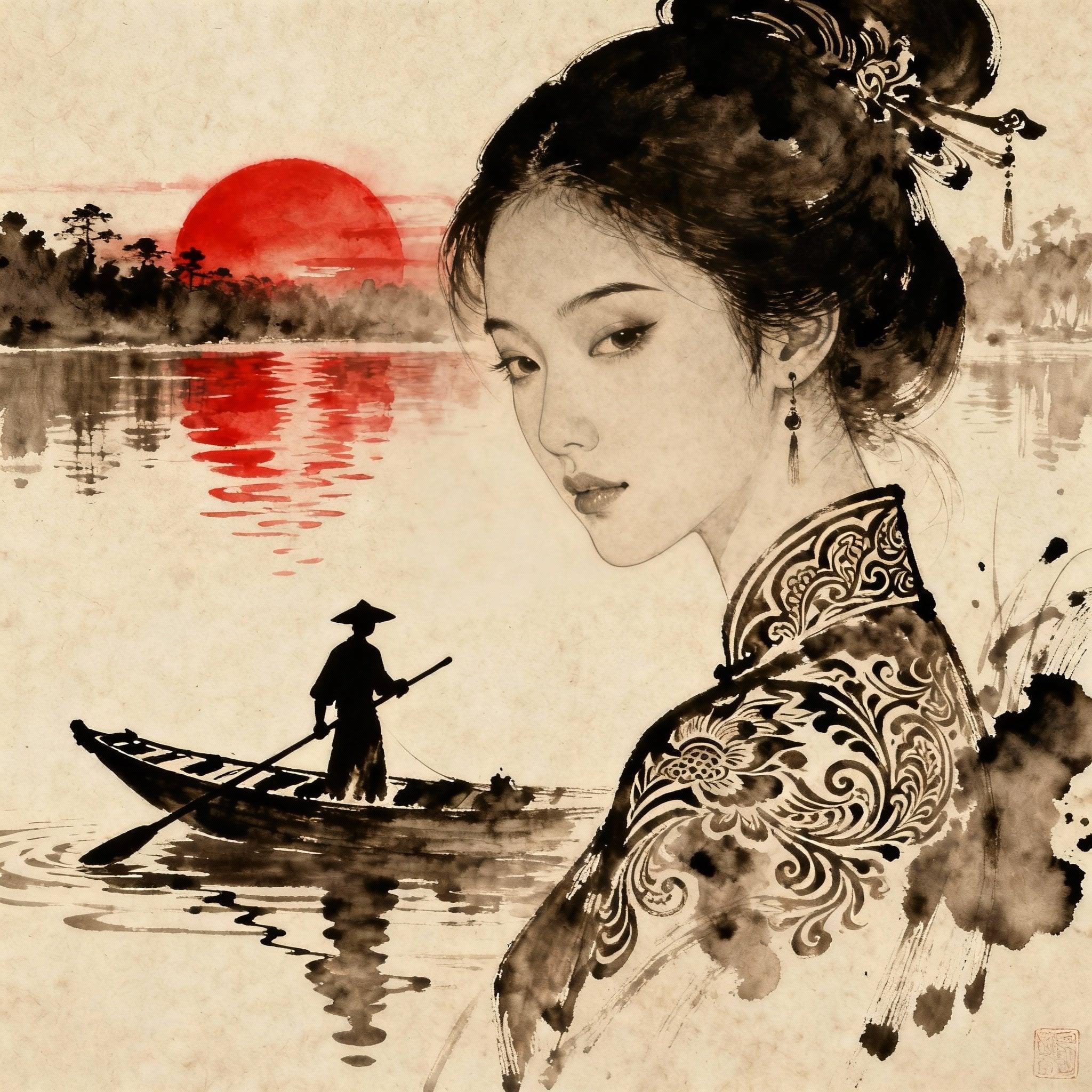
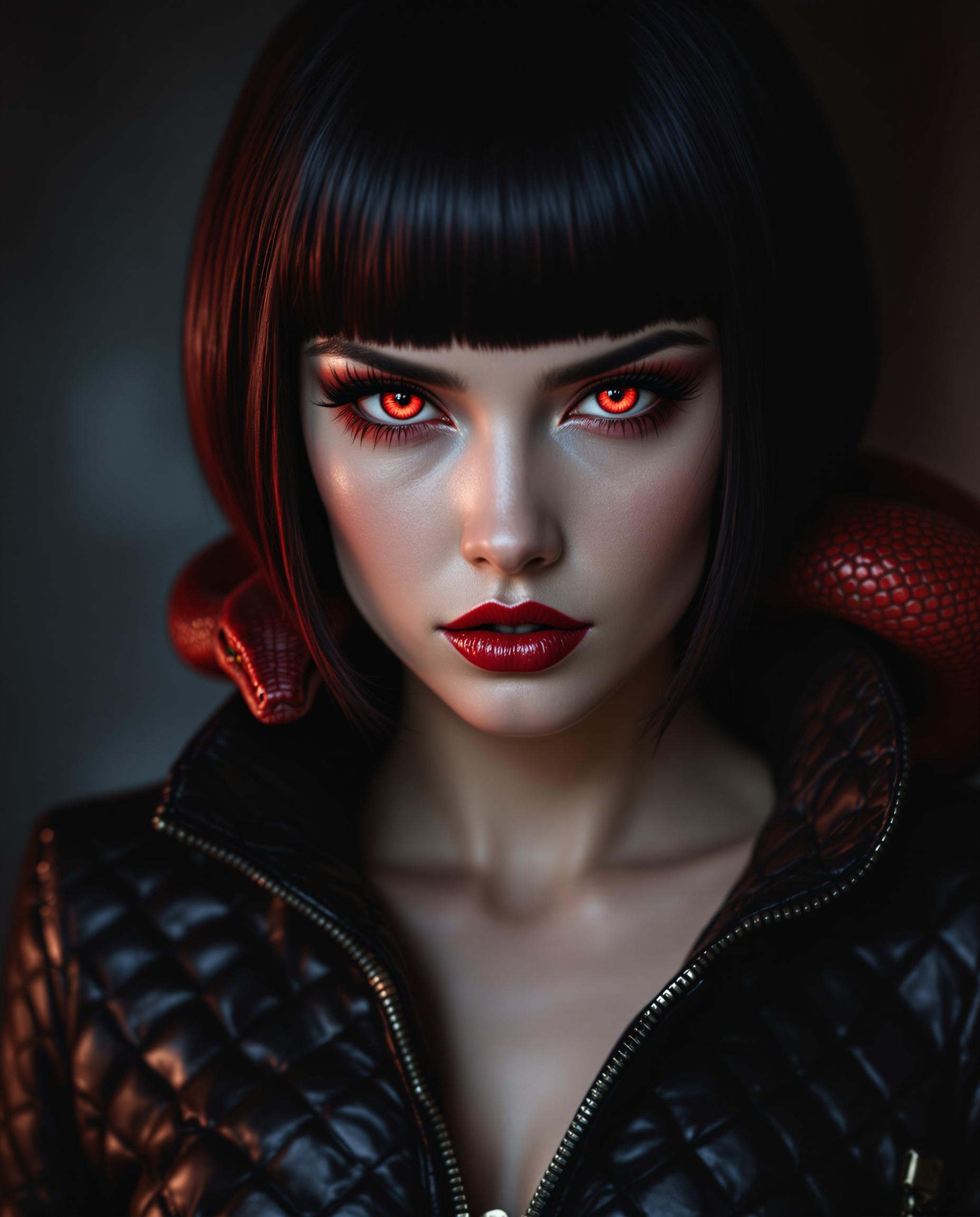
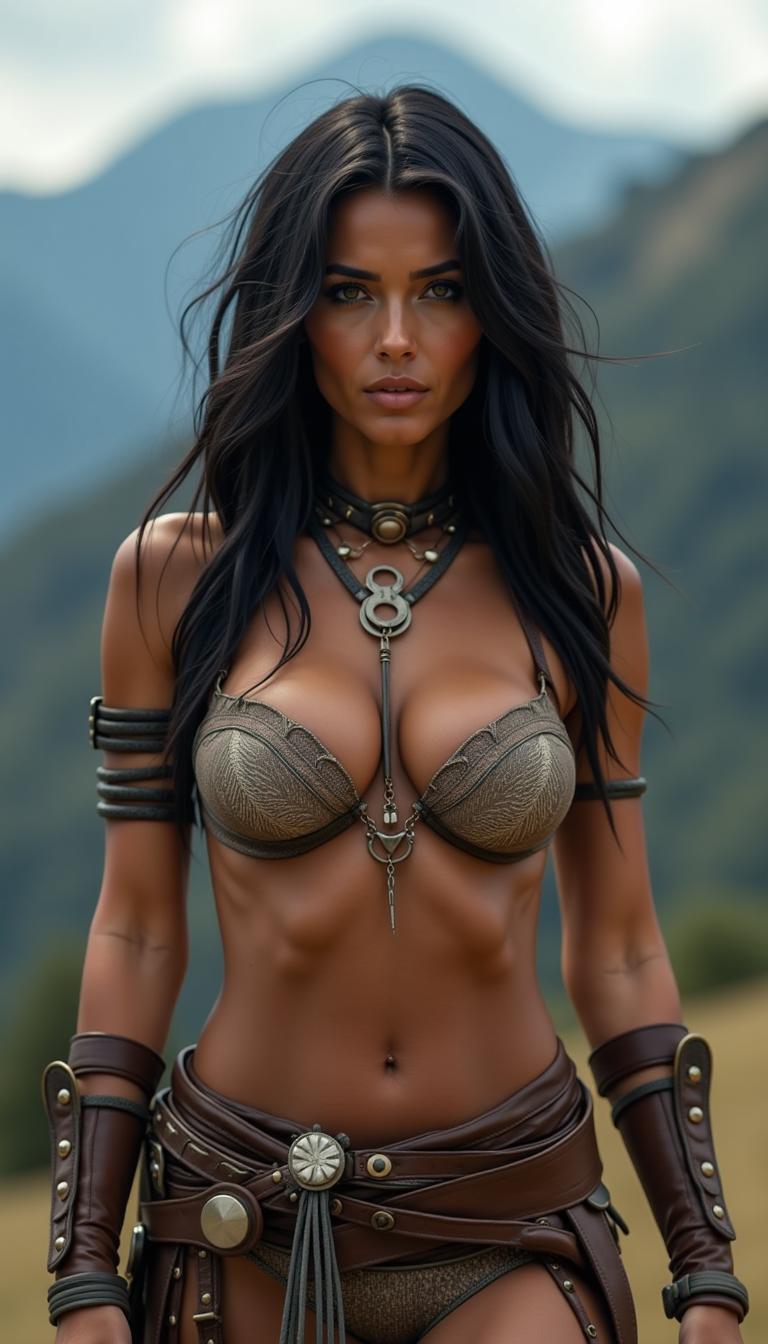
The Pixel Dojo Advantage
Why PixelDojo outperforms other options for AI photography:
| Others | Pixel Dojo |
|---|---|
| Traditional Photography Methods | Eliminate the need for expensive equipment and extensive setup. Create professional-quality images with just a few clicks. |
| Generic AI Tools | Access a comprehensive suite of tools specifically designed for photographers, offering more control and customization options. |
| Manual Photo Editing | Save hours of editing time with automated features that deliver high-quality results without the steep learning curve. |
Loved by Creators
See what our community says about ai photography
"PixelDojo has revolutionized my workflow. I can now create and edit images faster than ever before."
Alex Johnson
Professional Photographer
"The AI tools are incredibly intuitive and produce stunning results. Highly recommend for any creative professional."
Maria Lopez
Graphic Designer
Common Questions
Everything you need to know about ai photography AI generation
How does PixelDojo's AI photography work?
PixelDojo utilizes advanced AI algorithms to generate and edit images based on user inputs. By providing text prompts or uploading existing photos, users can create and enhance images with ease.
Can I use PixelDojo for professional projects?
Absolutely. PixelDojo's tools are designed to meet the needs of both hobbyists and professionals, offering high-resolution outputs suitable for commercial use.
Is there a learning curve to using PixelDojo?
PixelDojo is user-friendly and intuitive. Most users find they can start creating and editing images effectively within minutes.
What file formats are supported for downloads?
PixelDojo supports various file formats, including JPEG, PNG, and TIFF, ensuring compatibility with your specific project requirements.
Are there any limitations on the number of images I can create?
Depending on your subscription plan, there may be limits. However, PixelDojo offers flexible plans to accommodate different usage needs.
How does PixelDojo ensure the quality of generated images?
Our AI models are trained on diverse datasets to produce high-quality, realistic images. Additionally, users have access to editing tools to further refine their creations.