ai upres photo AI Generator
Imagine breathing new life into your faded family photos, pixelated smartphone snaps, or vintage prints—turning them into razor-sharp, print-ready masterpieces that look like they were shot on a professional camera. With PixelDojo's AI photo upscaler, you can upscale low-resolution images up to 10x larger without any blur, artifacts, or loss of detail. Whether you're restoring old memories, preparing images for large prints, or boosting social media visuals, our advanced tools like Magnific Upscaler and Creative Upscaler deliver stunning results in seconds. No more settling for grainy photos—unlock professional-quality enhancements that make every image pop, saving you hours of manual editing while achieving outcomes that wow clients, friends, and followers.
Trusted by 50,000+ creators worldwide • 4.9/5 stars from 12K+ reviews • Powers pros at top agencies & studios • 1M+ images upscaled this month alone
Why Choose Pixel Dojo for ai upres photo
Professional-quality results with cutting-edge AI technology
Revive Blurry Memories with Crystal-Clear Detail
Transform low-res family photos or old scans into vibrant, high-definition treasures perfect for framing or sharing—preserve every smile, texture, and emotion without distortion using Magnific Upscaler.
Enlarge Images 10x for Massive Prints
Scale up smartphone pics or web images to poster-size without pixelation, ideal for billboards, canvases, or portfolios, thanks to Creative Upscaler's smart detail reconstruction.
One-Click Pro Results, Zero Skills Needed
Achieve studio-quality enhancements instantly—no Photoshop expertise required—with tools like Portrait Upscaler that auto-fix noise, sharpen faces, and boost colors for flawless outcomes every time.
How It Works
Upscaling your photos with PixelDojo is as simple as upload, enhance, download. Our AI tools analyze every pixel to intelligently add realistic details, outperforming traditional methods for superior sharpness and realism.
Step 1: Upload & Select Upscaler Tool
Head to PixelDojo's Edit Images section, upload your low-res photo, and choose Magnific Upscaler or Creative Upscaler. These tools are optimized for photo upres, handling everything from portraits to landscapes seamlessly.
Step 2: Customize Enhancement Settings
Enter upscale factor (2x-10x), toggle options like noise reduction or face enhancement via Portrait Upscaler, or let AI auto-optimize. Preview real-time changes to ensure perfect detail recovery.
Step 3: Generate & Download HD Masterpiece
Hit generate to process in seconds, then download your upscaled image in high-res formats like PNG or JPEG. Share directly or print—ready for any use with zero quality loss.
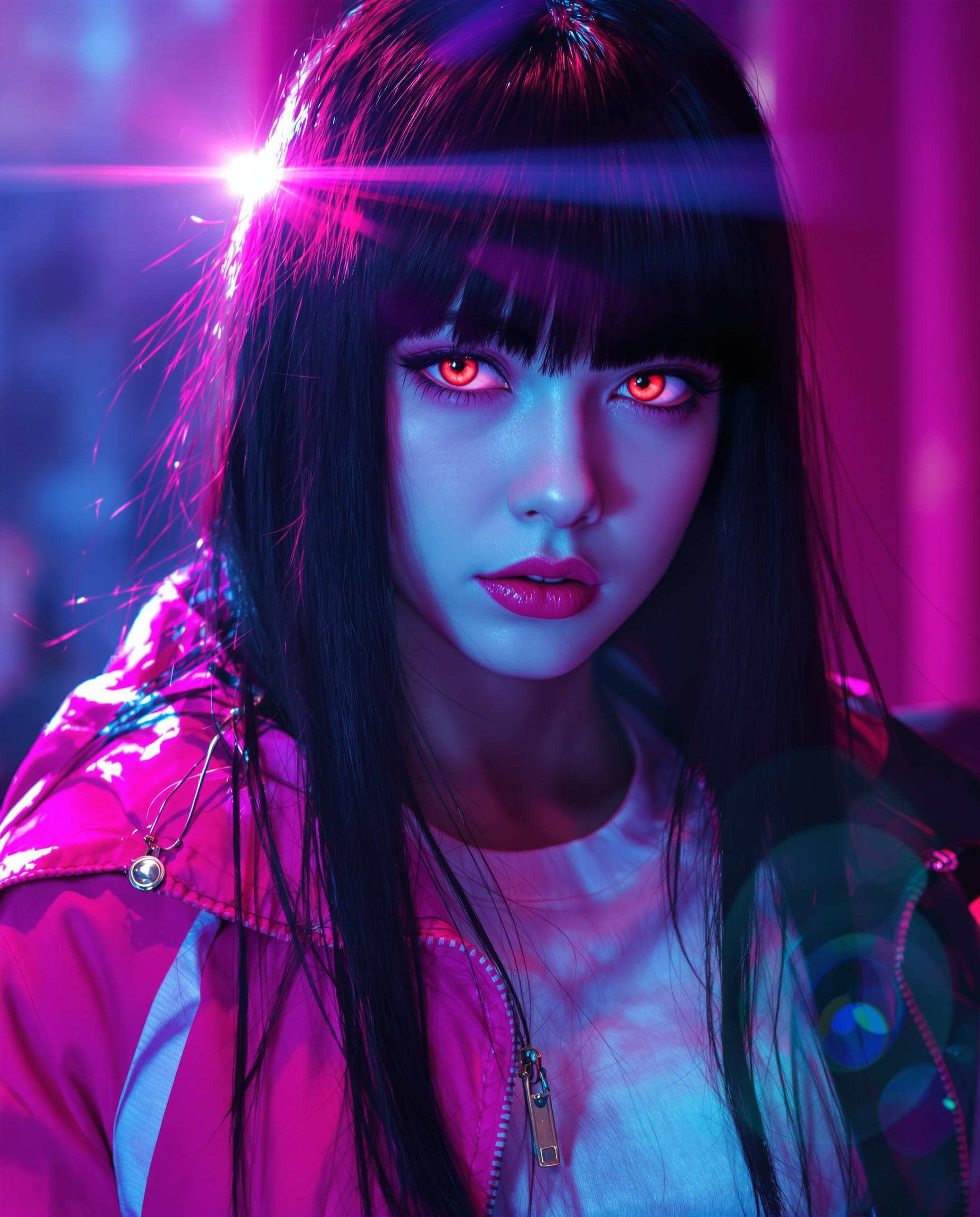
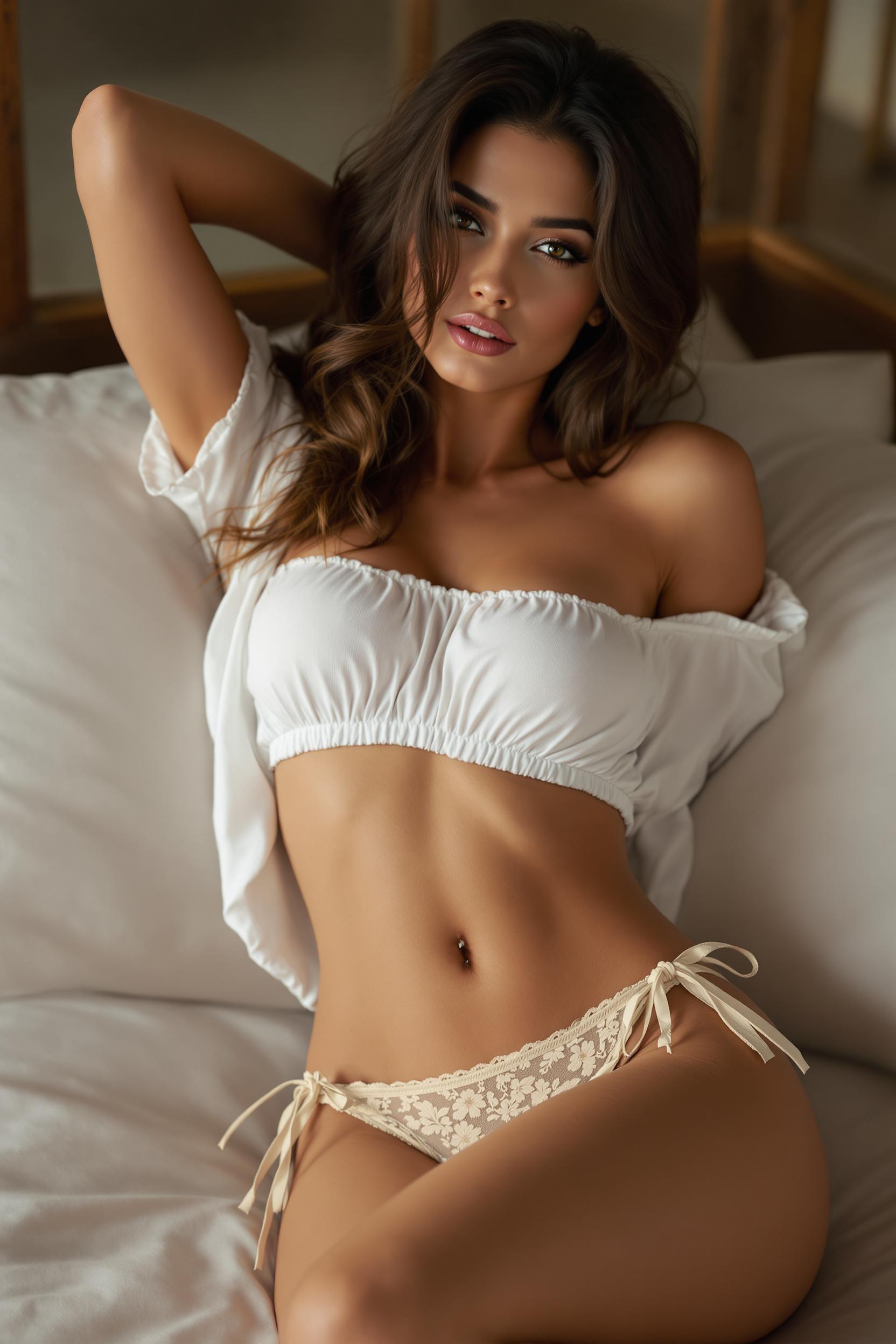
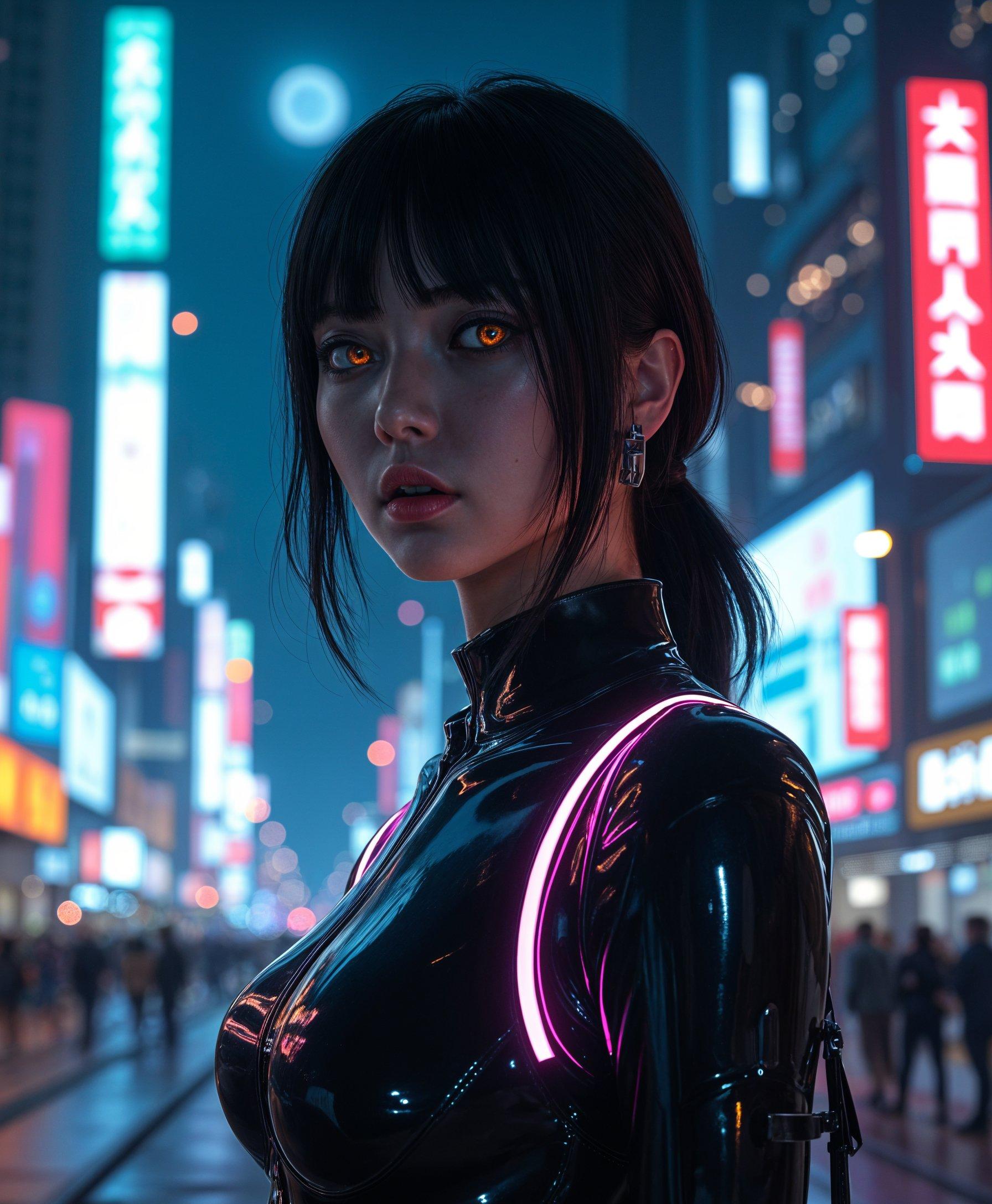
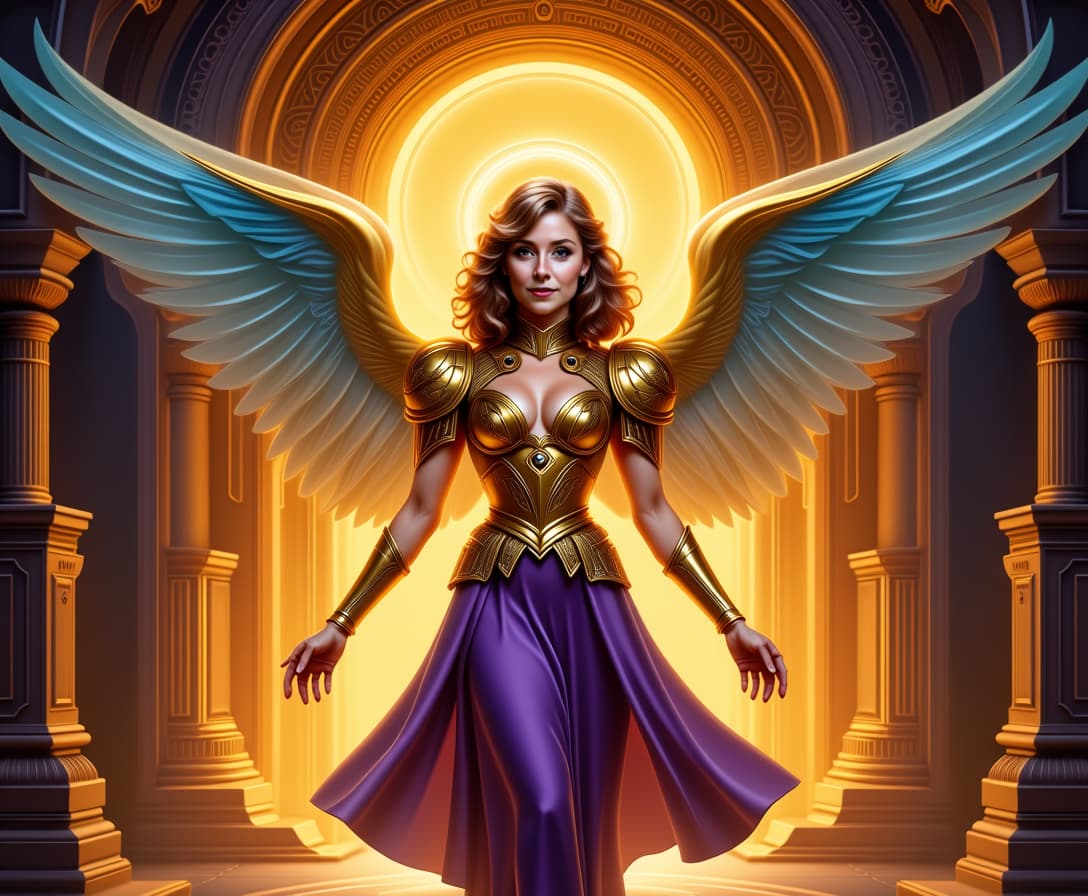
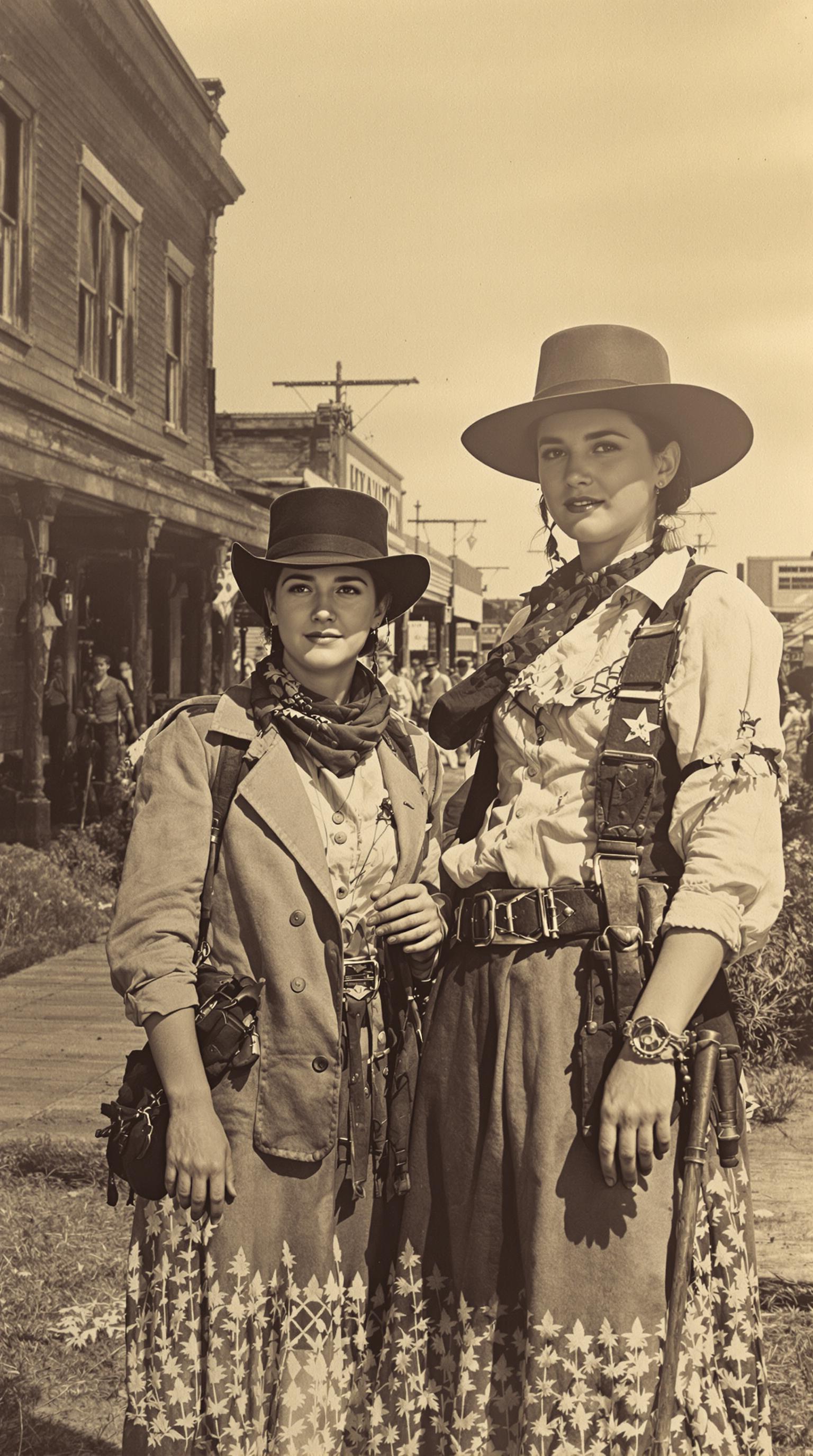
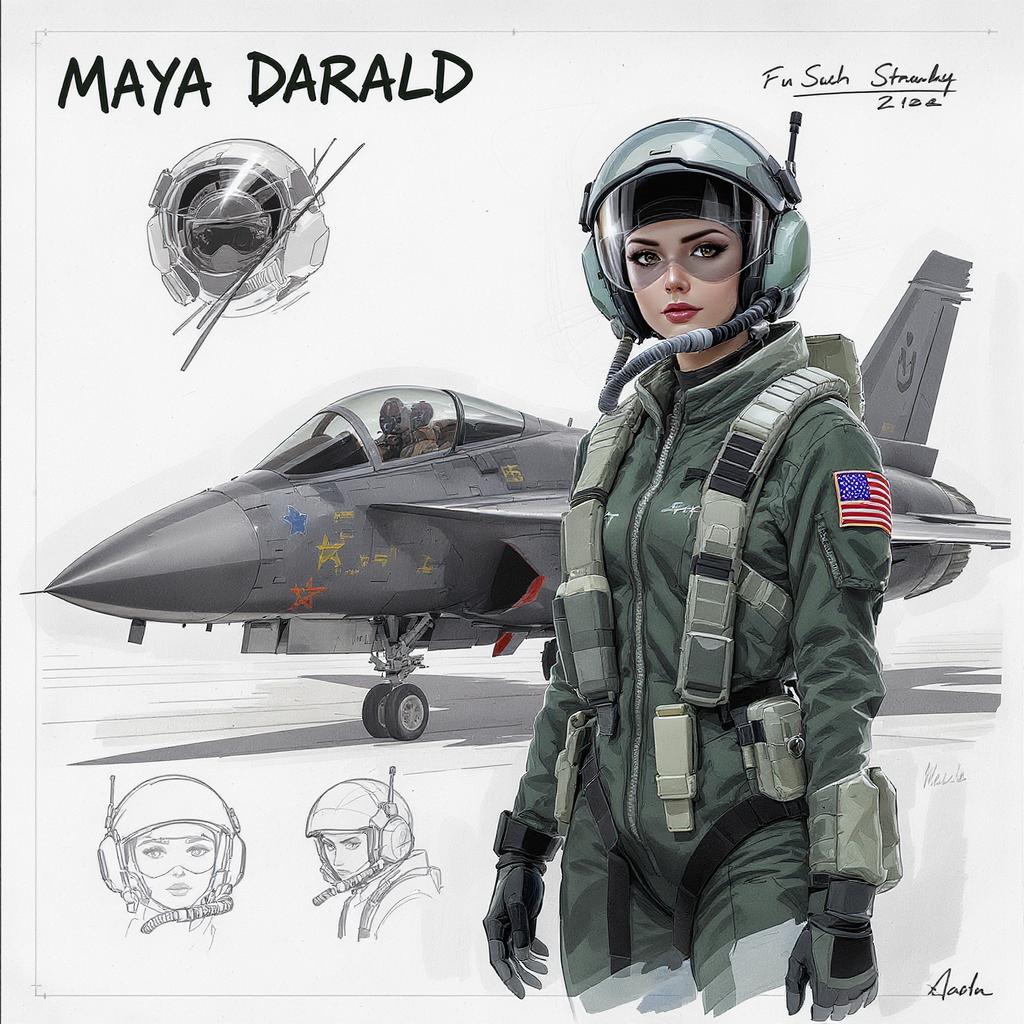
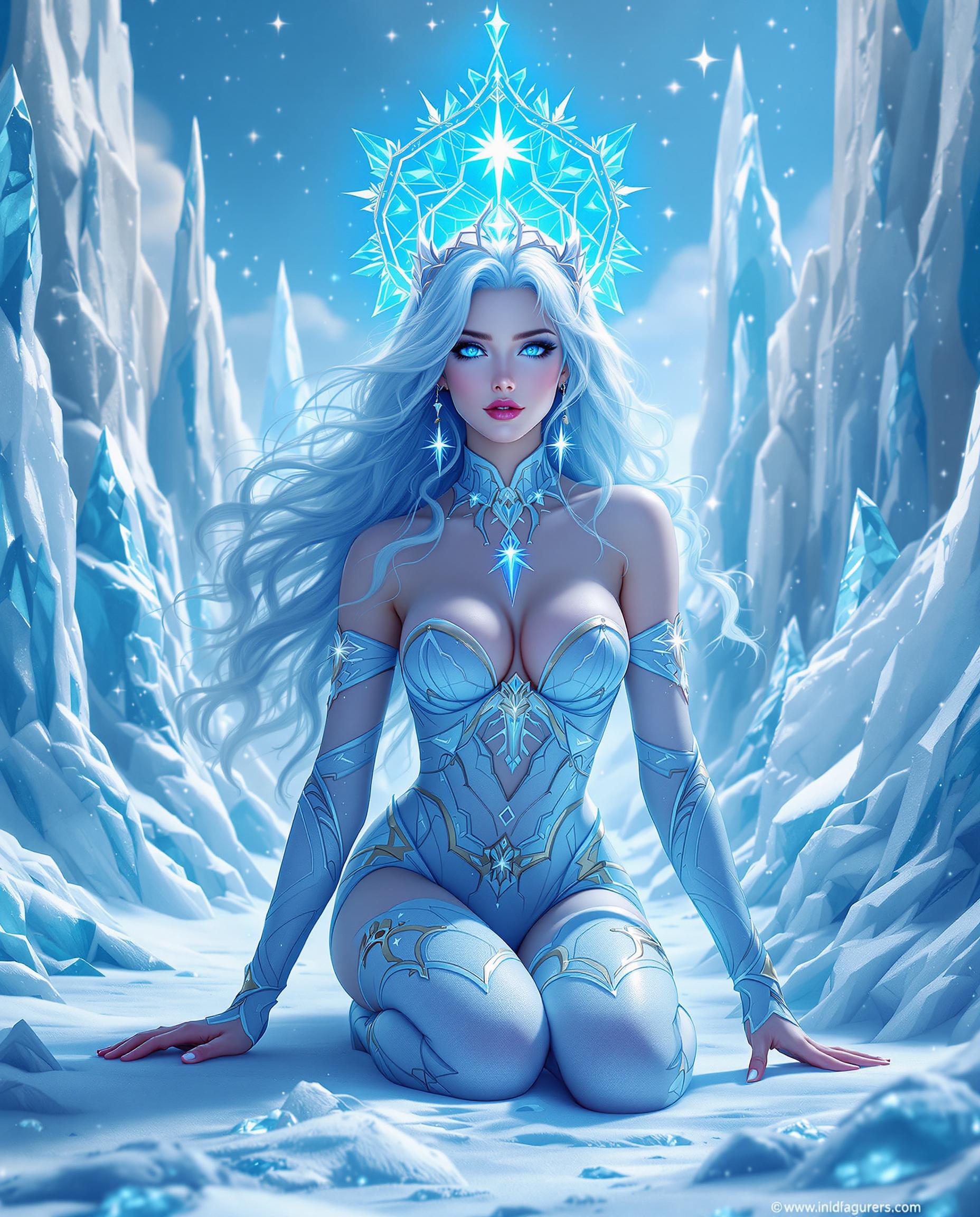
The Pixel Dojo Advantage
Why PixelDojo outperforms other options for AI photo upscaling—delivering sharper, more natural results faster so you focus on creating, not fixing.
| Others | Pixel Dojo |
|---|---|
| Traditional photo enlargement | AI intelligently reconstructs missing details for 10x clearer enlargements vs blurry bicubic interpolation that destroys quality |
| Generic AI tools | Specialized upscalers like Magnific deliver photo-realistic textures and faces, not just stretched pixels, with batch processing for pros |
| Manual photo editing | One-click automation saves hours of tedious work, yielding consistent pro results without your expertise or software costs |
Loved by Creators
See what our community says about ai upres photo
"PixelDojo's Magnific Upscaler turned my grainy wedding photos into breathtaking 8x10 prints—clients are blown away by the detail!"
Sarah Jenkins
Wedding Photographer
"Restored 100-year-old family portraits to HD glory effortlessly. Creative Upscaler is a game-changer for genealogy projects."
Mike Rodriguez
Historian & Archivist
Common Questions
Everything you need to know about ai upres photo AI generation
How does AI photo upscaler work to upscale low resolution photos without losing quality?
PixelDojo's AI photo upscalers like Magnific Upscaler use advanced neural networks to analyze and predict realistic details, filling in pixels intelligently. Upload your image, select 2x-10x upscale, and get print-ready HD results in seconds—far superior to basic stretching, preserving textures, faces, and colors perfectly.
Is there a free AI image upscaler for photos online?
Yes! PixelDojo offers free AI photo upscaling with tools like Creative Upscaler and Portrait Upscaler. Start with generous free credits, upscale multiple images daily, and upgrade for unlimited access—cancel anytime, no commitments.
Can I use AI to upscale photos for large prints like posters?
Absolutely. Magnific Upscaler and Multidiffusion Upscaler handle 10x enlargements flawlessly, creating 4K+ files ideal for posters, canvases, or billboards. Users report sharp details even at 24x36 inches, perfect for professional printing.
What's the best AI photo enlarger for old or blurry images?
PixelDojo's Portrait Upscaler excels at restoring vintage or noisy photos, auto-enhancing faces, reducing grain, and boosting clarity. Combine with Background Remover for pro results—thousands of users revive heirlooms daily.
How to upscale photo AI for social media without artifacts?
Use Creative Upscaler in PixelDojo: it eliminates artifacts while sharpening for Instagram or TikTok. Process in batches, preview edits, and export optimized sizes—your posts will stand out with pro-level crispness.
Does PixelDojo support batch AI upres photo processing?
Yes, upload folders via our dashboard and upscale dozens at once with Magnific or Z-Image tools. Track progress in Usage Report, ideal for e-commerce sellers or photographers needing volume HD conversions quickly.