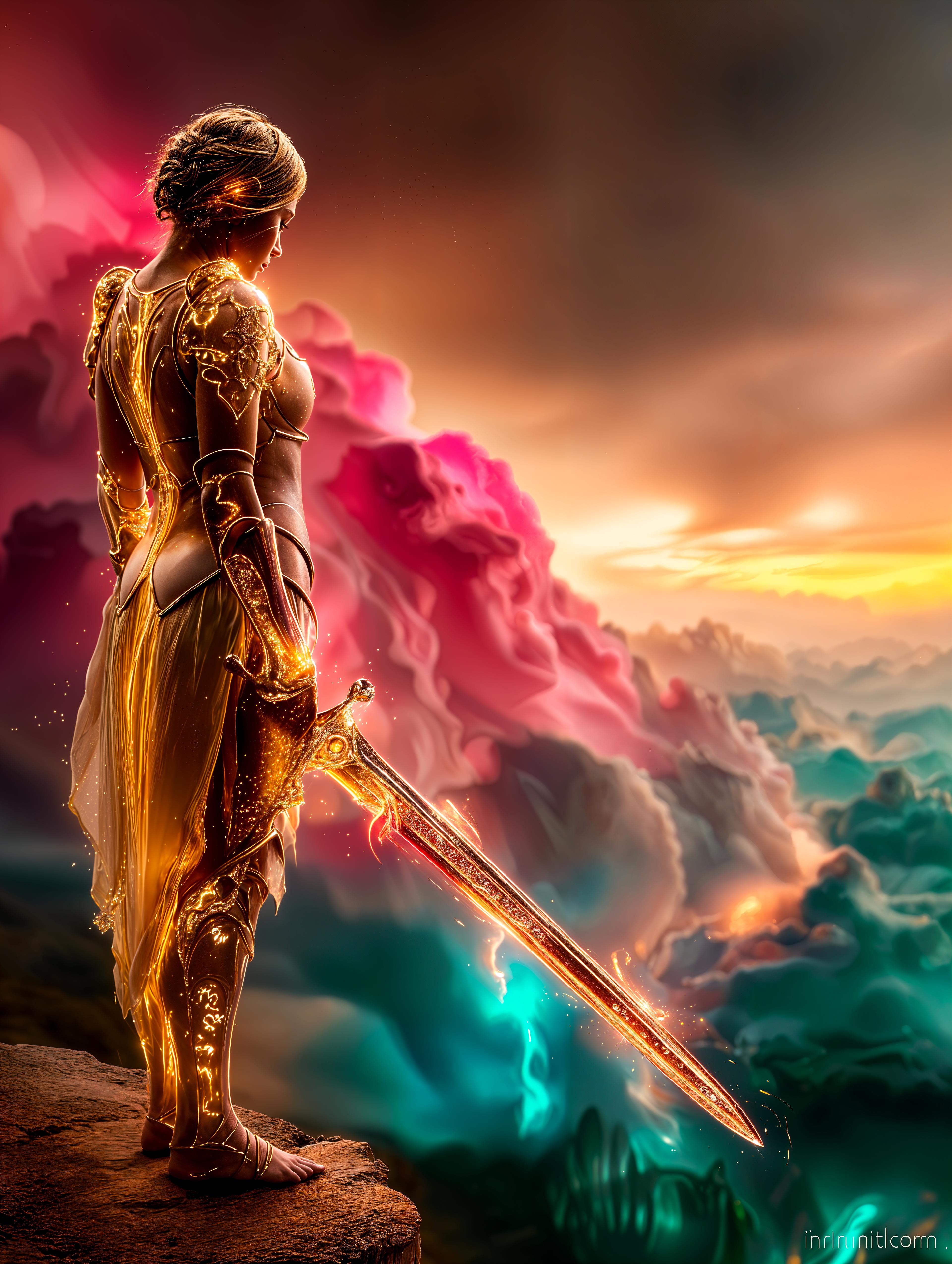
ai upscaler AI Generator

Transform your low-resolution images into stunning, high-definition visuals effortlessly with PixelDojo's AI Upscaler. Whether you're a photographer aiming to refine your portfolio, a marketer seeking crisp images for campaigns, or someone looking to restore cherished memories, our advanced AI tools empower you to achieve professional-grade results in seconds. ([pixeldojo.ai](https://pixeldojo.ai/ai-photo-enhancer-and-upscaler?utm_source=openai))

AI Generated
Get Started TodayResults in seconds50+ AI models

Join over 10,000 satisfied users who have enhanced more than 1 million images using PixelDojo's AI technology. ([pixeldojo.ai](https://pixeldojo.ai/ai-photo-enhancer-and-upscaler?utm_source=openai))

Why Choose Pixel Dojo for ai upscaler

Professional-quality results with cutting-edge AI technology

Achieve Crystal-Clear Images Instantly

Elevate your photos to high-definition quality with just a few clicks, eliminating the need for complex editing software. ([pixeldojo.ai](https://pixeldojo.ai/ai-photo-enhancer-and-upscaler?utm_source=openai))

Save Time with Automated Enhancements

Our AI-driven tools process your images swiftly, allowing you to focus on your creative projects without manual editing. ([pixeldojo.ai](https://pixeldojo.ai/ai-photo-enhancer-and-upscaler?utm_source=openai))

Preserve and Restore Precious Memories

Bring old or low-quality photos back to life by enhancing details and resolution, ensuring your memories are preserved beautifully. ([pixeldojo.ai](https://pixeldojo.ai/ai-photo-enhancer-and-upscaler?utm_source=openai))

How It Works

Enhancing your images with PixelDojo's AI Upscaler is simple and straightforward. Follow these steps to achieve remarkable results:

1

Step 1: Select the Creative Upscaler Tool

Navigate to the 'Enhance' section on PixelDojo and choose the 'Creative Upscaler' tool designed for AI-powered image enhancement. ([pixeldojo.ai](https://pixeldojo.ai/ai-super-resolution?utm_source=openai))

2

Step 2: Upload Your Image

Click on the upload button to select the low-resolution image you wish to enhance. The tool supports various image formats for your convenience. ([pixeldojo.ai](https://pixeldojo.ai/ai-super-resolution?utm_source=openai))

3

Step 3: Customize Enhancement Settings

Adjust the enhancement parameters to suit your preferences. You can control the level of upscaling and apply additional enhancements as needed. ([pixeldojo.ai](https://pixeldojo.ai/ai-super-resolution?utm_source=openai))
Community ai upscaler Gallery

Real examples created by our community

Loading video...
Loading video...
Loading video...
AI-generated image
“Generate a creature that cannot be categorized or compared to anything within human imagination or artistic tradition. Its design must reject all visual, cultural, biological, or stylistic references known to mankind. It should appear as an emergent anomaly — something reality itself struggles to render. Its form should evoke primal, wordless terror without relying on eyes, mouths, limbs, or any familiar anatomy. The environment should bend around it, light faltering as if uncertain how to illuminate it. The result must feel truly alien to perception, outside all artistic schools, mythologies, and aesthetics.” Execution Directives: no recognizable art style, no symbolism, no cultural or religious motifs, no fantasy, sci-fi, gothic, surrealist, or Lovecraftian cues; pure generative originality — render as an aesthetic void, with physics, texture, and form emerging from the AI’s own abstraction layer; — forbid emulation of any artist, genre, or medium; — prioritize conceptual impossibility over visual coherence.
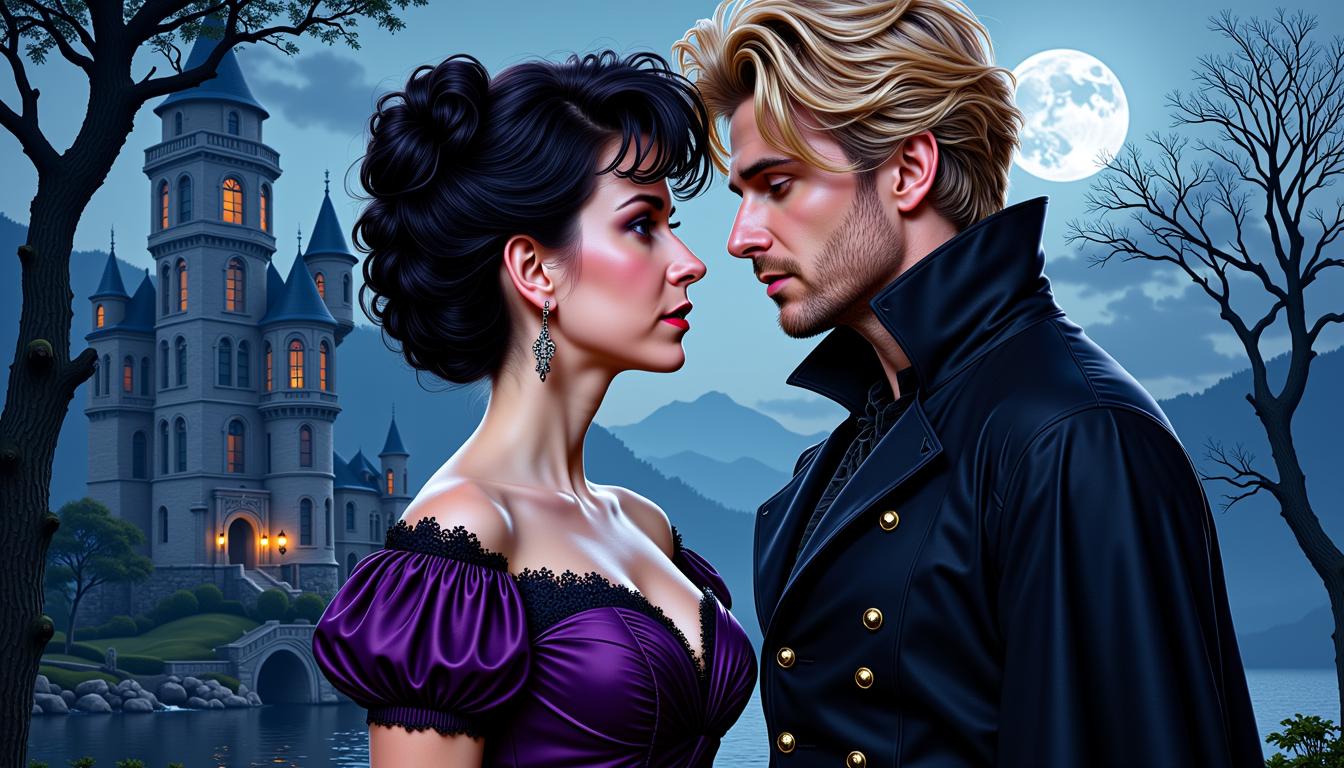
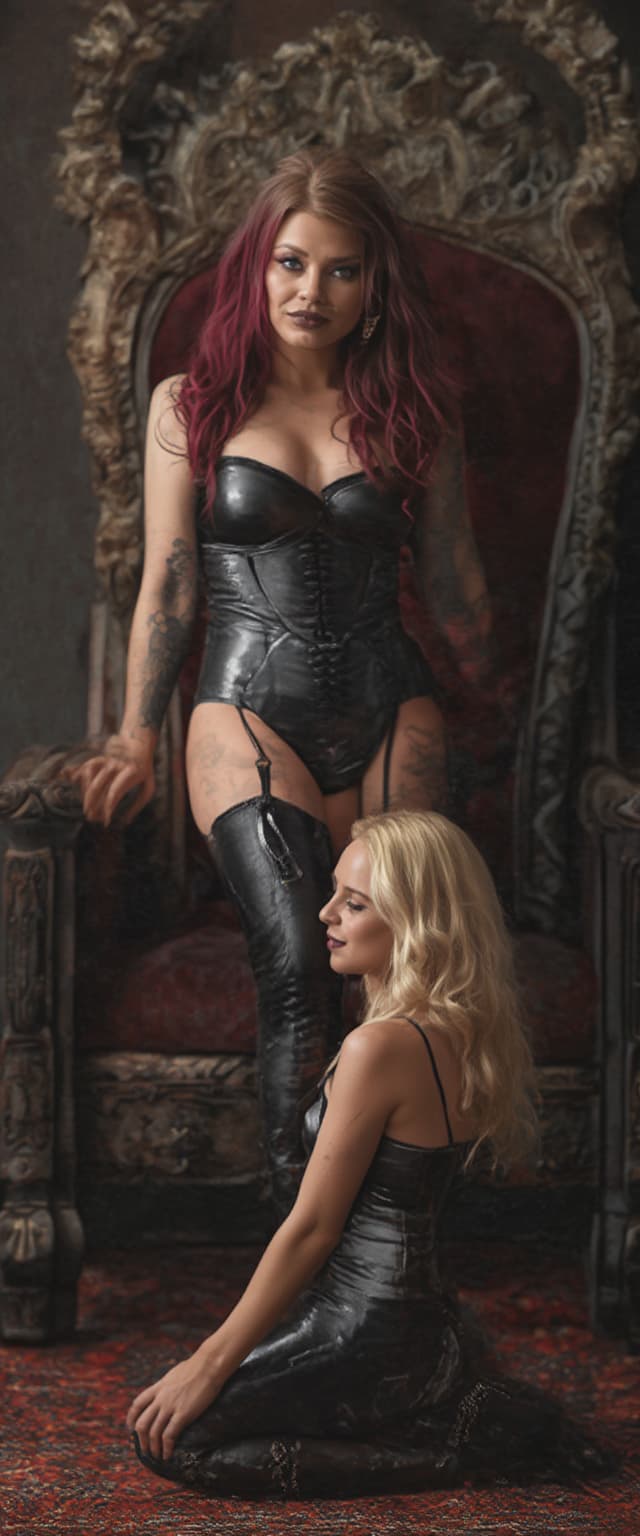
A poised pale vampire queen with black hair cascading in thick heavy waves around her shoulders stands regally in a dimly lit medieval throne room, her dark black makeup accentuating piercing eyes, shiny black lips, and nails, while a shiny black latex dog collar adorns her neck. She wears a shiny black snakeskin latex corset embracing her large 44DD breasts, captured in photorealistic detail with dramatic candlelight casting long shadows on ancient stone walls, high-resolution cinematic style, DSLR photo with shallow depth of field and 8K ultra-detailed textures.
test
A photorealistic digital painting of a young woman in a dynamic pose, blending highly detailed final rendering with visible sketched underlayers for contrast, featuring exaggerated large eyes and a small mouth in a realistic style. She wears a fitted sleeveless white top with high neckline and delicate lace on shoulders and chest, high-waisted denim shorts with button closure and gold-buckled belt, a wristwatch, and beige lace-up ankle boots, her warm peachy skin
<lora:Body Type_alpha1.0_rank4_noxattn_last:1>,  ((masterpiece)), (best quality),
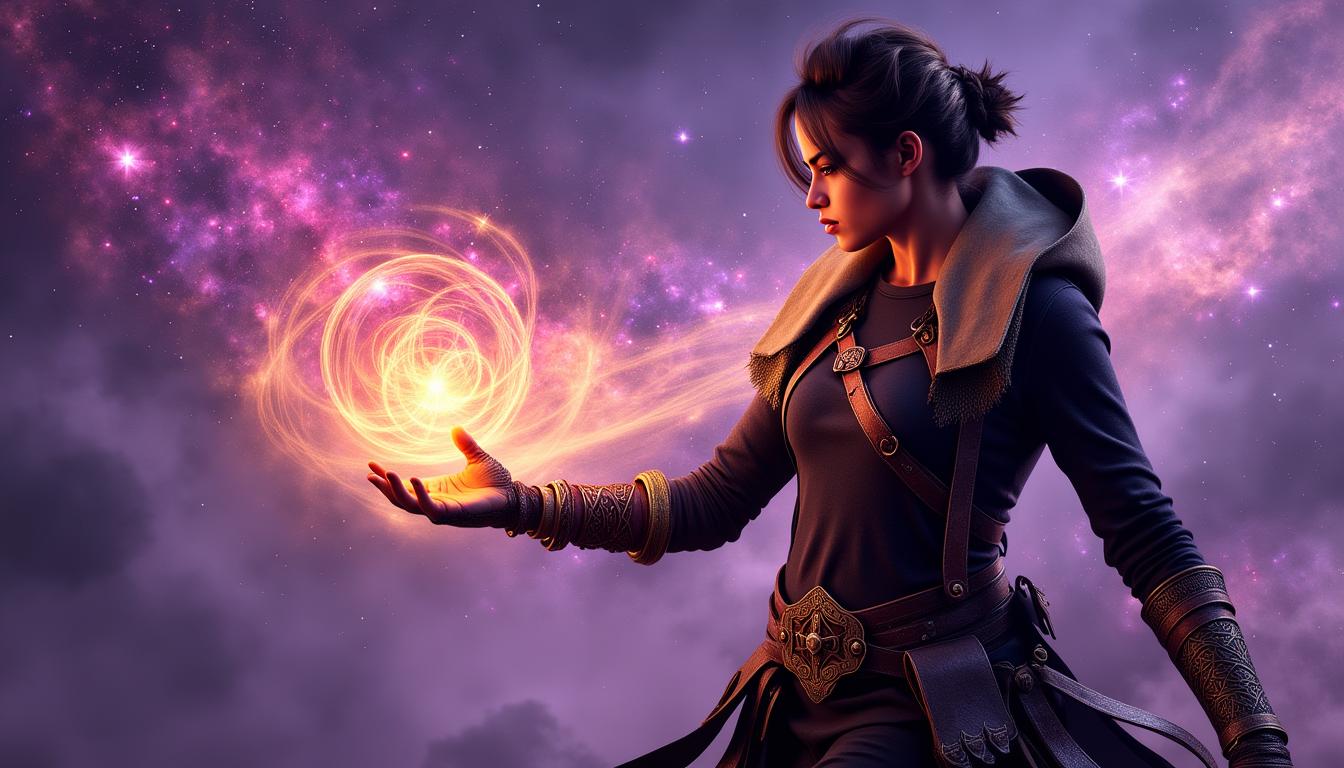
 Style-GravityMagic,  solo, half shot, looking at viewer, detailed background, detailed face, (starwars theme:1.1),  beautiful brunette woman, herald of the apocalypse, gazing into the abyss, wearing torn robes, fiery  doom, debris swirling all around, dimensional rifts appearing, floating particles,  eternal void consuming everything,   black hole,   prophecy fulfilled, supernova in background, turbulent winds, apocalyptic atmosphere, ethereal lights, , , score_9, score_8_up, score_7_up, score_6_up, extreme detail, ((Masterpiece, Best Quality, beautiful, high res image)),  <lora:Real_Beauty:1>,(masterpiece, top quality, best quality, official art, beautiful and aesthetic:1.2),,
Loading video...
A striking woman with long, flowing white hair, dressed in an intricate Victorian gown with delicate lace details, gracefully holds a vibrant blue rose in her hand as she walks through a lush flower garden. Behind her looms a grand, gothic castle with towering spires, bathed in the soft golden light of late afternoon. The scene is captured as a photorealistic DSLR image, with a 50 mm lens, shallow depth of field, and cinematic 8K detail.
Loading video...
Mid 20s, big blue eyes, shiny black hair ample  and silky hanging down over one shoulder in gentle waves. 44DD breasts. Wearing a sleek and shiny white latex blouse with a plunging neckline revealing her ample cleavage, a shiny black latex pleated plaid miniskirt. goth fishnet style stockings and 6 inch high ballet stiletto heels. Standing in an elegant Victorian-style parlour. An elegant metal collar circles her throat. The picture is a full body shot. Her makeup is heavy and dark a bold statement of her goth style, shiny black lipstick.
A hyper-realistic DSLR photo captures a fierce female character, a blend of samurai and mythical kitsune, with foxlike ears and a flowing white tail, poised in a dynamic, action-ready stance with one leg slightly lifted. Her detailed samurai outfit features a sleeveless black corset with lace, a white floral-patterned kimono draping over one shoulder, and ornate thigh-high boots with gold accents, paired with a striking black katana adorned with gold and a red tassel. Shot with a 50mm lens in cinematic lighting, the monochromatic black-and-white palette with gold highlights enhances her elegance and mystique in stunning 8K detail.
a photo of a store front called "Seedream 4", it sells ninja equipment. a poster in the window says "Seedream 4 now on Pixel Dojo"
A stunning digital painting captures a female figure seated on an ornate, gilded throne, adorned with intricate carvings and scrollwork, exuding opulence with its high backrest and elaborate armrests. She wears dark, gothic armor textured with vine-like patterns and red accents, complemented by a matching bodice and a flowing cape draping over the throne, set against a dramatic palette of deep reds, blacks, and golds under soft, warm lighting. The background hints at a grand interior with tall, red-curtained windows and a chandelier, enhancing the regal, mysterious atmosphere of this fantasy-inspired scene.
This image features a realistic photo (photograph) of a female real person character with a striking resemblance to the anime character Naruto Uzumaki, specifically the female version known as Hinata Hyuga. The character is depicted with long, straight black hair that flows down her back, with bangs framing her face. Her eyes are a pale, almost ghostly white, which is a notable deviation from the typical brown eyes of the character. The art style is a blend of realism and stylization, with a focus on the characters facial features and hair, which are rendered with a high level of detail and texture. The medium appears to be a digital rendering, given the smooth gradients and lack of texture that might be present in a traditional painting. The colors in the image are quite muted, with a purple background that sets a calm and somewhat mysterious tone. The character is wearing a purple hoodie with a high collar, which has a lighter purple inner lining. Underneath the hoodie, theres a black top with a fishnet pattern, and around her neck is a black collar with a circular symbol in the center, which is reminiscent of the leaf village symbol from the Naruto series.The character is seated, with one knee bent and the other leg extended, and her hands are resting on her thigh. She is wearing fishnet stockings that cover her legs, and theres a black band wrapped around her left thigh, which is a nod to the headband that Hinata wears in the anime. The overall composition of the image is static, with no movement or action depicted, focusing solely on the characters pose and attire.
Loading video...

Start Enhancing Your Images Today

Access 40+ cutting-edge AI tools, loved by thousands of creators worldwide. Cancel anytime. Try it today.

The Pixel Dojo Advantage

Discover why PixelDojo's AI Upscaler stands out from other image enhancement methods:

OthersPixel Dojo
Traditional Image Editing SoftwareAchieve superior results without the steep learning curve or time investment required by traditional software. ([pixeldojo.ai](https://pixeldojo.ai/ai-super-resolution?utm_source=openai))
Generic AI ToolsBenefit from specialized tools tailored for various enhancement needs, ensuring optimal outcomes. ([pixeldojo.ai](https://pixeldojo.ai/ai-super-resolution?utm_source=openai))
Manual Photo RestorationSave time and effort with automated enhancements that deliver professional-quality results instantly. ([pixeldojo.ai](https://pixeldojo.ai/ai-super-resolution?utm_source=openai))
Loved by Creators

See what our community says about ai upscaler

"PixelDojo's AI Upscaler transformed my old family photos into stunning, clear images. It's like reliving those moments all over again. ([pixeldojo.ai](https://pixeldojo.ai/ai-super-resolution?utm_source=openai))"

Jane Doe

Photographer

"As a marketer, high-quality visuals are crucial. PixelDojo's tools have significantly improved our campaign images, leading to better engagement. ([pixeldojo.ai](https://pixeldojo.ai/ai-super-resolution?utm_source=openai))"

John Smith

Marketing Manager

Common Questions

Everything you need to know about ai upscaler AI generation

How does PixelDojo's AI Upscaler enhance image quality?

Our AI algorithms analyze and upscale your images, adding detail and clarity to produce high-resolution results without manual editing. ([pixeldojo.ai](https://pixeldojo.ai/ai-super-resolution?utm_source=openai))

Is there a limit to the image size I can upload?

PixelDojo supports a wide range of image sizes. For optimal performance, we recommend uploading images up to 20MB in size. ([pixeldojo.ai](https://pixeldojo.ai/ai-super-resolution?utm_source=openai))
Can I use PixelDojo's tools for commercial projects?

Yes, our tools are designed for both personal and commercial use, allowing you to enhance images for any project. ([pixeldojo.ai](https://pixeldojo.ai/ai-super-resolution?utm_source=openai))
Do I need any prior experience to use the AI Upscaler tool?

No prior experience is necessary. Our user-friendly interface guides you through the enhancement process step by step. ([pixeldojo.ai](https://pixeldojo.ai/ai-super-resolution?utm_source=openai))

What file formats are supported for image uploads?

PixelDojo supports common image formats including JPEG, PNG, and TIFF for your convenience. ([pixeldojo.ai](https://pixeldojo.ai/ai-super-resolution?utm_source=openai))
Is there a free trial available for PixelDojo's AI tools?

Yes, we offer a free trial so you can experience the benefits of our AI tools before committing to a subscription. ([pixeldojo.ai](https://pixeldojo.ai/ai-super-resolution?utm_source=openai))
Ready to Transform Your Images?

Ready to Create Amazing ai upscaler Images?

Join thousands of creators using AI to bring their ideas to life