best ai enhancer AI Generator

Imagine turning your grainy smartphone snapshots or faded old photos into breathtaking, print-ready masterpieces in seconds. With PixelDojo's best AI image enhancer tools like Magnific Upscaler and Creative Upscaler, you achieve crystal-clear details, vibrant colors, and professional sharpness without any editing skills. Whether you're restoring family heirlooms, prepping social media visuals, or creating high-res assets for prints, these AI enhancers deliver jaw-dropping results that save you hours of manual work. Join thousands of creators who elevate their images effortlessly and focus on what matters—your creative vision.
Face Enhancer
AI Generated
Get Started TodayResults in seconds50+ AI models

⭐ 4.9/5 from 12K+ reviews | 2M+ images enhanced | Loved by photographers, marketers & designers worldwide | 'Game-changer for photo restoration!' – Top creator feedback

Why Choose Pixel Dojo for best ai enhancer

Professional-quality results with cutting-edge AI technology

Revive Blurry Photos with Stunning Clarity

You can take low-quality, pixelated images and transform them into razor-sharp visuals perfect for large prints or professional portfolios. Tools like Magnific Upscaler add intricate details you never knew were there, making your photos look like they were shot with top-tier cameras.

Upscale to 4K & Beyond Effortlessly

Expand small images to massive sizes without losing quality, ideal for billboards, websites, or wallpapers. Creative Upscaler intelligently fills in details, ensuring every enlargement looks natural and impressive, so you impress clients or followers every time.

Add Creative Magic & Remove Imperfections

Enhance lighting, remove backgrounds, or transfer styles to make your images pop with artistic flair. Using Magic Lighting or Background Remover alongside enhancers, you create polished, magazine-worthy results that stand out on any platform.

How It Works

You can supercharge any image using PixelDojo's AI enhancers in just three simple steps—no software downloads or expertise required. Start with Magnific Upscaler for realistic detail boosts or Creative Upscaler for imaginative enlargements.

1

Step 1: Choose Your Enhancer Tool

Head to the Edit Images section on PixelDojo.ai and select Magnific Upscaler, Creative Upscaler, or Image Analyzer. Upload your photo directly—works with JPG, PNG, or any format up to 10MB for instant processing.

2

Step 2: Customize Your Enhancement

Enter a simple prompt like 'enhance sharpness, add natural lighting, upscale 4x' or use auto-mode for AI-driven improvements. Adjust sliders for noise reduction, color vibrancy, or detail level—preview changes live to get exactly the outcome you envision.

3

Step 3: Generate & Download Perfection

Hit generate to process in seconds, review the enhanced result, and download in your preferred resolution. Save iterations or share directly—your upgraded images are ready for prints, social posts, or professional use right away.
Community best ai enhancer Gallery

Real examples created by our community

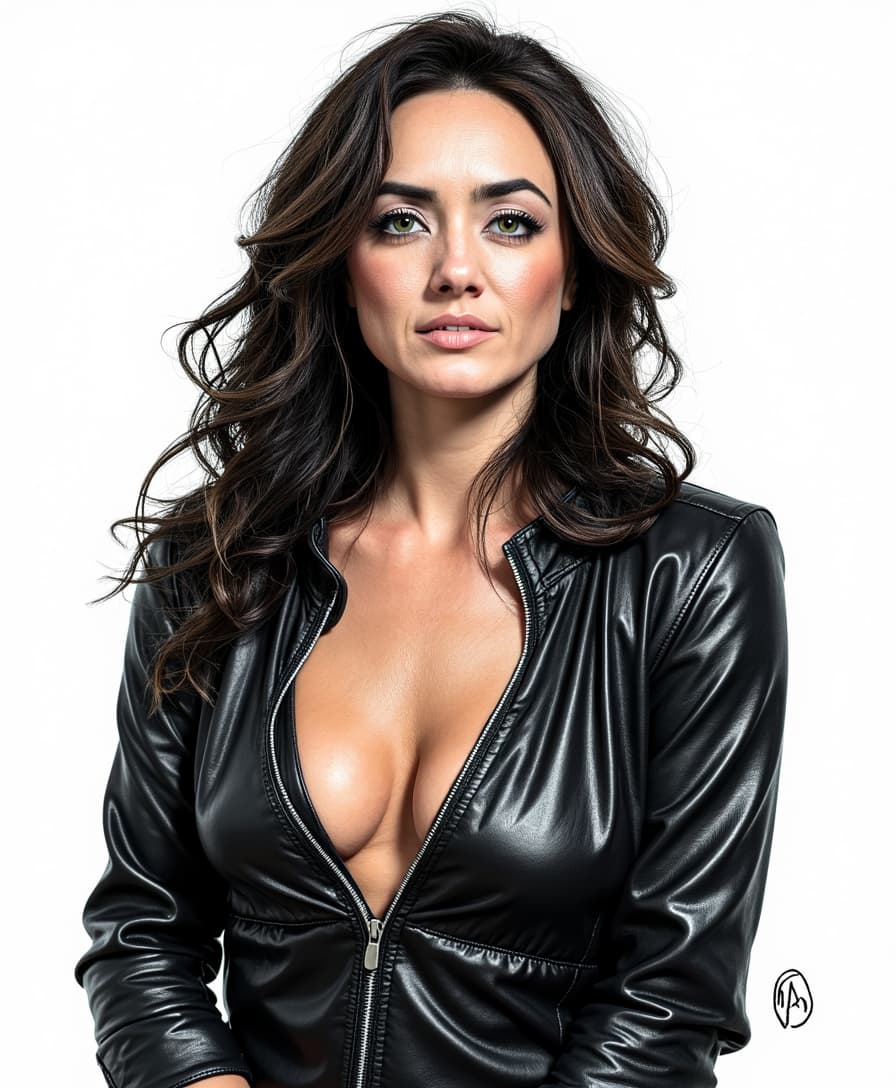
Face Enhancer
masterpiece, best quality, highres, sharp image, more detail, masterpiece, best quality, highres, sharp image, more detail <lora:more_details:0.5> <lora:SDXLrender_v2.0:1>
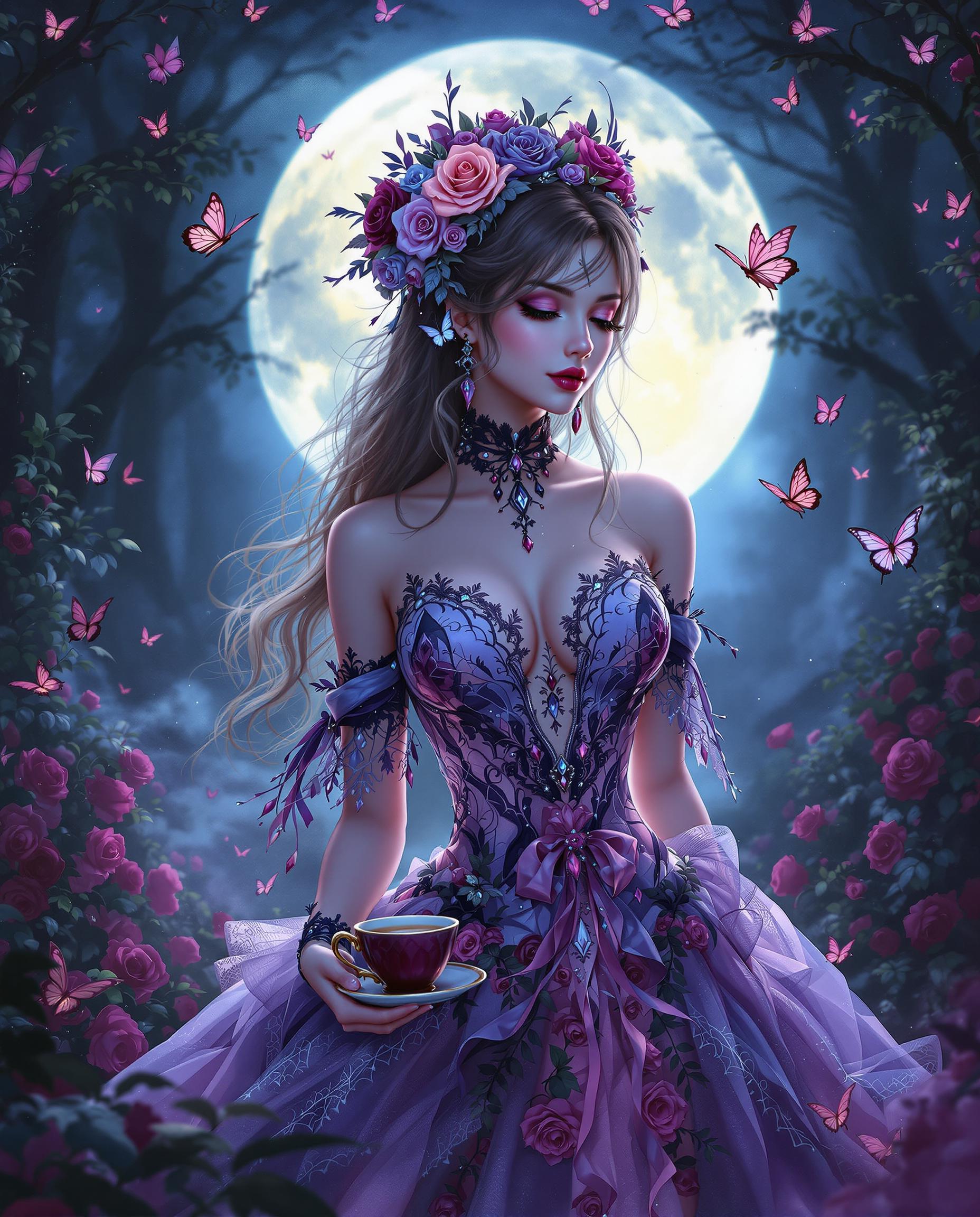
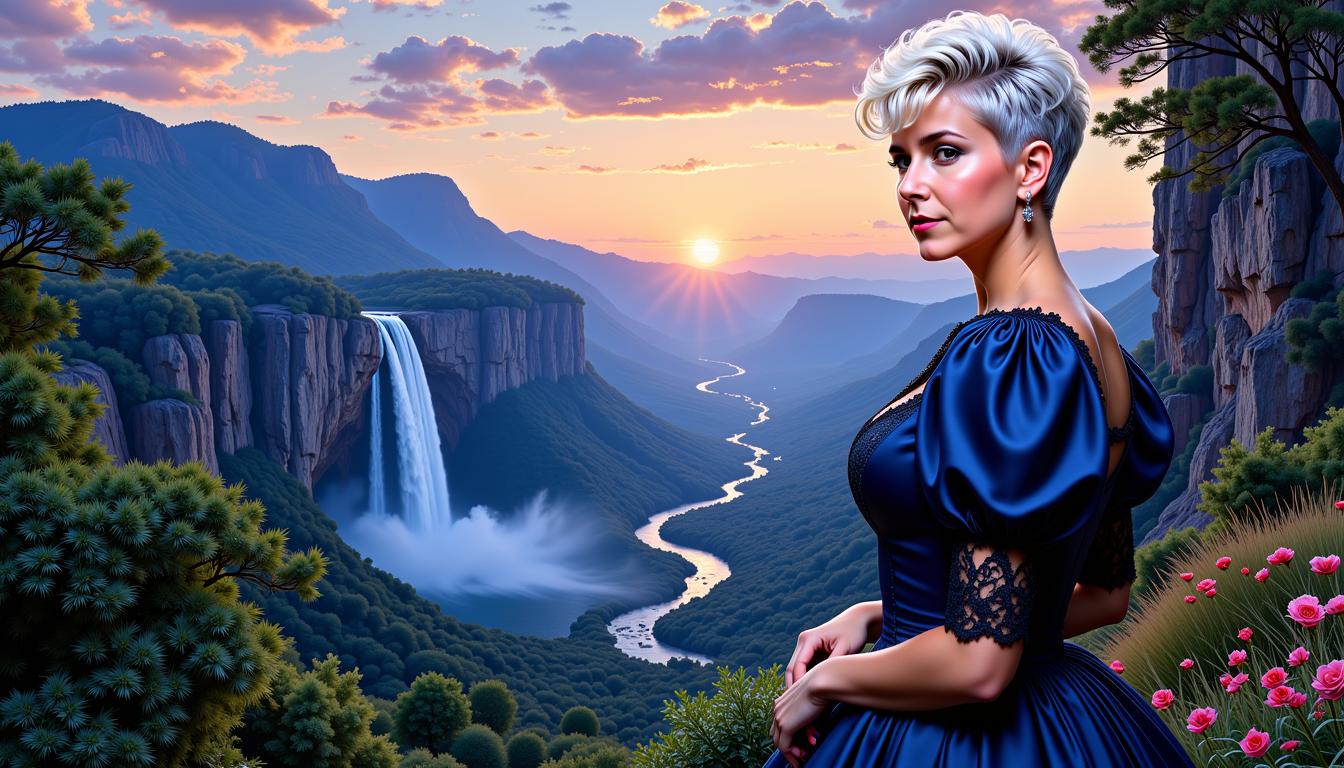
Kira1,  wavy hair cascading down in time traveler elegance, vintage beauty styling, comic book ink pen illustration reminiscent of Luiza Lima's delicate touch, face detailed with super fine lines, cheeks highlighted by a subtle blush, garbed in a resplendent gown, amidst a backdrop of an awe-inspiring tower, formidable boulder, and a waterfall in full flow, all shrouded in the mystique of twilight, vector artwork, 4k clarity
AI-generated image
{
 2004 VGA bar-selfie: Joker (smudged white greasepaint, green-tinted slicked hair, purple satin shirt open to chest, lit cigar) holds flip-phone at arm’s length, wide-angle lens slightly tilted. Batman (black cowl, matte finish, visible jaw stubble, grey T-shirt) sits centre, eyes narrowed at lens, one brow raised. Catwoman (black PVC halter, cat-ear headband, smudged eyeliner, red lipstick) leans over bar, gloved hand on Joker’s shoulder. Harley Quinn (red/blue crop top, diamond face paint cracked, pigtails with faded ribbon) pops between them, tongue out, holding a half-empty beer bottle. Background: dim wood-paneled dive bar, Bud Light neon blur, CRT TV static, jukebox glow. Harsh on-camera flash blows highlights, green-yellow white-balance shift, heavy VGA noise, 640×480 pixel stretch, date-stamp ‘04-10-15 02:17’. Mild motion blur on Harley’s bottle, dust specks on lens, finger partially covers corner. --ar 4:5 --style raw",
  "style": "photographic 2004 VGA analog selfie",
  "negative_prompt": "logos, text, extra limbs, smooth skin, HDR, modern phone",
  "output": {
    "format": "jpg",
    "long_edge_px": 1536
  }
}
{
  "SHOT COMPOSITION": "A long full body shot framing a confident curvaceous African American woman standing boldly with commanding poise, captured with a 50mm lens on a Canon 5D camera for sharp focus and natural perspective, employing a shallow depth of field to isolate her against a softly blurred background, emphasizing her dominant presence and curves in the frame while drawing the eye to her intense expression and luxurious attire.",
  "SUBJECT & WARDROBE": "She exudes unapologetic confidence as a curvaceous African American woman with a brazen, intense expression and striking amber eyes peering from behind slim mirrored aviator sunglasses, her shiny black hair cascading down her back in glossy waves of beaded cornrows, dressed in a luxurious thick white fur coat draped elegantly over a skintight shiny black latex minidress that hugs and accentuates her voluptuous figure, standing with poised grace and one hand on her hip, her blood-red lips part slightly in a knowing smirk, her throat and wrists adorned with intricate gold and ruby jewelry that catches the light, large gold hoops dangling from her ears, and her lips, fingernails, and toenails painted in a vibrant crimson color for a cohesive, bold statement.",
  "SCENE SETTING": "The scene unfolds in an upscale nightclub during late-night hours, with shifting club lights casting dramatic shadows and highlighting her silhouette against the luxurious interior, creating an empowering and seductive atmosphere filled with velvet seating, crystal chandeliers, and subtle fog from the dance floor, under neon accents and dim ambient glow that enhance the mysterious allure.",
  "VISUAL STYLE": "Rendered in a high-fashion cinematic style with a glamorous, empowering vibe reminiscent of a luxury editorial photoshoot, featuring rich color grading with deep contrasts, subtle film grain for texture, and vibrant highlights on metallic and glossy surfaces to amplify the seductive intensity and unapologetic confidence."
}
Create an image of a huge 40 pump Buc-ee’s gas station, with the bucee's beaver off the 401 in Toronto Canada, with the CN tower in the background and city.
masterpiece, best quality, highres, sharp image, more detail <lora:more_details:0.5> <lora:SDXLrender_v2.0:1>, A hyper-realistic digital painting of a gothic female figure, exuding an aura of otherworldly elegance and mystery. The artwork features a highly stylized aesthetic with dramatic lighting and deep shadows, casting a moody and atmospheric tone. The color palette is muted, dominated by black, white, and shades of gray, with the figure's pale, almost translucent white skin contrasting sharply against the darker tones of her expansive, bat-like wings and intricate gothic attire. The wings are semi-transparent, allowing soft light to filter through, creating a ghostly, ethereal effect, and are edged with delicate lace, adorned with a subtle marbled pattern for added depth. The figure wears a corset-style bodice with a high neckline and fitted waist, detailed with lace ruffles, predominantly white with black accents and metallic buttons that hint at a steampunk influence. Her brunette hair is styled in loose, curly locks cascading down her back and shoulders, with stray strands falling over her face, obscuring her eyes and enhancing the enigmatic vibe. The composition centers the figure in a three-quarter view, with a low camera angle that emphasizes her towering presence and the grandeur of her wings. The lighting is cinematic, with a soft, diffused glow highlighting the textures of the clothing and wings while casting deep, dramatic shadows that lend a three-dimensional quality to the scene. The background is dark and minimalistic, with faint misty elements to enhance the gothic ambiance, set during a dimly lit twilight hour. The overall mood is haunting yet elegant, blending realism with a surreal, dreamlike atmosphere, achieved through smooth digital brushwork and meticulous attention to detail in texture and form.
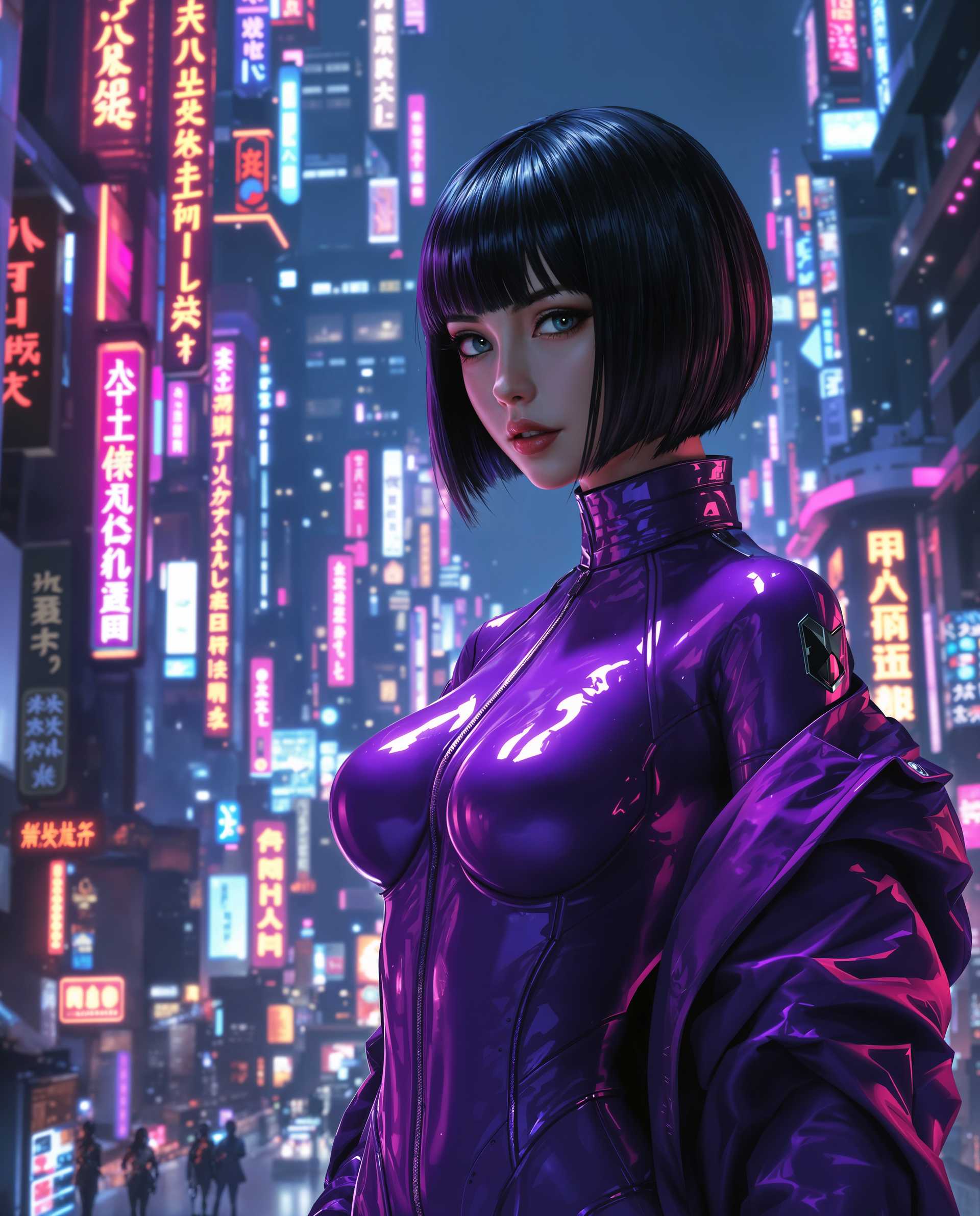
A striking photorealistic digital painting of a female character in a cyberpunk style, standing in a dimly lit, industrial environment of metallic walls and rough concrete floors. She wears a sleek, black bodysuit with white and green accents, a glossy finish reflecting moody, cinematic lighting, paired with thigh-high boots and matching gloves, all with a futuristic sheen. Her face is partially hidden by a black eye cover that covers her eyes, while sparks and embers drift through the air, enhancing the gritty, chaotic atmosphere with dramatic shadows and 8K detail.
AI-generated image
This image appears to be a still from a film or a highquality photograph, capturing a moment of a character in a dynamic outdoor setting. The art style is cinematic, with a focus on realistic lighting and shadow to create a sense of depth and drama.The medium is not immediately clear from the image alone, but it seems to be a digital creation, given the sharpness and clarity of the details. The colors are vibrant and rich, with a predominance of blues and browns, which gives the image a cool and earthy feel. The sky is a clear, bright blue, with a few wispy clouds, suggesting a sunny day.The objects in the image are numerous and contribute to the overall atmosphere of the scene. In the foreground, the character is wearing a dark, textured coat with a high collar, giving off a sense of mystery and readiness. The coats fabric appears to be a knit or woven material, with a tactile quality that is emphasized by the play of light and shadow.The character is also wearing a necklace with what seems to be animal teeth or tusks, which could be a cultural or symbolic accessory. The teeth are a pale, creamy color, contrasting with the dark tones of the coat.Behind the character, there are several spearlike objects, each with a unique design, suggesting a collection of weapons or tools. These objects are metallic, with a reflective quality, and are of varying lengths and shapes, indicating a diverse arsenal.In the background, there is a figure in a red outfit, standing on a raised platform or structure. The figure is partially obscured by the foreground elements, but it is clear that they are dressed in a costume that includes armorlike elements, suggesting they may be a guard or a figure of importance.The overall composition of the image, with its rich colors, detailed textures, and dynamic elements, creates a sense of anticipation and adventure, as if the character is on the brink of action or decision.
AI-generated image
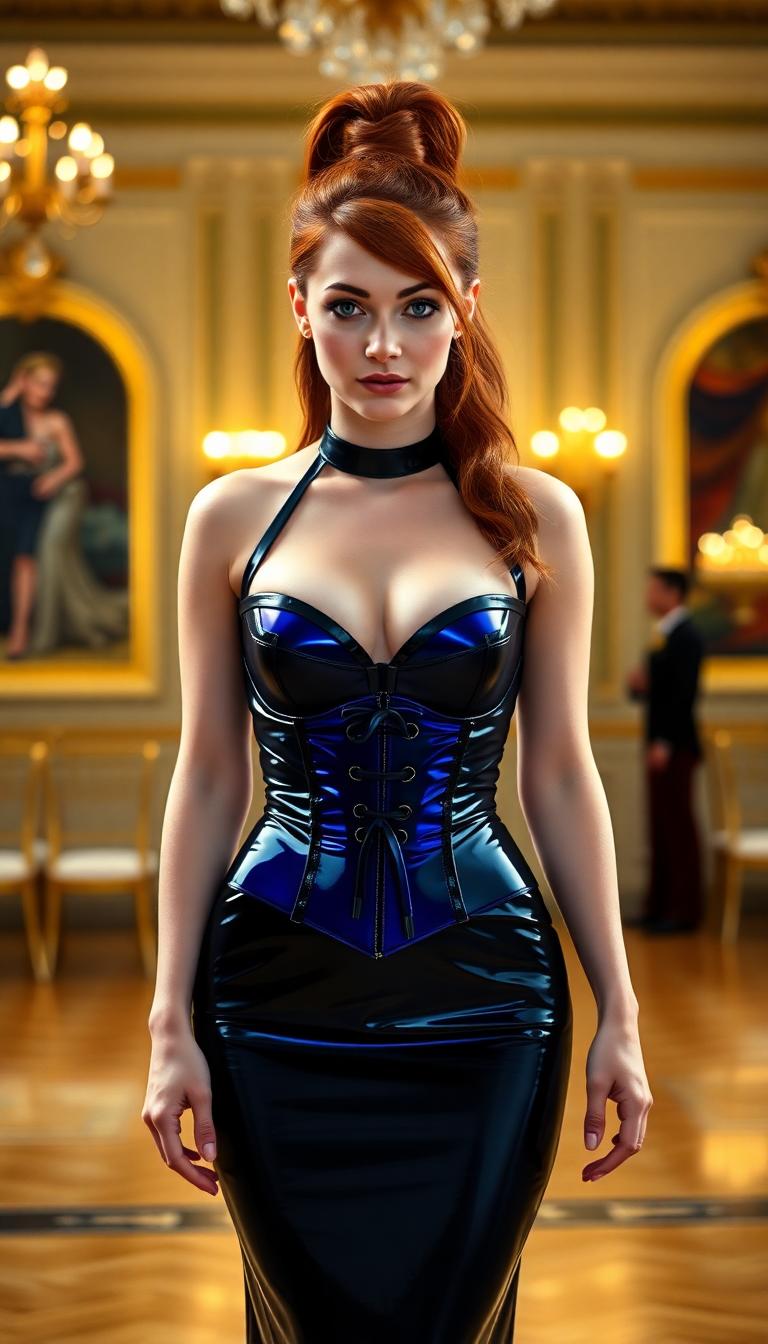
Mid 30s mature woman, long red hair done in elegant waves and ringlets, dressed in a floor length shiny white satin evening gown and corset.  Elbow length white satin opera gloves.

Start Creating Enhanced Images Today

40+ cutting edge AI tools, loved by thousands of creators worldwide, cancel anytime, try it today

The Pixel Dojo Advantage

Why PixelDojo outperforms other options for best AI image enhancer tasks

OthersPixel Dojo
Traditional photo editing softwareYou skip hours of layer tweaking and manual sharpening—AI handles complex enhancements automatically for flawless results in seconds
Generic AI toolsAccess specialized enhancers like Magnific Upscaler that deliver superior detail and creativity, not just basic filters, with seamless integration across 40+ tools
Manual photo editingNo need for pro skills or expensive hires—PixelDojo's AI empowers you to achieve studio-quality enhancements affordably and instantly

Loved by Creators

See what our community says about best ai enhancer

"PixelDojo's Magnific Upscaler turned my old vacation photos from blurry messes into wall-worthy art. Saved me weeks of editing—highly recommend for anyone needing the best AI image enhancer!"

Sarah Jenkins

Freelance Photographer

"As a marketer, Creative Upscaler has been a lifesaver for upscaling product shots to 4K. Professional results every time, faster than anything else I've tried."

Mike Rivera

Digital Marketer

Common Questions

Everything you need to know about best ai enhancer AI generation

What is the best free AI image enhancer online in 2024?

PixelDojo.ai stands out as the best free AI image enhancer with tools like Magnific Upscaler and Creative Upscaler, offering unlimited trials. You get pro-level sharpening, upscaling to 8K, noise removal, and detail restoration without watermarks or sign-ups. Unlike basic apps, it integrates Image to Image for custom styles, delivering outcomes like turning phone pics into print-ready masterpieces—perfect for photographers and creators.

How does AI photo enhancer improve image quality?

PixelDojo's AI photo enhancers analyze your image pixel-by-pixel to add realistic details, reduce blur, boost colors, and upscale resolutions. Using Magnific Upscaler, you achieve natural sharpness on faces and textures; Creative Upscaler adds creative flair. Results? You transform low-res scans into vibrant HD visuals, ideal for e-commerce or social media, with zero quality loss even at 4x enlargements.

Can I use AI image upscaler for free on PixelDojo?

Yes, PixelDojo offers free access to top AI image upscalers like Magnific and Portrait Upscaler. Upload, enhance, and download without costs—upgrade for unlimited generations. You handle everything from old photo restoration to product image sharpening, with live previews ensuring perfect outcomes every time.

What's the difference between Magnific Upscaler and Creative Upscaler?

Magnific Upscaler excels at realistic, detail-preserving enhancements for photos needing sharp clarity, like portraits or landscapes. Creative Upscaler adds imaginative elements, perfect for artistic upscaling with style transfers. Both let you upscale to 4K+, remove noise, and combine with Inpainting for flawless edits—choose based on whether you want photorealistic or stylized results.

How to restore old photos with best AI image enhancer?

Upload to PixelDojo's Edit Images, select Magnific Upscaler or Image Analyzer, and prompt 'restore colors, sharpen details, remove scratches.' AI revives faded images with accurate skin tones, clear backgrounds, and vibrant hues. You get heirloom-quality restorations ready for framing, far surpassing manual tools in speed and precision.

Is PixelDojo's AI image sharpener safe for commercial use?

Absolutely—enhanced images from PixelDojo's sharpeners like Magic Lighting and upscalers are yours to use commercially. No attribution needed, high-res downloads included. Thousands of businesses rely on it for ads, websites, and prints, with consistent quality that boosts engagement and sales.

Ready to create amazing enhanced images?

Ready to Create Amazing best ai enhancer Images?

Join thousands of creators using AI to bring their ideas to life