chatgpt image 2 outpainting AI Generator
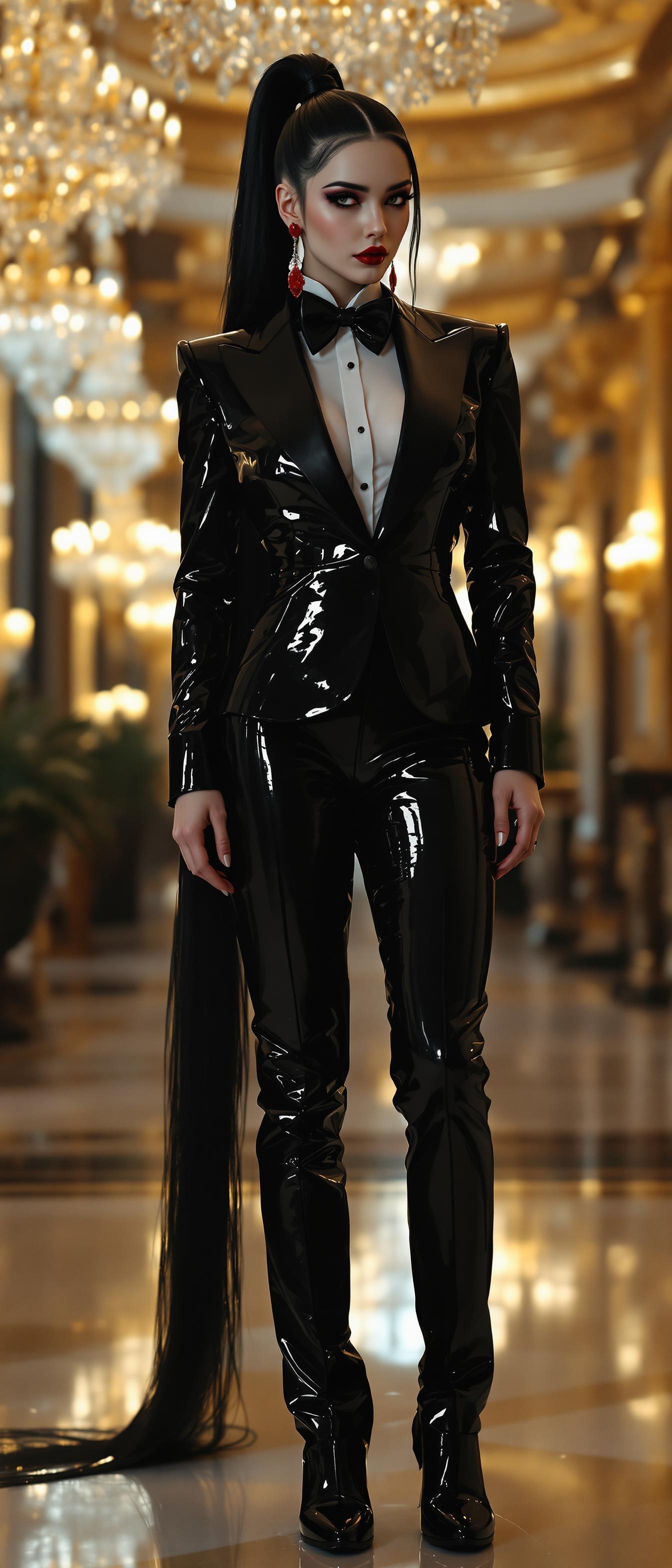
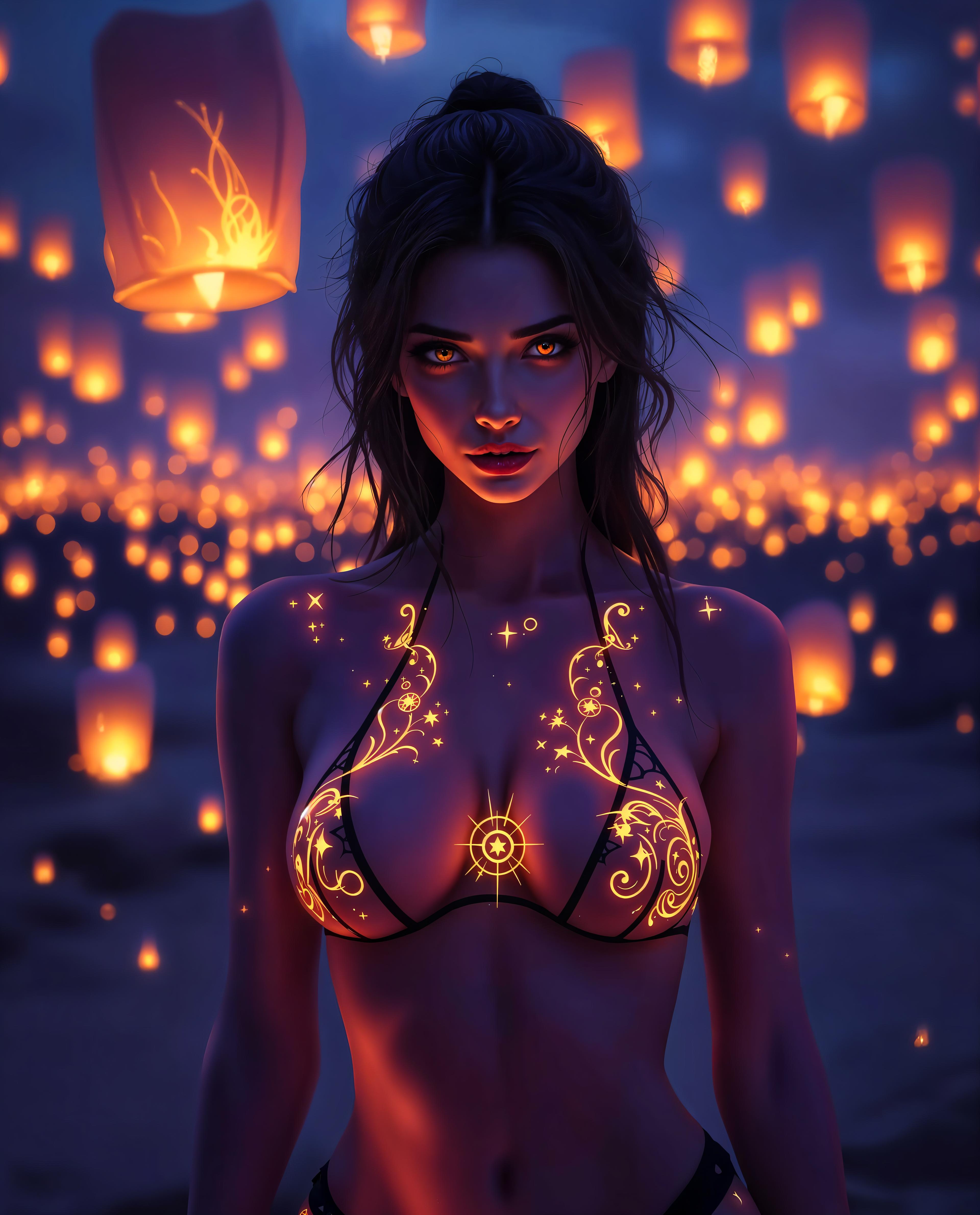
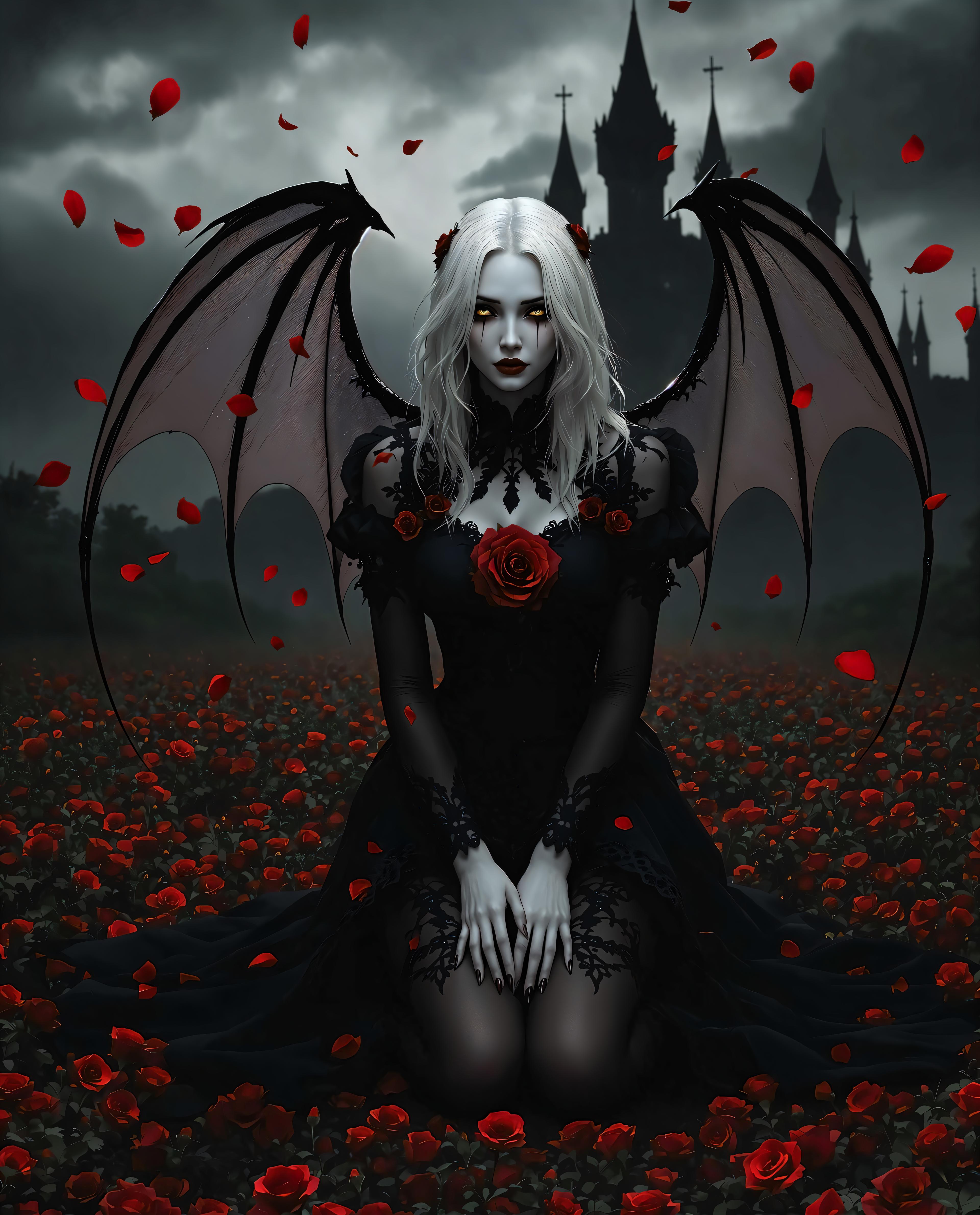
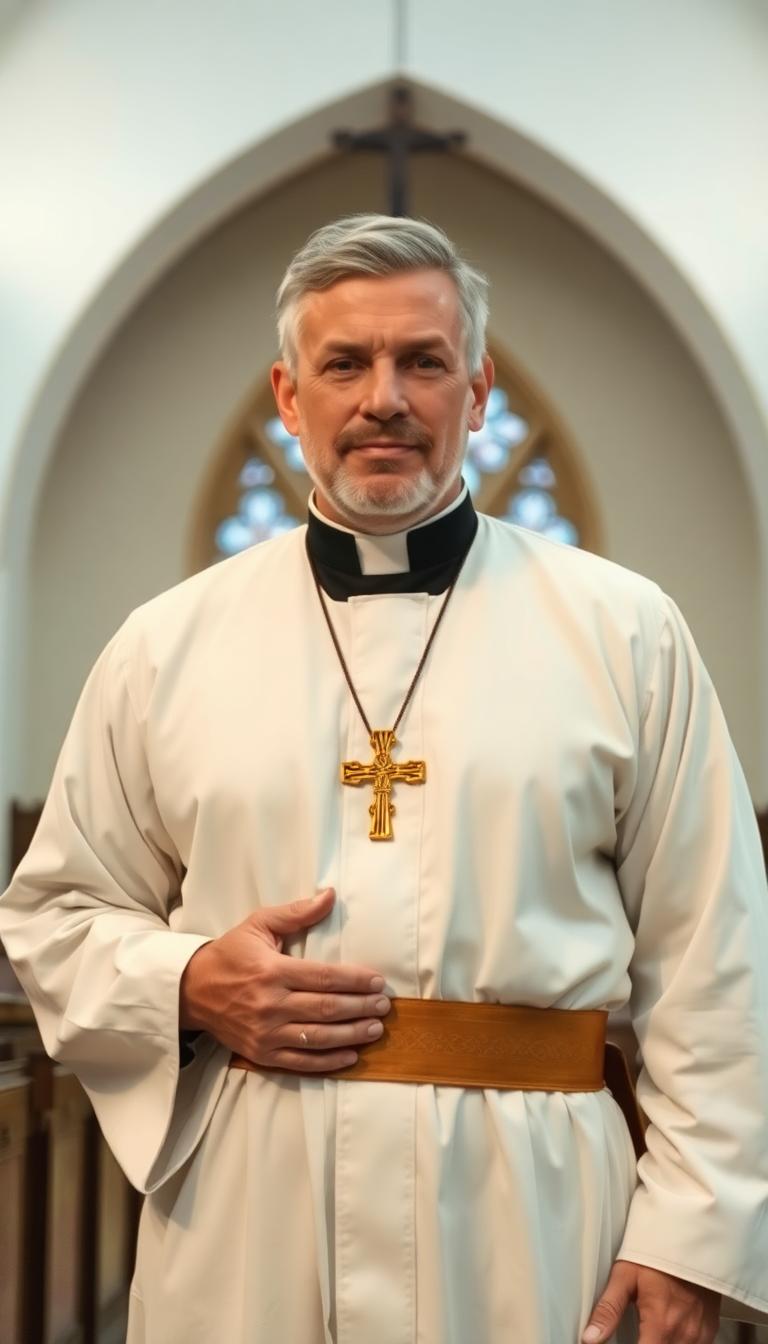
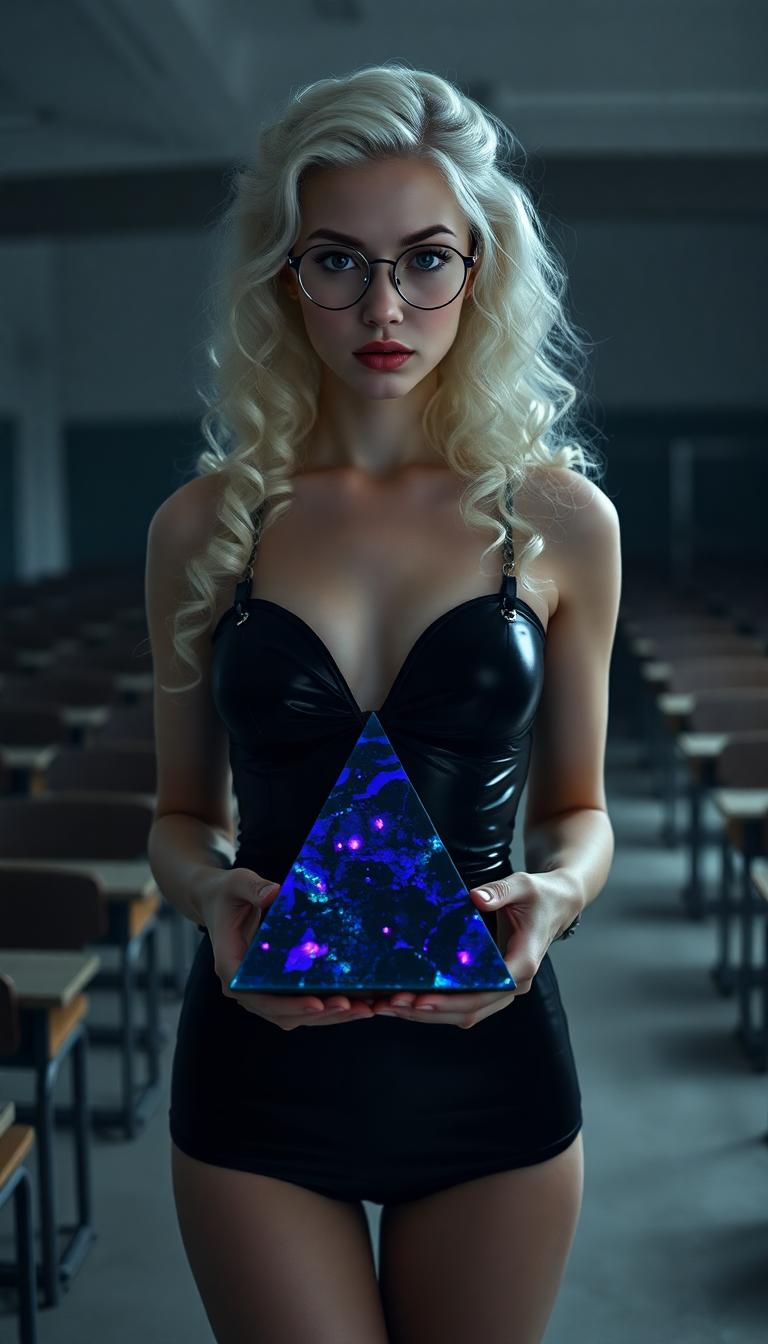
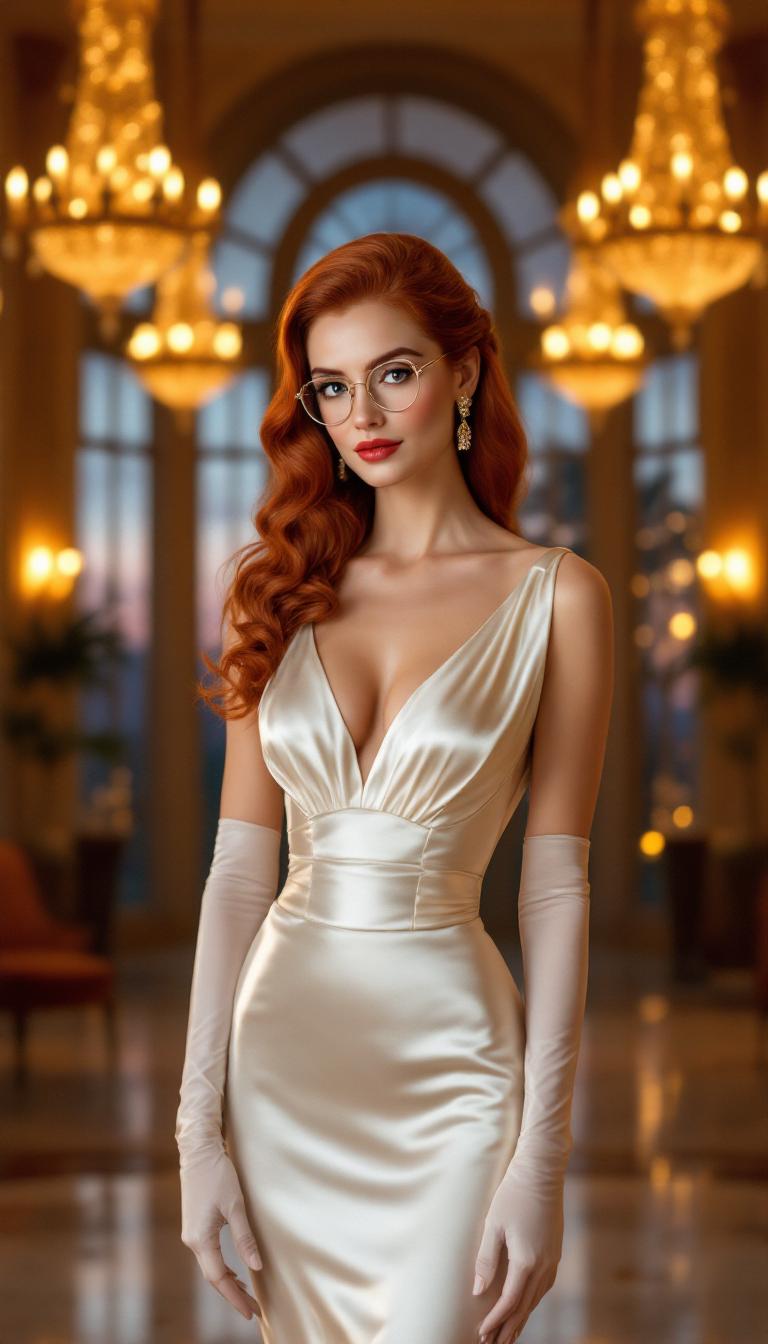
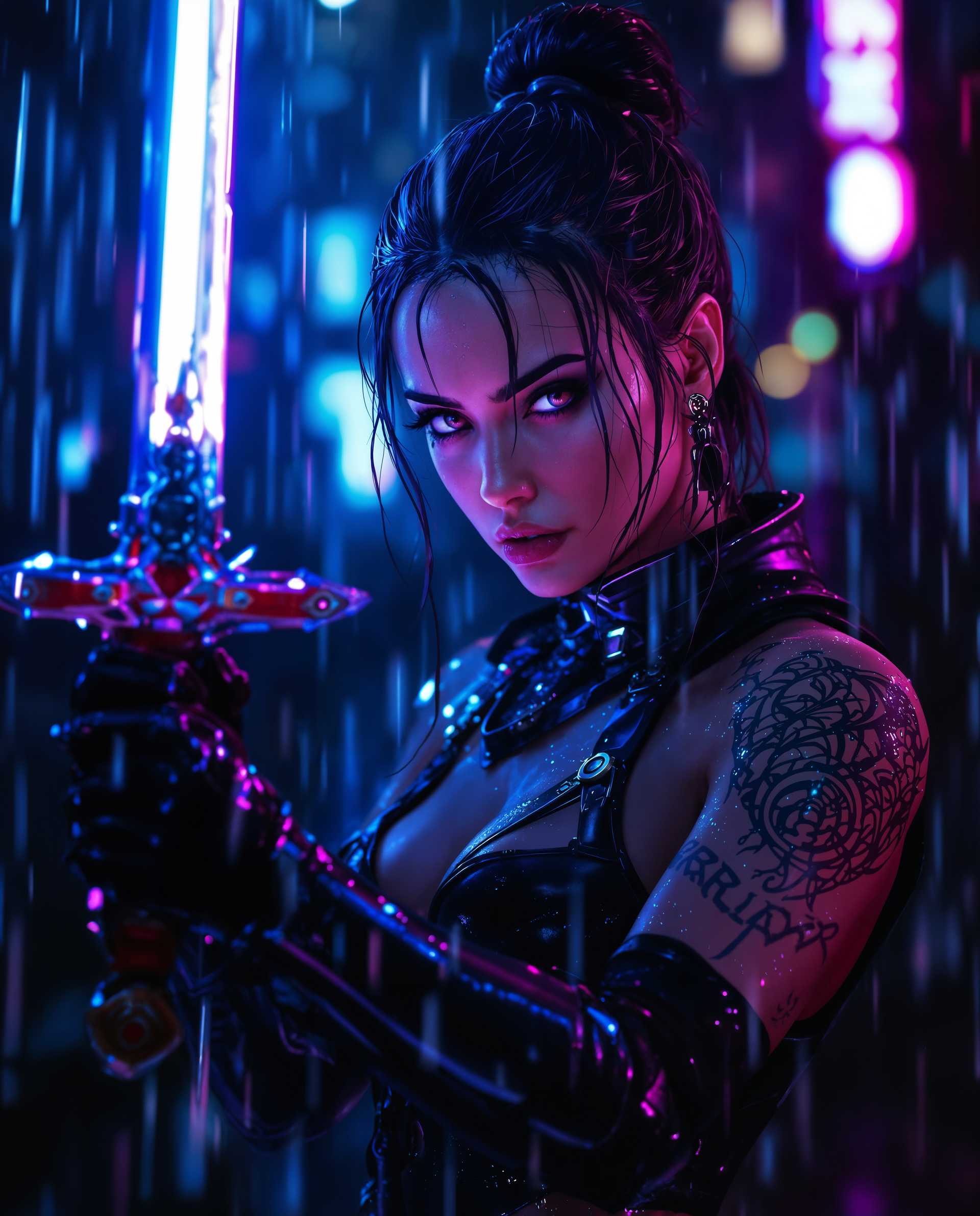
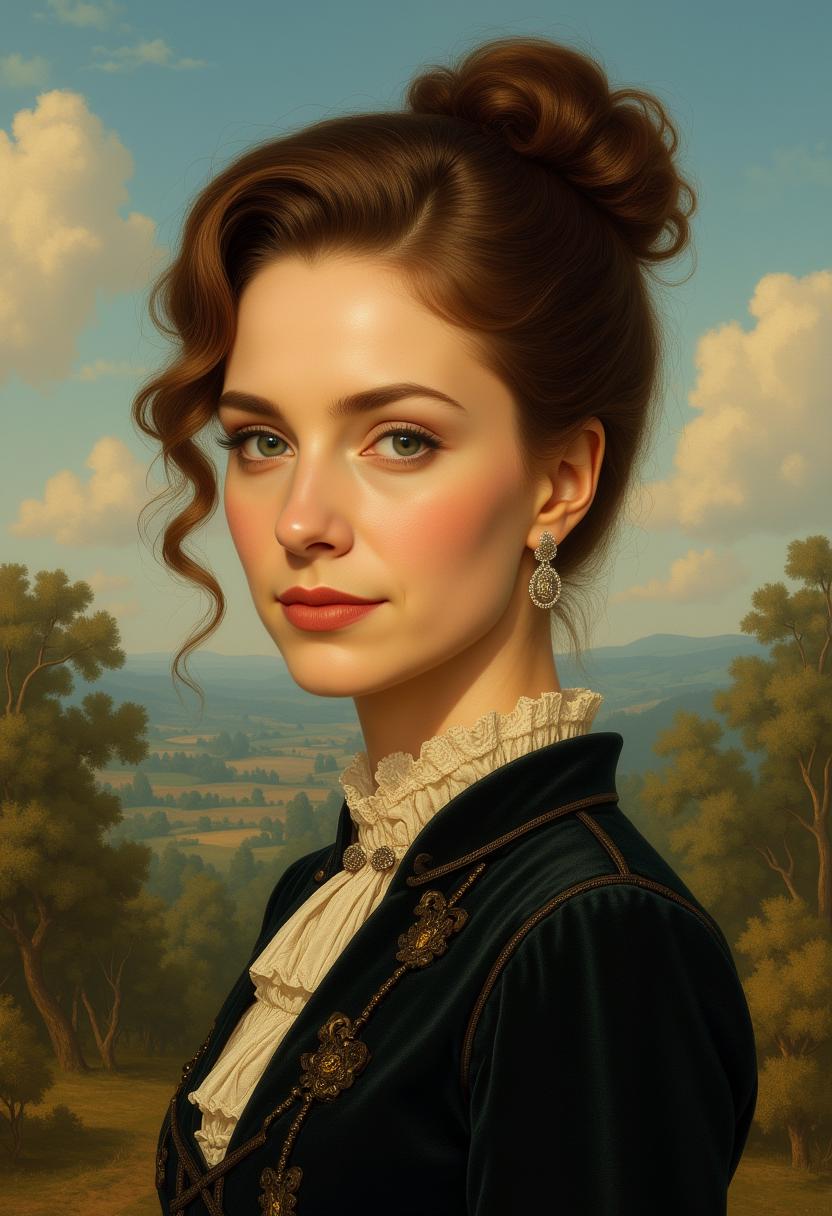
Unlock new creative possibilities by extending your images beyond their original borders with ChatGPT Image 2 Outpainting on PixelDojo. Seamlessly add visual elements that maintain the style and context of your original image, allowing you to tell a bigger story and enhance your visual content effortlessly.
Join over 10,000 creators who have enhanced their visuals using PixelDojo's AI tools, achieving a 98% satisfaction rate.
Why Choose Pixel Dojo for chatgpt image 2 outpainting
Professional-quality results with cutting-edge AI technology
Seamless Image Expansion
Effortlessly extend your images while preserving their original style and context.
Perfect Text Rendering
Achieve near-perfect in-image text accuracy across multiple languages.
Consistent Multi-Image Outputs
Maintain character consistency across multiple images generated from a single prompt.
How It Works
Creating extended images with ChatGPT Image 2 Outpainting on PixelDojo is simple and intuitive. Follow these steps to transform your visuals:
Step 1: Select Your Image
Upload the image you wish to extend on PixelDojo's platform.
Step 2: Define Extension Areas
Specify the areas (left, right, top, bottom) where you want to extend the image.
Step 3: Enter Your Prompt
Provide a detailed description of the content you want to add, ensuring it aligns with the original image's style.
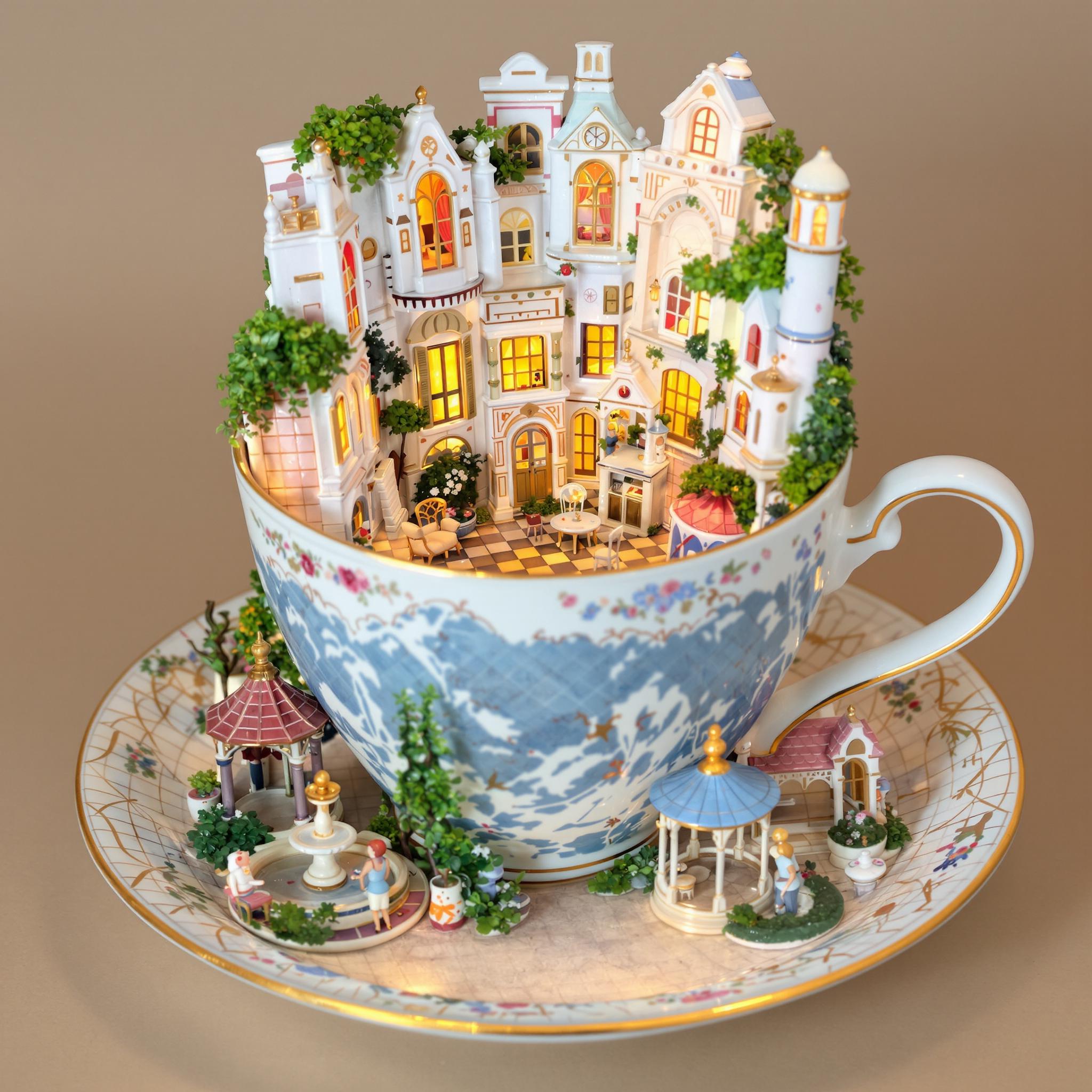
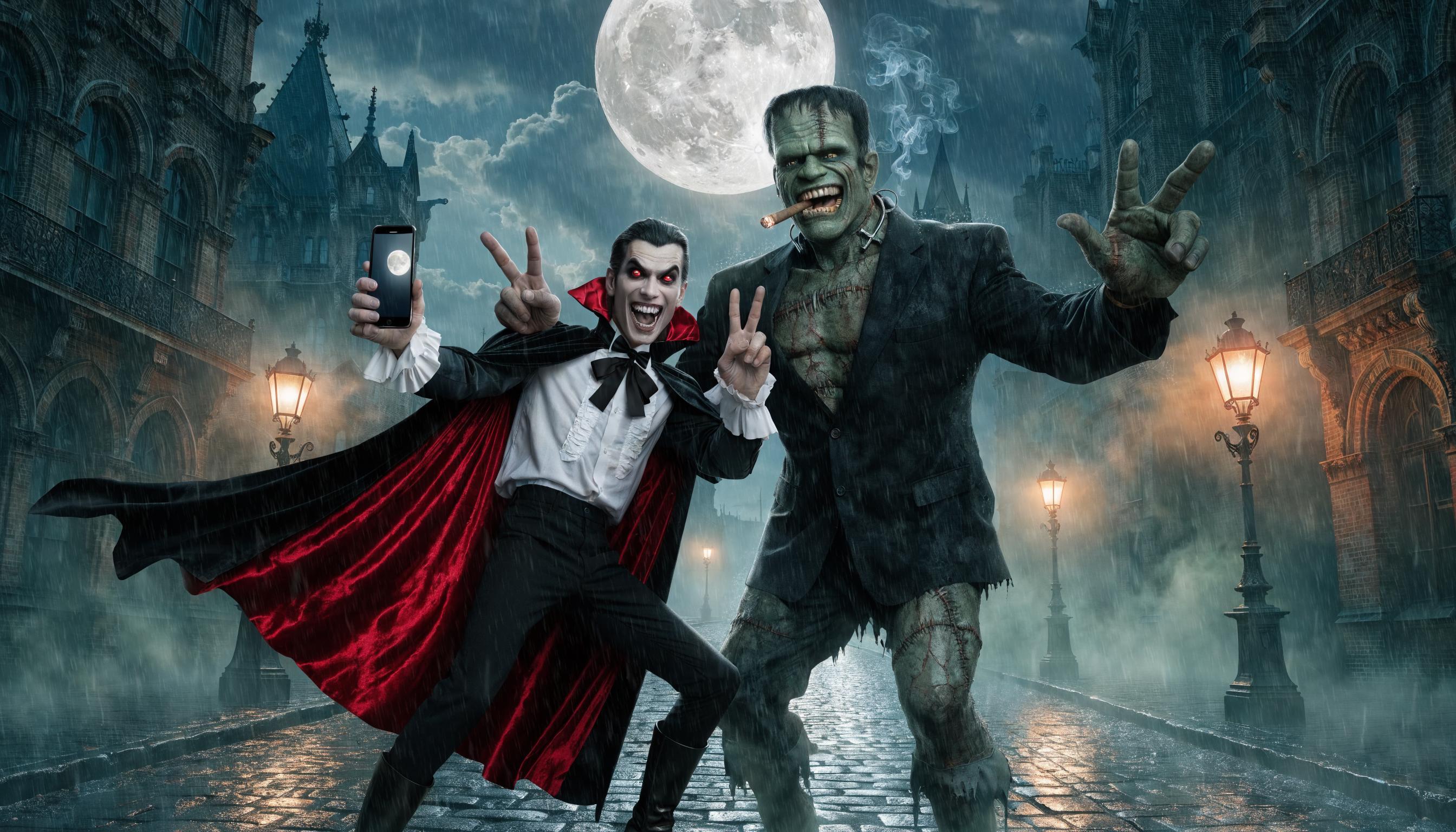
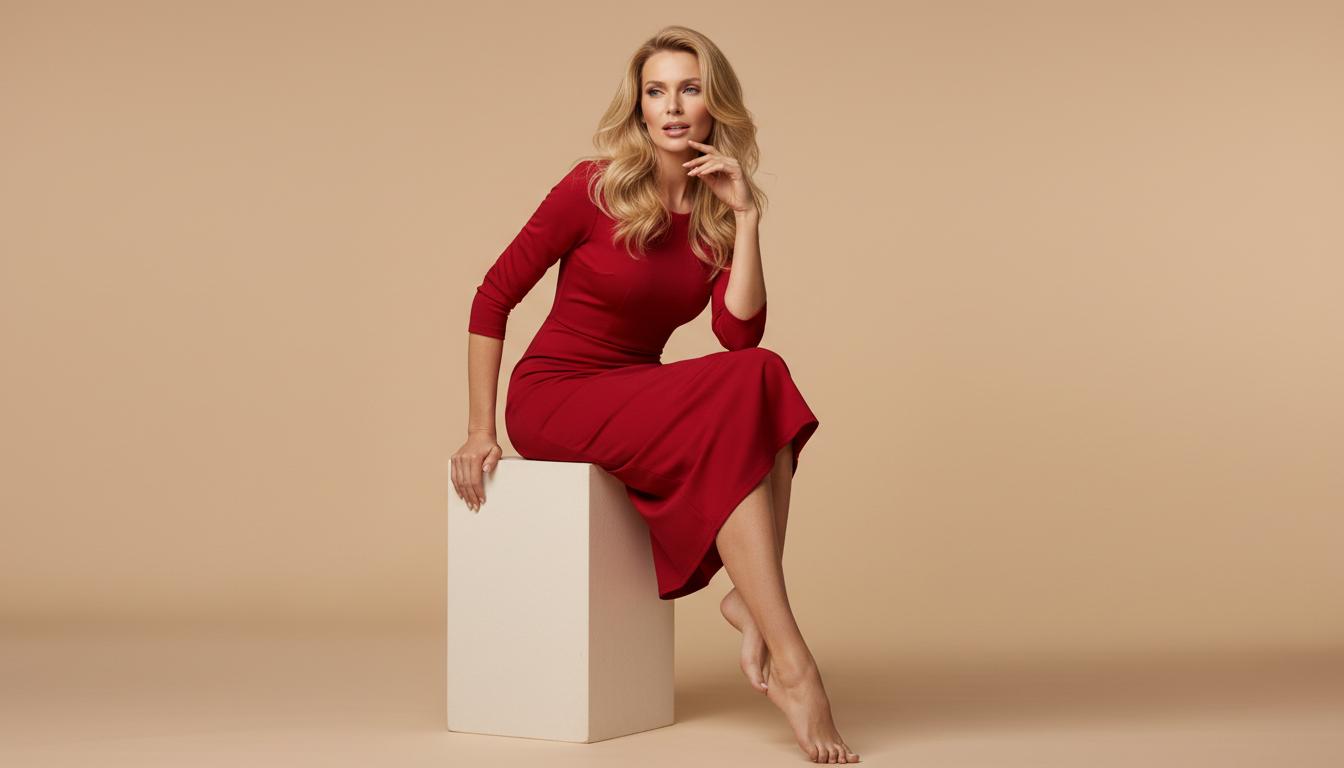
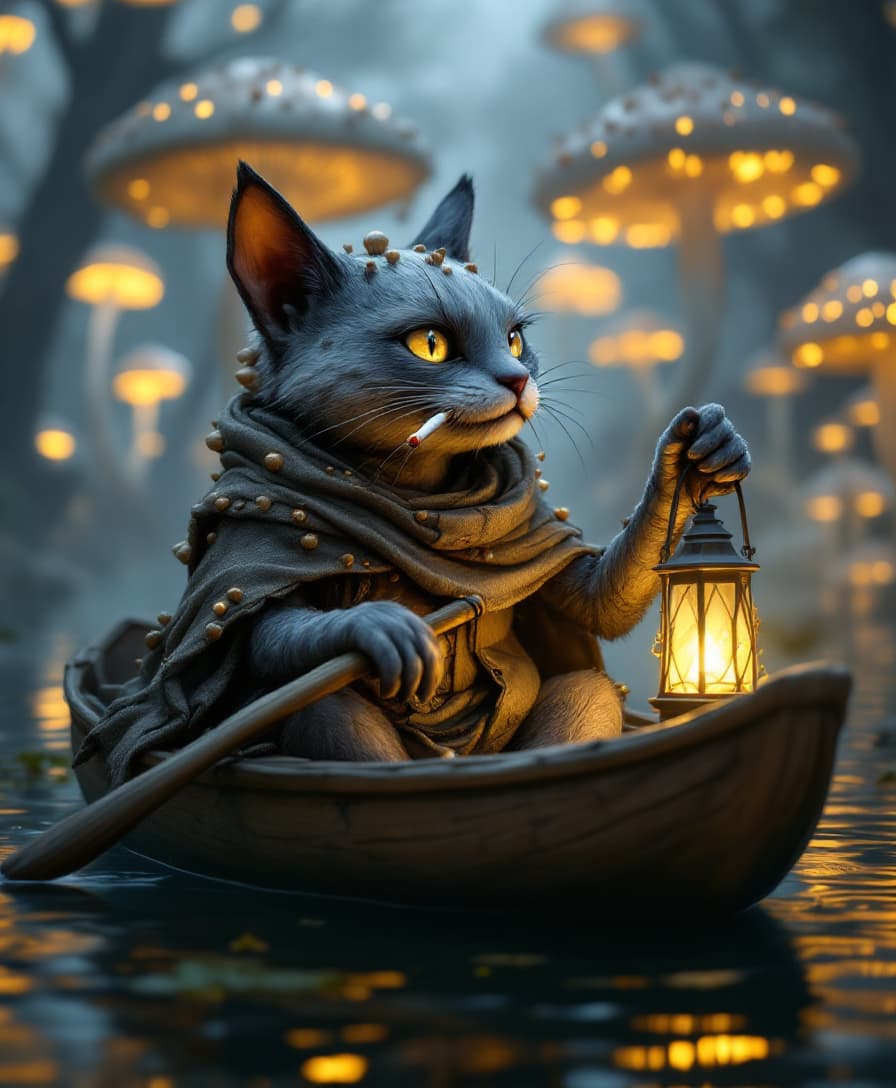
The Pixel Dojo Advantage
Why PixelDojo's ChatGPT Image 2 Outpainting stands out:
| Others | Pixel Dojo |
|---|---|
| Traditional Photo Editing | Automates the extension process, saving time and effort compared to manual editing. |
| Generic AI Tools | Offers advanced reasoning capabilities for complex, knowledge-grounded visual work. |
| Manual Inpainting Techniques | Provides seamless integration of new content without the need for detailed manual adjustments. |
Loved by Creators
See what our community says about chatgpt image 2 outpainting
"PixelDojo's outpainting feature transformed my design workflow, allowing me to create expansive visuals effortlessly."
Alex Johnson
Graphic Designer
"The seamless integration of new content with my original images is unparalleled. Highly recommend PixelDojo!"
Maria Lopez
Digital Artist
Common Questions
Everything you need to know about chatgpt image 2 outpainting AI generation
What is ChatGPT Image 2 Outpainting?
ChatGPT Image 2 Outpainting is an AI-driven feature that allows you to extend images beyond their original borders, adding new content that seamlessly matches the existing style and context.
How does PixelDojo ensure the extended content matches my original image?
PixelDojo's advanced AI analyzes your image's existing visual elements, including shadows, reflections, and textures, to generate new content that maintains the context and style of the original image.
Can I use outpainting for images with text?
Yes, ChatGPT Image 2 excels at near-perfect in-image text rendering, ensuring that any text in the extended areas is accurate and consistent with the original image.
Is there a limit to how much I can extend my image?
While there are no strict limits, it's recommended to extend images within reasonable proportions to maintain visual coherence and quality.
Do I need any prior experience to use PixelDojo's outpainting feature?
No prior experience is necessary. PixelDojo's intuitive interface guides you through the process, making it accessible for users of all skill levels.
Can I edit the extended areas after generation?
Yes, PixelDojo allows you to refine and edit the extended areas to ensure they meet your specific requirements.