Dynamic camera motion AI Generator
Elevate your visual storytelling by adding dynamic camera movements to your images. With PixelDojo's advanced AI tools, you can transform static visuals into engaging, cinematic experiences that captivate your audience.
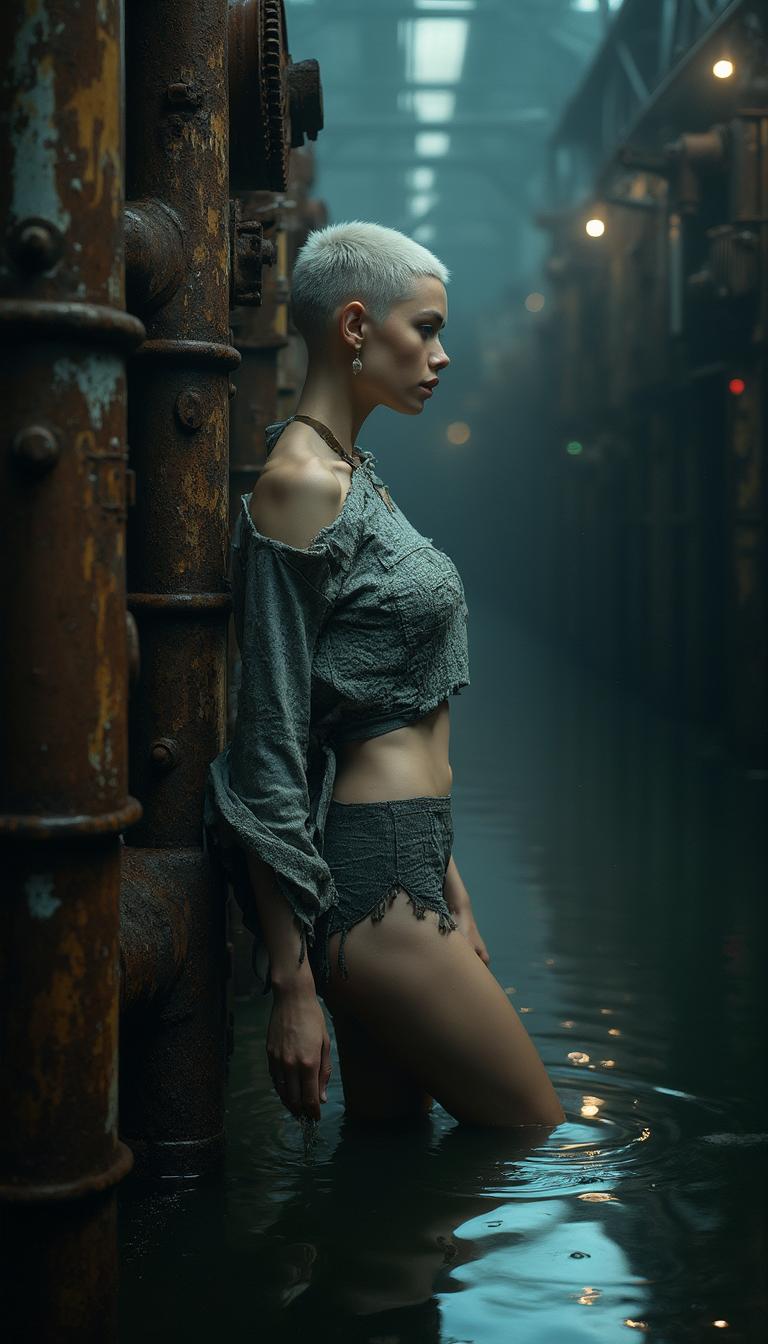
Join thousands of creators who have enhanced their visuals using PixelDojo's AI-driven dynamic camera motion tools.
Why Choose Pixel Dojo for Dynamic camera motion
Professional-quality results with cutting-edge AI technology
Achieve Cinematic Quality
Utilize advanced camera movements like zooms, pans, and rotations to add depth and professionalism to your visuals.
Enhance Viewer Engagement
Dynamic camera techniques capture attention, making your content more engaging and memorable.
Simplify Production
Create professional-grade visuals without the need for complex equipment or extensive post-production work.
How It Works
Creating dynamic camera motion with PixelDojo is straightforward. Follow these steps to bring your images to life:
Step 1: Choose Your Tool
Select the 'Kling v2.5 Turbo Pro' tool from PixelDojo's suite to begin adding dynamic camera movements to your images.
Step 2: Upload Your Image
Upload the static image you wish to animate. Ensure the image is of high quality for the best results.
Step 3: Define Camera Movements
Use intuitive controls to specify desired camera movements such as pans, tilts, or zooms. Preview the effects in real-time.

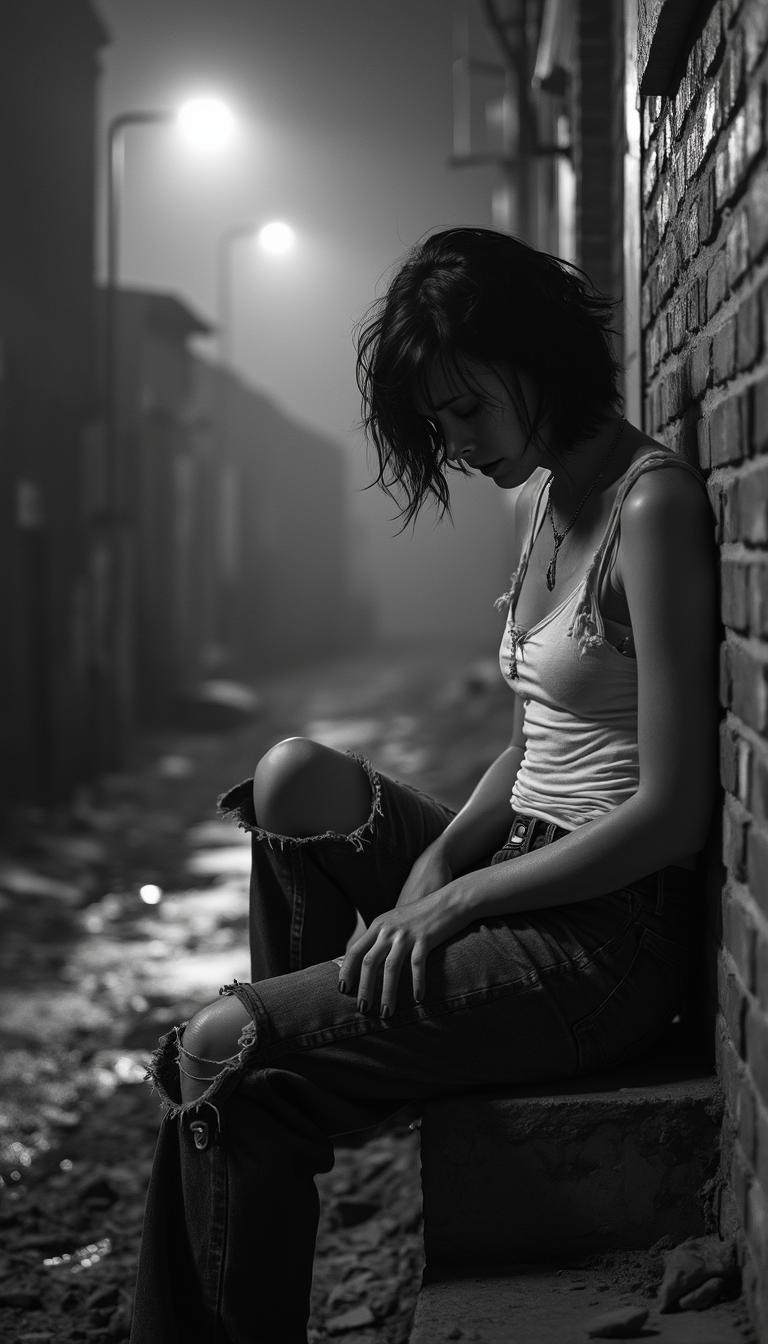

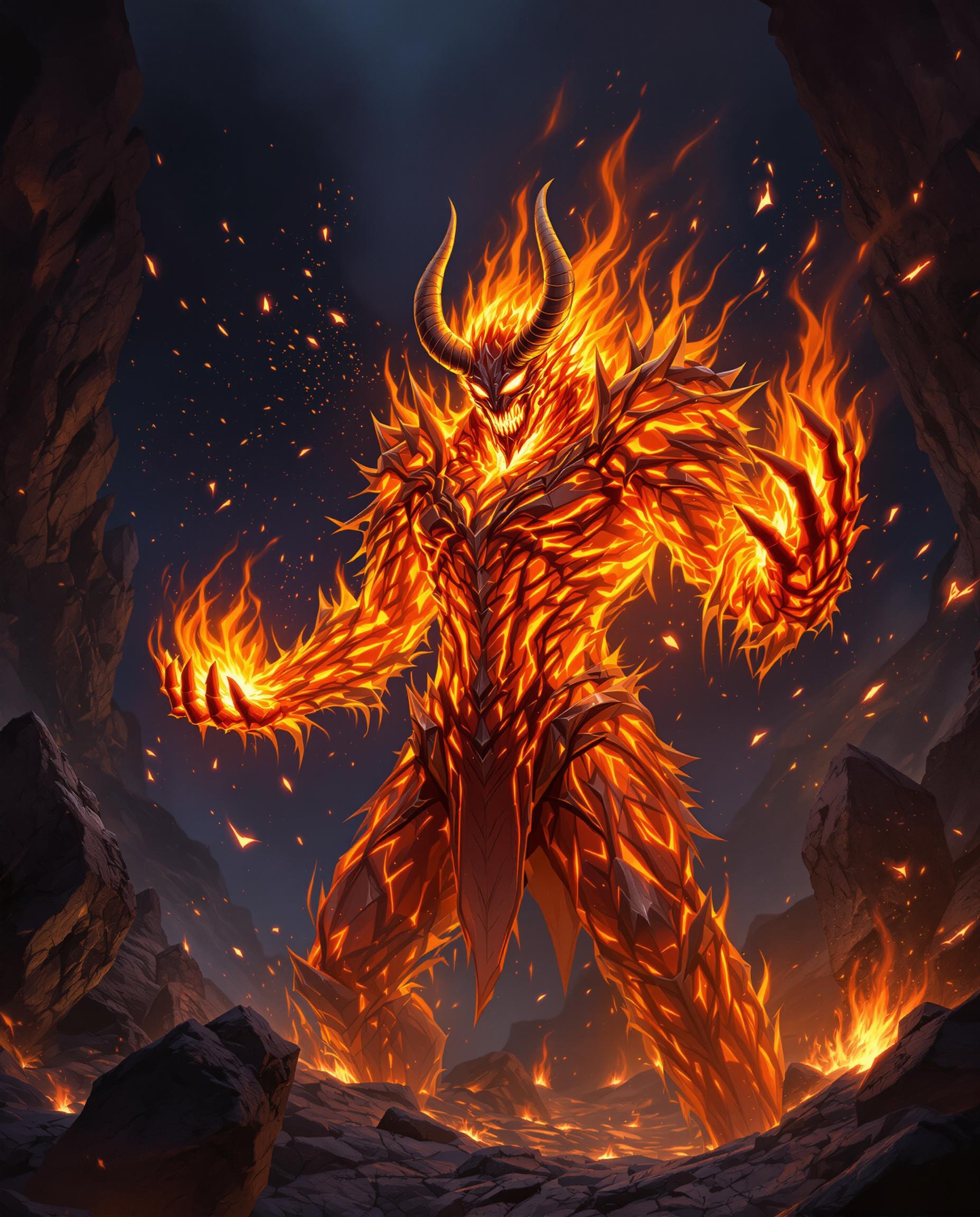
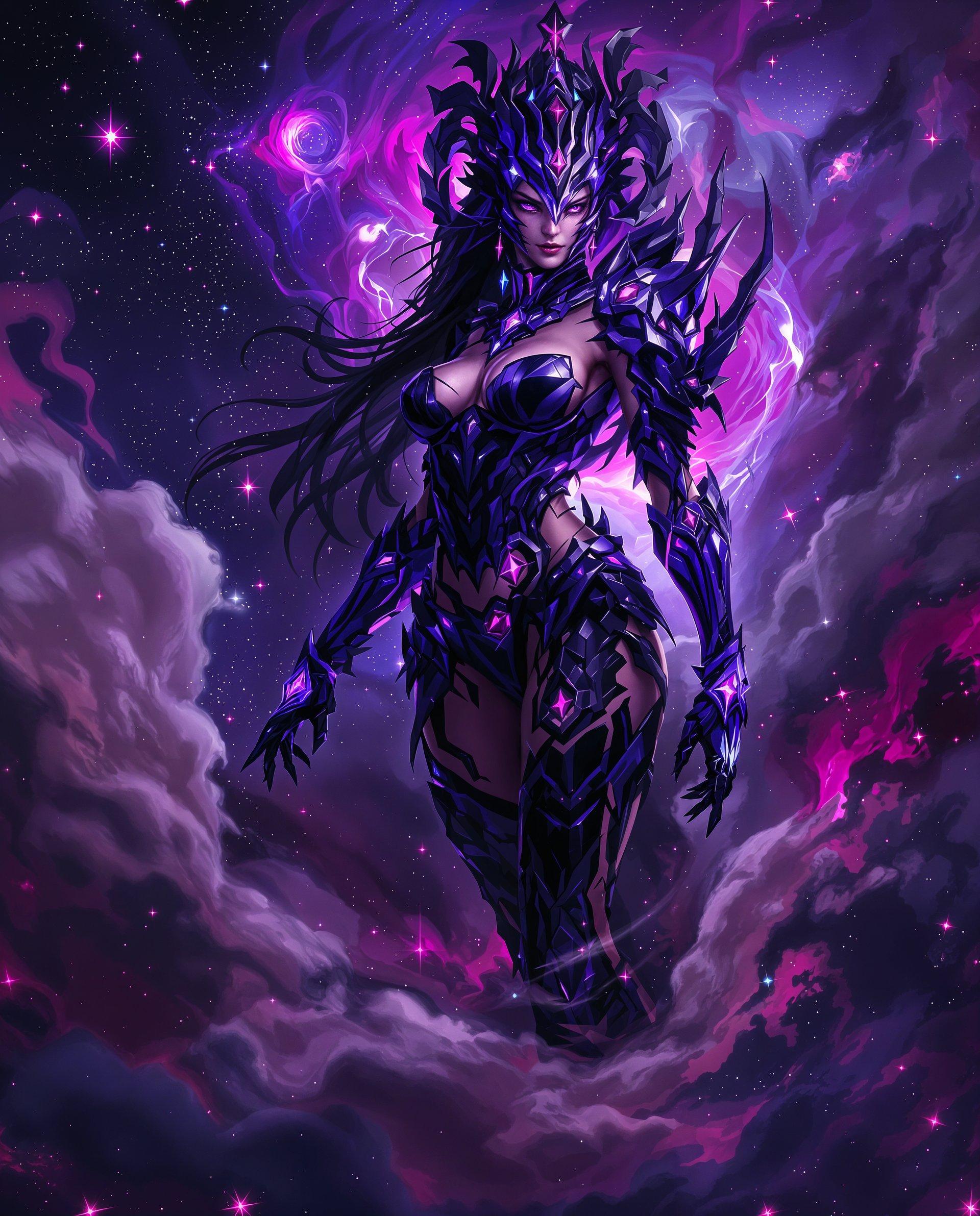



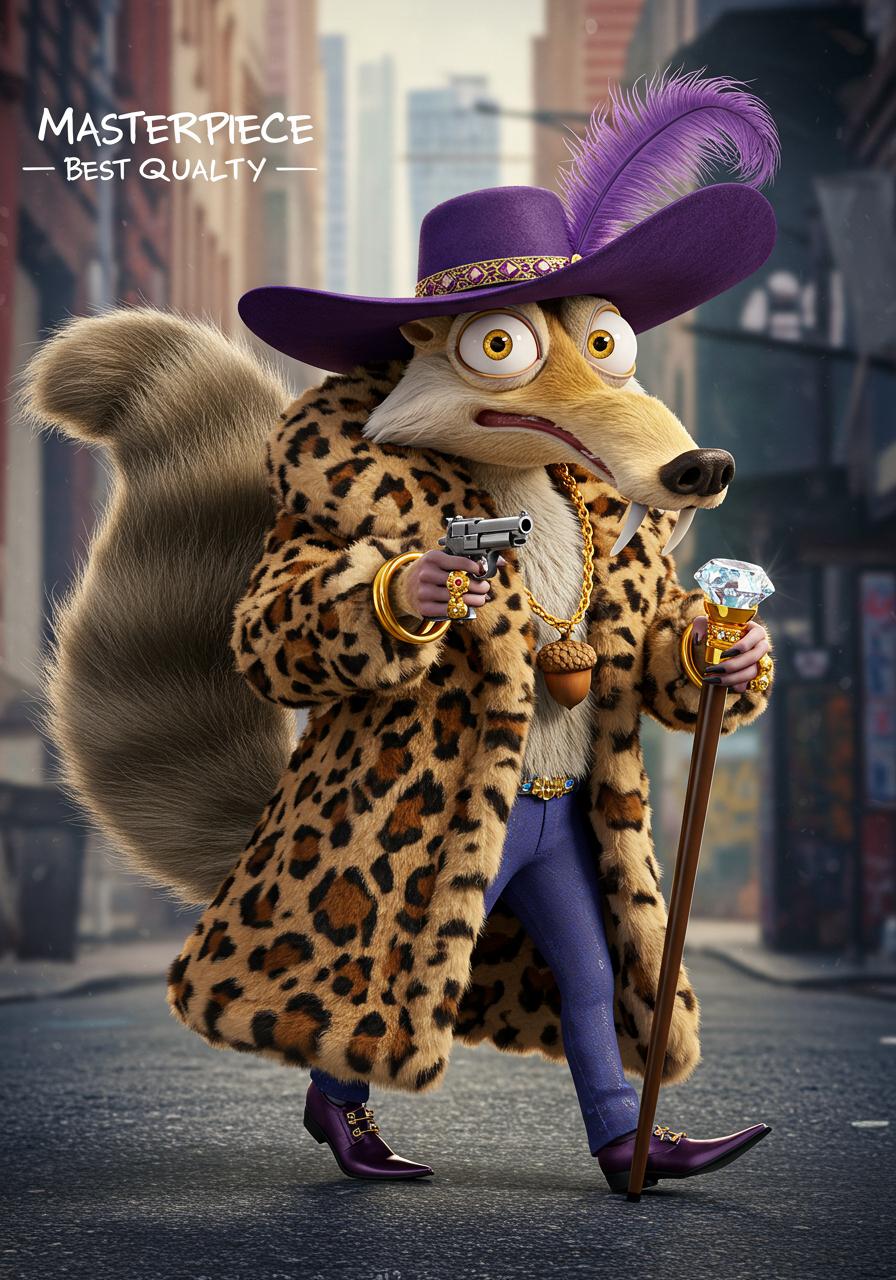


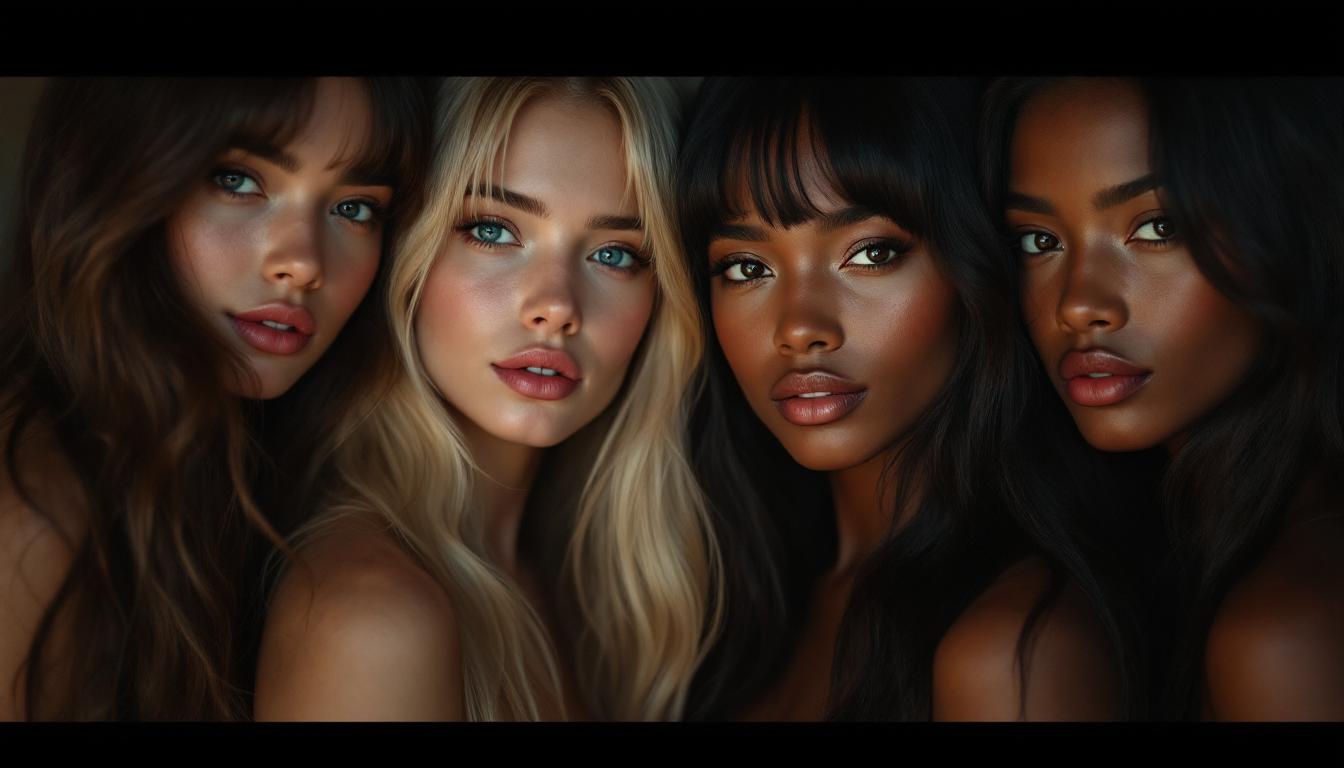
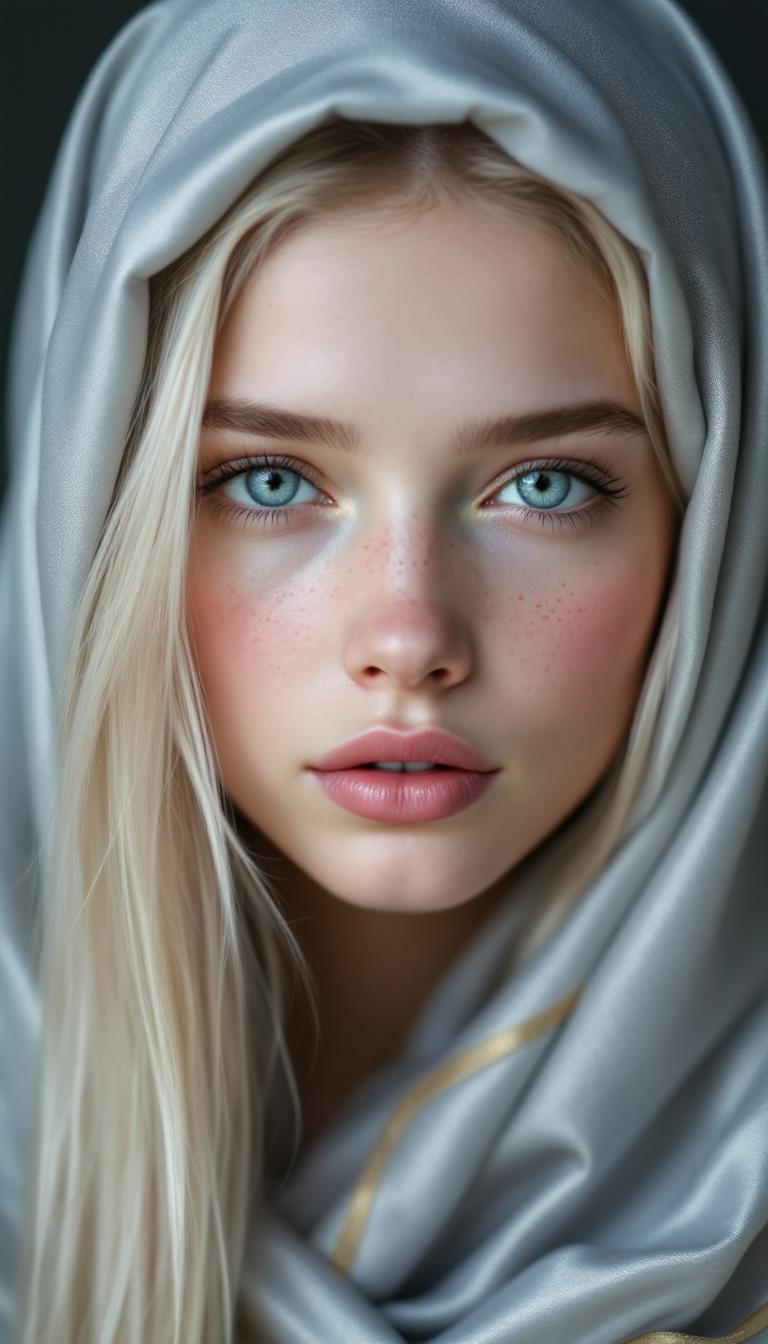
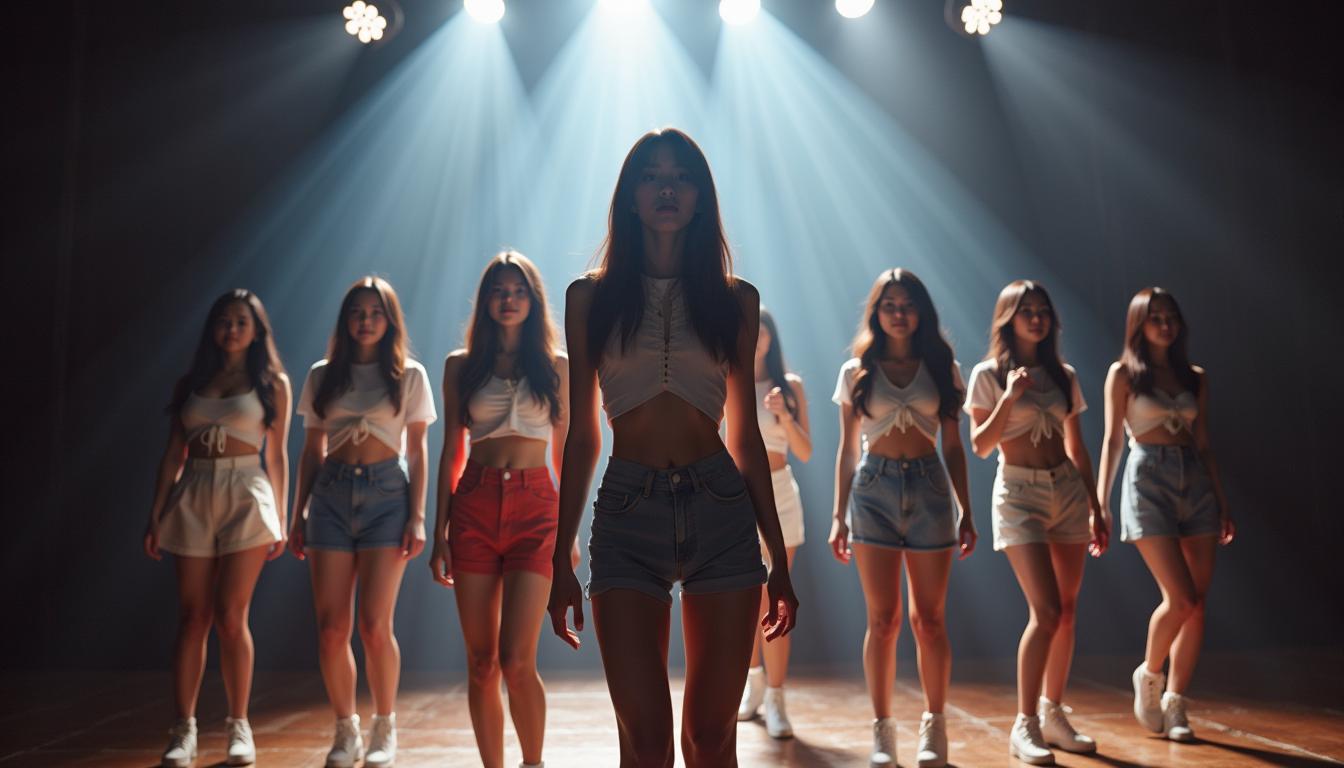

The Pixel Dojo Advantage
Why PixelDojo outperforms other options for dynamic camera motion image generation:
| Others | Pixel Dojo |
|---|---|
| Traditional Animation Techniques | Eliminate the need for complex equipment and extensive post-production work. |
| Generic AI Tools | Access specialized tools designed specifically for dynamic camera motion, ensuring higher quality results. |
| Manual Editing | Save time and effort with automated processes that deliver consistent and professional outcomes. |
Loved by Creators
See what our community says about Dynamic camera motion
"PixelDojo transformed my static images into dynamic masterpieces. The ease of use and quality are unparalleled."
Alex Johnson
Digital Artist
"Adding dynamic camera movements has never been easier. PixelDojo's tools are a game-changer for content creators."
Maria Lopez
Content Creator
Common Questions
Everything you need to know about Dynamic camera motion AI generation
How can I add dynamic camera motion to my images using PixelDojo?
By using PixelDojo's 'Kling v2.5 Turbo Pro' tool, you can upload your static images and apply various camera movements such as pans, tilts, and zooms to create dynamic visuals.
Do I need prior animation experience to use PixelDojo's dynamic camera motion tools?
No, PixelDojo's tools are designed to be user-friendly, allowing creators of all skill levels to add dynamic camera movements to their images effortlessly.
Can I preview the camera movements before finalizing the animation?
Yes, PixelDojo provides real-time previews of the applied camera movements, enabling you to adjust settings to achieve the desired effect before generating the final animation.
What file formats are supported for uploading images?
PixelDojo supports common image formats such as JPEG, PNG, and BMP for uploading and animating your images.
Is there a limit to the number of images I can animate?
PixelDojo offers various subscription plans to suit different needs, with higher-tier plans providing greater allowances for image animations.
Can I use the animated images for commercial purposes?
Yes, animations created with PixelDojo can be used for commercial purposes, subject to the terms of service outlined in your subscription plan.