Enhanced image following Wan AI Generator
Imagine generating AI images that flawlessly capture every detail of your reference photo or prompt – no more frustrating mismatches or endless tweaks. With PixelDojo's Enhanced Image Following WAN, you effortlessly create hyper-precise visuals that match your exact vision, whether for character designs, product mockups, or artistic concepts. Achieve professional-grade results in seconds, empowering you to bring ideas to life faster than ever, without advanced skills or expensive software.
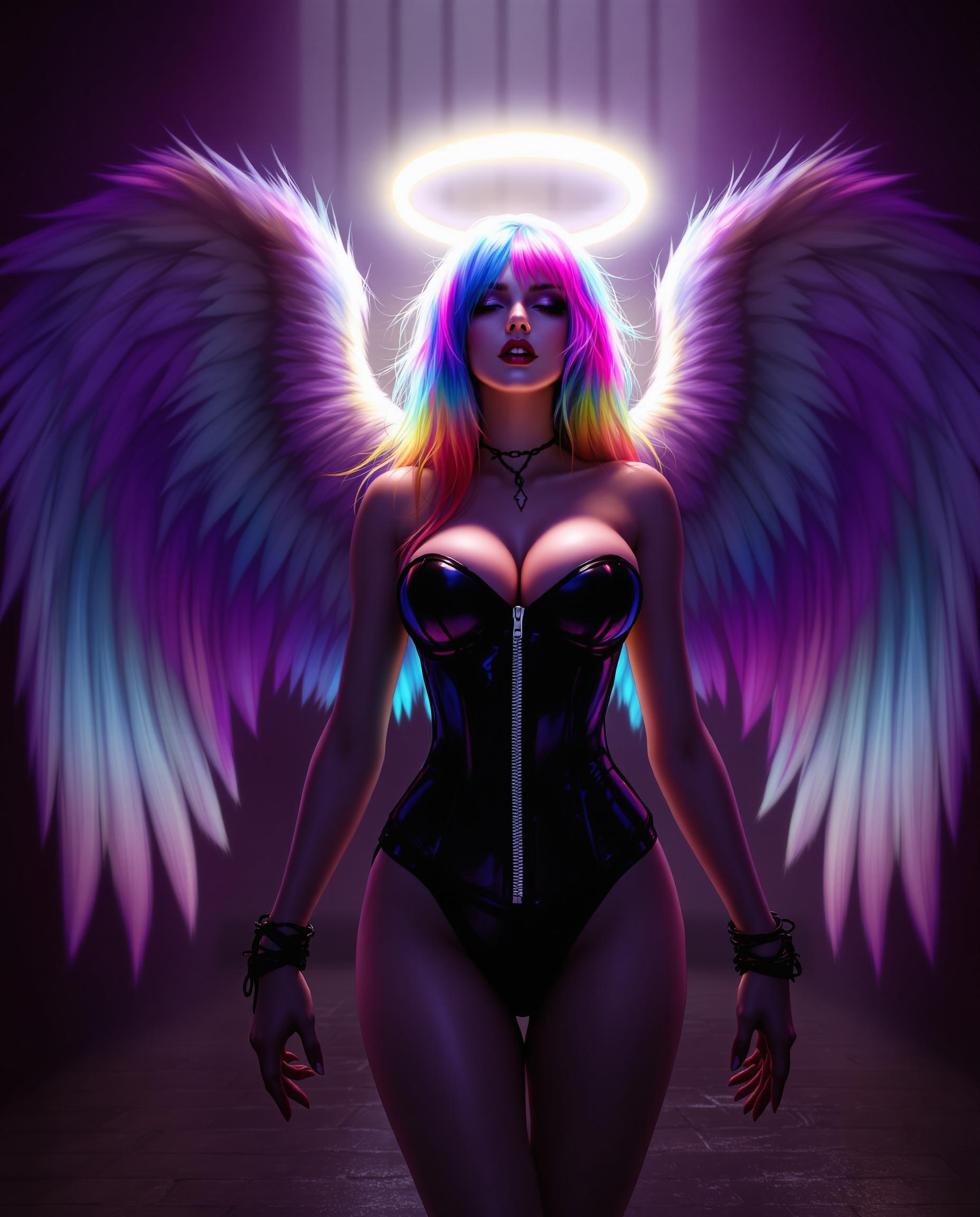
Trusted by 50,000+ creators | 4.9/5 stars from 12,000+ reviews | 1M+ enhanced WAN images generated last month | Featured in top design communities
Why Choose Pixel Dojo for Enhanced image following Wan
Professional-quality results with cutting-edge AI technology
Flawless Reference Matching
Transform any reference image into stunning variations that retain every pose, lighting, and detail, letting you iterate designs with pixel-perfect accuracy and save hours on revisions.
Unmatched Prompt Adherence
Watch your descriptions come alive exactly as imagined – WAN's enhanced following ensures intricate details like textures, expressions, and compositions are captured perfectly every time.
Seamless Consistency Across Series
Maintain identical characters, styles, and scenes across multiple images, ideal for comics, marketing campaigns, or storytelling, building cohesive projects effortlessly.
How It Works
Creating enhanced image following WAN visuals on PixelDojo is simple and intuitive – just a few clicks to turn your ideas into precise masterpieces using top WAN tools.
Step 1: Choose Your WAN Tool
Head to the Create Images section and select WAN 2.6 Image or WAN Image for superior reference and prompt following. Upload your reference photo or start with a blank canvas.
Step 2: Enter Your Prompt & Reference
Describe your desired changes in natural language, like 'enhance lighting while keeping exact pose and facial features.' Adjust strength sliders for how closely it follows the original.
Step 3: Customize & Download
Fine-tune with PixelDojo editing tools like Image to Image or Magnific Upscaler for even more control. Generate, preview variations, and download high-res results instantly.
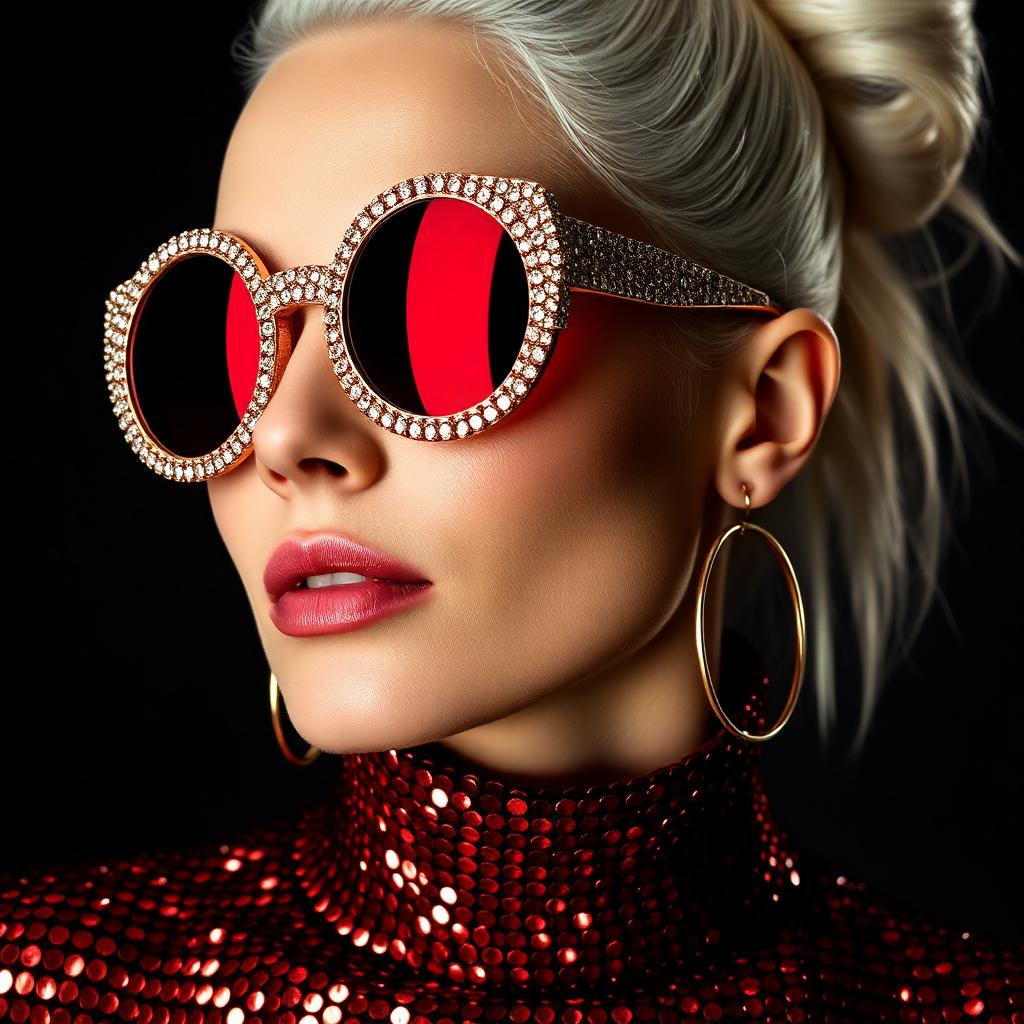
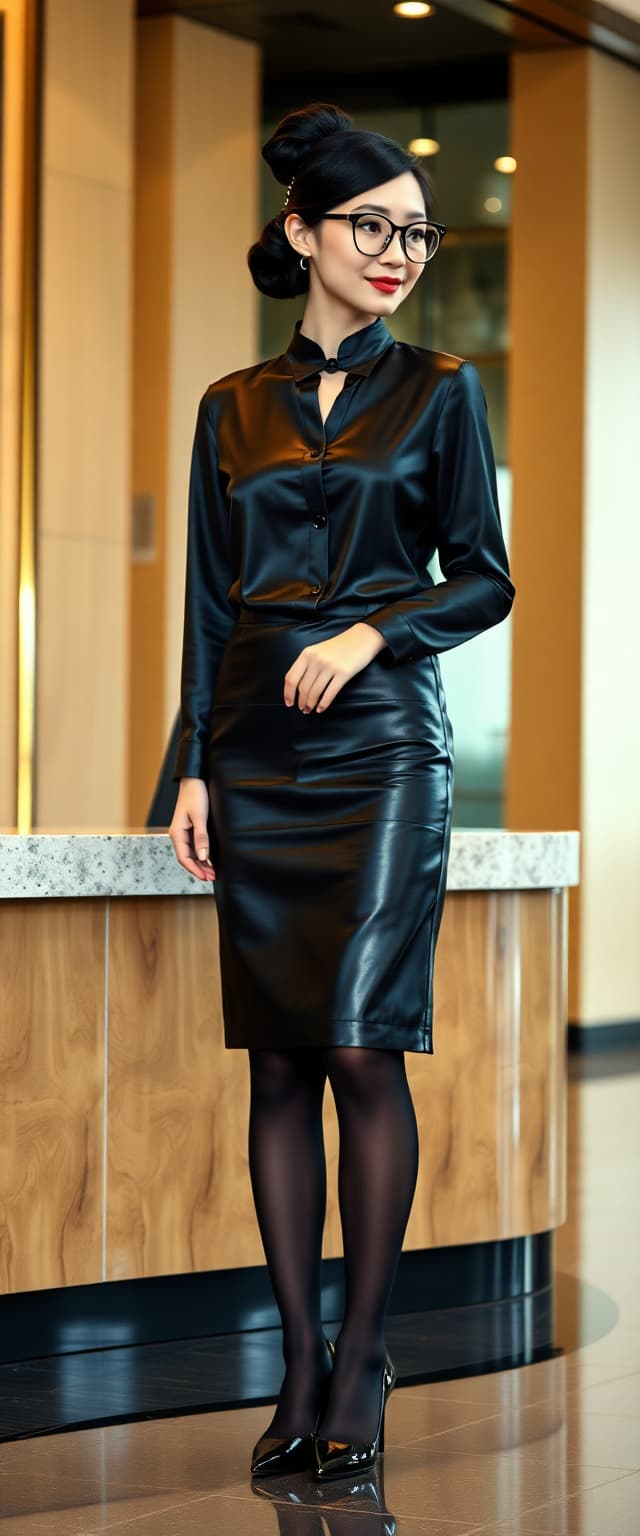
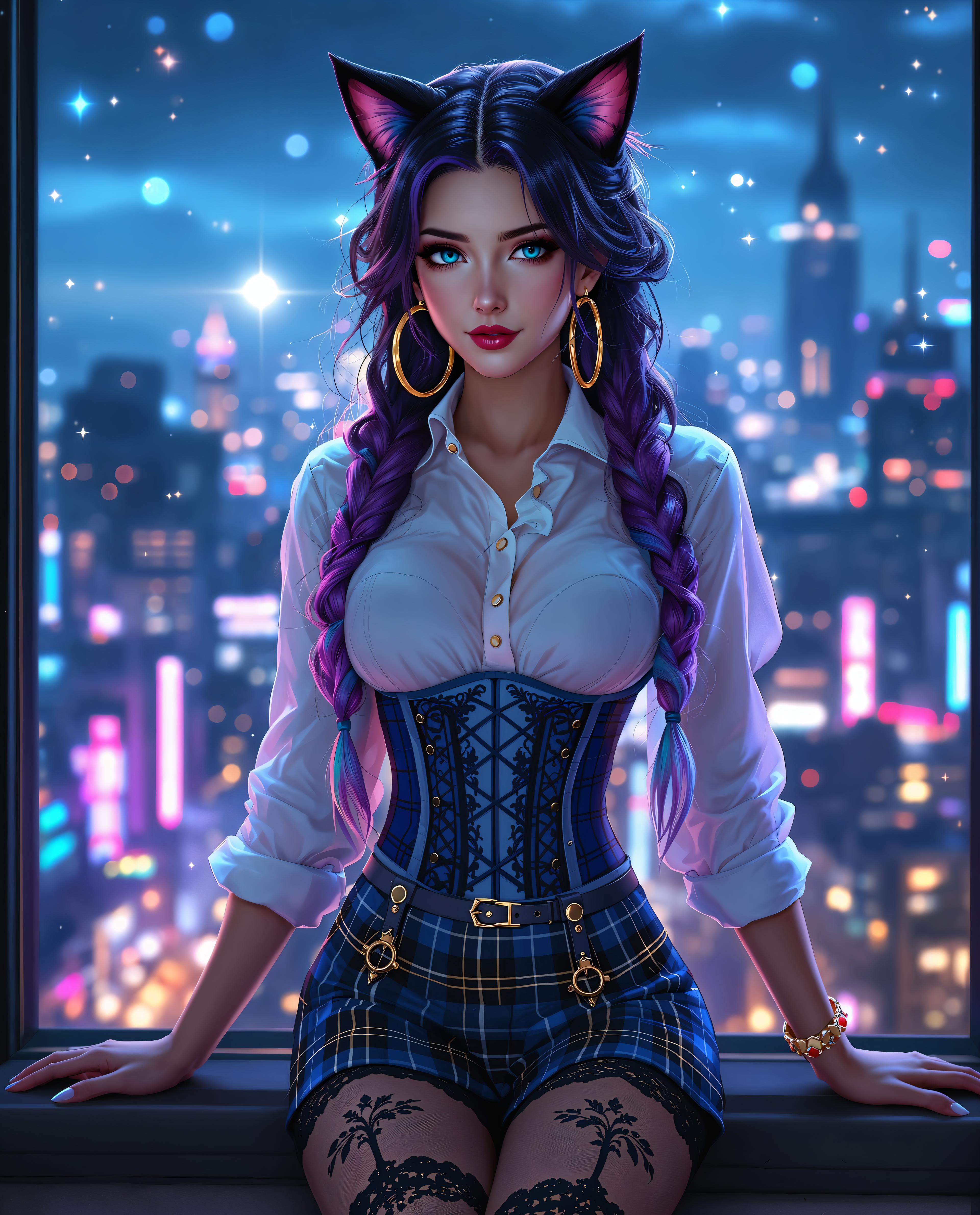
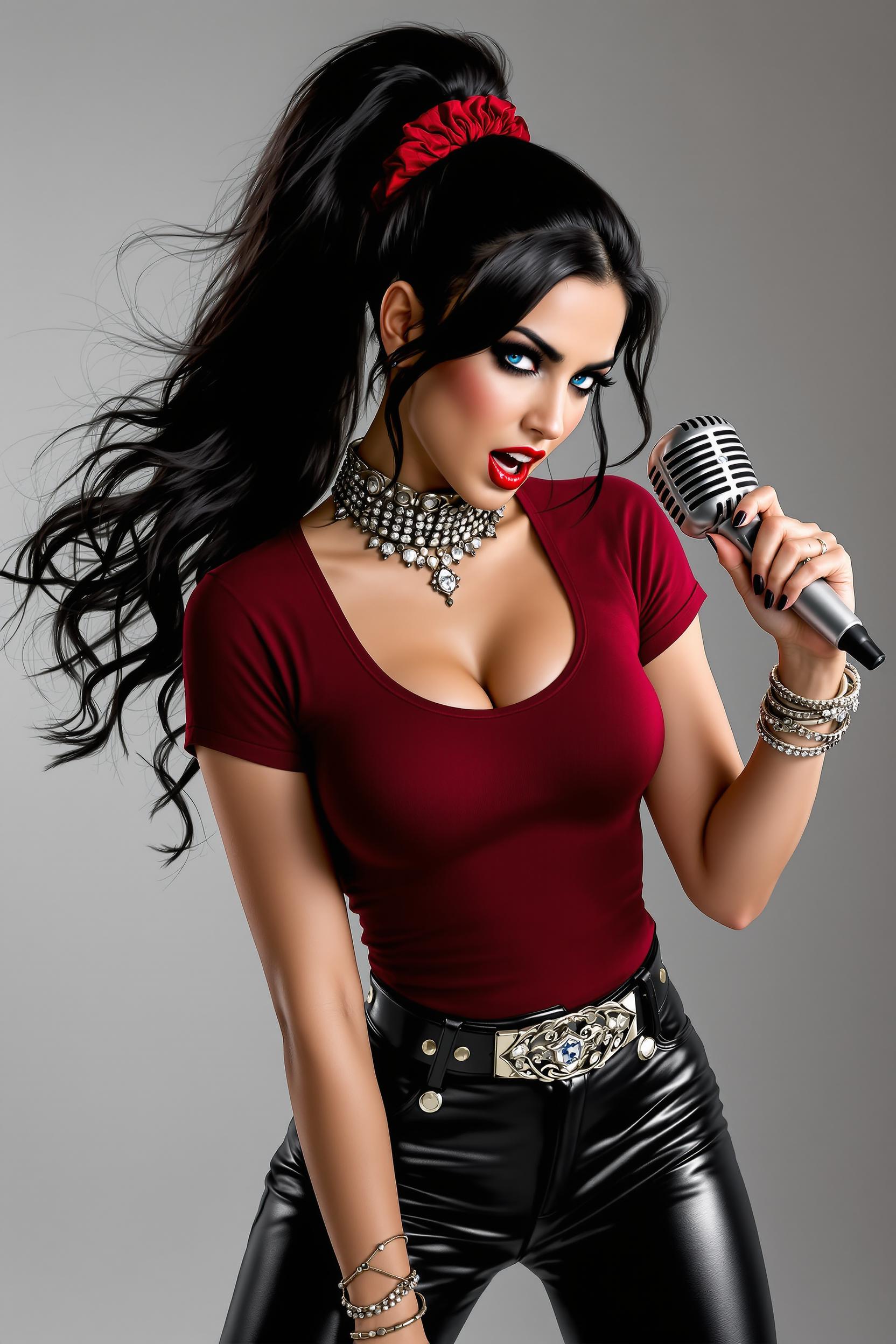
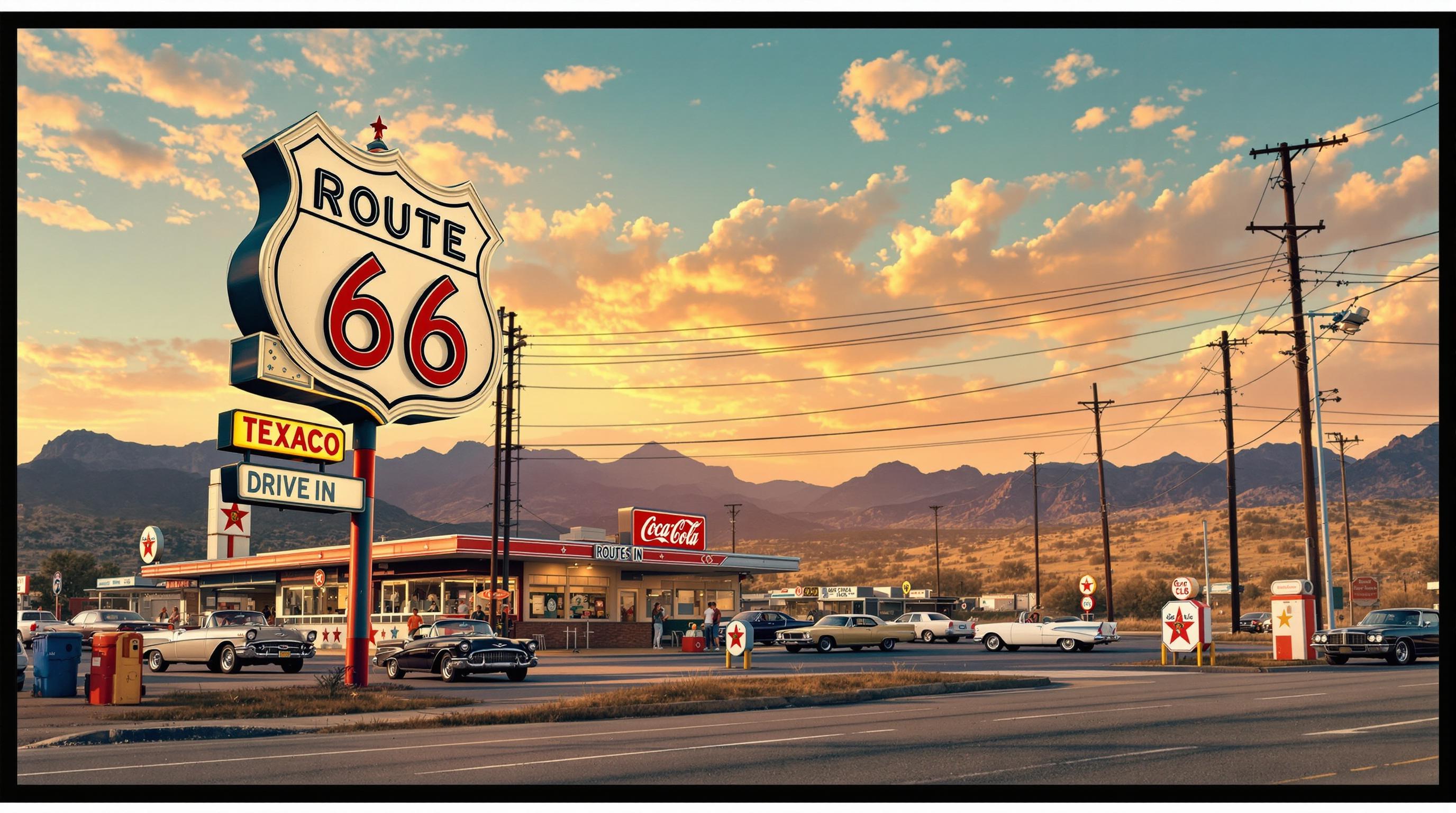
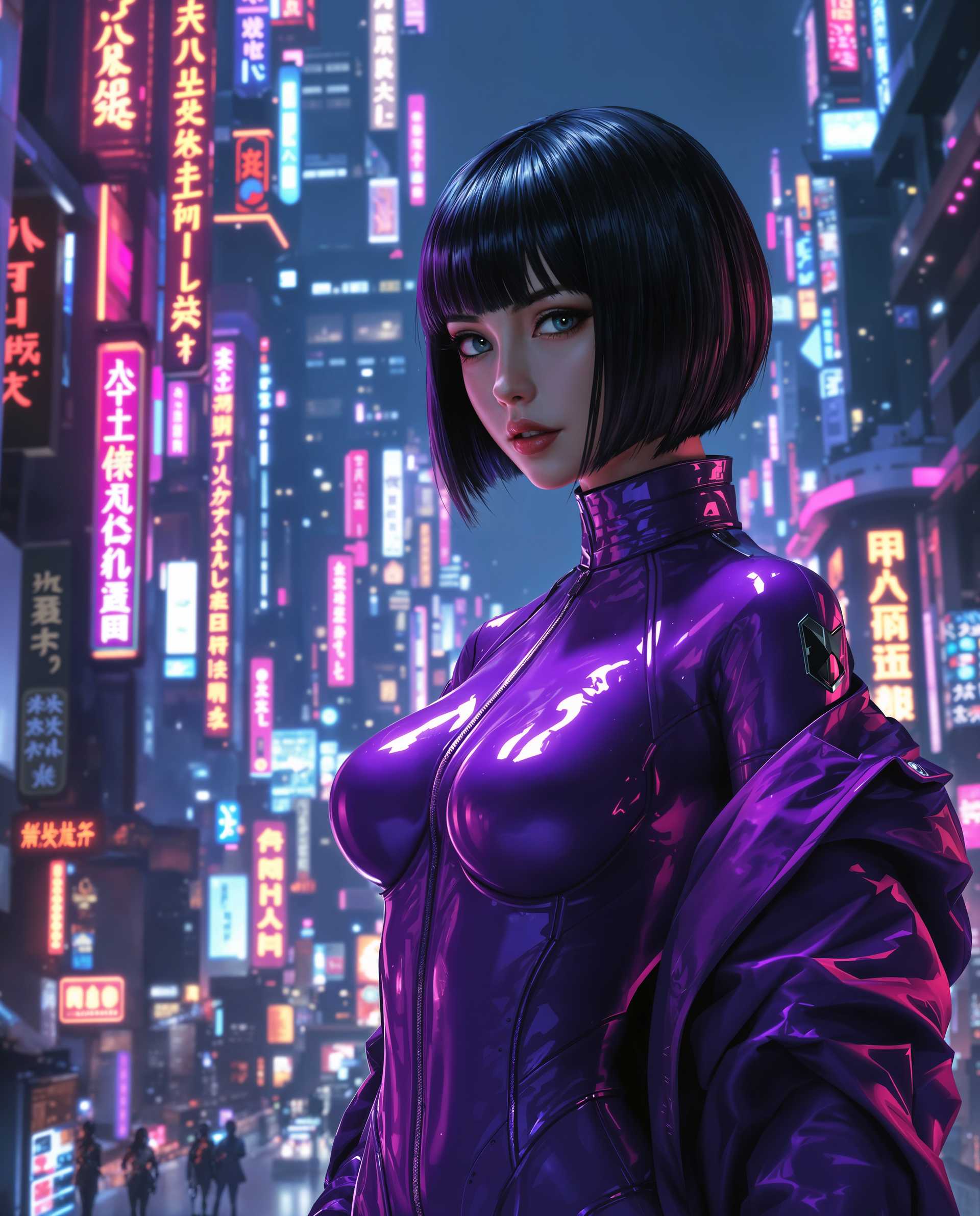
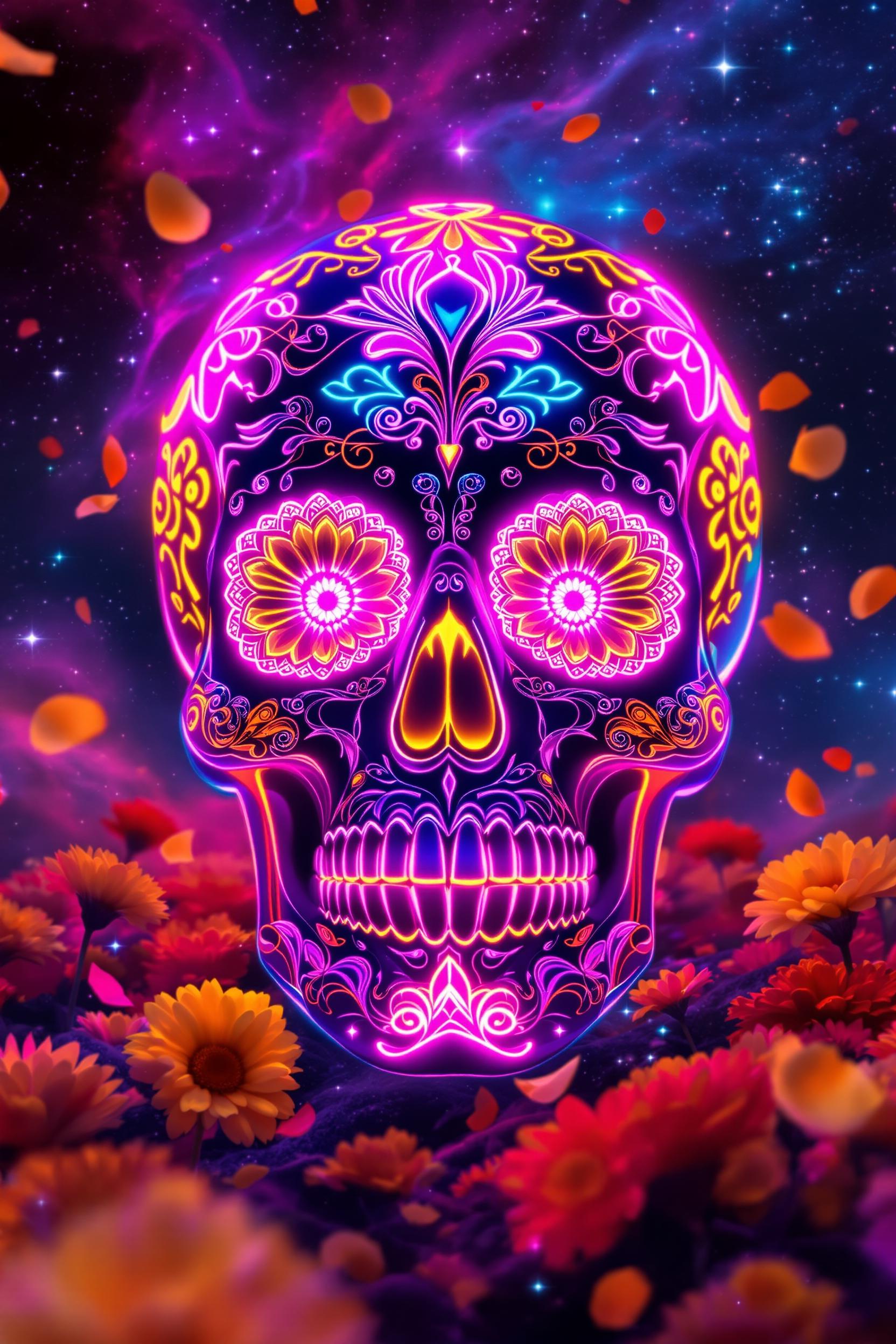
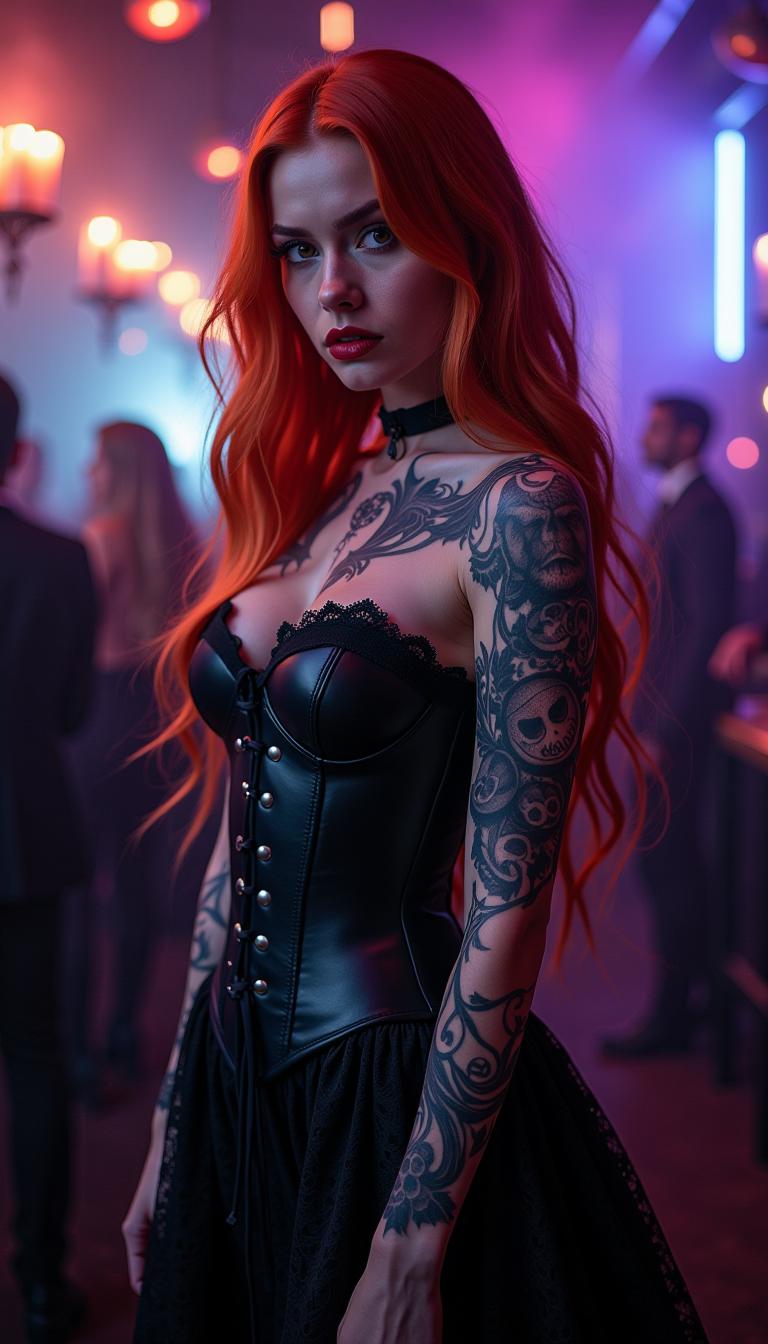
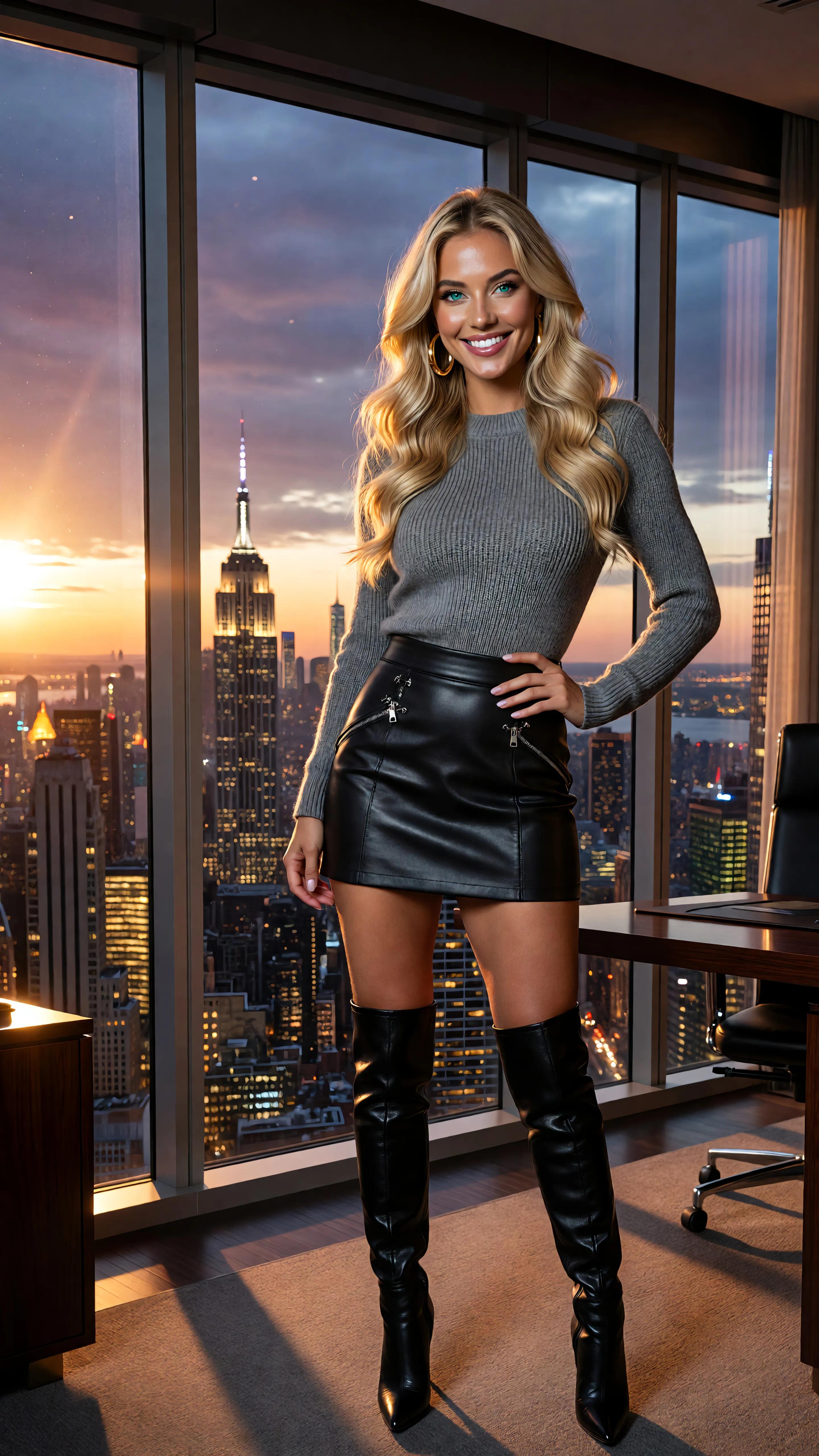
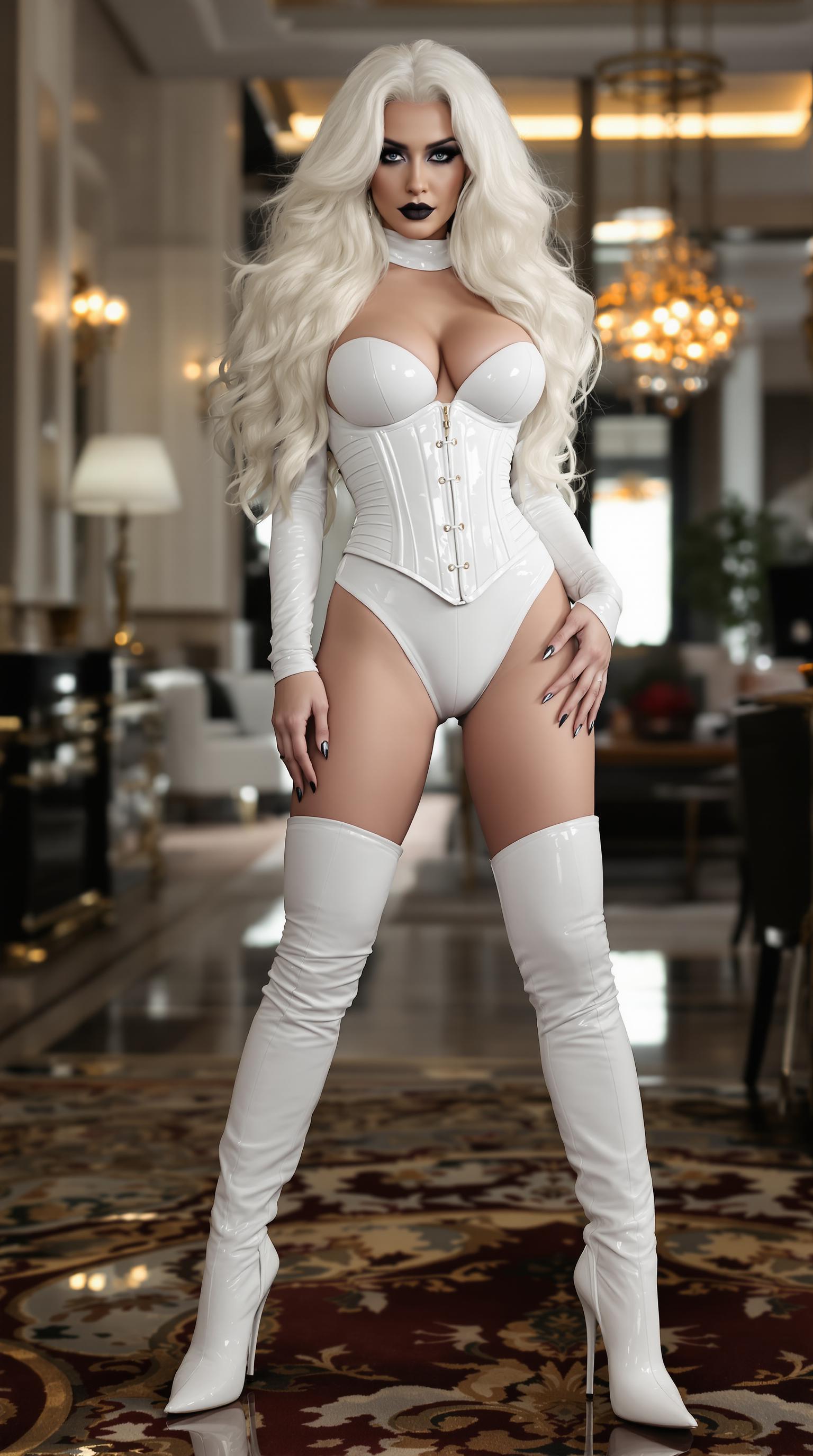
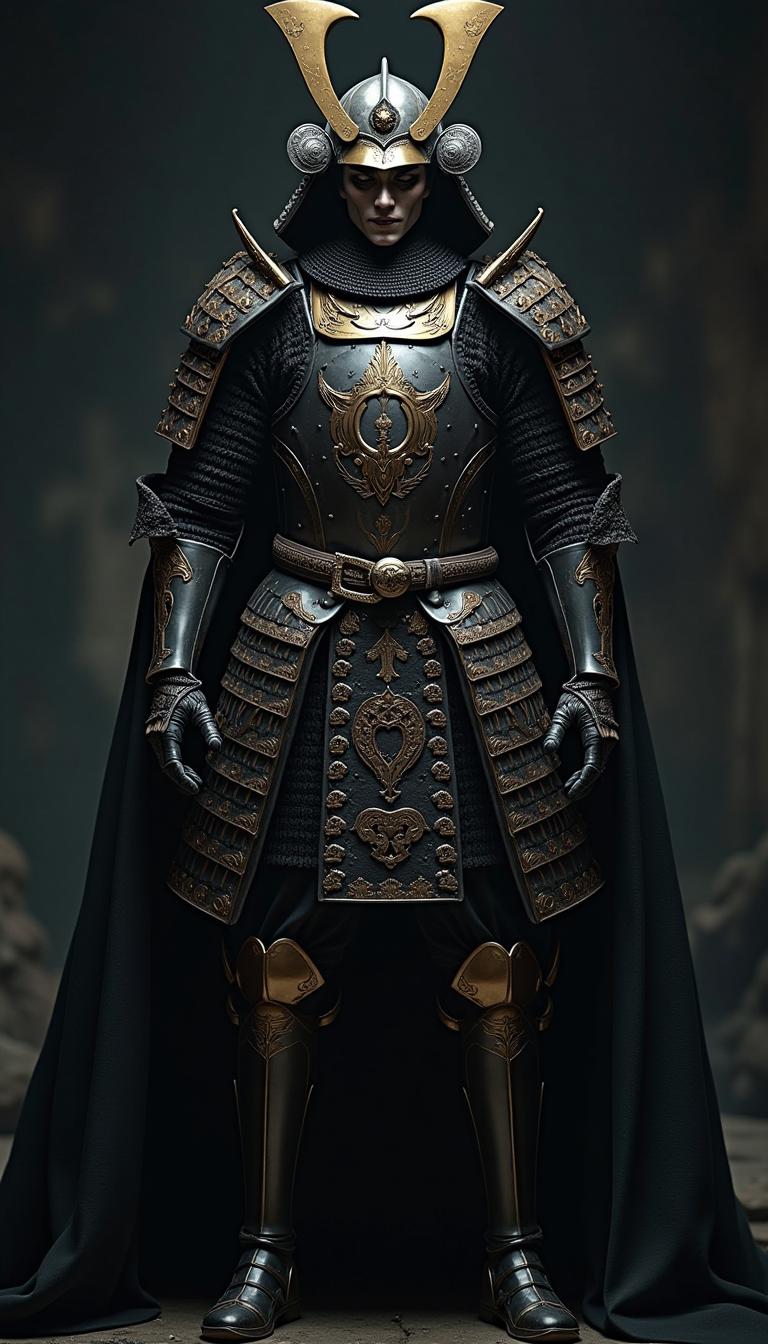
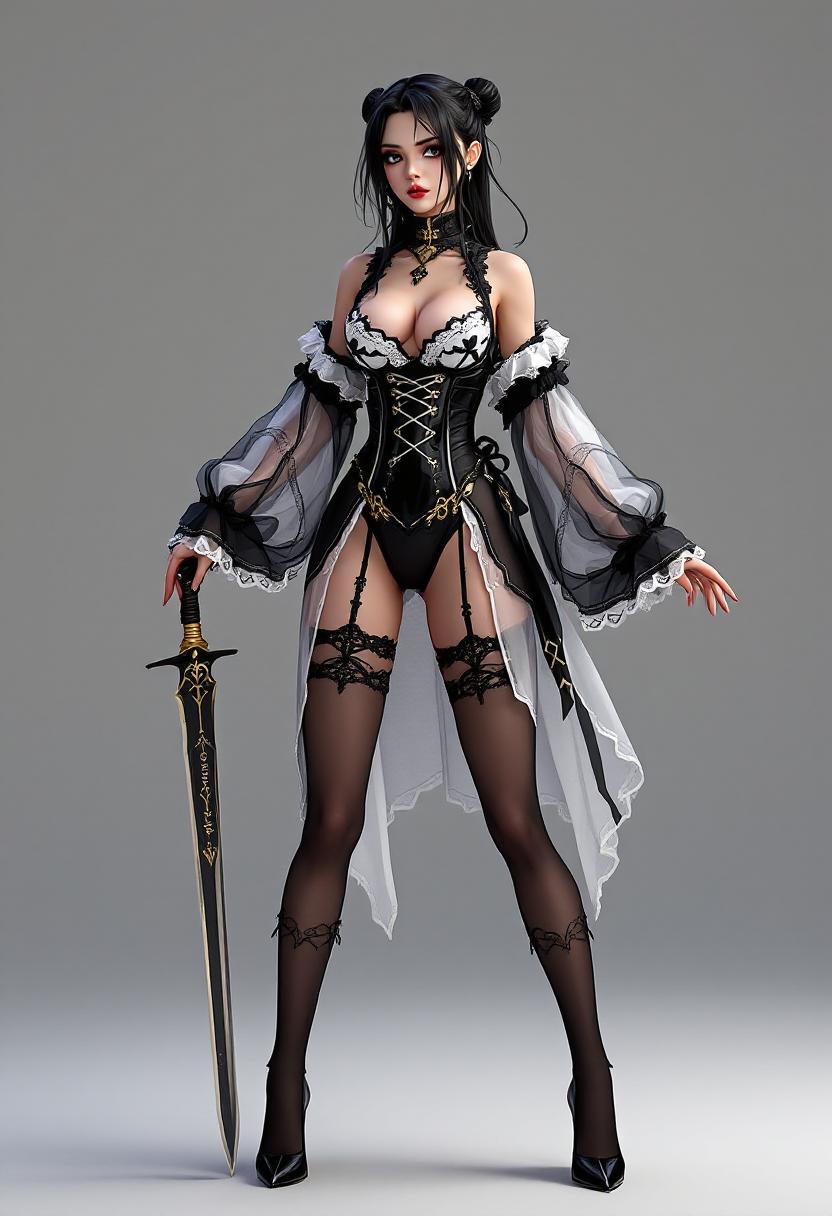
The Pixel Dojo Advantage
Why PixelDojo outperforms other options for enhanced image following WAN generation
| Others | Pixel Dojo |
|---|---|
| Traditional image creation | Skip weeks of sketching and photography – get instant, precise results that follow your vision 10x faster with WAN 2.6 precision |
| Generic AI tools | Superior WAN-specific following beats vague outputs, delivering exact matches to references and prompts every time |
| Manual photo editing | No Photoshop marathons – automate perfect adherence with one-click WAN tools, freeing you for creative work |
Loved by Creators
See what our community says about Enhanced image following Wan
"PixelDojo's WAN 2.6 made my character designs follow references perfectly – saved my comic project!"
Sarah J.
Indie Comic Artist
"Enhanced image following with WAN is a game-changer for product visuals. Exact matches every time!"
Mike R.
E-commerce Designer
Common Questions
Everything you need to know about Enhanced image following Wan AI generation
What is enhanced image following WAN in AI generation?
Enhanced image following WAN on PixelDojo uses advanced WAN 2.6 Image and WAN Image tools to create AI visuals that precisely adhere to your reference images or prompts. You get outputs with perfect pose retention, detail preservation, and style consistency, outperforming standard generators for professional results.
How does WAN 2.6 improve precise AI image generation?
WAN 2.6 excels at following complex prompts and references, ensuring elements like facial expressions, lighting, and compositions match exactly. Pair it with PixelDojo's Image to Image or Inpainting for customizable control, helping you achieve photorealistic or artistic outcomes effortlessly.
Can I use enhanced image following WAN for character consistency?
Absolutely – tools like Consistent Characters and WAN Image deliver identical figures across images. Upload a reference once, then generate series with Pose Control or Face Swap for flawless continuity in stories, ads, or animations.
What are the best PixelDojo tools for WAN image prompt adherence?
Start with WAN 2.6 Image for top-tier following, enhance with Style Transfer or Magic Lighting, and upscale via Magnific Upscaler. These combine for hyper-accurate results tailored to your needs.
Is enhanced image following WAN free to try on PixelDojo?
Yes! Access 40+ tools including WAN series with a free trial. Generate unlimited test images, upgrade anytime with flexible subscriptions – cancel whenever, no risks.
How to get started with WAN AI for reference image following?
Sign up, select WAN 2.6 Image, upload your reference, add a prompt like 'follow pose exactly with cyberpunk style,' and generate. Use editing suite for tweaks – results download in seconds.