enhancer ai AI Generator
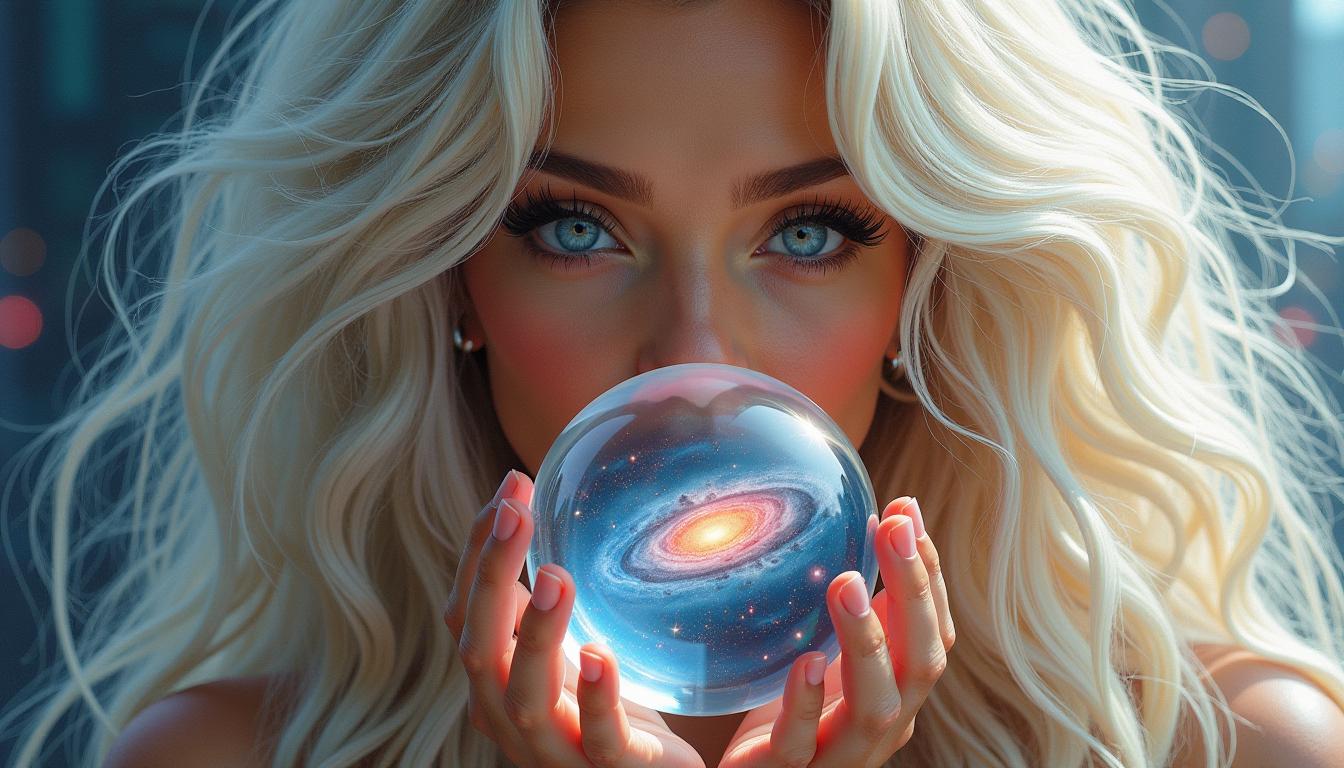
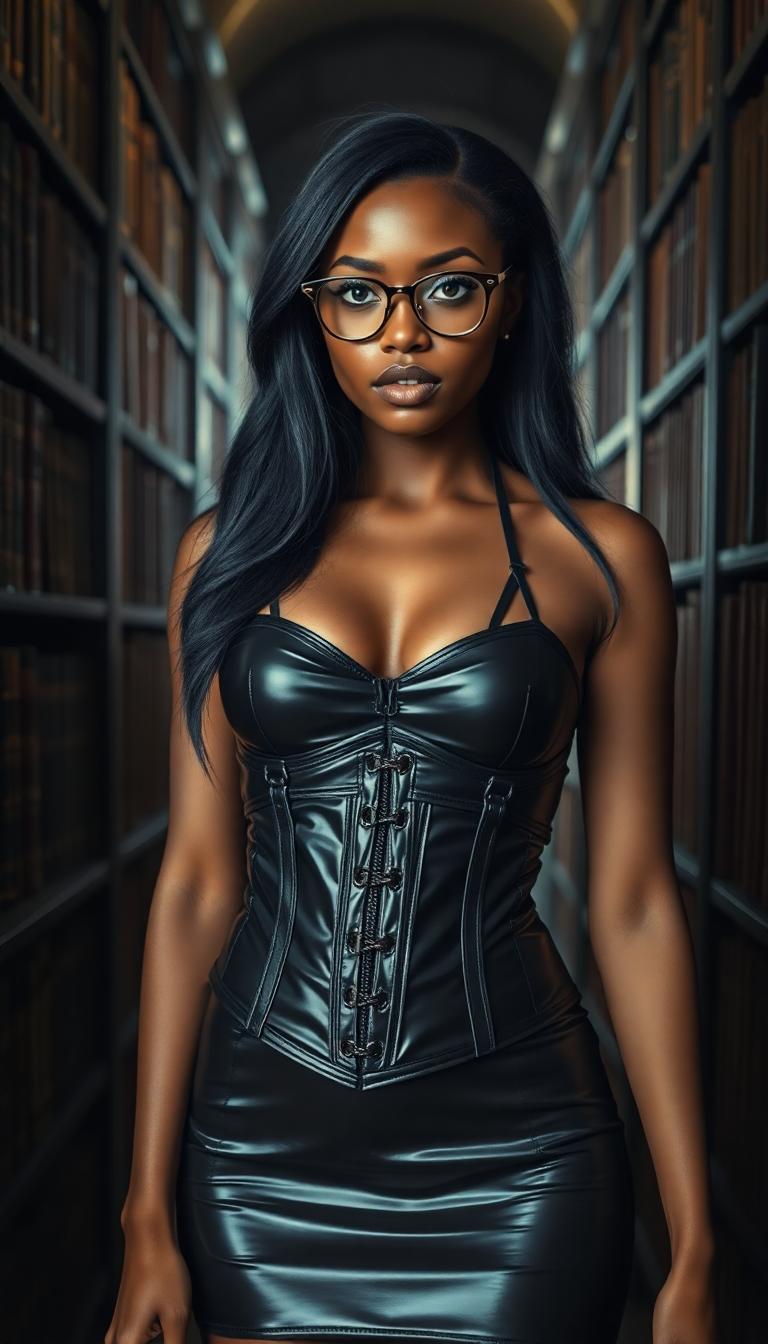
Unlock the full potential of your photos with PixelDojo's AI-powered image enhancement tools. Whether you're looking to sharpen details, boost colors, or upscale resolution, our suite of advanced AI technologies empowers you to achieve professional-quality results with ease. Say goodbye to complex editing software and hello to effortless image perfection.
Join over 10,000 satisfied creators who have transformed their images using PixelDojo's AI tools. Rated 4.8/5 based on 2,500+ reviews.
Why Choose Pixel Dojo for enhancer ai
Professional-quality results with cutting-edge AI technology
Achieve Stunning Clarity
Enhance image sharpness and detail, making every photo crisp and clear.
Vibrant Color Enhancement
Automatically adjust color balance and saturation for more vivid and lifelike images.
Effortless Upscaling
Increase image resolution without losing quality, perfect for printing or high-definition displays.
How It Works
Enhancing your images with PixelDojo is simple and intuitive. Follow these steps to transform your photos:
Step 1: Select Your Enhancement Tool
Choose from our range of AI tools like Magnific Upscaler for resolution enhancement or Magic Lighting for color adjustments.
Step 2: Upload Your Image
Click the upload button to select the photo you wish to enhance from your device.
Step 3: Apply Enhancements
Use the intuitive sliders and options to adjust the enhancement settings to your preference.




The Pixel Dojo Advantage
Why PixelDojo is the superior choice for AI image enhancement:
| Others | Pixel Dojo |
|---|---|
| Traditional Photo Editing Software | No steep learning curve; achieve professional results without prior editing experience. |
| Generic AI Enhancement Tools | Comprehensive suite offering both image and video enhancement, all in one platform. |
| Manual Editing Techniques | Significantly faster processing times, allowing for bulk enhancements with consistent quality. |
Loved by Creators
See what our community says about enhancer ai
"PixelDojo transformed my photography workflow. The AI tools are intuitive and deliver stunning results every time."
Alex Johnson
Professional Photographer
"As a graphic designer, PixelDojo's enhancement tools have been a game-changer. The upscaling feature is particularly impressive."
Maria Lopez
Graphic Designer
Common Questions
Everything you need to know about enhancer ai AI generation
How does PixelDojo's AI enhance image quality?
PixelDojo utilizes advanced AI algorithms to analyze and improve various aspects of your images, including sharpness, color balance, and resolution, resulting in professional-quality enhancements.
Can I use PixelDojo's tools without prior editing experience?
Absolutely! Our platform is designed with user-friendliness in mind, allowing individuals of all skill levels to enhance their images effortlessly.
Is there a limit to the number of images I can enhance?
With our subscription plans, you can enhance an unlimited number of images, making it ideal for both personal and professional use.
Does PixelDojo support batch processing for multiple images?
Yes, our platform allows for batch processing, enabling you to enhance multiple images simultaneously, saving you time and effort.
Are the enhanced images suitable for printing?
Definitely. Our AI tools enhance image resolution and quality, making them perfect for high-quality prints and large-format displays.
Can I cancel my subscription at any time?
Yes, you can cancel your subscription at any time without any penalties. We offer flexible plans to suit your needs.