Flux 2 Max multi-image reference AI Generator
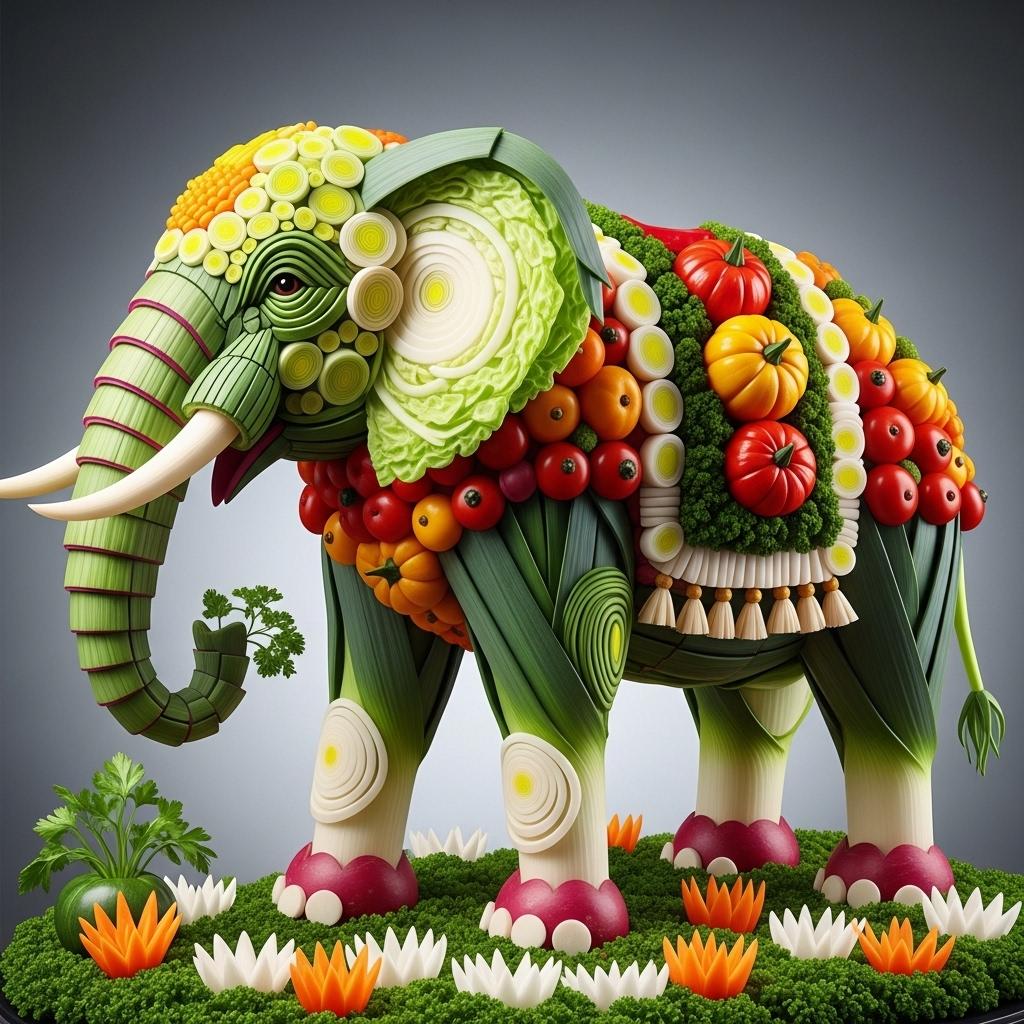
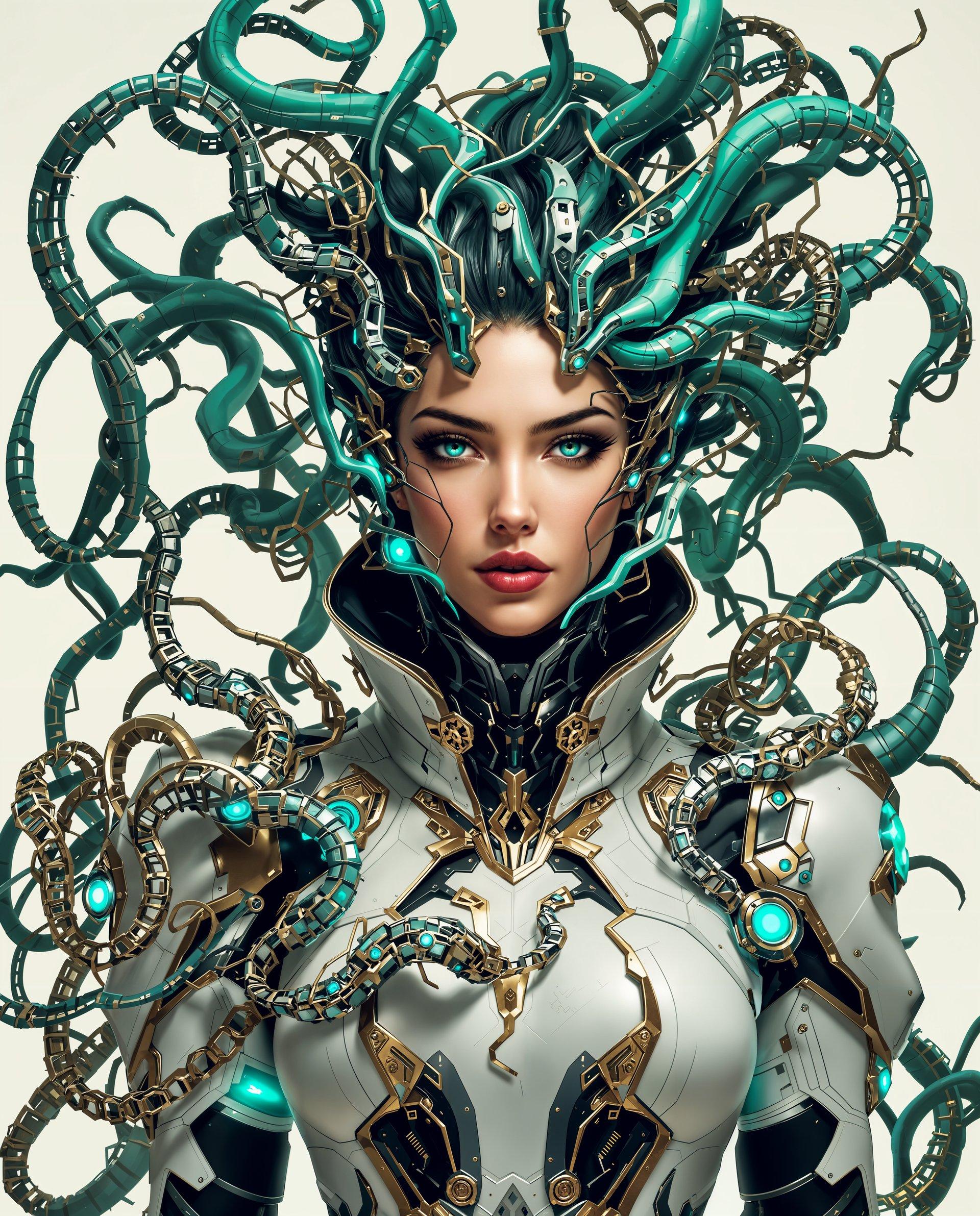
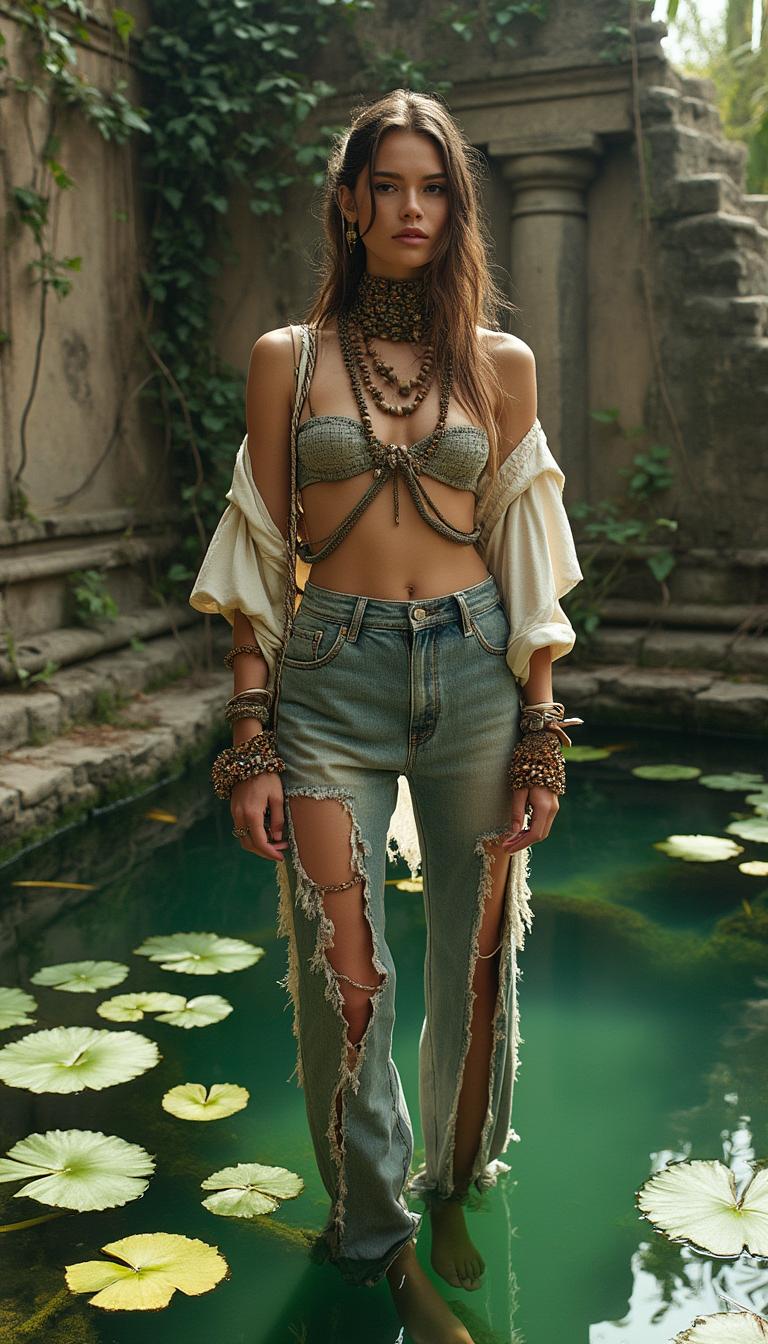
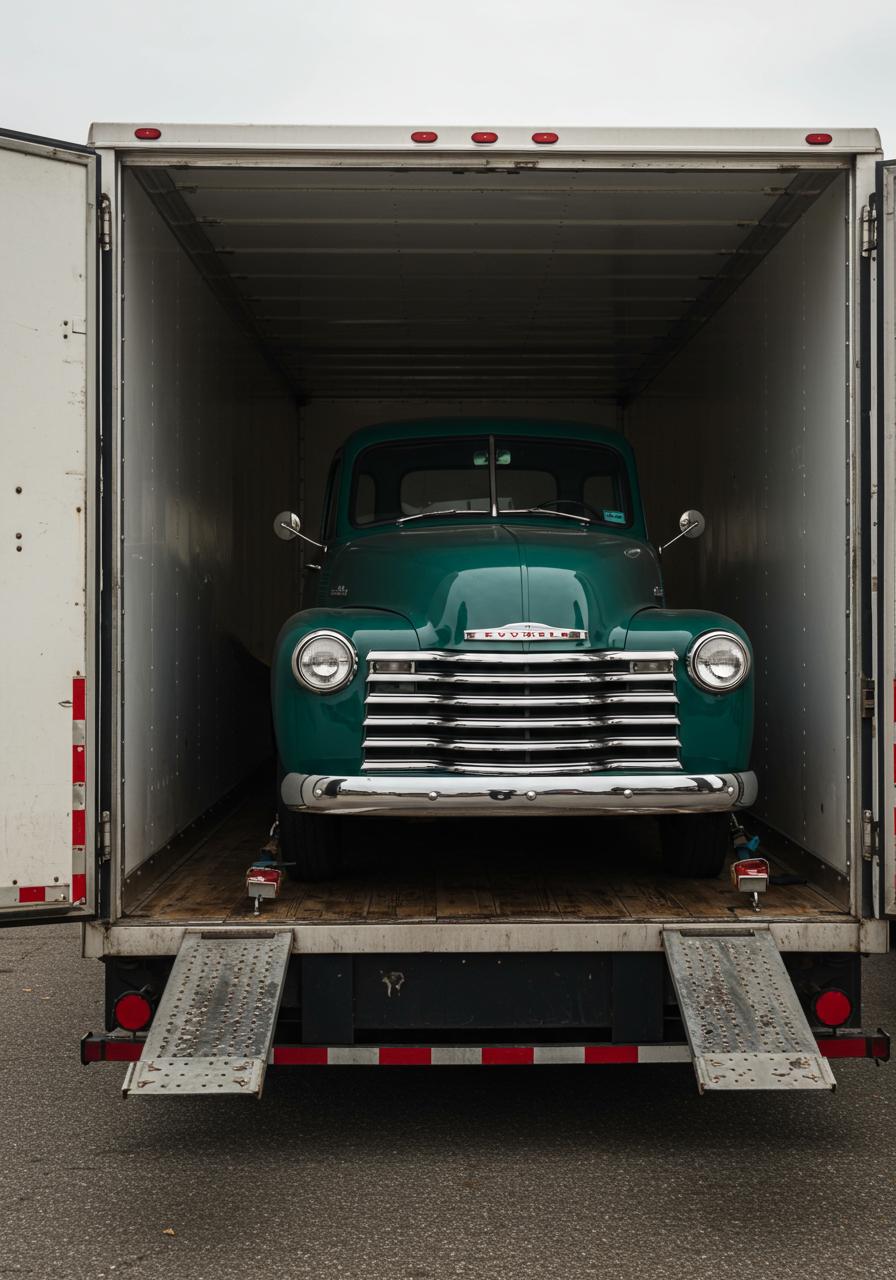
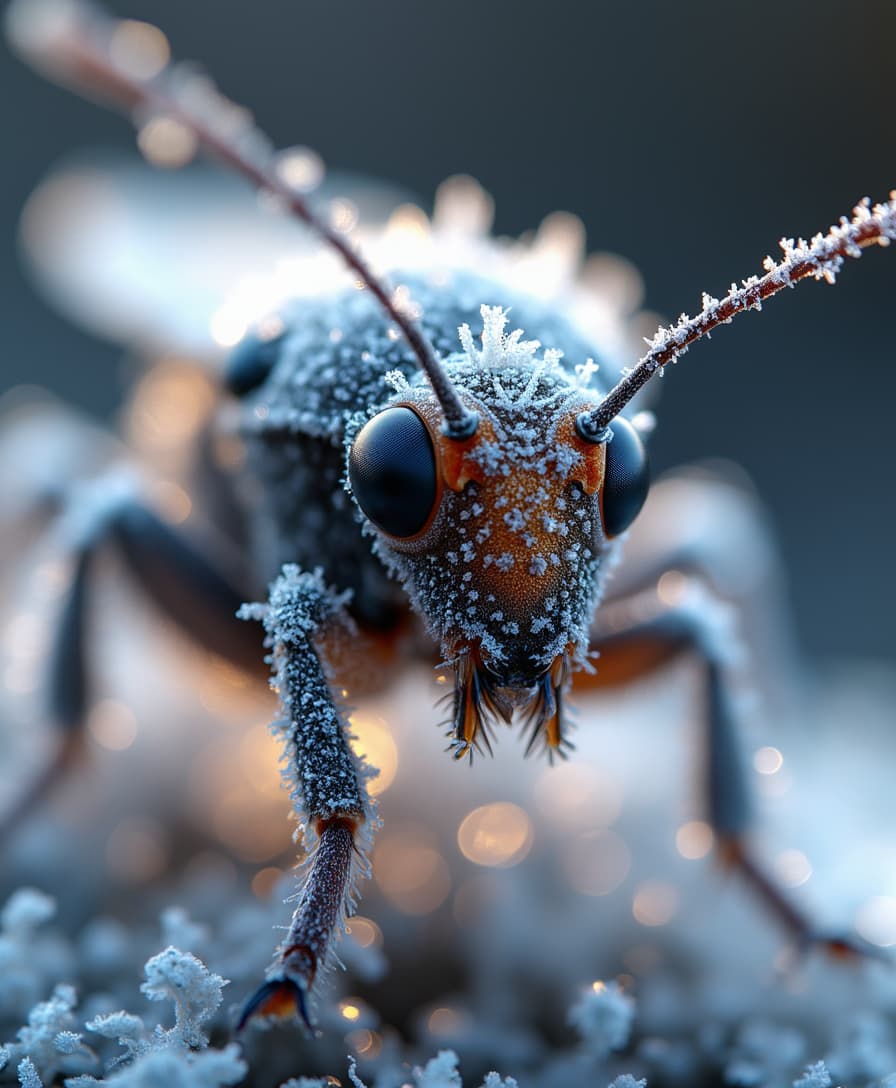
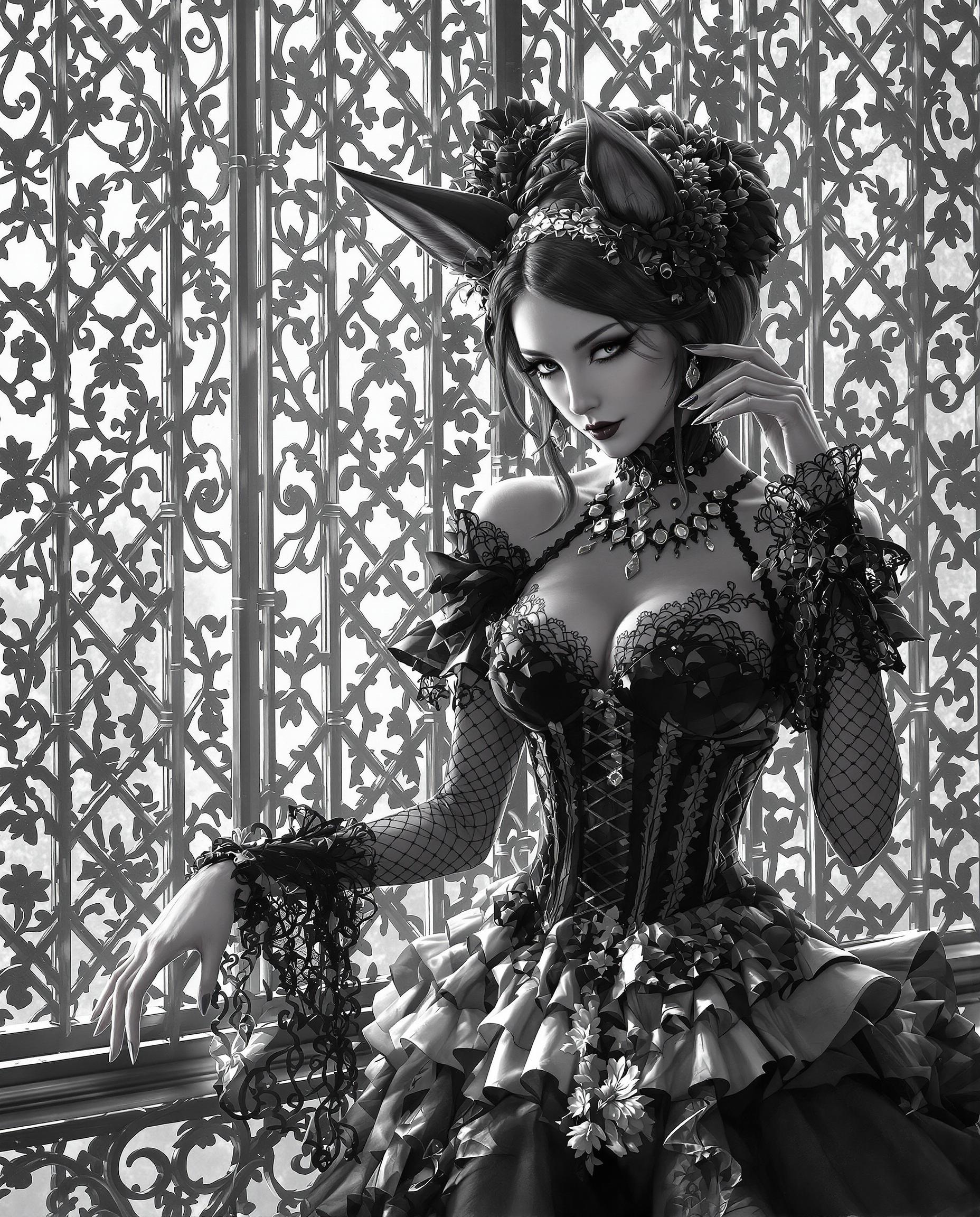
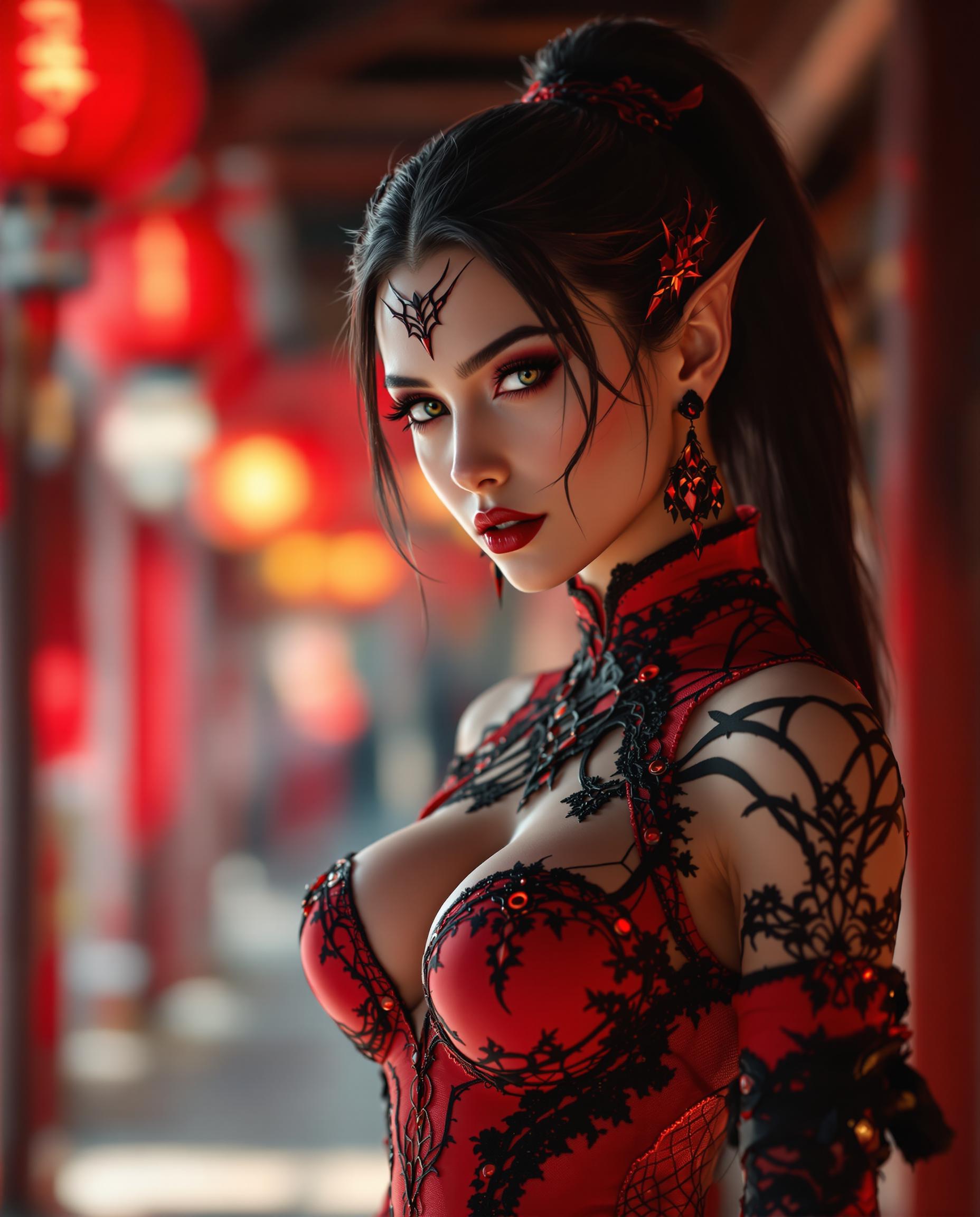
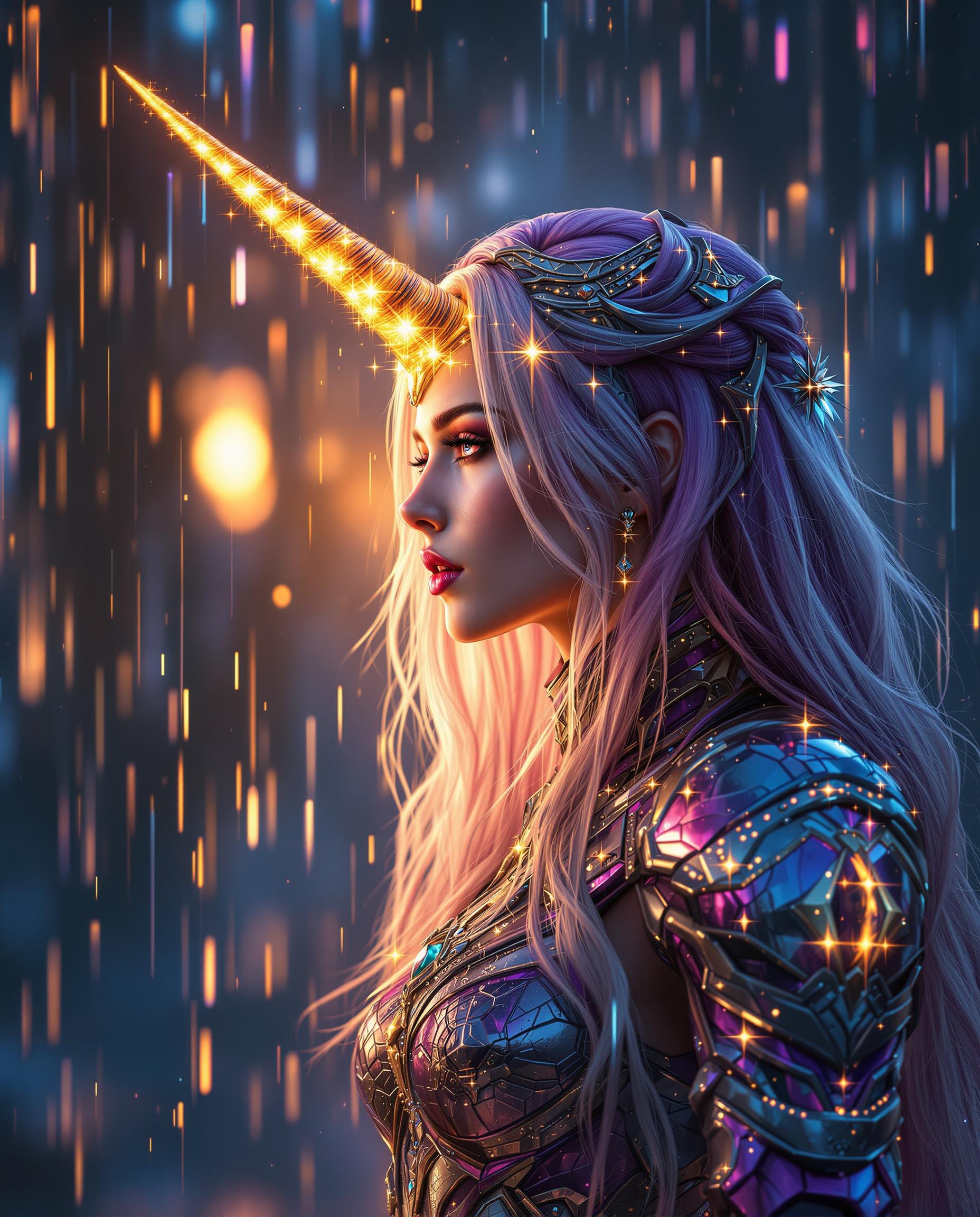
Transform your creative vision into reality with Flux 2 Max's multi-image reference feature. By seamlessly blending multiple reference images, you can generate cohesive, high-quality visuals that maintain consistency across your projects. Whether you're crafting marketing materials, designing product visuals, or exploring artistic concepts, Flux 2 Max empowers you to achieve professional-grade results effortlessly.
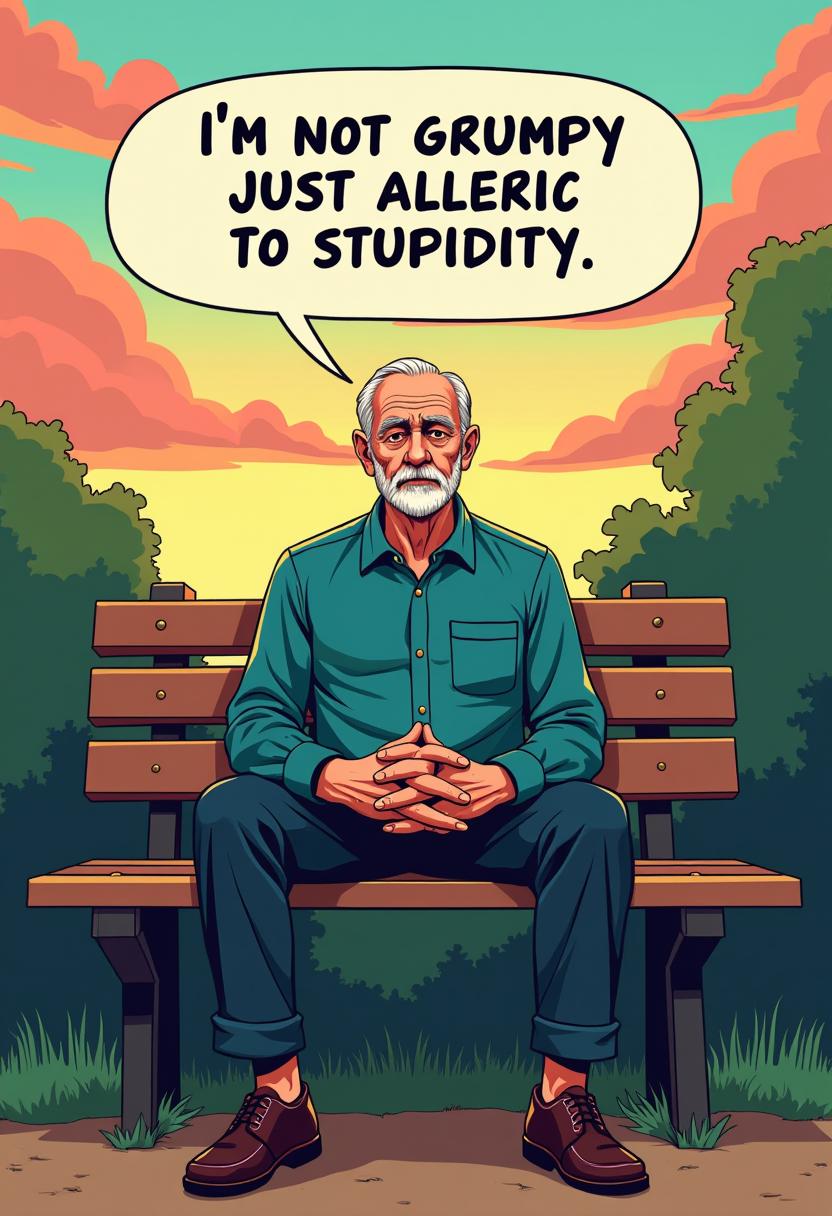
Join over 250,000 creators who trust Flux 2 Max for their AI image generation needs. With a 4.8/5 average rating, our platform is the preferred choice for professionals seeking consistency and quality in their visuals.
Why Choose Pixel Dojo for Flux 2 Max multi-image reference
Professional-quality results with cutting-edge AI technology
Achieve Visual Consistency
Maintain uniformity across multiple images by blending various references into a single, cohesive output.
Enhance Creative Control
Utilize up to 10 reference images to guide the AI, ensuring your generated content aligns perfectly with your vision.
Streamline Workflow
Reduce the need for manual editing by generating high-quality, consistent images directly from your references.
How It Works
Creating consistent AI-generated images with Flux 2 Max is a straightforward process. Follow these steps to bring your ideas to life:
Step 1: Upload Your Reference Images
Select and upload up to 10 reference images that represent the style, composition, or elements you wish to incorporate into your final image.
Step 2: Enter Your Prompt
Provide a detailed description of the desired output, specifying elements like subject matter, style, and any specific attributes you want the AI to consider.
Step 3: Generate and Refine
Click 'Generate' to let Flux 2 Max process your inputs. Review the generated image and make any necessary adjustments to achieve your desired result.
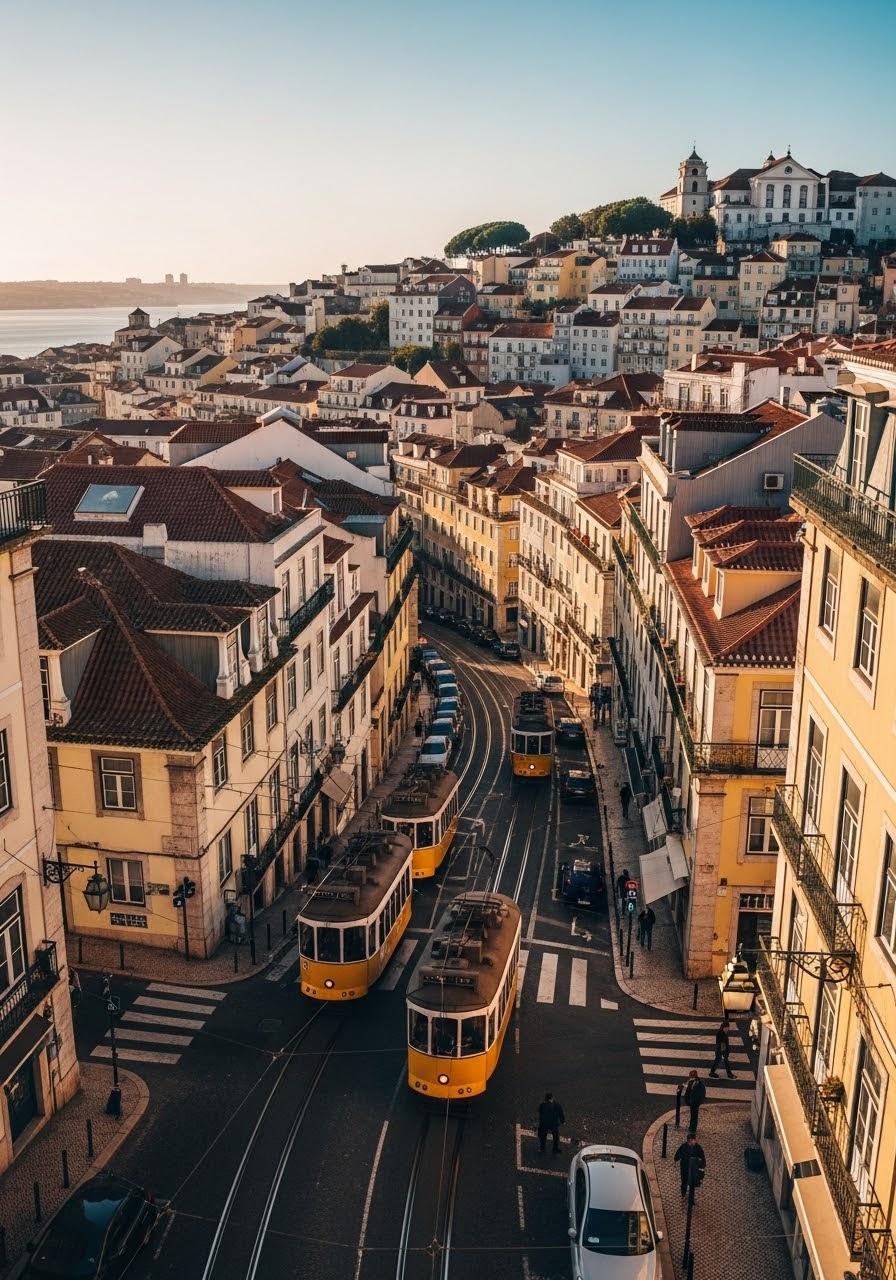
![{
"shot": {
"composition": "Tight selfie-vlog, palm-string lights bokeh",
"camera_motion": "arm-length phone sway, gentle sidestep in sand",
"frame_rate": "30fps",
"camera_model": "iPhone 15 Pro, Cinematic",
"lens": "24 mm equiv f/1.9",
"white_balance": "4800K sunset mix",
"film_grain": "mobile sensor noise 6 %"
},
"subject": {
"role": "Charge Nurse",
"name": "Isha",
"age": 24,
"ethnicity": "Sierra Leonean",
"appearance": "short natural curls, gold nose stud, radiant skin",
"wardrobe": "turquoise off-shoulder top, white linen shorts, beaded anklet",
"emotion": "frank, resilient",
"movement": "turns to show surf line, back to lens with nod"
},
"scene": {
"location": "Lumley Beach, Freetown",
"time_of_day": "19:10 (blue hour)",
"environment": "orange-pink horizon, beach-bar neon, distant Afrobeat, gentle surf"
},
"audio": {
"ambient": "small waves, muffled Afrobeat bass, laughter cluster",
"mix_level_db": -14,
"voice_over": {
"language": "en-SL",
"voice_profile": {
"id": "AfricanFemale_Eng_West_NaturalV2",
"tier": "studio-hd",
"naturalness": 1,
"stability": 0.25,
"accent": "SL-EN",
"speech_speed": "fast_095"
},
"script": [
{
"timestamp": 0.5,
"text": "Dem online talk dey stress me, ya know."
},
{
"timestamp": 3,
"text": "But pausing my vids? That no be me."
},
{
"timestamp": 5.5,
"text": "Use Pixel Dojo dot AI."
}
]
},
"audio_master": {
"target_lufs": -14,
"true_peak_db": -2,
"dialogue_enhance": false
},
"dialogue": {
"character": "woman",
"line": "If making content is stressing you our, try Pixel Dojo dot AI"
}
},
"color_palette": "teal shadows, warm sunset mids, neon pink highlights"
}](https://cdn.pixeldojo.ai/cdn-cgi/image/f=auto,q=75,w=3840/pixeldojo/generated-images/1754073051544-mrac60e95.png)


The Pixel Dojo Advantage
Why Flux 2 Max outperforms other options for multi-image reference AI generation:
| Others | Pixel Dojo |
|---|---|
| Traditional Image Editing | Eliminates the time-consuming manual process of blending multiple images, offering automated, high-quality results. |
| Generic AI Tools | Provides advanced multi-reference capabilities, allowing for greater control and consistency compared to standard AI image generators. |
| Manual Photo Compositing | Reduces the complexity and skill required for photo compositing by automating the blending process with AI. |
Loved by Creators
See what our community says about Flux 2 Max multi-image reference
"Flux 2 Max has revolutionized our design process, allowing us to create consistent visuals across all our marketing materials effortlessly."
Alex Johnson
Creative Director
"The multi-image reference feature is a game-changer. It saves us hours of manual editing while delivering stunning results."
Maria Lopez
Graphic Designer
Common Questions
Everything you need to know about Flux 2 Max multi-image reference AI generation
How many reference images can I use with Flux 2 Max?
You can upload up to 10 reference images to guide the AI in generating your desired output.
Is Flux 2 Max suitable for commercial projects?
Yes, Flux 2 Max is designed to meet the needs of professionals and is ideal for commercial applications requiring consistent, high-quality visuals.
Can I adjust the generated images after creation?
Absolutely. Flux 2 Max allows you to refine and adjust the generated images to ensure they meet your exact specifications.
What file formats are supported for reference images?
Flux 2 Max supports JPG, PNG, and WEBP formats for reference images, with a maximum file size of 10MB each.
Do I need prior experience with AI tools to use Flux 2 Max?
No prior experience is necessary. Flux 2 Max is user-friendly and designed to be accessible to both beginners and professionals.
Is there a trial period available for Flux 2 Max?
Yes, we offer a trial period so you can explore Flux 2 Max's features and see how it fits into your workflow before committing.