Flux 2 Max NVIDIA integration AI Generator
Imagine turning your wildest ideas into breathtaking, hyper-realistic images in mere seconds – without hiring artists or spending hours editing. With PixelDojo's Flux 2 Max NVIDIA integration via Flux.2 Studio, you achieve professional-grade visuals that captivate audiences, boost your brand, and save you thousands in production costs. Whether you're crafting marketing assets, social media stunners, or concept art, this cutting-edge tool delivers unmatched detail, speed, and realism powered by NVIDIA's elite hardware optimization. Join thousands of creators who now produce content that stands out effortlessly.
Trusted by 50,000+ creators | 4.9/5 stars from 12K+ reviews | 1M+ Flux 2 Max NVIDIA images generated | Featured in top design communities
Why Choose Pixel Dojo for Flux 2 Max NVIDIA integration
Professional-quality results with cutting-edge AI technology
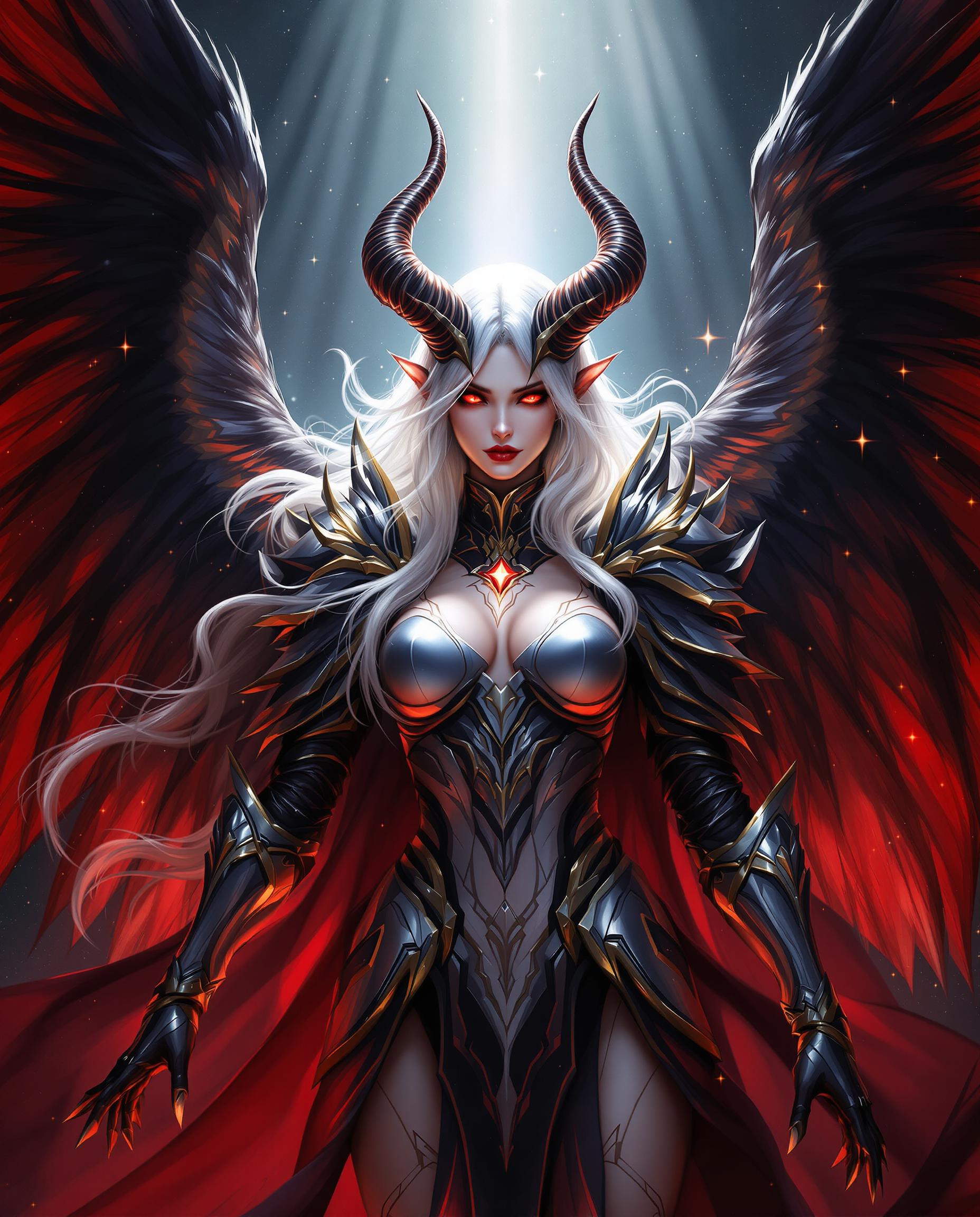
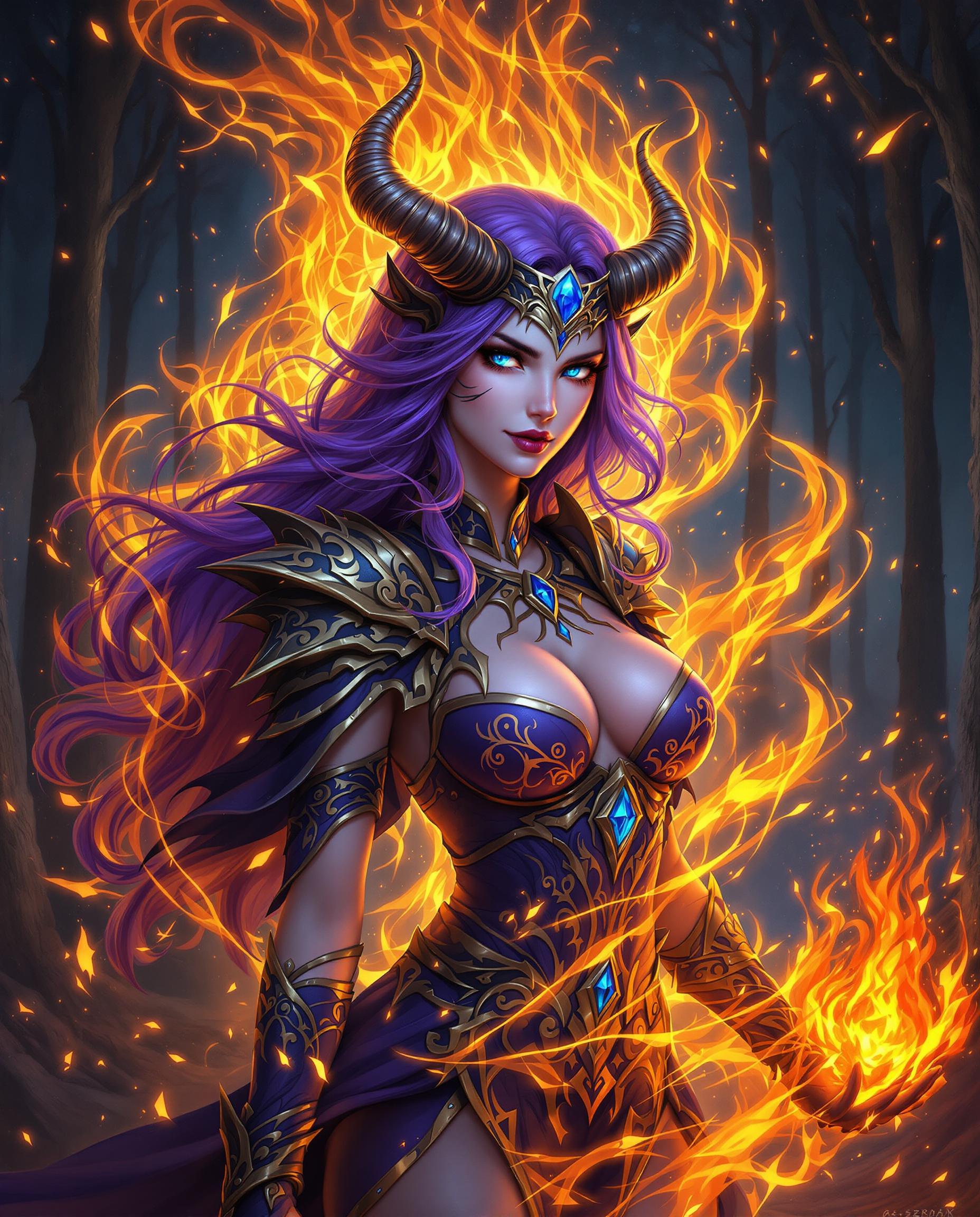
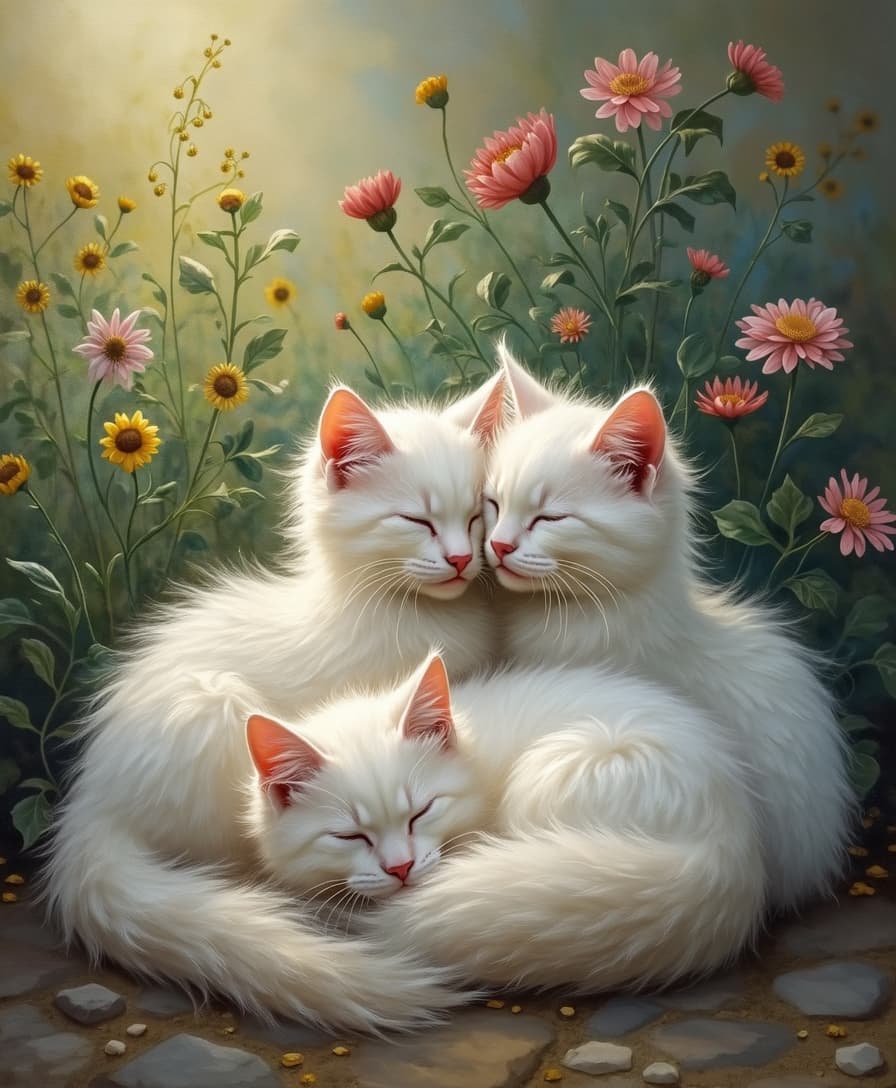
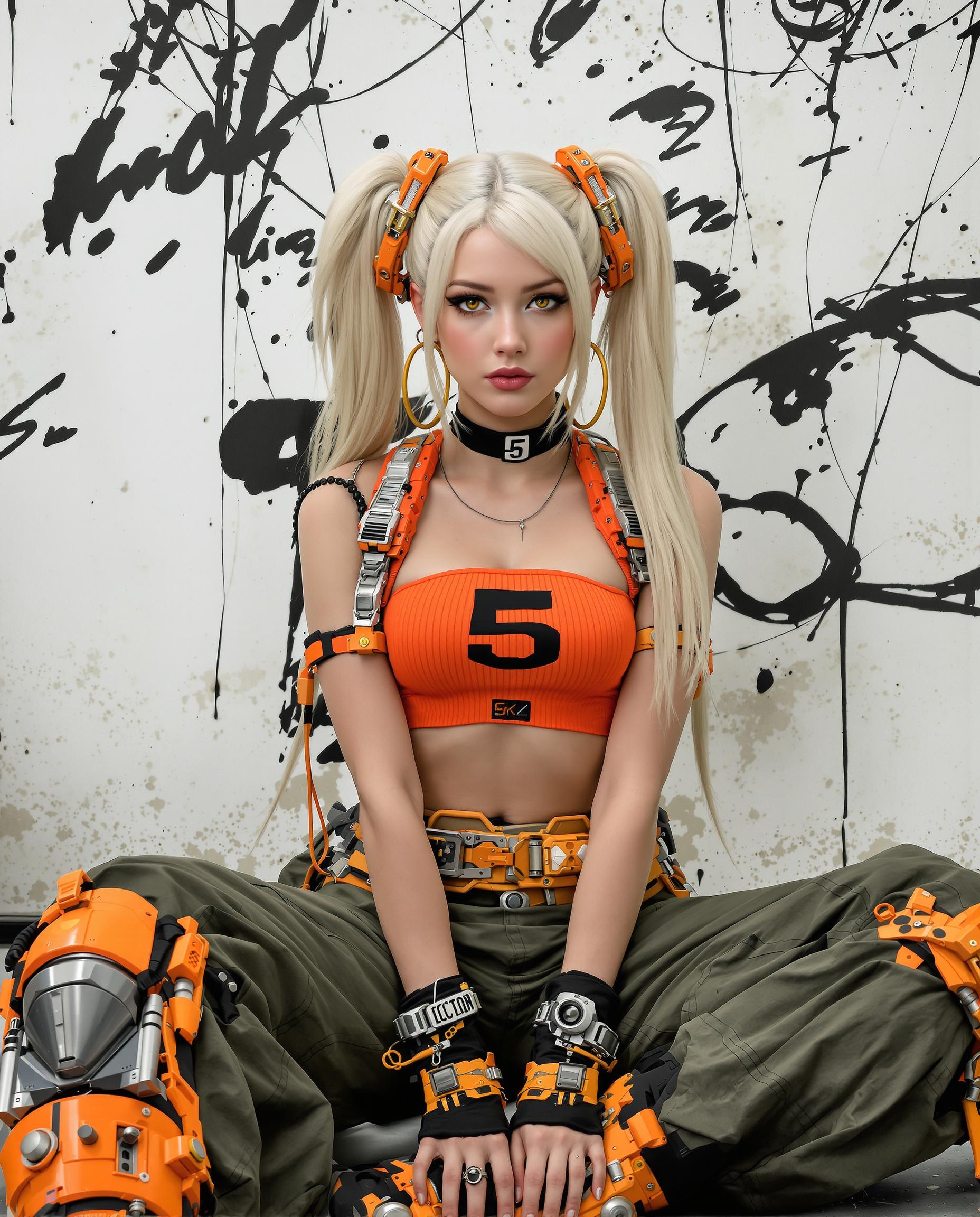
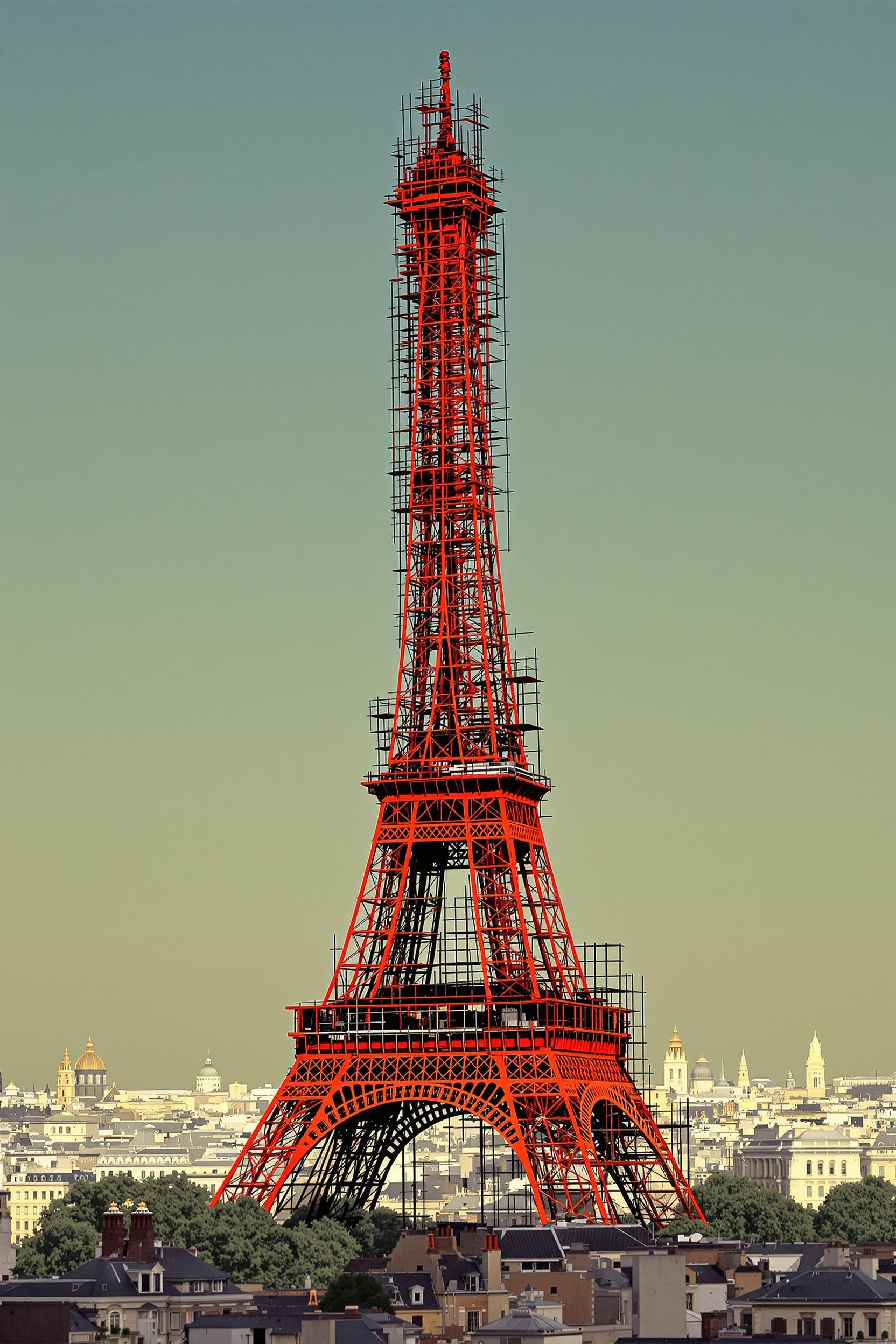
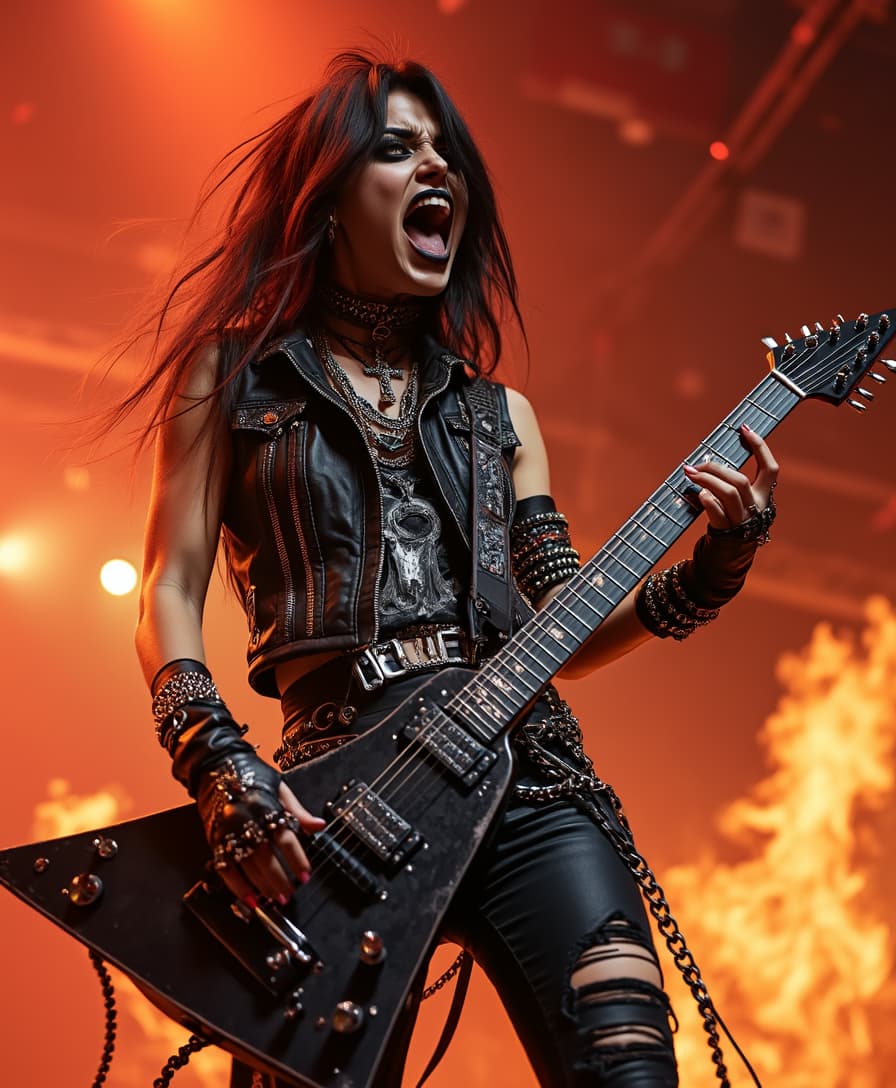
Generate Hyper-Realistic Images Instantly
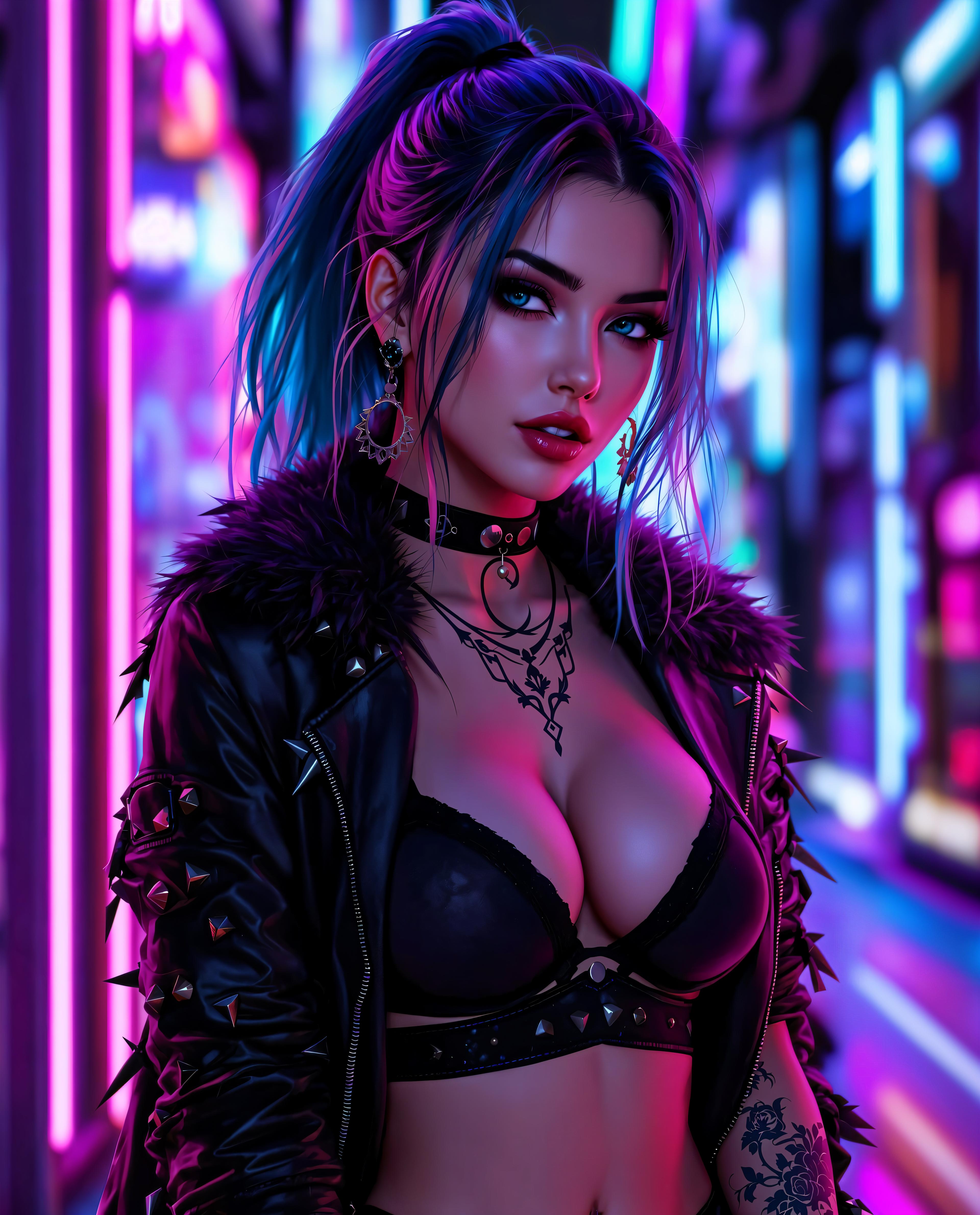
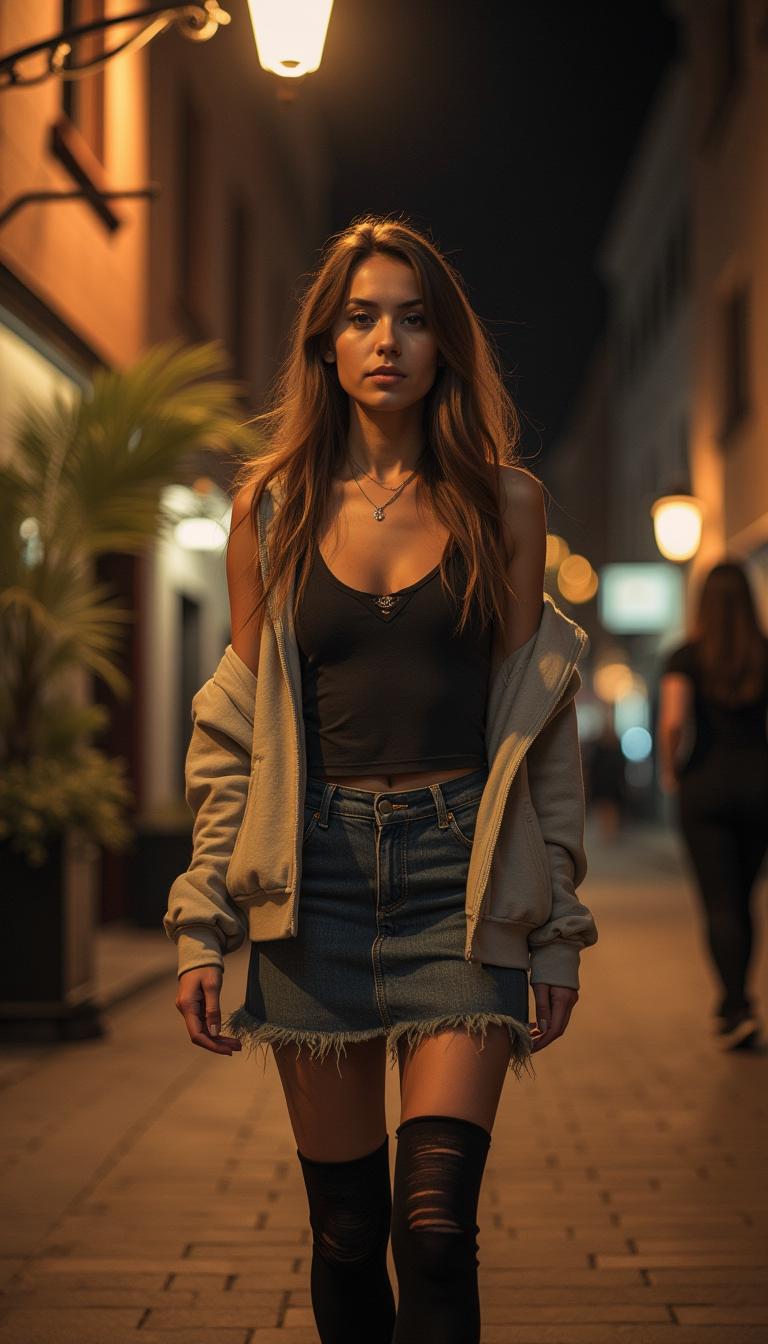
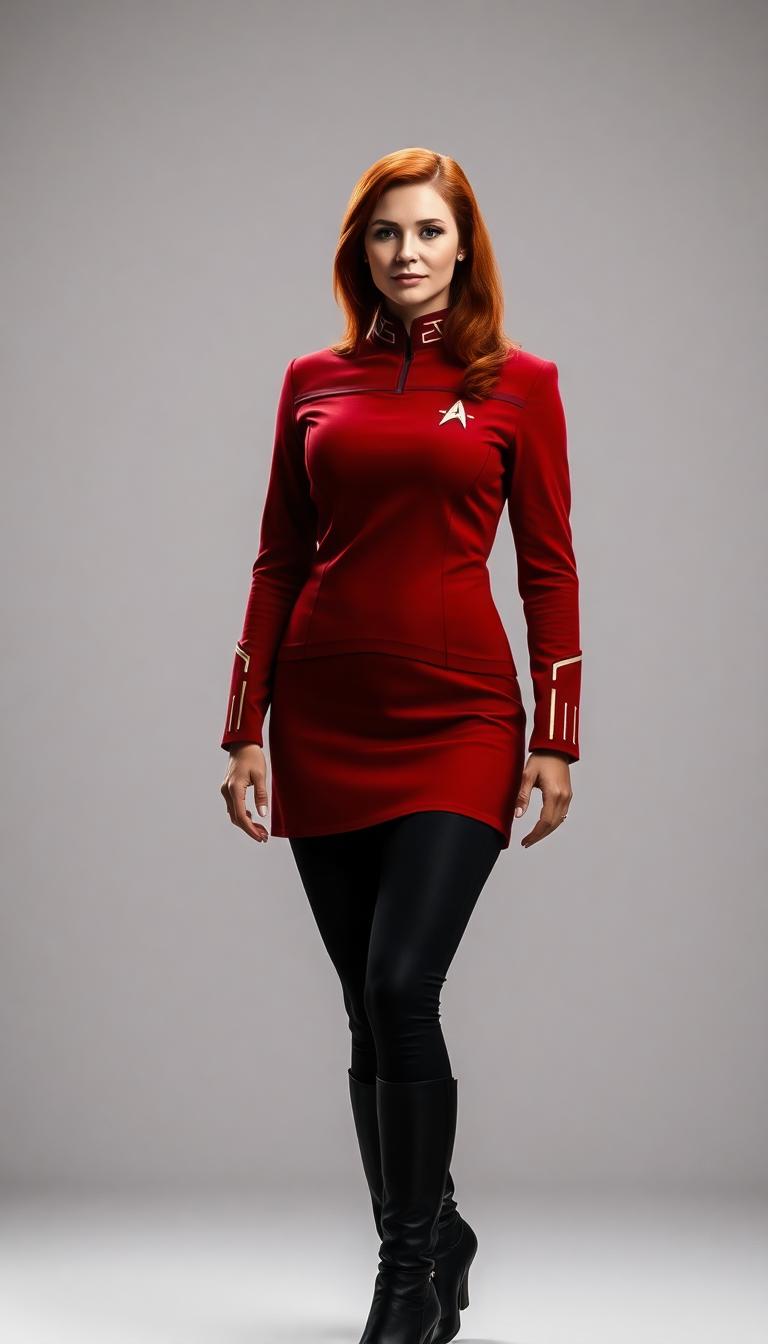
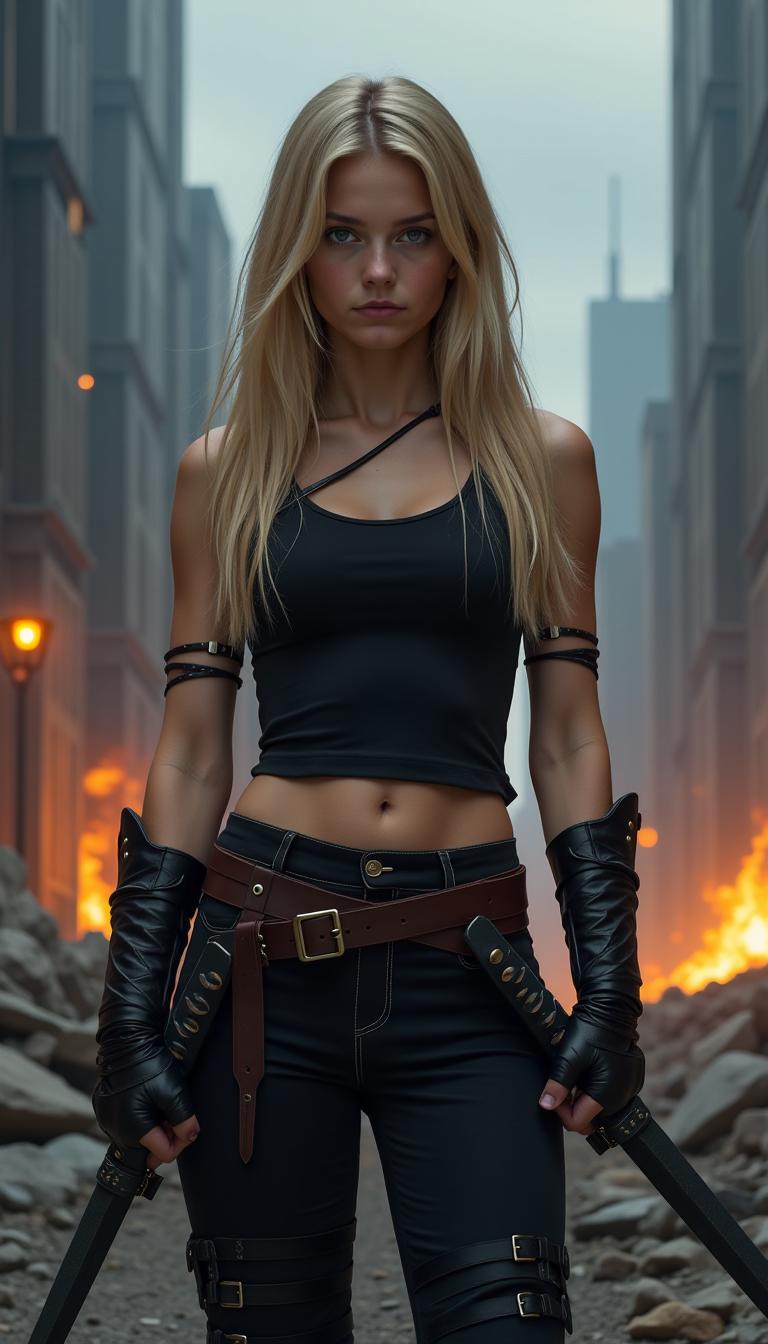
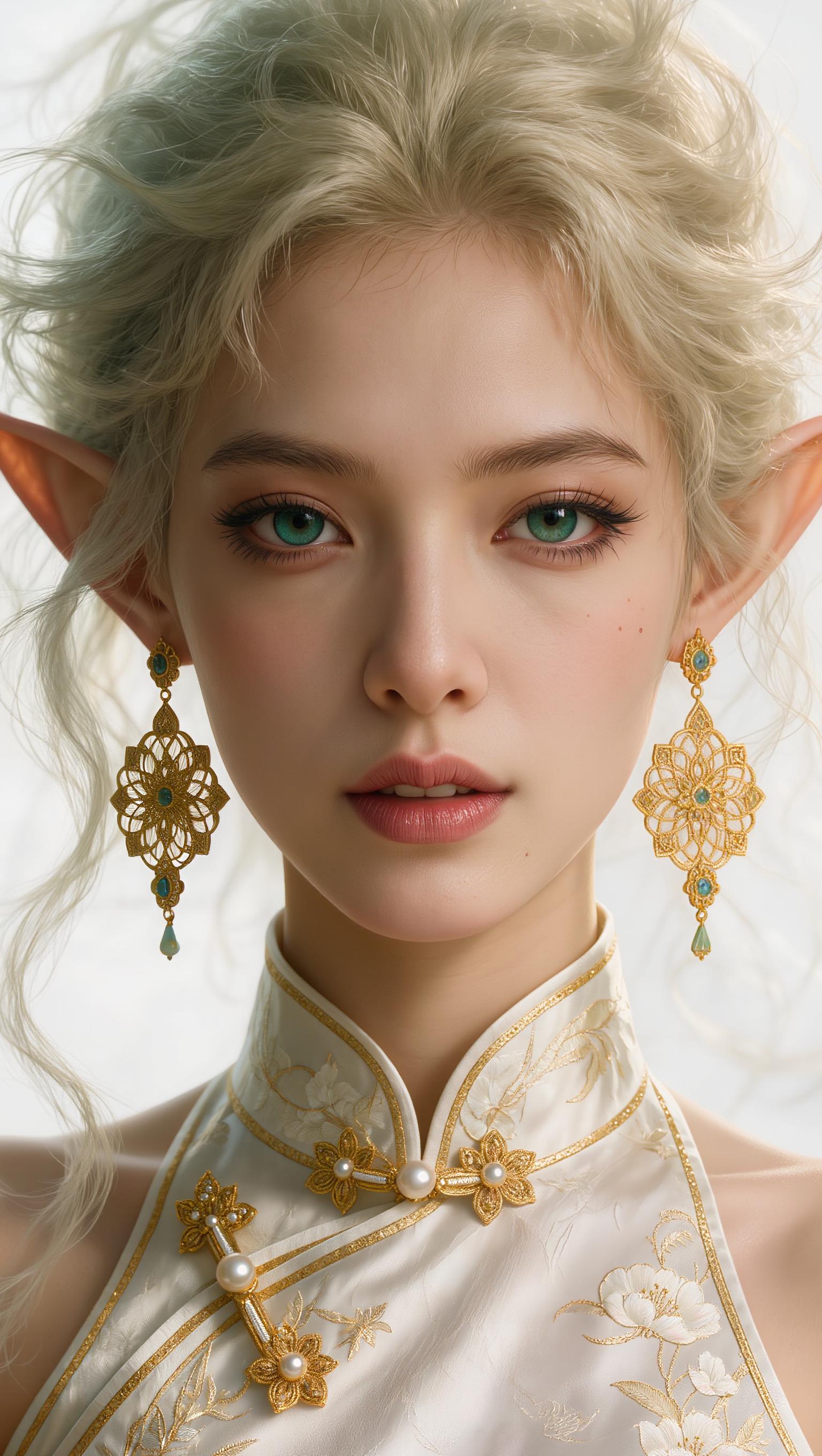
You create photorealistic masterpieces with perfect anatomy, lighting, and textures – ideal for e-commerce, ads, or portfolios – all in under 5 seconds per image using Flux.2 Studio's NVIDIA-accelerated rendering.
Boost Productivity with Blazing Speed
You produce dozens of variations rapidly, iterating ideas without delays, thanks to NVIDIA integration that handles high-res outputs effortlessly – perfect for tight deadlines and high-volume needs.
Achieve Pro Results Without Expertise
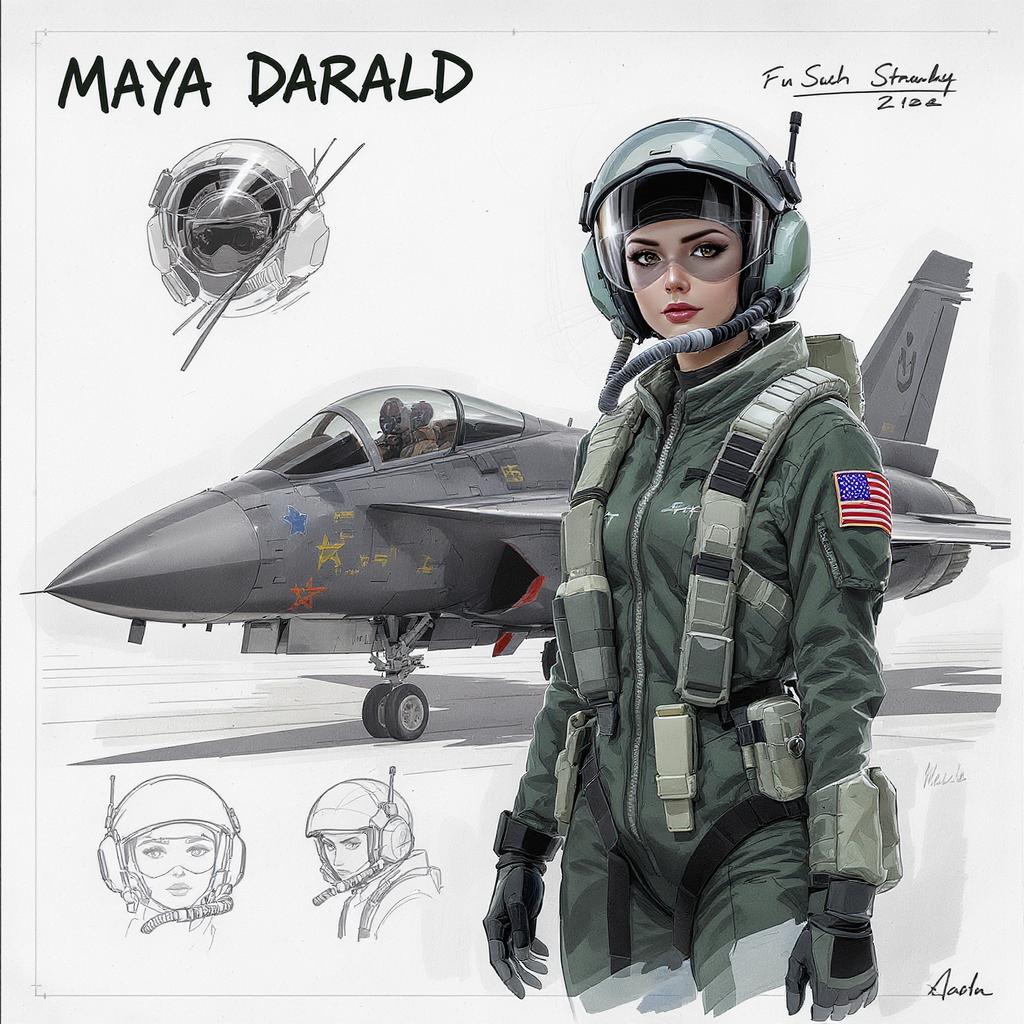
You unlock studio-quality images rivaling top photographers by simply describing your vision, with Flux 2 Max handling complex details like intricate patterns and dynamic poses via PixelDojo's intuitive interface.
How It Works
Creating jaw-dropping images with Flux 2 Max NVIDIA integration is as simple as 1-2-3 on PixelDojo. Leverage Flux.2 Studio for NVIDIA-powered generation that delivers maximum fidelity and speed.
Step 1: Choose Your Tool
Head to PixelDojo's Create Images section and select Flux.2 Studio or Flux Creator. These tools harness NVIDIA integration for Flux 2 Max, ensuring ultra-fast, high-fidelity outputs tailored to your needs.
Step 2: Enter Your Prompt
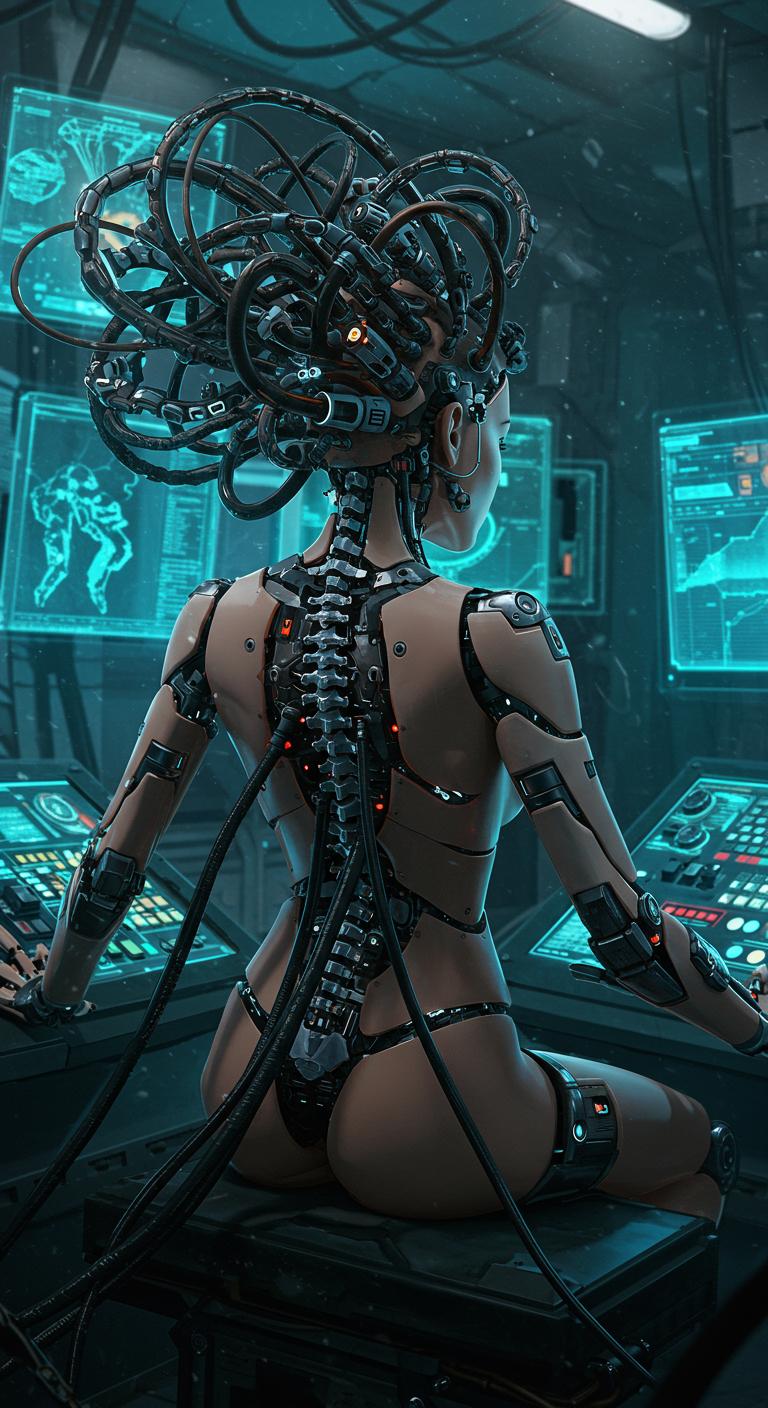
Type a natural language description like 'hyper-realistic cyberpunk cityscape at dusk with neon lights and flying cars, ultra-detailed, NVIDIA optimized.' Flux 2 Max excels at interpreting detailed prompts for superior results.
Step 3: Customize & Download
Adjust settings like resolution or style using integrated tools like Creative Upscaler or Inpainting, then hit generate. Download your stunning HD image instantly – ready for use anywhere.

The Pixel Dojo Advantage
Why PixelDojo outperforms other options for Flux 2 Max NVIDIA image generation
| Others | Pixel Dojo |
|---|---|
| Traditional image creation | You skip weeks of manual design and costly hires, getting instant NVIDIA-powered results that look professionally shot |
| Generic AI tools | You access exclusive Flux 2 Max NVIDIA optimization in Flux.2 Studio for 10x faster, sharper images without generic limitations |
| Manual photo editing | You eliminate hours of Photoshop tweaks, as Flux 2 Max auto-handles lighting, composition, and details flawlessly |
Loved by Creators
See what our community says about Flux 2 Max NVIDIA integration
"Flux 2 Max NVIDIA on PixelDojo transformed my ad campaigns – hyper-realistic product shots in seconds that doubled my conversions!"
Sarah Jenkins
Marketing Director
"As a game designer, Flux.2 Studio's NVIDIA speed lets me prototype worlds effortlessly. Best tool for detailed concept art!"
Mike Rivera
Lead Game Artist
Common Questions
Everything you need to know about Flux 2 Max NVIDIA integration AI generation
What is Flux 2 Max NVIDIA integration for AI image generation?
Flux 2 Max NVIDIA integration on PixelDojo uses Flux.2 Studio to leverage NVIDIA hardware for ultra-fast, hyper-detailed image creation. You get photorealistic results with advanced techniques like improved text rendering and anatomy accuracy, perfect for professional visuals without technical setup.
How does Flux 2 Max NVIDIA image generation work on PixelDojo?
Via Flux.2 Studio or Flux Creator, you input descriptive prompts optimized for NVIDIA acceleration. The system generates high-res images in seconds, with tools like Image to Image or Style Transfer for refinements – delivering outcomes like flawless portraits or landscapes effortlessly.
What are the best prompts for Flux 2 Max NVIDIA AI images?
Use natural, detailed prompts like 'photorealistic astronaut on Mars, dramatic lighting, ultra HD, NVIDIA enhanced.' PixelDojo's Flux 2 Max excels at complex scenes, and pairing with Z Image Turbo or PonyXL boosts variety for your creative projects.
Can I train custom models with Flux 2 Max NVIDIA on PixelDojo?
Yes! Use Flux 2 Model Trainer to fine-tune models on your data with NVIDIA power. You achieve personalized styles for brands or characters, integrated seamlessly with Consistent Characters or Inpainting with LoRAs for unmatched consistency.
Is Flux 2 Max NVIDIA faster than other AI image generators?
Absolutely – NVIDIA integration in Flux.2 Studio delivers up to 10x speed for 4K images. You create batches quickly, unlike slower alternatives, and combine with Video Upscaler for dynamic content workflows.
How to edit Flux 2 Max NVIDIA generated images on PixelDojo?
Post-generation, use Edit Images tools like Magic Lighting, Background Remover, or Creative Upscaler. These enhance your NVIDIA-powered outputs, letting you perfect compositions for e-commerce, social, or print with zero hassle.