Flux 2 Max single to multi-reference AI Generator
Unlock the power of seamless multi-reference image generation with Flux 2 Max. Whether you're a designer, marketer, or content creator, Flux 2 Max enables you to blend multiple reference images into cohesive, high-quality visuals effortlessly. Say goodbye to inconsistent designs and hello to streamlined creativity.
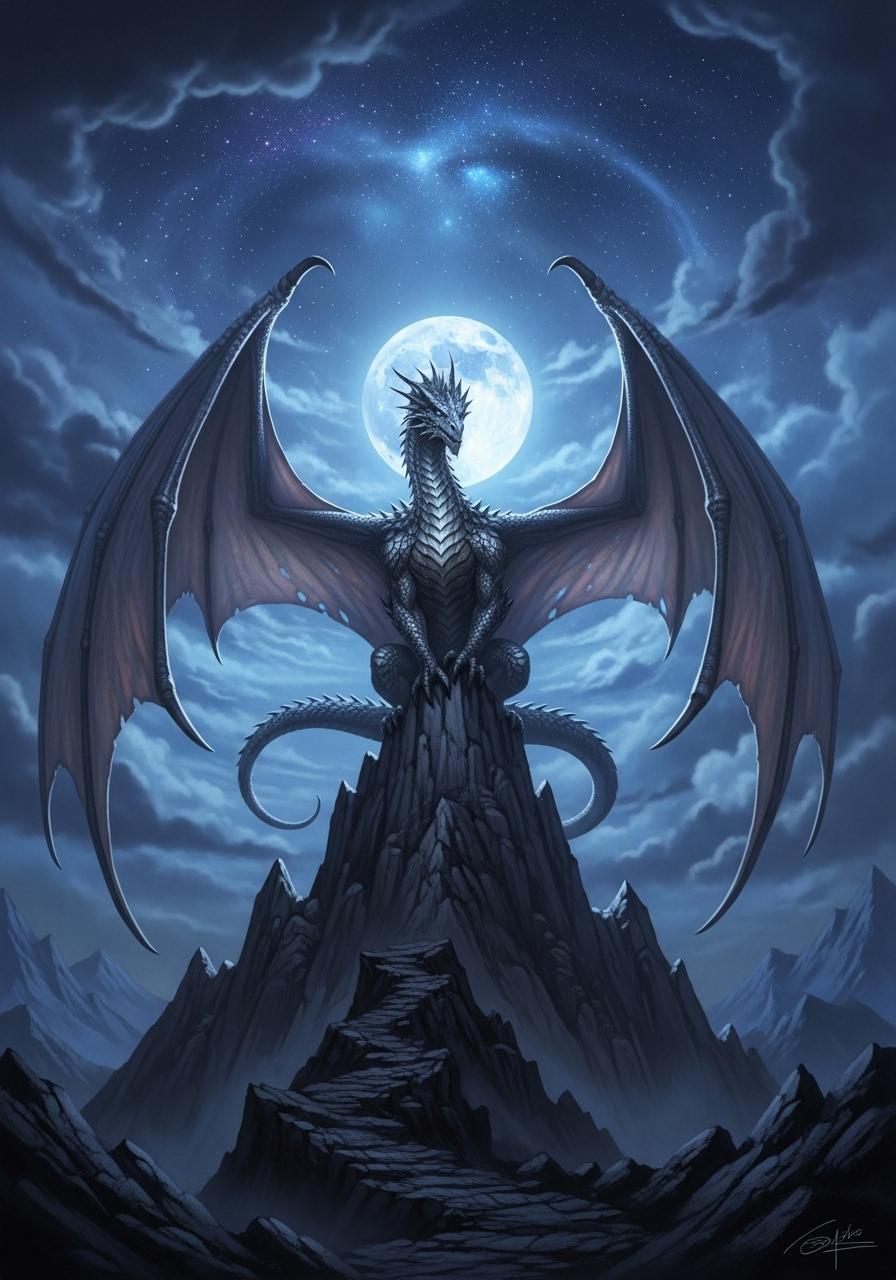
Join over 10,000 creators who have enhanced their workflows with Flux 2 Max, achieving a 95% satisfaction rate and a 40% increase in productivity.
Why Choose Pixel Dojo for Flux 2 Max single to multi-reference
Professional-quality results with cutting-edge AI technology
Achieve Consistent Visuals Across Projects
Maintain uniformity in your designs by blending multiple references into a single, cohesive image, ensuring brand consistency and professional results.
Save Time with Efficient Image Generation
Reduce manual editing and accelerate your creative process by leveraging AI to combine multiple images seamlessly.
Enhance Creativity with Advanced AI Tools
Explore new creative possibilities by merging diverse references, allowing for innovative designs and unique visual content.
How It Works
Creating cohesive images from multiple references is simple with Flux 2 Max. Follow these steps to transform your ideas into reality:
Step 1: Select Your Reference Images
Choose up to 10 images that you want to blend into a single cohesive visual. Ensure these images align with your desired outcome.
Step 2: Input Your Creative Prompt
Describe the desired outcome using natural language. For example, 'Combine these product shots into a unified catalog image with a modern aesthetic.'
Step 3: Generate and Refine Your Image
Click 'Generate' to let Flux 2 Max process your inputs. Review the output and make any necessary adjustments to achieve your perfect image.
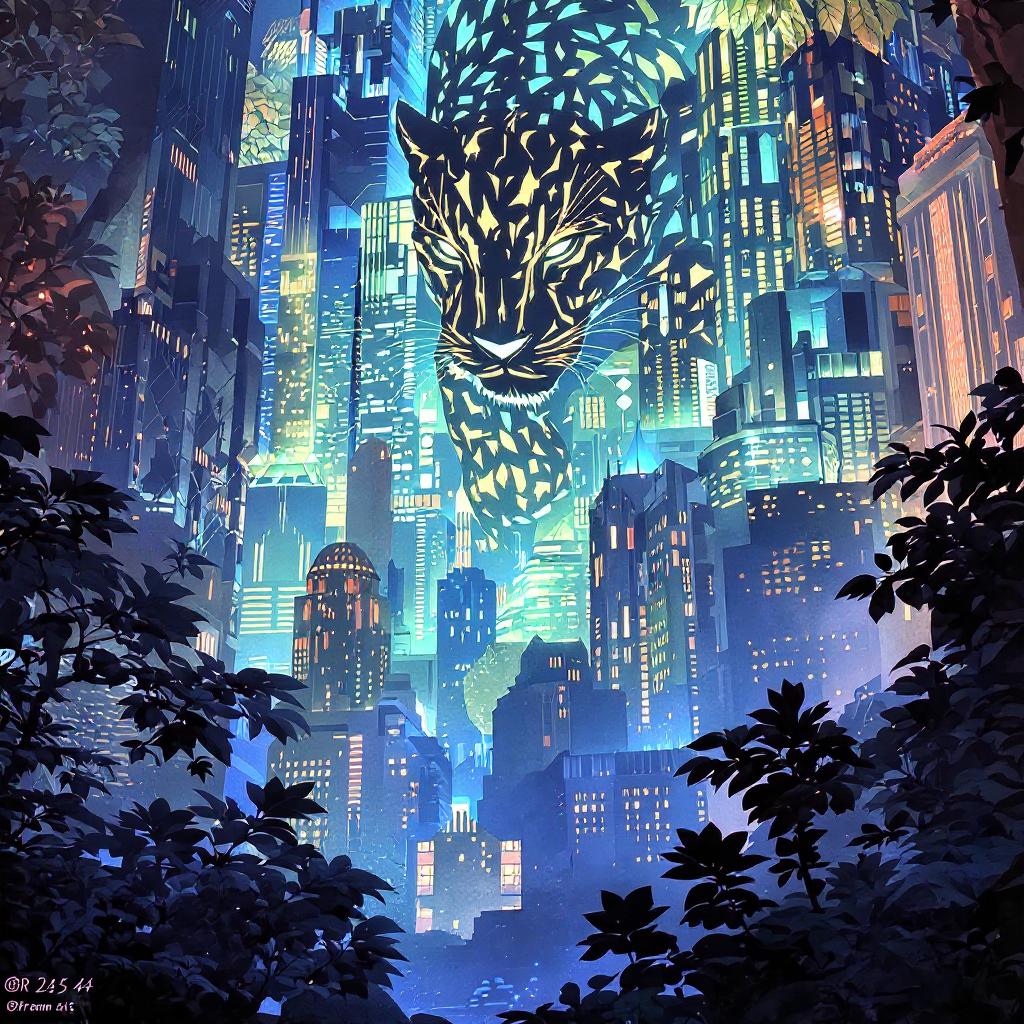
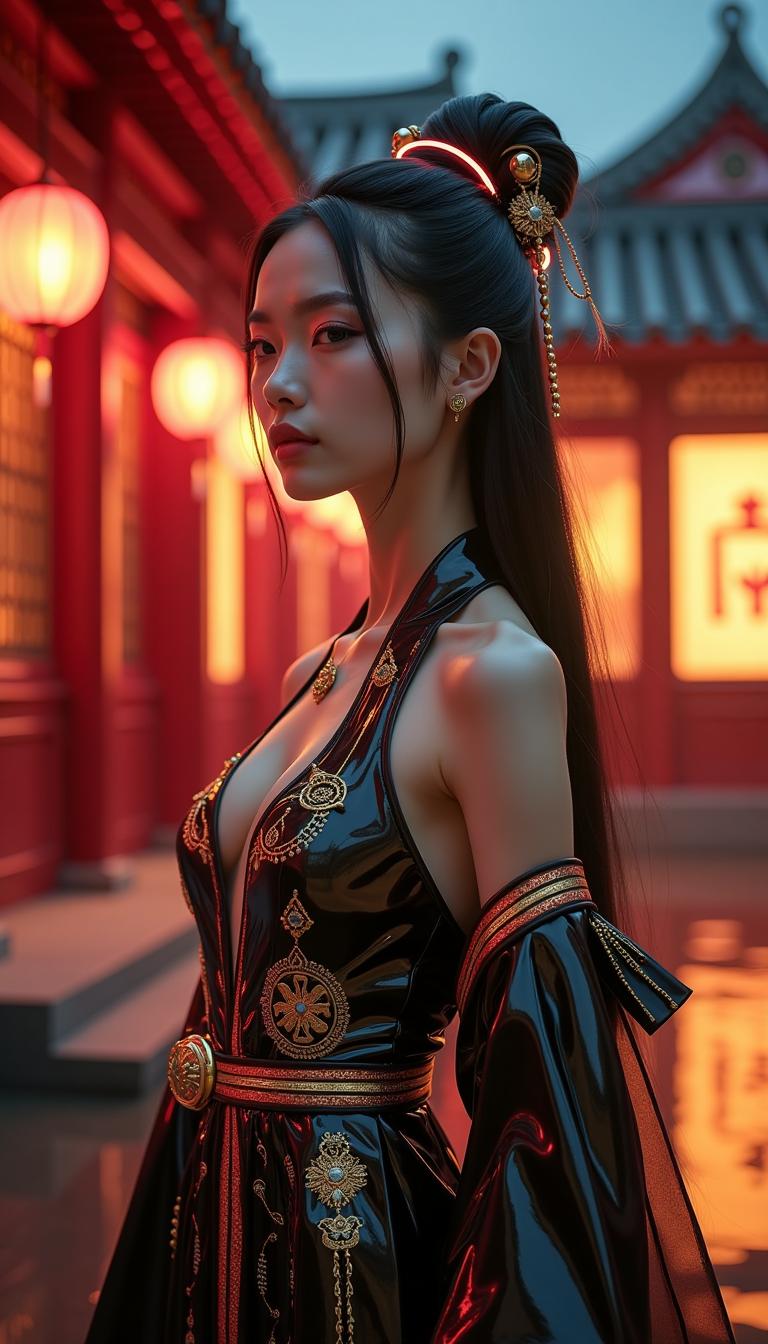
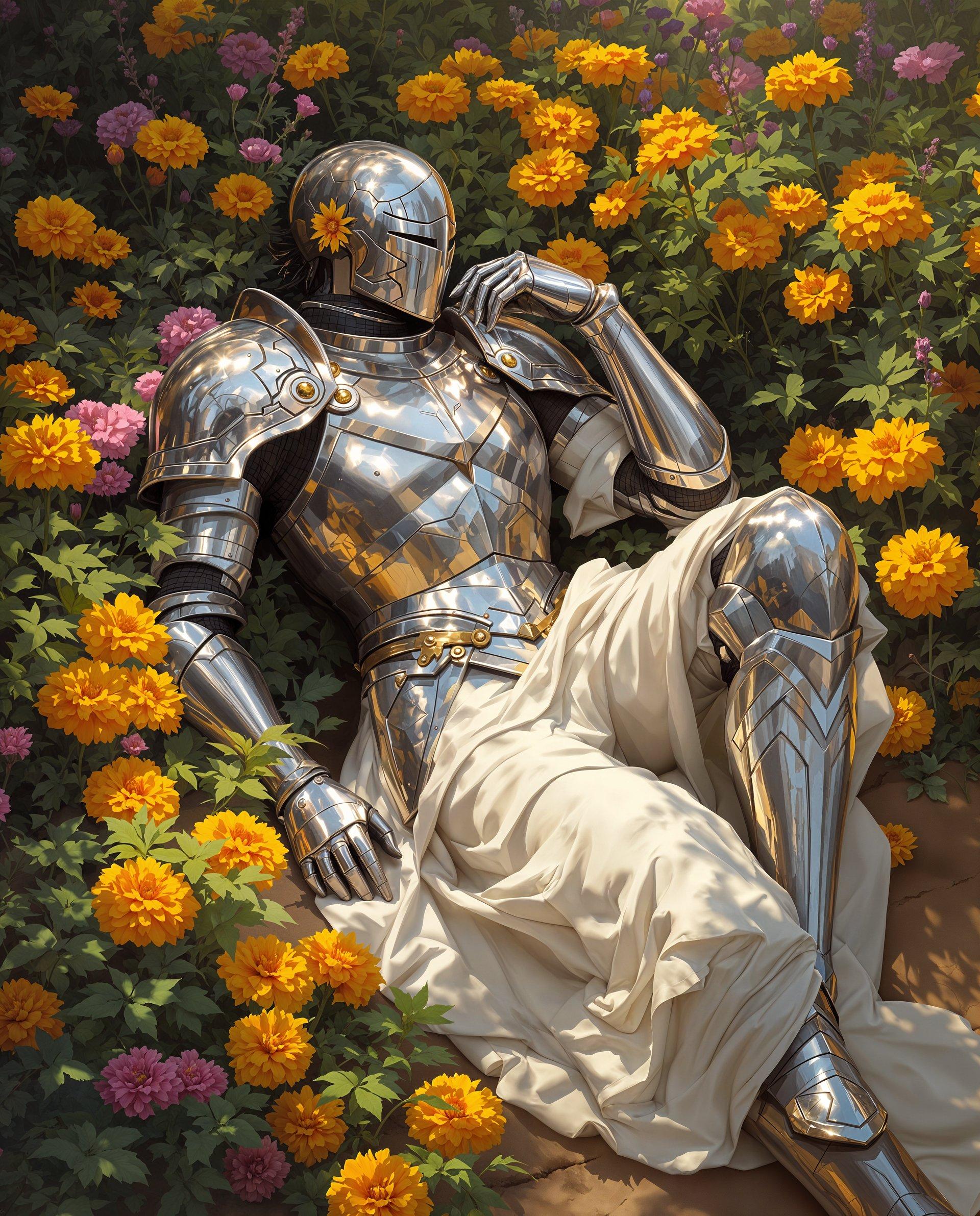

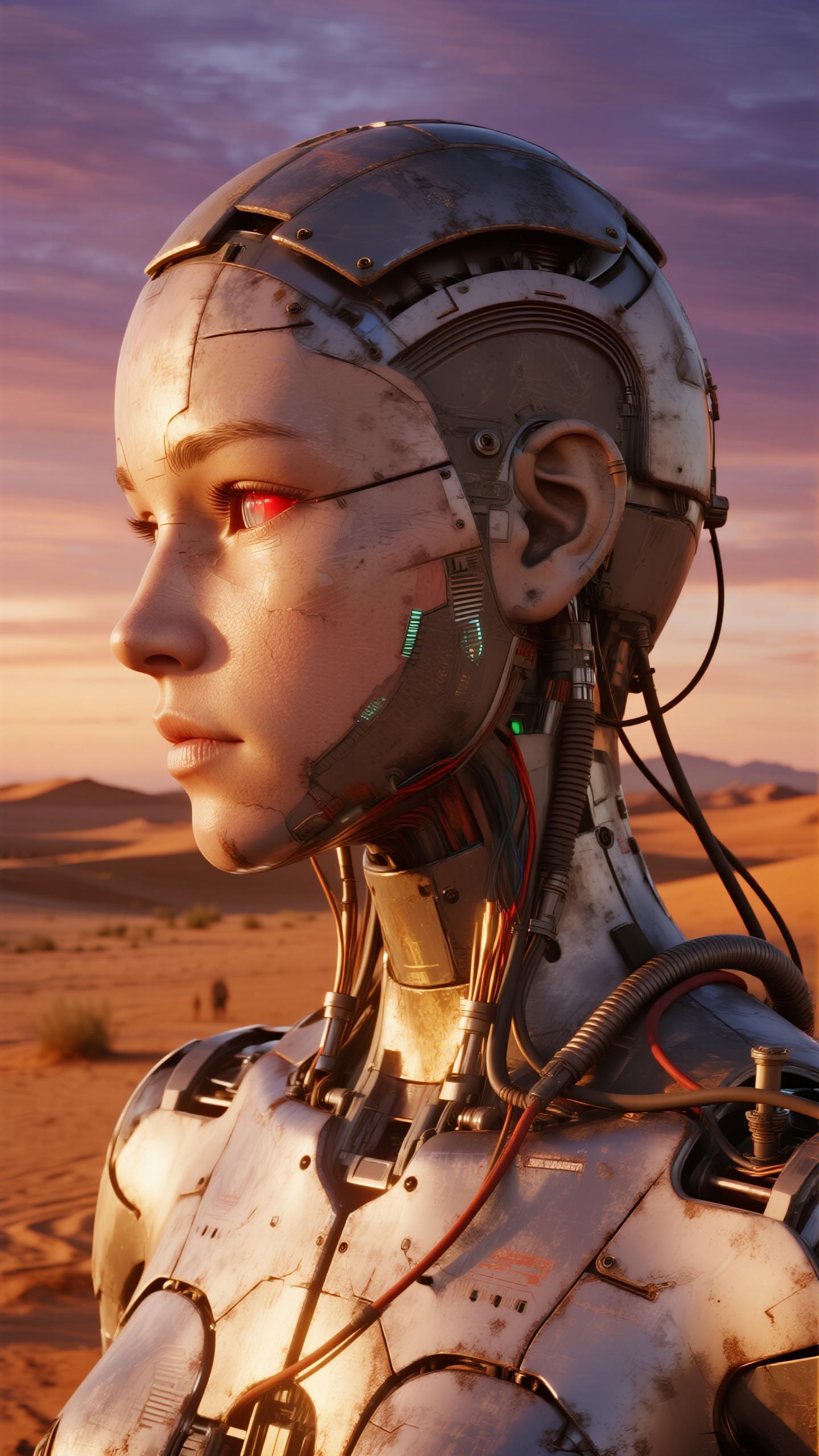

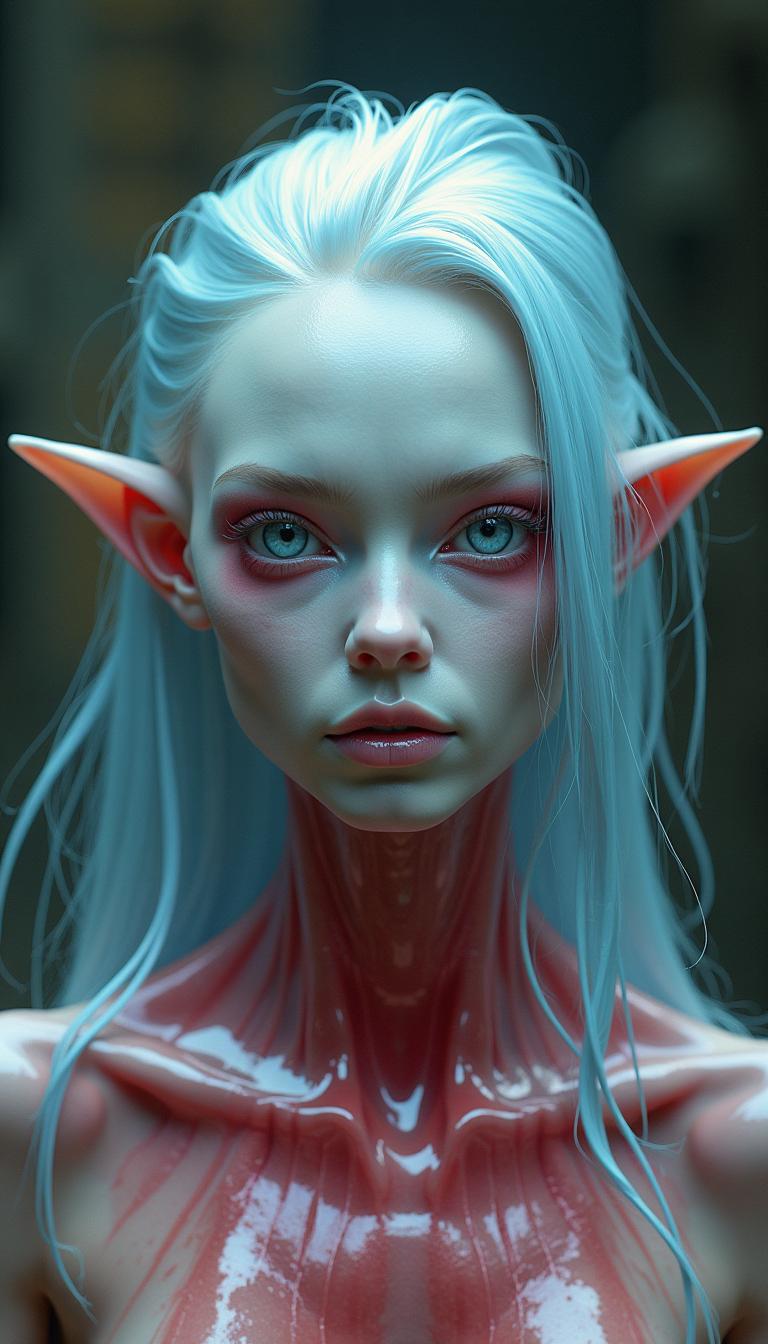
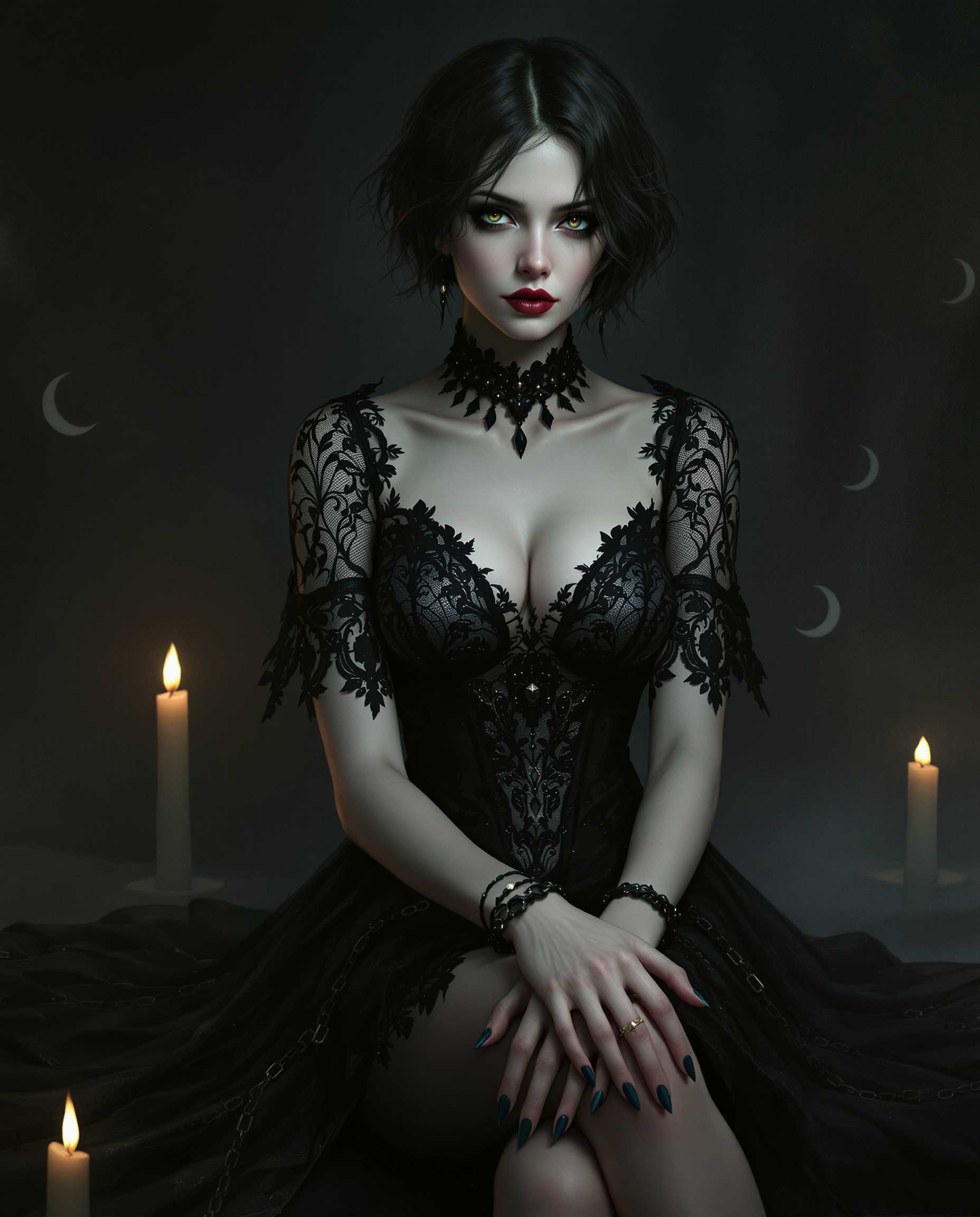


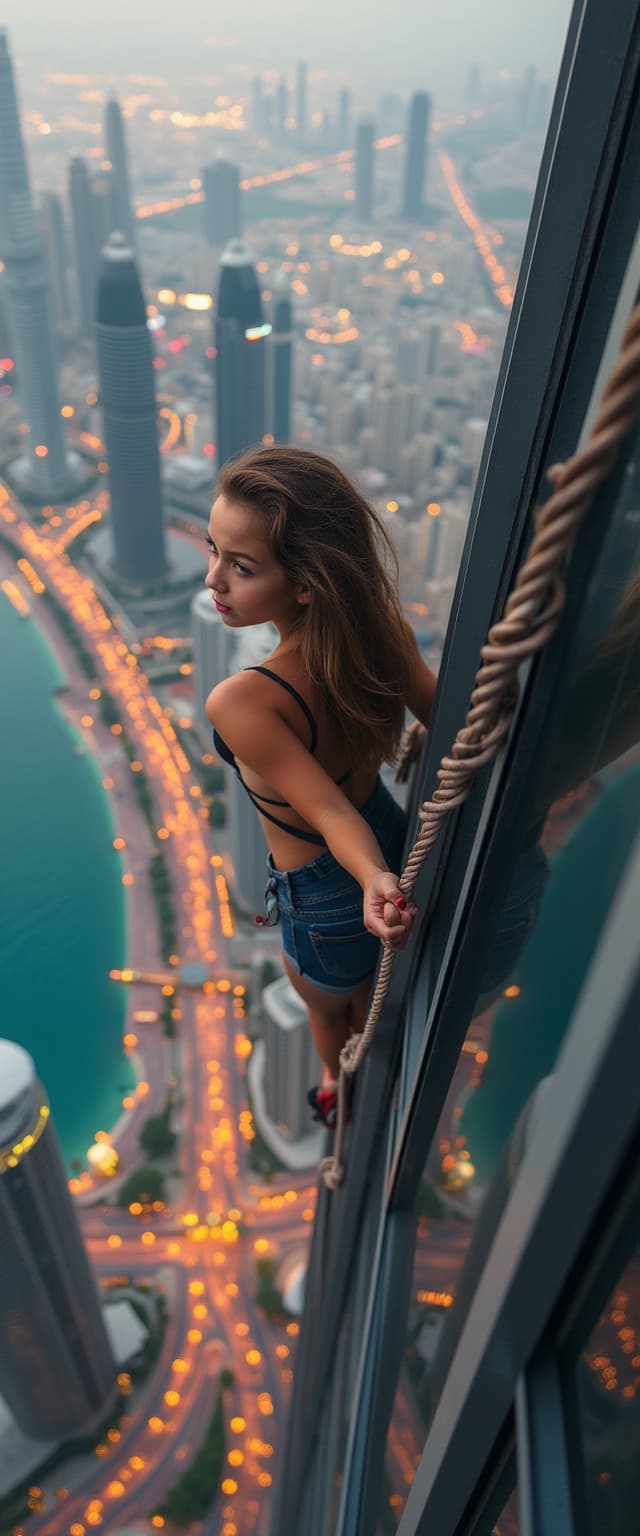
The Pixel Dojo Advantage
Why Flux 2 Max Outperforms Other Image Generation Methods
| Others | Pixel Dojo |
|---|---|
| Traditional Manual Editing | Eliminates the time-consuming process of manually blending images, offering faster and more accurate results. |
| Generic AI Tools | Provides advanced multi-reference capabilities, ensuring higher consistency and quality in the generated images. |
| Stock Image Libraries | Allows for customized image creation tailored to your specific needs, unlike generic stock images. |
Loved by Creators
See what our community says about Flux 2 Max single to multi-reference
"Flux 2 Max has revolutionized our design process, allowing us to create consistent visuals across all our marketing materials effortlessly."
Alex Johnson
Creative Director
"The ability to blend multiple references into a single image has saved us countless hours of manual editing. Flux 2 Max is a game-changer."
Maria Lopez
Marketing Manager
Common Questions
Everything you need to know about Flux 2 Max single to multi-reference AI generation
How does Flux 2 Max ensure consistency across multiple reference images?
Flux 2 Max utilizes advanced AI algorithms to analyze and blend multiple reference images, maintaining consistent styles, colors, and compositions to produce cohesive visuals.
Can I use Flux 2 Max for commercial projects?
Yes, Flux 2 Max is designed for both personal and commercial use, allowing you to create professional-quality images for various applications.
What file formats are supported for reference images?
Flux 2 Max supports common image formats such as JPEG, PNG, and WebP, ensuring compatibility with your existing assets.
Is there a limit to the number of reference images I can use?
You can upload up to 10 reference images per project, providing flexibility to create complex and detailed visuals.
How long does it take to generate an image with Flux 2 Max?
Image generation times vary depending on the complexity of the project, but Flux 2 Max is optimized for fast processing, typically delivering results within minutes.
Do I need prior design experience to use Flux 2 Max?
No, Flux 2 Max is user-friendly and designed for creators of all skill levels. Its intuitive interface and AI-powered tools make image generation accessible to everyone.