gemini 2.5 flash image style transfer AI Generator
Unlock the full potential of your images with PixelDojo's advanced AI tools, featuring the latest Gemini 2.5 Flash style transfer capabilities. Whether you're a designer, marketer, or content creator, our platform empowers you to achieve consistent, high-quality image transformations effortlessly.

Join over 10,000 satisfied creators who have enhanced their visuals using PixelDojo's cutting-edge AI technology.
Why Choose Pixel Dojo for gemini 2.5 flash image style transfer
Professional-quality results with cutting-edge AI technology
Achieve Consistent Character Representation
Maintain the integrity of your subjects across multiple edits, ensuring uniformity in your visual narratives.
Effortless Multi-Image Fusion
Combine multiple images into cohesive compositions with a single prompt, streamlining your creative process.
Precise Prompt-Based Editing
Make targeted transformations using natural language, from background changes to object removals, with ease.
How It Works
Creating stunning images with Gemini 2.5 Flash style transfer on PixelDojo is simple and intuitive. Follow these steps to transform your visuals:
Step 1: Select Your Image Editing Tool
Navigate to PixelDojo's 'Image Editing' section and choose the 'Style Transfer' tool to begin your transformation.
Step 2: Upload Your Image and Choose a Style
Upload the image you wish to transform and select the desired style from our extensive library, including options powered by Gemini 2.5 Flash.
Step 3: Apply Transformations and Download
Use natural language prompts to make specific edits, preview the changes, and download your transformed image once satisfied.





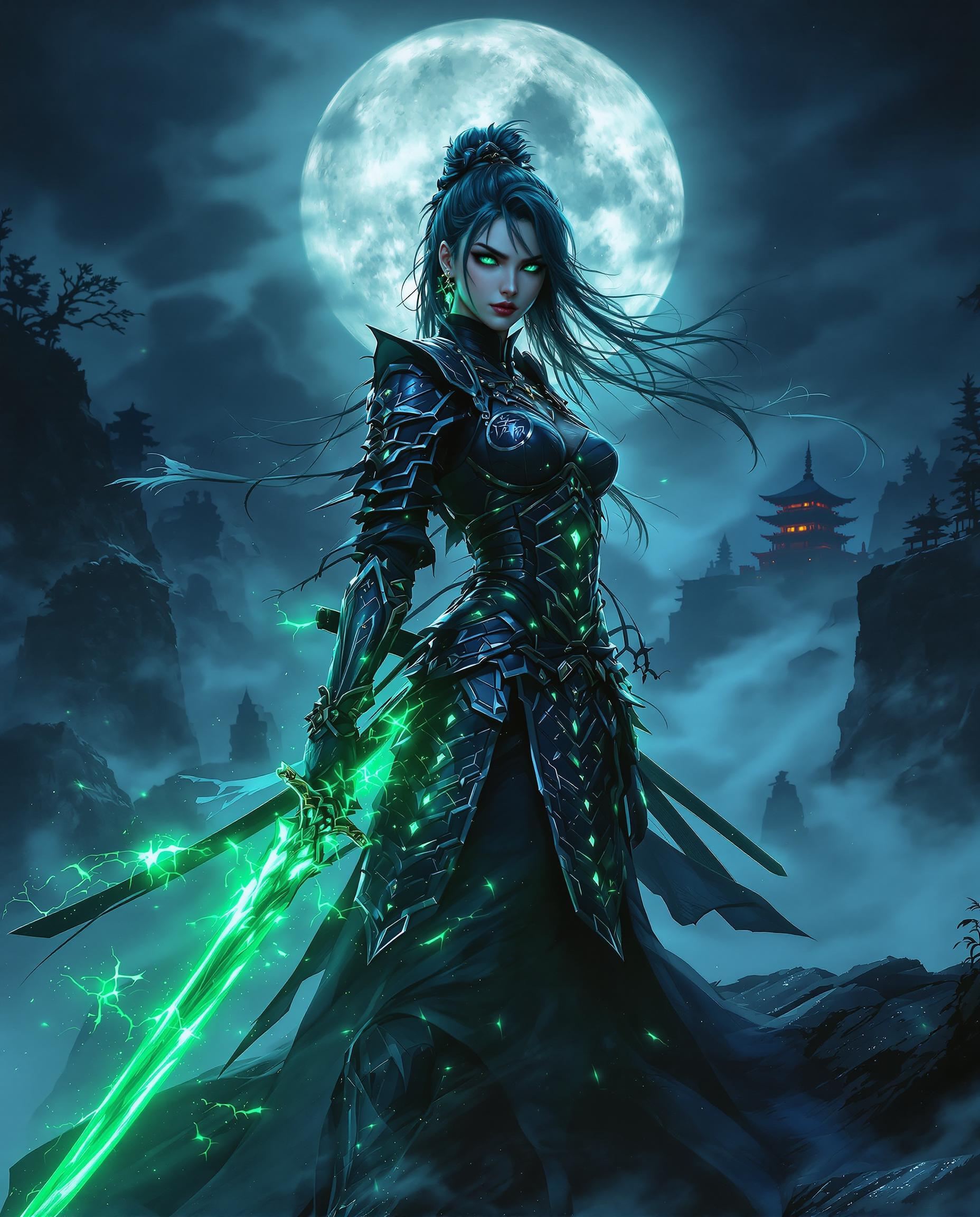


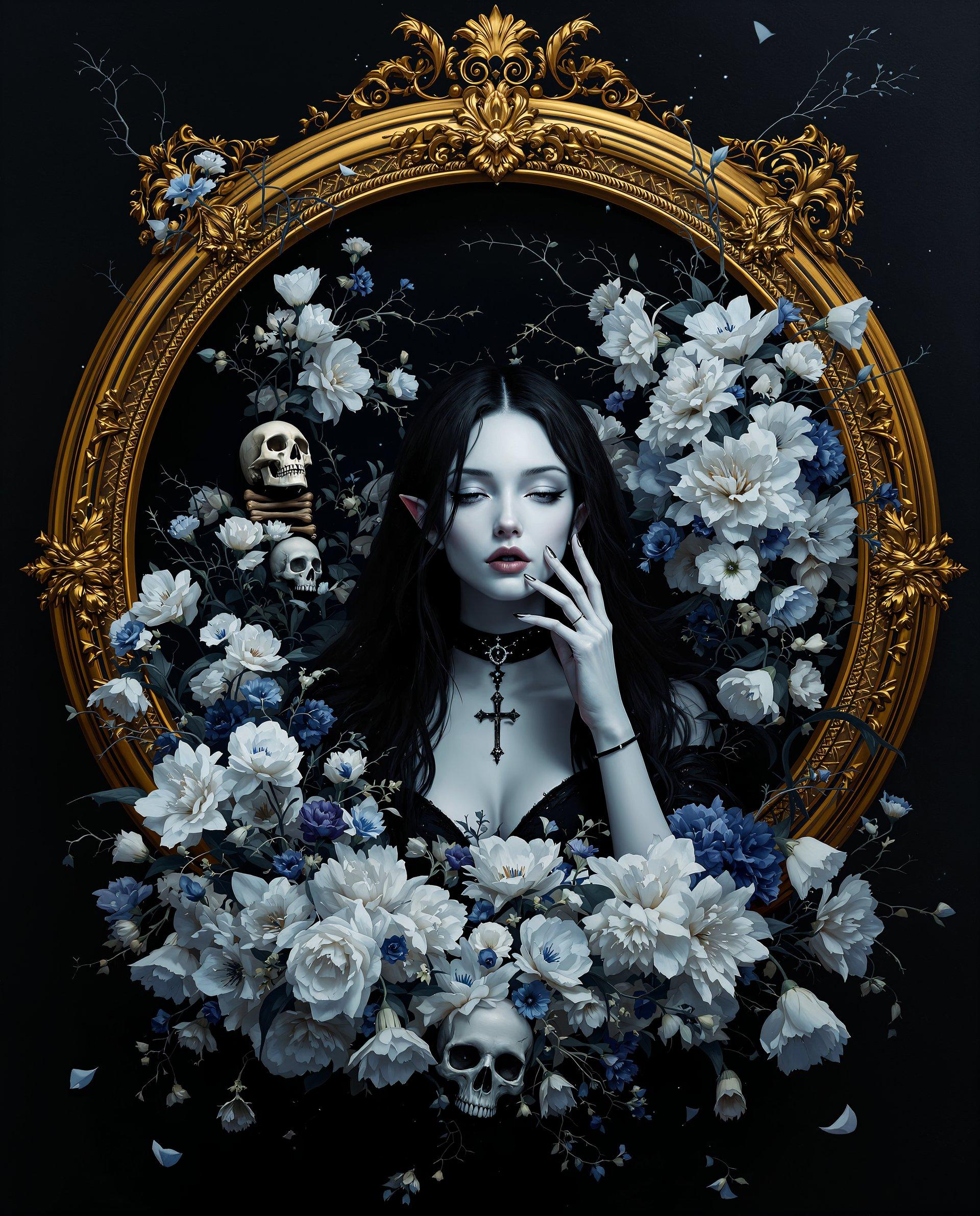


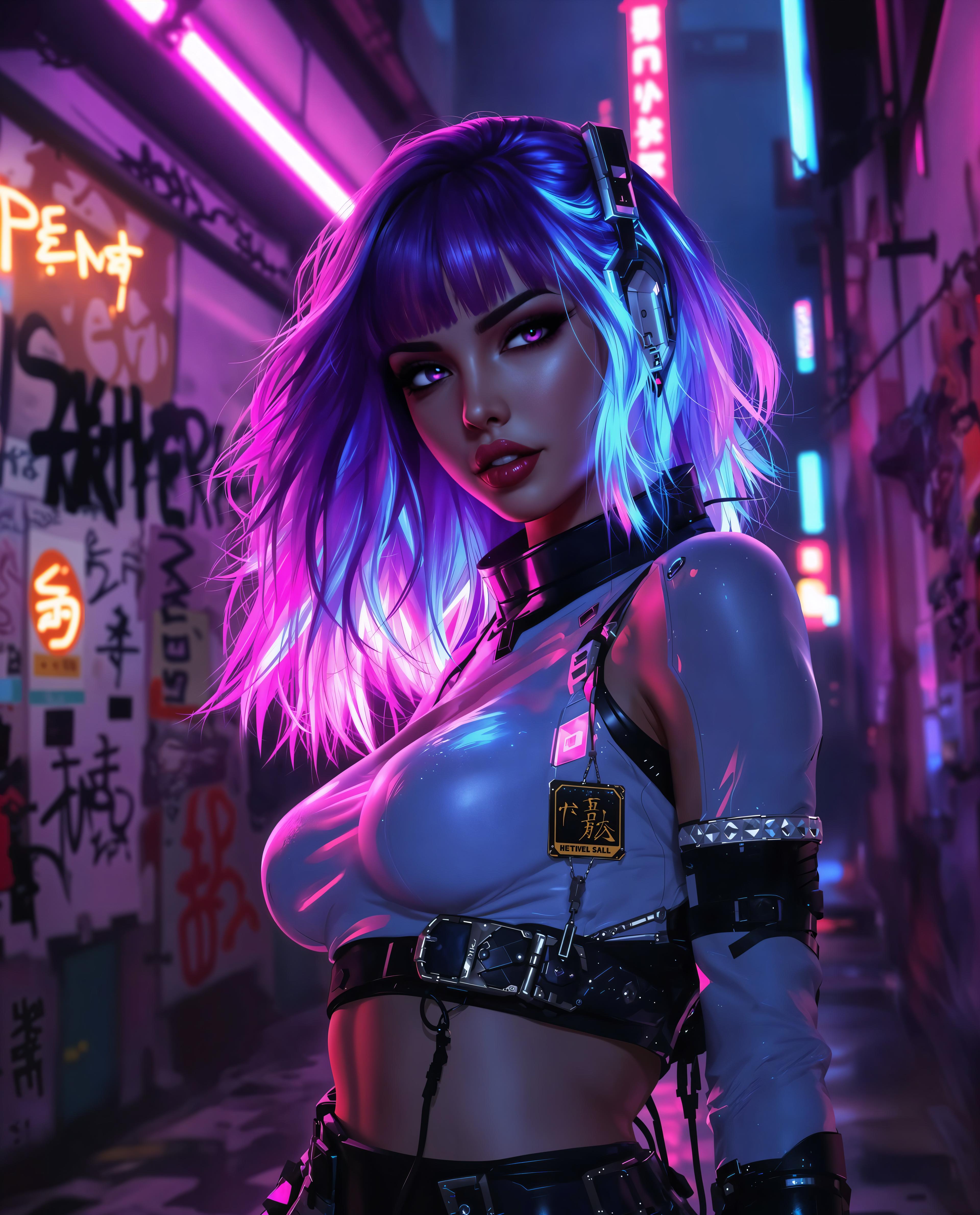

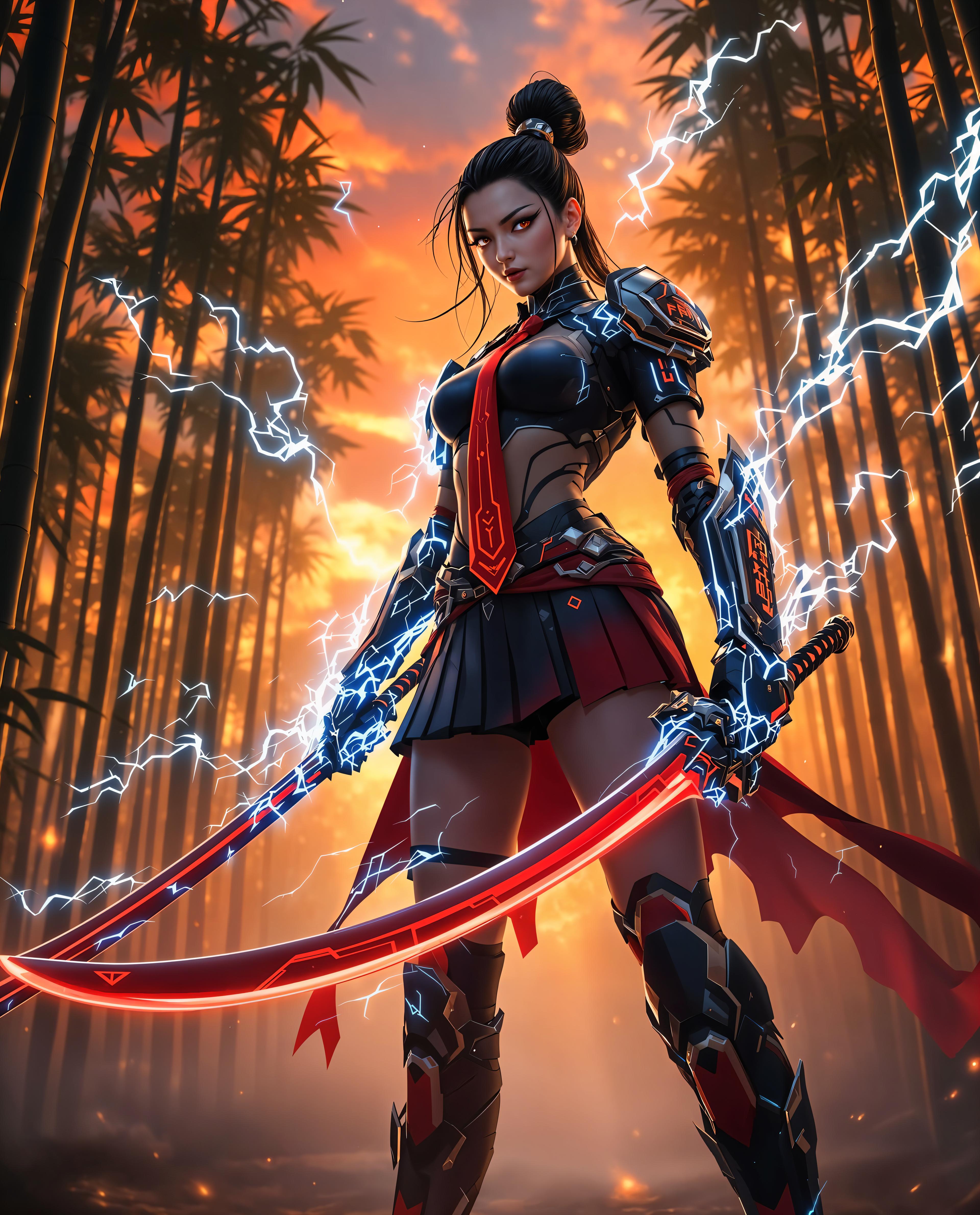
The Pixel Dojo Advantage
Discover why PixelDojo stands out in the realm of AI-powered image editing:
| Others | Pixel Dojo |
|---|---|
| Traditional Image Editing Software | Eliminate the steep learning curve and time-consuming processes associated with manual editing. |
| Generic AI Tools | Experience superior style transfer capabilities with Gemini 2.5 Flash integration, ensuring higher quality and consistency. |
| Manual Photo Manipulation | Achieve complex transformations in seconds without the need for advanced technical skills. |
Loved by Creators
See what our community says about gemini 2.5 flash image style transfer
"PixelDojo's Gemini 2.5 Flash style transfer has revolutionized my design workflow, allowing me to create consistent and stunning visuals effortlessly."
Alex Johnson
Graphic Designer
"The multi-image fusion feature is a game-changer. I can now blend product images seamlessly, enhancing my marketing materials significantly."
Samantha Lee
Marketing Specialist
Common Questions
Everything you need to know about gemini 2.5 flash image style transfer AI generation
How does PixelDojo's Gemini 2.5 Flash style transfer ensure character consistency?
Our AI tools are designed to maintain the integrity of subjects across multiple edits, preserving key features and ensuring uniformity in your visuals.
Can I combine multiple images using PixelDojo's style transfer tools?
Yes, our platform allows you to blend multiple images into a single cohesive composition using intuitive prompts.
Is technical expertise required to use PixelDojo's AI image editing tools?
No, our user-friendly interface and natural language processing capabilities make it accessible for users of all skill levels.
What file formats are supported for image uploads and downloads?
PixelDojo supports common image formats such as JPEG and PNG for both uploads and downloads.
Are there any limitations on the number of images I can edit?
Our subscription plans offer varying limits to suit different needs. Please refer to our pricing page for detailed information.
How does PixelDojo ensure the quality of AI-generated images?
We utilize advanced AI models like Gemini 2.5 Flash to deliver high-fidelity, consistent, and contextually accurate image transformations.