Generate edited images Qwen Plus AI Generator
Elevate your visual content with PixelDojo's Qwen Plus AI, an advanced image editing tool that empowers you to make precise modifications, apply style transfers, and enhance images effortlessly. Whether you're a designer, marketer, or content creator, Qwen Plus AI enables you to produce professional-quality visuals without the complexity of traditional editing software.
Join over 100,000 satisfied creators who have transformed their visuals using PixelDojo's cutting-edge AI tools. Rated 4.9/5 by professionals worldwide.
Why Choose Pixel Dojo for Generate edited images Qwen Plus
Professional-quality results with cutting-edge AI technology
Effortless Image Enhancement
Achieve stunning image improvements without the steep learning curve of traditional editing software.
Precise Text Editing
Modify text within images while preserving original fonts and styles, perfect for multilingual content.
Seamless Style Transfers
Transform your images into various artistic styles, from Studio Ghibli-inspired art to modern aesthetics.
How It Works
Creating stunning images with Qwen Plus AI on PixelDojo is a simple three-step process:
Step 1: Upload Your Image
Select the image you wish to edit and upload it to the PixelDojo platform.
Step 2: Enter Your Editing Prompt
Describe the changes you want to make using natural language, such as 'Add a sunset background' or 'Change the text to 'Welcome'.
Step 3: Review and Download
Preview the edited image, make any necessary adjustments, and download the final version.


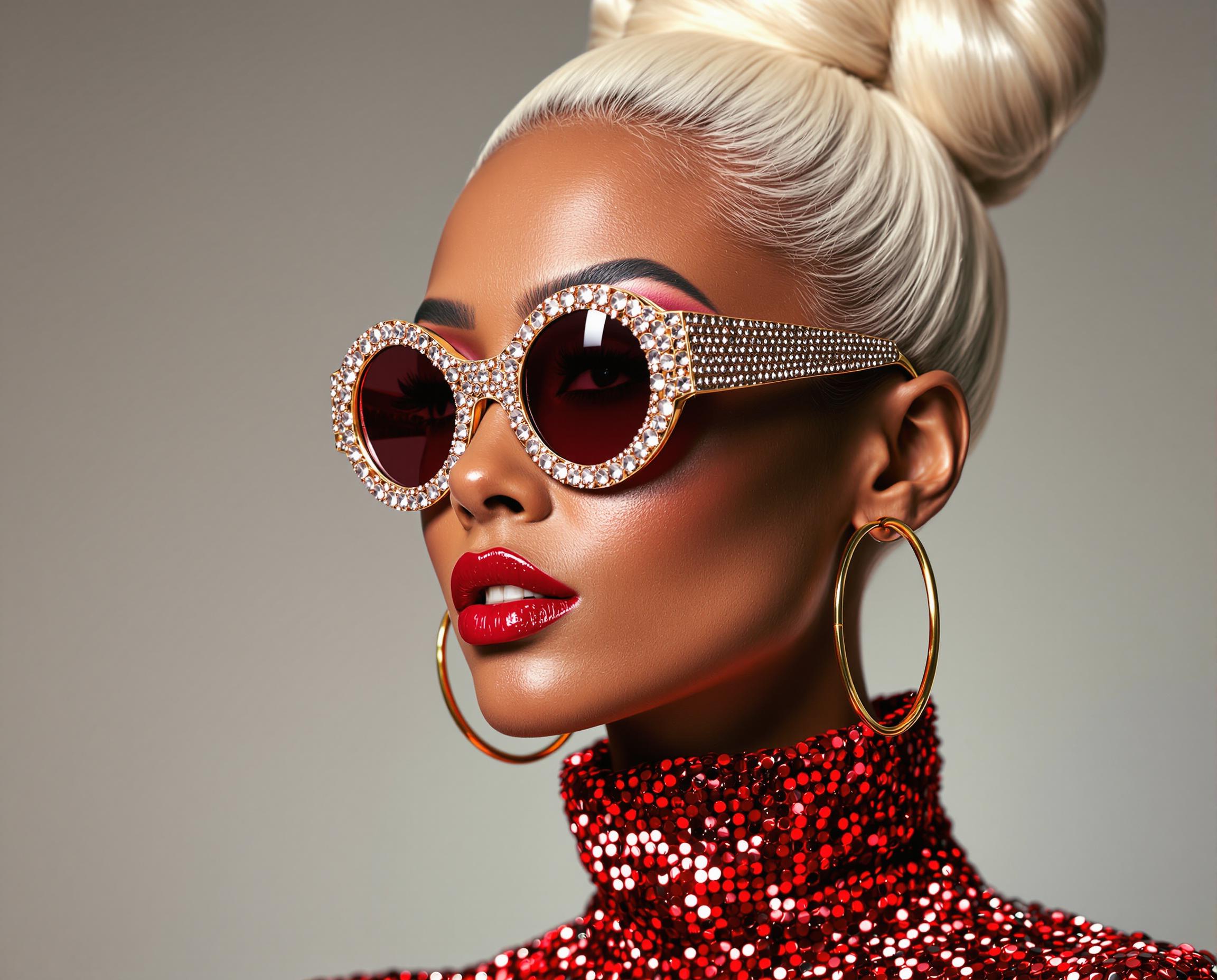
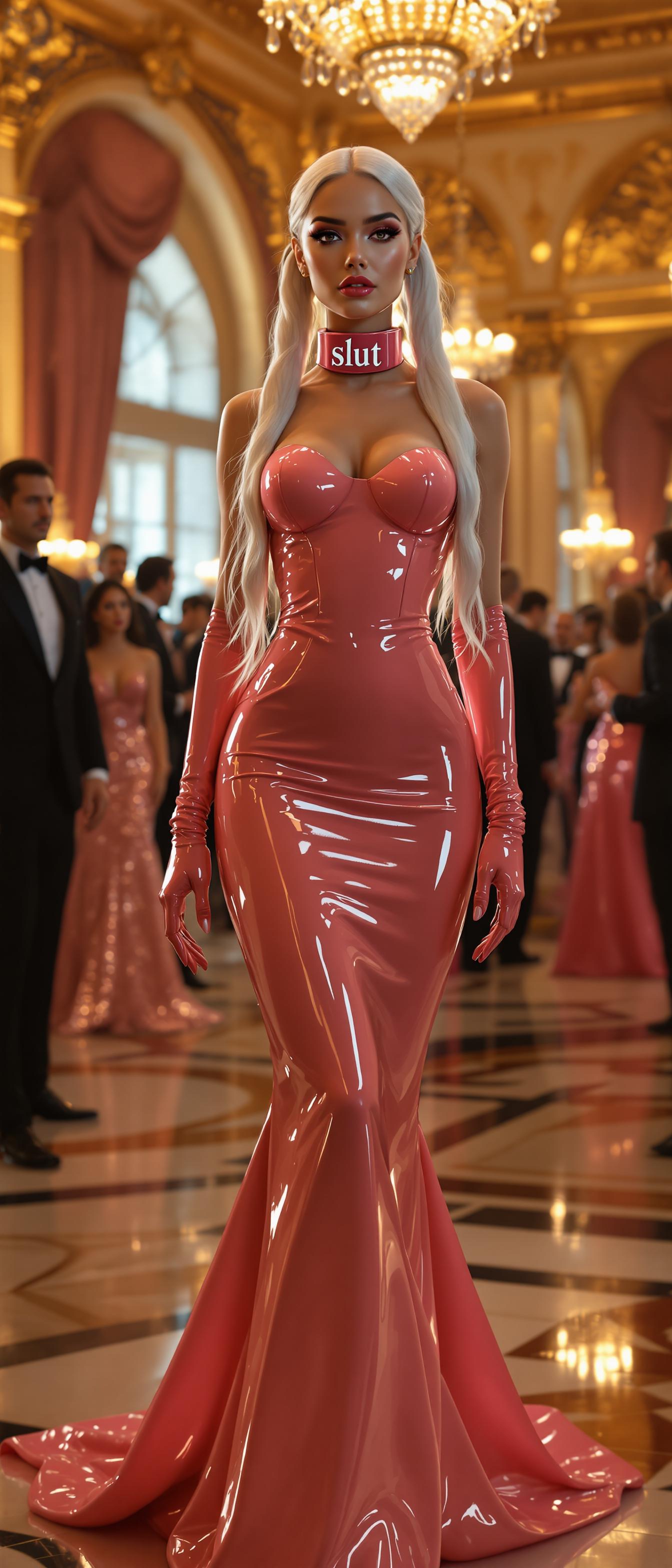



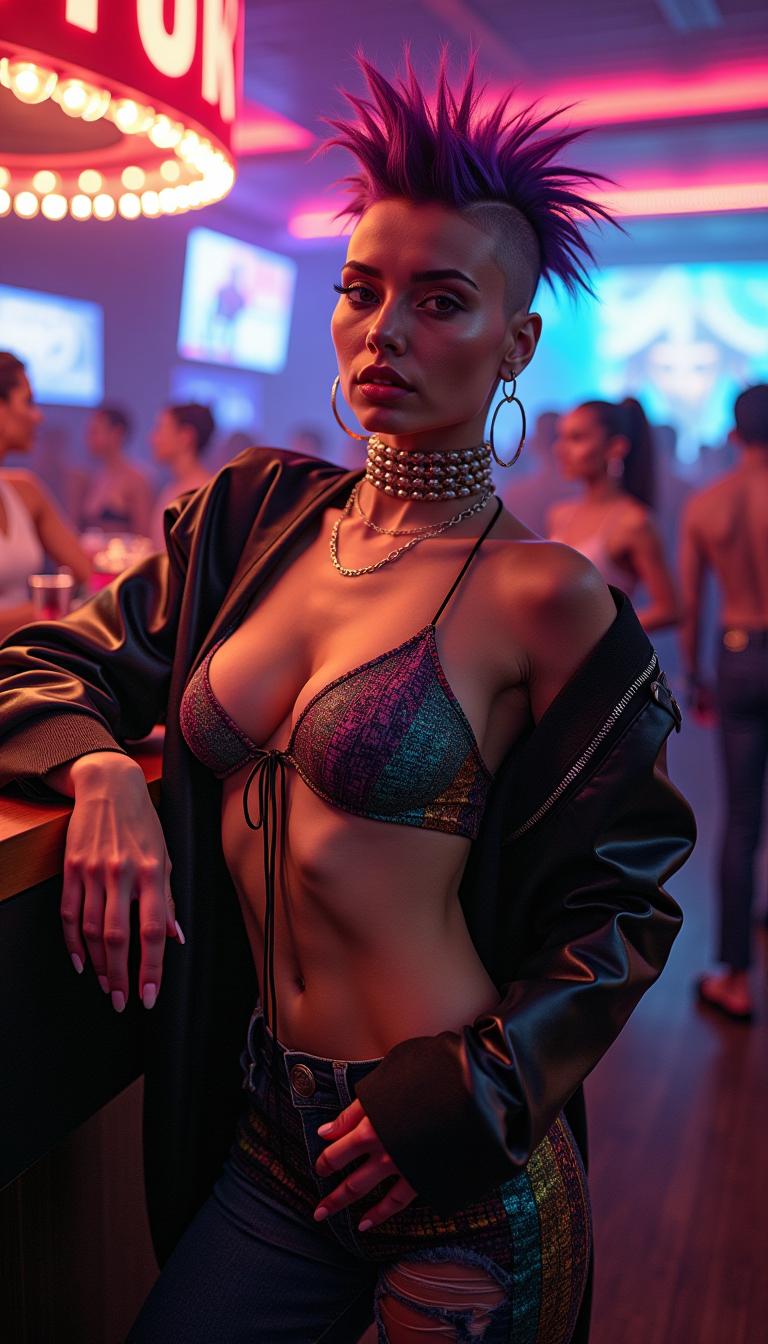
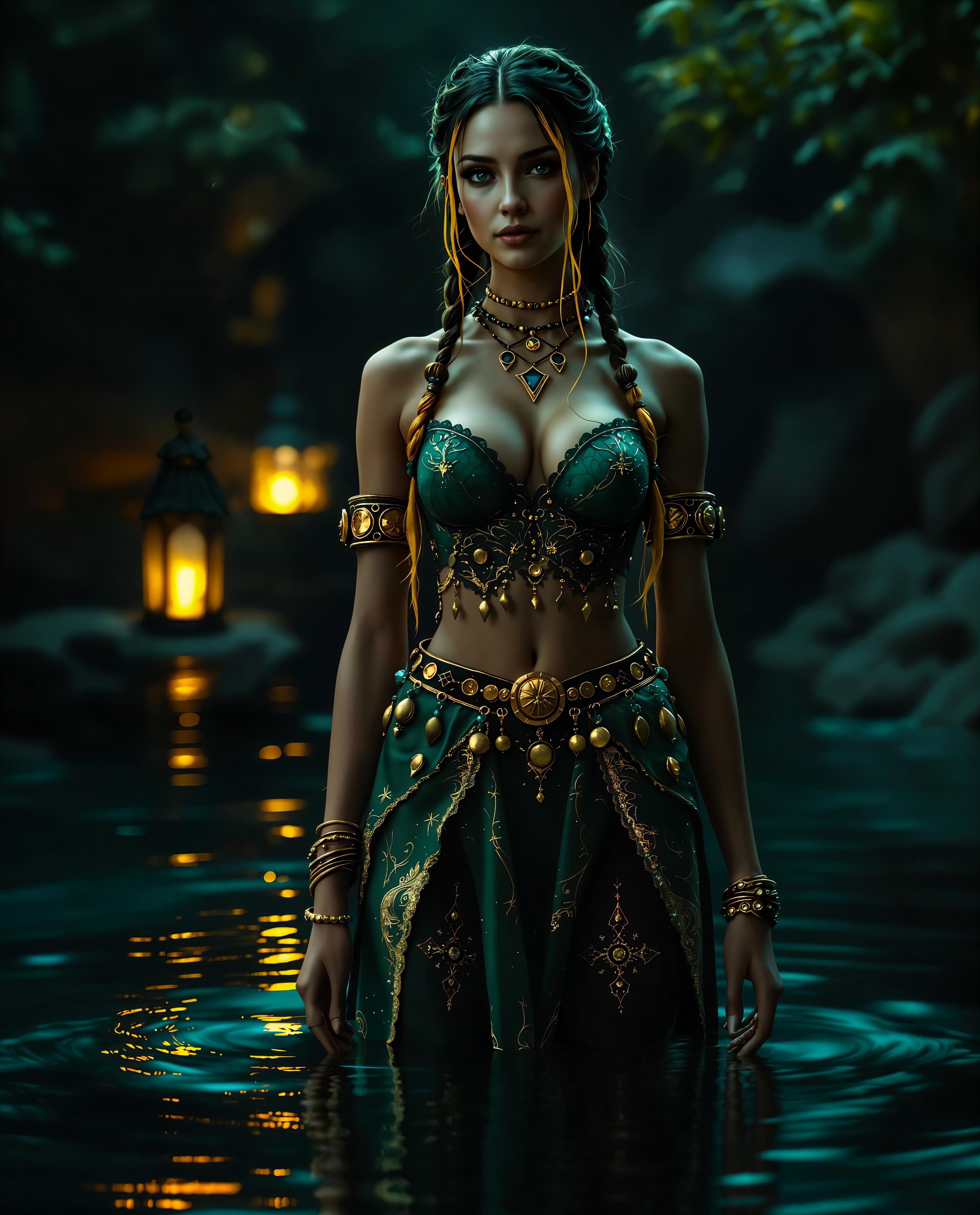

The Pixel Dojo Advantage
Why PixelDojo outperforms other options for AI image editing
| Others | Pixel Dojo |
|---|---|
| Traditional Image Editing Software | No need for extensive training or technical skills; achieve professional results with simple prompts. |
| Generic AI Tools | Tailored specifically for image editing with advanced features like precise text editing and style transfers. |
| Manual Photo Editing | Significantly reduces editing time while maintaining high-quality outputs. |
Loved by Creators
See what our community says about Generate edited images Qwen Plus
"PixelDojo's Qwen Plus AI has revolutionized our content creation process, allowing us to produce high-quality visuals in a fraction of the time."
Alex Johnson
Marketing Director
"The precision and ease of use of Qwen Plus AI have made it an indispensable tool in our design workflow."
Maria Lopez
Graphic Designer
Common Questions
Everything you need to know about Generate edited images Qwen Plus AI generation
How does Qwen Plus AI ensure text edits maintain the original style?
Qwen Plus AI accurately modifies text within images while preserving the original font, size, and style, ensuring seamless integration with the existing design.
Can I apply multiple edits to a single image using Qwen Plus AI?
Yes, you can perform multiple edits on a single image, including object addition, removal, style transfers, and text modifications, all while maintaining image quality.
Is Qwen Plus AI suitable for professional use?
Absolutely. Qwen Plus AI delivers professional-grade results, making it ideal for designers, marketers, and content creators seeking high-quality image edits.
Do I need prior experience with AI tools to use Qwen Plus AI?
No prior experience is necessary. Qwen Plus AI is designed with a user-friendly interface that allows anyone to create stunning image edits using simple text prompts.
How does Qwen Plus AI handle complex backgrounds during edits?
Qwen Plus AI intelligently analyzes and processes complex backgrounds, ensuring that edits like object removal or addition blend seamlessly without disrupting the image's integrity.
Can I use Qwen Plus AI for commercial projects?
Yes, images edited with Qwen Plus AI can be used for commercial purposes, providing a valuable resource for businesses and professionals.