GPT Image 1.5 designer assistant AI Generator
Imagine bringing your creative visions to life with unprecedented speed and precision. With PixelDojo's GPT-Image 1.5 Designer Assistant, you can transform your ideas into high-quality visuals effortlessly. Whether you're a professional designer or an enthusiastic creator, our AI-powered tool streamlines your workflow, allowing you to focus on creativity while we handle the technical details.
Join over 50,000 creators who have generated more than 1 million images using PixelDojo's GPT-Image 1.5 Designer Assistant. Rated 4.8/5 by our satisfied users.
Why Choose Pixel Dojo for GPT Image 1.5 designer assistant
Professional-quality results with cutting-edge AI technology
Rapid Image Generation
Generate high-quality images up to 4 times faster, enabling quicker iterations and project completion.
Precision Editing
Make precise edits to existing images while preserving essential details like lighting and composition.
Cost-Effective Creativity
Achieve professional-grade results at a fraction of the cost, making high-quality design accessible to all.
How It Works
Creating stunning designs with GPT-Image 1.5 is a straightforward process. Follow these steps to bring your ideas to life:
Step 1: Choose Your Tool
Select the GPT-Image 1.5 Designer Assistant from PixelDojo's suite of AI tools to begin your design journey.
Step 2: Enter Your Prompt
Describe your desired image in detail. The more specific your prompt, the more accurate the generated image will be.
Step 3: Customize & Download
Review the generated image, make any necessary adjustments, and download the final version for your use.


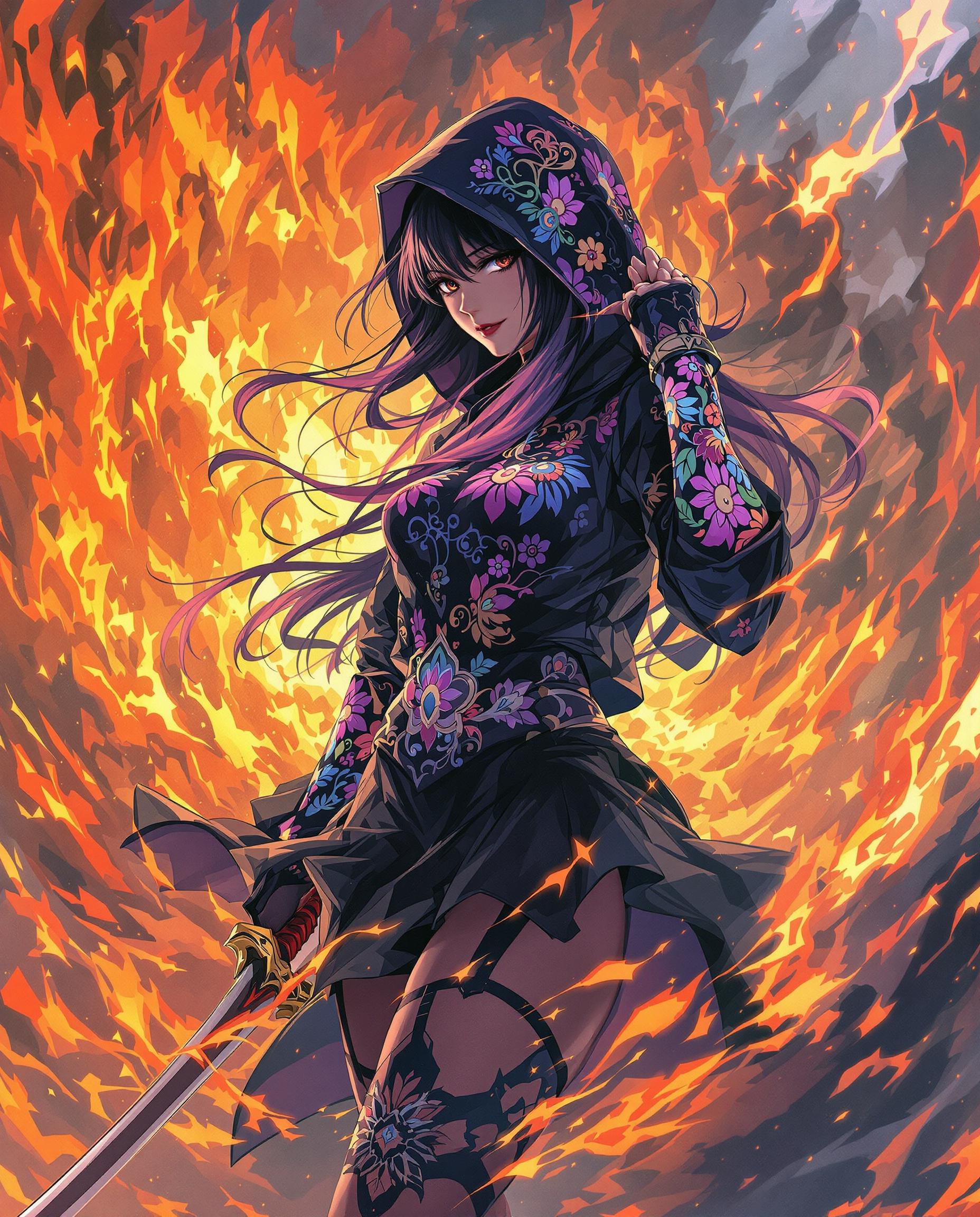
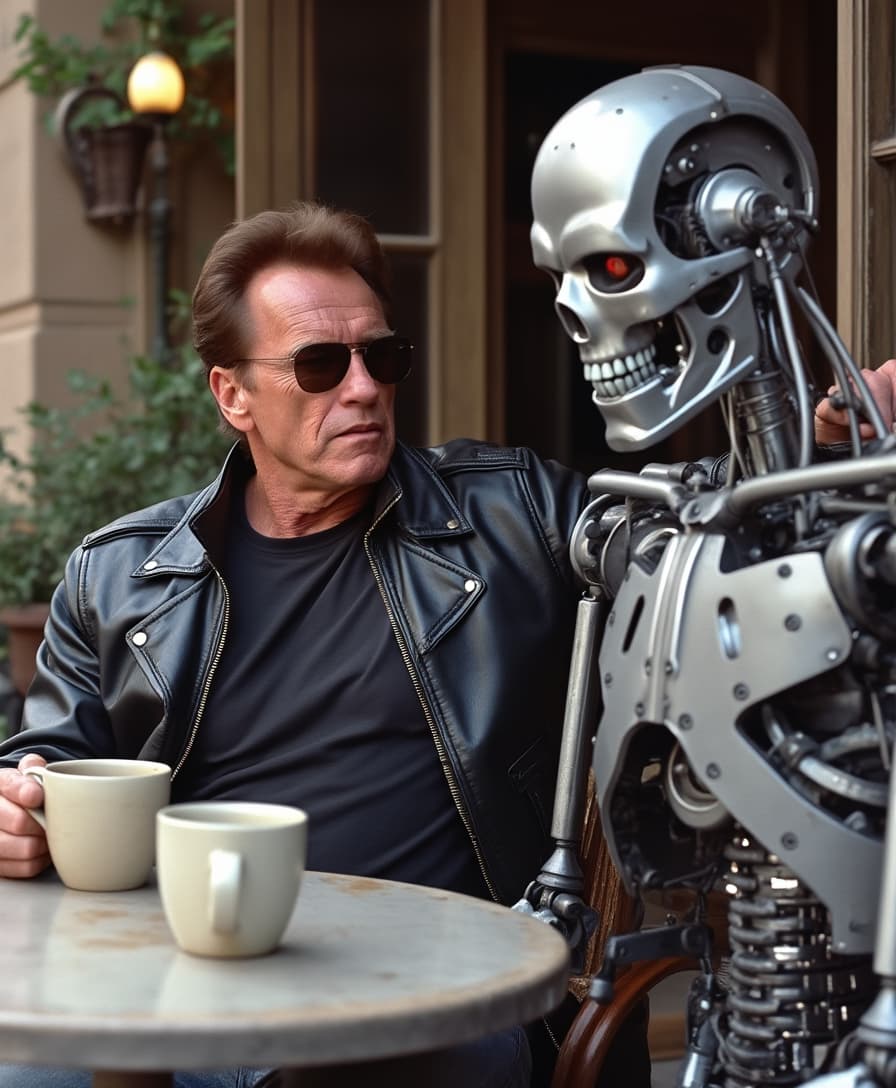
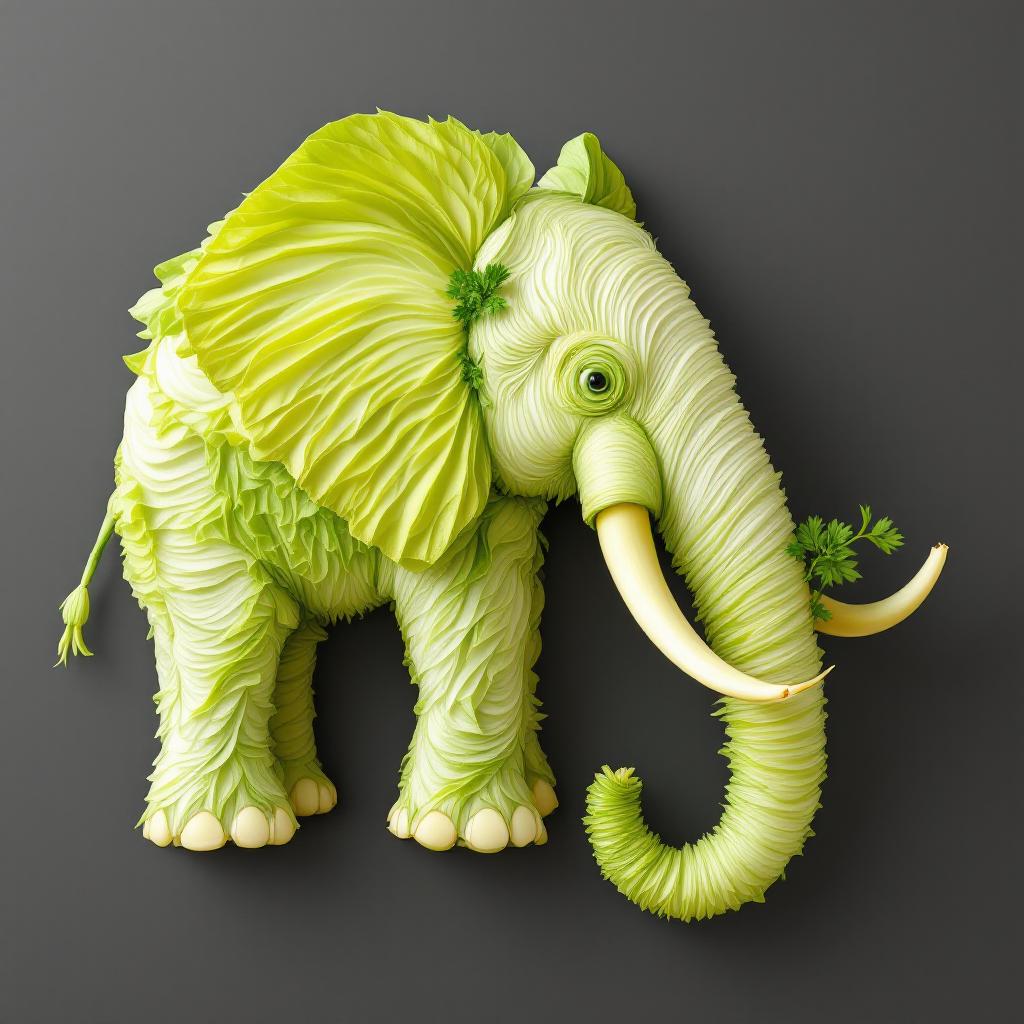
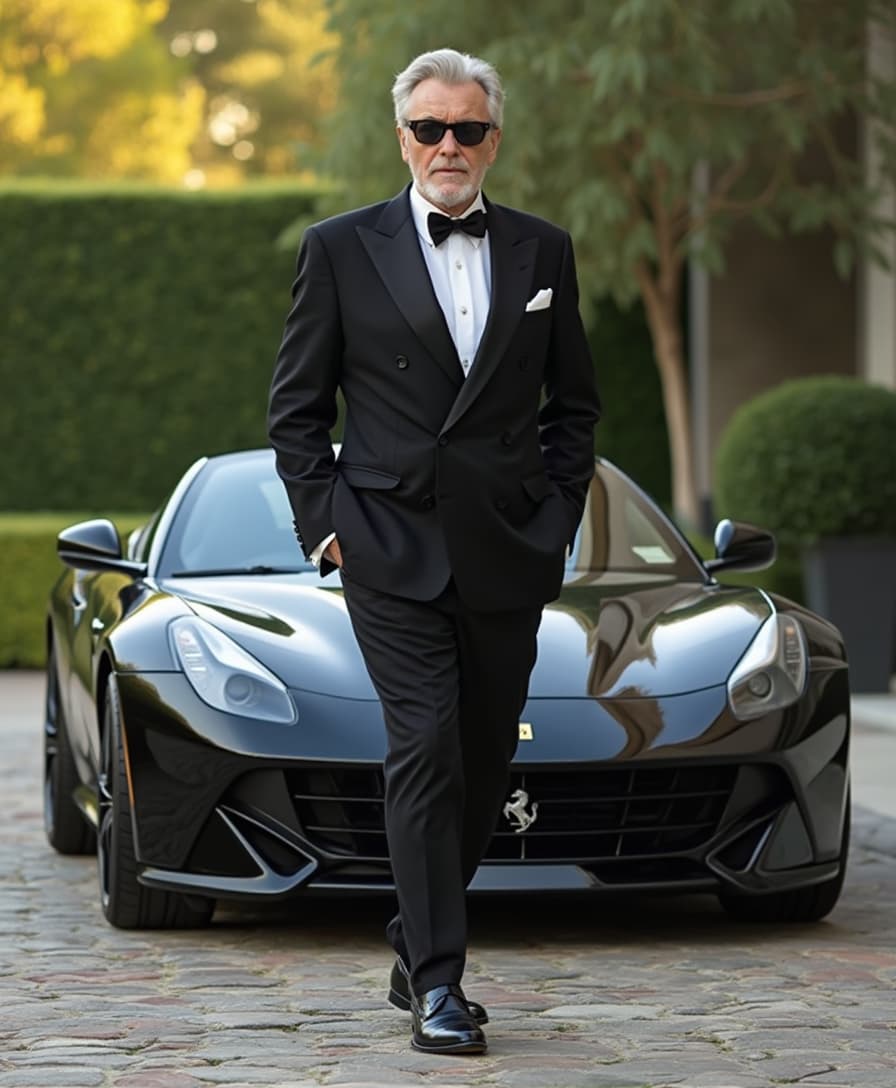
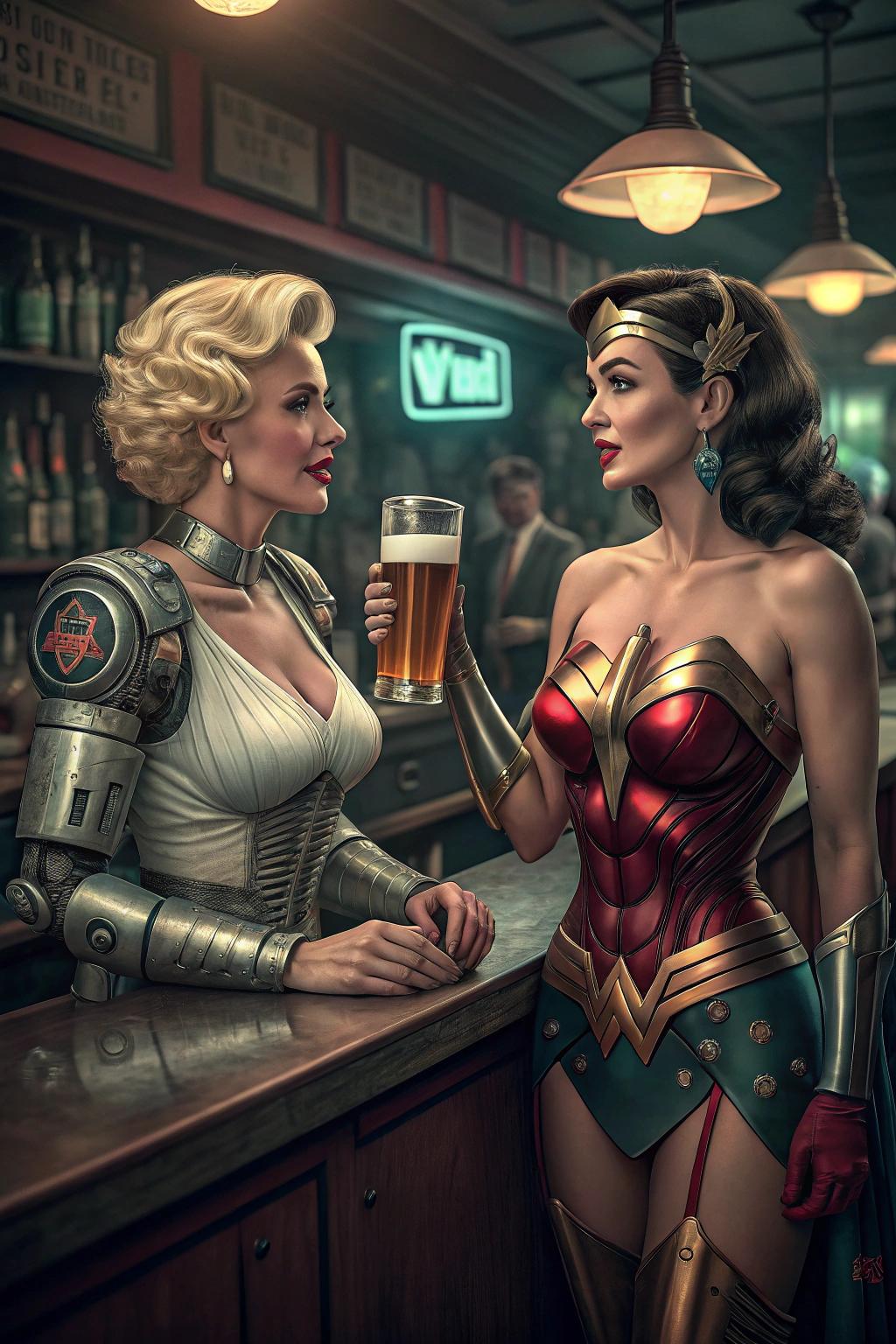
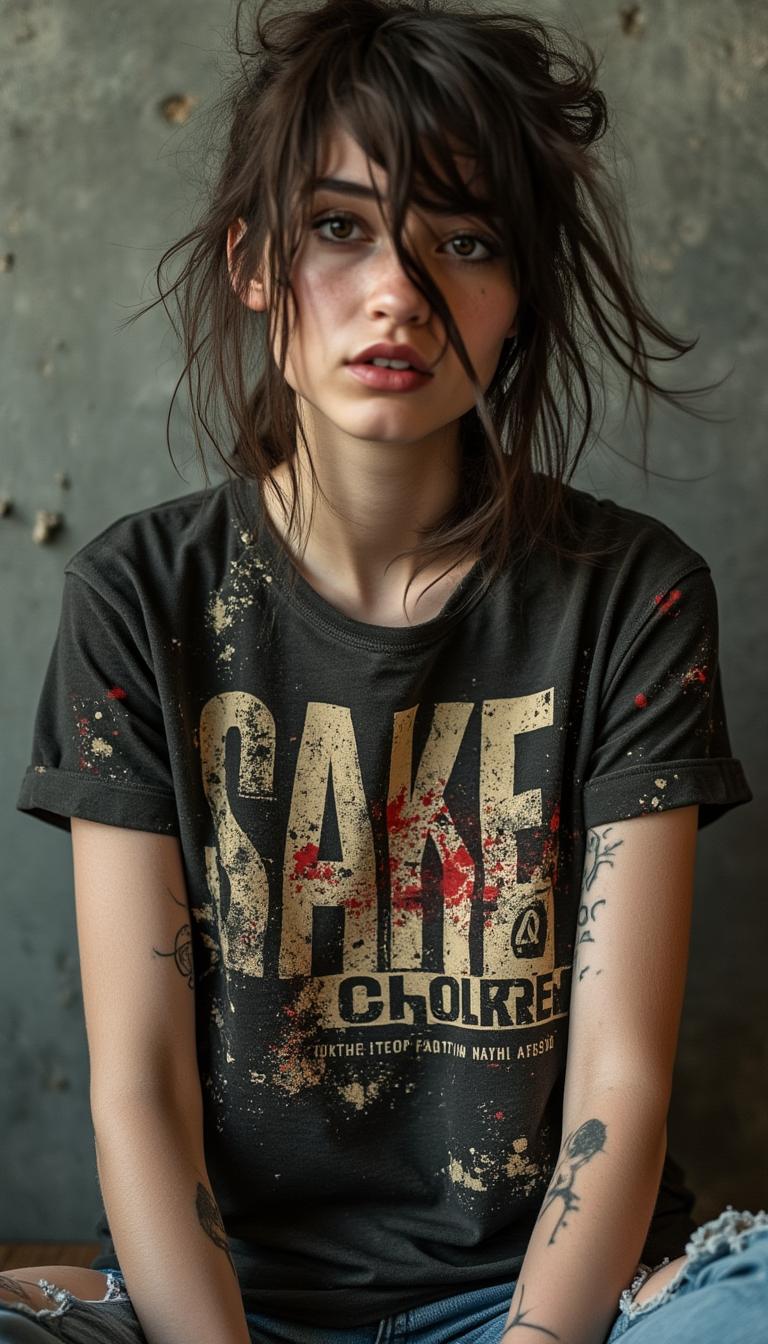
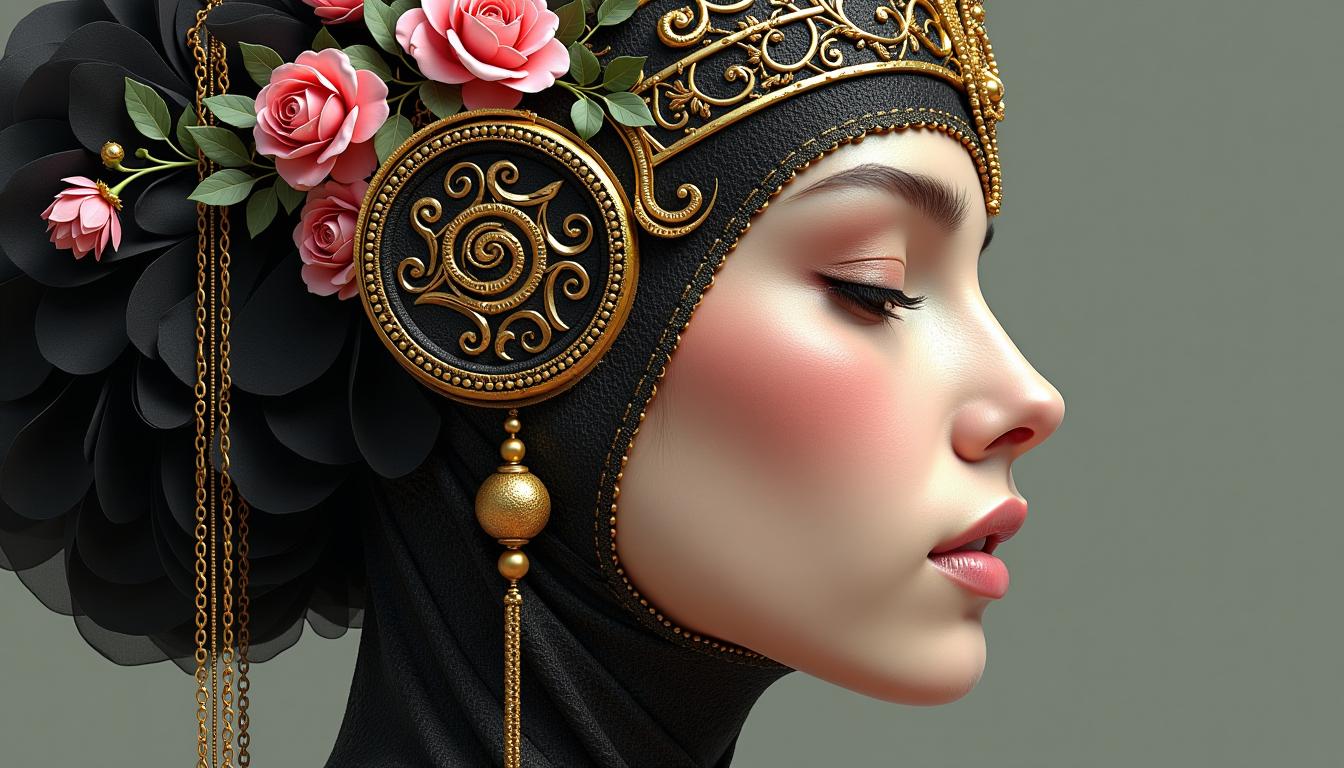
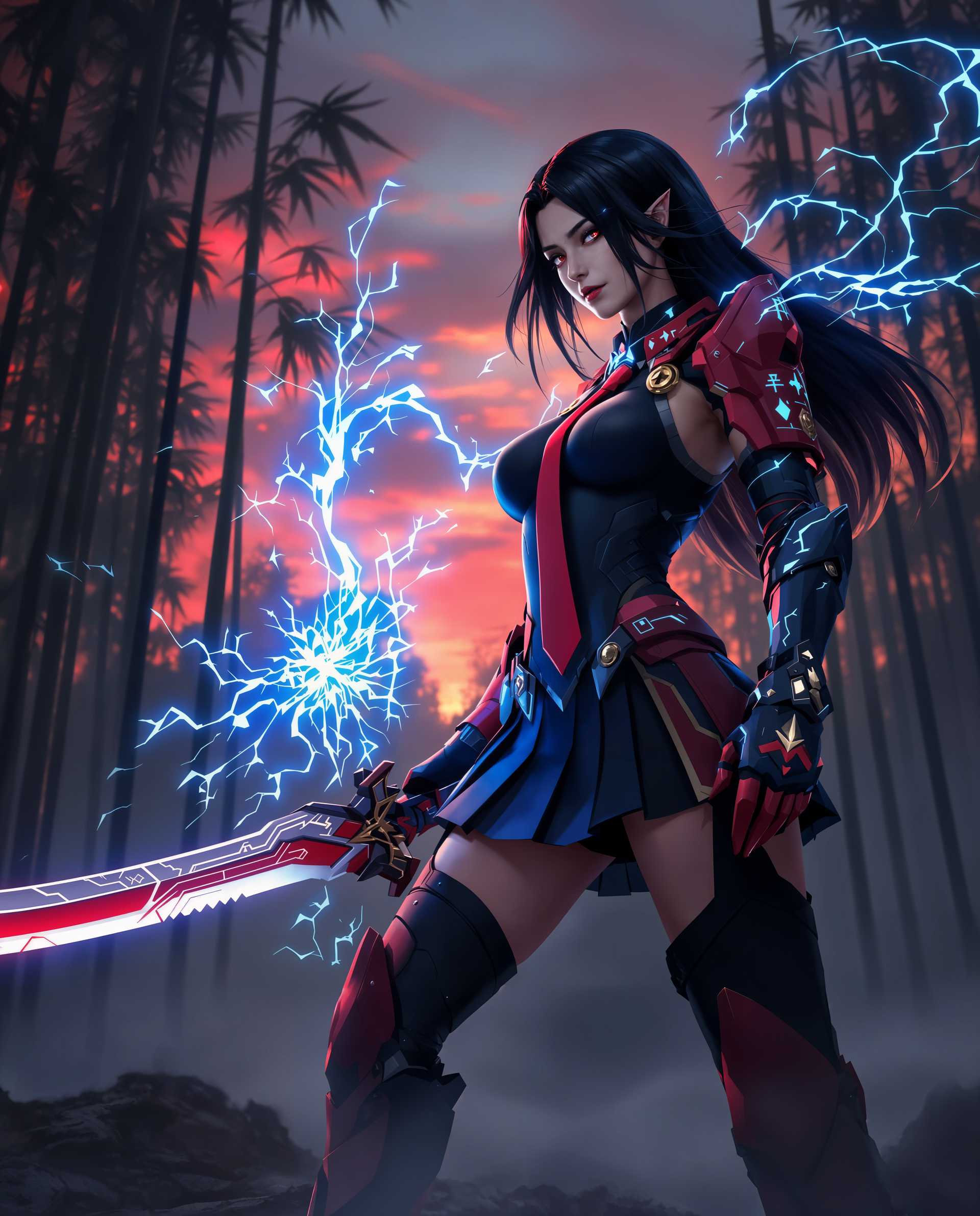
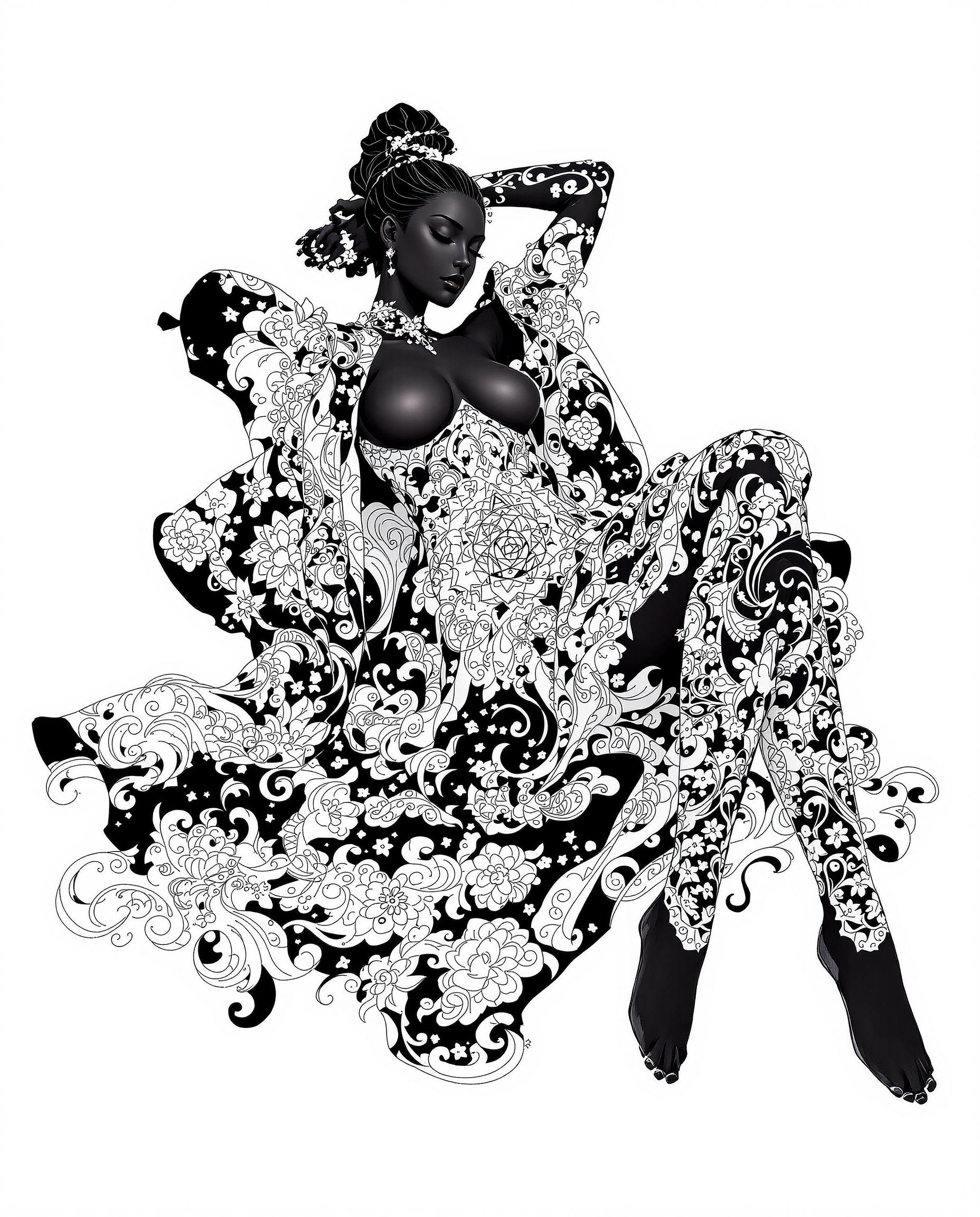
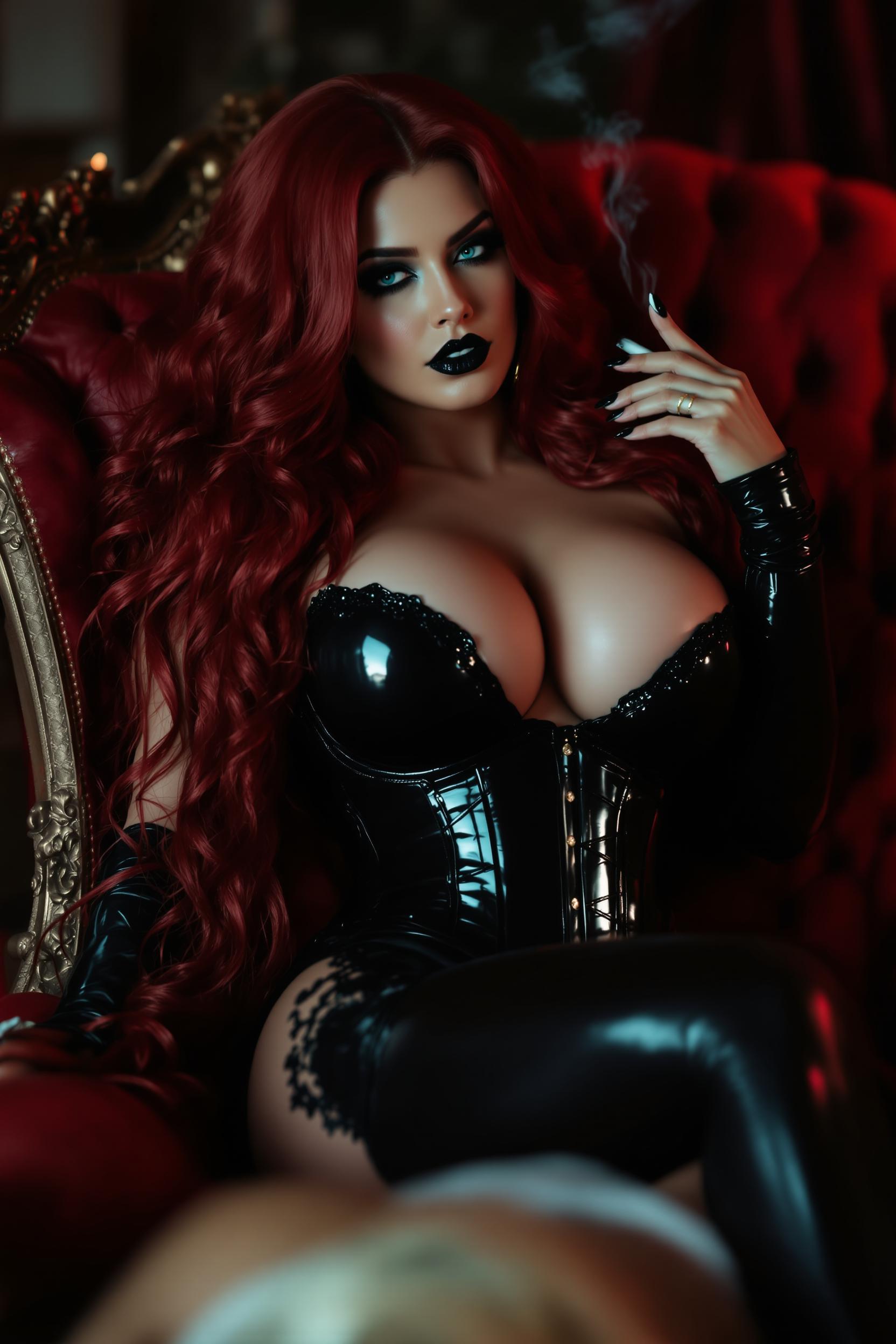
The Pixel Dojo Advantage
Why PixelDojo's GPT-Image 1.5 Designer Assistant stands out in AI image generation:
| Others | Pixel Dojo |
|---|---|
| Traditional Design Methods | Eliminates the need for extensive manual work, reducing time and effort. |
| Generic AI Tools | Offers faster generation times and more precise editing capabilities. |
| Manual Photo Editing | Provides cost-effective solutions without compromising on quality. |
Loved by Creators
See what our community says about GPT Image 1.5 designer assistant
"PixelDojo's GPT-Image 1.5 has revolutionized my design process. The speed and quality are unmatched."
Alex Johnson
Graphic Designer
"As a content creator, this tool has saved me countless hours. Highly recommend!"
Maria Lopez
Content Creator
Common Questions
Everything you need to know about GPT Image 1.5 designer assistant AI generation
What is GPT-Image 1.5 Designer Assistant?
GPT-Image 1.5 Designer Assistant is an AI-powered tool by PixelDojo that enables users to generate and edit high-quality images quickly and efficiently using natural language prompts.
How does GPT-Image 1.5 improve my design workflow?
By generating images up to 4 times faster and allowing precise edits, GPT-Image 1.5 streamlines your workflow, enabling quicker iterations and project completion.
Is GPT-Image 1.5 suitable for beginners?
Absolutely! Its user-friendly interface makes it accessible for both beginners and professionals looking to enhance their design capabilities.
Can I edit existing images with GPT-Image 1.5?
Yes, GPT-Image 1.5 allows you to make precise edits to existing images while preserving essential details like lighting and composition.
What types of images can I create with GPT-Image 1.5?
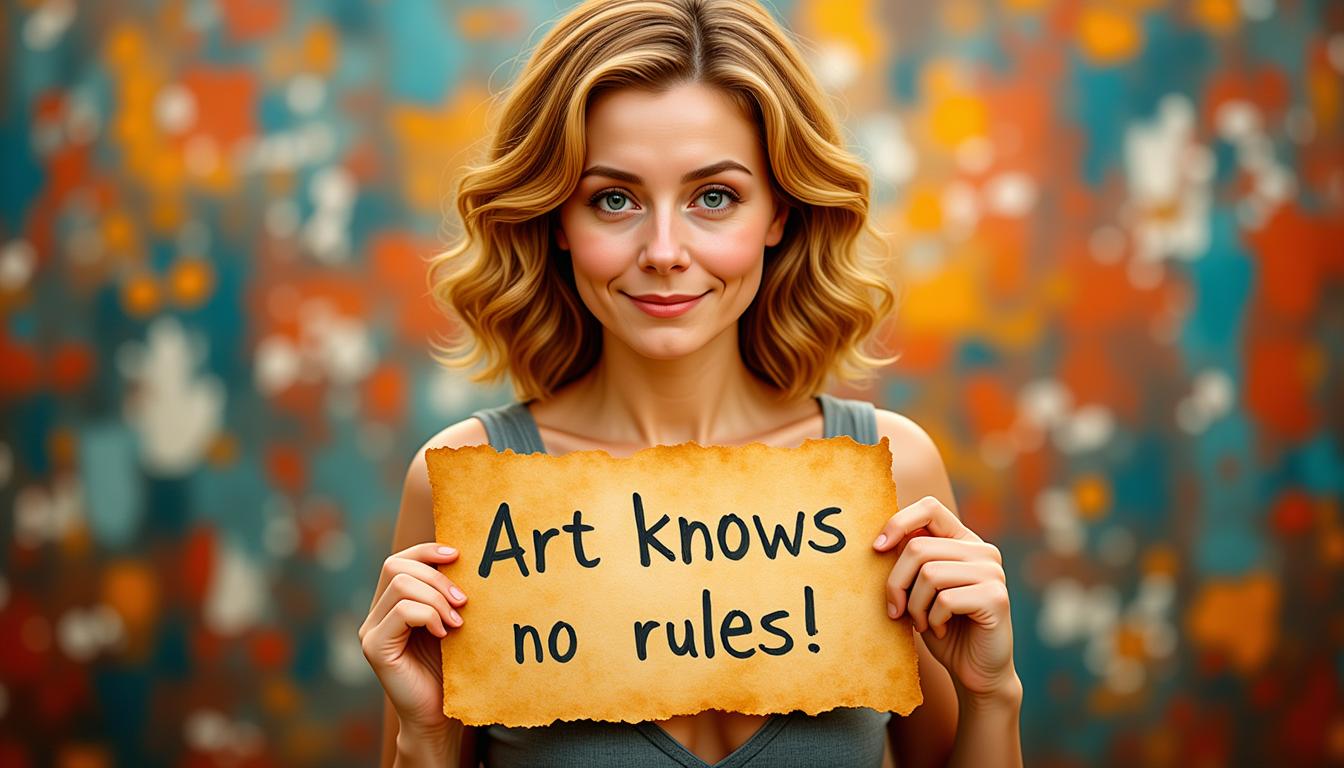
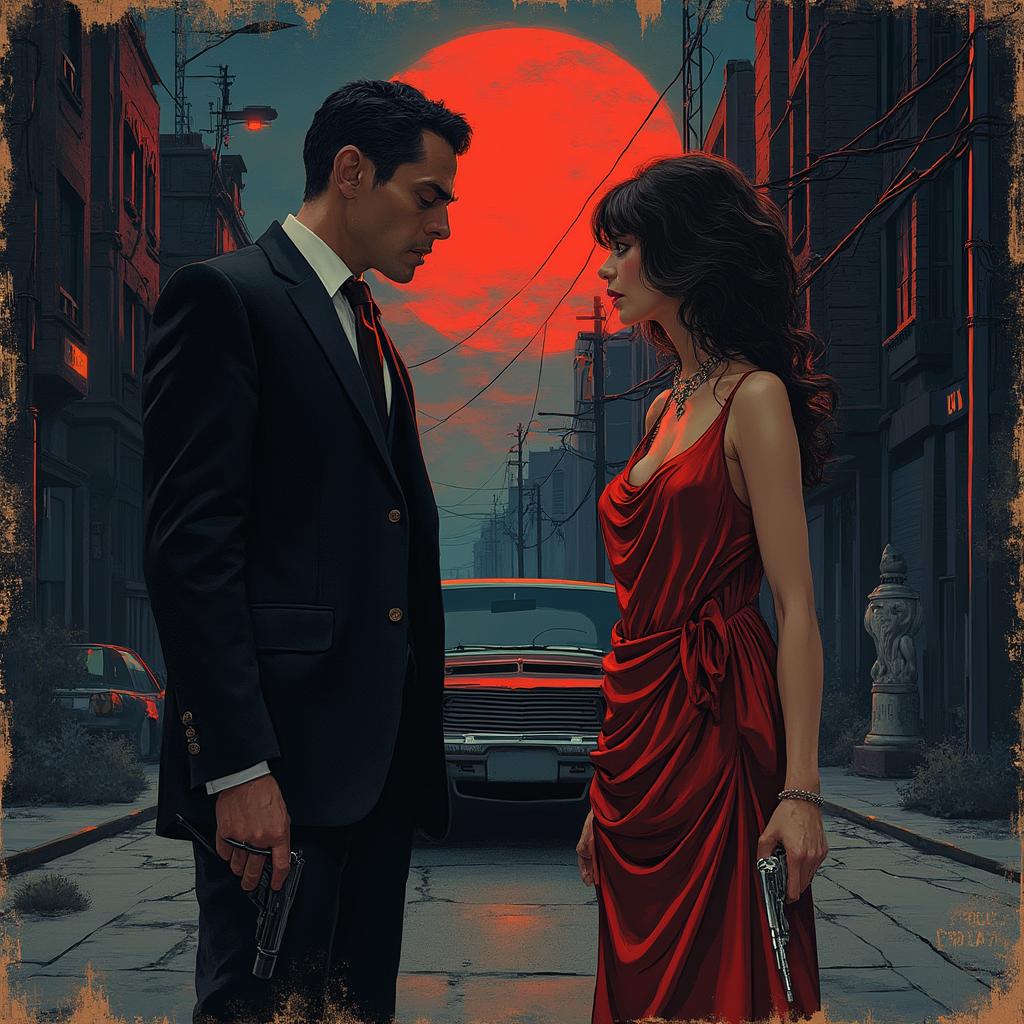
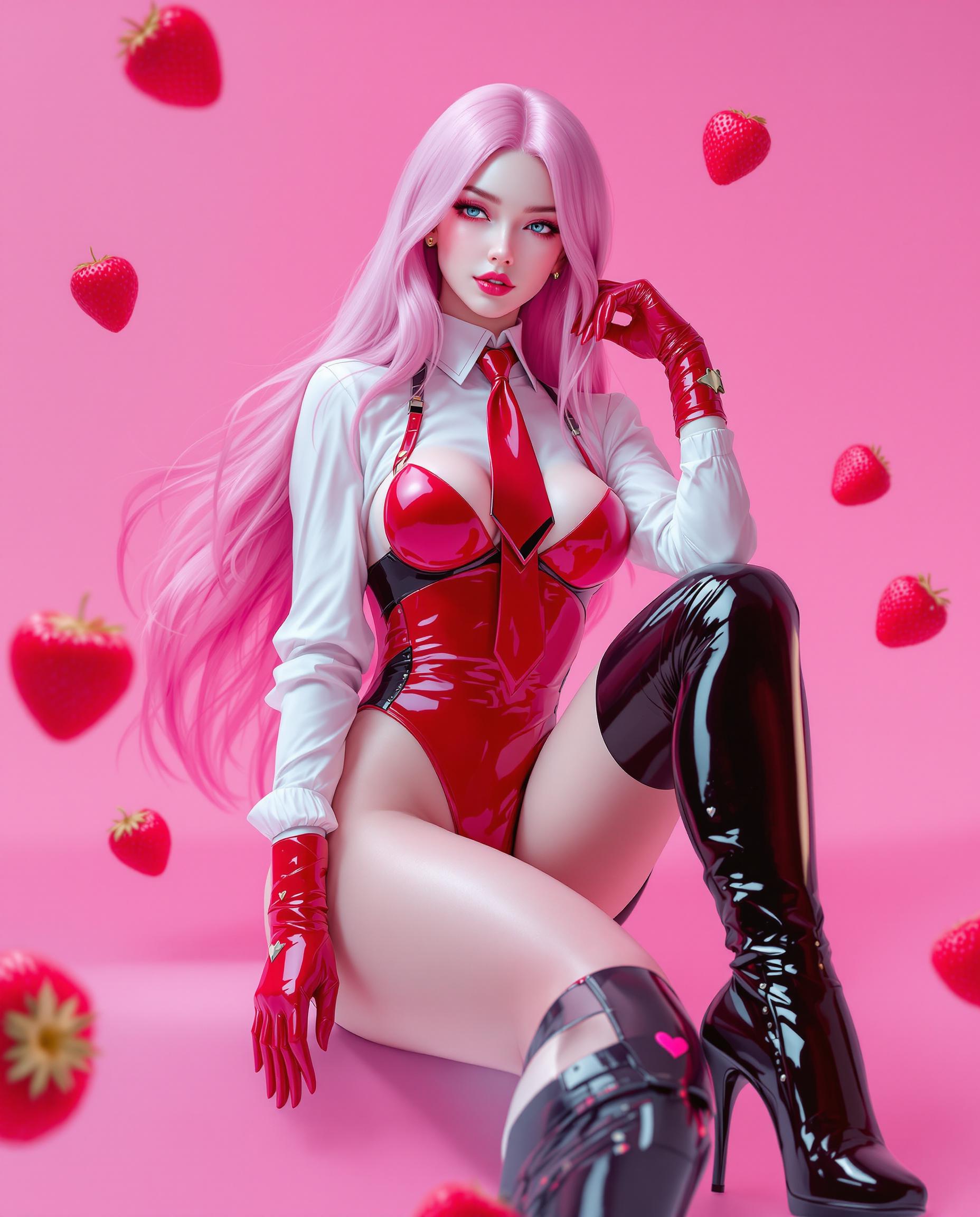
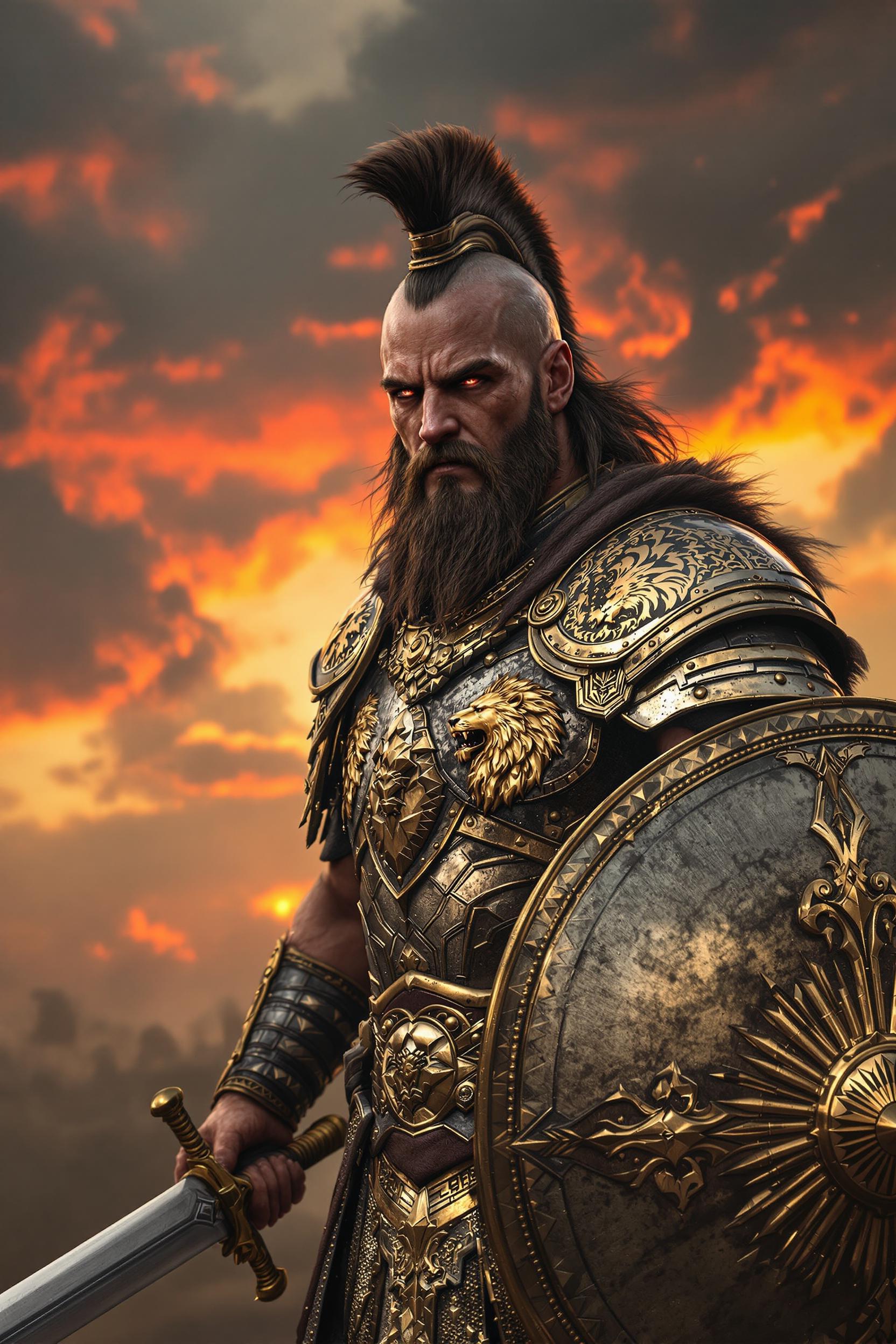
You can create a wide range of images, including illustrations, UI designs, marketing visuals, product mockups, posters, and concept art.
How do I get started with GPT-Image 1.5?
Simply sign up on PixelDojo's platform, select the GPT-Image 1.5 Designer Assistant, and start creating by entering your prompts.