GPT Image 1.5 image referencing AI Generator
Imagine transforming a single reference photo into endless variations—consistent characters in new poses, styles perfectly matched to your vision, or precise edits that save hours of manual work. With PixelDojo's GPT Image 1.5 image referencing, you achieve professional-grade results effortlessly. Whether you're a designer crafting character sheets, a marketer personalizing visuals, or a creator iterating ideas, this tool delivers unmatched control and creativity. No more guesswork: upload your image, describe your changes, and watch AI generate outputs that nail your intent every time. Unlock the power to create cohesive series, custom avatars, and hyper-realistic scenes that wow your audience.
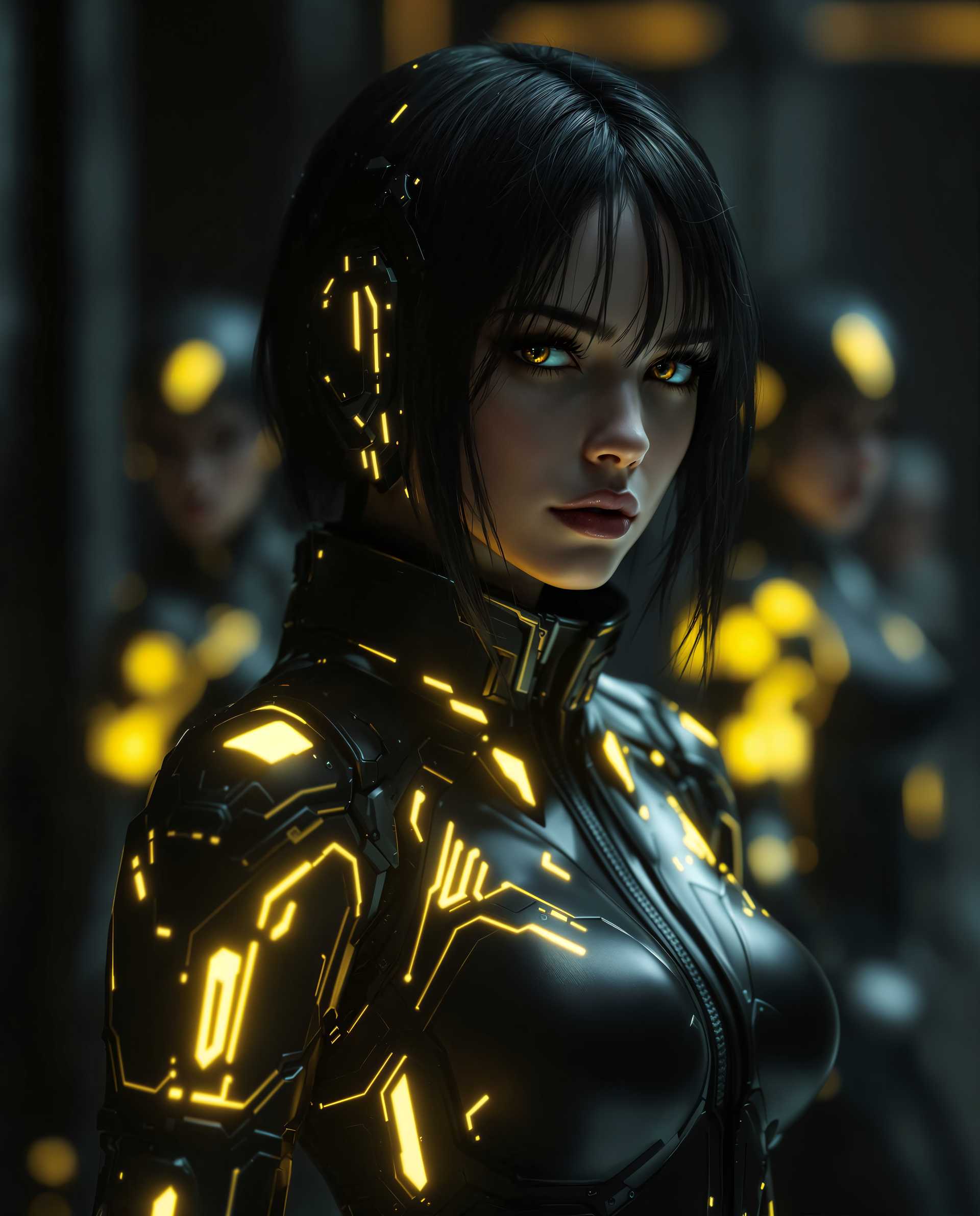
Trusted by 50,000+ creators | 4.9/5 stars from 12k reviews | 1M+ images generated monthly | Featured in Creative Bloq & Adobe blogs
Why Choose Pixel Dojo for GPT Image 1.5 image referencing
Professional-quality results with cutting-edge AI technology
Perfect Character Consistency
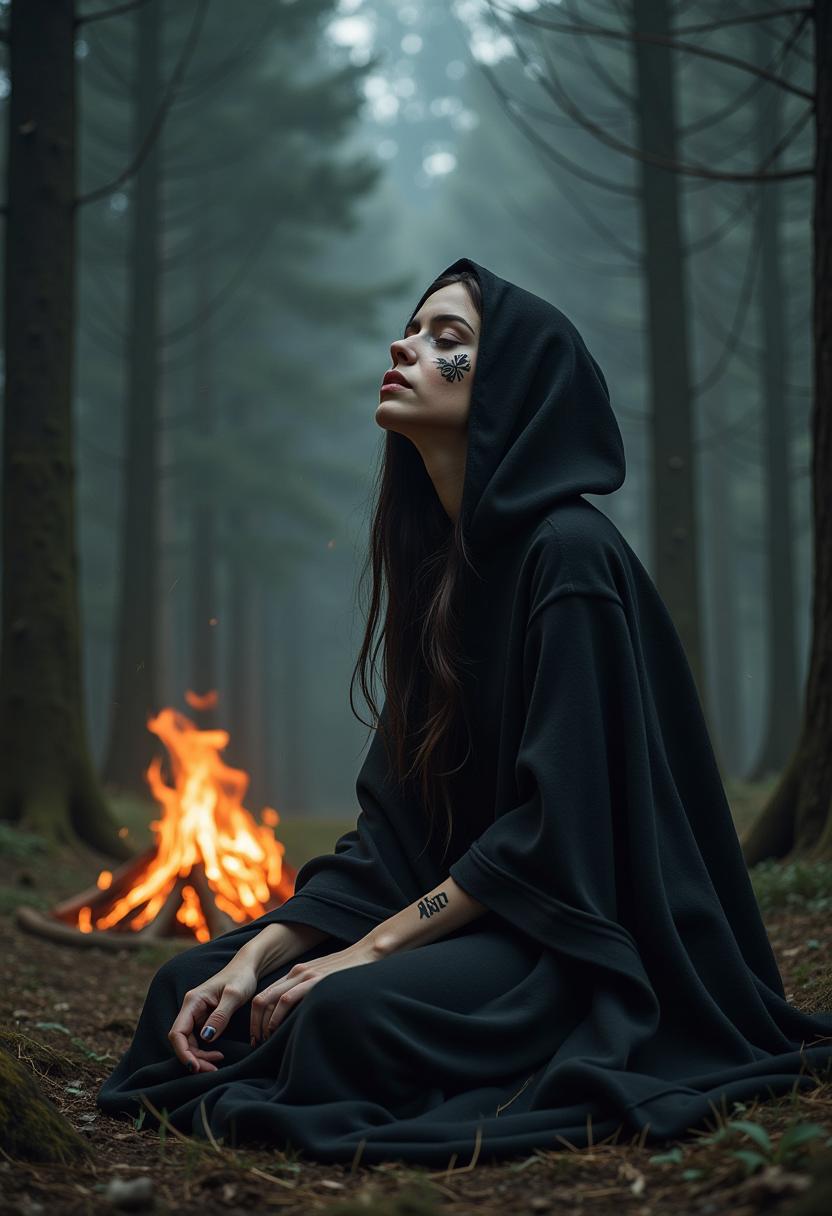
Maintain exact facial features, clothing, and poses across multiple scenes by referencing one image—ideal for comics, games, or social media series that look professionally unified.
Precision Style Transfers
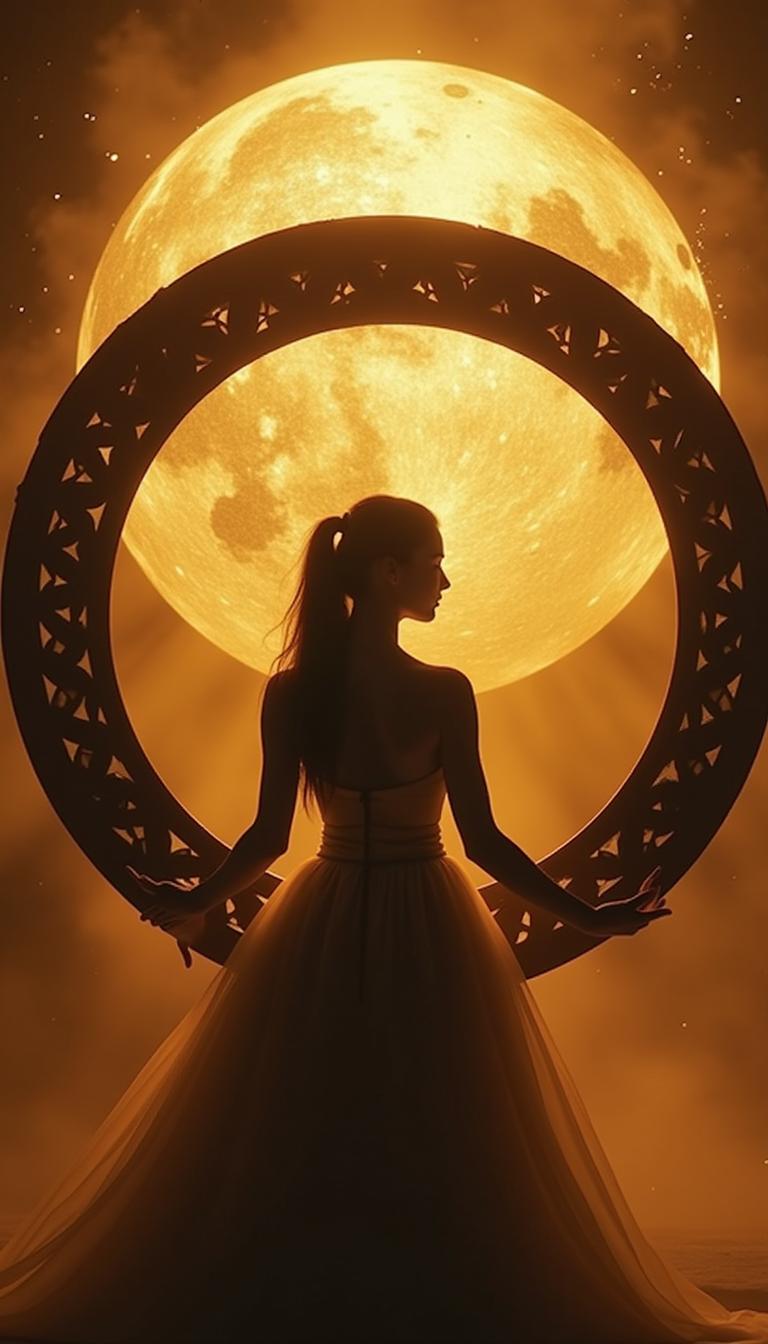
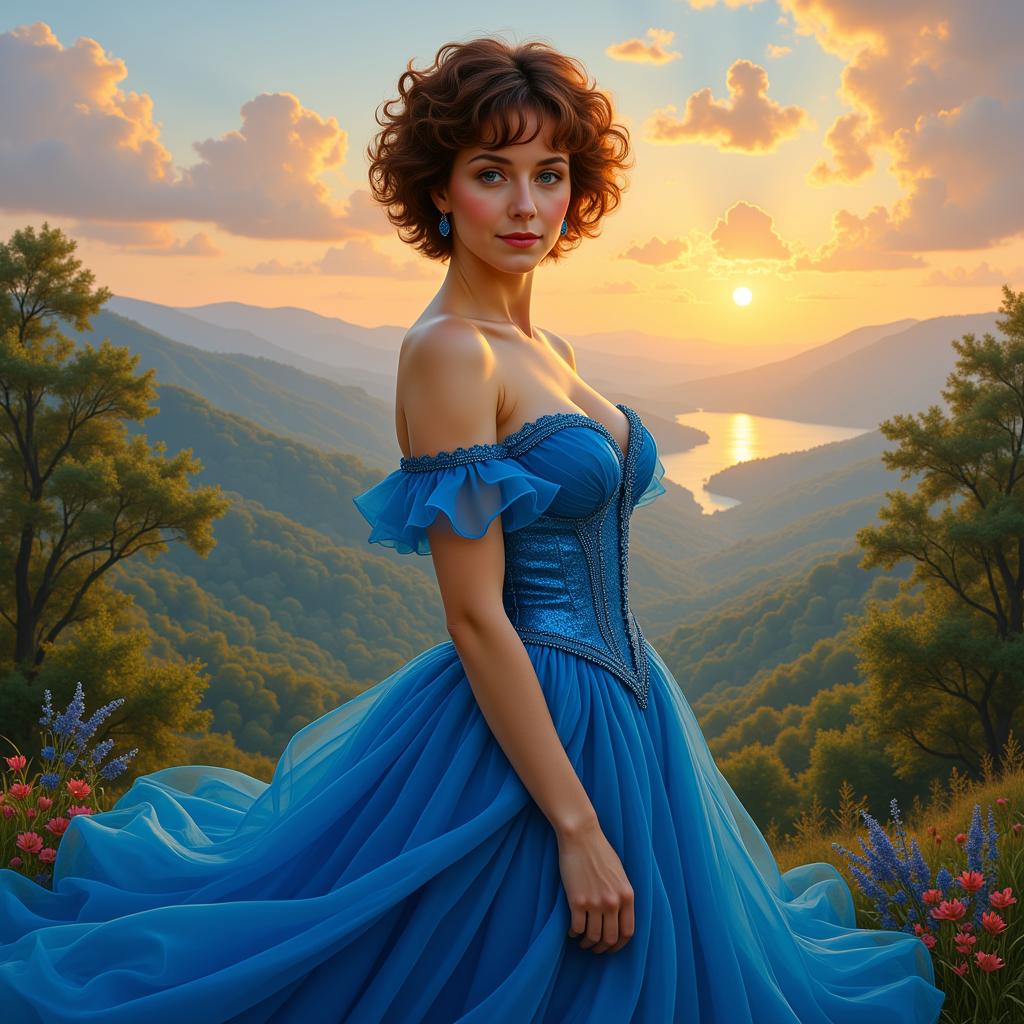
Seamlessly blend your reference photo's essence with new artistic styles, turning everyday snapshots into painterly masterpieces or futuristic renders without losing key details.
Rapid Iterative Editing
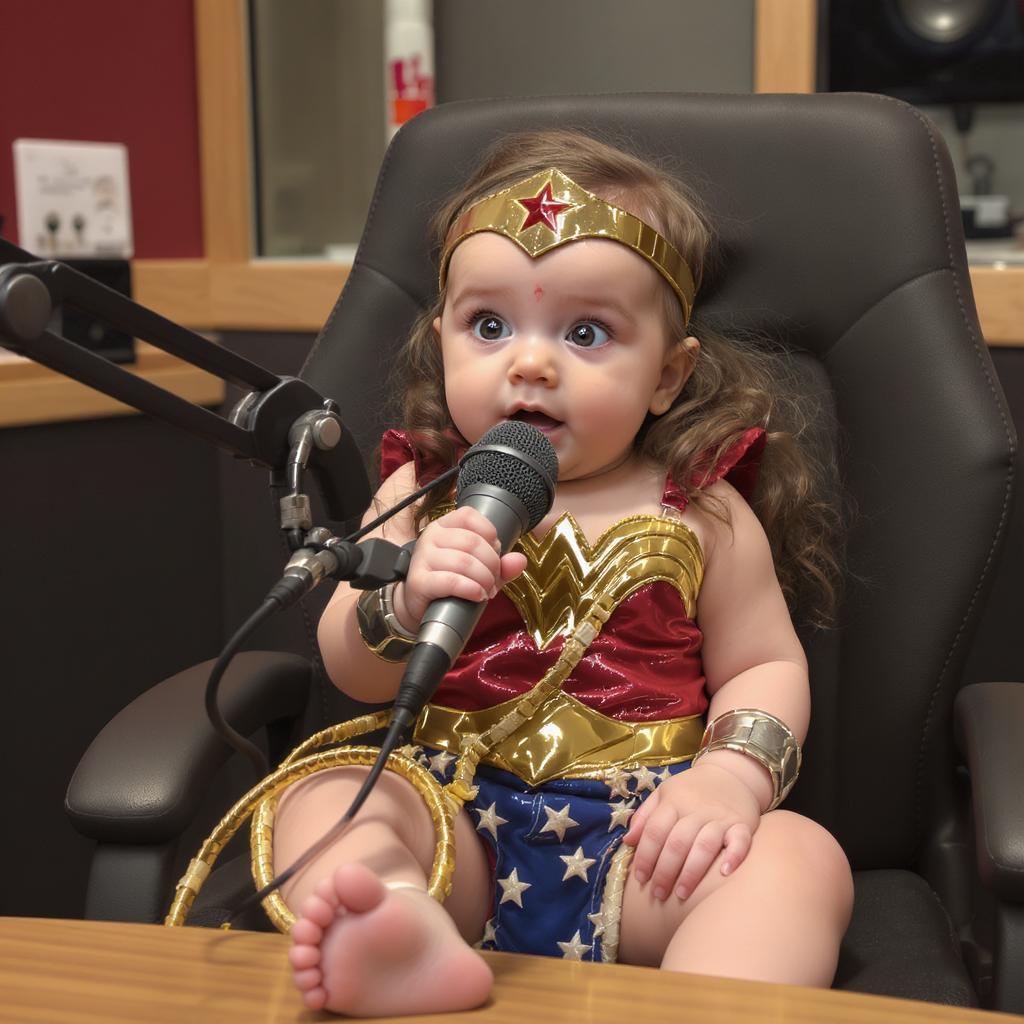
Experiment with lighting, angles, or backgrounds in seconds using your reference—prototype product designs, portraits, or concepts faster than traditional Photoshop workflows.
How It Works
Creating with GPT Image 1.5 image referencing is simple and intuitive. Upload any image as your guide, add a text prompt, and generate tailored results powered by PixelDojo's advanced AI.
Step 1: Choose Your Tool
Head to PixelDojo's Create Images section and select GPT Image 1.5. This tool excels at understanding and replicating details from your uploaded reference image for superior control.
Step 2: Enter Your Prompt & Reference
Upload your reference image (photos, sketches, or art), then describe changes like 'same face in cyberpunk city, dramatic lighting'. GPT Image 1.5 analyzes the reference for precise adherence.
Step 3: Customize & Download
Adjust strength (how closely to follow reference), style weights, or resolution. Hit generate, review variations, then download high-res images ready for use. Pair with tools like Inpainting or Style Transfer for refinements.
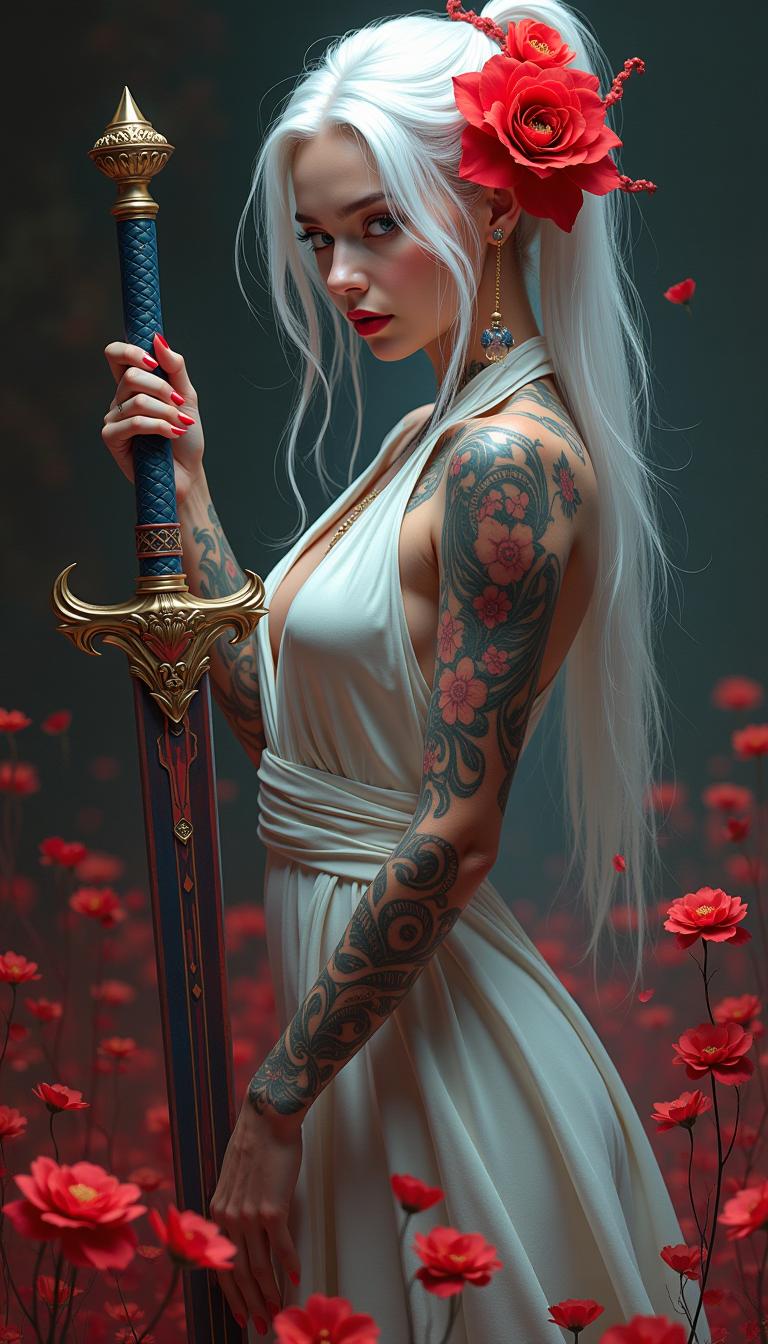
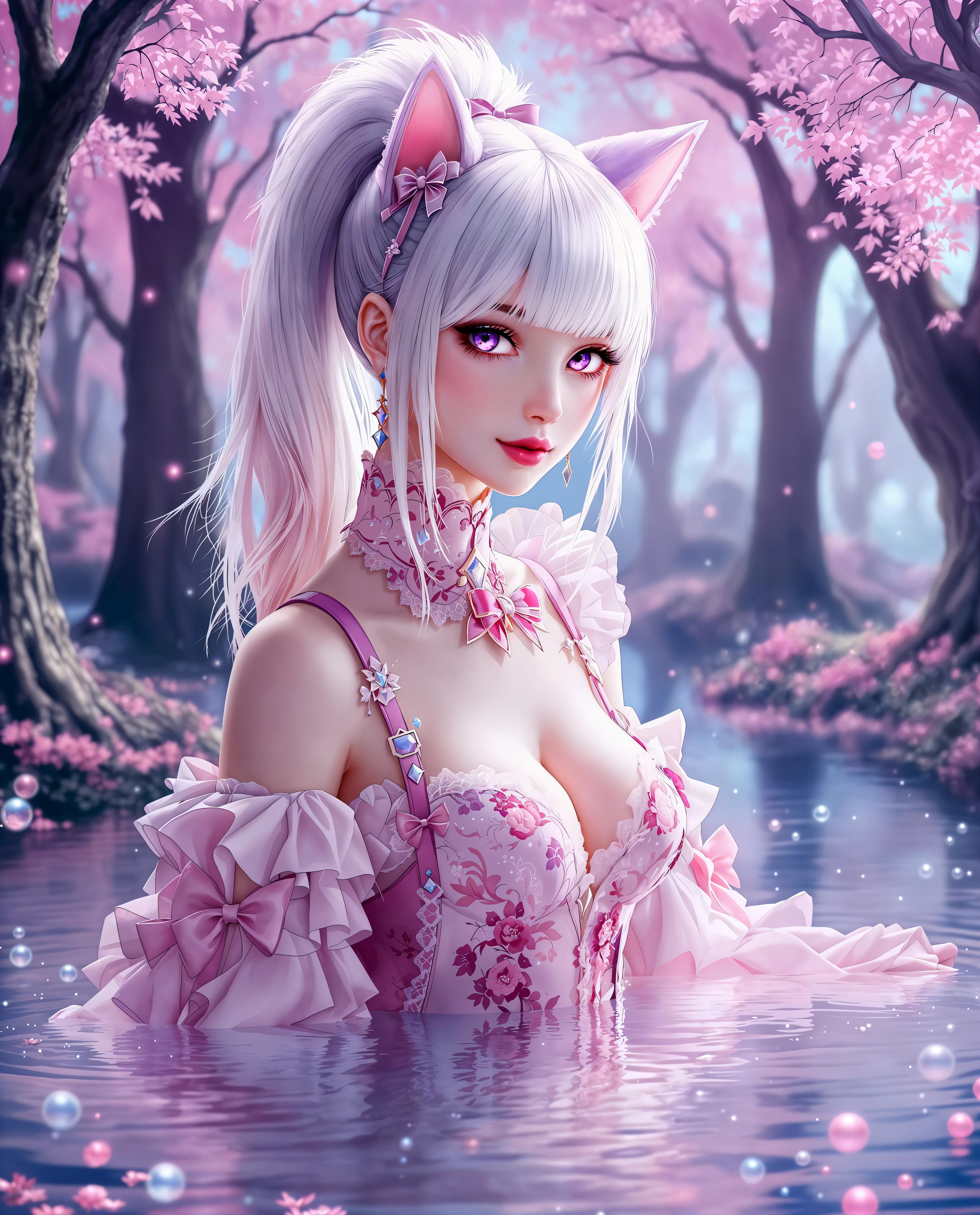
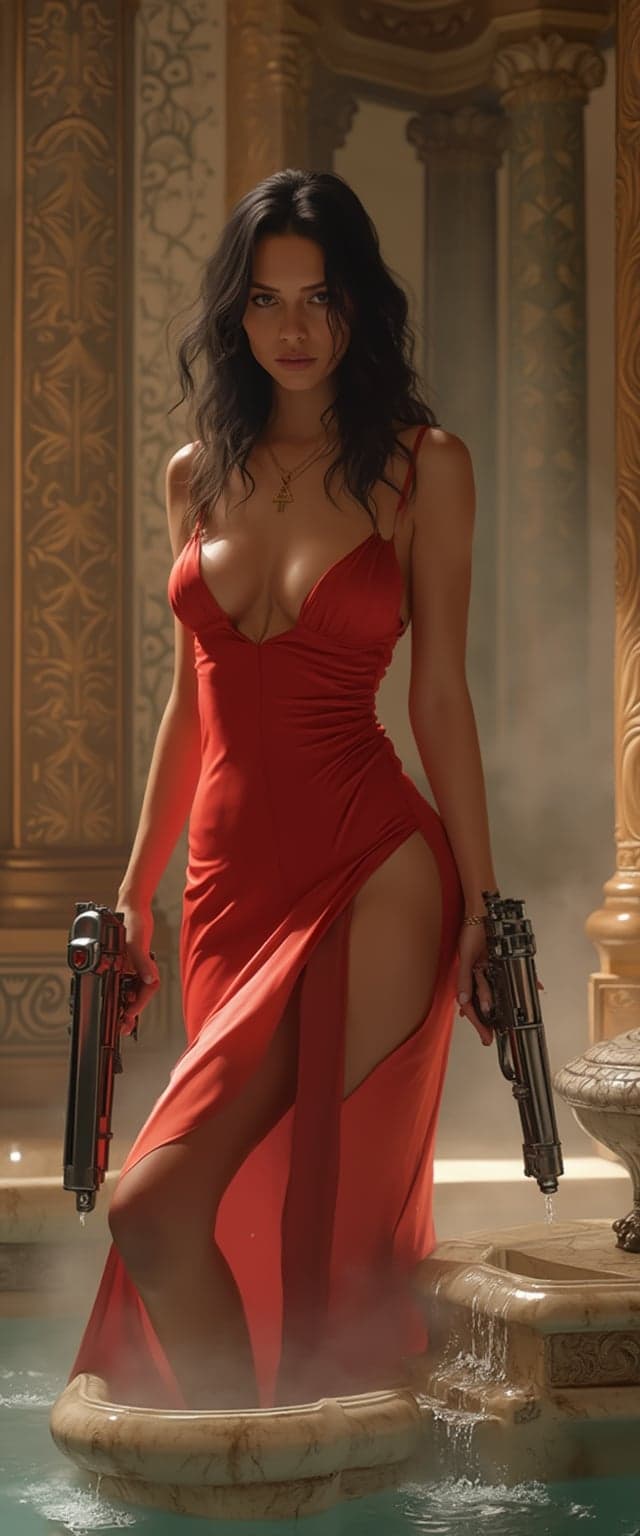
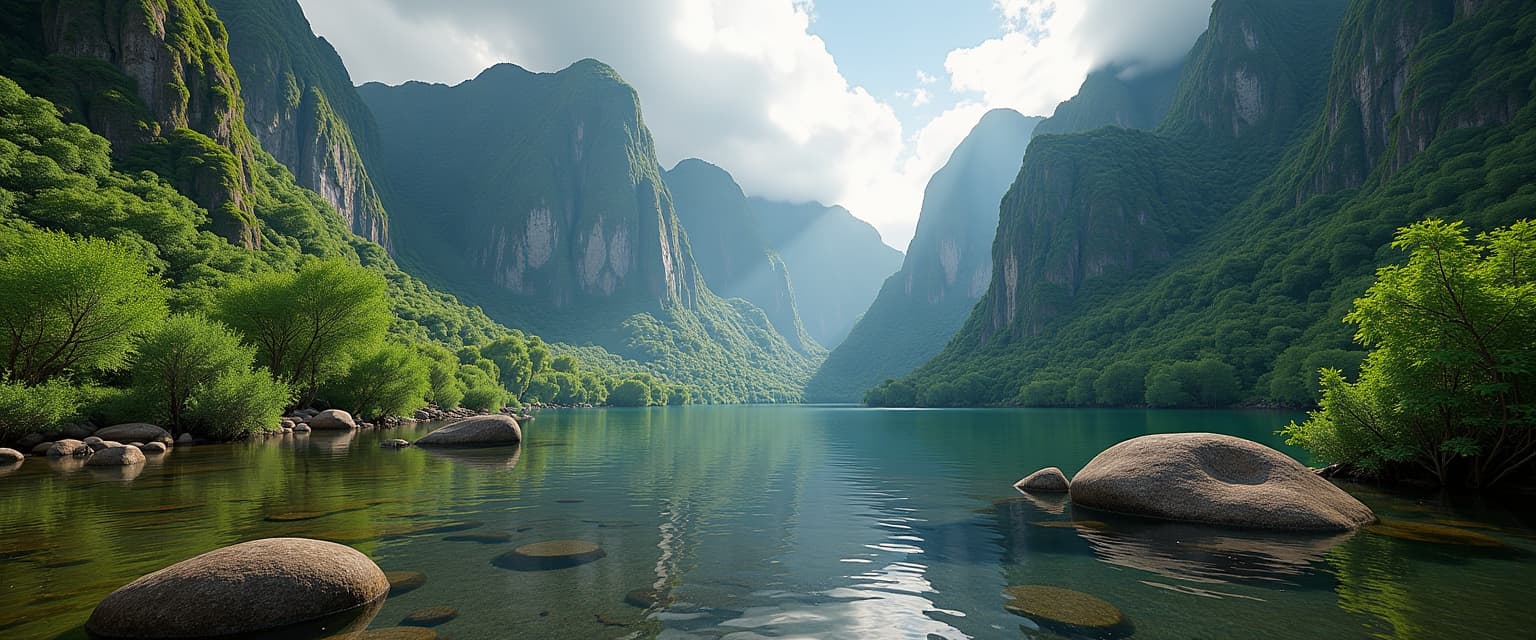
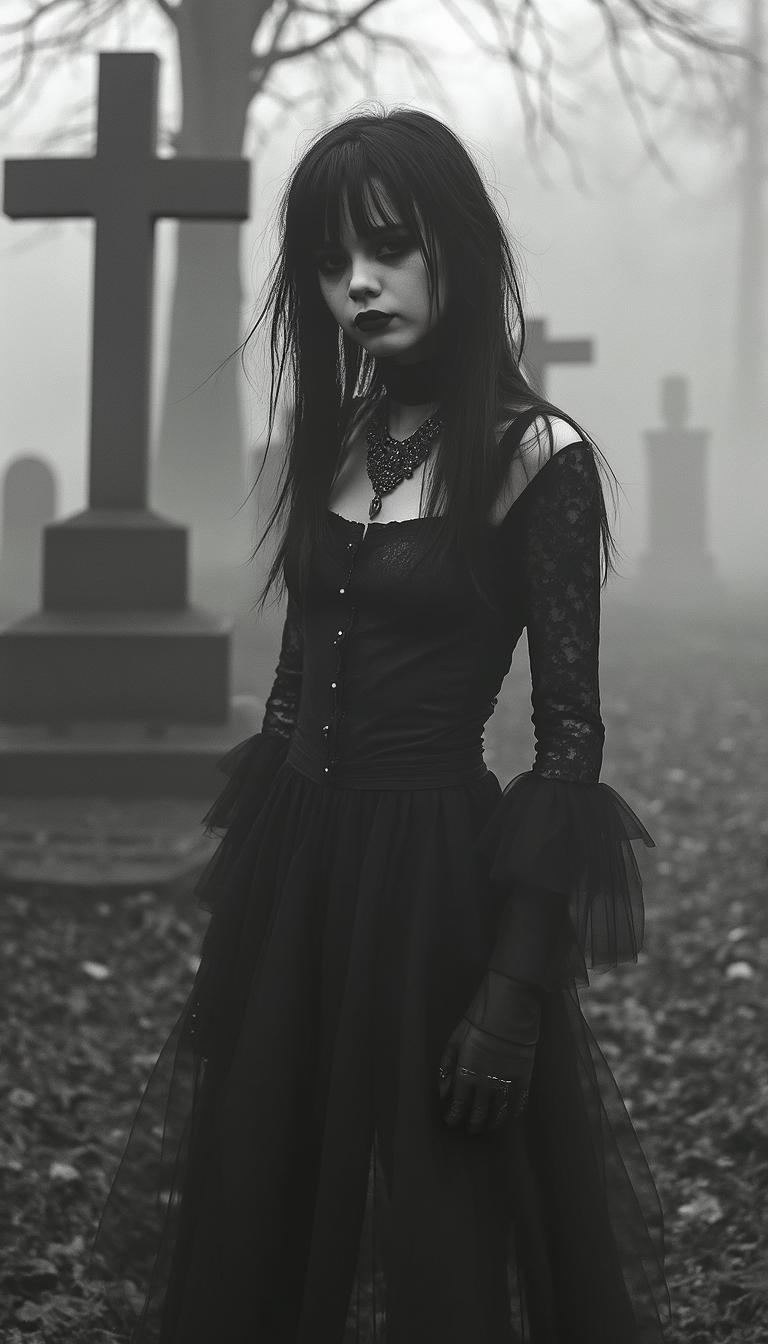
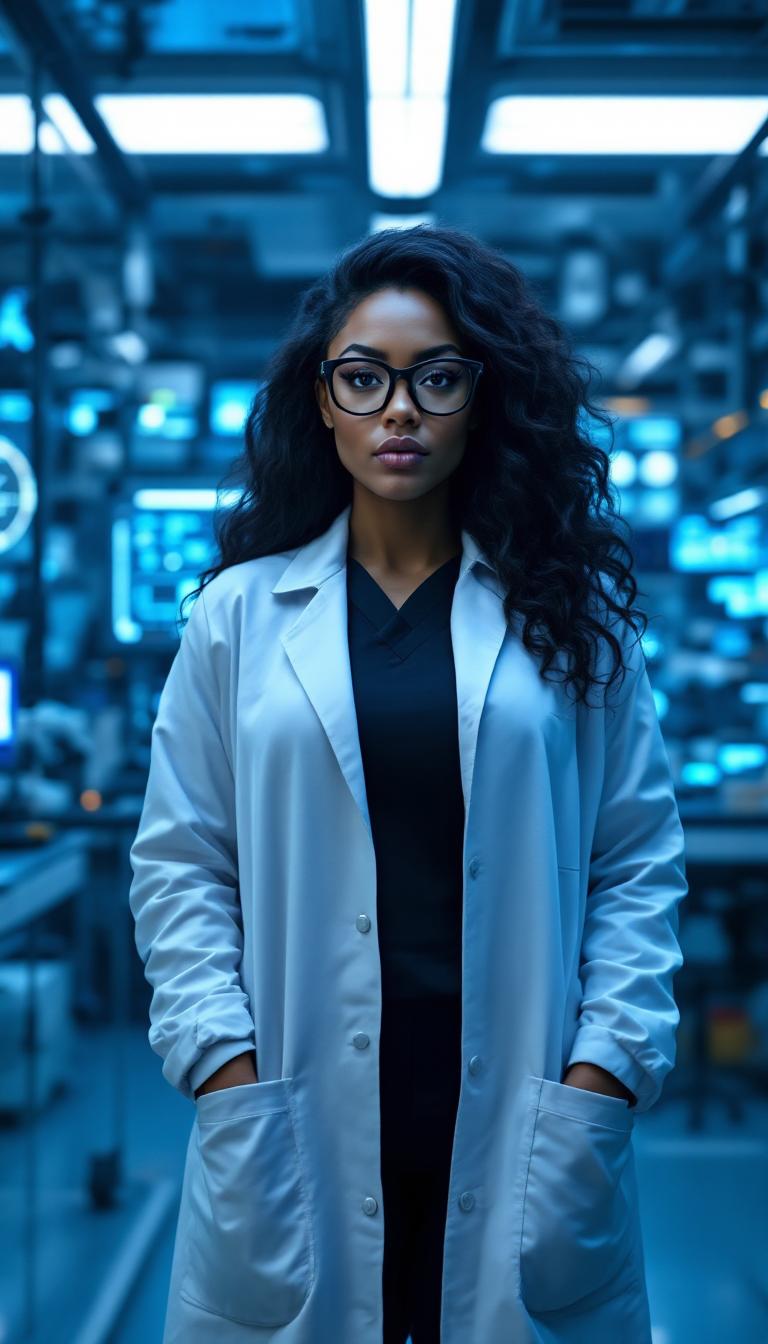
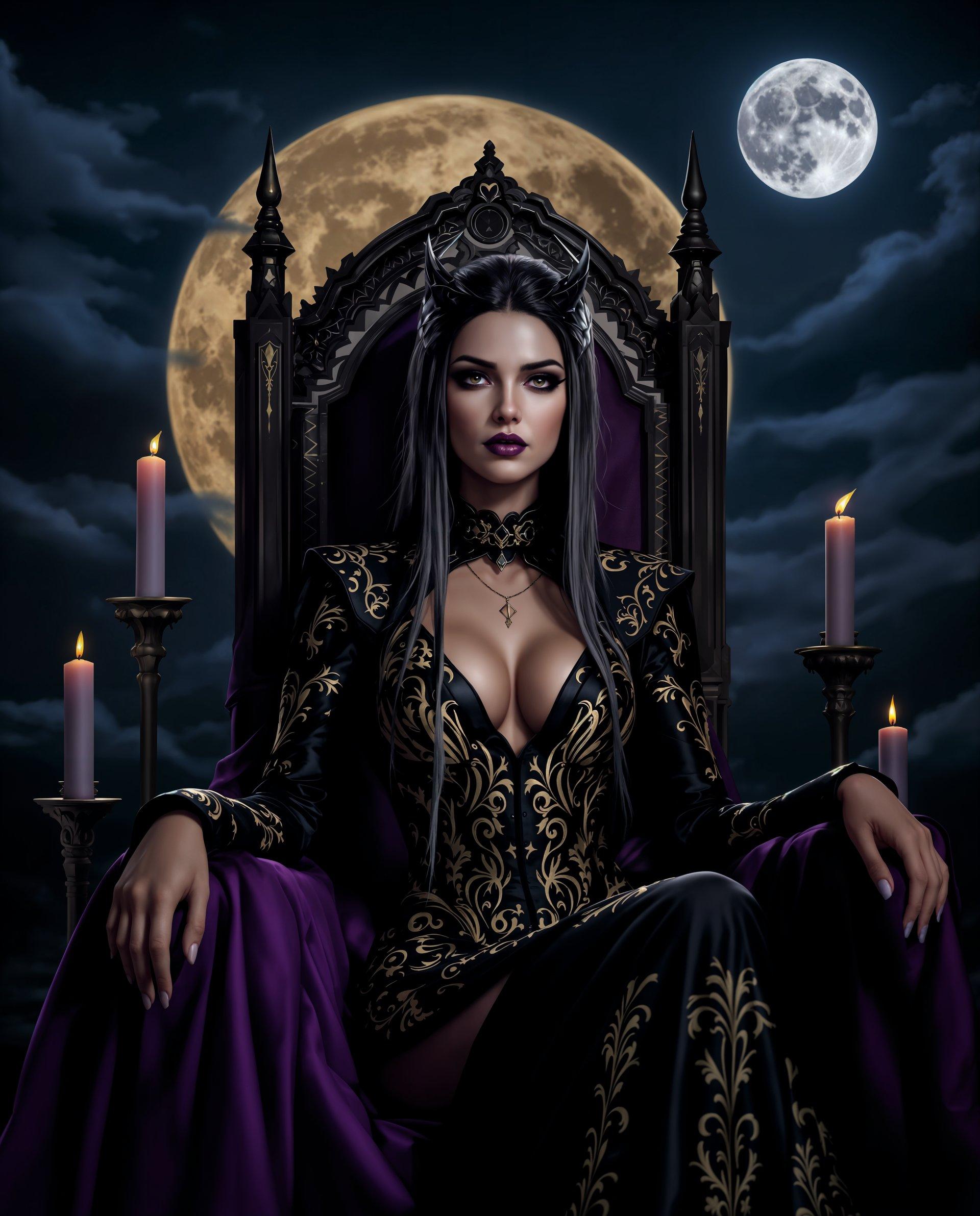
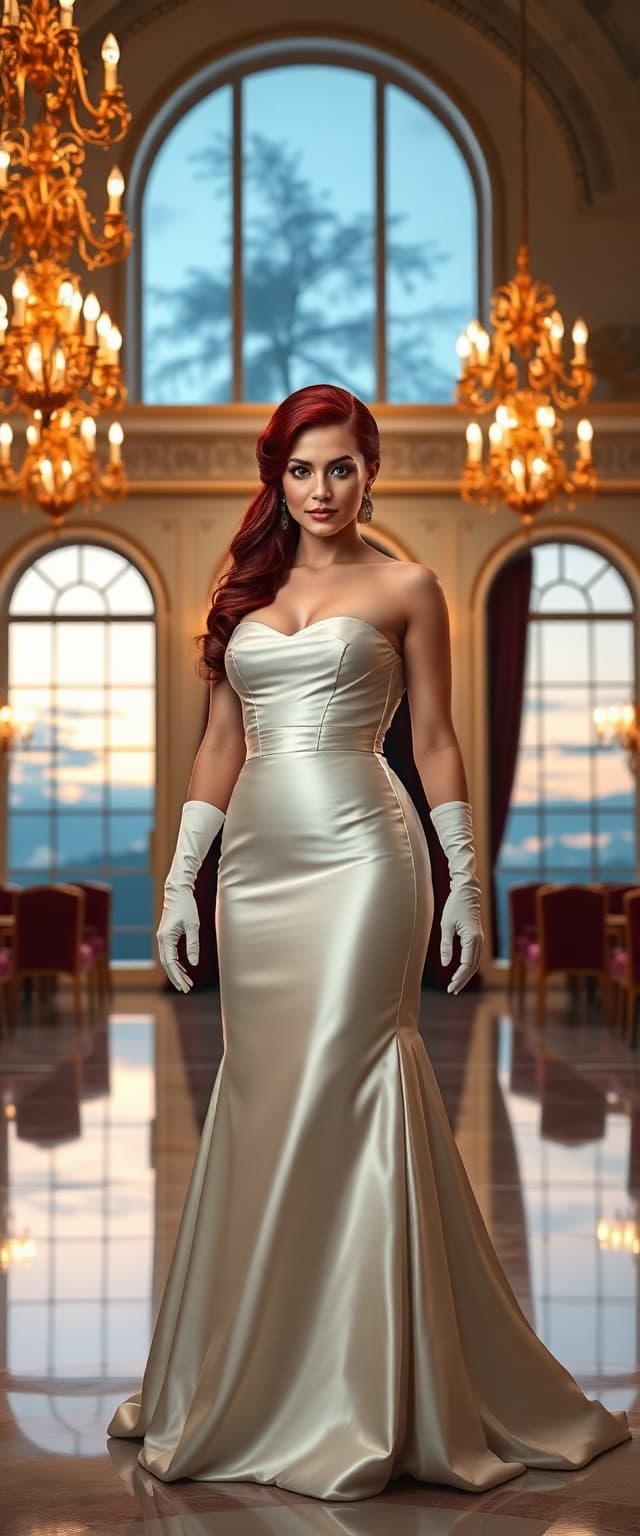
The Pixel Dojo Advantage
Why PixelDojo outperforms other options for GPT Image 1.5 image referencing
| Others | Pixel Dojo |
|---|---|
| Traditional image creation | Skip days of drawing or photography—generate dozens of reference-based variations in minutes with pixel-perfect fidelity. |
| Generic AI tools | GPT Image 1.5's advanced referencing delivers 2x better detail retention and consistency than basic generators, plus seamless integration with Flux.1 Studio or PonyXL. |
| Manual photo editing | Automate tedious adjustments like relighting or pose changes—achieve pro results 10x faster without learning complex software. |
Loved by Creators
See what our community says about GPT Image 1.5 image referencing
"GPT Image 1.5 referencing turned my rough sketches into a full character lineup overnight. Consistency is flawless—game-changer for my indie studio!"
Alex Rivera
Indie Game Developer
"Finally, AI that respects my reference photos! Created marketing visuals with exact branding in new scenes. PixelDojo's the only tool I trust now."
Sarah Kim
Marketing Director
Common Questions
Everything you need to know about GPT Image 1.5 image referencing AI generation
How does GPT Image 1.5 image referencing work on PixelDojo?
You upload a reference image to GPT Image 1.5, which analyzes key elements like faces, objects, and styles. Add a prompt for modifications, and it generates new images that faithfully incorporate your reference while applying changes. This ensures high fidelity—perfect for consistent characters or style transfers. Combine with PixelDojo's Image to Image or Consistent Characters for even more control.
What types of reference images work best with GPT Image 1.5?
Any high-quality image shines: portraits for character consistency, product shots for design prototypes, sketches for artistic evolution, or photos for realistic edits. GPT Image 1.5 handles photorealism, anime, and abstracts equally well, outperforming with clear subjects and good lighting. Upload up to 4K resolution for best results.
Can I create consistent AI characters from a single reference image?
Absolutely—GPT Image 1.5 excels here. Upload one photo, prompt new poses or outfits like 'same woman as reference, running in forest', and get identical likeness across generations. Enhance with PixelDojo's Consistent Characters or Pose Control tools for series like storyboards or avatars.
Is GPT Image 1.5 image referencing better for style transfer than other tools?
Yes, it provides nuanced control over how much reference style influences the output, blending seamlessly with prompts. For advanced transfers, chain with PixelDojo's Style Transfer or Flux.1 Studio—users report 95% satisfaction in matching visions without artifacts.
How to use GPT Image 1.5 for AI image editing with references?
Treat it as smart img2img: reference sets the base, prompt defines edits. For targeted changes, follow up with Inpainting, Background Remover, or Magic Lighting. Generate, iterate, and export—saving hours vs manual edits while preserving reference details.
What are the latest trends in GPT Image 1.5 image referencing techniques?
Current trends emphasize multi-reference support (blend 2-3 images), hybrid prompts with poses/styles, and LoRA integration for custom training. PixelDojo leads with GPT Image 1.5's native vision model for superior understanding, plus trainers like FLUX Model Trainer for personalized referencing workflows.