GPT Image 1.5 multimodal prompts AI Generator
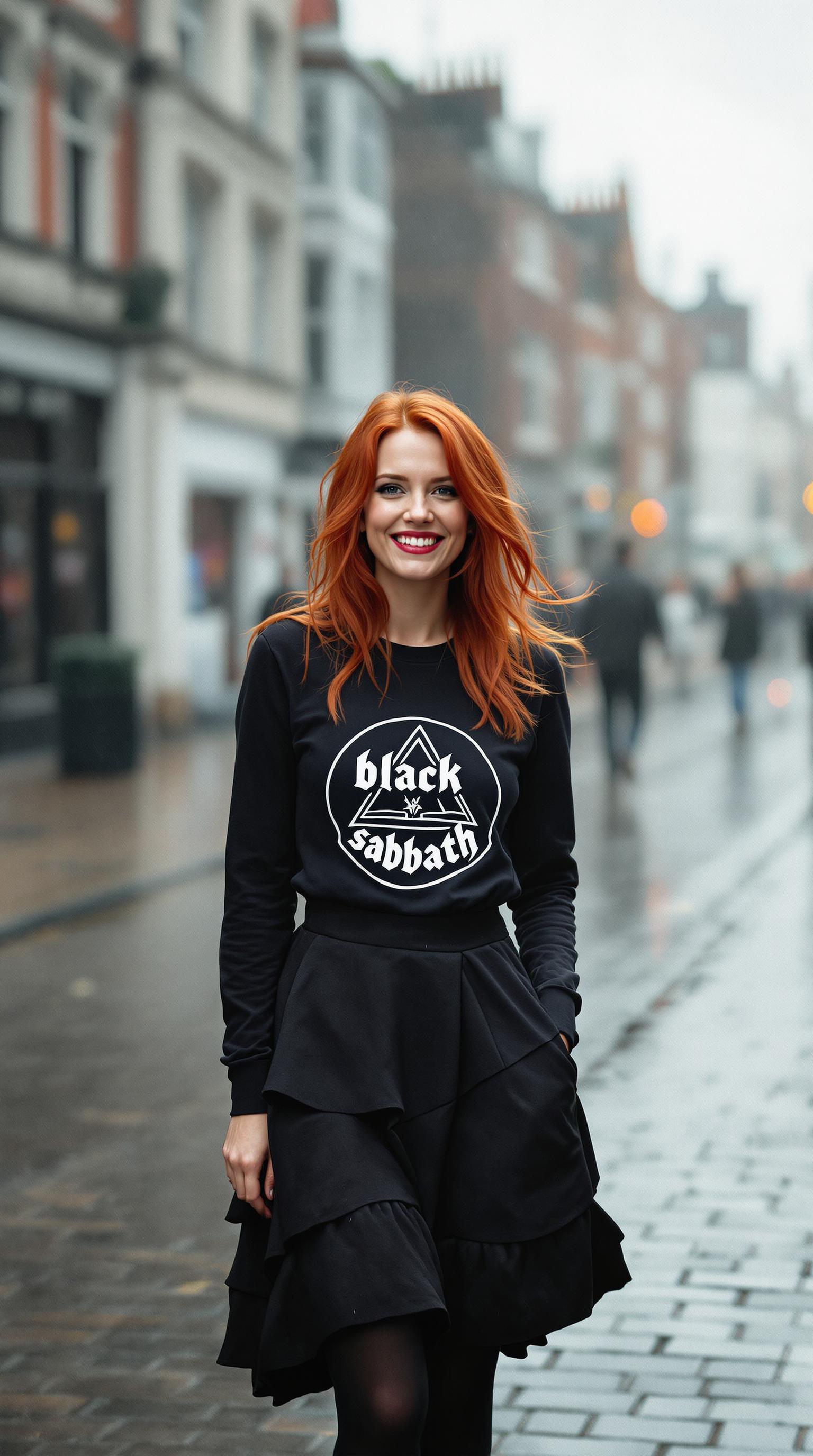
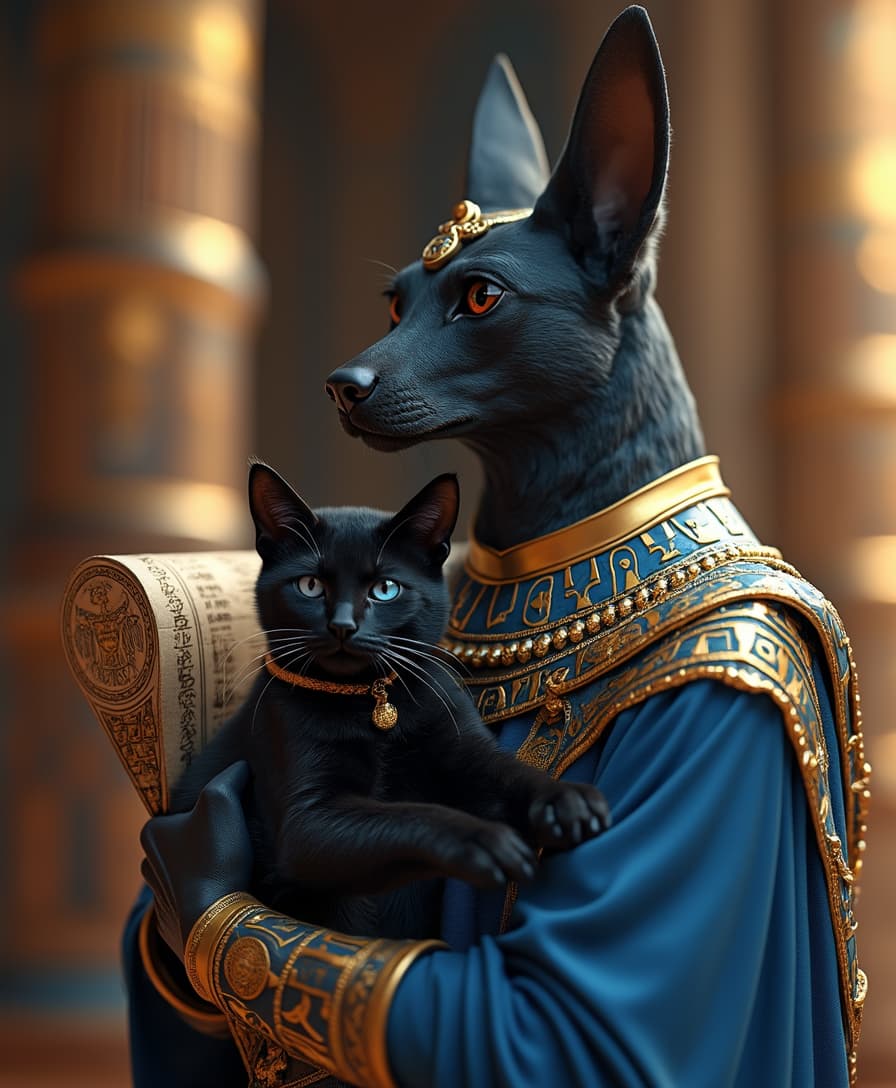
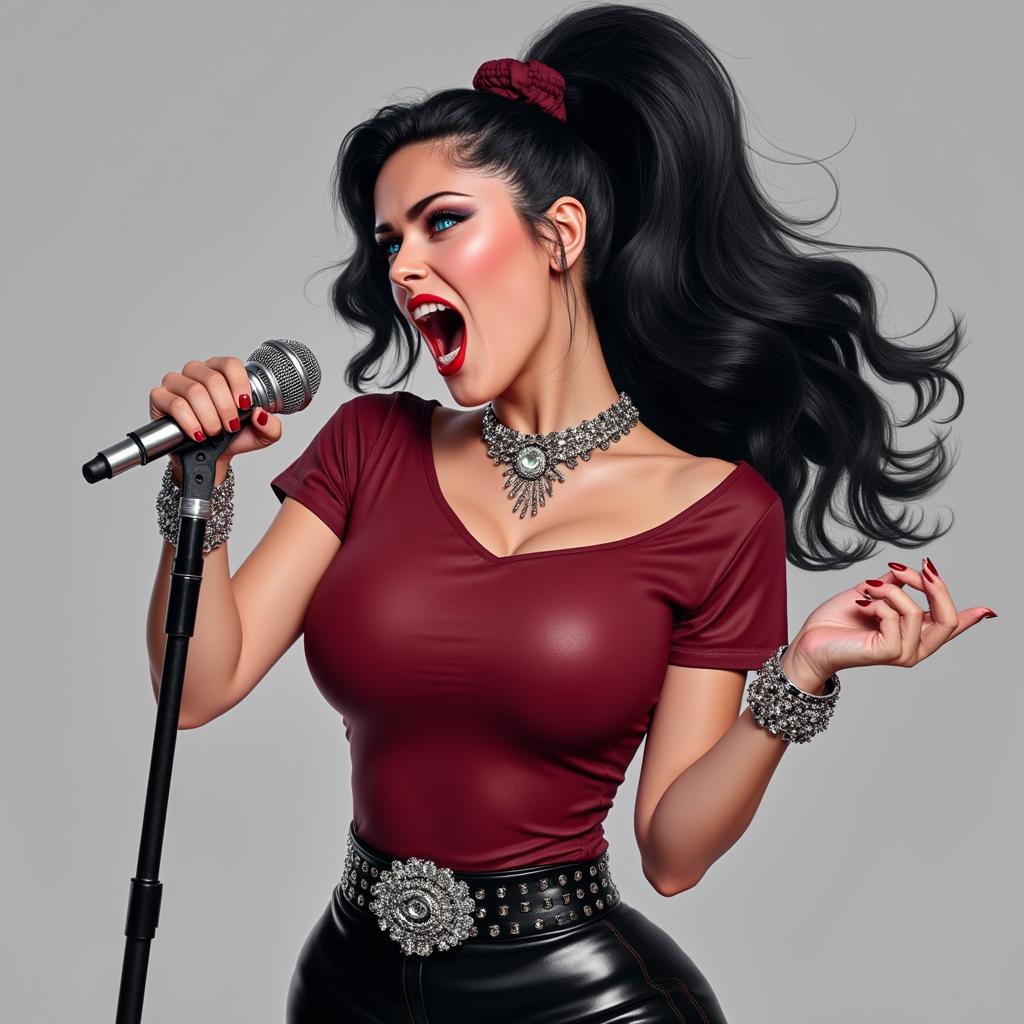
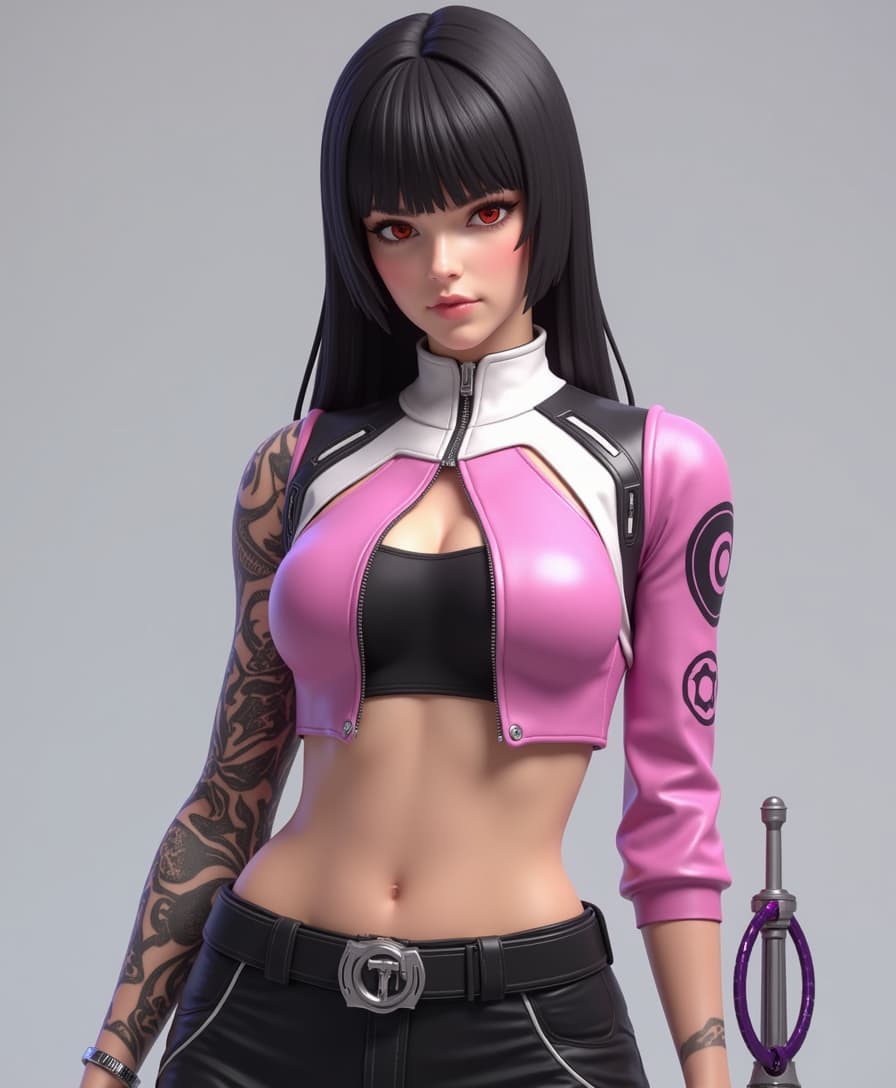
Transform your creative ideas into stunning visuals with GPT Image 1.5 multimodal prompts. By combining text and image inputs, you can achieve unparalleled control and precision in AI-generated imagery. Whether you're a designer, marketer, or content creator, PixelDojo's suite of AI tools empowers you to bring your visions to life effortlessly.
Join over 10,000 creators who have enhanced their projects using PixelDojo's cutting-edge AI tools, achieving a 95% satisfaction rate.
Why Choose Pixel Dojo for GPT Image 1.5 multimodal prompts
Professional-quality results with cutting-edge AI technology
Enhanced Creative Control
Combine text and image inputs to guide the AI, resulting in outputs that closely match your vision.
Time-Saving Efficiency
Generate high-quality images quickly, reducing the time spent on manual design tasks.
Versatile Applications
Create diverse visuals suitable for marketing, social media, product design, and more.
How It Works
Creating customized AI-generated images with GPT Image 1.5 multimodal prompts is straightforward. Follow these steps to bring your ideas to life:
Step 1: Select Your Tool
Choose 'GPT-Image 1.5' from PixelDojo's 'Create Images' category to begin your project.
Step 2: Input Text and Image Prompts
Enter a detailed text description of your desired image and upload any reference images to guide the AI.
Step 3: Generate and Refine
Click 'Generate' to produce the image. Review the output and make adjustments as needed to achieve the desired result.
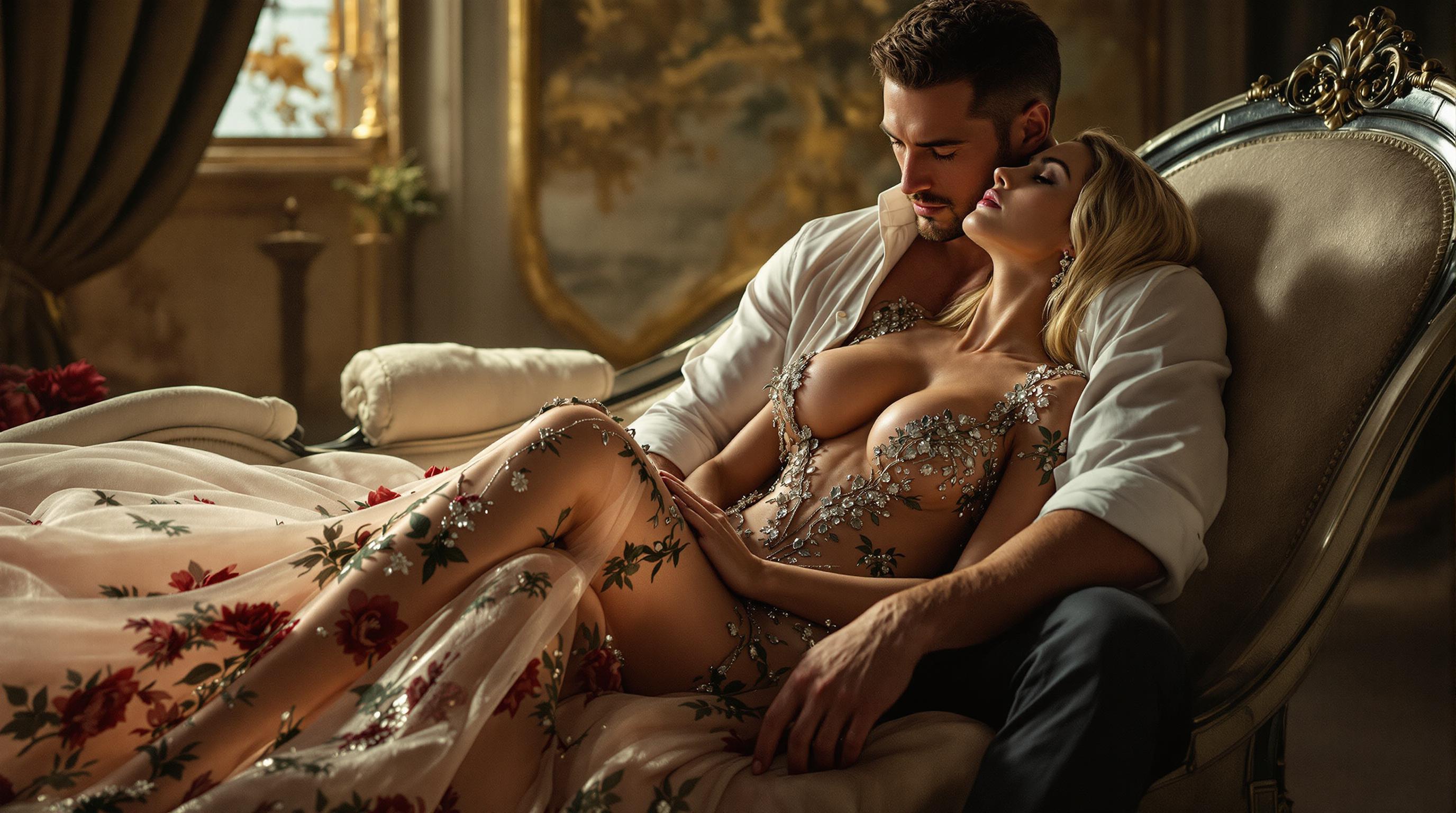
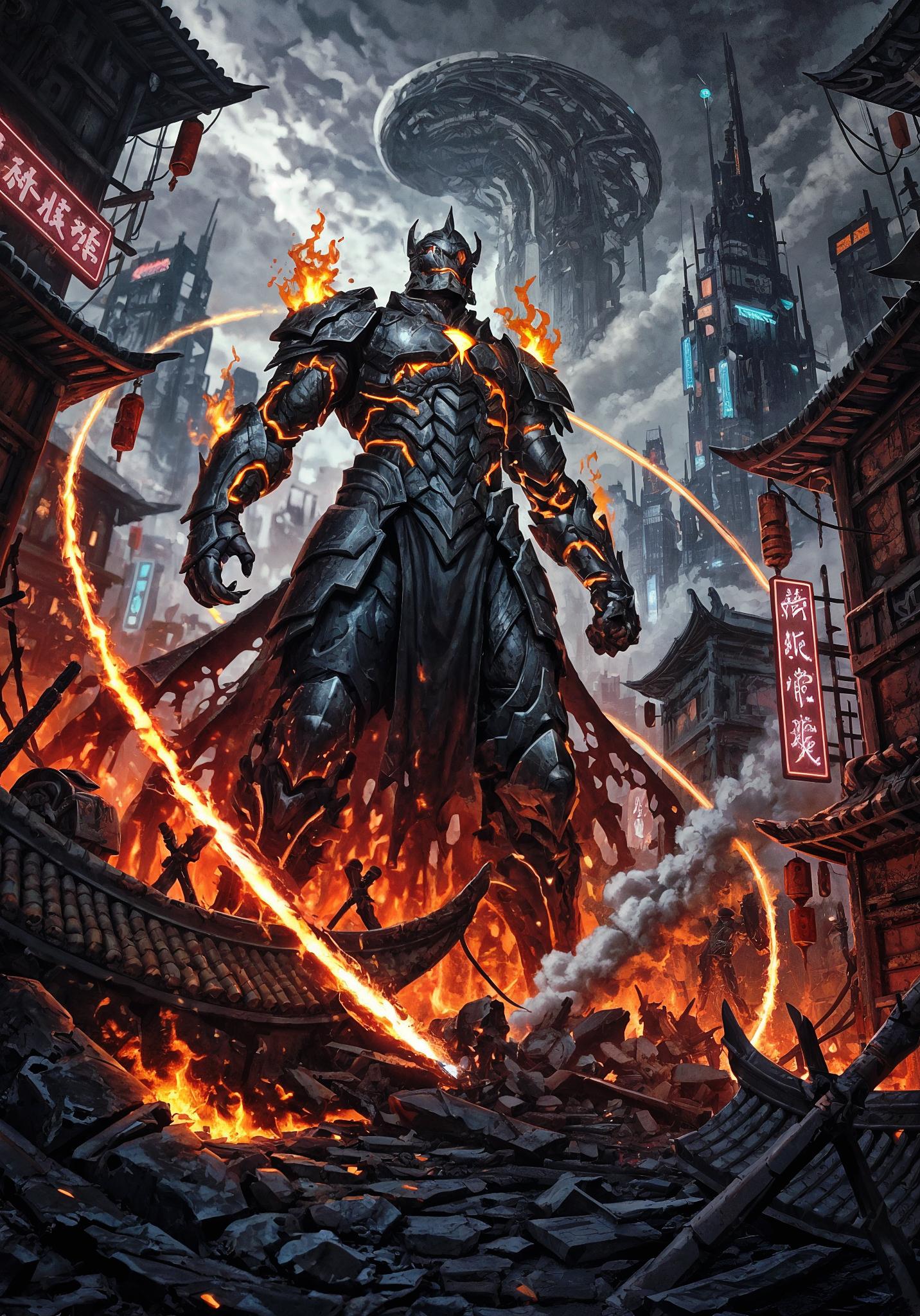
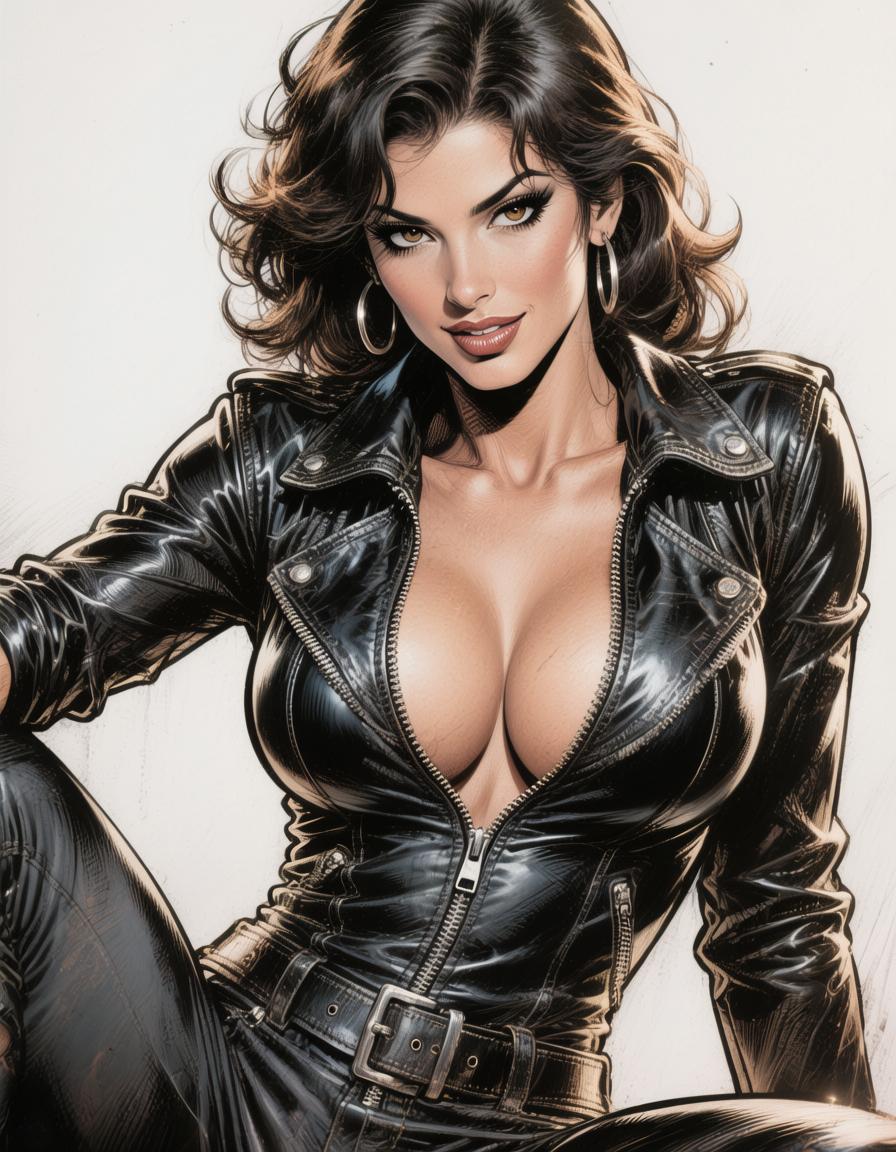
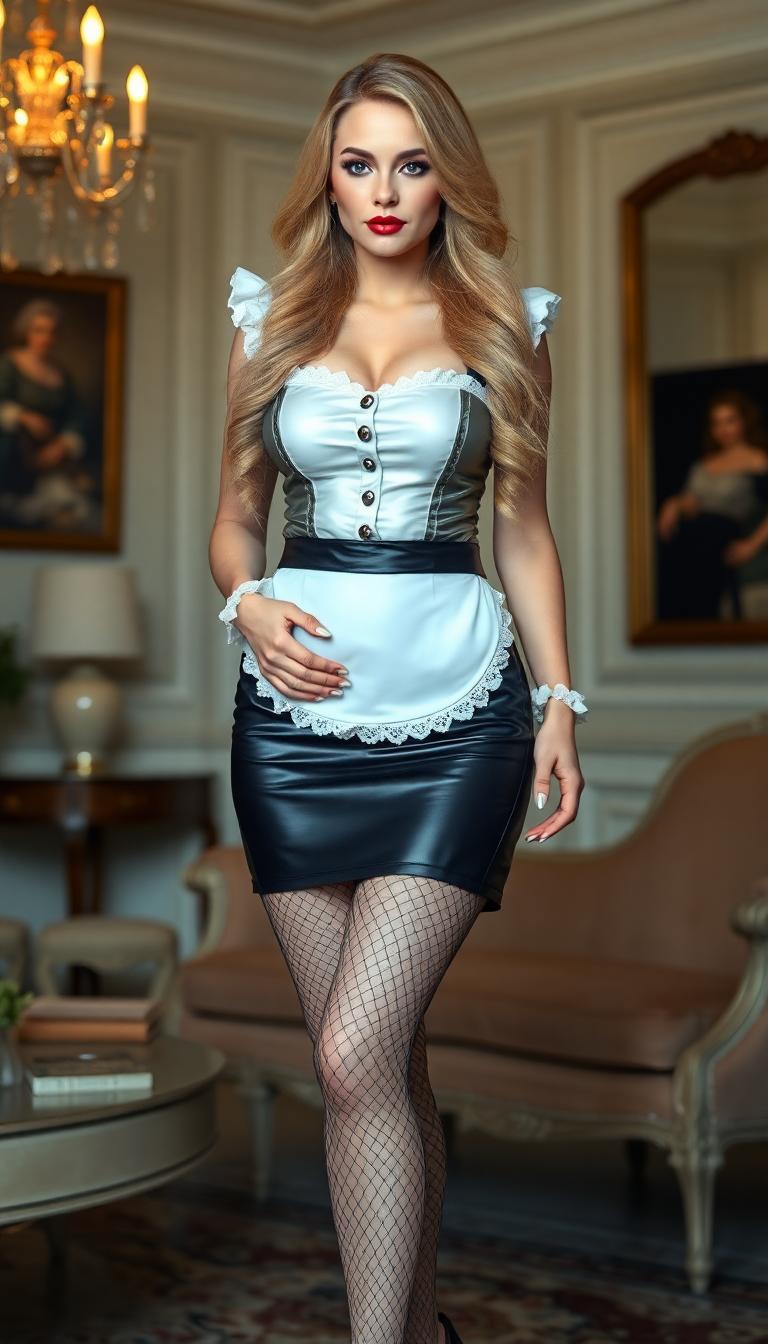
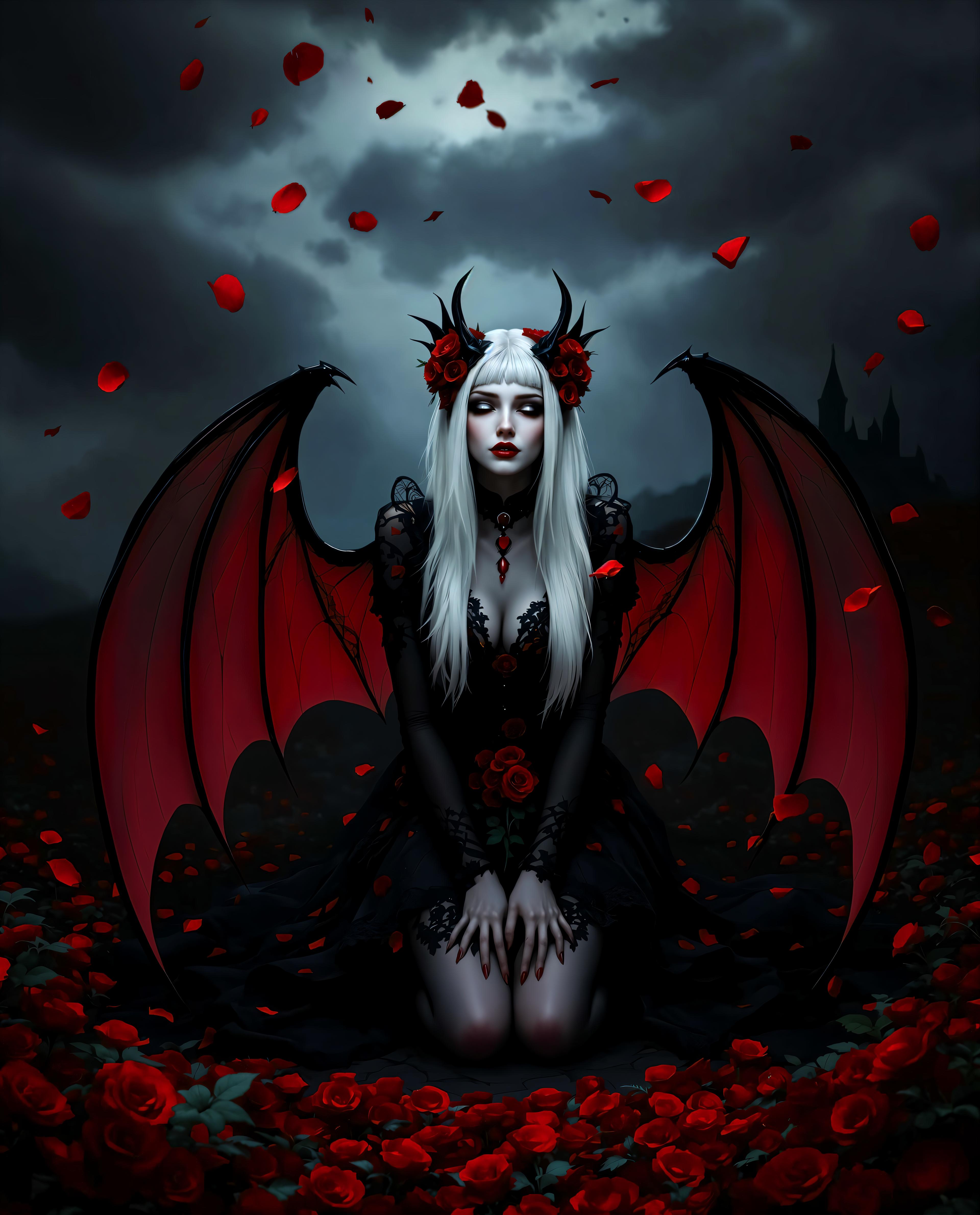
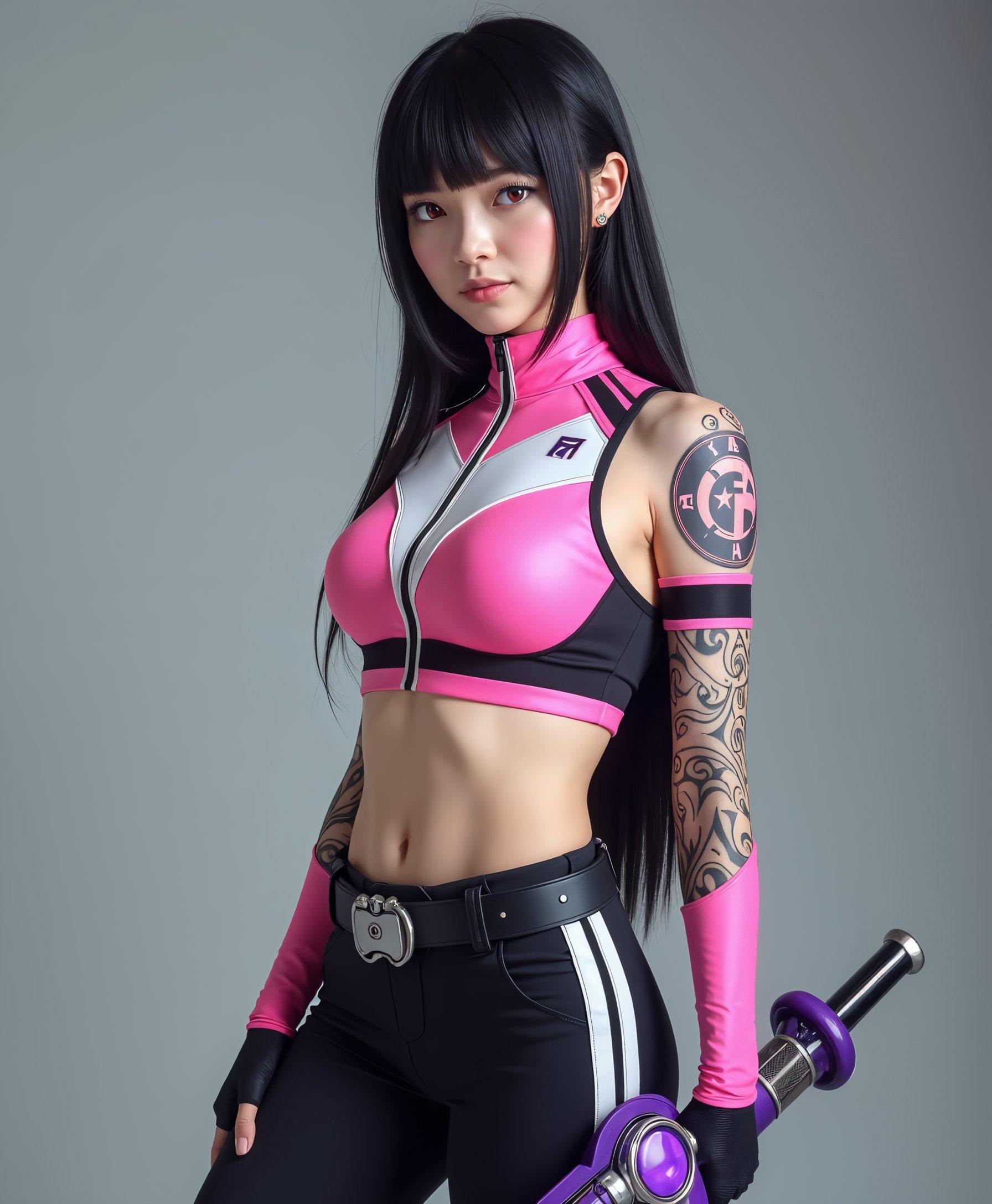
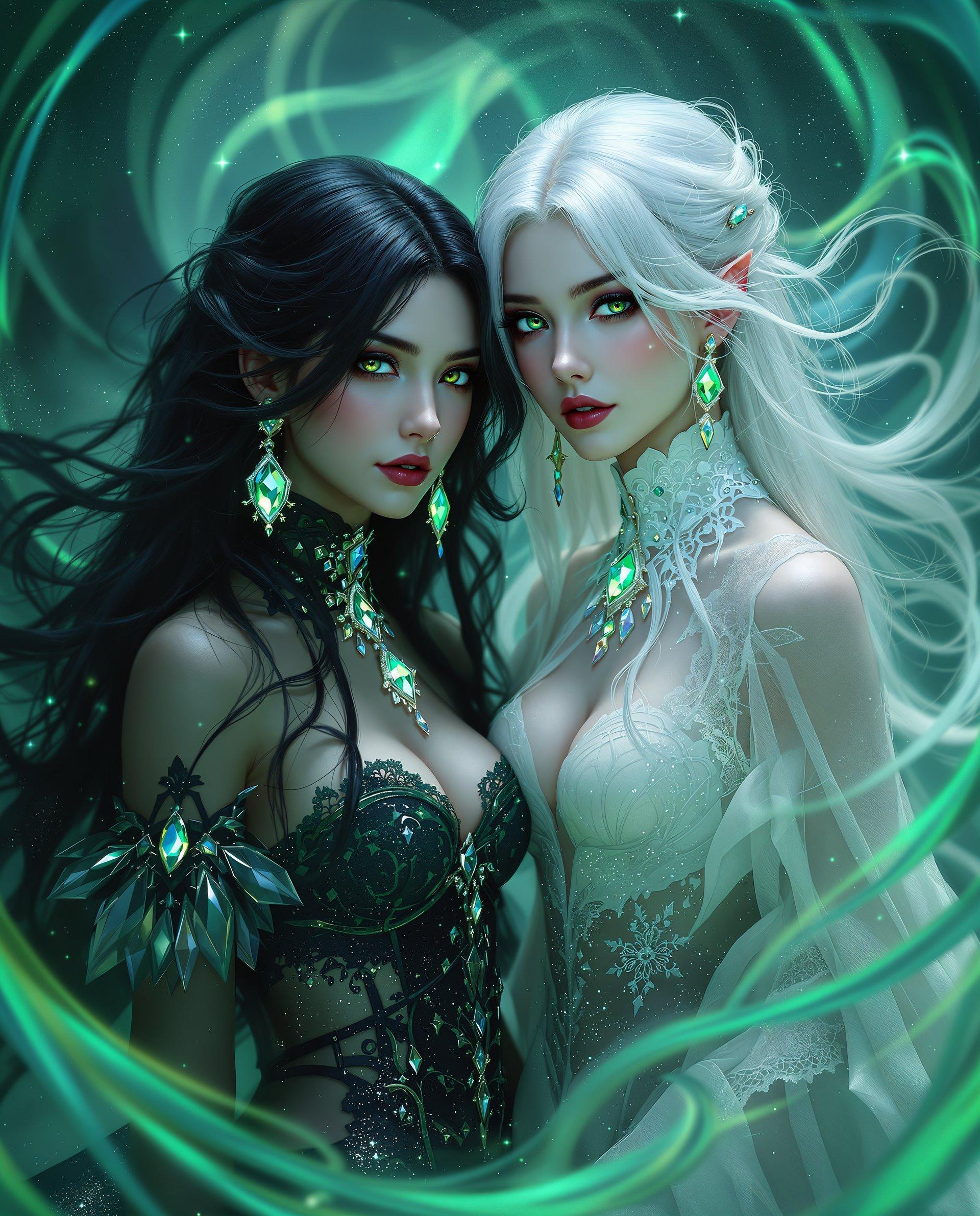
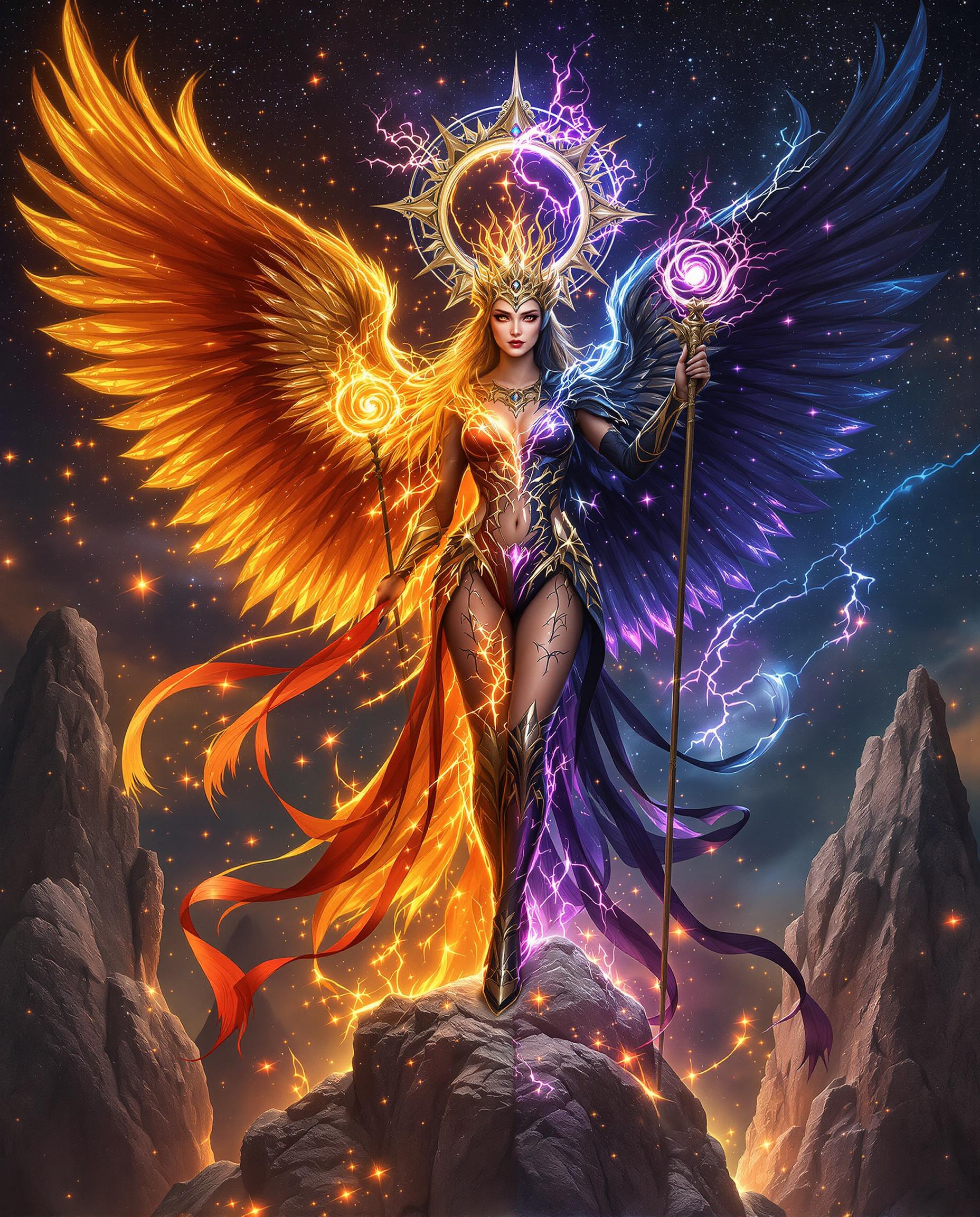
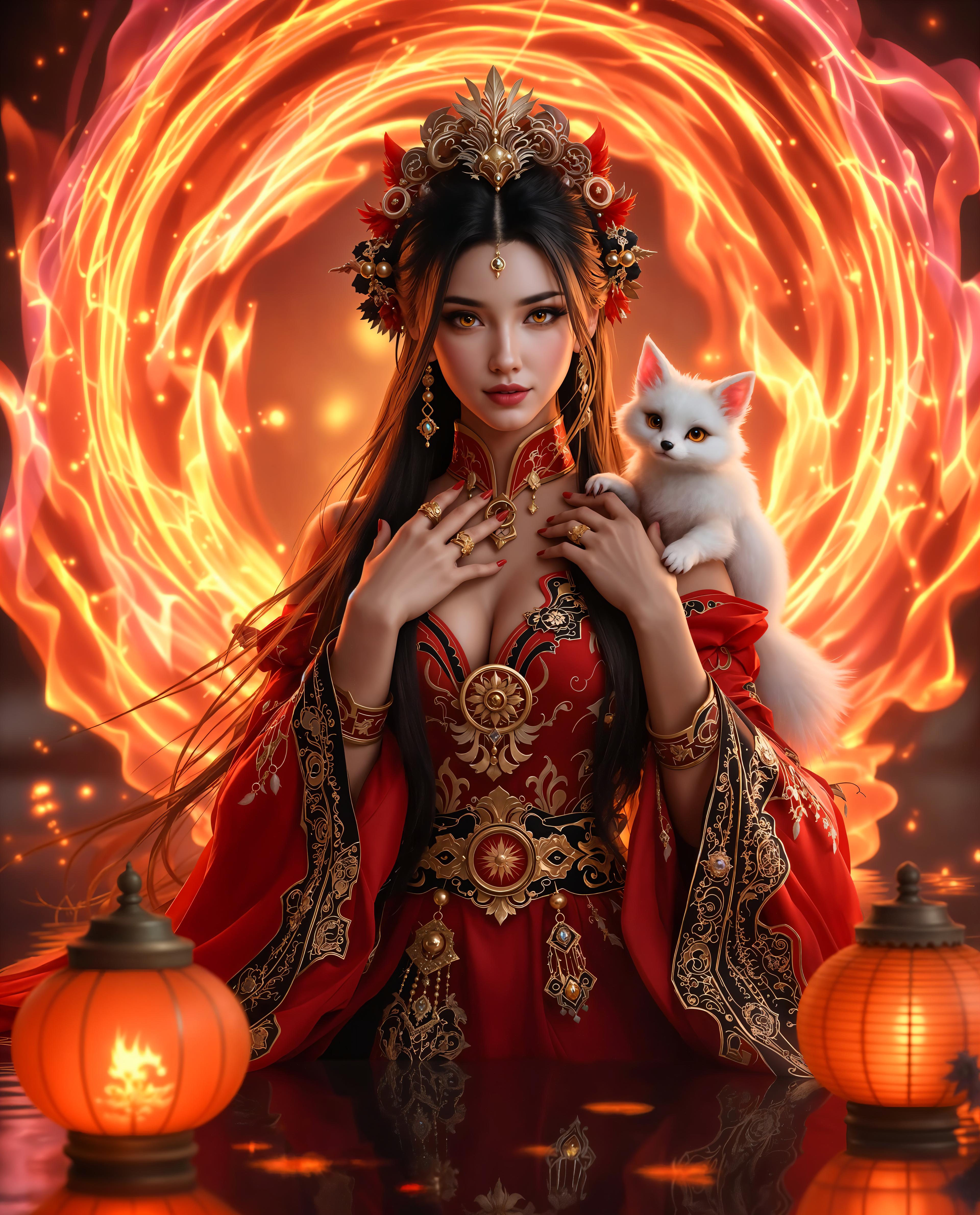
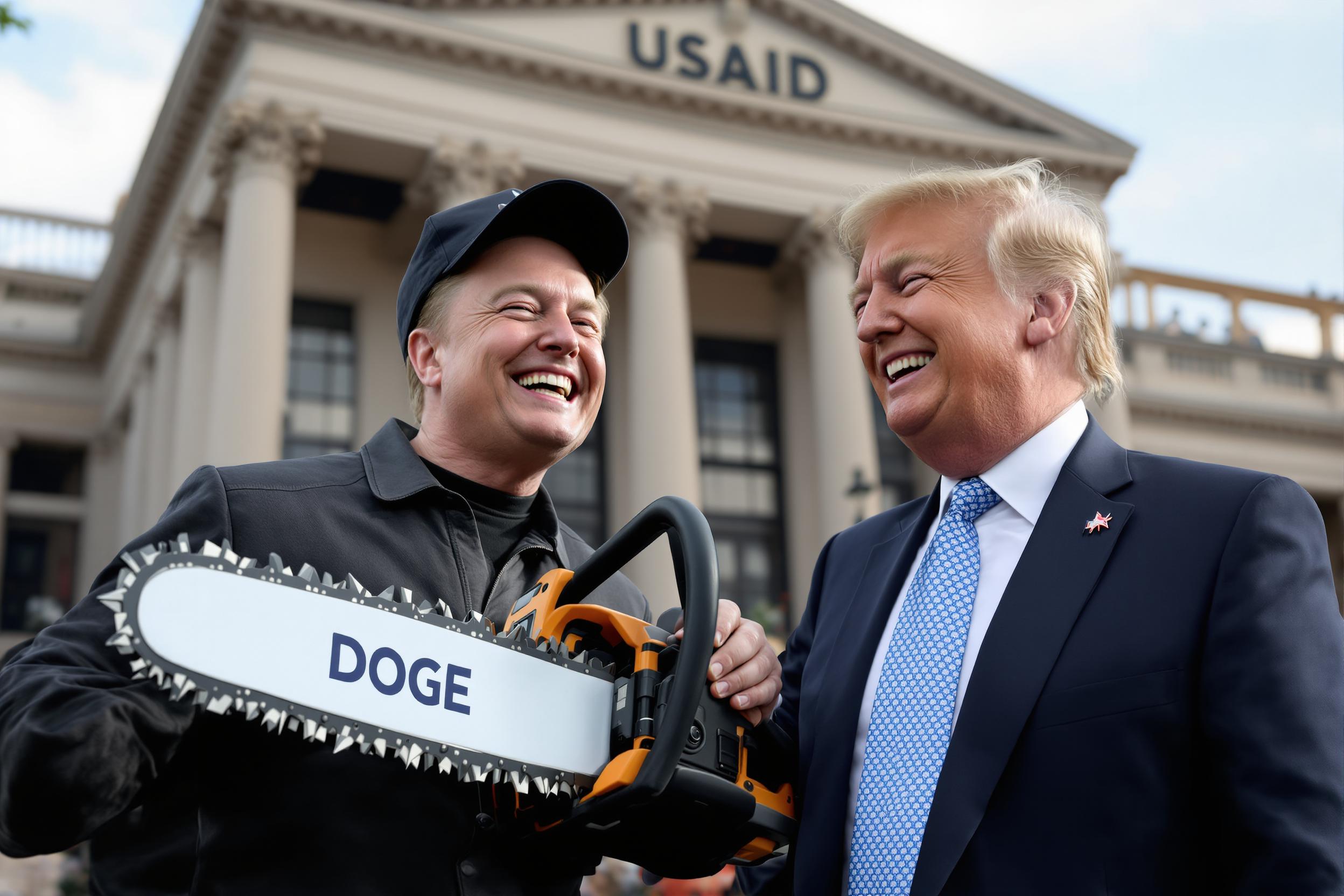
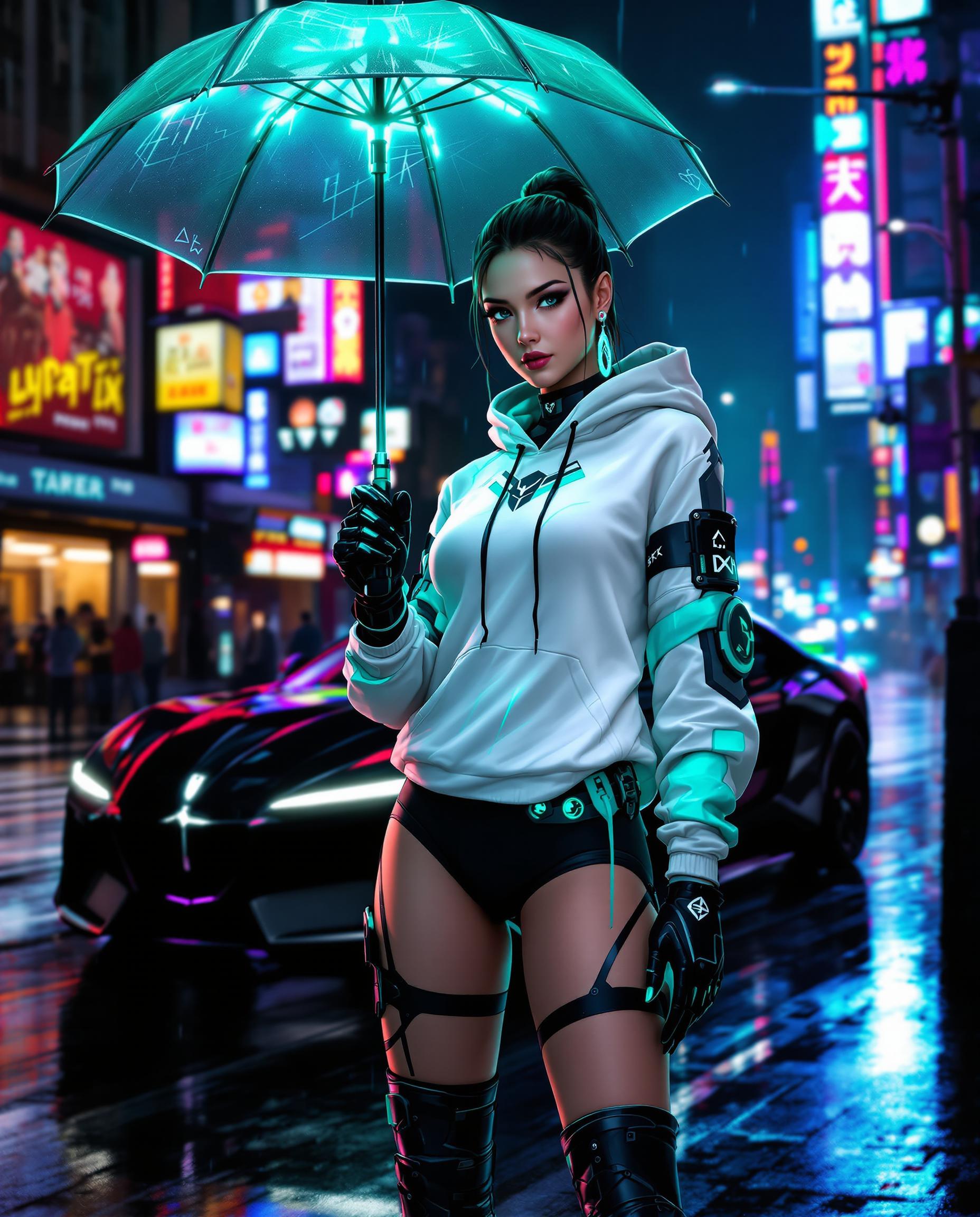
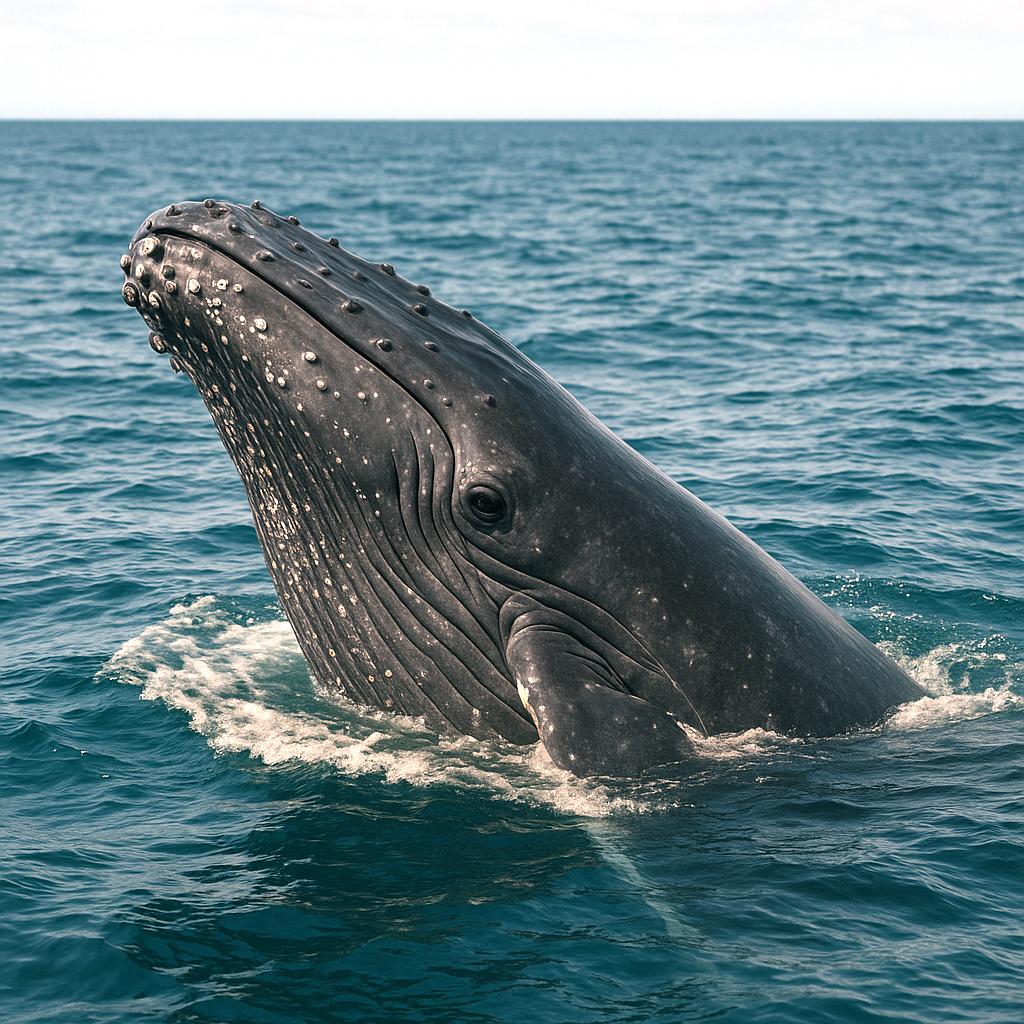
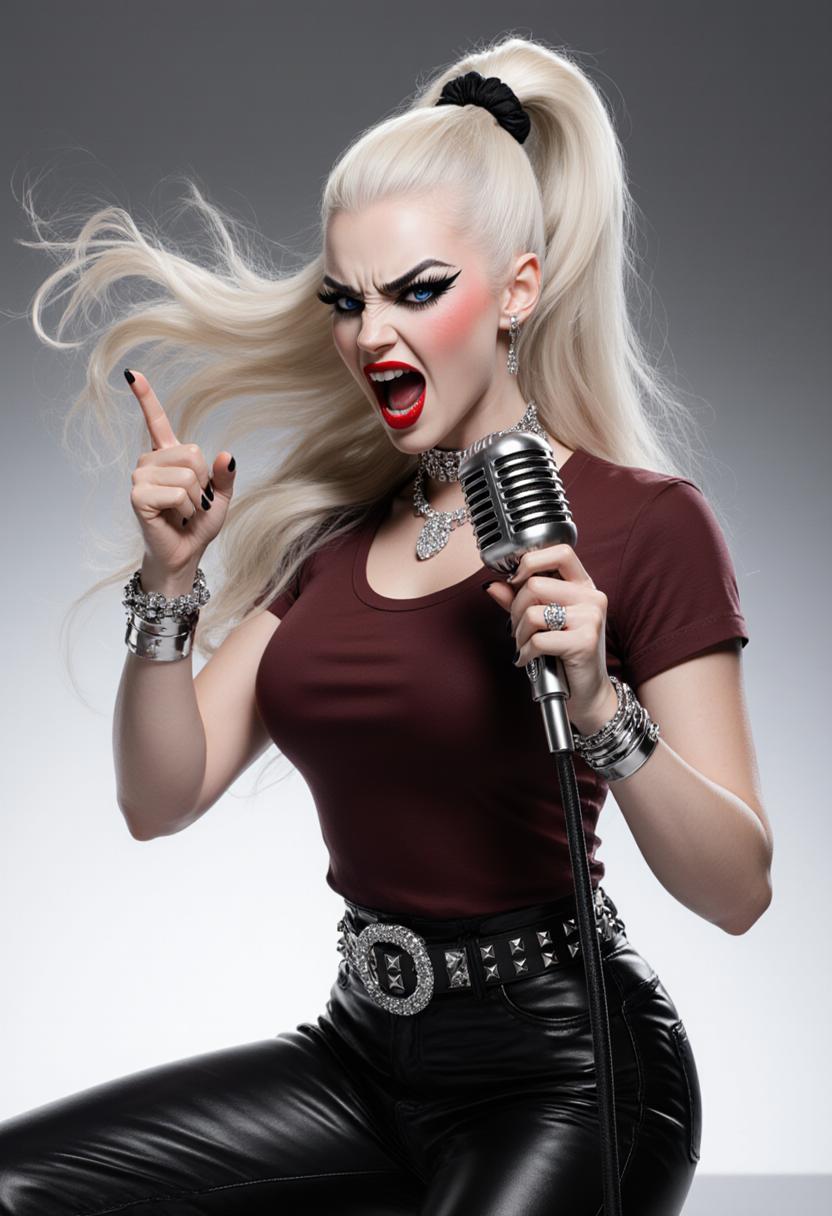
The Pixel Dojo Advantage
Why PixelDojo's GPT Image 1.5 stands out in AI image generation:
| Others | Pixel Dojo |
|---|---|
| Traditional Design Methods | Eliminate the need for extensive manual work, allowing for rapid prototyping and iteration. |
| Basic AI Image Generators | Leverage multimodal prompts for greater control and specificity in image generation. |
| Stock Images | Create unique, tailored visuals that perfectly align with your brand identity and project requirements. |
Loved by Creators
See what our community says about GPT Image 1.5 multimodal prompts
"PixelDojo's GPT Image 1.5 has revolutionized our content creation process, enabling us to produce custom visuals in minutes."
Alex Johnson
Marketing Director
"The multimodal prompt feature gives us unparalleled control over the images we generate, ensuring they meet our exact specifications."
Samantha Lee
Creative Designer
Common Questions
Everything you need to know about GPT Image 1.5 multimodal prompts AI generation
What are GPT Image 1.5 multimodal prompts?
Multimodal prompts in GPT Image 1.5 allow you to input both text descriptions and reference images to guide the AI in generating outputs that closely match your vision.
How do I use multimodal prompts in PixelDojo?
In PixelDojo, select 'GPT-Image 1.5' from the 'Create Images' category, enter your text description, and upload any reference images to guide the AI.
Can I edit the images generated with GPT Image 1.5?
Yes, PixelDojo offers a suite of image editing tools, such as 'Inpainting' and 'Style Transfer,' to refine and customize your generated images further.
Is there a limit to the number of images I can generate?
PixelDojo offers various subscription plans to suit different needs, with options for unlimited image generation. You can choose a plan that best fits your requirements.
Do I need any prior experience to use GPT Image 1.5?
No prior experience is necessary. PixelDojo's user-friendly interface and comprehensive guides make it easy for anyone to create stunning AI-generated images.
Can I use the generated images for commercial purposes?
Yes, images created with PixelDojo can be used for commercial purposes, subject to the terms of service outlined on our website.