GPT Image 1.5 natural integrations AI Generator
Unlock the power to seamlessly integrate any object, person, or element into real-world scenes with PixelDojo's GPT Image 1.5 Natural Integrations. You get photorealistic results where every shadow, reflection, and lighting match perfectly, as if captured by a professional photographer. No more struggling with clunky edits or unnatural composites—produce marketing visuals, product mockups, or creative concepts in seconds that wow your audience and drive results. Whether you're a marketer placing products in lifestyle shots, a designer prototyping environments, or a content creator visualizing ideas, these integrations let you focus on your vision while AI handles the realism.
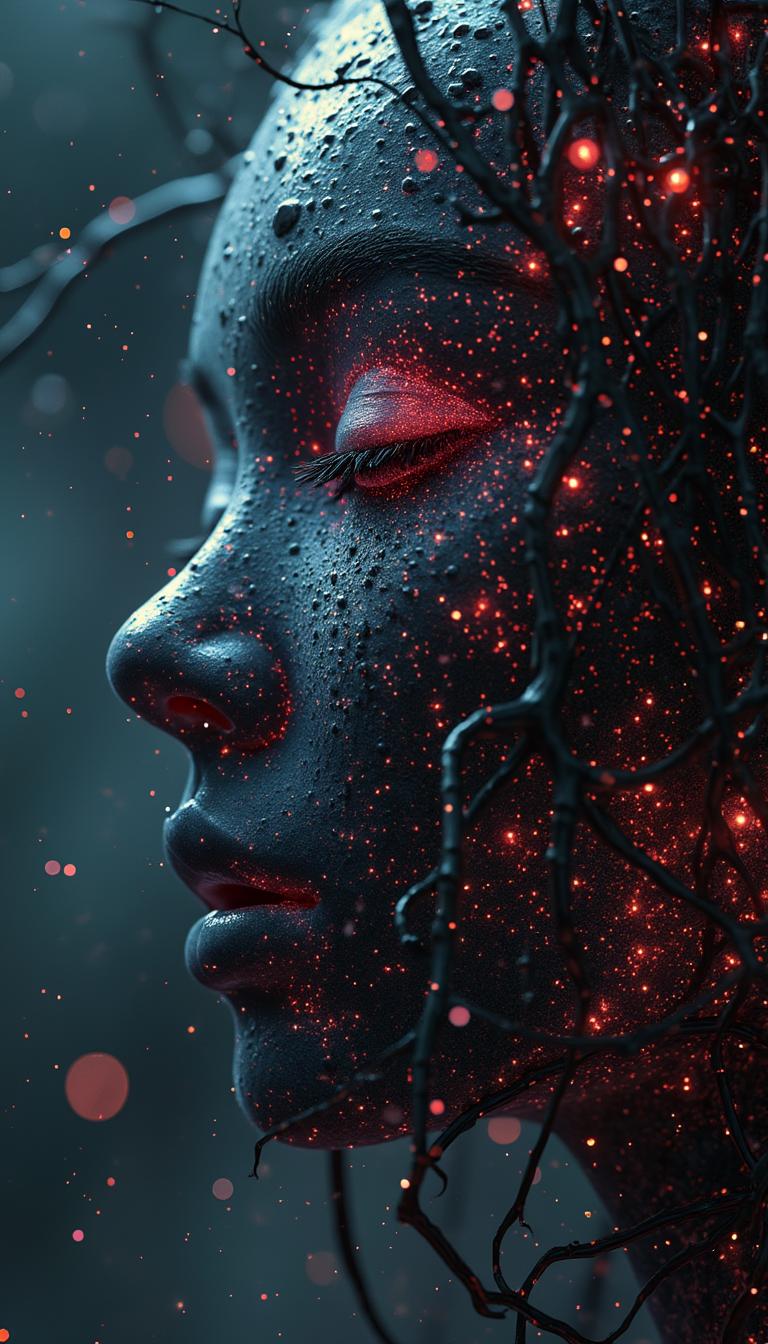
Trusted by 50,000+ creators worldwide | 4.9/5 stars from 12,000+ reviews | Over 2M natural integration images generated | Featured in top design communities
Why Choose Pixel Dojo for GPT Image 1.5 natural integrations
Professional-quality results with cutting-edge AI technology
Perfect Seamless Blends Every Time
You achieve hyper-realistic integrations where elements fuse naturally with backgrounds, matching lighting, shadows, and textures flawlessly—no visible seams or artifacts to fix later.
Save Hours on Complex Edits
Replace tedious Photoshop sessions with instant generations, freeing you to iterate ideas quickly and deliver projects faster without needing advanced editing skills.
Unlimited Creative Freedom
Experiment with any scenario—product placements, character insertions, or environmental mockups—scaling your content production effortlessly across marketing, e-commerce, and social media.
How It Works
Transform your ideas into flawless natural integrations using PixelDojo's GPT Image 1.5 and complementary tools. Follow these simple steps to create pro-level composites without any hassle.
Step 1: Choose GPT Image 1.5
Head to the Create Images section on PixelDojo and select GPT Image 1.5. This powerhouse tool excels at generating base scenes with built-in realism for natural element placement. Upload a reference image if needed for precise context.
Step 2: Craft Your Integration Prompt
Enter a detailed prompt describing your scene and integration, like 'Integrate a sleek smartphone naturally onto a marble kitchen counter in a modern home, sunlight casting realistic shadows, 8k photorealism.' GPT Image 1.5 handles perspective, occlusion, and environmental harmony automatically.
Step 3: Refine & Download Instantly
Enhance with PixelDojo edit tools like Inpainting for targeted tweaks, Image to Image for style matching, or Background Remover for clean composites. Preview variations, then download your high-res image ready for use.
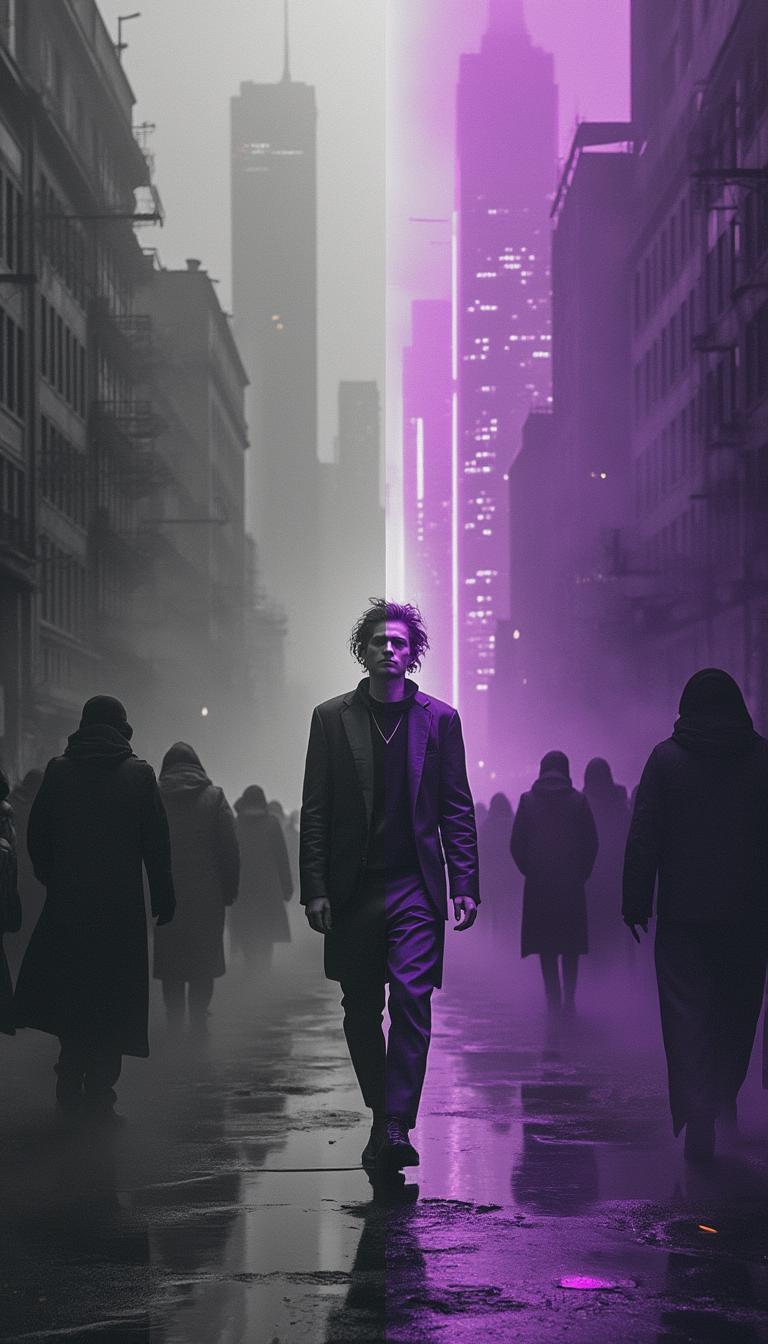
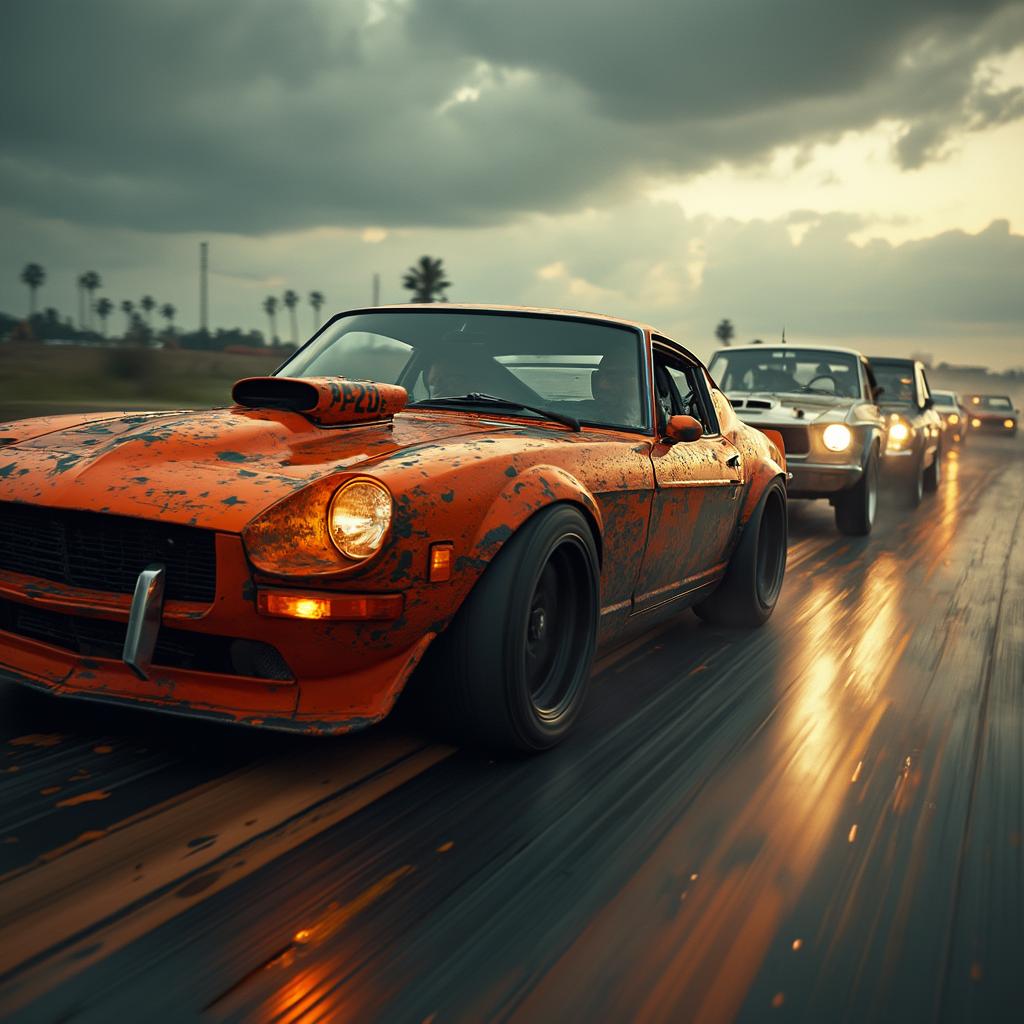
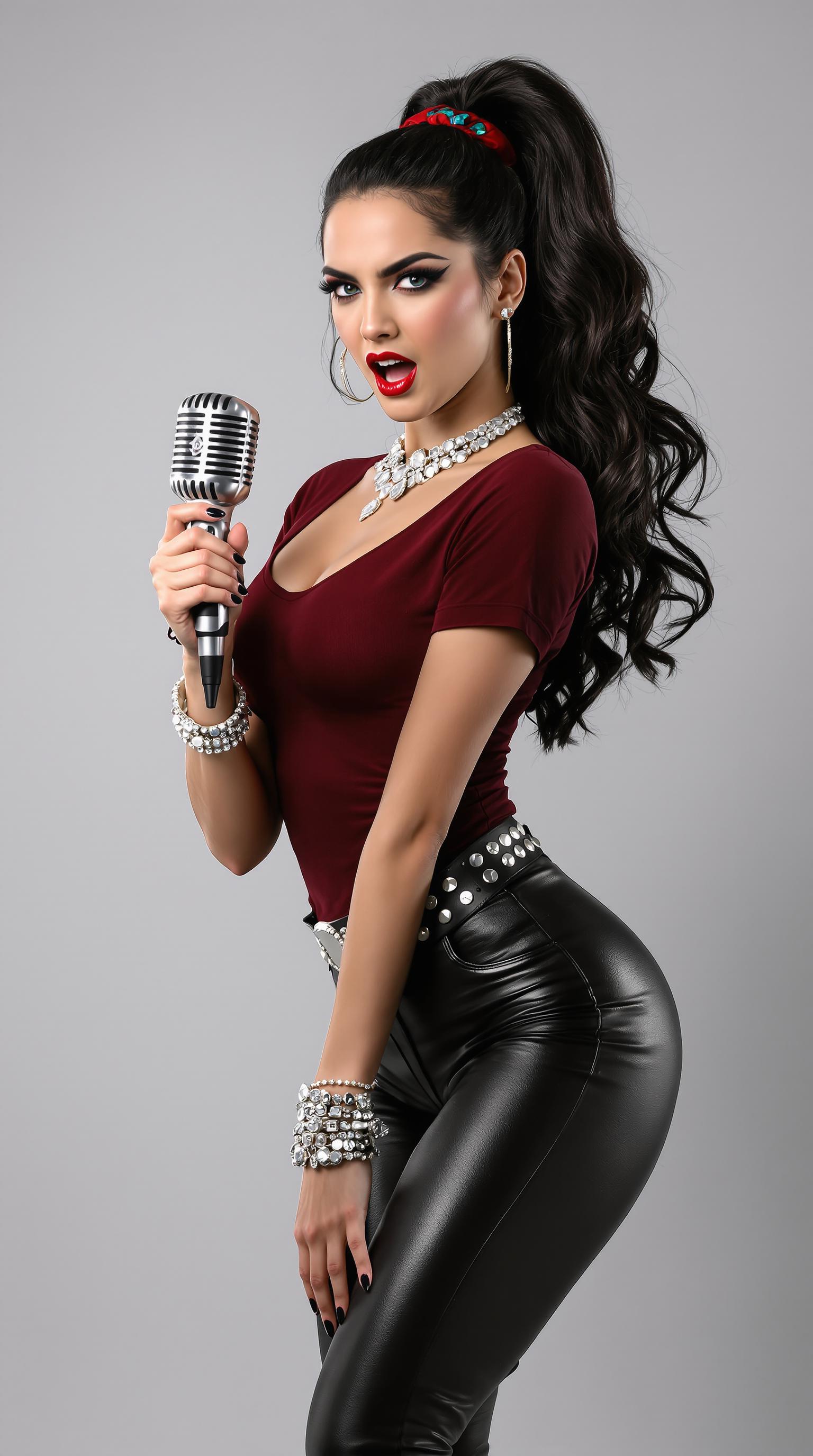
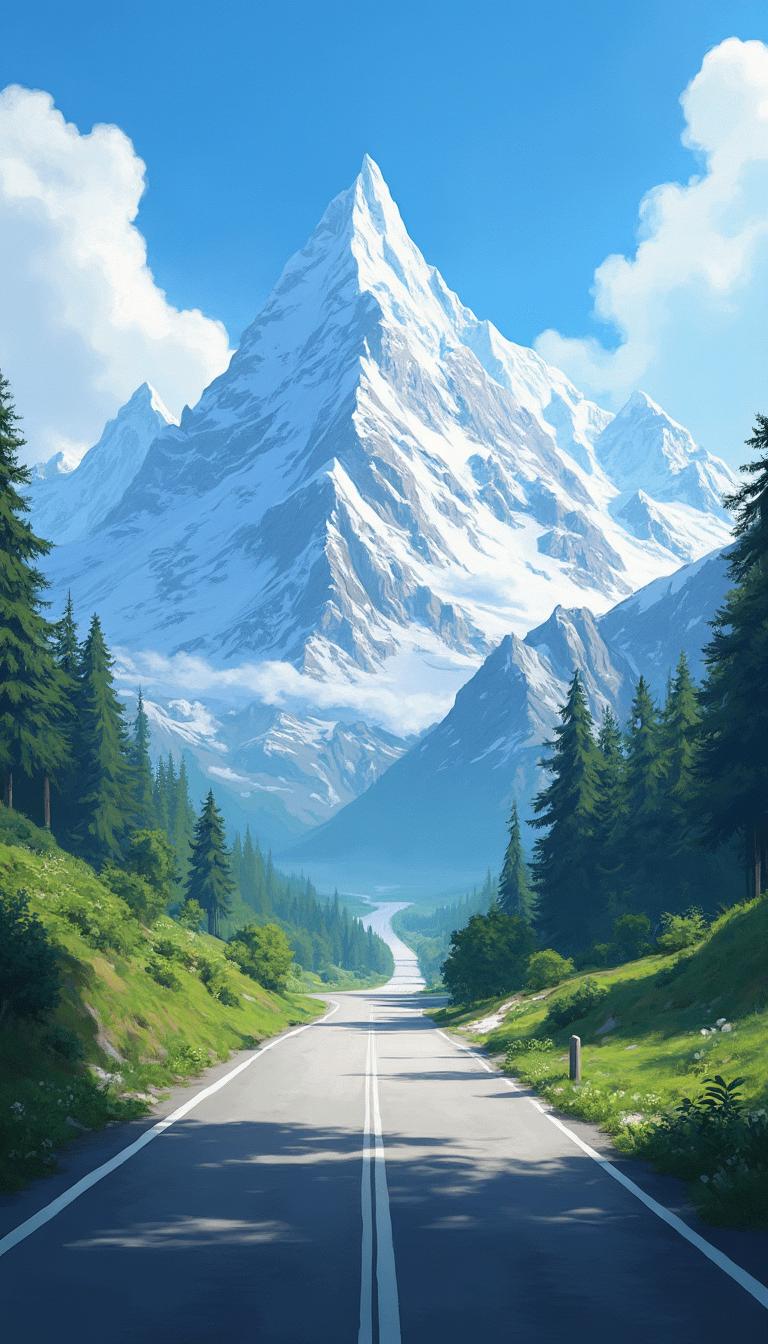
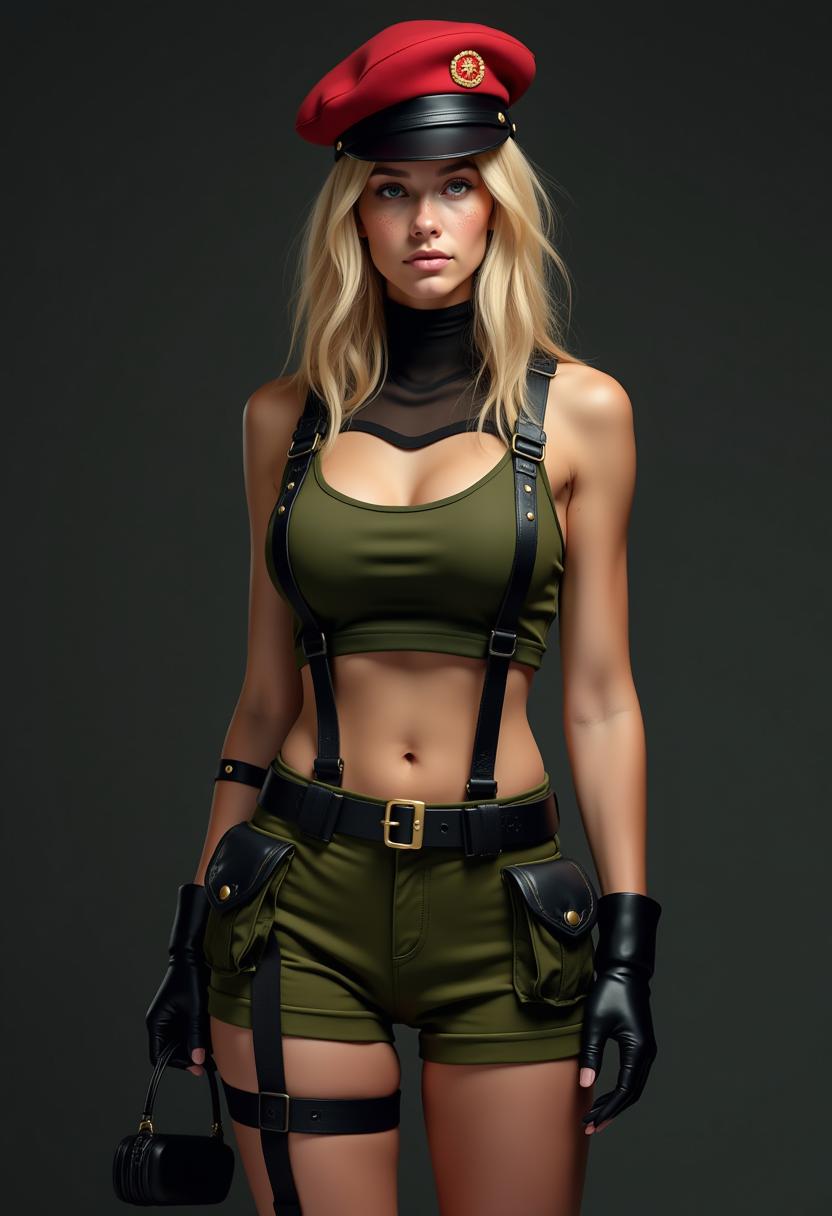
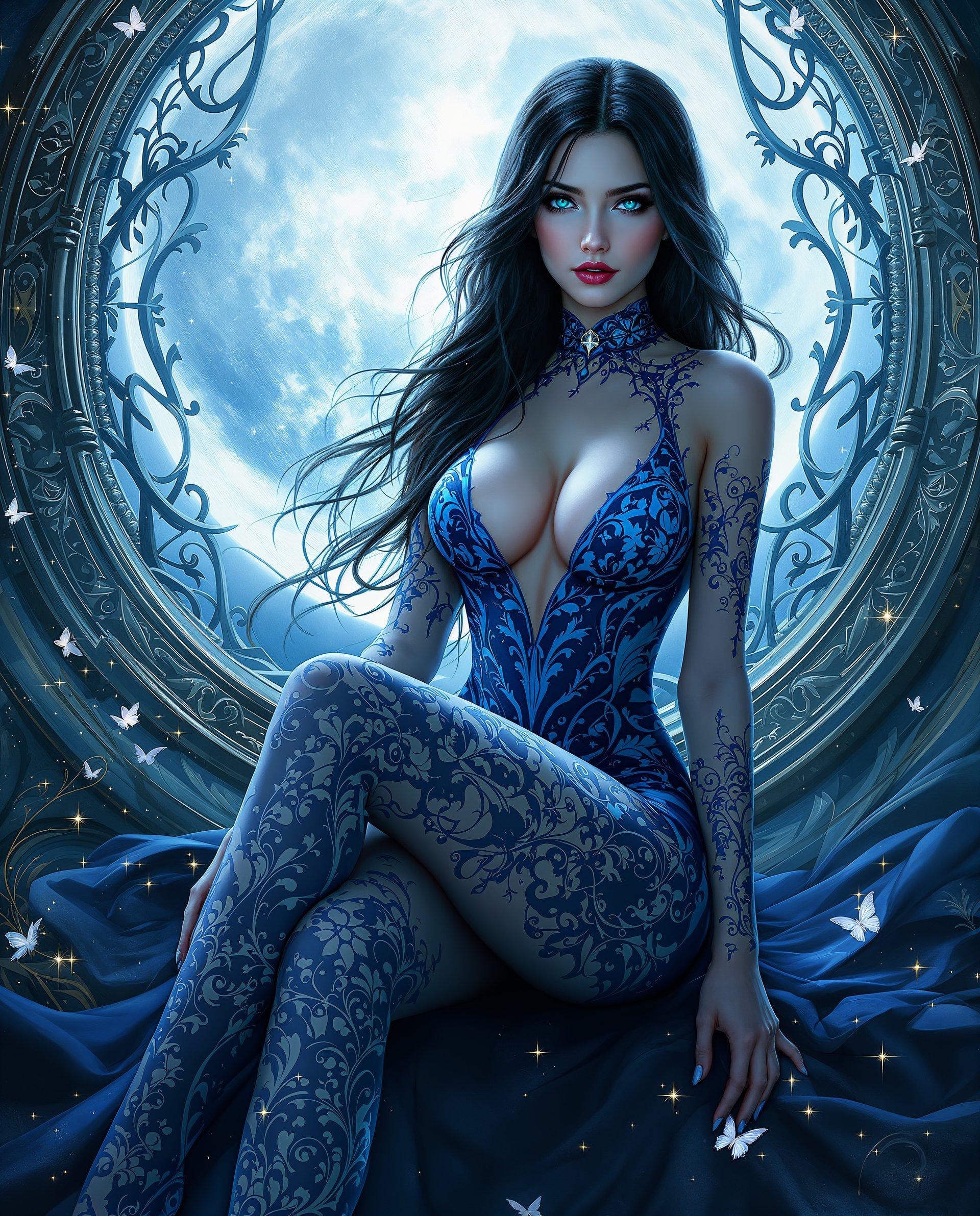
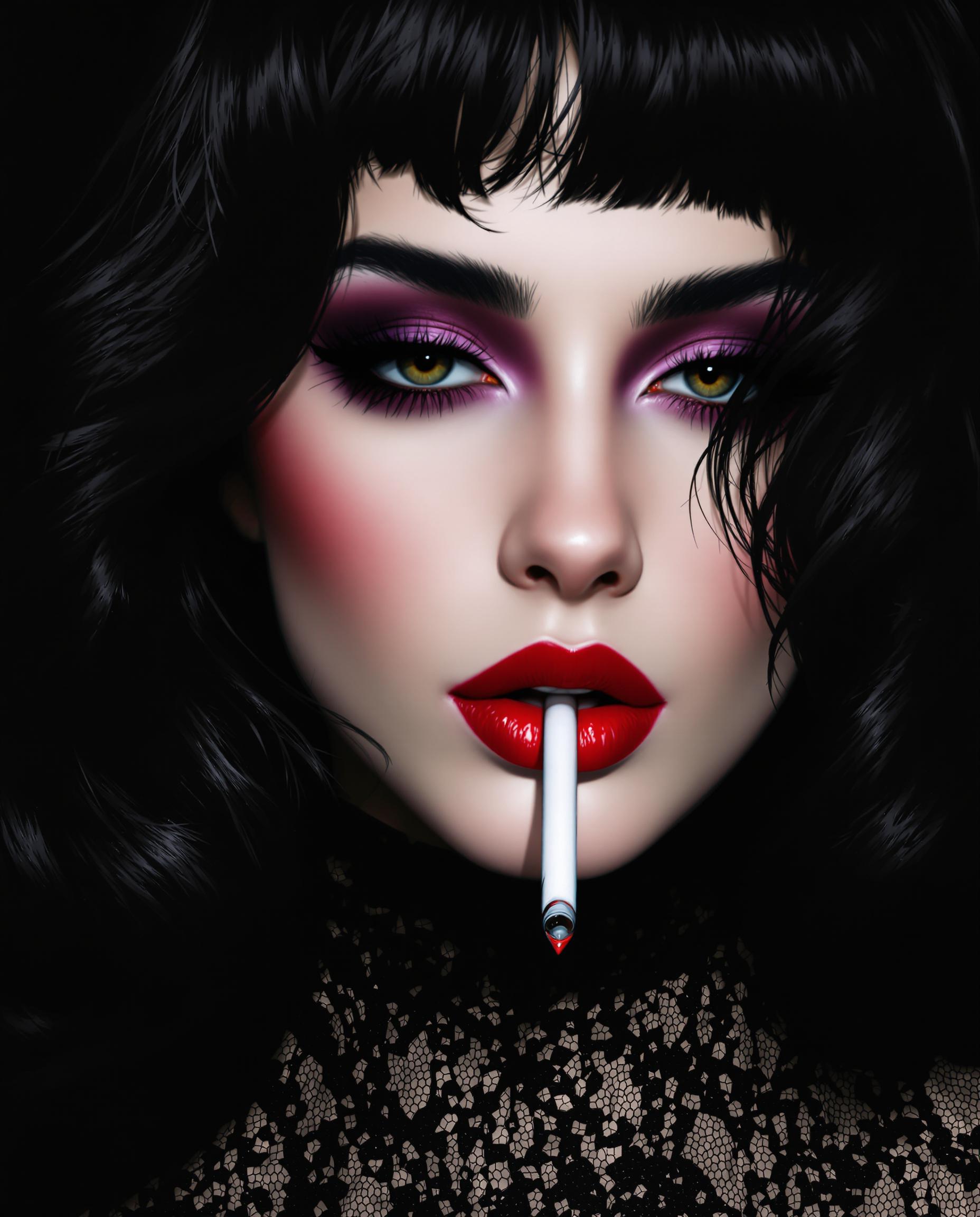
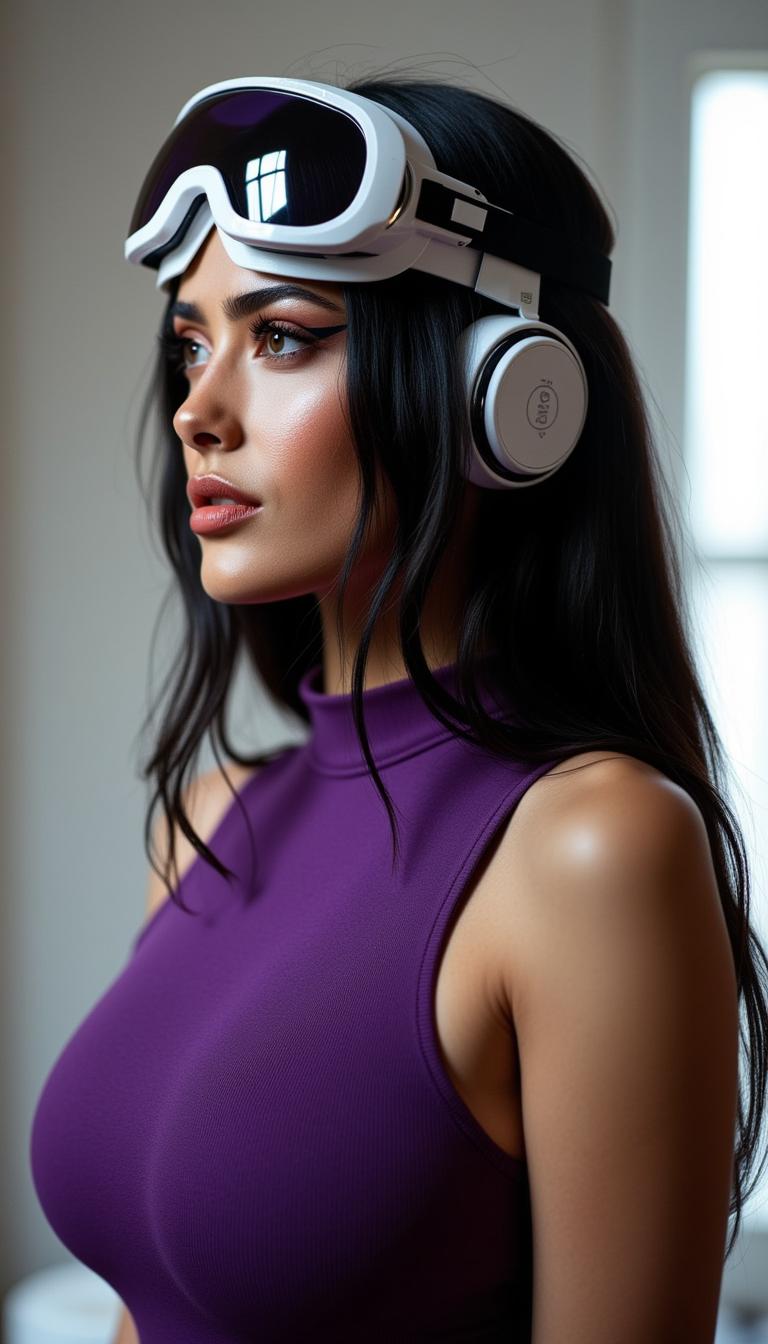
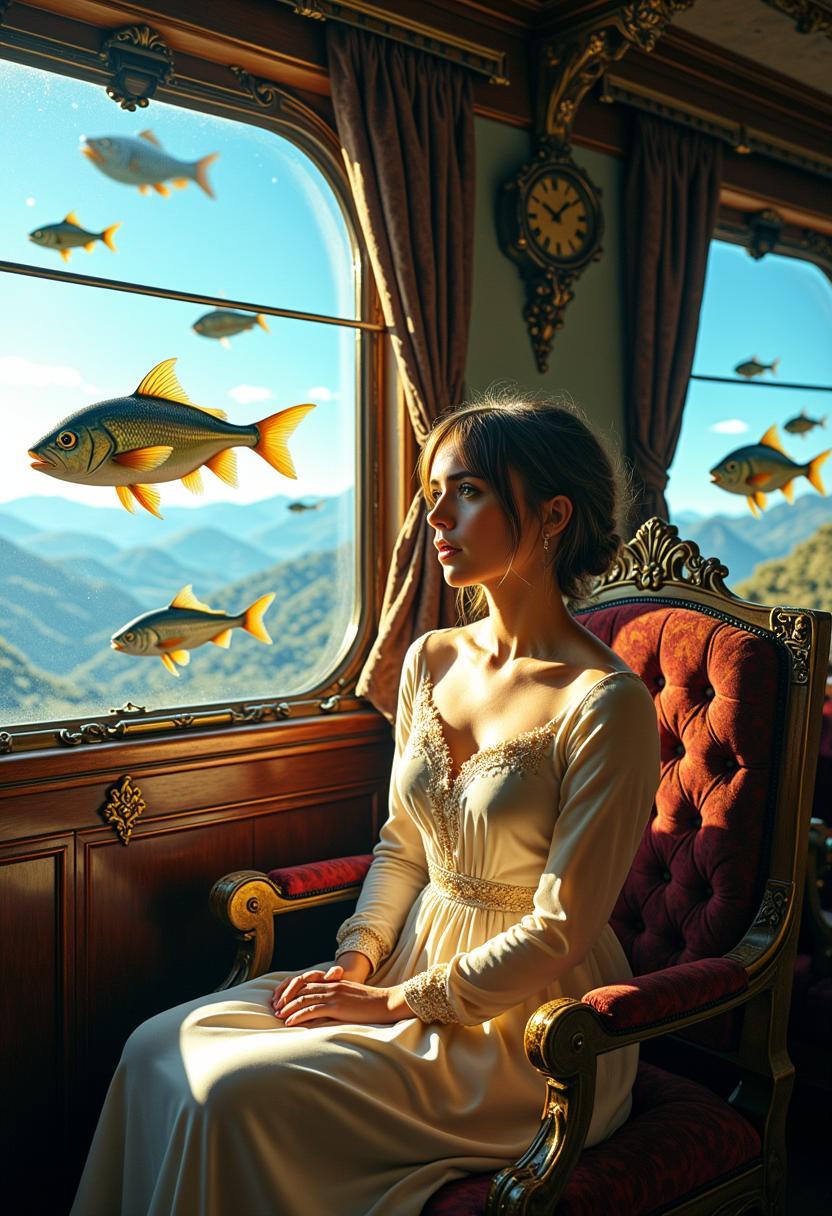
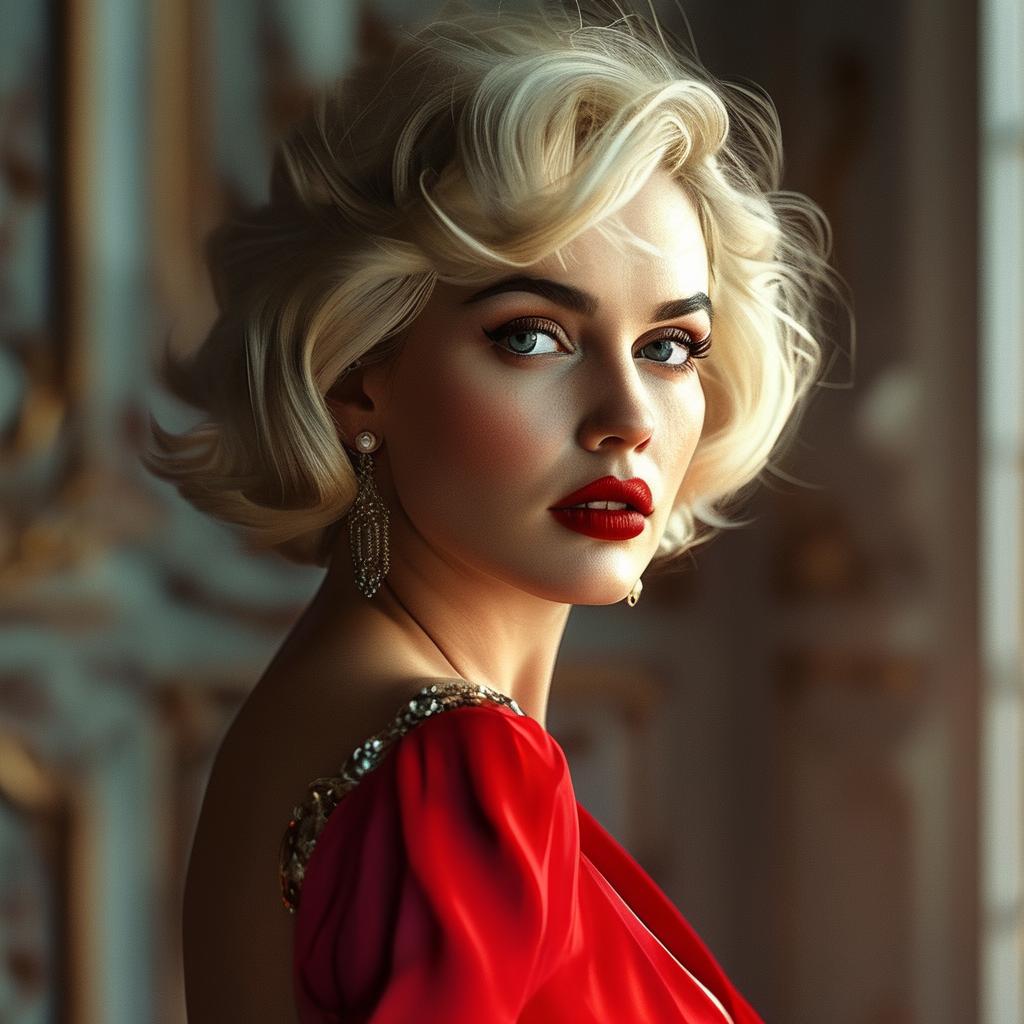
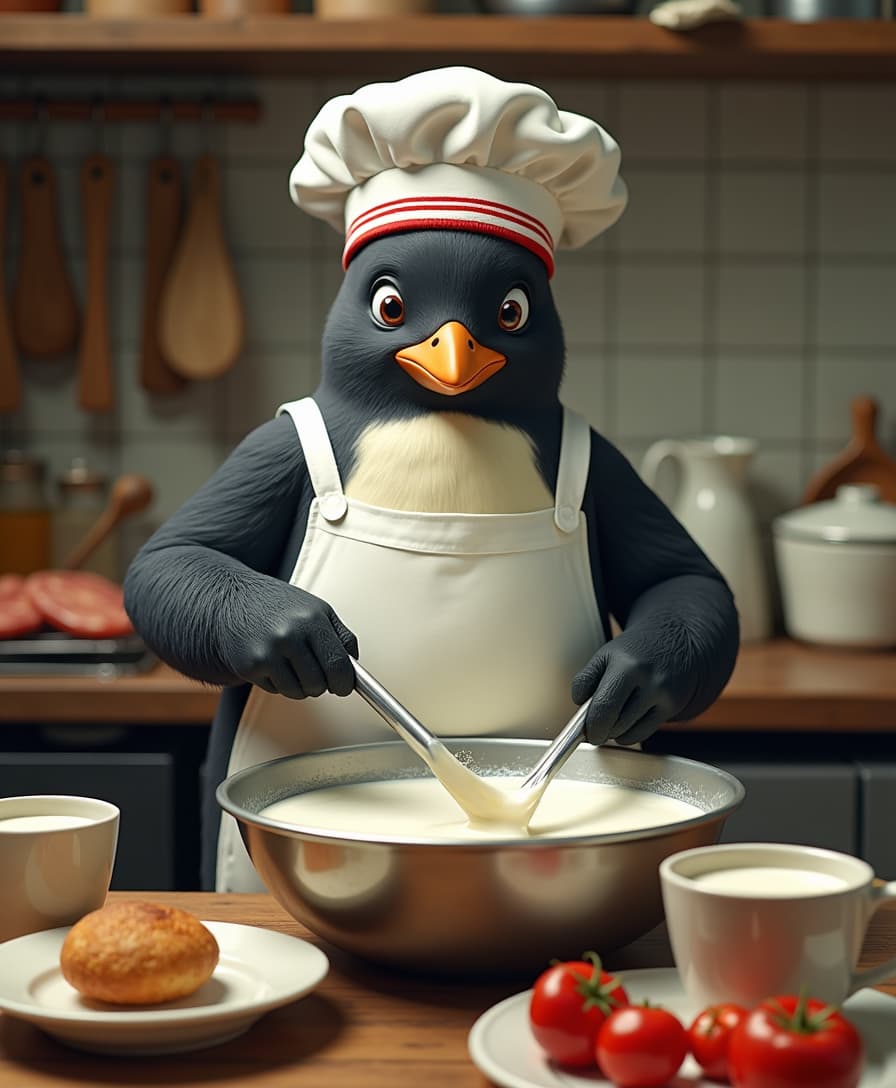
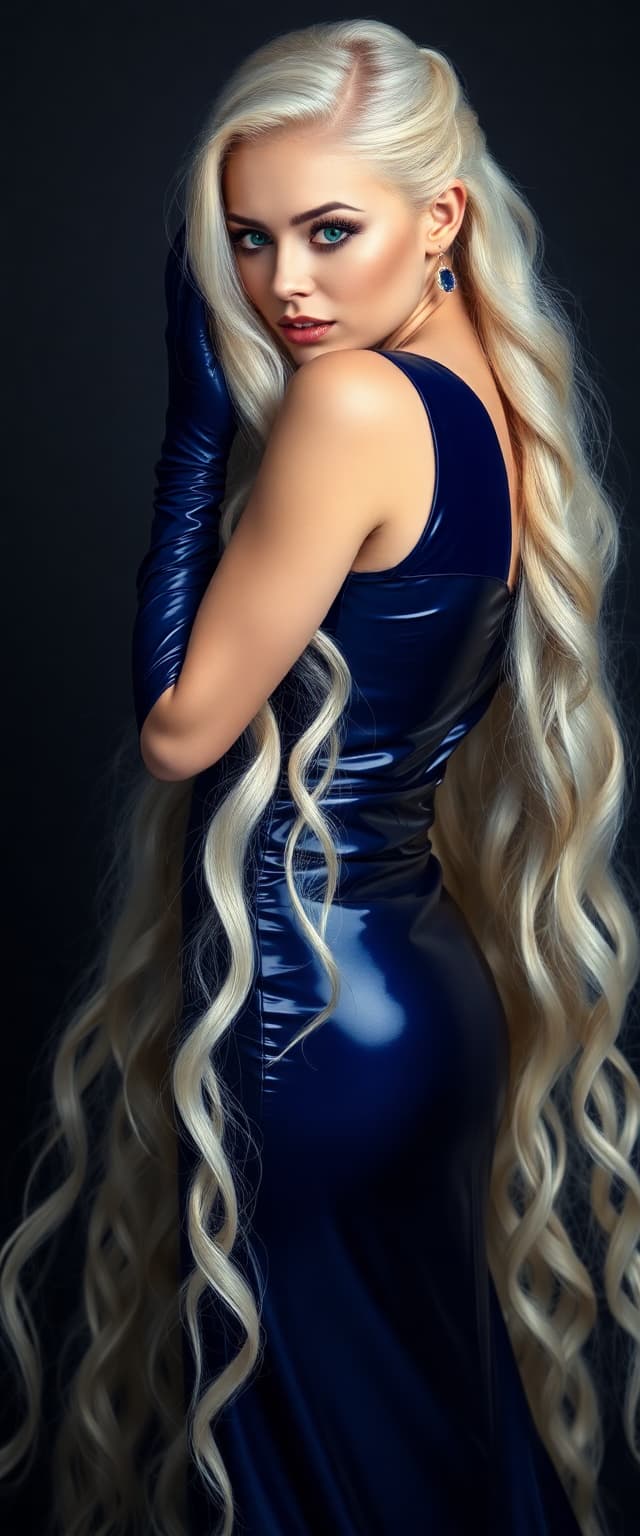
![Quickly change someone's hair style and hair color, powered by FLUX.1 Kontext [pro] - change_haircut](https://cdn.pixeldojo.ai/cdn-cgi/image/f=auto,q=75,w=3840/pixeldojo/generated-images/1752259290971-1xgnuq077.png)
The Pixel Dojo Advantage
Why PixelDojo outperforms other options for GPT Image 1.5 natural integrations image generation
| Others | Pixel Dojo |
|---|---|
| Traditional compositing creation | Eliminate days of manual masking and blending—get instant, pixel-perfect results that adapt to any scene dynamically. |
| Generic AI tools | GPT Image 1.5 delivers superior photorealism with consistent shadows and refractions, unlike inconsistent outputs from basic generators. |
| Manual photo editing | No steep learning curve or expensive software—produce broadcast-quality integrations accessible to anyone in under a minute. |
Loved by Creators
See what our community says about GPT Image 1.5 natural integrations
"GPT Image 1.5 natural integrations saved my e-commerce shoots! Products blend so realistically, conversions jumped 30%. PixelDojo is a game-changer."
Sarah Jenkins
E-commerce Brand Owner
"As a marketer, I create lifestyle mockups in seconds with perfect integrations. No more outsourcing—PixelDojo's tools handle the heavy lifting brilliantly."
Mike Rivera
Digital Marketing Director
Common Questions
Everything you need to know about GPT Image 1.5 natural integrations AI generation
What are GPT Image 1.5 natural integrations on PixelDojo?
GPT Image 1.5 natural integrations let you generate images where objects or elements blend seamlessly into scenes with realistic lighting, shadows, and perspectives. On PixelDojo, this means effortless photorealistic composites for product visuals, ads, or concepts using our specialized Create Images tool alongside edits like Inpainting and Magic Lighting.
How do I create realistic product placements with GPT Image 1.5 natural integrations?
Start with GPT Image 1.5 in PixelDojo's Create Images: prompt specifics like environment, object, and lighting. Refine with Image to Image or Creative Upscaler for hyper-realism. You get pro placements without Photoshop, perfect for e-commerce mockups.
Can GPT Image 1.5 natural integrations handle complex scenes like people or crowds?
Absolutely—PixelDojo's GPT Image 1.5 excels at inserting people with natural poses, interactions, and occlusions. Combine with Consistent Characters or Pose Control for repeatable results, ideal for advertising or storytelling visuals.
What makes PixelDojo's GPT Image 1.5 better for seamless AI image compositing?
It prioritizes photorealistic details like refractions and depth-of-field, integrated with 40+ tools like Style Transfer and Background Remover. You achieve flawless blends faster than anywhere else, with unlimited generations on subscription.
How to fix minor issues in GPT Image 1.5 natural integrations?
Use PixelDojo's Edit Images suite: Inpainting for precise fixes, Change Camera Angle for views, or Image Analyzer for insights. These ensure your integrations are 100% polished and ready for print or web.
Is there a free way to try GPT Image 1.5 natural integrations image generation?
Yes! PixelDojo offers free trials with instant access to GPT Image 1.5 and all 40+ tools. Upgrade anytime for unlimited use—cancel whenever, no risks, and see results immediately.