GPT Image 1.5 style transfer advanced AI Generator
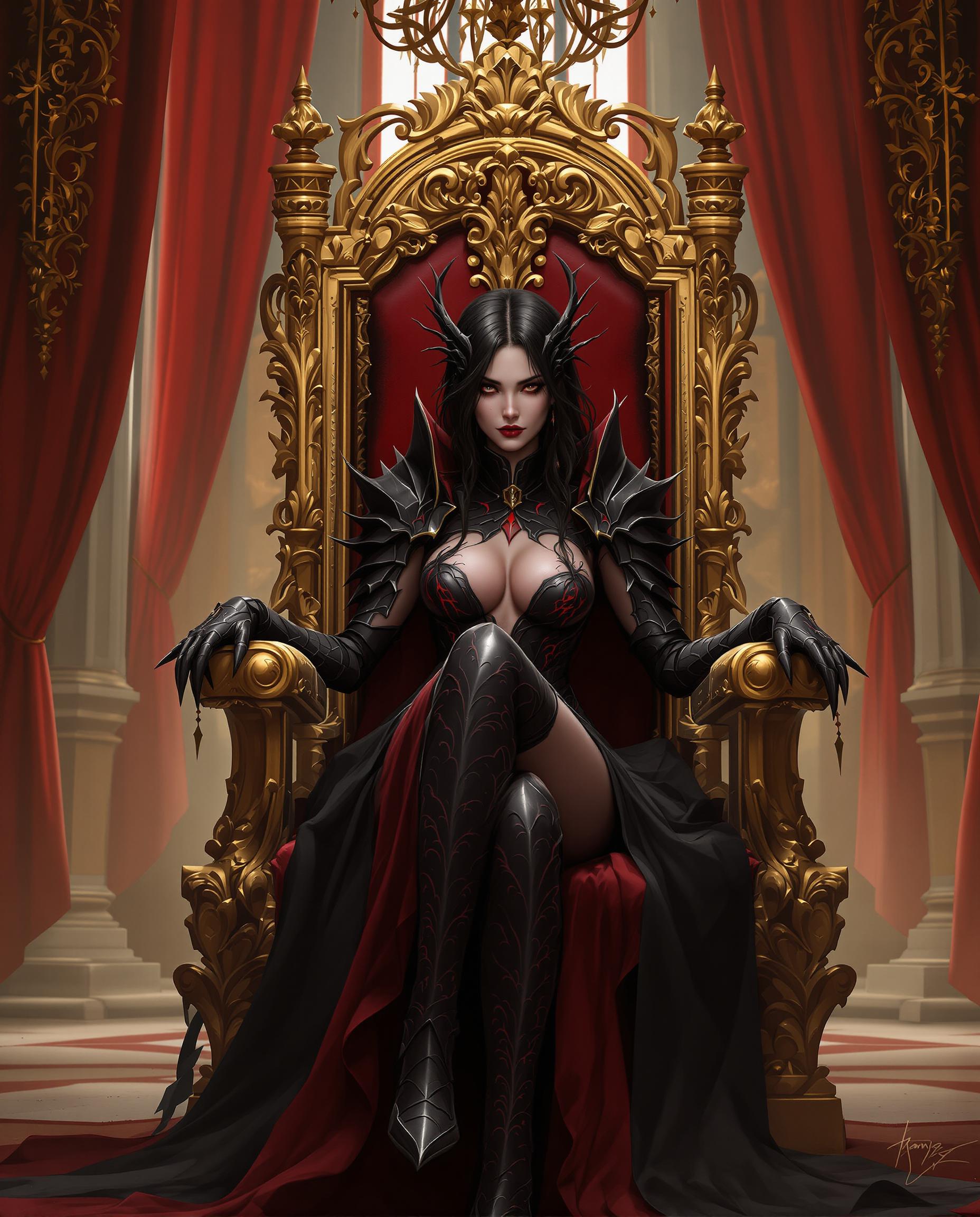
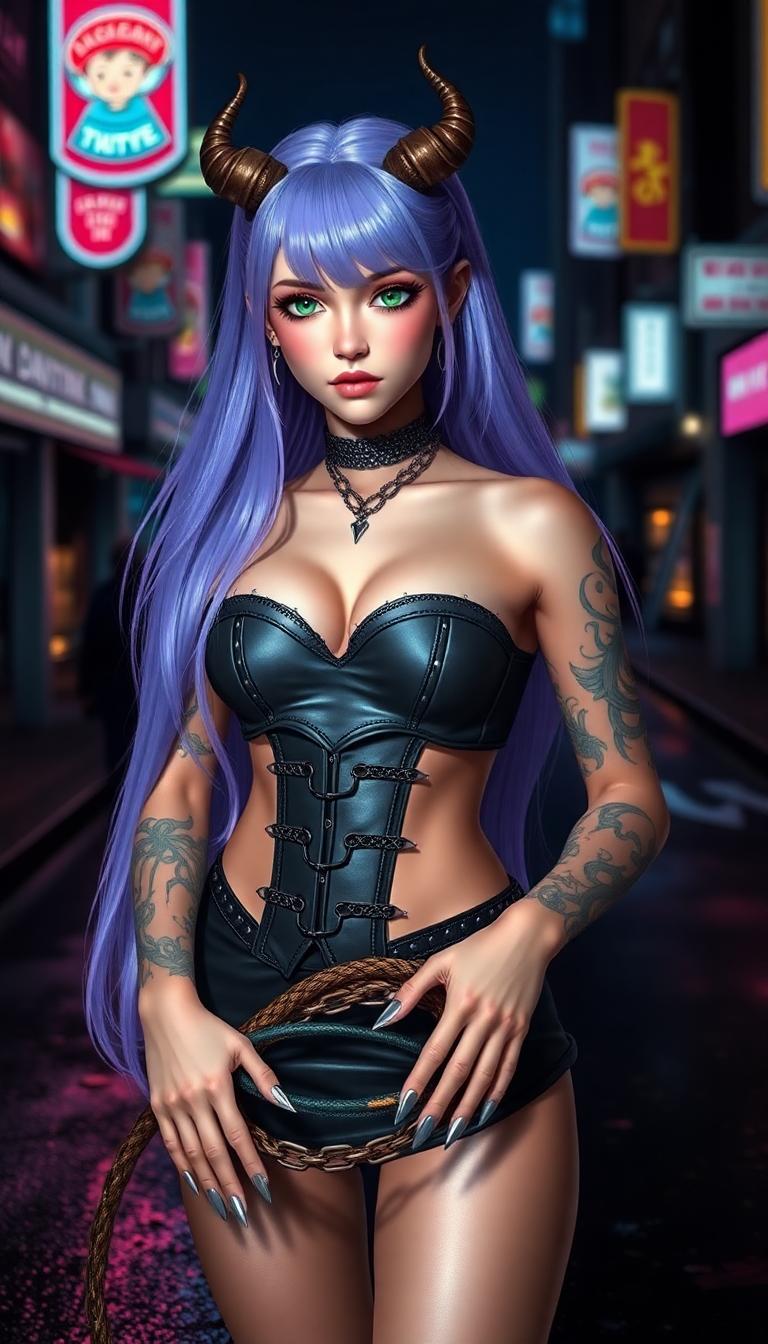
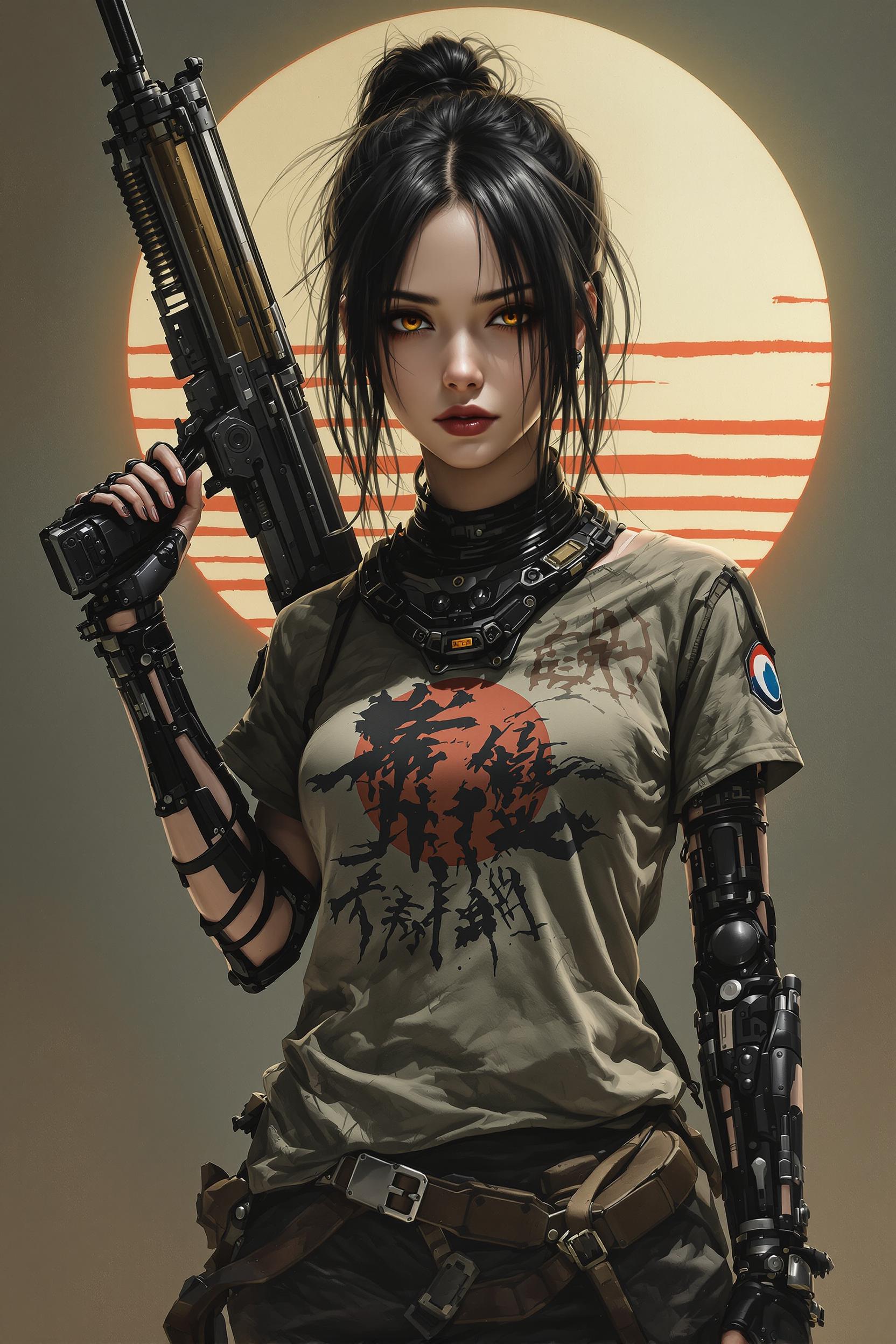
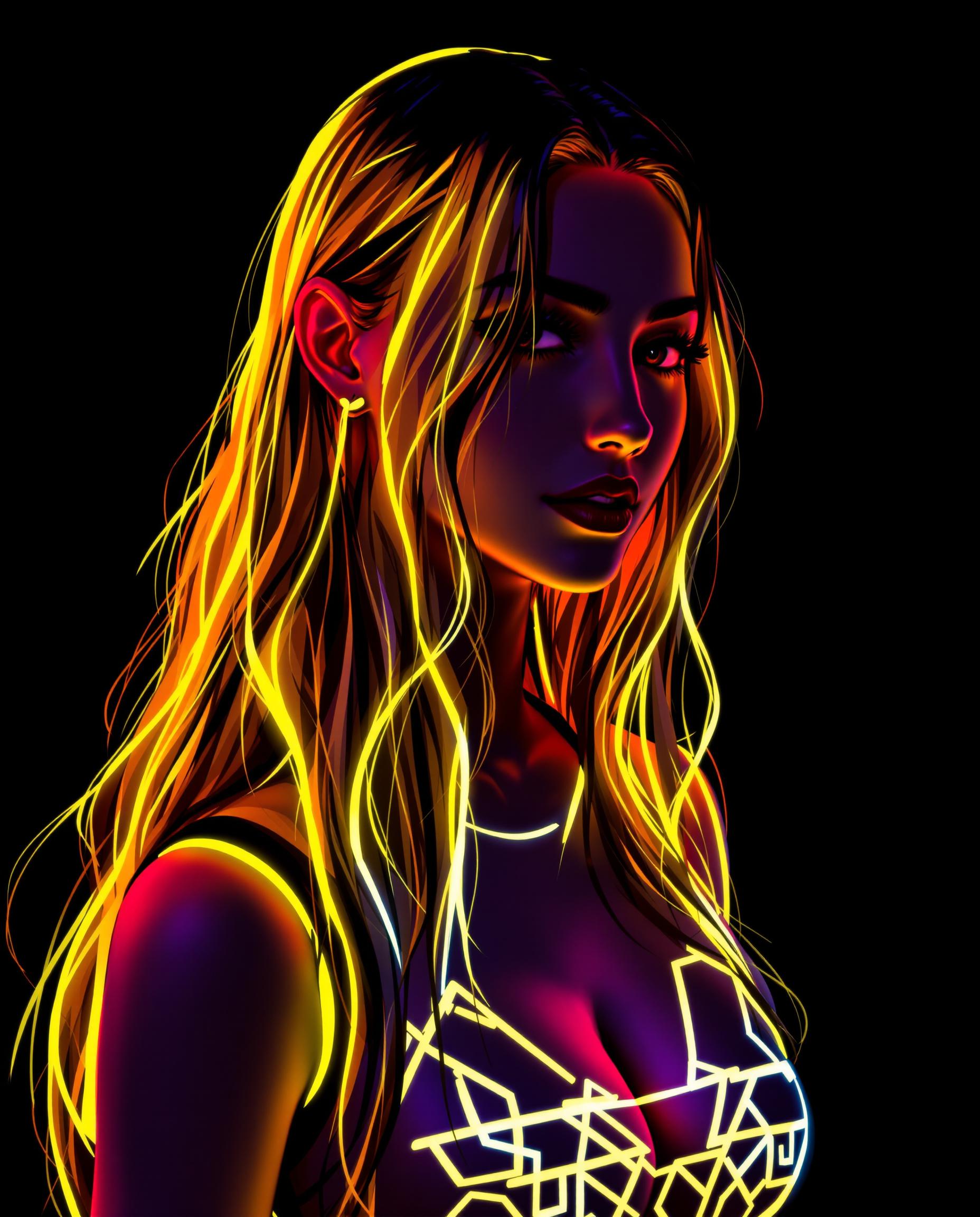
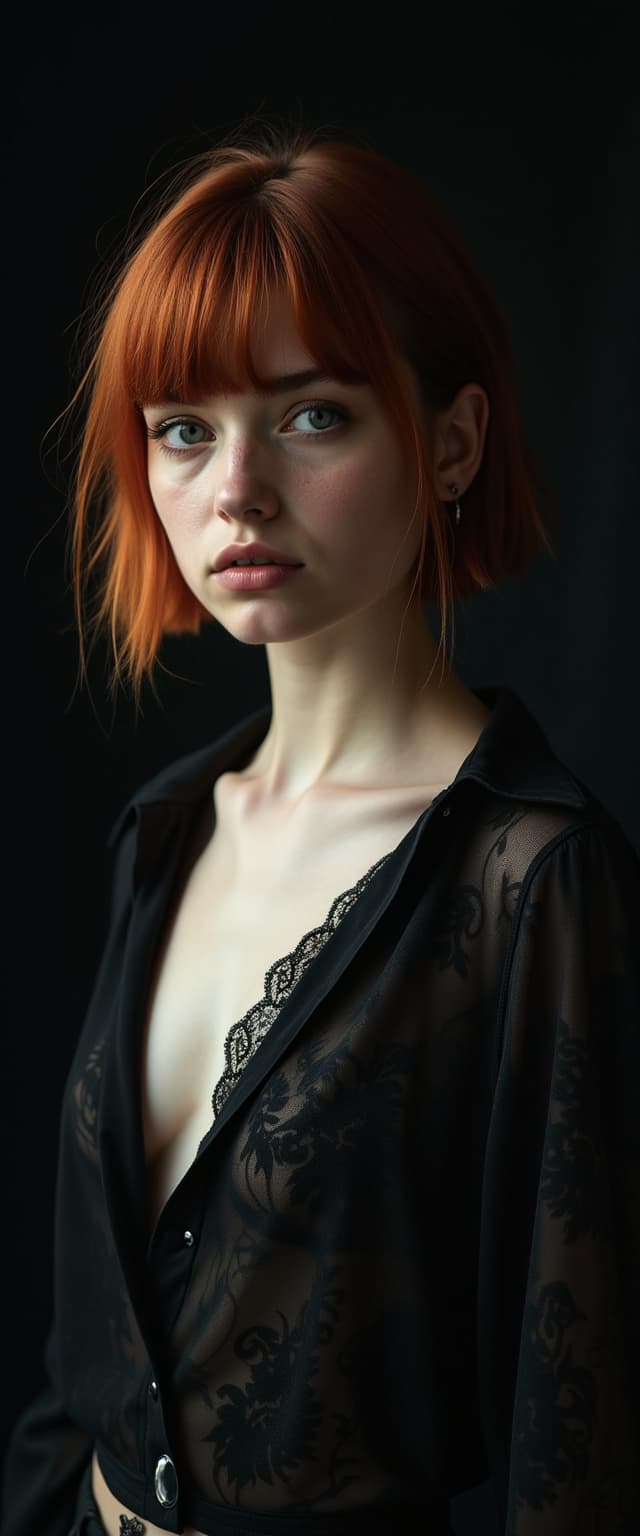
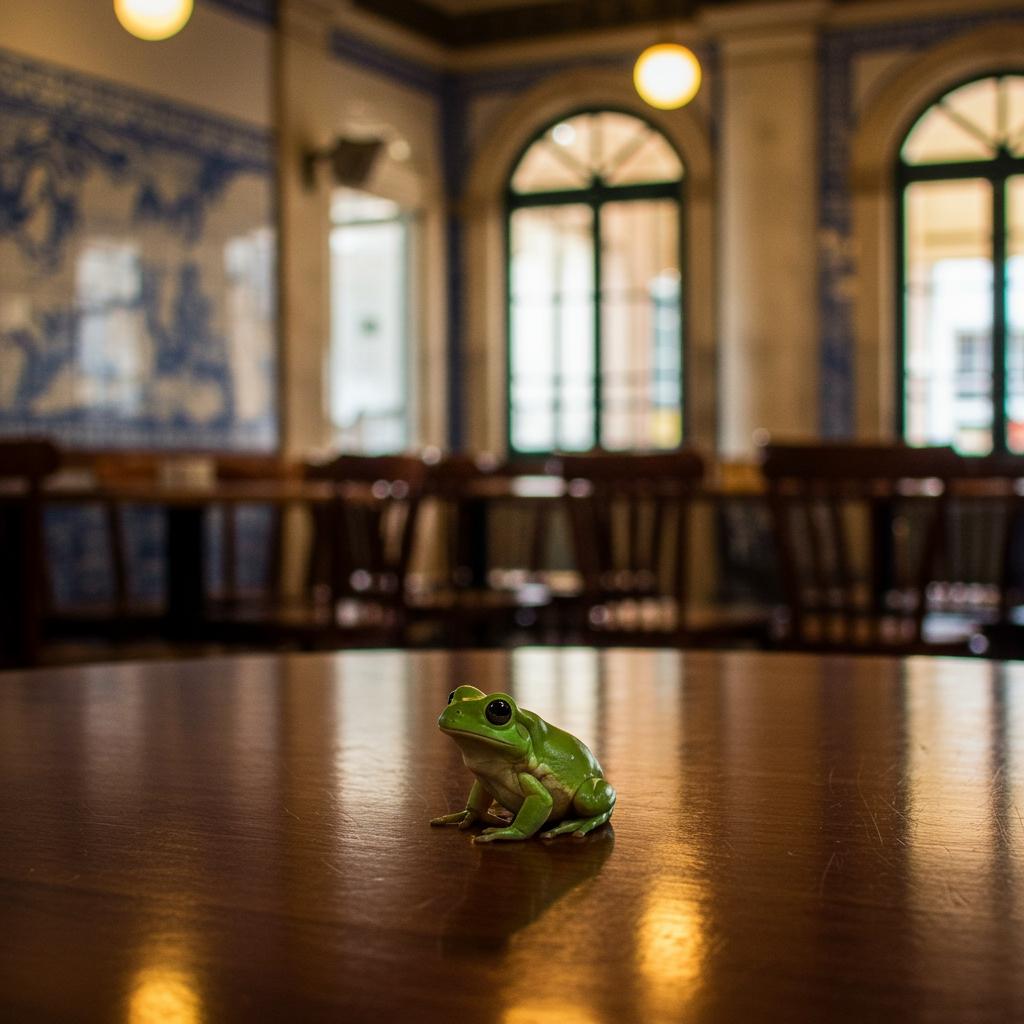
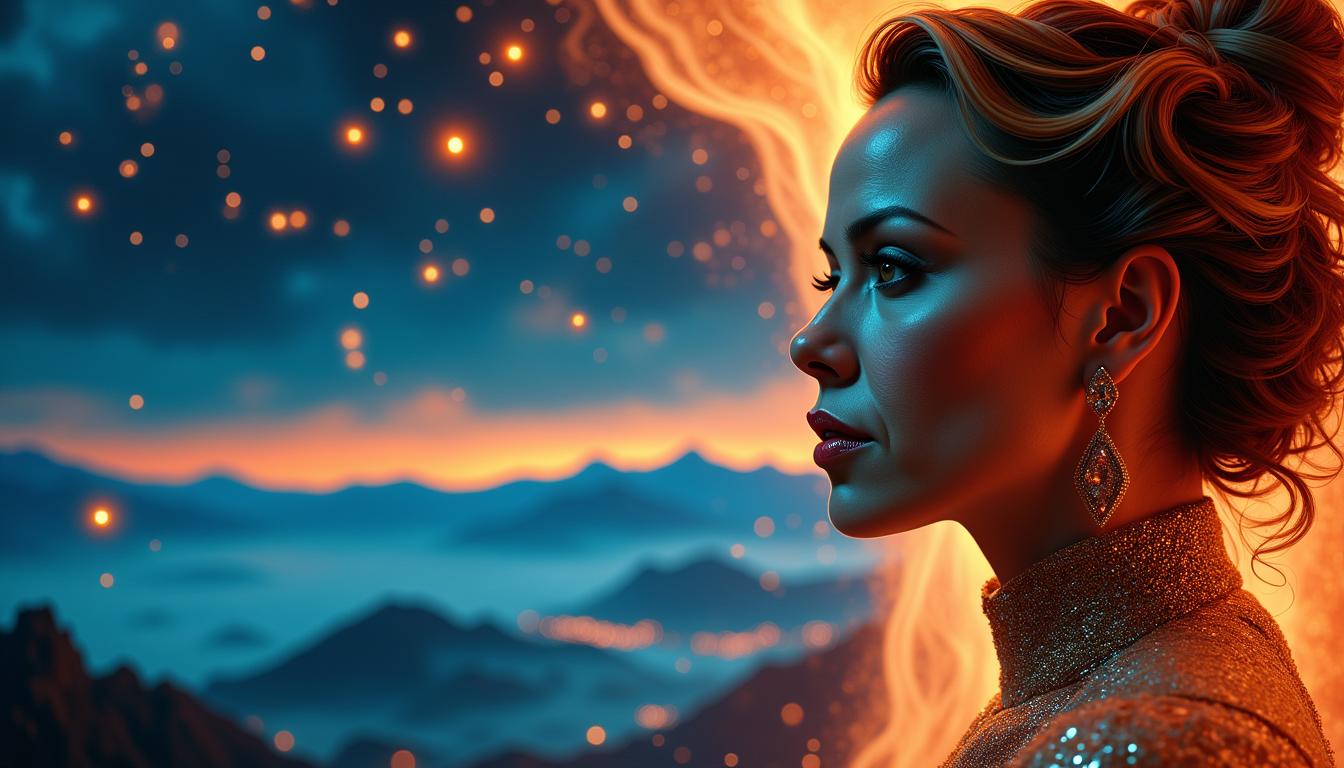
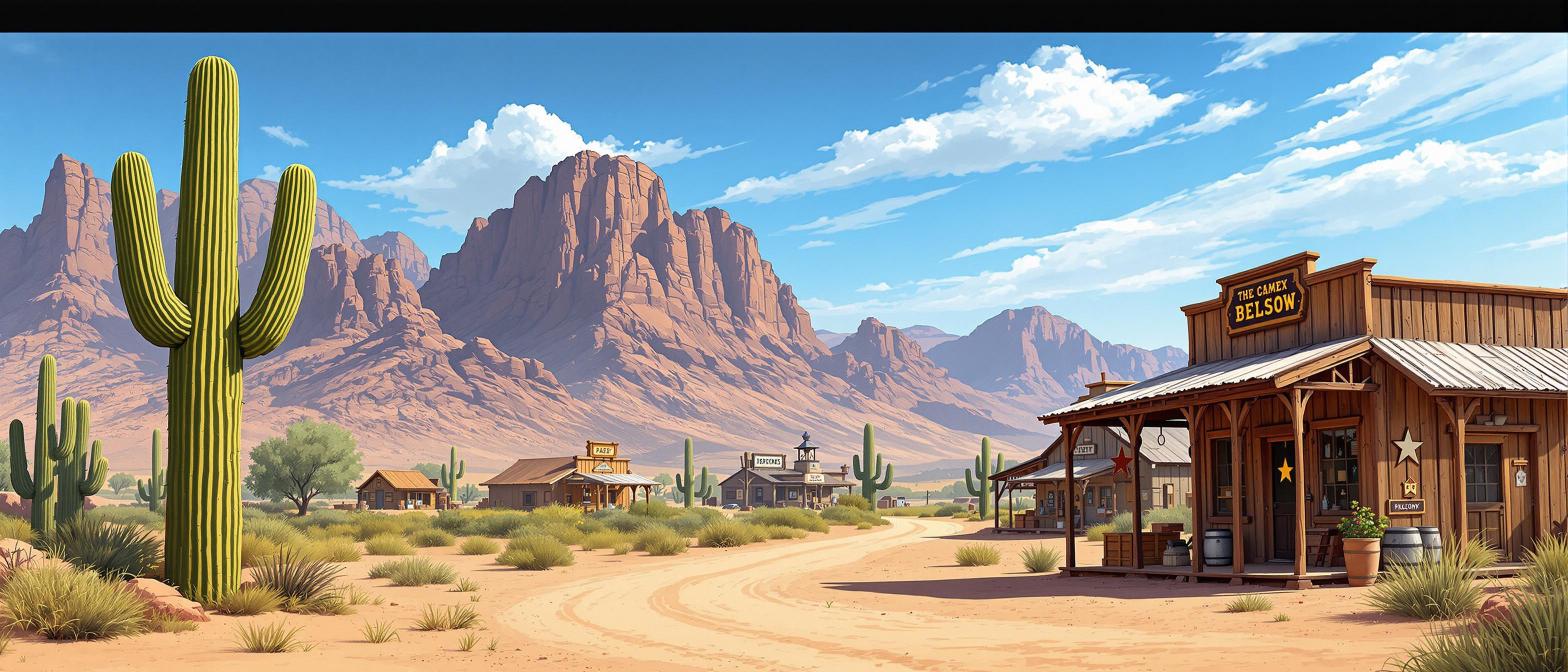
Unlock the full potential of your images with PixelDojo's GPT-Image 1.5. Our advanced style transfer technology allows you to seamlessly transform your photos into captivating artworks, emulating styles from renowned artists or creating unique aesthetics tailored to your vision. Whether you're enhancing marketing materials, personal projects, or professional portfolios, PixelDojo empowers you to achieve stunning visual outcomes effortlessly.
Join over 10,000 satisfied creators who have transformed their visuals using PixelDojo's cutting-edge AI tools. Rated 4.8/5 based on 2,500+ reviews.
Why Choose Pixel Dojo for GPT Image 1.5 style transfer advanced
Professional-quality results with cutting-edge AI technology
Effortless Artistic Transformations
Convert your photos into masterpieces by applying diverse artistic styles with just a few clicks.
Time-Saving Automation
Achieve professional-grade style transfers in seconds, eliminating the need for manual editing.
Customizable Outputs
Tailor the intensity and elements of the style transfer to match your specific creative vision.
How It Works
Transforming your images with advanced style transfer is simple and intuitive with PixelDojo's GPT-Image 1.5.
Step 1: Select Your Image
Upload the photo you wish to transform. Ensure it's high-resolution for optimal results.
Step 2: Choose a Style
Browse through our extensive library of artistic styles or upload a custom style reference.
Step 3: Apply and Customize
Apply the selected style to your image and adjust parameters like intensity to suit your preferences.
The Pixel Dojo Advantage
Why PixelDojo outperforms other options for advanced style transfer image generation
| Others | Pixel Dojo |
|---|---|
| Traditional Manual Editing | Achieve complex style transfers in seconds without the need for extensive manual editing skills. |
| Generic AI Tools | Benefit from a specialized platform with a vast library of styles and customization options tailored for style transfer. |
| Stock Filters | Move beyond generic filters with AI-driven transformations that authentically replicate artistic styles. |
Loved by Creators
See what our community says about GPT Image 1.5 style transfer advanced
"PixelDojo's GPT-Image 1.5 transformed our marketing visuals, giving them a unique artistic flair that captivated our audience."
Alex Johnson
Marketing Director
"As a freelance designer, PixelDojo has been a game-changer, allowing me to offer clients diverse styles without additional software."
Samantha Lee
Freelance Designer
Common Questions
Everything you need to know about GPT Image 1.5 style transfer advanced AI generation
How does PixelDojo's GPT-Image 1.5 perform advanced style transfer?
PixelDojo's GPT-Image 1.5 utilizes state-of-the-art AI algorithms to analyze your input image and apply the chosen artistic style, ensuring a harmonious blend that preserves the original content while infusing the desired aesthetic.
Can I use my own style references for image transformation?
Absolutely! PixelDojo allows you to upload custom style references, enabling personalized transformations that align with your unique creative vision.
Is there a limit to the number of images I can transform?
PixelDojo offers various subscription plans to suit different needs, including options with unlimited transformations. Choose the plan that best fits your requirements.
What file formats are supported for upload and download?
PixelDojo supports a wide range of file formats, including JPEG, PNG, and TIFF for uploads, and offers downloads in multiple formats to suit your project needs.
How long does it take to process an image with style transfer?
Processing times are typically a few seconds per image, depending on the complexity of the style and the resolution of the input image.
Can I adjust the intensity of the applied style?
Yes, PixelDojo provides intuitive controls to adjust the intensity and other parameters of the style transfer, allowing for customized results.