How to use Wan 2.2 Animate AI Generator
Imagine transforming your static images into dynamic, lifelike animations with just a few clicks. With PixelDojo's Wan 2.2 Animate, you can effortlessly breathe life into your visuals, creating engaging content that captivates your audience. Whether you're a marketer, educator, or content creator, our AI-powered tool empowers you to produce professional-quality animations without any prior experience.
Join over 10,000 creators who have generated more than 1 million animations using PixelDojo's AI tools, achieving a 98% satisfaction rate.
Why Choose Pixel Dojo for How to use Wan 2.2 Animate
Professional-quality results with cutting-edge AI technology
Effortless Animation Creation
Transform static images into dynamic videos in minutes, eliminating the need for complex software or technical skills.
High-Quality, Realistic Motion
Generate animations with fluid movements and authentic expressions, enhancing the realism of your content.
Versatile Applications
Ideal for marketing, education, and entertainment, enabling you to create diverse content that resonates with your audience.
How It Works
Creating animations with Wan 2.2 Animate is a straightforward process. Follow these steps to bring your images to life:
Step 1: Upload Your Image
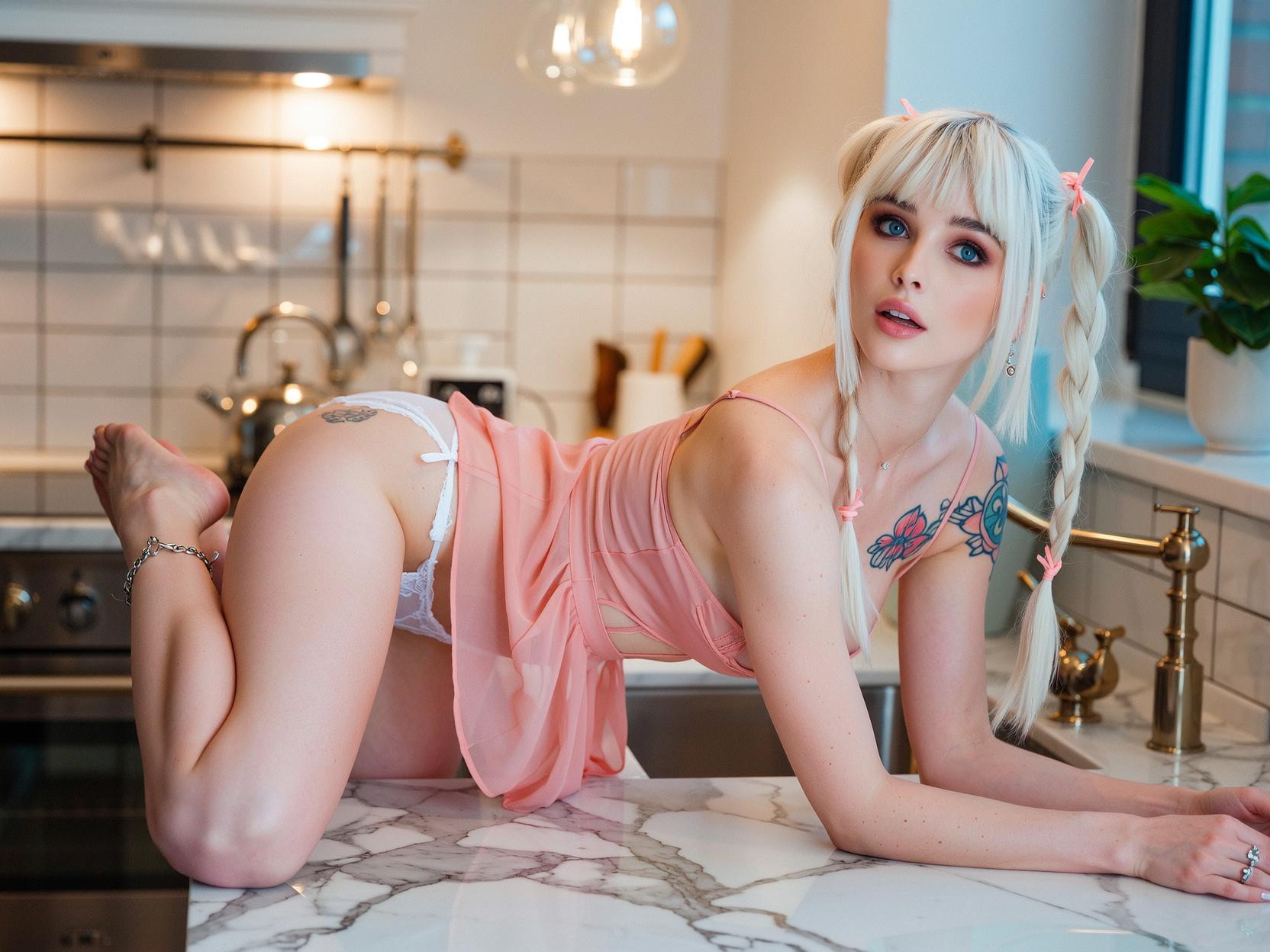
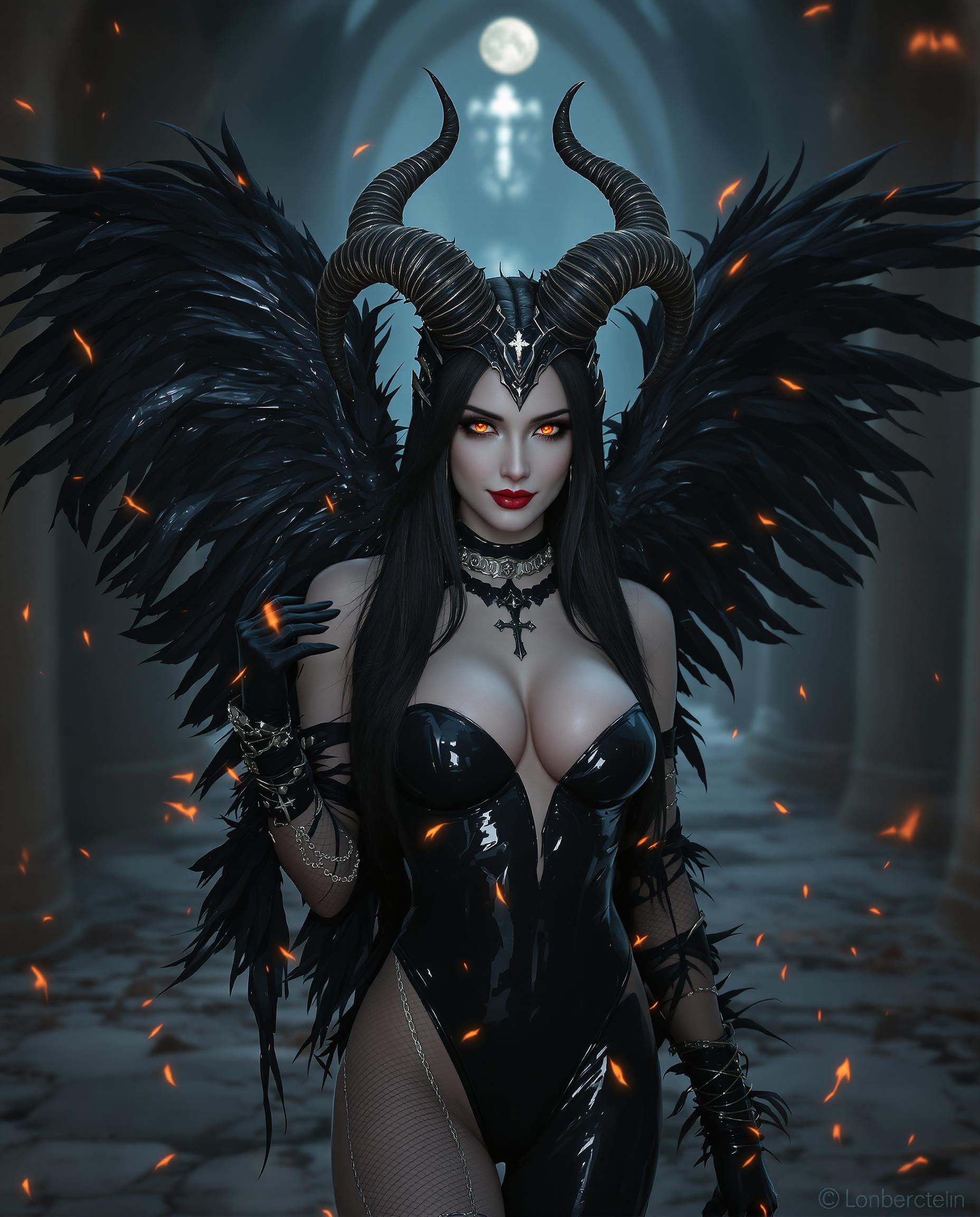
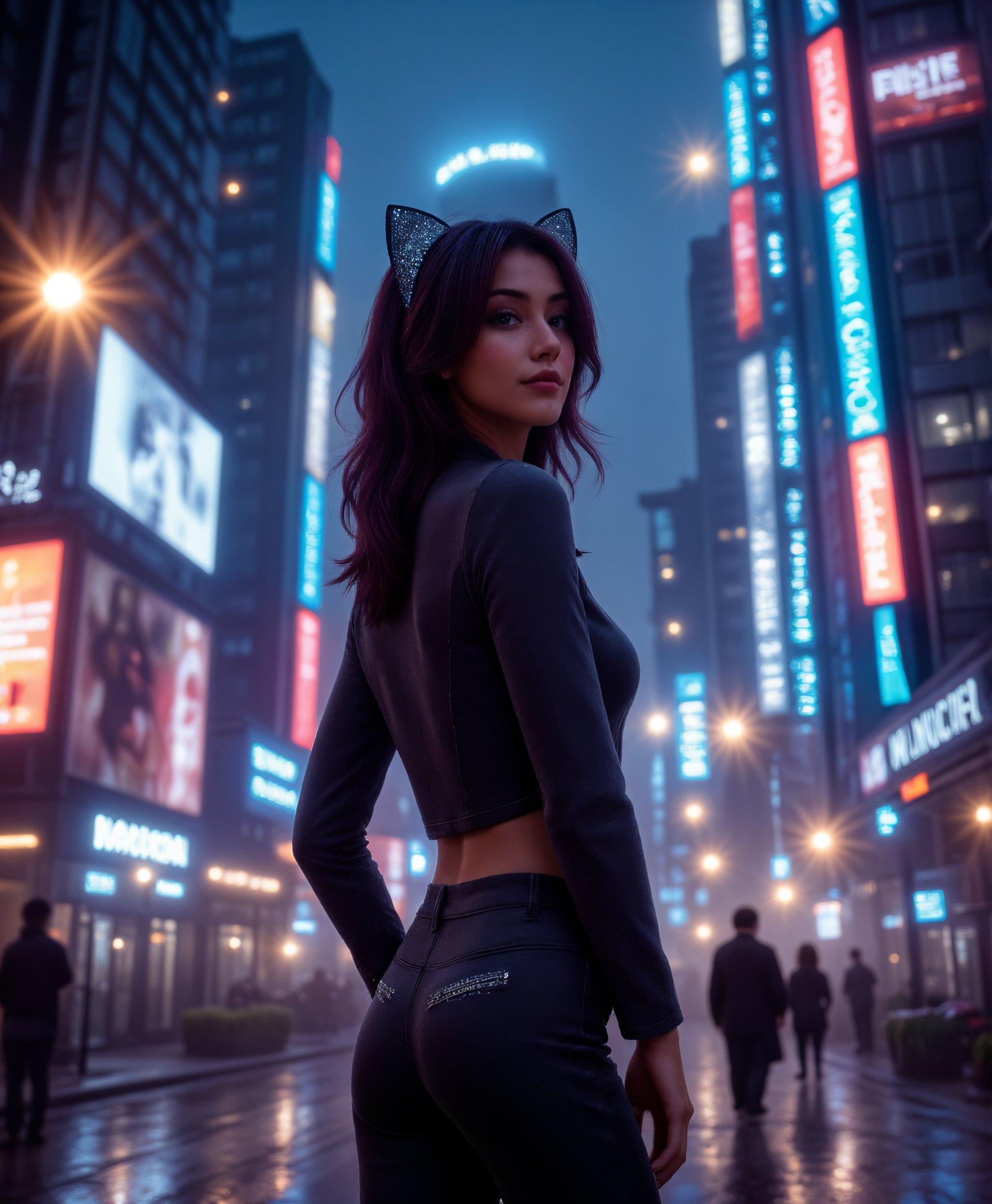
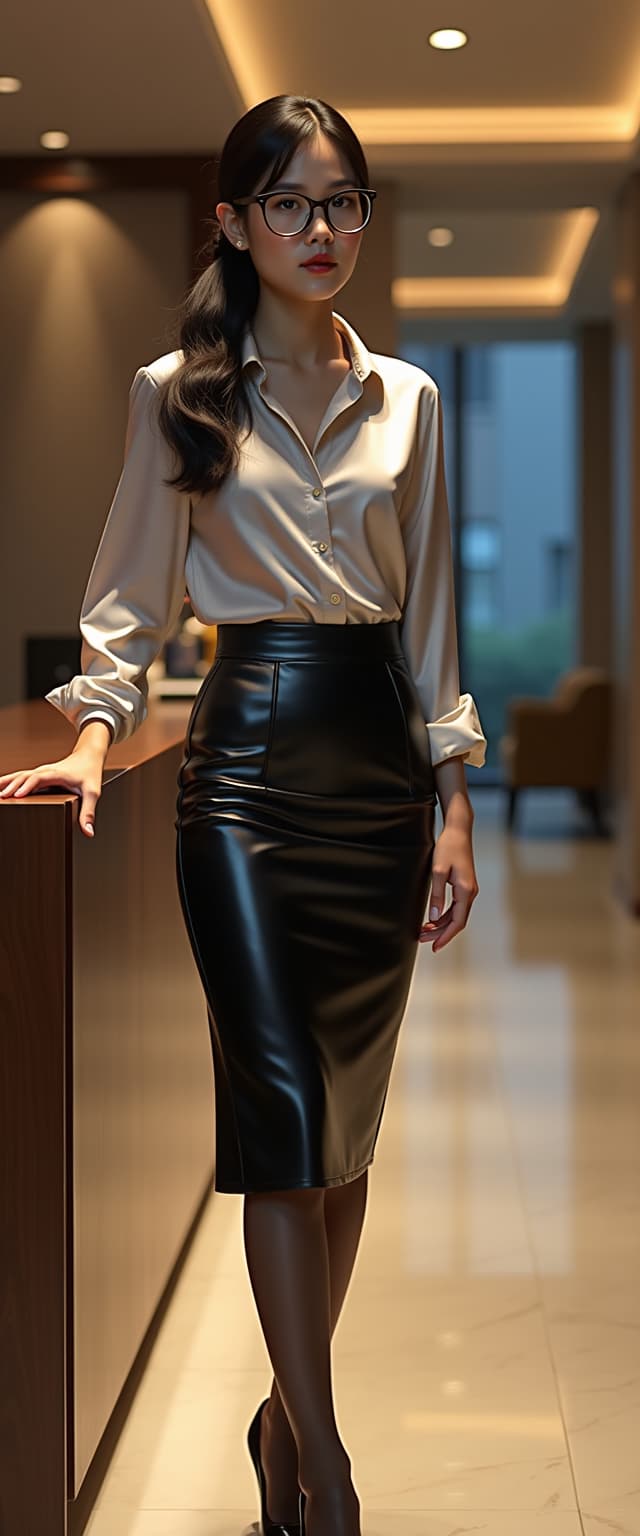
Select and upload the static image you wish to animate. Ensure the image is clear and features the subject prominently.
Step 2: Choose a Reference Video
Provide a reference video that demonstrates the desired movements and expressions for your animation.
Step 3: Generate and Download
Click 'Generate' to process the animation. Once complete, download your high-quality animated video.








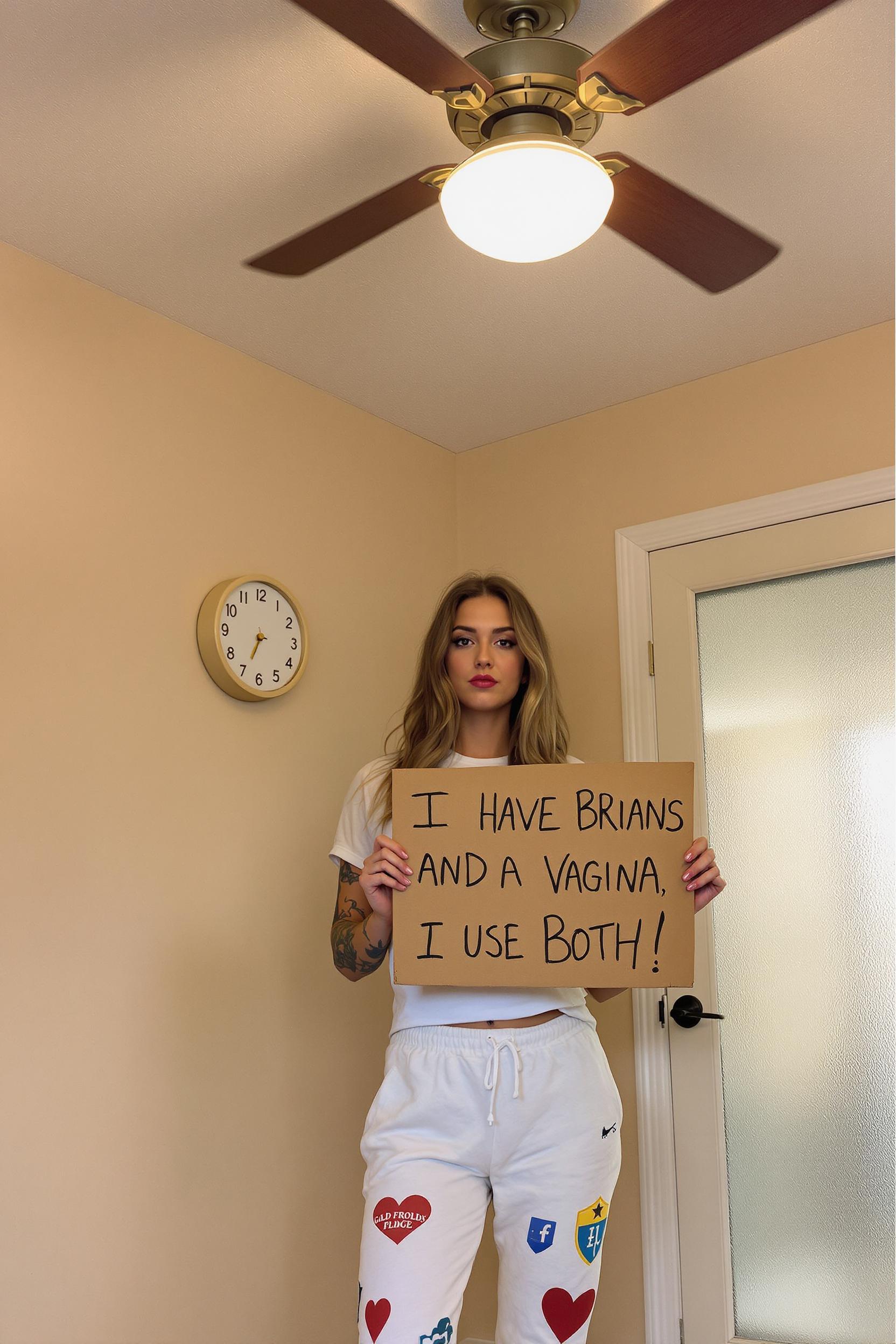
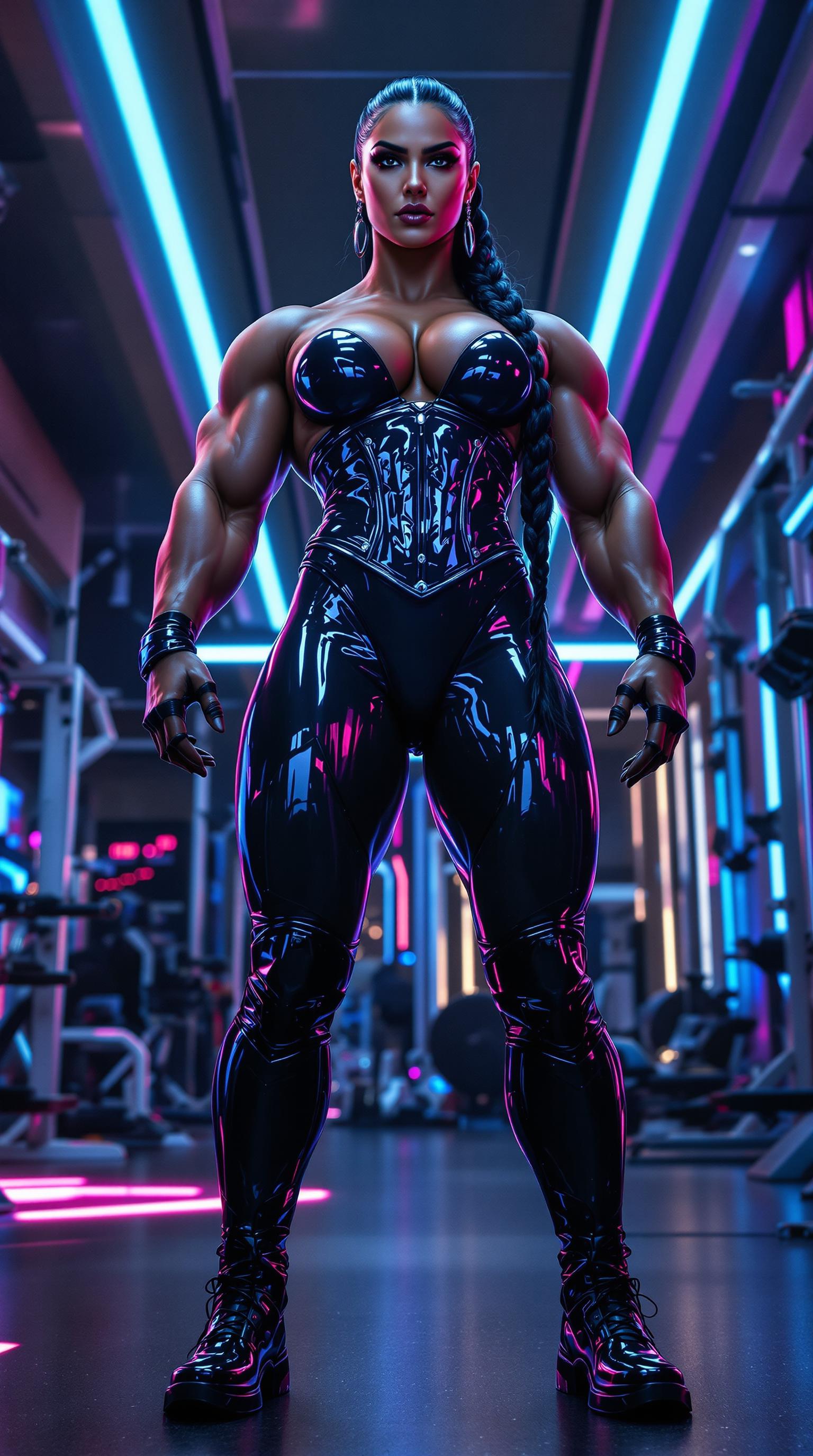
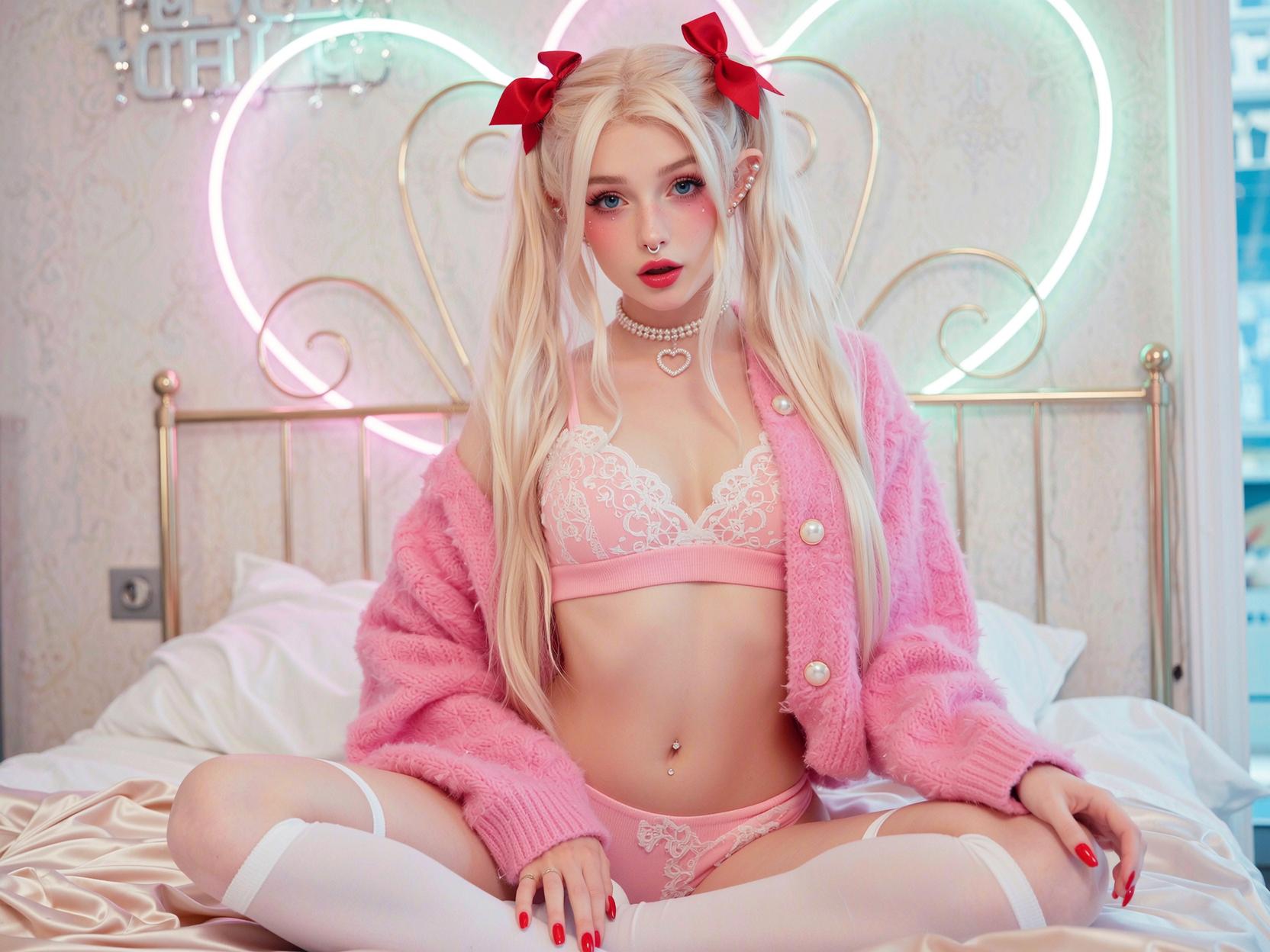
The Pixel Dojo Advantage
Why PixelDojo outperforms other options for AI animation creation:
| Others | Pixel Dojo |
|---|---|
| Traditional Animation Software | No need for extensive training or expensive software; create animations quickly and affordably. |
| Generic AI Tools | Specialized in high-quality, realistic animations with precise control over motion and expressions. |
| Manual Video Editing | Automates the animation process, saving time and effort while delivering professional results. |
Loved by Creators
See what our community says about How to use Wan 2.2 Animate
"PixelDojo's Wan 2.2 Animate transformed our marketing visuals, making them more engaging and dynamic."
Alex Johnson
Marketing Director
"As an educator, creating animated content has never been easier. My students love the interactive lessons!"
Maria Lopez
High School Teacher
Common Questions
Everything you need to know about How to use Wan 2.2 Animate AI generation
How does Wan 2.2 Animate create animations from static images?
Wan 2.2 Animate uses advanced AI to analyze your static image and reference video, applying the movements and expressions from the video to the image, resulting in a dynamic animation.
Do I need any animation experience to use Wan 2.2 Animate?
No, Wan 2.2 Animate is designed for users of all skill levels. Its intuitive interface allows you to create professional-quality animations without any prior experience.
What types of images work best with Wan 2.2 Animate?
Clear, high-resolution images with the subject prominently featured yield the best results. Ensure the subject's face and body are unobstructed for optimal animation quality.
Can I use any video as a reference for the animation?
Yes, you can use any video that demonstrates the desired movements and expressions. However, for best results, choose videos with clear, well-lit subjects performing the actions you want to replicate.
Is there a limit to the length of the reference video I can use?
For optimal performance, it's recommended to use reference videos that are between 2 to 10 seconds long. Longer videos may increase processing time and complexity.
Can I edit the generated animation after it's created?
Yes, once the animation is generated, you can use PixelDojo's suite of editing tools to refine and enhance your video as needed.