ImagineArt 1.0 photorealistic images AI Generator
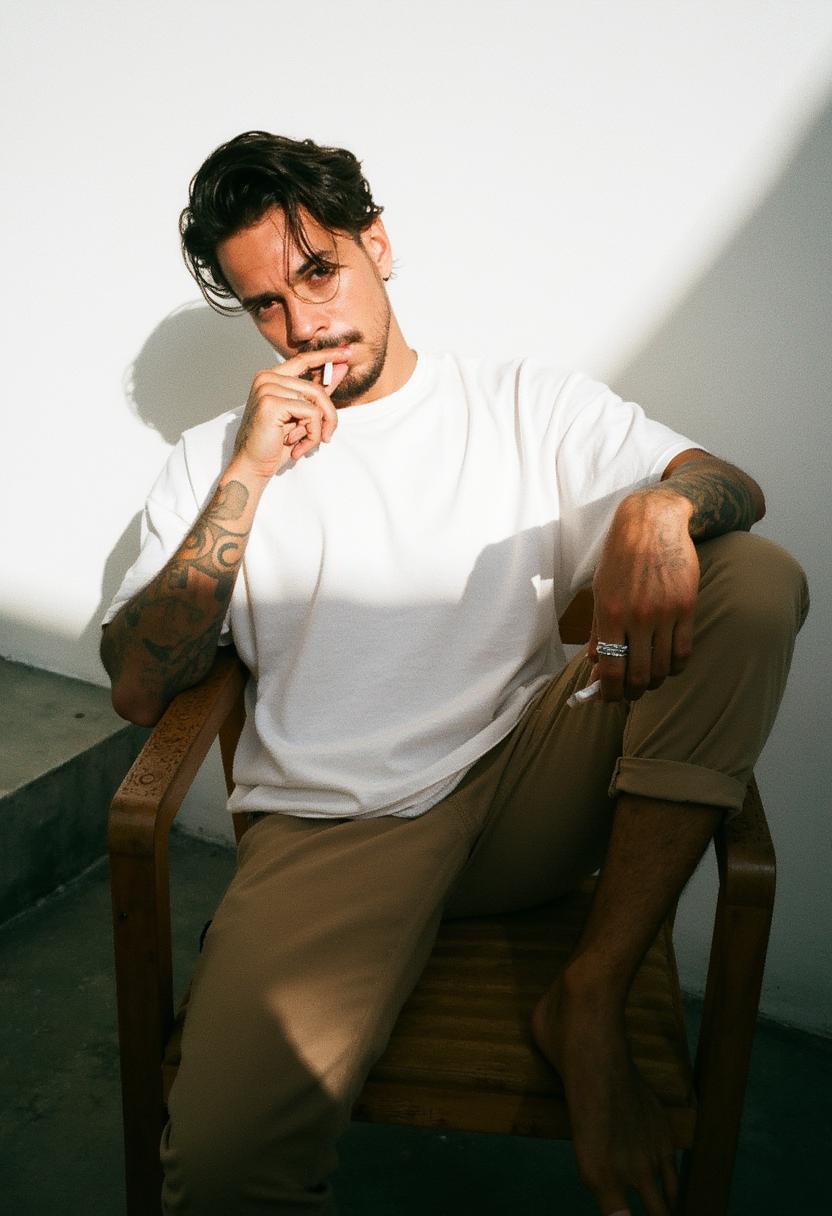
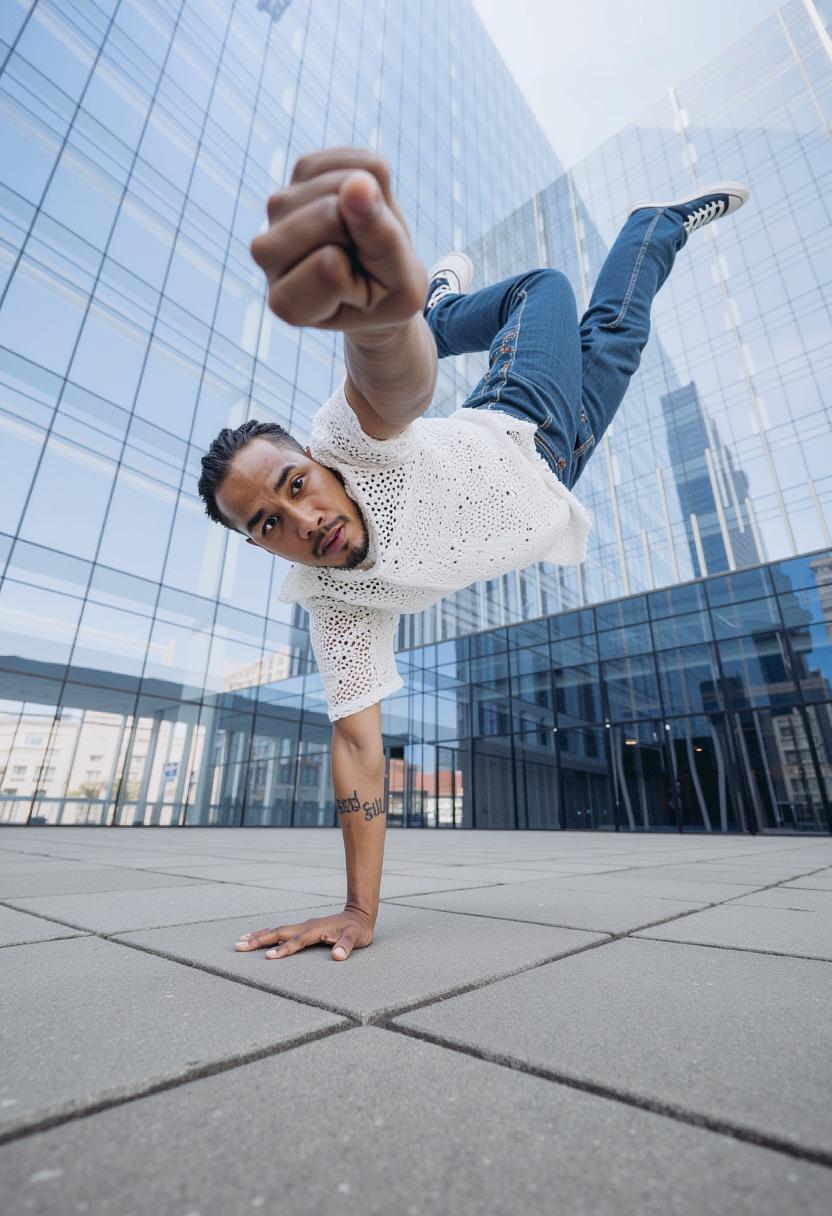
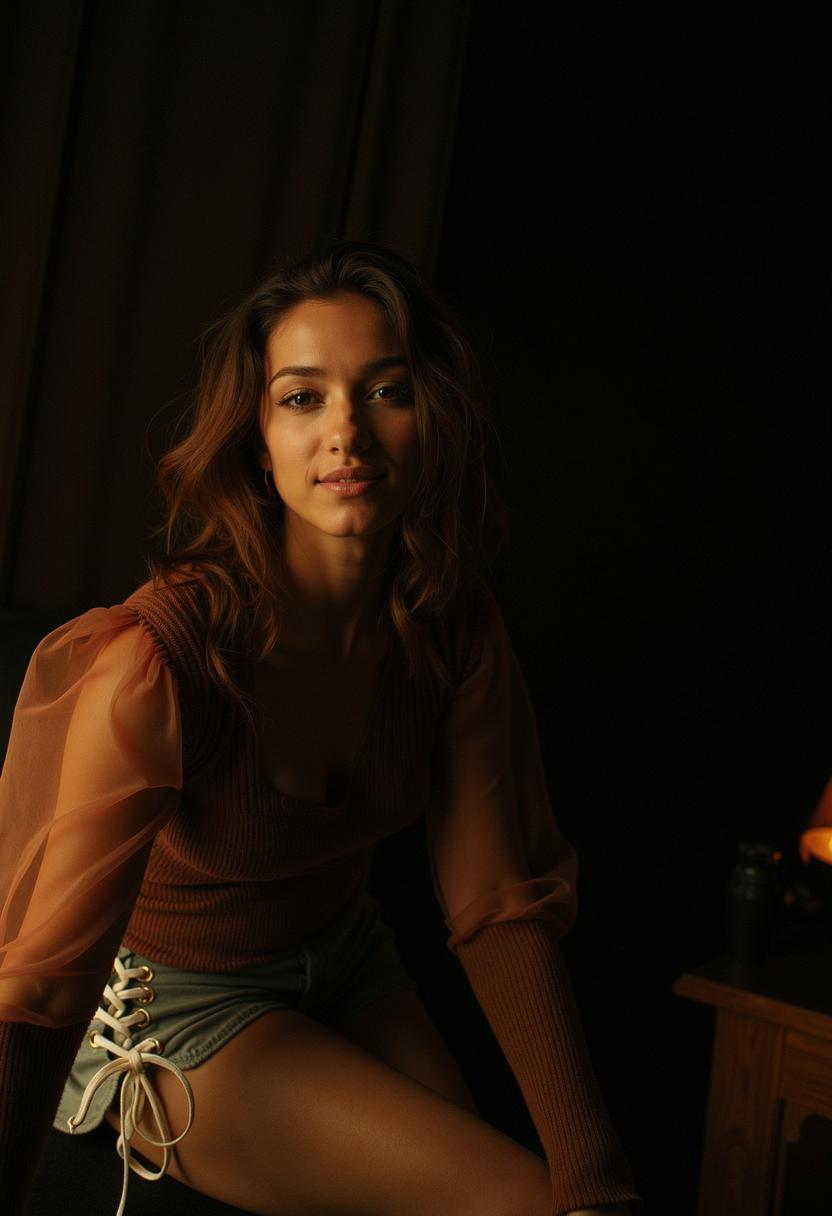
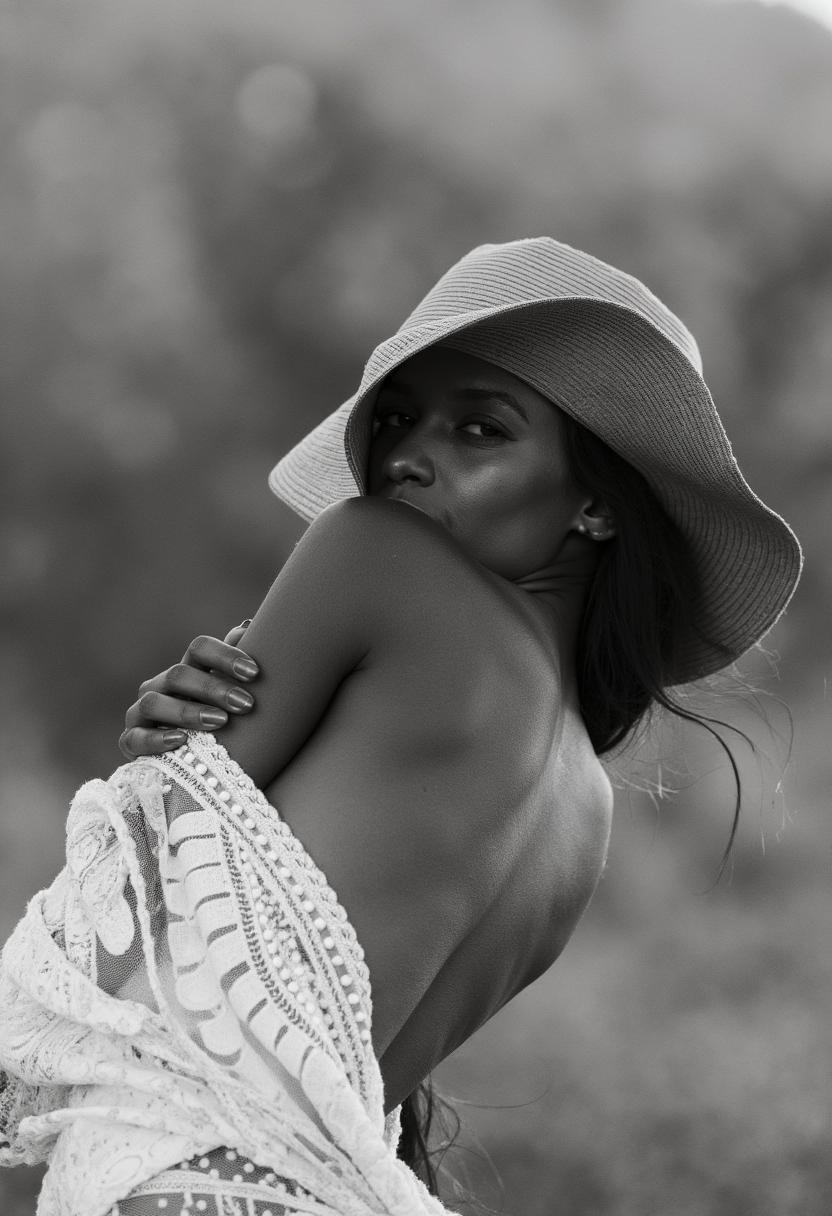
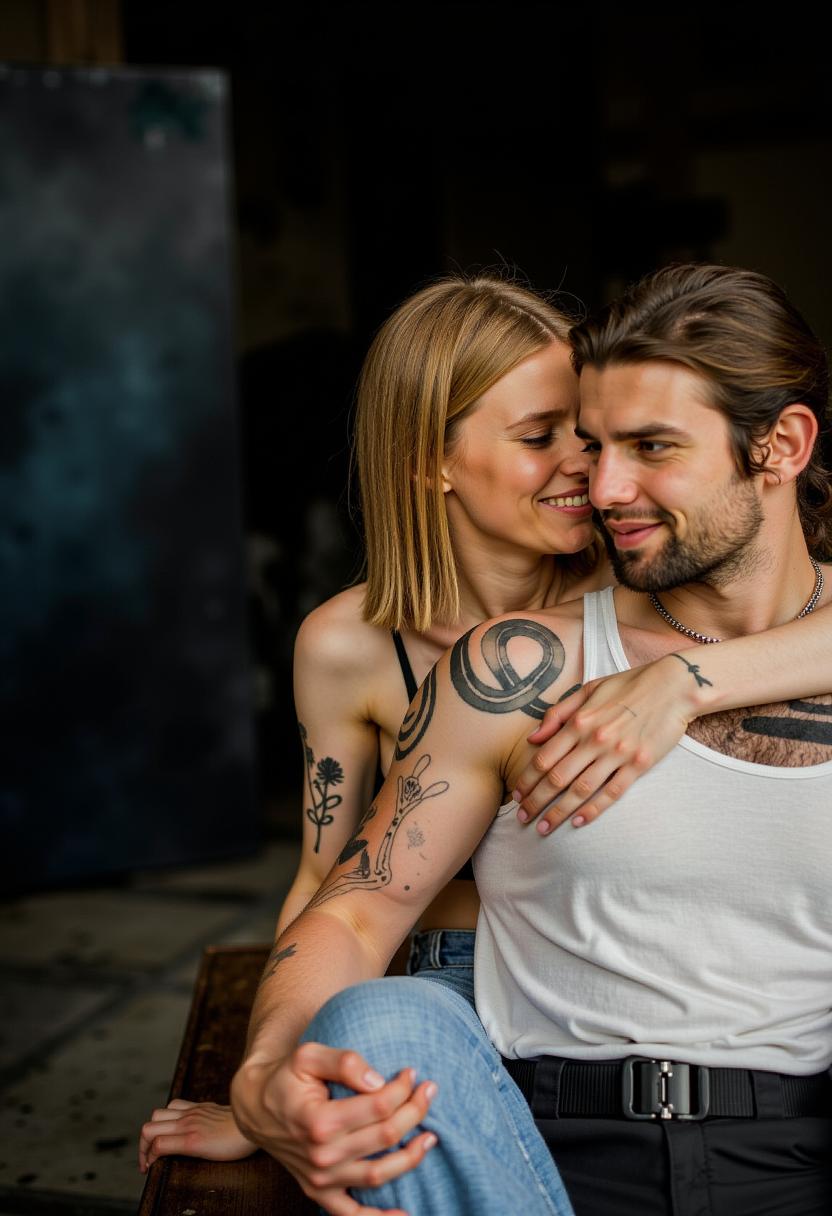
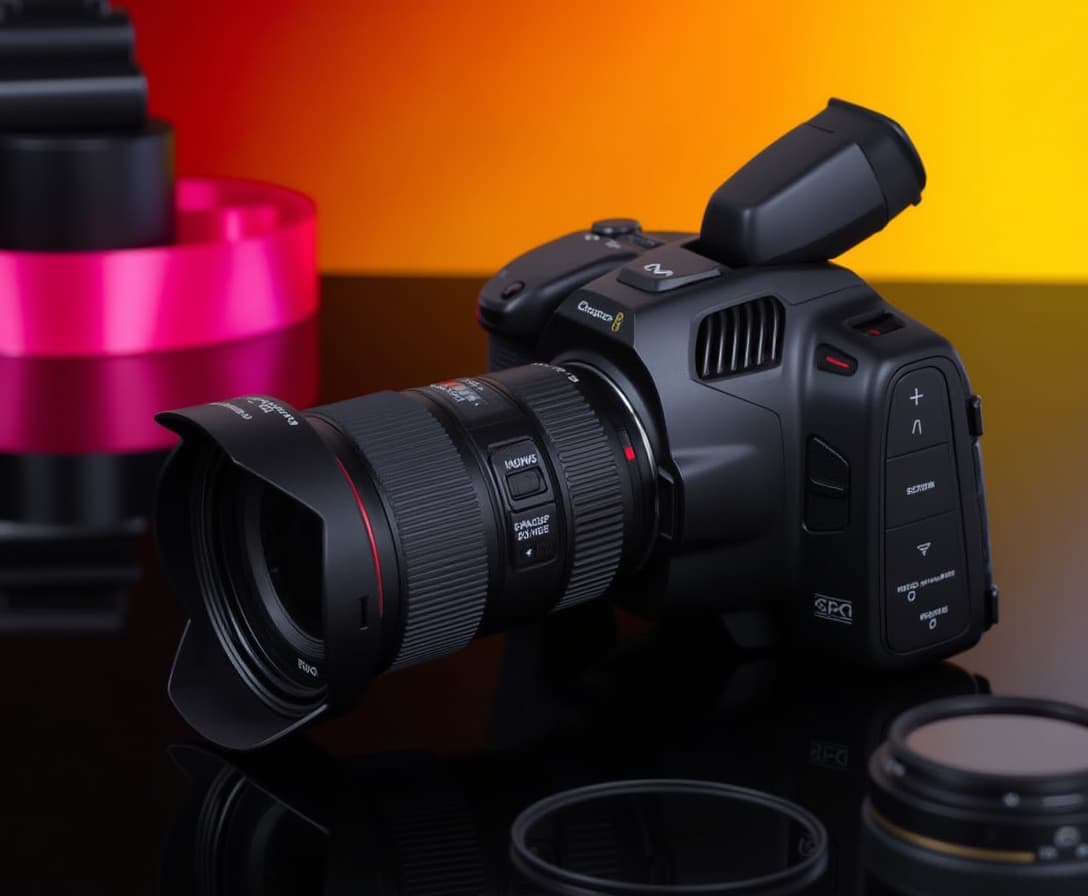
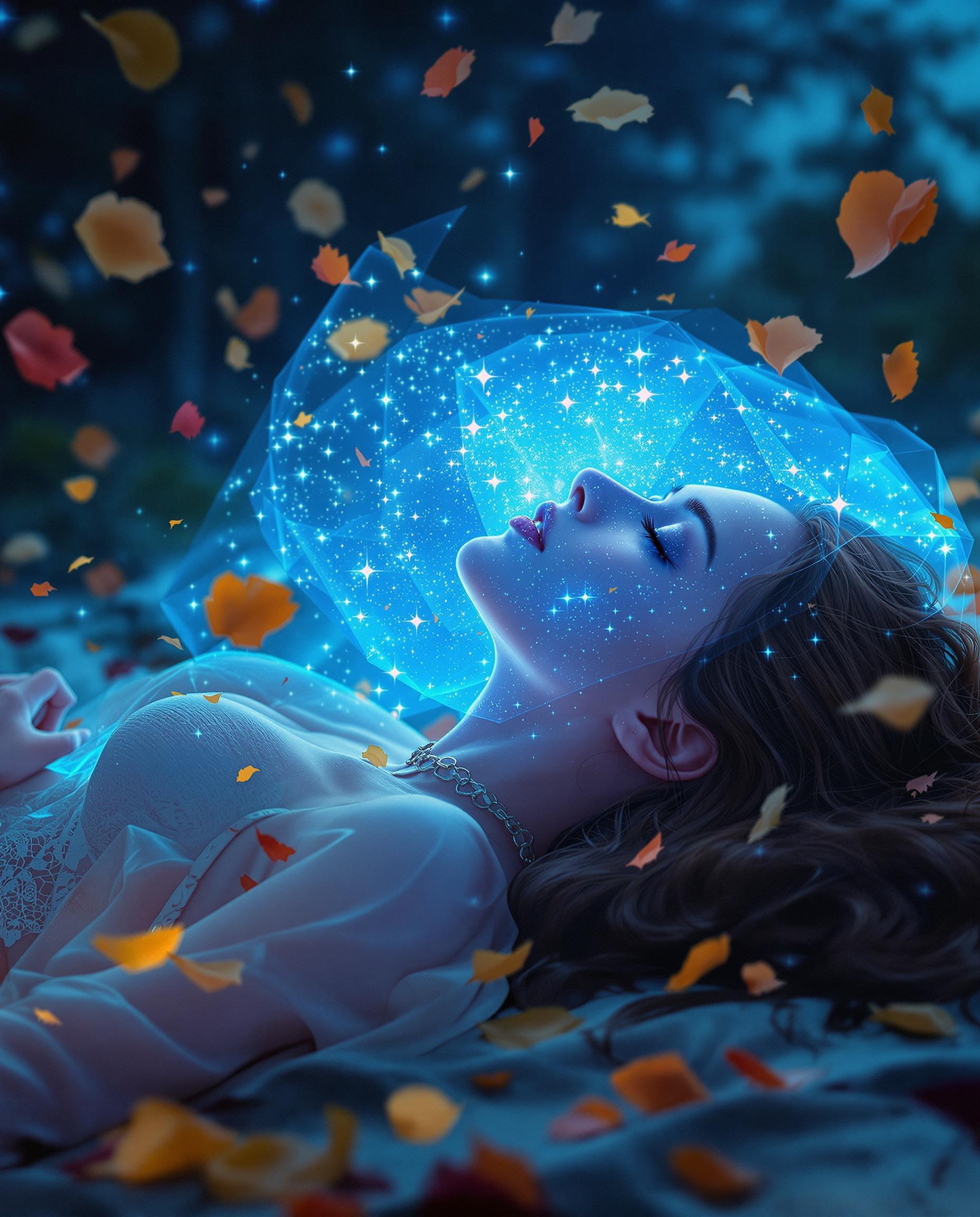
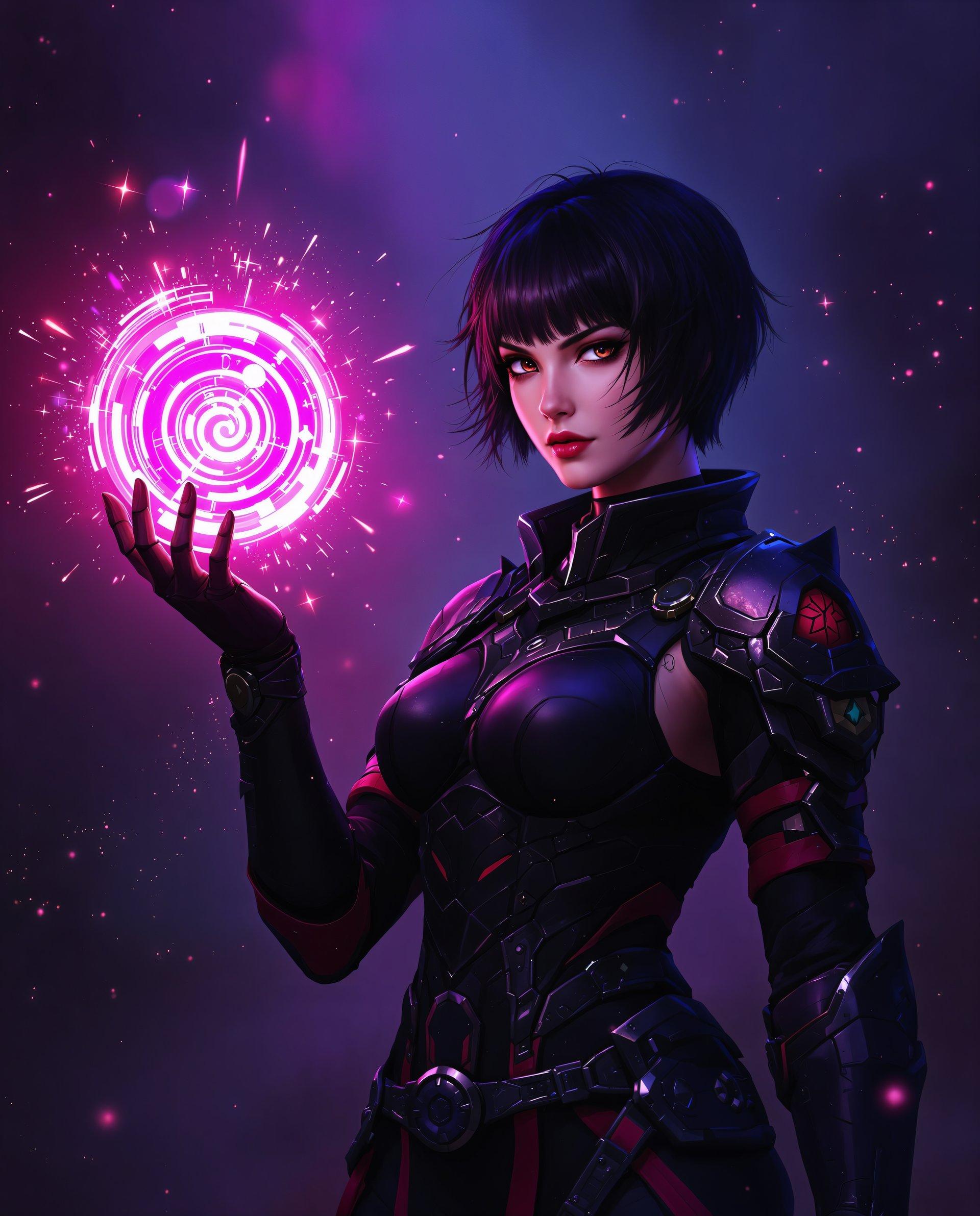
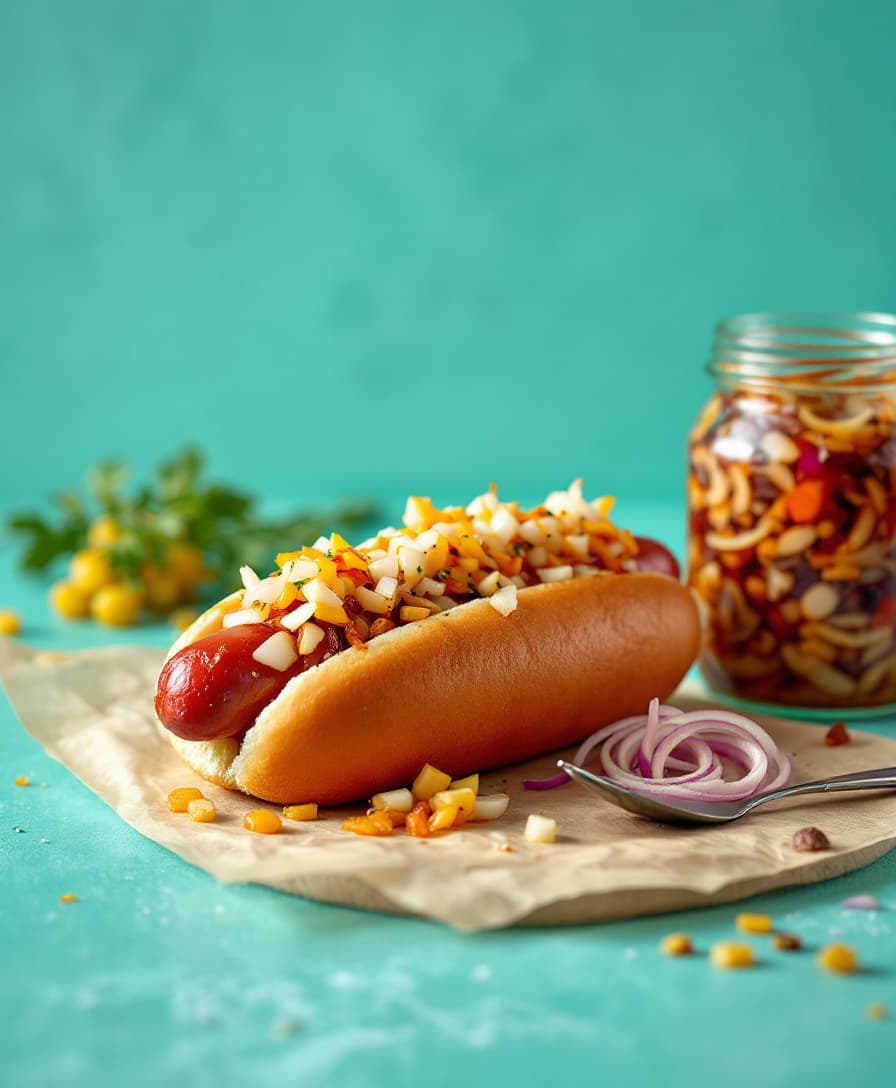
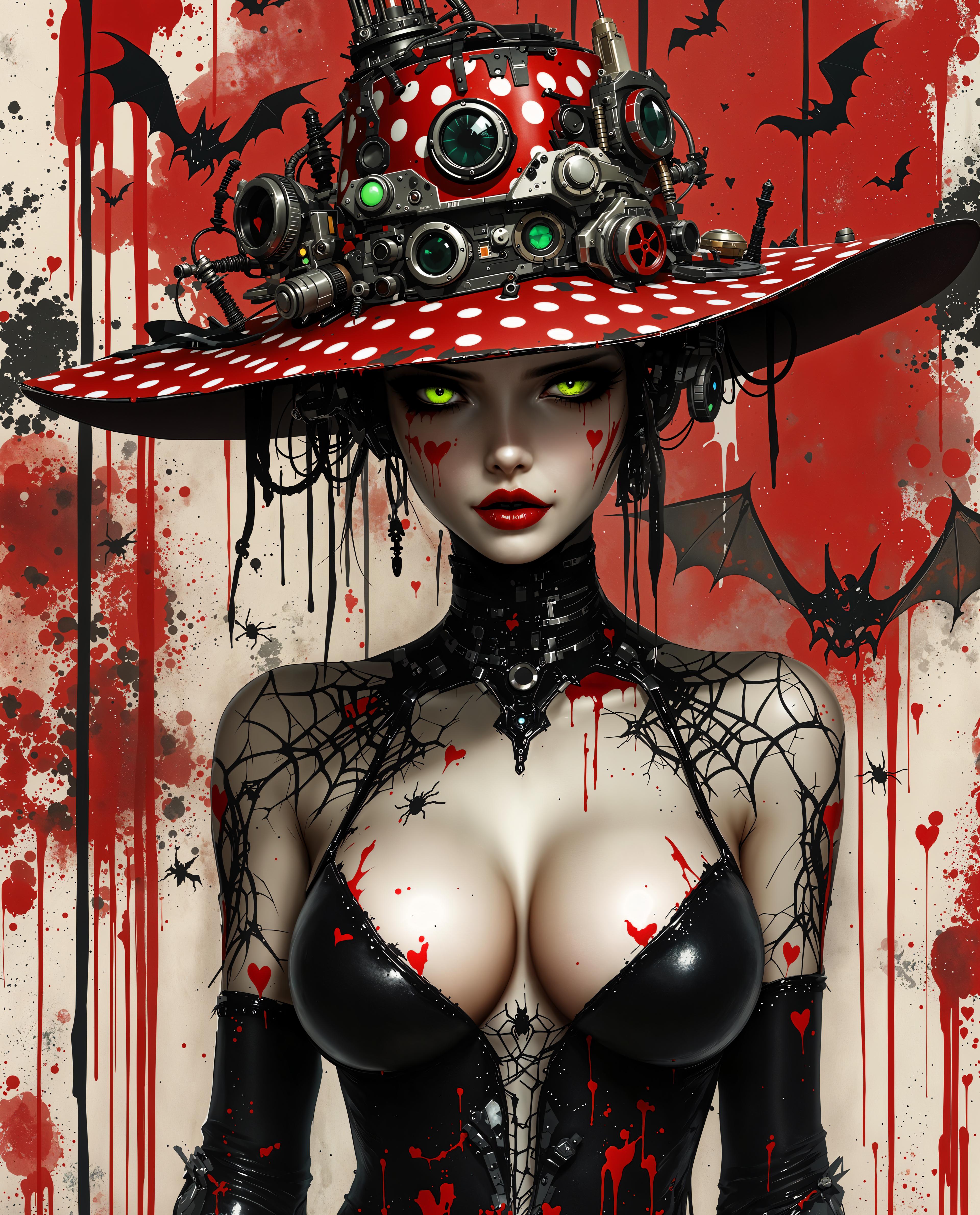
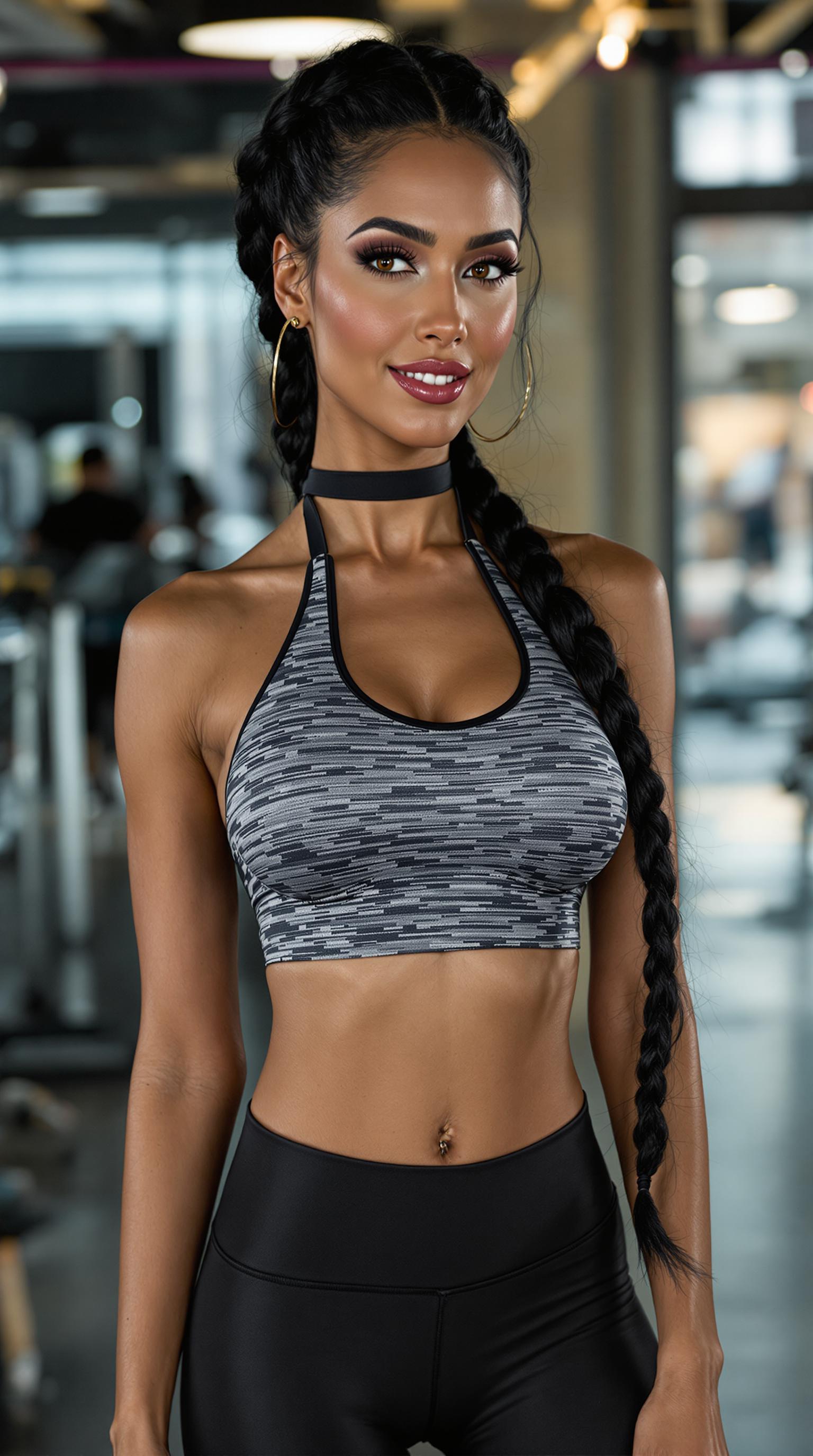
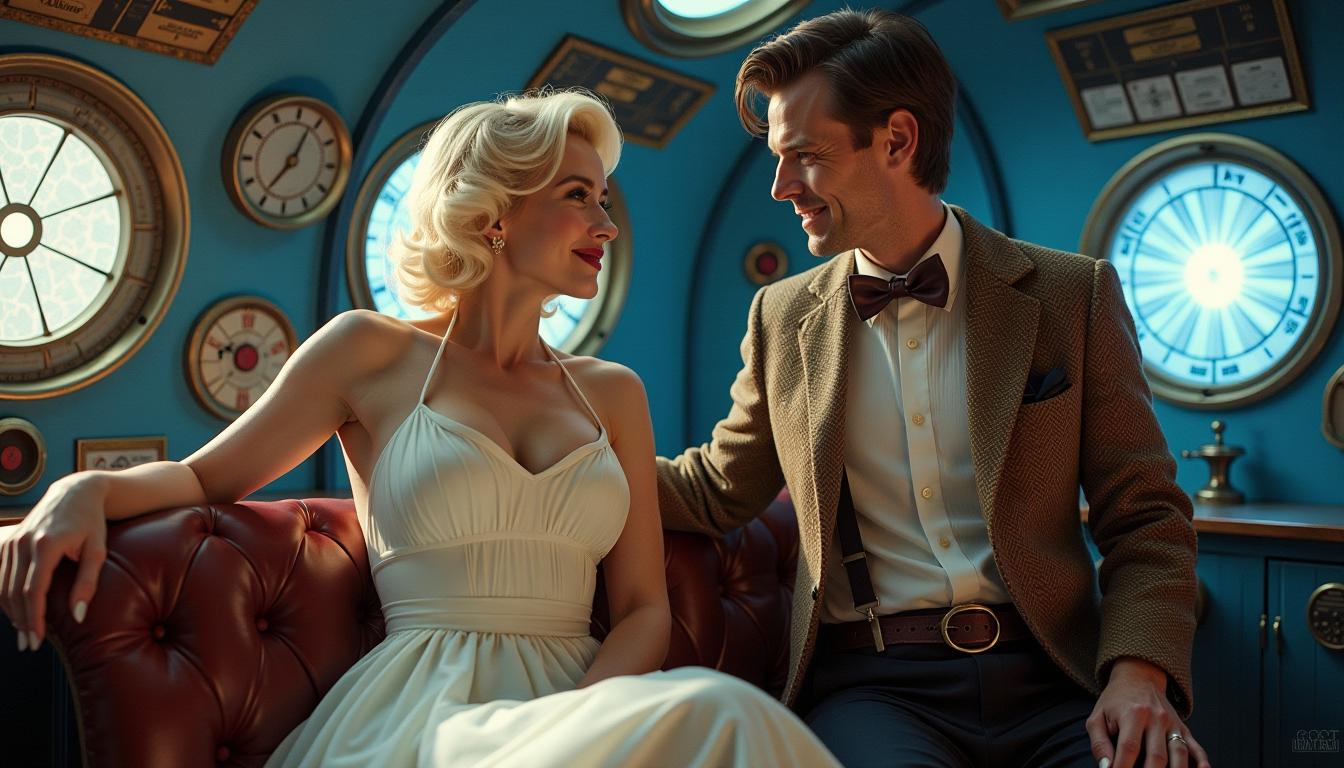
ImagineArt 1.0 empowers you to create hyper-realistic images effortlessly, transforming your creative visions into stunning visuals. Whether you're a marketer seeking compelling product photos, an architect visualizing designs, or a game developer crafting immersive environments, ImagineArt 1.0 delivers unparalleled realism to elevate your projects.
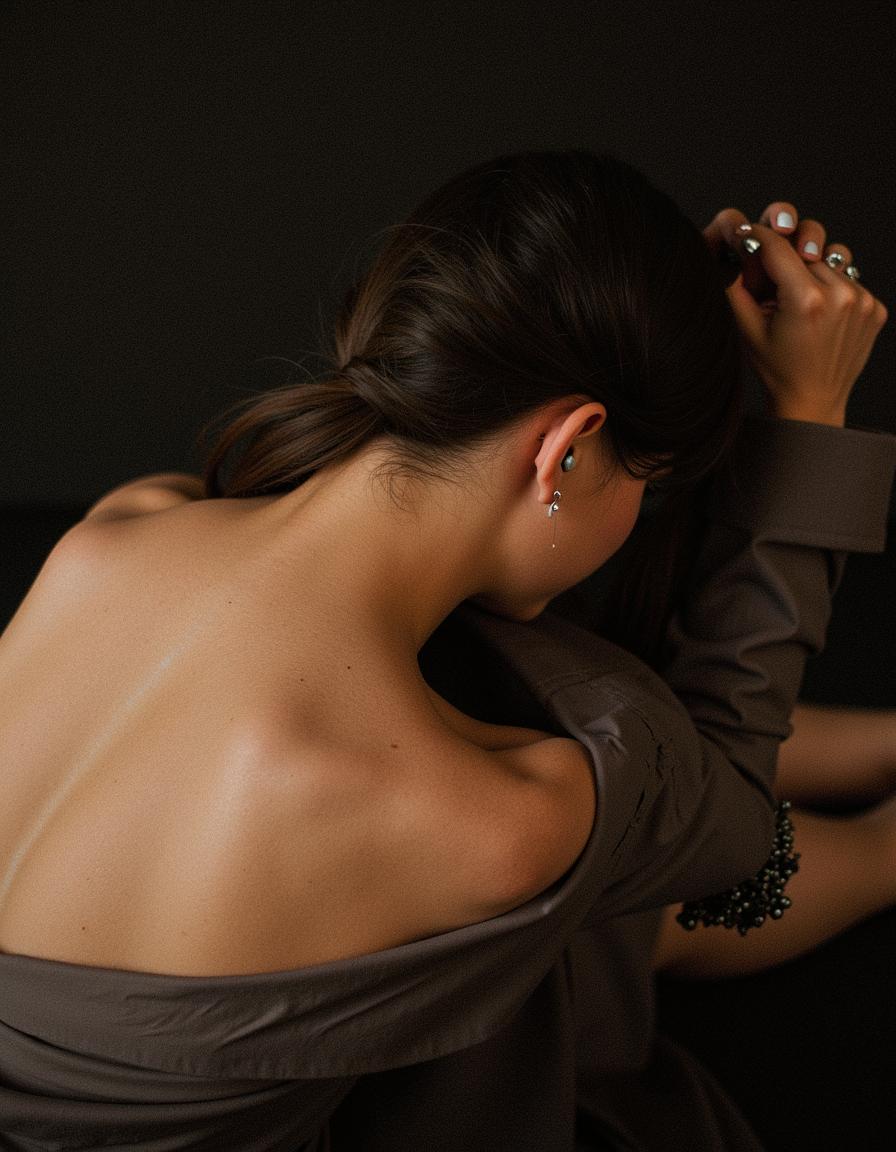
Join thousands of professionals who trust ImagineArt 1.0 for their image generation needs. With a 4.8/5 average rating and over 10,000 satisfied users, our platform is the go-to choice for photorealistic image creation.
Why Choose Pixel Dojo for ImagineArt 1.0 photorealistic images
Professional-quality results with cutting-edge AI technology
Effortless Realism
Generate lifelike images without the need for expensive equipment or specialized skills.
Versatile Applications
Create realistic visuals for marketing, architecture, game development, and more.
Seamless Integration
Incorporate ImagineArt 1.0 into your existing workflow with ease, thanks to its intuitive interface and API support.
How It Works
Creating photorealistic images with ImagineArt 1.0 is a straightforward process:
Step 1: Enter Your Prompt
Describe the image you envision in detail. For example, 'A modern kitchen with matte black counters, pendant lighting, and wood floors, Scandinavian style.'
Step 2: Choose Your Settings
Select your preferred aspect ratio and determine the number of images you'd like to generate (1-4).
Step 3: Create & Download
Click the 'Create' button to generate your images, then download them in high resolution for use.
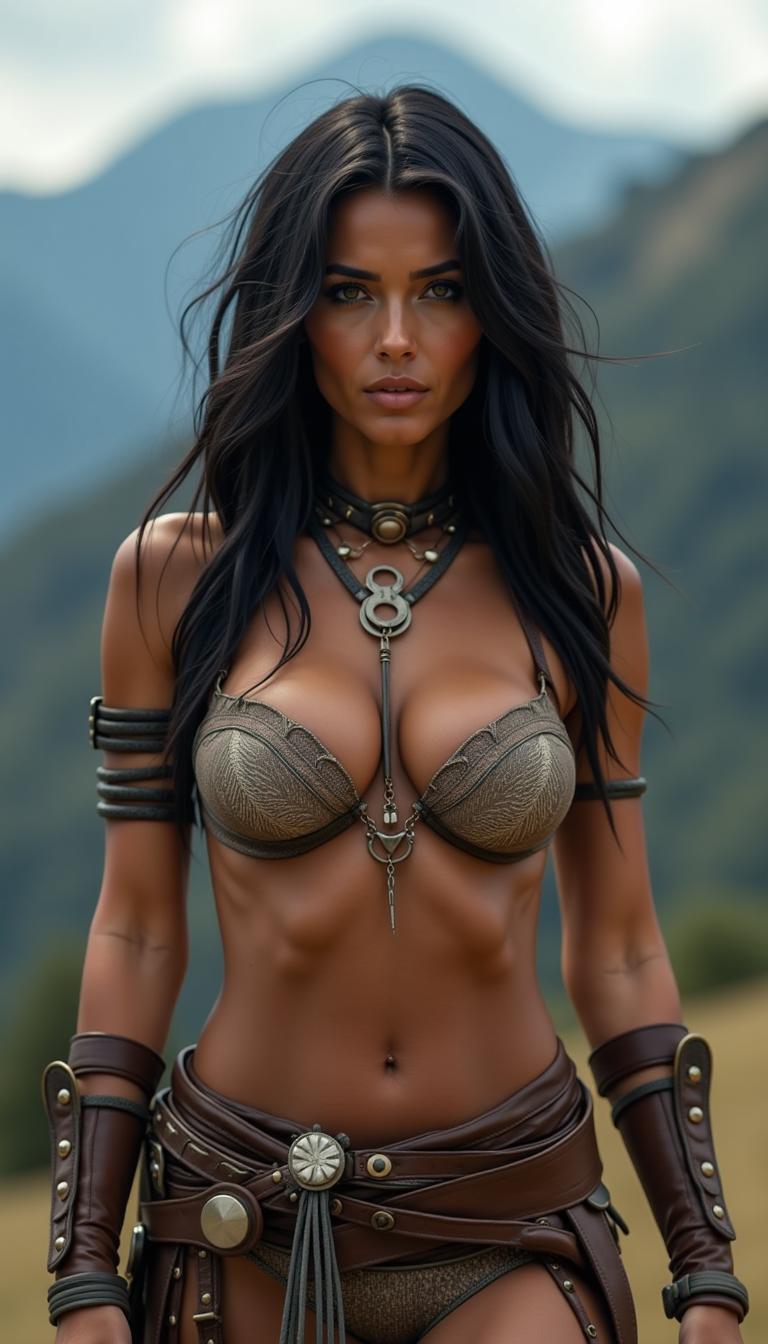
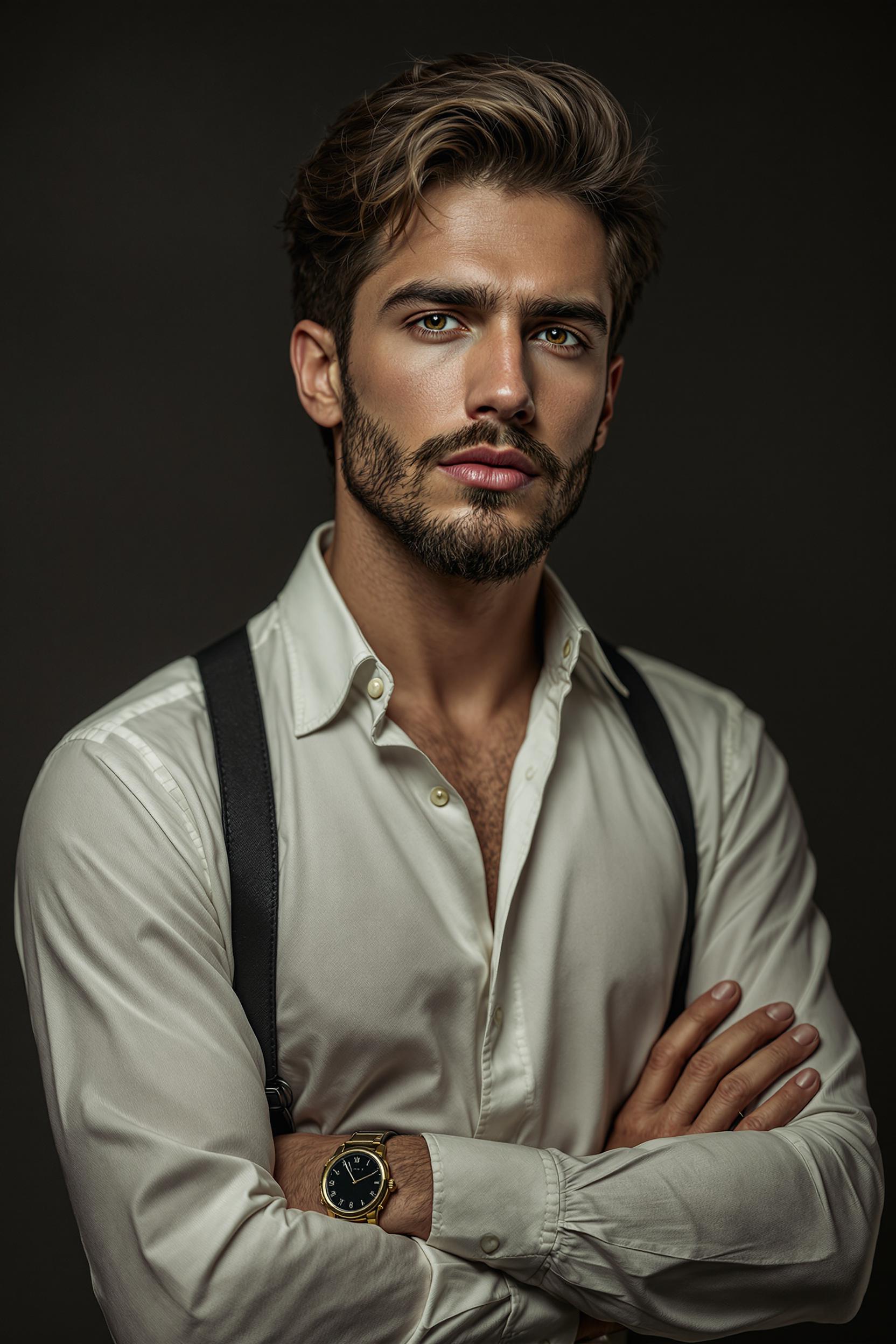
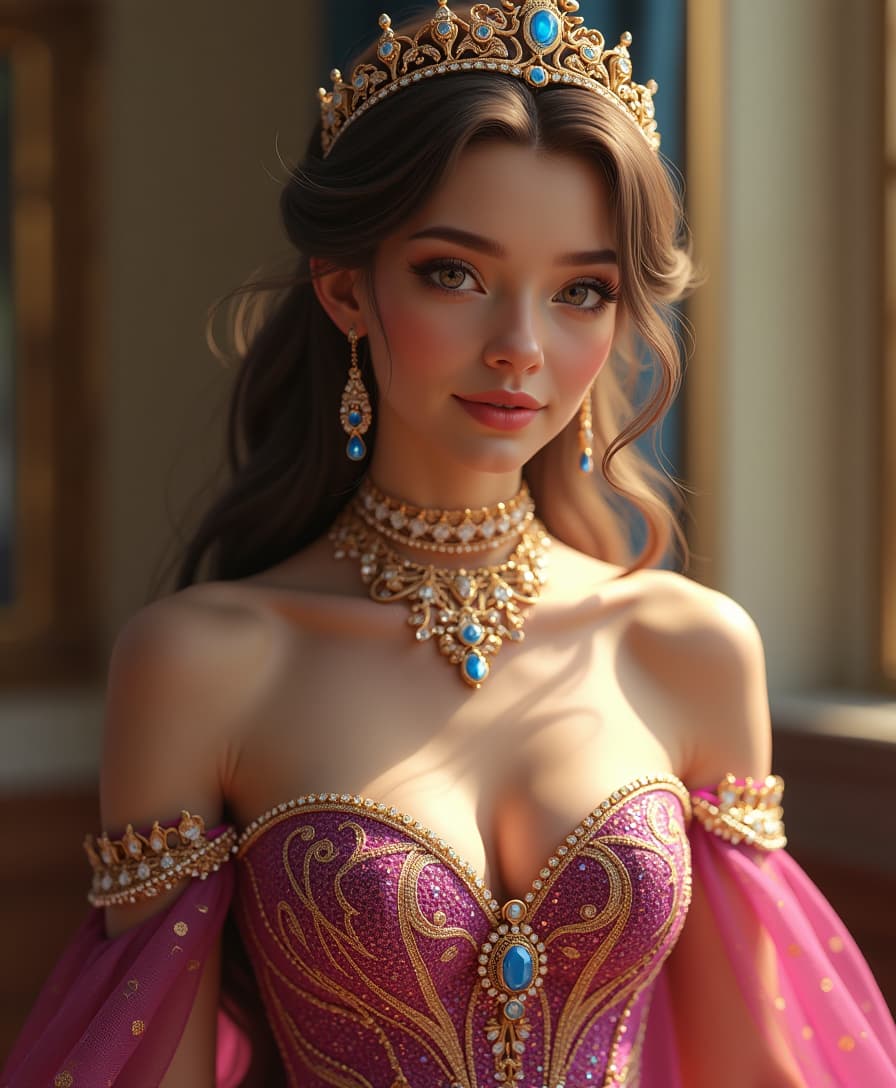

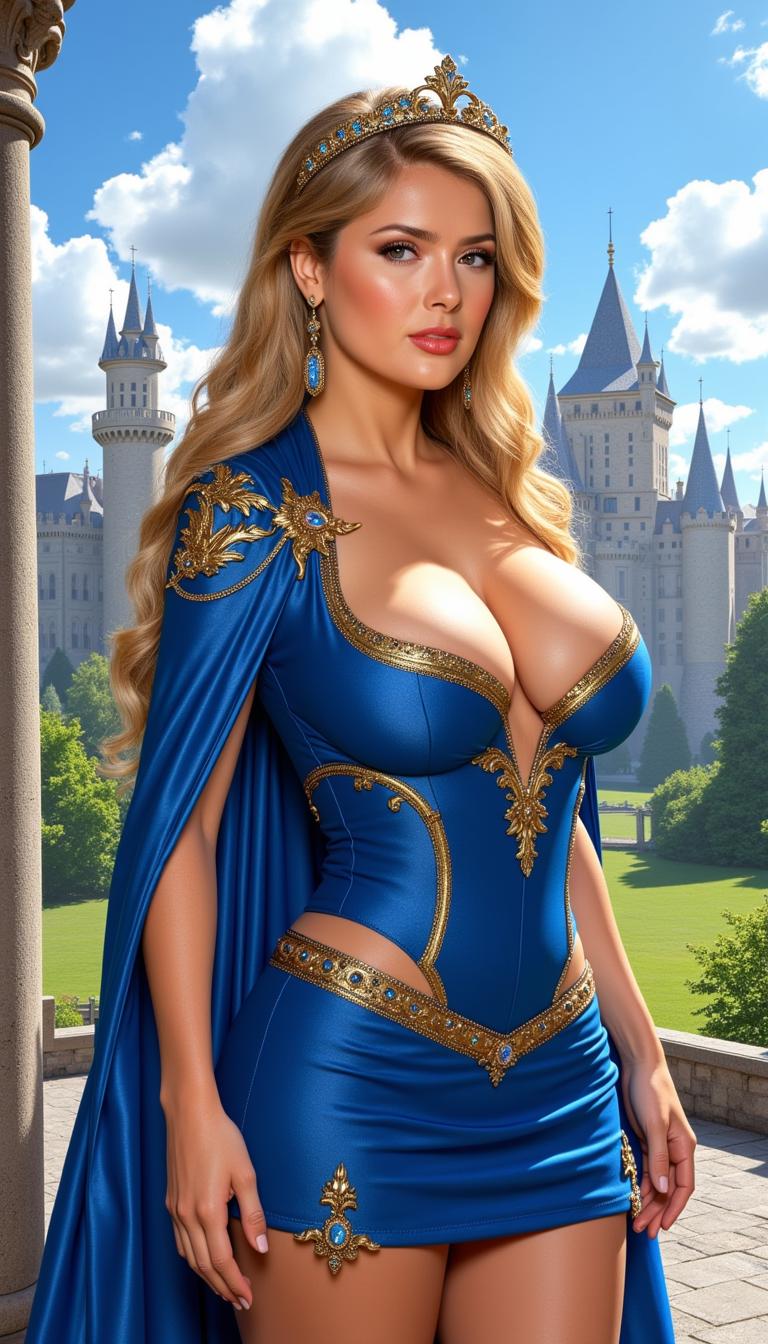
The Pixel Dojo Advantage
Why ImagineArt 1.0 outperforms other options for photorealistic image generation:
| Others | Pixel Dojo |
|---|---|
| Traditional Photography | Eliminate the need for costly equipment and studio setups by generating high-quality images digitally. |
| Generic AI Tools | Achieve superior realism and detail tailored to your specific prompts, surpassing the capabilities of standard AI image generators. |
| Manual Photo Editing | Save time and effort with automated image generation that requires minimal post-processing. |
Loved by Creators
See what our community says about ImagineArt 1.0 photorealistic images
"ImagineArt 1.0 transformed our product marketing with hyper-realistic renders that save thousands while delivering superior results. The texture quality is unmatched."
Anya Petrova
Marketing Designer
"As an architectural visualization specialist, nothing matches ImagineArt 1.0's ability to render realistic building materials and lighting."
Ben Harris
Product Manager
Common Questions
Everything you need to know about ImagineArt 1.0 photorealistic images AI generation
What makes ImagineArt 1.0 different from other AI image generators?
ImagineArt 1.0 sets a new industry standard for photorealistic image generation by capturing fine details with remarkable precision, creating images that convey genuine candidness.
Do I need technical expertise to use ImagineArt 1.0?
No, ImagineArt 1.0 features an intuitive interface with a quick learning curve, making it accessible for users without specialized skills.
Can I use ImagineArt 1.0 for commercial projects?
Yes, images generated with ImagineArt 1.0 can be used for commercial purposes, including marketing materials, product visuals, and more.
How many images can I generate at once?
You can generate between 1 to 4 images per prompt, allowing for multiple variations and options.
What resolution are the downloaded images?
Generated images are available in high resolution, suitable for both digital and print applications.
Is there a limit to how many images I can create?
While there is no strict limit, usage may be subject to fair use policies to ensure optimal performance for all users.