Kling 2.5 camera movements AI Generator
Imagine bringing your creative visions to life with seamless, professional-grade camera movements that make your videos pop—without needing a film crew or expensive gear. With PixelDojo's Kling-powered tools, you can generate dynamic AI videos featuring Kling 2.5 camera movements like smooth pans, dramatic zooms, and intricate tracking shots. Whether you're crafting engaging social media content, storytelling videos, or marketing visuals, you'll achieve cinematic results that captivate audiences and elevate your projects. Say goodbye to static footage and hello to videos that move, inspire, and convert viewers into fans.

Join over 50,000 creators who've generated millions of AI assets on PixelDojo. Rated 4.9/5 stars from 10,000+ reviews on Trustpilot. Featured in Forbes and TechCrunch for revolutionizing AI video creation.
Why Choose Pixel Dojo for Kling 2.5 camera movements
Professional-quality results with cutting-edge AI technology
Captivate Audiences with Cinematic Dynamics
Elevate your videos from ordinary to extraordinary by incorporating fluid Kling 2.5 camera movements, drawing viewers in and keeping them engaged longer, perfect for boosting your content's shareability and impact.
Save Time and Resources on Professional Effects
Achieve Hollywood-level camera techniques like orbiting shots or dolly zooms instantly, allowing you to focus on your story rather than technical setup, and produce high-quality videos faster than ever.
Enhance Storytelling Without Expertise
Infuse emotion and depth into your narratives with precise camera controls, making your videos more immersive and memorable, helping you stand out in competitive markets like social media or advertising.
How It Works
Creating videos with Kling 2.5 camera movements on PixelDojo is straightforward and intuitive. Leverage our advanced Kling v2.1 tool to simulate the latest 2.5 features for dynamic results.
Step 1: Choose Your Tool
Log in to PixelDojo and select the Kling v2.1 from our Video Generation suite. This tool excels at incorporating advanced camera movements, drawing from the latest Kling 2.5 techniques like panning and zooming for realistic motion.
Step 2: Enter Your Prompt
Describe your scene and specify Kling 2.5-inspired camera movements, such as 'dolly zoom on a mysterious forest path' or 'orbiting shot around a futuristic spaceship.' Our AI interprets these to generate fluid, dynamic video sequences.
Step 3: Customize & Download
Refine your video using tools like Video Upscaler for higher resolution or Lip Sync for added realism. Once satisfied, download your masterpiece ready for sharing or further editing.





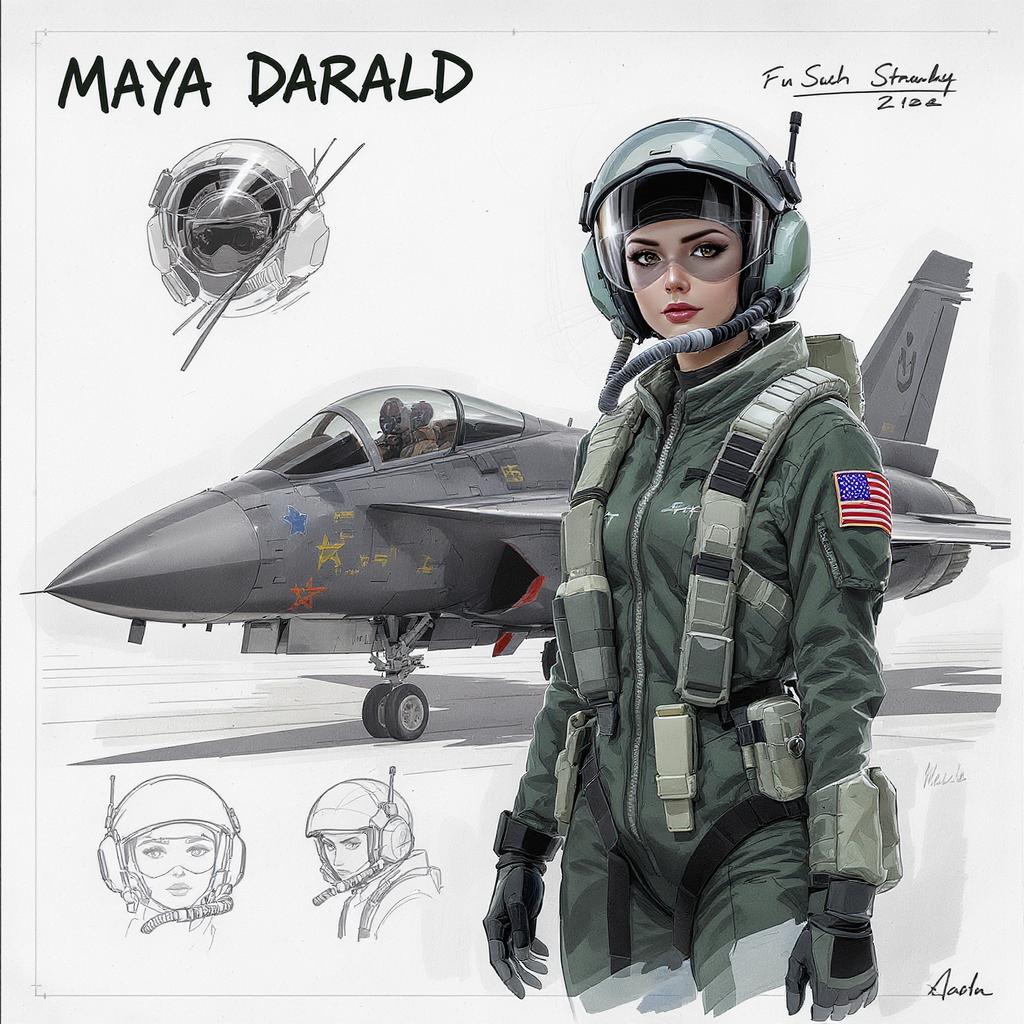
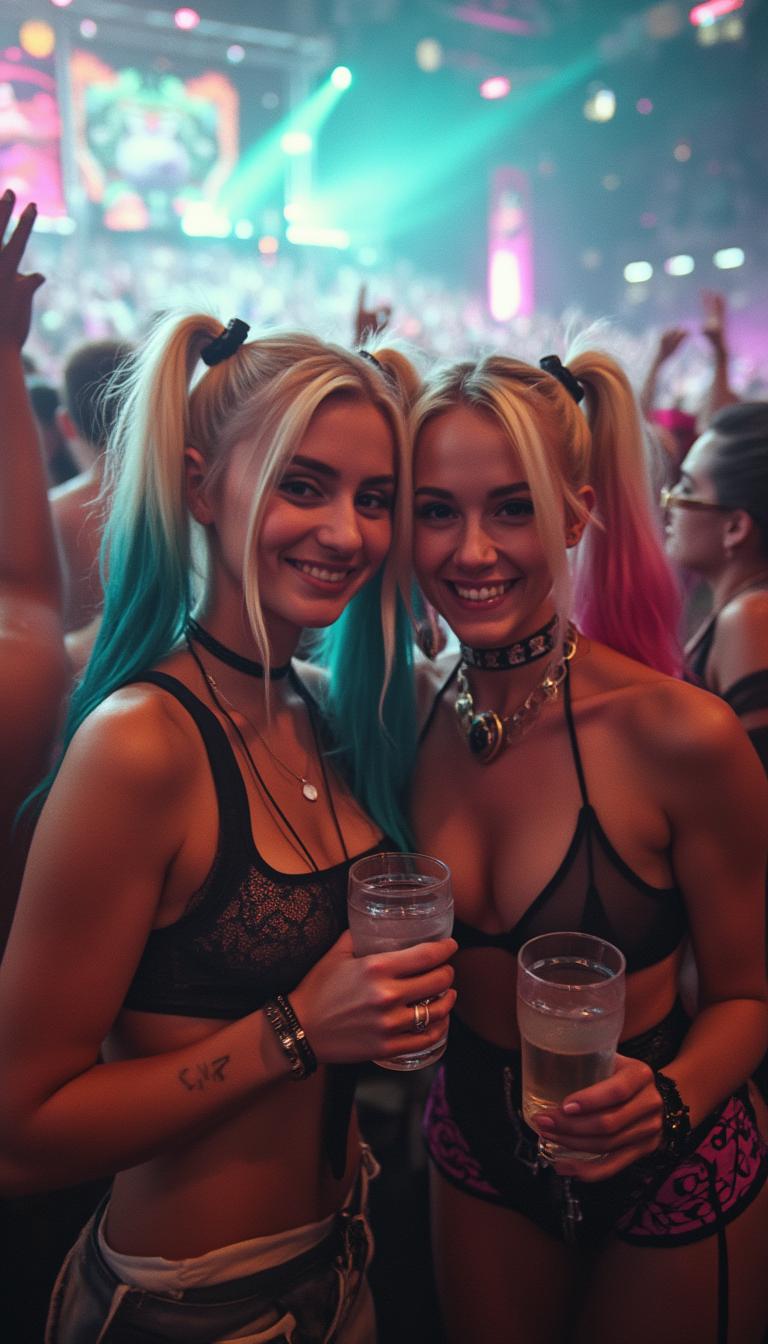



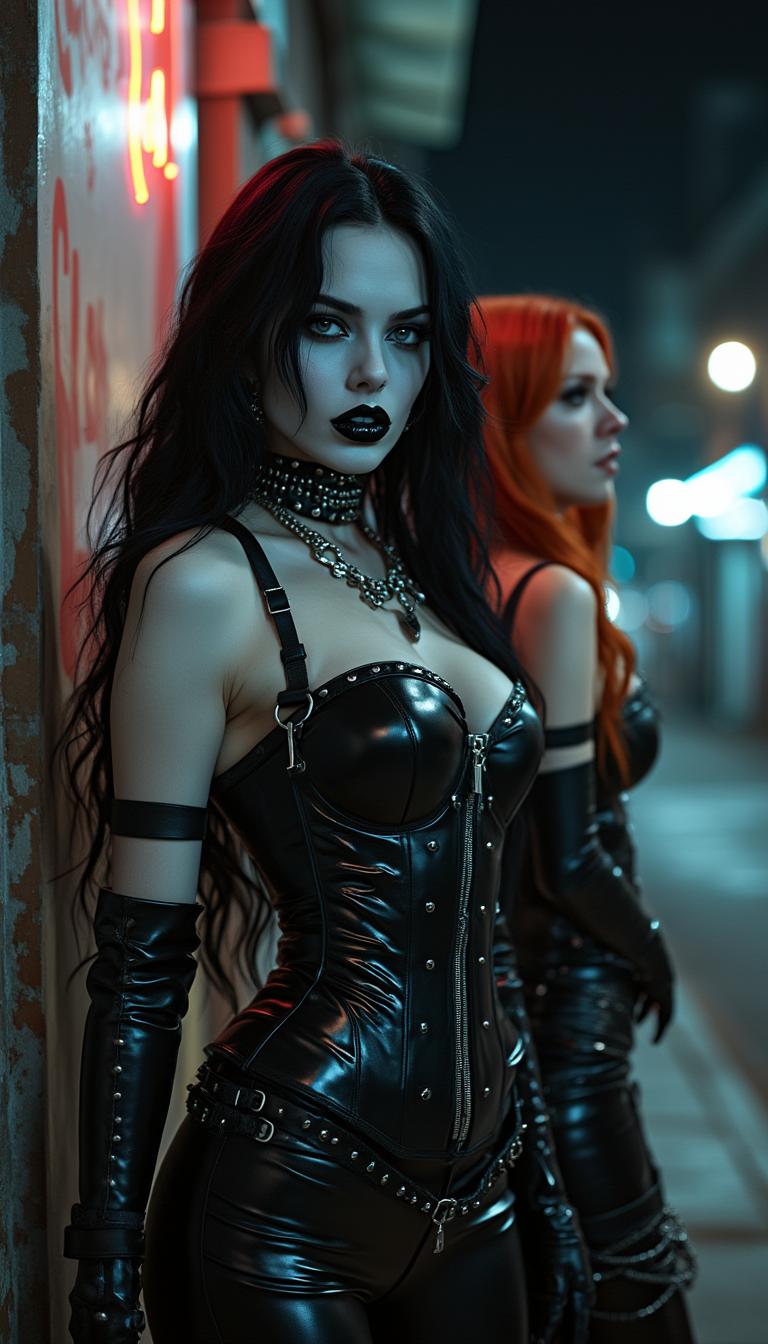
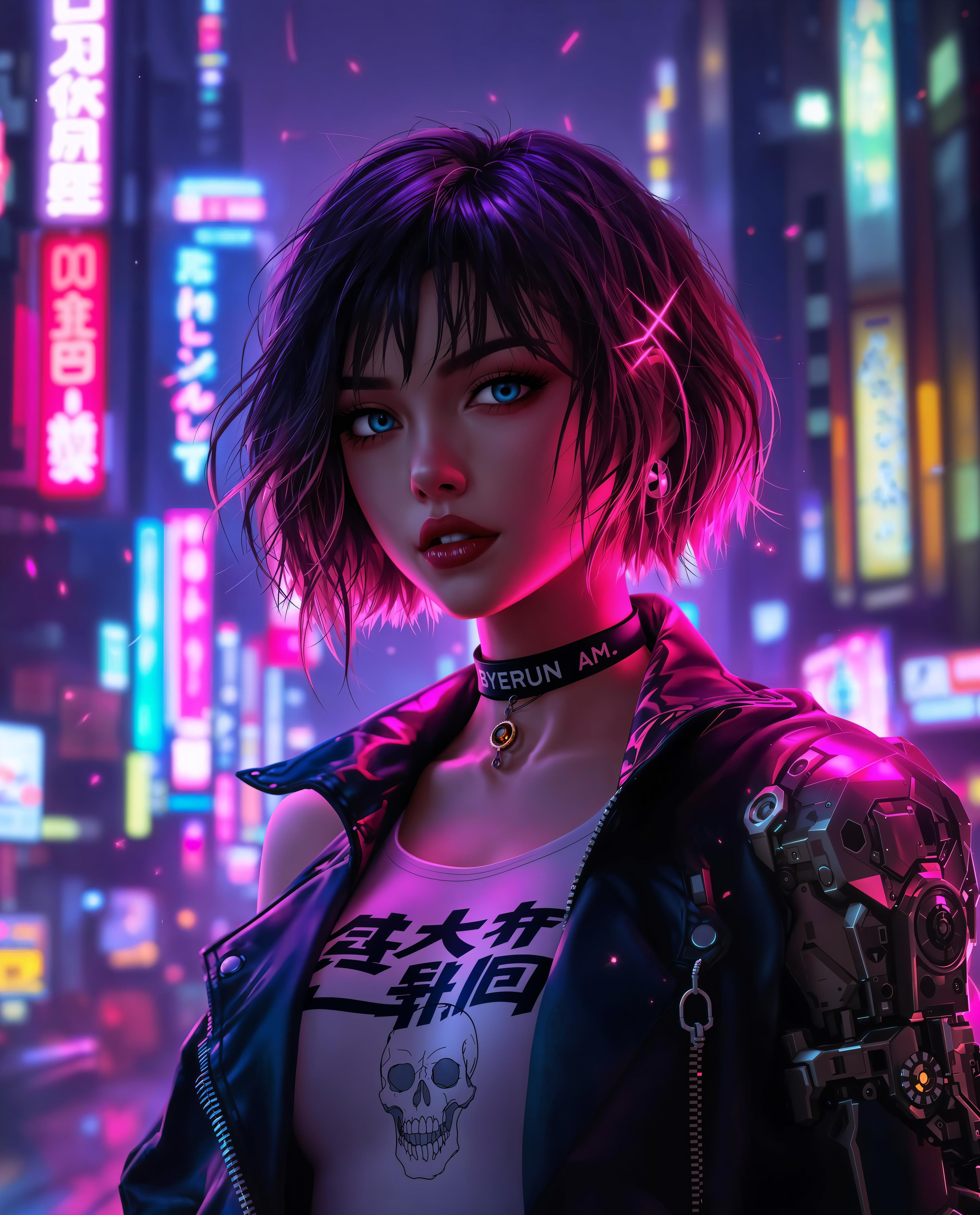

The Pixel Dojo Advantage
Why PixelDojo outperforms other options for Kling 2.5 camera movements video generation
| Others | Pixel Dojo |
|---|---|
| Traditional video production | Skip the need for cameras, crews, and editing software—generate complex camera movements in minutes, saving you thousands in production costs and weeks of time. |
| Generic AI tools | Access specialized Kling v2.1 integration with 2.5-inspired controls for precise, customizable movements, unlike basic generators that produce static or unpredictable results. |
| Manual video editing | Automate intricate camera effects without learning complex software, allowing you to iterate quickly and achieve professional polish effortlessly. |
Loved by Creators
See what our community says about Kling 2.5 camera movements
"PixelDojo's Kling tools made adding 2.5 camera movements to my promo videos a breeze—my engagement rates doubled overnight!"
Alex Rivera
Content Creator
"I created stunning cinematic sequences with ease using Kling 2.5 techniques on PixelDojo—it's transformed how I tell stories visually."
Jordan Lee
Filmmaker
Common Questions
Everything you need to know about Kling 2.5 camera movements AI generation
How to use Kling 2.5 camera movements for AI video generation?
With PixelDojo, select Kling v2.1 from our Video Generation tools, input a detailed prompt specifying movements like panning or zooming, and generate dynamic videos. Customize with Video Reframe or Upscaler for perfect results, helping you create professional content without filming.
What are the best Kling 2.5 camera movement techniques for beginners?
Start with simple pans and zooms in PixelDojo's Kling v2.1 to add motion to your scenes. Our intuitive interface guides you, and tools like Extract Frame let you refine shots, enabling beginners to achieve cinematic effects quickly and build engaging videos.
Can I create custom Kling 2.5 camera movements in videos?
Absolutely—PixelDojo allows full customization in Kling v2.1 prompts, such as orbiting or tracking shots. Combine with WAN 2.5 Video for advanced edits, giving you control to tailor movements that fit your unique vision and enhance storytelling.
Examples of Kling 2.5 camera movements in AI-generated content?
PixelDojo users create everything from dramatic dolly zooms in thrillers to smooth pans in travel vlogs using Kling v2.1. Integrate with Lip Sync for realistic dialogues, producing versatile content that stands out on platforms like YouTube or Instagram.
How does Kling 2.5 improve camera movements over previous versions?
PixelDojo's Kling v2.1 builds on 2.5 advancements for smoother, more realistic movements. Pair it with Runway Gen-4 Video for hybrid effects, resulting in videos that feel professionally shot and help you captivate audiences more effectively.
Tips for optimizing prompts for Kling 2.5 camera movements?
Use descriptive language in PixelDojo, like 'slow zoom into the character's face with emotional lighting.' Enhance with Magic Lighting or Style Transfer, ensuring your videos achieve the desired dynamism and professional quality effortlessly.