Kling 2.5 vs Animate Anyone AI Generator

Imagine turning your static images into captivating videos that engage your audience and tell compelling stories. With PixelDojo's advanced AI tools, including Kling 2.5 and Animate Anyone, you can effortlessly animate your images, adding depth and motion to your visual content. Whether you're a marketer aiming to boost engagement or a creator looking to enhance your portfolio, our AI-driven solutions empower you to achieve professional-quality animations with ease.

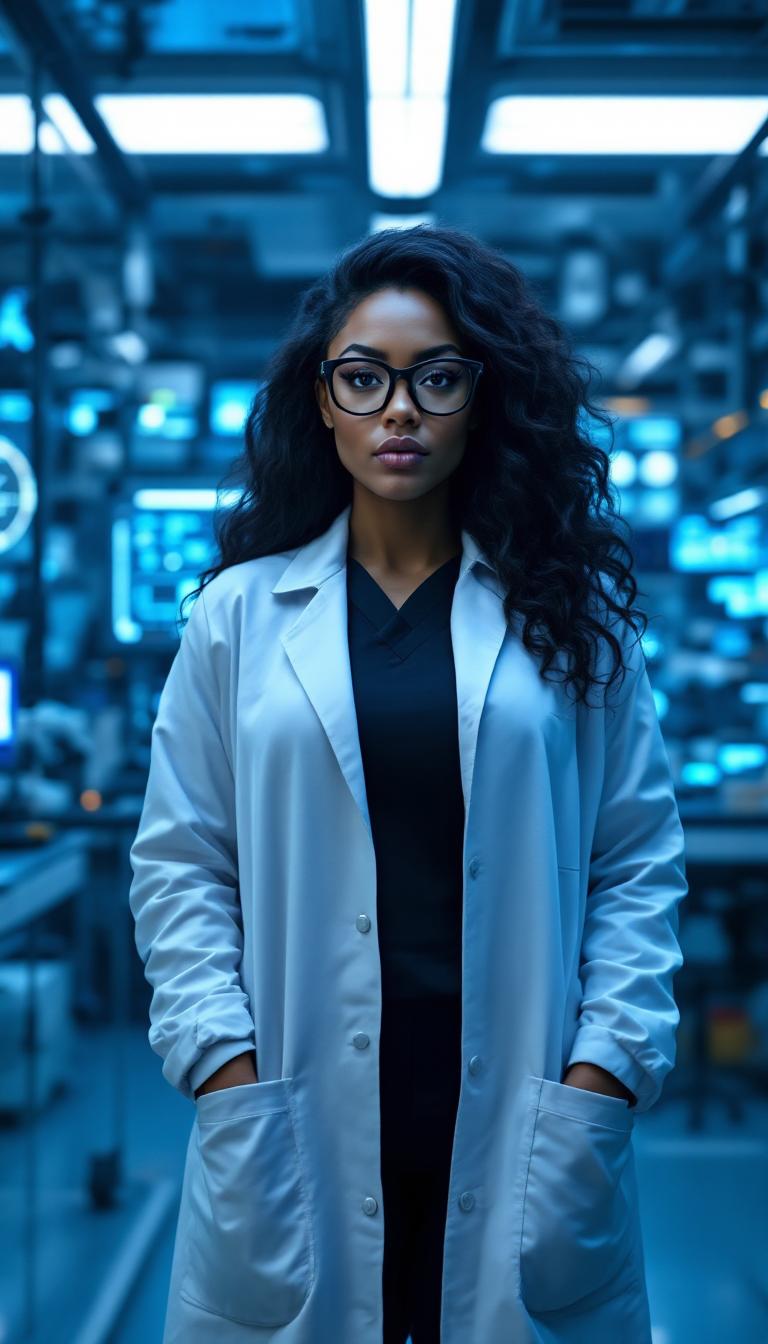
A photo of a beautiful news anchor. bold text across the screen says "Kling Master 2.1 on PixelDojo"
AI Generated
Get Started TodayResults in seconds50+ AI models

Join over 10,000 satisfied creators who have transformed their visuals using PixelDojo's AI tools. Rated 4.8/5 based on 2,000+ reviews.

Why Choose Pixel Dojo for Kling 2.5 vs Animate Anyone

Professional-quality results with cutting-edge AI technology

Effortless Image Animation

Transform static images into dynamic videos without any technical expertise.

Enhanced Audience Engagement

Captivate your audience with animated visuals that tell compelling stories.

Time and Cost Efficiency

Create professional-quality animations quickly, reducing production time and costs.

How It Works

Creating animated videos from your images is simple with PixelDojo's AI tools. Follow these steps to bring your visuals to life:

1

Step 1: Select Your AI Tool

Choose between Kling 2.5 or Animate Anyone based on your animation needs. Kling 2.5 excels in animating complex scenes with multiple elements, while Animate Anyone is ideal for character-focused animations.

2

Step 2: Upload Your Image

Upload the static image you wish to animate. Ensure the image is high-resolution for optimal results.

3

Step 3: Input Animation Prompt

Describe the desired animation in natural language. For example, 'Animate the character waving and smiling.'


Community Kling 2.5 vs Animate Anyone Gallery

Real examples created by our community

A photo of a beautiful news anchor. bold text across the screen says "Kling Master 2.1 on PixelDojo"
Turn your image into a cartoon with FLUX.1 Kontext [pro] - cartoonify
AI-generated image
A striking portrait of a woman with pale blonde hair cascading down her back in long, silky waves, her bright emerald eyes piercing and captivating. She wears a delicate white silk blouse tucked into a shiny white latex corset that cinches her waist, paired with a glossy white latex knee-length pencil skirt that hugs her form. Her ensemble is completed by shiny white high-heeled shoes, reflecting subtle glints of light, and a white leather dog collar adorning her throat, adding an edge of contrast to her elegance. The scene is set in an opulent Victorian office, adorned with rich mahogany furniture, intricate gold detailing on the walls, and heavy velvet drapes in deep burgundy framing tall windows. Sunlight streams through, casting warm golden hues across the polished wooden floor and highlighting the textures of her glossy attire. The composition focuses on her standing confidently near an ornate desk, one hand resting lightly on its edge, her posture poised and commanding. The camera angle is slightly low, emphasizing her dominance in the frame, with a shallow depth of field to softly blur the background and keep the focus on her. The mood is a blend of sophistication and subtle rebellion, with an atmosphere of timeless elegance bathed in the soft, diffused light of a late afternoon. Rendered in a hyper-realistic style with photorealistic attention to detail, capturing every sheen of latex, the delicate flow of silk, and the intricate Victorian decor, reminiscent of high-end fashion photography with a cinematic quality.
Pretty 21 year old woman, long blonde hair in cascading waves and curls fall about her shoulders like a lion's mane. She's dressed in a silk light blue shiny satin ballgown with a tight corset. Frilly matching blue lace elbow length gloves. 
Standing in an elegant victorian hotel ballroom
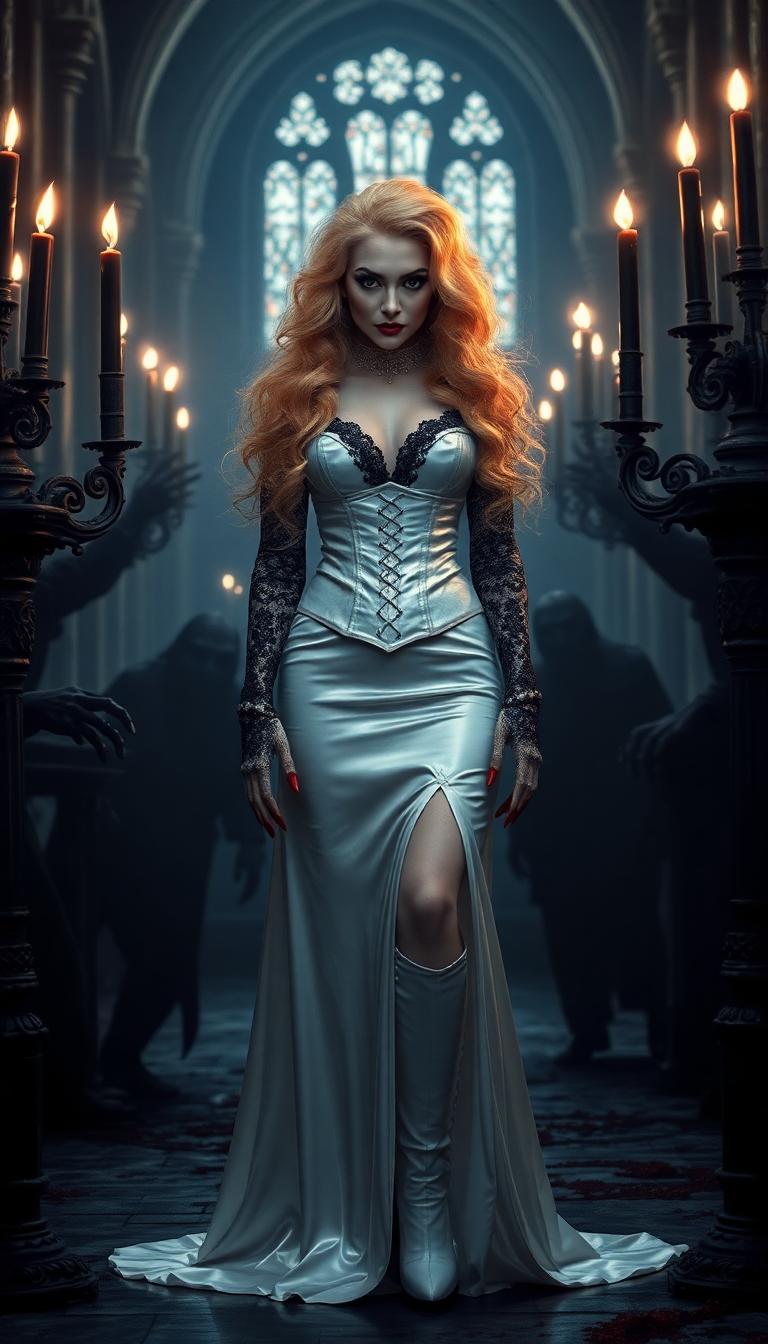
A striking mid-30s vampire queen, her pale, porcelain skin almost luminous under the soft, ambient light of an opulent hotel ballroom. Her shock white hair cascades in long, voluminous waves down her back, framing her piercing, icy blue eyes that seem to glow with an otherworldly intensity. She wears a form-fitting, shiny white latex corset that cinches her waist, paired with a floor-length shiny white latex evening gown, featuring a daring slit up to her hip, revealing a glimpse of her long, elegant legs. Her tall, shiny white latex heels add a commanding height to her regal stance. Draped over her shoulder is a luxurious, floor-length shiny white latex cape, trimmed with plush white fur, adding a dramatic flair to her ensemble. The ballroom around her is a vision of gothic elegance, with towering crystal chandeliers casting a warm golden glow over intricate marble floors and ornate, dark wood paneling. She stands at the center of the composition, framed by the grandeur of the space, her posture confident and commanding, viewed from a slightly low angle to emphasize her dominance. Surrounding her are beautiful femme vampires, each adorned in elegant, dark-hued gowns and intricate jewelry, their movements graceful and poised as they mingle in the background. The mood is haunting yet sophisticated, with a late-night atmosphere, subtle mist lingering near the floor, and a cool, ethereal light filtering through tall, arched windows. The style is reminiscent of high-fashion editorial photography blended with gothic romanticism, captured with a sharp focus on the textures of latex, fur, and marble, and a cinematic depth of field that keeps the queen in crisp detail while softly blurring the background.
A stunning photorealistic digital painting of a female figure with short dark brown hair, bright green eyes, freckles on her cheeks, wearing glasses, exuding fantasy and mystique, captured as if through a high-end DSLR with a 50 mm lens, featuring shallow depth of field and cinematic lighting in 8K detail. She wears an elegant black lace garment adorned with a star-shaped pendant, her windswept hair adding dynamic, untamed beauty, set against a moody backdrop of cool blues, deep blacks, and ethereal hints of light blue and purple. The intricate textures and smooth gradients enhance the celestial, icy atmosphere, drawing focus to the pendant and her enigmatic presence.

Start Animating Your Images Today

Access cutting-edge AI tools loved by thousands of creators worldwide. Cancel anytime. Try it today.

The Pixel Dojo Advantage

Why PixelDojo's AI tools are the superior choice for image animation:

OthersPixel Dojo
Traditional Animation SoftwareNo need for extensive training or technical skills; create animations effortlessly.
Generic AI ToolsTailored specifically for image-to-video animation, ensuring higher quality and relevance.
Manual Video EditingSignificantly reduces time and effort compared to frame-by-frame editing.

Loved by Creators

See what our community says about Kling 2.5 vs Animate Anyone

"PixelDojo's AI tools transformed my static images into engaging videos, boosting my social media engagement by 50%."

Alex Johnson

Digital Marketer

"As a content creator, PixelDojo has been a game-changer. The animations are seamless and professional."

Maria Lopez

Content Creator

Common Questions

Everything you need to know about Kling 2.5 vs Animate Anyone AI generation

How does PixelDojo's AI animate images?

PixelDojo utilizes advanced AI models like Kling 2.5 and Animate Anyone to analyze your static images and apply motion based on your prompts, creating dynamic videos.

Do I need technical skills to use PixelDojo's animation tools?

No, our platform is designed for ease of use. Simply upload your image, describe the desired animation, and our AI handles the rest.

Can I customize the animation style?

Yes, you can adjust various settings such as animation speed, style, and duration to match your creative vision.

Is there a limit to the number of animations I can create?

Our subscription plans offer varying limits to suit your needs. Choose a plan that best fits your animation requirements.

What file formats are supported for upload?

We support common image formats such as JPEG, PNG, and BMP for uploads.

How long does it take to generate an animation?

Generation times vary based on the complexity of the animation but typically range from a few seconds to a couple of minutes.

Ready to Animate Your Images?

Ready to Create Amazing Kling 2.5 vs Animate Anyone Images?

Join thousands of creators using AI to bring their ideas to life